Enterprise: Datagrid: column widths no longer responsive to the data
Describe the bug
The datagrid used to automatically fit the data within the columns.
To Reproduce
Steps to reproduce the behavior:
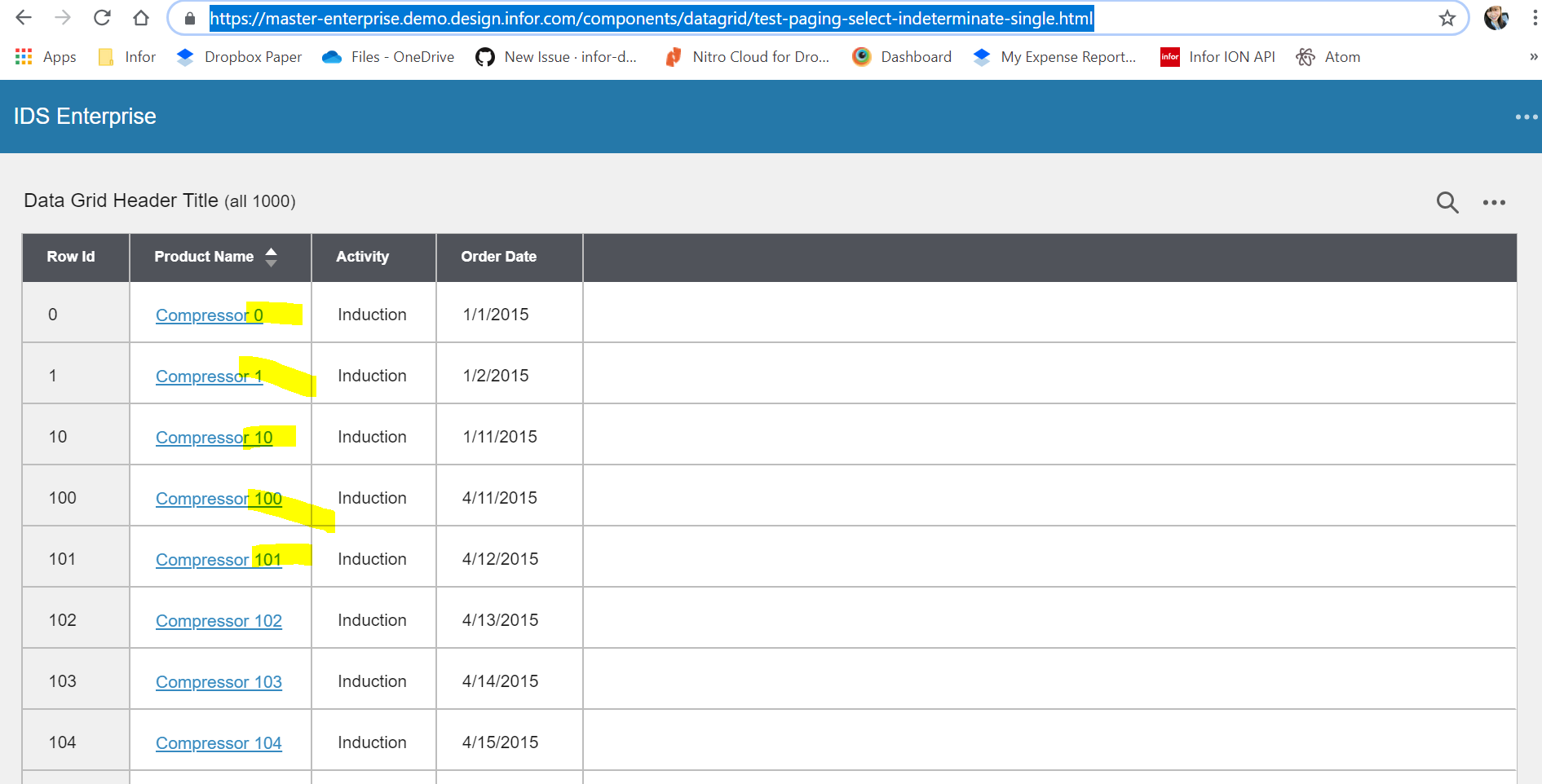
- Go to 'http://master-enterprise.demo.design.infor.com/components/datagrid/test-paging-select-indeterminate-single.html'
- Note the width and padding on the Product Name field
- Page to the end
- There now is less padding on the right of the field and the value is close to the edge, if there was another value then the complete value would not be viewable.
Expected behavior
The data is displayed in the column and viewable
Version
4.20
Screenshots
If applicable, add screenshots to help explain your problem.
Additional context
2404 removed the lines that would recalculate the column widths based on the current data.
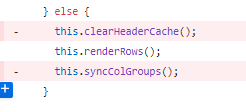
We have forms that will lazy load data into the datagrid using the loadData function
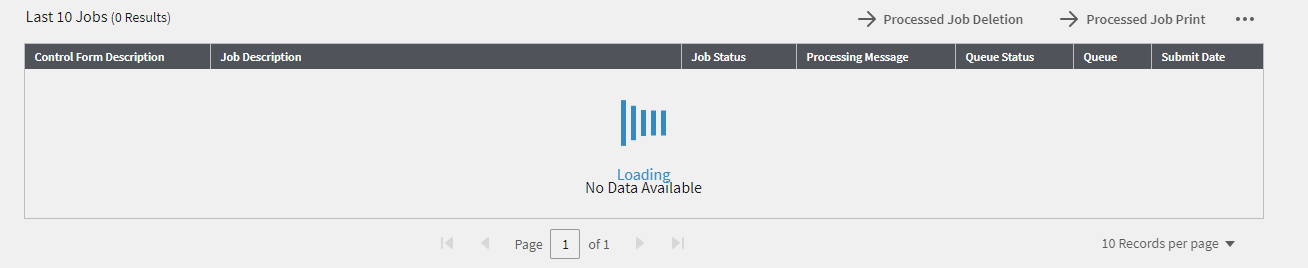
The widths are not recalculated when the data is loaded.

 marknolaninfor
All 5 comments
@marknolaninfor the issue i was trying to fix was on
http://localhost:4000/components/datagrid/test-editor-dropdown-source
- if you select a value in the header
- the code reinitializes the datagrid columns and the dropdown is out of position.
Thinking maybe i can try to do that part just on page change?
 tmcconechy
on 24 Jun 2019
tmcconechy
on 24 Jun 2019
Not corrected if sorted or filtered.
The multiselect, date, time filters need to skip the resize and apply it on the close of the control if you do not want it to resize when the control is open.
marknolaninfor
on 25 Jun 2019
Failed QA. Sorting for https://master-enterprise.demo.design.infor.com/components/datagrid/test-paging-select-indeterminate-single.html is still incorrect
 janahintal
on 1 Jul 2019
janahintal
on 1 Jul 2019
@janahintal the sorting is alpha numeric for that field, and the test data just happens to have a number in the field. This would be the expected alpha numeric sorting within a system.
The fix is not to do with sorting, but the column widths. The width would recalculate for the new page data and pad the column correctly.
marknolaninfor
on 1 Jul 2019
Agree with @marknolaninfor . The sort has been like that since creation of the example as the column is not numeric. See http://4162-enterprise.demo.design.infor.com/components/datagrid/test-paging-select-indeterminate-single.html moving back to retest , feel free to move to none if no other issues
tmcconechy
on 1 Jul 2019
Related issues
 guoliang
·
3Comments
guoliang
·
3Comments
 CindyMercadoReyes
·
3Comments
CindyMercadoReyes
·
3Comments
 awbuboltz
·
3Comments
awbuboltz
·
3Comments
 pwpatton
·
3Comments
pwpatton
·
3Comments
 brianjuan
·
3Comments
brianjuan
·
3Comments