Edex-ui: Uncaught SyntaxError when opening files via file browser
"Uncaught SyntaxError: Invalid or unexpected token at file:///Applications/eDEX-UI.app/Contents/Resources/app.asar/ui.html 1:56"
Investigating that file to see what it's complaining about exactly.
This is in the 1.1.1 release, OS is Mac OS X High Sierra.
 akbiggs
All 8 comments
Without running from source, you won't get much useful info via the error messages i'm afraid, source code is minified for release. I think this might be something i already fixed on the master branch though.
 GitSquared
on 28 Nov 2018
GitSquared
on 28 Nov 2018
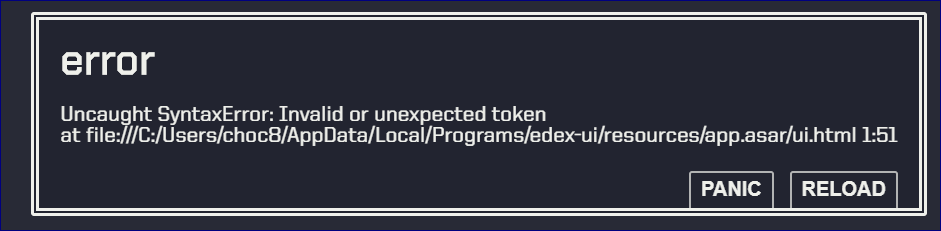
I got this same error in the same file but at 1:51
Also running eDEX-UI v1.1.1
Occurs when opening a file in the filesystem view, easy to recreate.
If you fixed it then great, can't wait for next version!
 Nightmarlin
on 29 Nov 2018
Nightmarlin
on 29 Nov 2018
Releasing new version in the next hours - feel free to reopen if the bug appears again.
GitSquared
on 2 Dec 2018
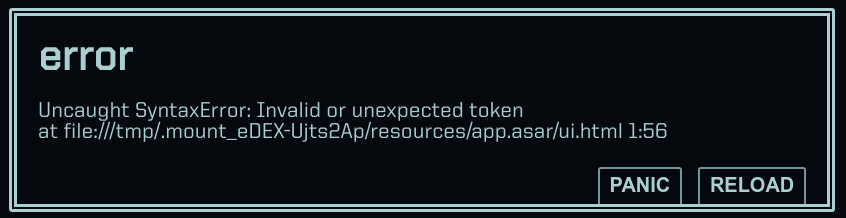
I was seeing this error too. Upgraded to v1.1.2 and I'm still seeing the error.
I deleted my .config/eDEX-UI folder and relaunched to regenerate the config folder just in case it was something wrong in a settings file... didn't help, error still happens when I click on a file.
OS is Ubuntu Bionic 18.04
 DeftNerd
on 2 Dec 2018
DeftNerd
on 2 Dec 2018
@DeftNerd Thanks for the info. Does this happen on any file? Is there anything specific in the file's name or path?
GitSquared
on 2 Dec 2018
v1.1.2
This appears to occur on any file opened in the explorer view. It also has some weird behaviour
- Click item
-> Error occurs
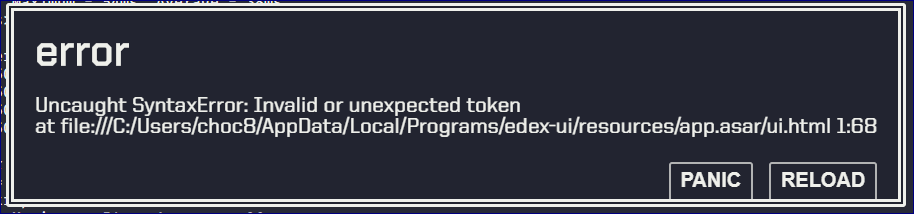
- Click another item
-> Same error occurs, different location in file
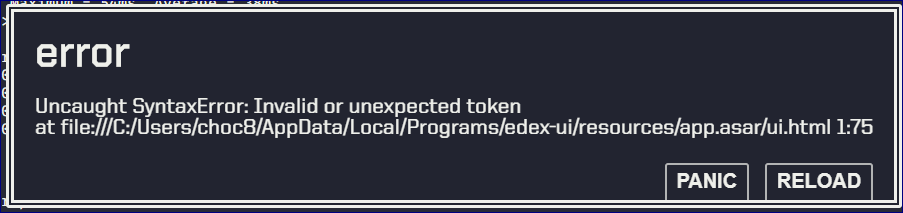
- Click first item
-> No error occurs - Navigate to a different folder and back
- Click first item
-> Original error occurs
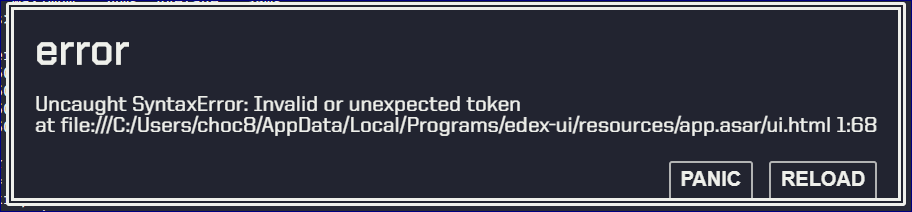
Tested with basic changes to .config file to no avail
Nightmarlin
on 3 Dec 2018
Successfully reproduced, fix underway.
GitSquared
on 3 Dec 2018
(Sorry for the delay :x)
GitSquared
on 22 Dec 2018
Related issues
 dvdmuckle
·
6Comments
GitSquared
·
6Comments
dvdmuckle
·
6Comments
GitSquared
·
6Comments
 clragon
·
6Comments
clragon
·
6Comments
 maggot99999
·
5Comments
maggot99999
·
5Comments
 tztl0
·
4Comments
tztl0
·
4Comments