Dxvk: [d3d9] The Witcher 2 - bytecode does not match shader stage
The Witcher 2 seems to do some things which don't really get along well with either WineD3D or DXVK. I'm hoping this somehow affects performance and is something you can fix/alleviate. So, yes, this is not necessarily a Wine bug or a DXVK bug, but it will be a bug report in which I'll whine :), mostly about performance.
err: GetShaderModule: Bytecode does not match shader stage
Shows up a lot in the DXVK logs. Admittedly, the game does not play nice with WineD3D either:
I'm playing it for a third and final time now, on a GTX 1070. I've also played it on a Nvidia 540M ages ago, then later on a 1050 Ti (both times in Windows).
Performance was as follows, at worst:
- 540M @ 720p: 15-20 fps (Medium settings)
- 1050 Ti @ 1080p: very rare drops below 60pfs (Ultra settings)
Current performance figures are (at worst):
- GTX 1070 @ 1080p WineD3D: 20-25 fps (High settings)
- GTX 1070 @ 1080p DXVK: 30-35 fps (High settings)
The good news is that the best way to play it is with DXVK. The game does have an eON-based Linux port, which performs a bit better than DXVK overall (they did throw money and people at it to optimize it specifically for this game, so it makes sense), but sometimes stutters annoyingly. I thought it could be the CPU governor, but it does the same thing when I'm on performance. DXVK does not have this issue.
The bad news is that it should run like a rocket, and it's not. I've tried lowering the resolution and some in-game settings, but it seems the problematic areas still perform poorly. Double checked I'm not limited by the CPU or anything else, just in case, even if this is a game from 2011.
Software information
The Witcher 2 EE (GOG version)
System information
- GPU: GeForce GTX 1070
- Driver: 440.59.0
- Wine version: 5.2 Staging
- DXVK version: v1.5.5
Apitrace file(s)
Log files
- d3d9.log: witcher2_d3d9.log
- d3d11.log: N/A
- dxgi.log: N/A
 WinterSnowfall
All 6 comments
err: GetShaderModule: Bytecode does not match shader stage
This is a game bug and we put that log message in there specifically because of Witcher 2.
It does not affect performance, it's just the game trying to do stupid things.
 K0bin
on 1 Mar 2020
K0bin
on 1 Mar 2020
It does not affect performance, it's just the game trying to do stupid things.
I see. Too bad, in a way. I know I'm comparing DX9 apples to DX11 cherries by saying this, but I'm getting more fps with Witcher 3 than Witcher 2...
WinterSnowfall
on 1 Mar 2020
Double checked I'm not limited by the CPU or anything else, just in case, even if this is a game from 2011.
What's your CPU?
Please note that the game requires esync (or fsync) to be enabled in order to get any reasonable performance, so make sure you have that enabled.
I'd also recommend disabling Übersampling if you have that enabled. This option does not just increase internal rendering resolution like any normal game would, instead it renders the entire scene four times with a small sub-pixel offset applied and therefore has a very high impact on CPU performance.
That said, the game is running perfectly fine on my end. This is with Übersampling enabled, pretty much highest possible settings except for some depth-of-field stuff, on an RX 480:
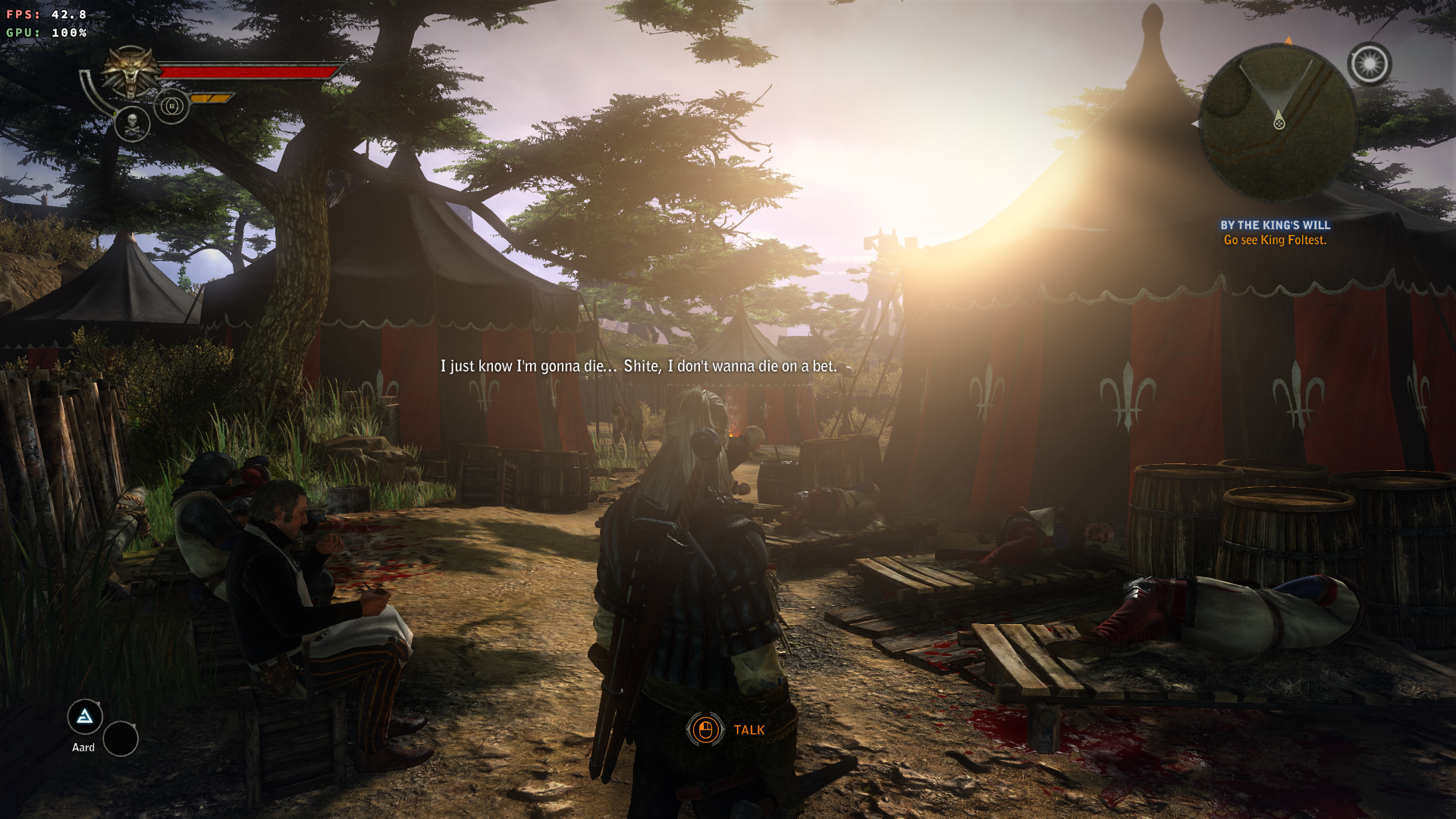
Almost 100 FPS with it disabled. So yeah, either something's fishy or the game just runs like crap on Nvidia for whatever reason.
 doitsujin
on 1 Mar 2020
doitsujin
on 1 Mar 2020
What's your CPU?
i5-7300HQ. Nothing exceptional, but should be good enough.
Please note that the game requires esync (or fsync) to be enabled in order to get any reasonable performance, so make sure you have that enabled.
I see. I'm not using either at the moment, admittedly. Perhaps I'm just lazy, but I was hoping fsync would end up in the mainline kernel by now. Anyway, thanks, I'll give it a try. This is most likely why I'm not getting where I want to be with a lot of DX9 titles.
I'd also recommend disabling Übersampling if you have that enabled.
It's disabled with the "High" preset, so no, wasn't on anyway.
Thanks for taking your time to walk me through this :).
WinterSnowfall
on 1 Mar 2020
Please note that the game requires esync (or fsync) to be enabled in order to get any reasonable performance, so make sure you have that enabled.
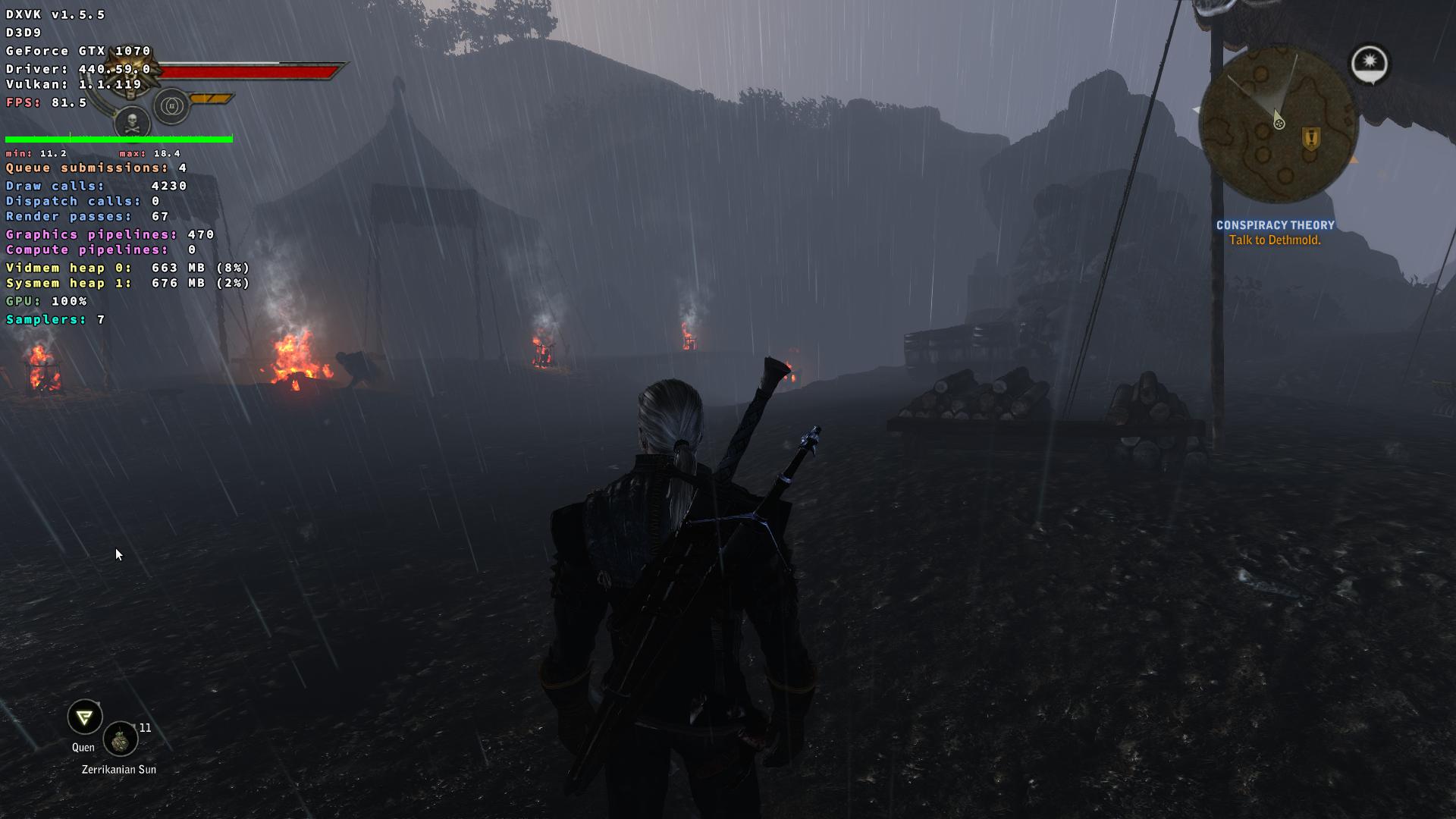
Turns out I am too lazy to patch a kernel these days, but esync is good enough for now :grin:.
One last stupid question, though. Do esync/fsync help with DX11 titles as well?
Thanks again (immensely)!
WinterSnowfall
on 1 Mar 2020
Do esync/fsync help with DX11 titles as well?
Absolutely, you pretty much always want to have it enabled (Proton enables it by default). It doesn't have anything to do with the API, just with how the game performs thread synchronization.
Some (very) old games are known to have issues, such as Crysis, but those are in the minority.
doitsujin
on 1 Mar 2020
Related issues
 7oxicshadow
·
3Comments
7oxicshadow
·
3Comments
 AuroransSolis
·
3Comments
AuroransSolis
·
3Comments
 ghost
·
5Comments
ghost
·
5Comments
 yusdacra
·
4Comments
yusdacra
·
4Comments
 torokati44
·
4Comments
torokati44
·
4Comments
Most helpful comment
Absolutely, you pretty much always want to have it enabled (Proton enables it by default). It doesn't have anything to do with the API, just with how the game performs thread synchronization.
Some (very) old games are known to have issues, such as Crysis, but those are in the minority.