Dim: Unable to setup Google Drive
First, I noticed that my notes weren't sync'd across devices. I then did a bit of exploring and quickly understood the reasoning behind it.
So, I went to my iPad (where all notes are), and attempted to connect Google Drive. Google OAuth was successful but all I see is an error message stating "Authorizing Google Drive... We were unable to set up Google Drive. Go back to DIM".
Yet, I can visit drive.google.com on that same device and it's the correct gmail.
Any ideas as to what might be happening? I don't want to clear my cookies etc for fear of losing all my notes.
P.S. Thank you for the great web app otherwise, it is absolutely wonderful!
 CodyFitzpatrick
All 13 comments
Looks like DIM was able to connect (again, OAuth was successful) so not sure why it can't finish the last few steps.
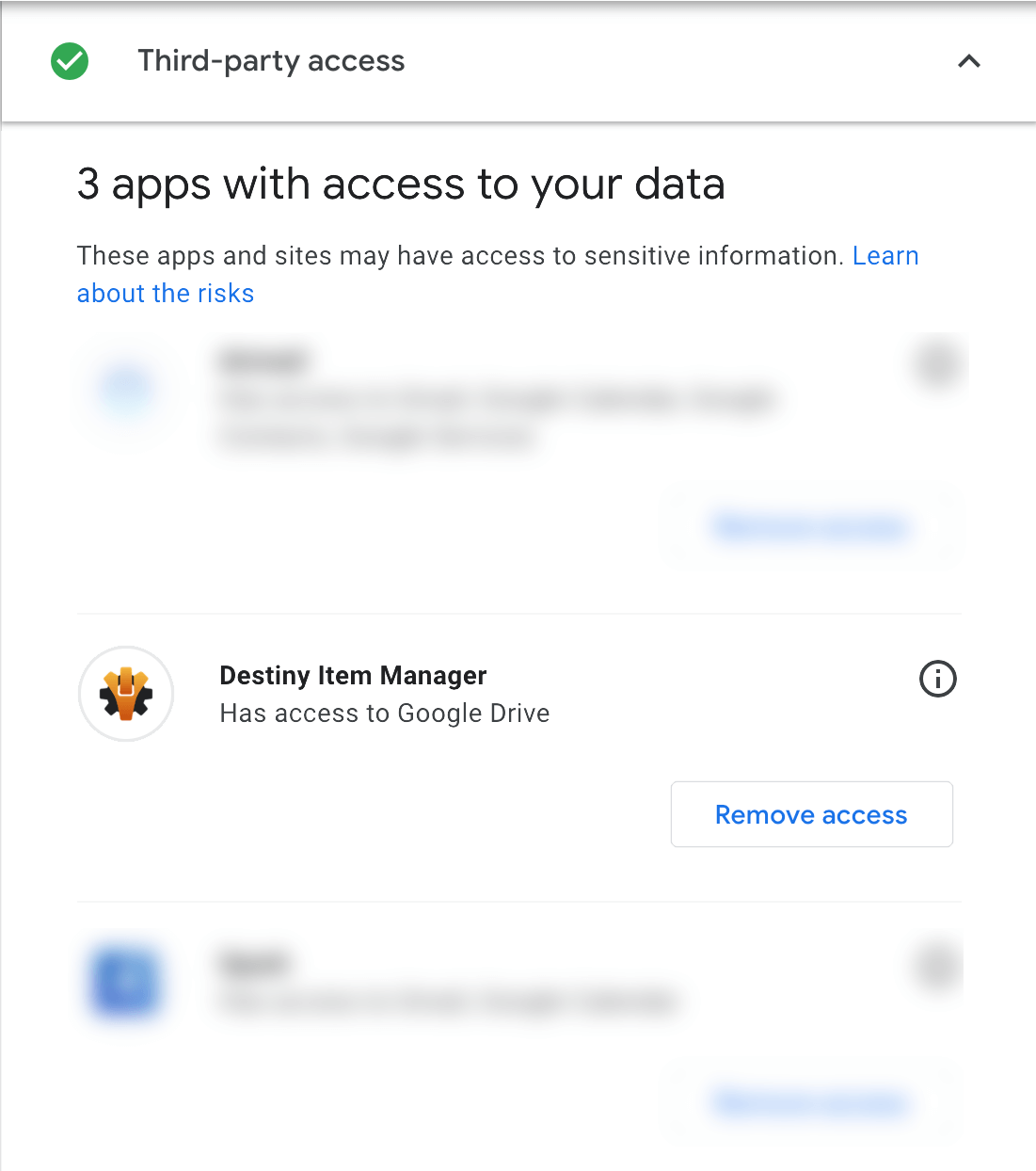
CodyFitzpatrick
on 24 Jul 2019
Make sure third party cookies are enabled on your ipad.
https://www.whatismybrowser.com/guides/how-to-enable-cookies/safari-ipad
 delphiactual
on 24 Jul 2019
delphiactual
on 24 Jul 2019
@delphiactual that's actually one of the first settings I checked, being that the app mentions it right next to the GDrive sync option section. The only thing I left checked/on was "prevent cross-site tracking" but being a web dev myself, I can't imagine that would affect this.
Happy to upload a screenshot with console log errors (if any) via dev tools once I get back to the iPad.
If notes are saved alongside gear (not in front of my computer or iPad to check) when you export them from DIM and re-inputted upon import into DIM, I will go ahead and clear cache, cookies, etc to see if anything changes.
If I have more time, I may dive into the code itself and make a PR if I find some type of faulty logic re: the OAuth flow.
CodyFitzpatrick
on 24 Jul 2019
“Prevent cross site tracking” is the one that prevents Google Drive sign in.
 bhollis
on 25 Jul 2019
bhollis
on 25 Jul 2019
@bhollis I was able to get Google Drive connected after disabling that option and restarting Safari. How can I get all the data to sync from local to GDrive? I only see the "Force sync data from Google Drive" button which seems like it would override all my notes etc.
EDIT: Asking the above because I keep seeing mention of "no data" on the settings page, including "We couldn't find info about the DIM file, which may indicate a problem." I tried logging out and back into the gmail account and no luck unfortunately. Absolutely love this app otherwise!
CodyFitzpatrick
on 25 Jul 2019
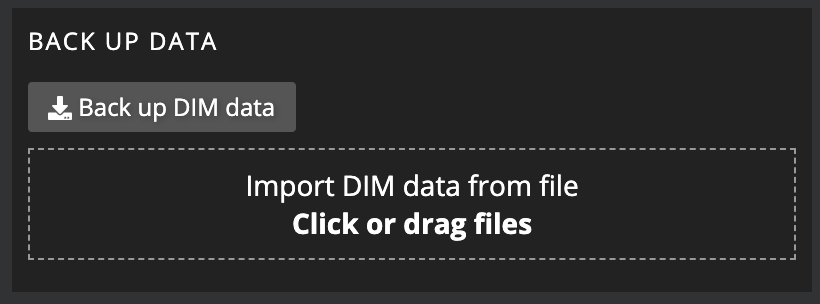
So, on my laptop I can see a button to backup DIM data (see attached image, from settings pane of DIM app). I'm not sure if I just didn't see it or if it's not made visible on mobile/tablet views, but I swear I didn't see it before.. Will check this evening to see if I can backup from the iPad and then import into GDrive and following that, I will comment on this issue or close it out depending on the result.
CodyFitzpatrick
on 25 Jul 2019
iOS does not let you back up the file due to malicious actors.
delphiactual
on 26 Jul 2019
@delphiactual not surprised given Apple's security practices. Thanks for informing me of that.
Fortunately, DIM has successfully synced the notes from my iPad to my laptop via GDrive!
As to prevent confusion from less tech-savvy DIM users, I think it'd be helpful to add some sort of message to the settings pane notifying users that they cannot backup settings from their mobile device and that it must instead be from a laptop/desktop. Happy to dive into the code and submit a PR for this.
Looking at my iPad now, I can see the ability to import tags/notes from CSV but if that doesn't work for the same reasons described by @delphiactual, we may want to add an additional message similar to the above.
Let me know what you guys think. Again, happy to make a PR if all sounds good.
EDIT:
In a similar vein, if DIM detects the user is on iOS, we should add information regarding the "prevent cross-site tracking" setting alongside the "If you are having trouble logging in,a you may need to allow third party cookies in your browser" message that's already in the settings pane under the "GOOGLE DRIVE" section. Could potentially prevent future support requests and/or Github issues regarding this. 😃
CodyFitzpatrick
on 26 Jul 2019
@bhollis Sorry for dragging you back into this issue on here but am curious if notes are supposed to sync across devices which are logged into the same GDrive account? This is what I was expecting, but I'm having issues with this unfortunately despite disabling cross-site tracking.
Is it the first computer/device to have logged into GDrive that serves as the "master" in terms of what's saved to GDrive and all other devices are "replicas"? (Thinking in terms of databases at the moment.)
CodyFitzpatrick
on 7 Aug 2019
Yes, everything is supposed to be synced. Once you connect to google drive, it stores the master copy of your data, and each instance of DIM saves to and reads from that copy. It’s just like putting a file in Dropbox or Google Drive.
We will be replacing this with a system that’s easier to log in to and less error prone.
bhollis
on 7 Aug 2019
@bhollis Thank for the expedient response per usual! This is how I pictured it working, given how well-made the rest of the app is. I'm having the syncing issues but am honestly OK with them given how much else the app has to offer.
P.S. Can submit a PR per the last comment in _this_ comment (from this same issue) depending upon your desire for it.
CodyFitzpatrick
on 7 Aug 2019
That’d be great!
bhollis
on 8 Aug 2019
This is obsoleted by #4418.
bhollis
on 11 Oct 2019
Related issues
 dhazelett
·
5Comments
dhazelett
·
5Comments
 KyoukanGG
·
3Comments
bhollis
·
4Comments
KyoukanGG
·
3Comments
bhollis
·
4Comments
 chuckreynolds
·
6Comments
chuckreynolds
·
6Comments
 SunburnedGoose
·
3Comments
SunburnedGoose
·
3Comments
Most helpful comment
“Prevent cross site tracking” is the one that prevents Google Drive sign in.