Deck.gl: Icon Layer drawArraysIntacnced error on iOS
Getting an error using icon layers, same error as in the icon layer example on iOS, tried on Safari 11 and 12:
First warning (not sure if its related)
luma: texture: Texture(https://raw.githubusercontent.com/uber-common/deck.gl-data/master/website/../examples/icon/location-icon-atlas.png,512x640) is Non-Power-Of-Two, disabling mipmaping
And error:
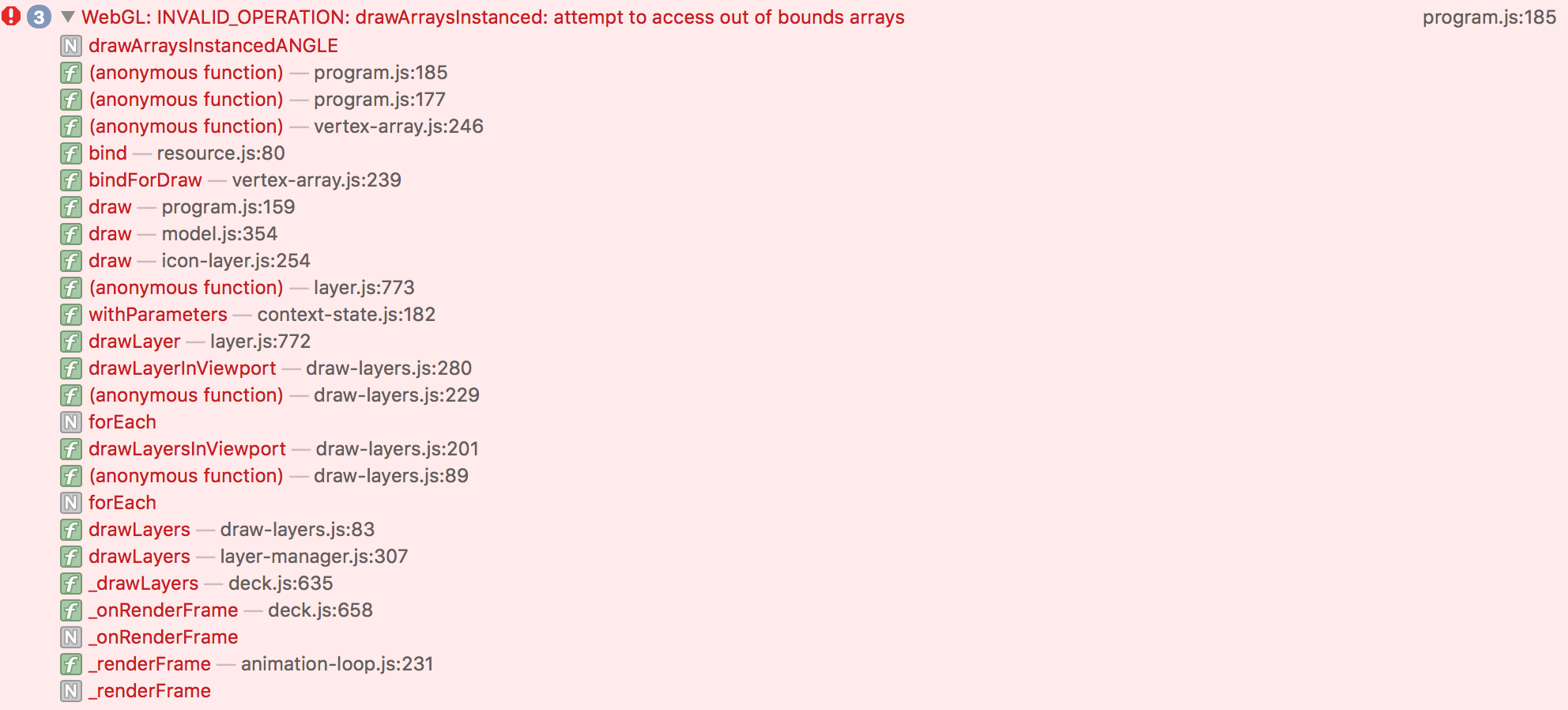
WebGL: INVALID_OPERATION: drawArraysInstanced: attempt to access out of bounds arrays
 ghost
ghost
All 11 comments
I have the exact same error
 vitorfranca-tw
on 2 Oct 2018
vitorfranca-tw
on 2 Oct 2018
Same here. The issue appears after upgrade to latest version (6.1.1)
 jarekpelczynski
on 3 Oct 2018
jarekpelczynski
on 3 Oct 2018
You were using another version and it used to work? Which one was it?
vitorfranca-tw
on 3 Oct 2018
@vitorfranca-tw
5.3.4, but I've recently updated from 6.0.1 (didn't notice that version has an issue – layers not appears on Safari for Desktop). However, 6.1.1 fixes issue on Safari/Desktop but causes on mobile.
jarekpelczynski
on 3 Oct 2018
@jarekpelczynski can you confirm the breakage happened between v6.0 and v6.1?
 Pessimistress
on 3 Oct 2018
Pessimistress
on 3 Oct 2018
luma: texture: Texture(https://raw.githubusercontent.com/uber-common/deck.gl-data/master/website/../examples/icon/location-icon-atlas.png,512x640) is Non-Power-Of-Two, disabling mipmaping
This is because WebGL1 (since it is Safari) doesn't support mip-mapping on Non-power-of-two textures, when we detect this we disable mipmaping and fire above warning, this should not cause any errors/crashes, and is un-related here.
I was trying to reproduce this on Desktop/Safari, I ran IconLayer on 6.0.3 and 6.1.1 but I am not able to reproduce the issue.
@jarekpelczynski @jordmccordgcv , can you confirm if this is indeed a regression between 6.0.3 and 6.1.1 ?
 1chandu
on 3 Oct 2018
1chandu
on 3 Oct 2018
@Pessimistress
Ok, I was able to reproduce this by using iOS-Simulator/Safari and website iconLayer example
With 6.0-release website build : no crash
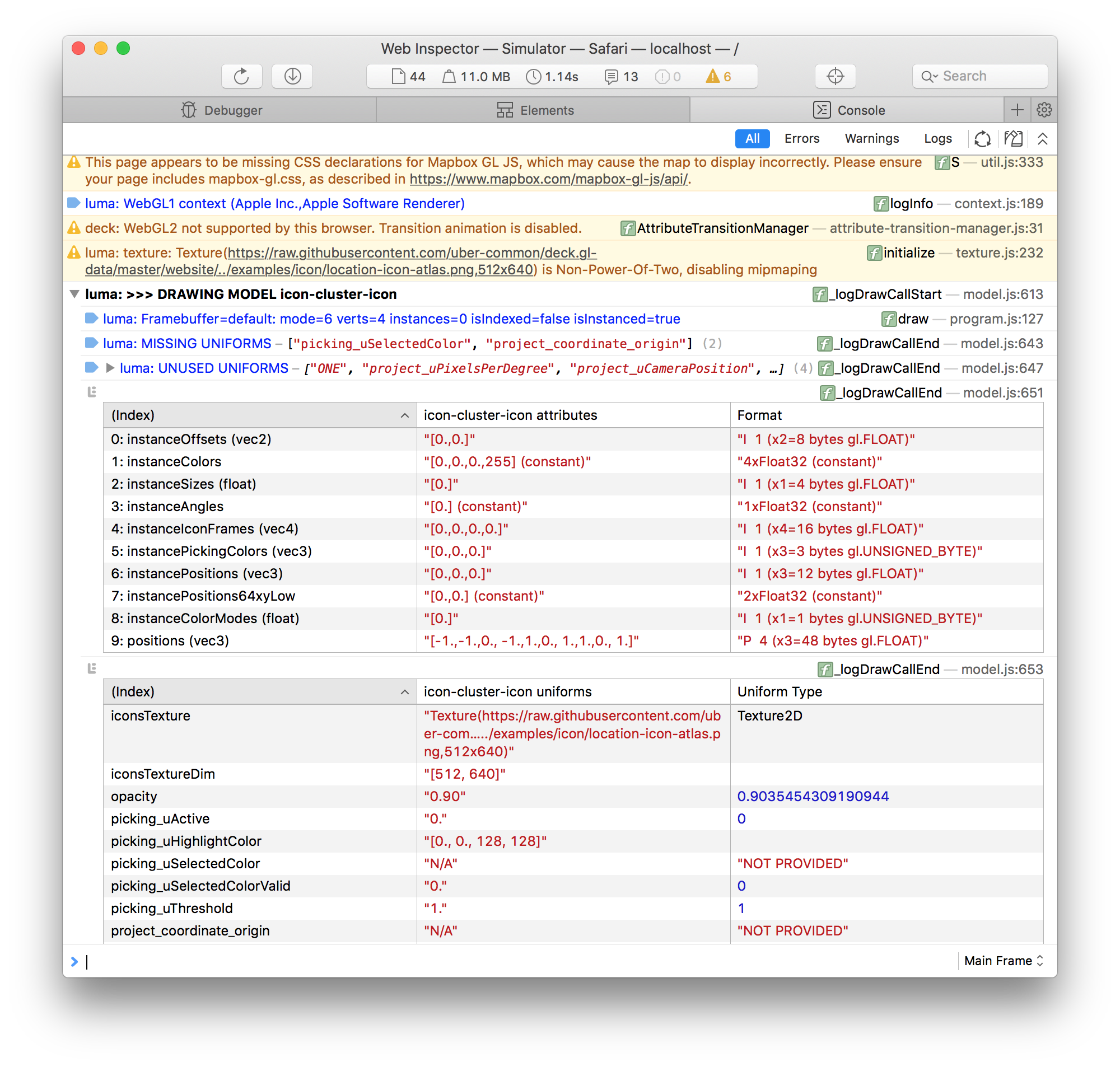
With 6.1-release website build : crash
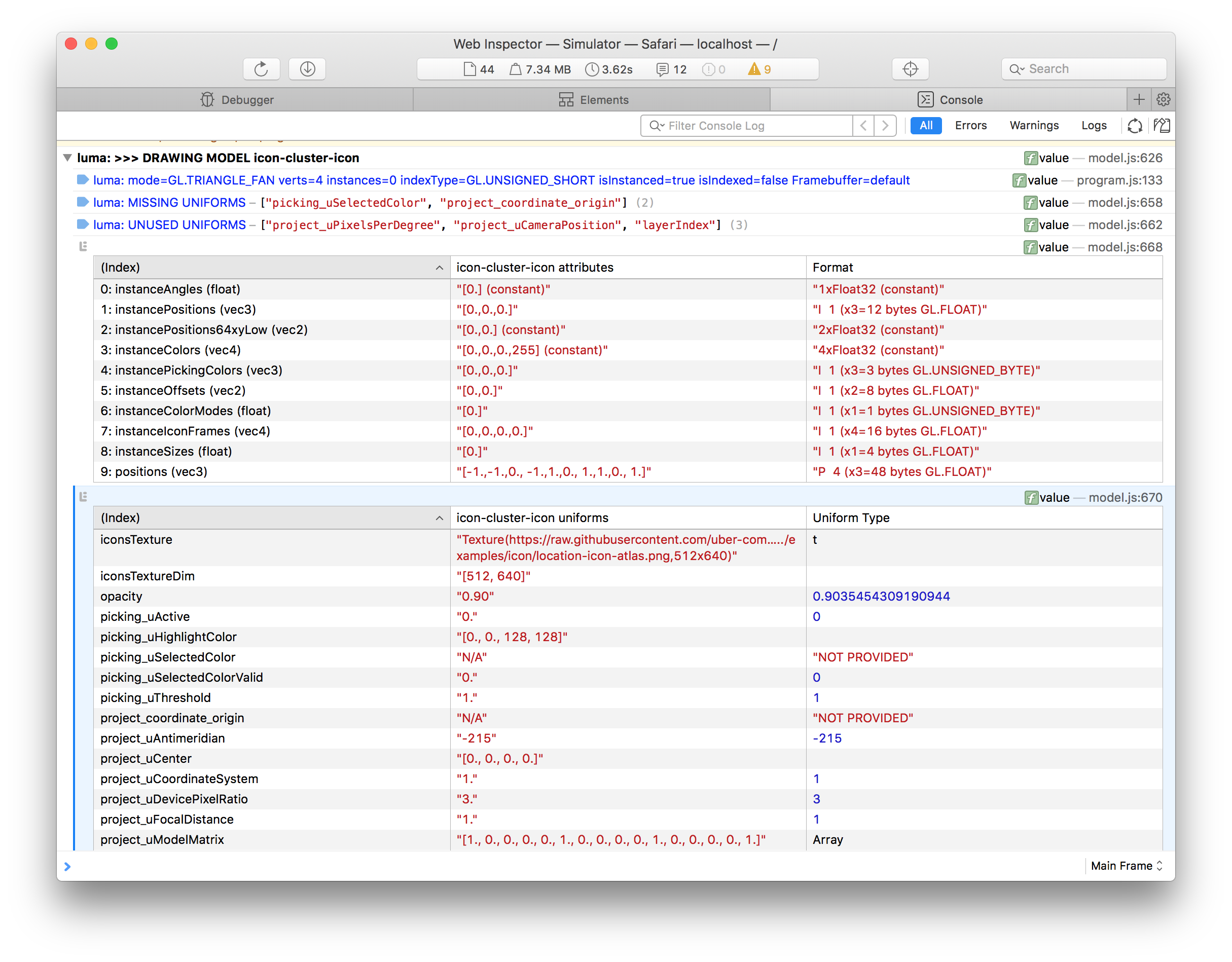
With latest master branch website build crash
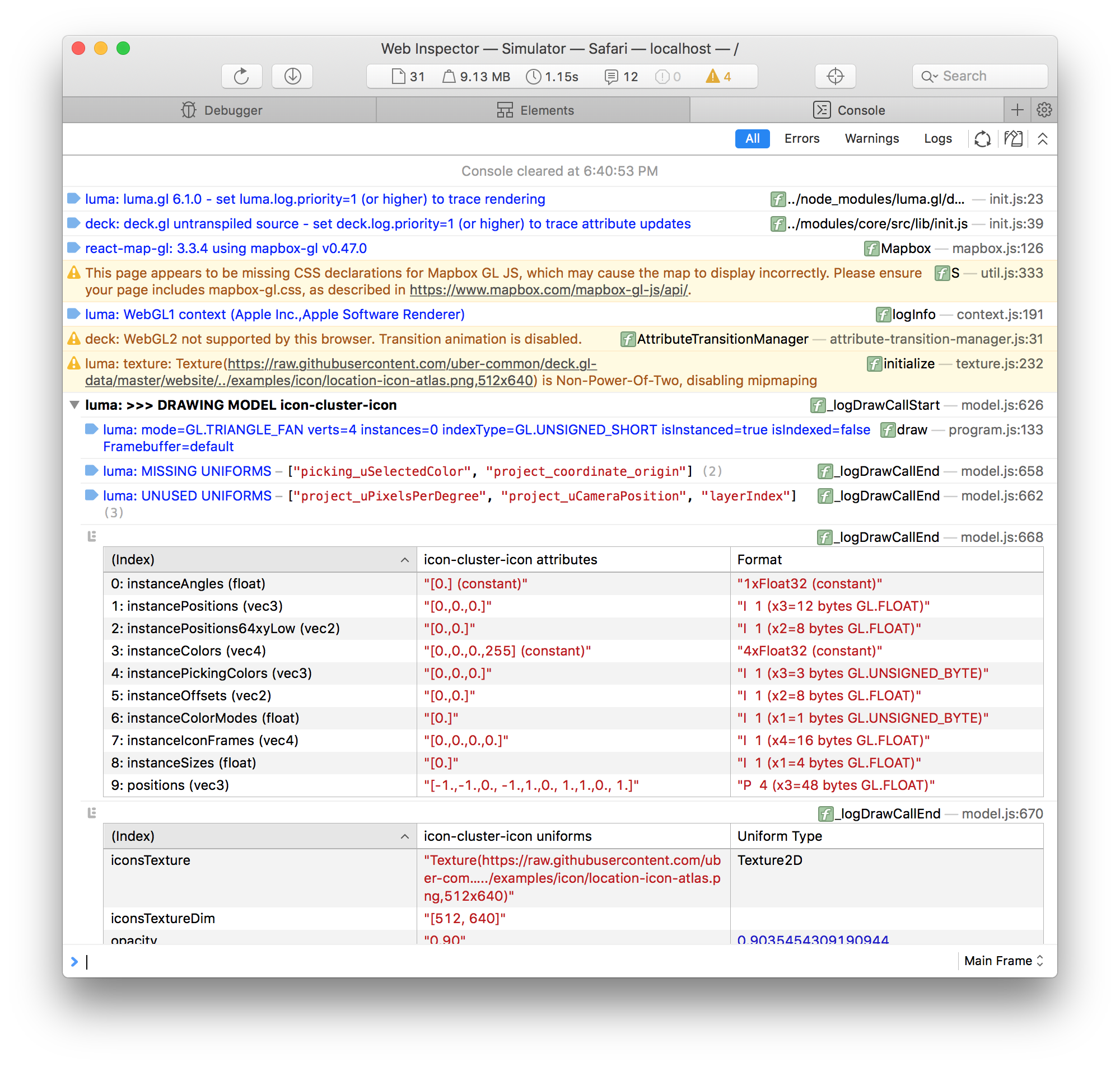
Looks like related to Attribute-0 not being a Buffer but a Constant, before releasing 6.1 we fixed an issue with attribute-0 here : https://github.com/uber/luma.gl/issues/612
So one possibility is that this fix is not getting applied to iOS browser and it should be. Also another thing I noted, when running on simulator, I see it is using Apple Software Renderer instead of GPU. Not sure if this the same case running on a device.
We might need a fix in probe.gl or how we classify mobile browser for attribute-0 workaround.
1chandu
on 4 Oct 2018
Making following change in luma.gl fixes the crash (verified using iOS simulator)
change return isWebGL2(gl) || isMobile() || (getBrowser() === 'Chrome'); to return isWebGL2(gl) || (getBrowser() === 'Chrome');, i.e. disable this for mobile browsers to match the behavior with Safari desktop.
1chandu
on 4 Oct 2018
@jarekpelczynski @jordmccordgcv @vitorfranca-tw , here is a build of deck.gl website with possible fix, can you please try this out and verify this example works.
CC: @Pessimistress
https://1chandu.github.io/deck.gl/#/examples/core-layers/icon-layer
1chandu
on 4 Oct 2018
@1chandu
I've monkey-patched in luma.gl in my project and it works
jarekpelczynski
on 5 Oct 2018
thanks @jarekpelczynski for verifying
I just published luma.gl 6.1.1 to include this fix, please upgrade and verify. Re-open if you still see it.
1chandu
on 5 Oct 2018
Related issues
 mayteio
·
3Comments
mayteio
·
3Comments
 Dieegho
·
3Comments
Dieegho
·
3Comments
 euzu
·
3Comments
euzu
·
3Comments
 ibesora
·
4Comments
ibesora
·
4Comments
 ToddJacobus
·
4Comments
ToddJacobus
·
4Comments
Most helpful comment
@jarekpelczynski @jordmccordgcv @vitorfranca-tw , here is a build of deck.gl website with possible fix, can you please try this out and verify this example works.
CC: @Pessimistress
https://1chandu.github.io/deck.gl/#/examples/core-layers/icon-layer