Dash-to-panel: Overlapping application titles on many ungrouped applications
Describe the bug
Since the update today the application icons/description is overlapping - I am not able to read the application title anymore.
Linux distribution and version
Ubuntu 20.10
GNOME Shell version
GNOME Shell 3.38.4
Dash-to-Panel version
Version 41
Where was Dash-to-Panel installed from?
The GNOME extensions website
Screenshots / Video captures

Additional Info
I disabled all other extensions, restarted shell extensions and the whole OS - no effect.
 BetaConnector
All 5 comments
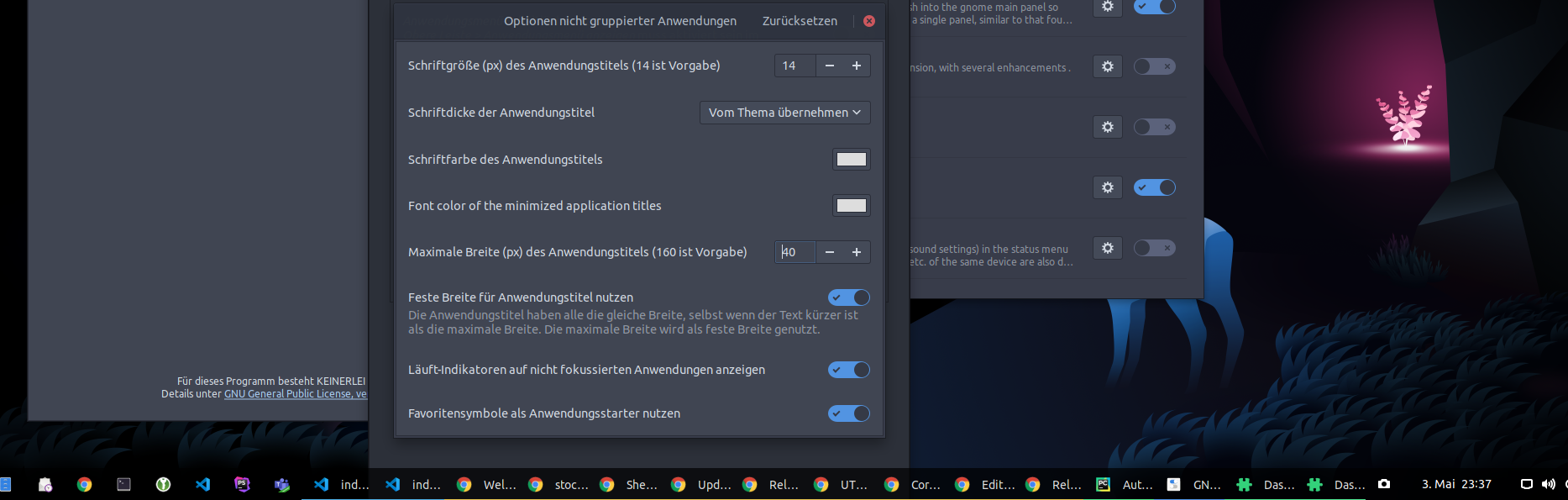
Lowering the max width to the application title helps - but this still seems to be a bug.
BetaConnector
on 3 May 2021
Thanks for reporting this! Are you able to help test the fix in the gnome-3.38 branch?
 jderose9
on 4 May 2021
jderose9
on 4 May 2021
I had but now did those and seems better. I did not install latest.
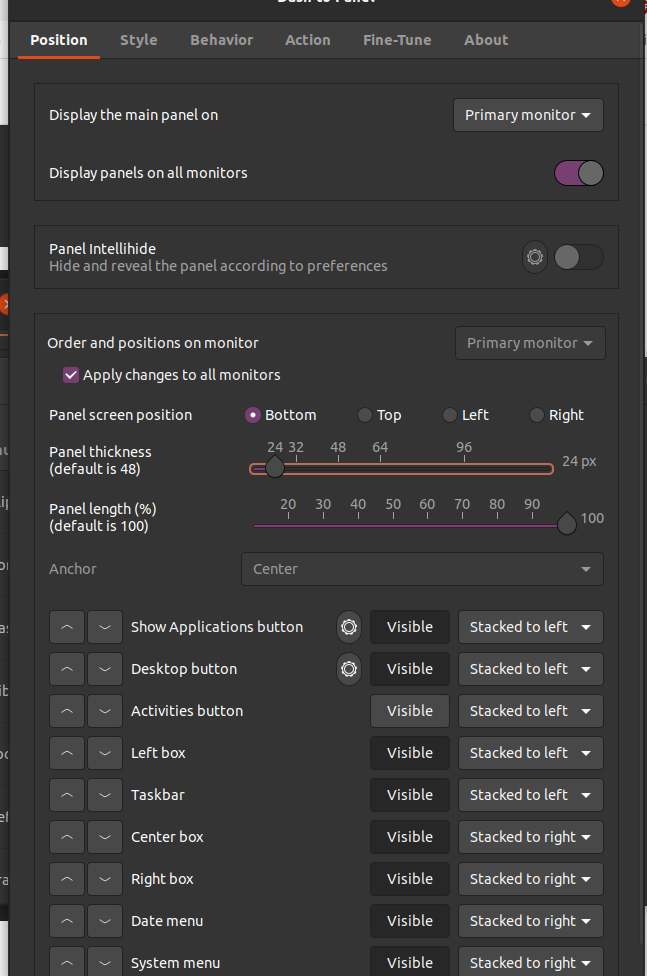
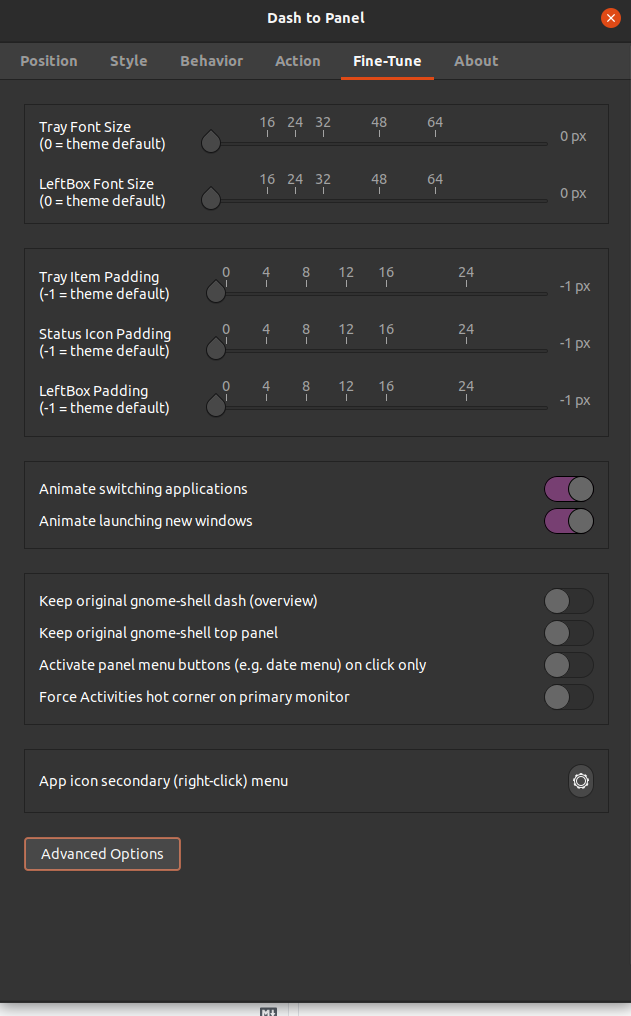
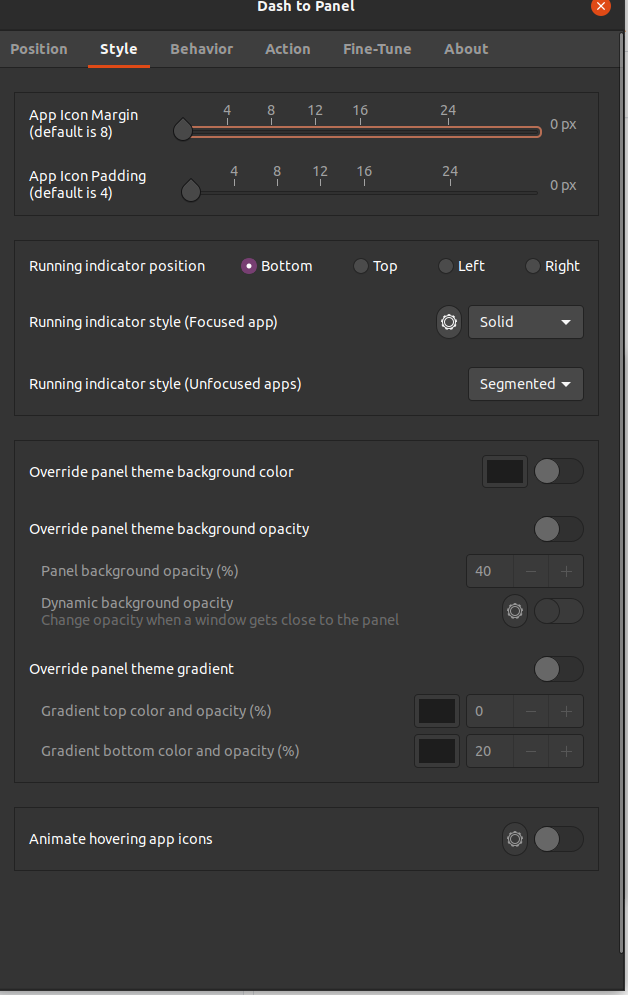

but what is the three dots (...)

hhere , i cant fix it.
 caneraydinbey
on 4 May 2021
caneraydinbey
on 4 May 2021
@caneraydinbey Did you text the fix by installing the github version? Instructions can be found here:
https://github.com/home-sweet-gnome/dash-to-panel/wiki/Installation#installation-from-github
jderose9
on 4 May 2021
Thanks for reporting this! Are you able to help test the fix in the gnome-3.38 branch?
@jderose9, works fine! Put the max width to 160 again and keep the apps ungrouped. Thanks a lot!
 esyon
on 4 May 2021
esyon
on 4 May 2021
Related issues
 Steps65
·
5Comments
Steps65
·
5Comments
 Pointedstick
·
6Comments
Pointedstick
·
6Comments
 amivaleo
·
5Comments
amivaleo
·
5Comments
 xakraz
·
6Comments
xakraz
·
6Comments
 bmccorm2
·
5Comments
bmccorm2
·
5Comments
Most helpful comment
@caneraydinbey Did you text the fix by installing the github version? Instructions can be found here:
https://github.com/home-sweet-gnome/dash-to-panel/wiki/Installation#installation-from-github