Dash-to-panel: Can not reorder apps in taskbar
Describe the bug
I was able to reorder the tasks' icons in the task bar.
For a few weeks now, can remember exactly when, it doesn't work anymore.
I have waited at least 2 updates from dash-to-panel extension before deciding to open an issue.
Linux distribution and version
OS: Manjaro Linux x86_64 (19.0.2)
DE: GNOME 3.34.4
WM: Mutter
Theme: Adwaita [GTK2/3]
Icons: Adwaita [GTK2/3]
GNOME Shell version
$ gnome-shell --version
GNOME Shell 3.34.4
Dash-to-Panel version
31
Where was Dash-to-Panel installed from?
The GNOME extensions website
Screenshots / Video captures
Additional Info
 xakraz
All 6 comments
Hello, I can't reproduce this on 3.34 using dtp v31 (xorg and wayland), can you tell us more about your system? Does it also happens when you disable every other extensions and then restart gnome-shell? Do you see errors in your logs? Thanks!

 charlesg99
on 23 Mar 2020
charlesg99
on 23 Mar 2020
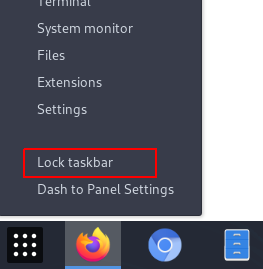
@xakraz Can you also verify that you don't have "Lock taskbar" chosen in the right-click menu?
 jderose9
on 23 Mar 2020
jderose9
on 23 Mar 2020
Hi @charlesg99 and @jderose9 !
Thank you for your support :)
So I the task bar seems unlocked:
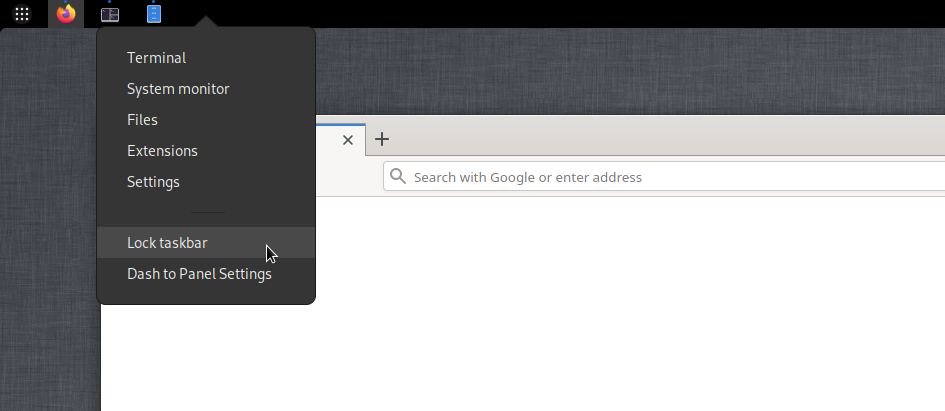
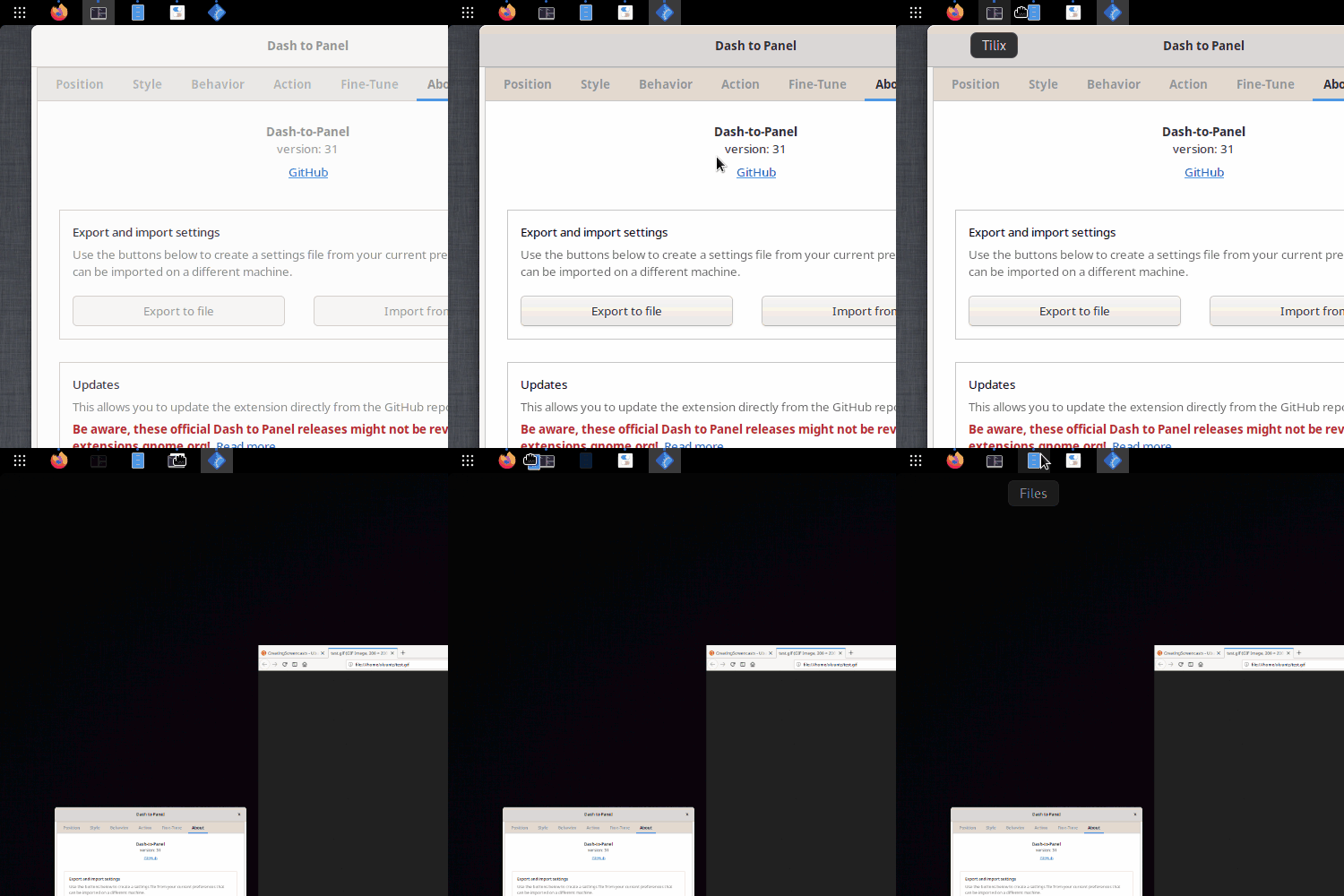
But I still can not move the icons of the tasks (I have disabled "show favorites" and this is with other extensions enabled)
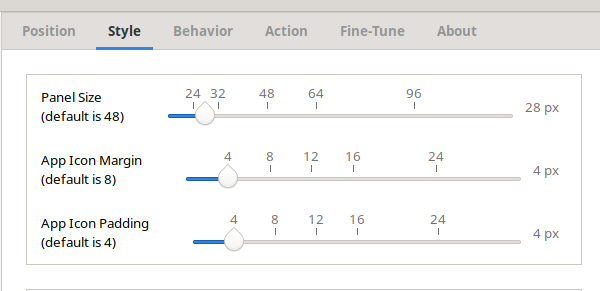
Here are the options configured for DashToPanel
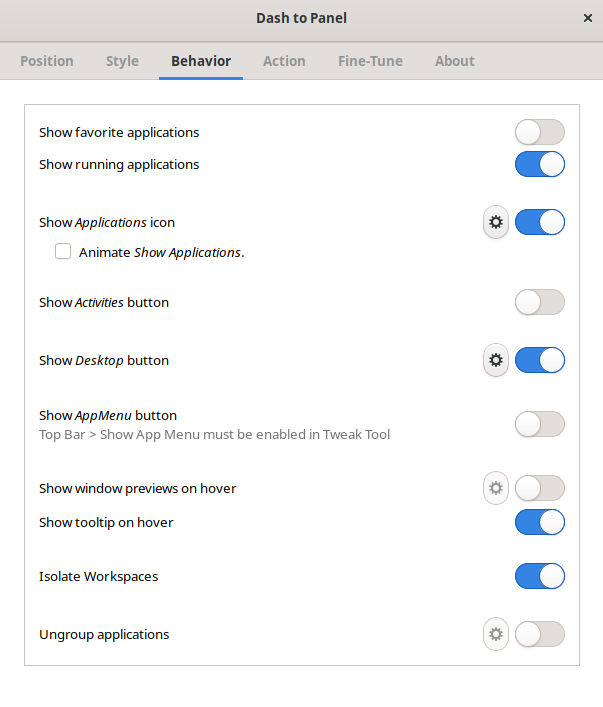
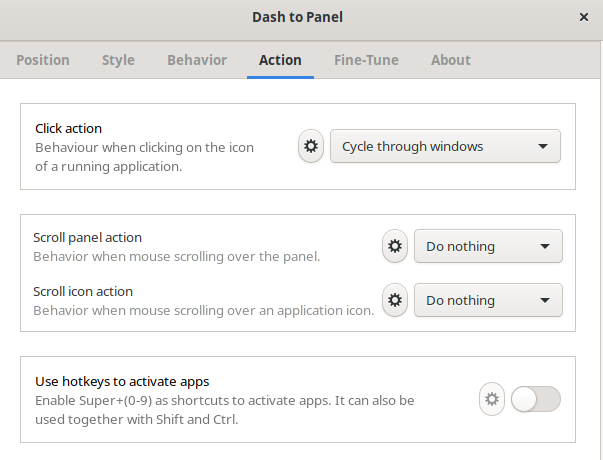
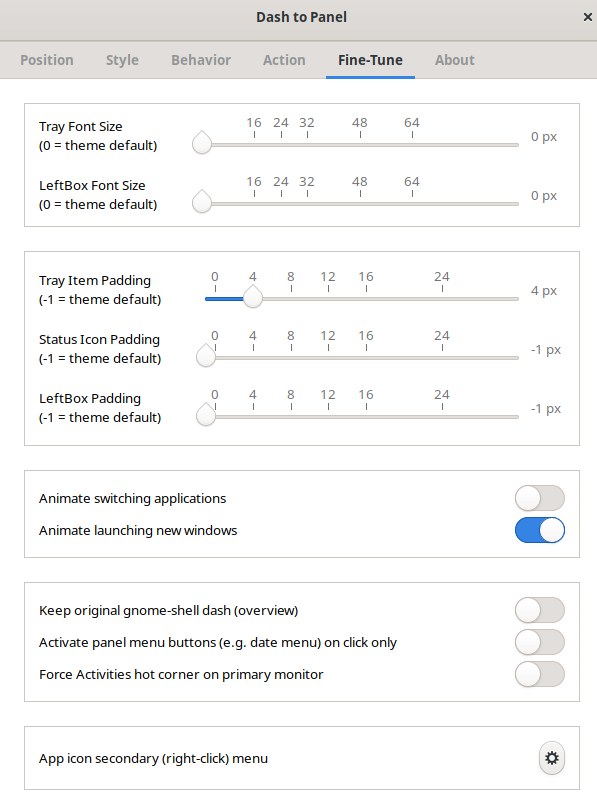
xakraz
on 24 Mar 2020
Ok, it seems there is an issue with other extensions... but I was not able to identify which one or what is causing this more specificaly :disappointed:
- When I have disabled all extensions except _DashToPanel_, it works ...
- When I enable back each extension I need, one by one, checking the reordering, it works
- Now, every extensions I need are enabled back and it works ..
I am really sorry :sweat_smile:
Before opening this issue, I have tried several things to see if something was on my side:
- reload Gnome-shell,
- logout / loging
- Reboot
- Update
But same results. It seems there is a race condition somewhere.
What can I do to help more ?
xakraz
on 24 Mar 2020
Update !
I have 2 notices to share:
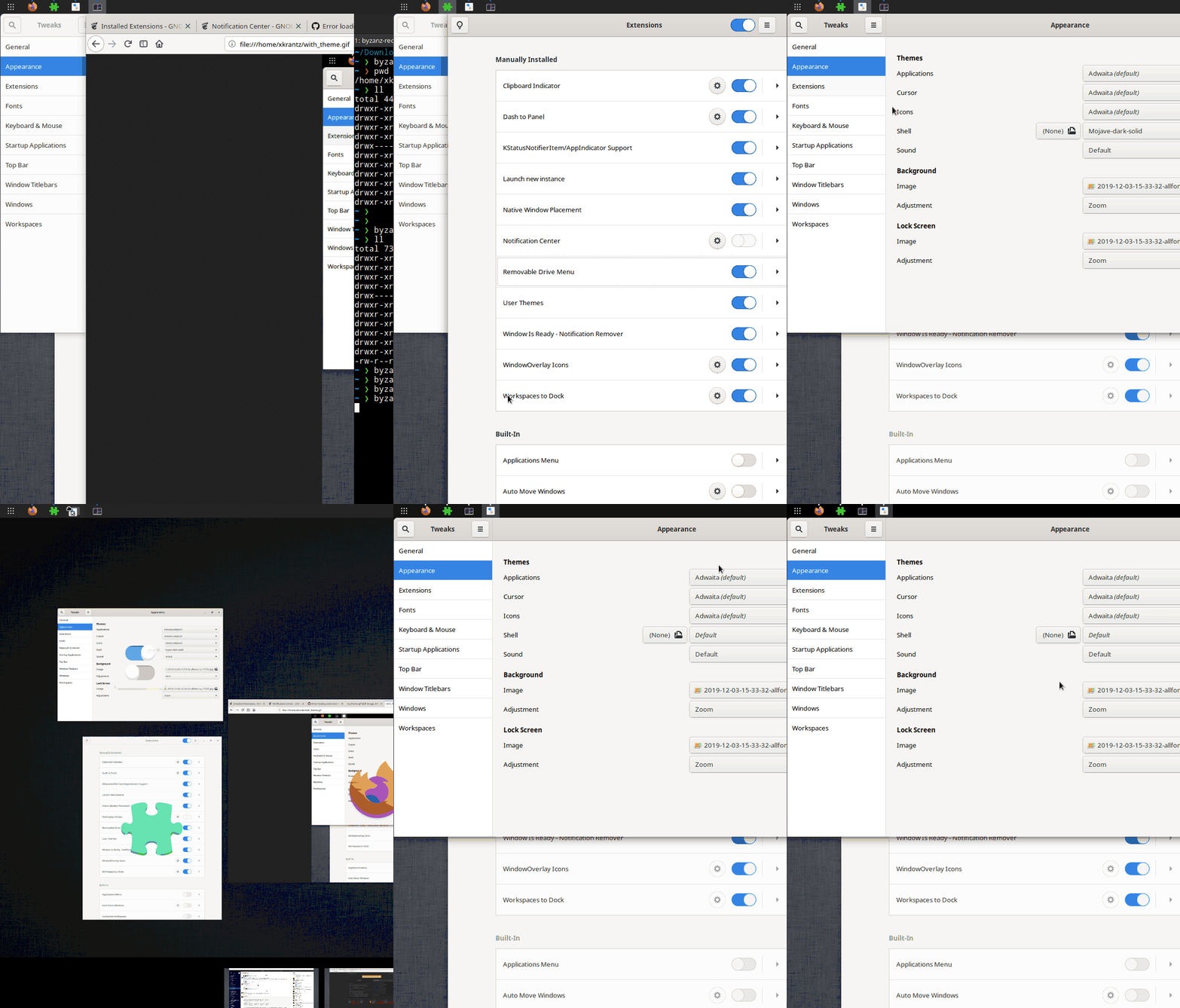
1 - The extension causing an issue seems to be _WorkspaceToDock_
2 - However, when _UserTheme_ is activated and the NON default theme is used ... it works
With no theme:
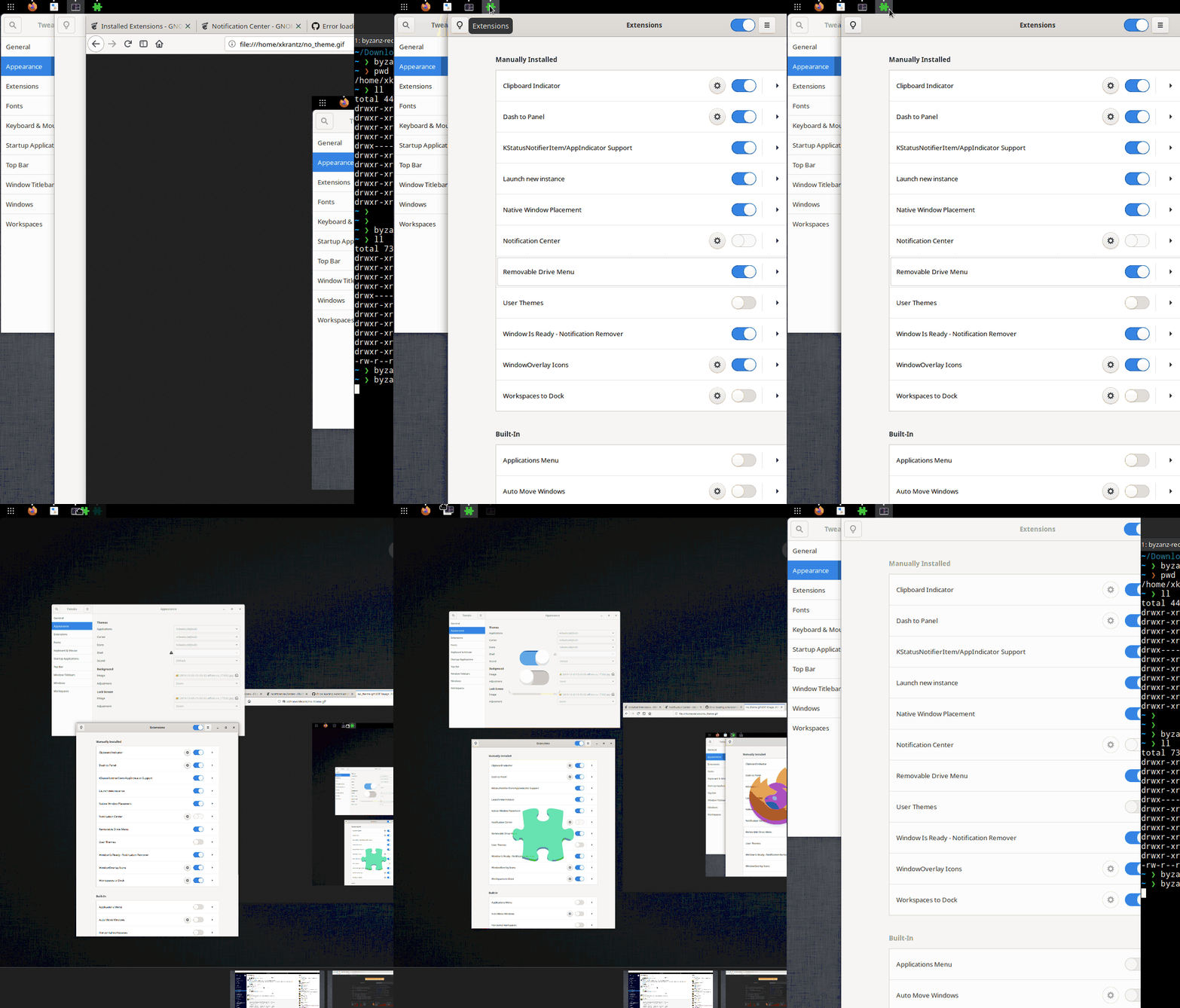
With a theme:
xakraz
on 24 Mar 2020
Thanks for the feedback! I suggest you open an issue on the WorkspaceToDock repository, although I fear it isn't actively developed anymore.
charlesg99
on 28 Mar 2020
Related issues
 jamesiri
·
4Comments
jamesiri
·
4Comments
 amivaleo
·
5Comments
amivaleo
·
5Comments
 sbadux
·
6Comments
sbadux
·
6Comments
 simonbcn
·
4Comments
simonbcn
·
4Comments
 RomanShumikhin
·
3Comments
RomanShumikhin
·
3Comments
Most helpful comment
@xakraz Can you also verify that you don't have "Lock taskbar" chosen in the right-click menu?