Dash-to-dock: The translation of dash to dock is not complete.
How to translate it?
 laichiaheng
All 21 comments
https://micheleg.github.io/dash-to-dock/localization.html
I will help you if you need more information.
 pyroxar
on 8 Oct 2019
pyroxar
on 8 Oct 2019
@micheleg @pyroxar Would you update the translation?
zh_TW.zip
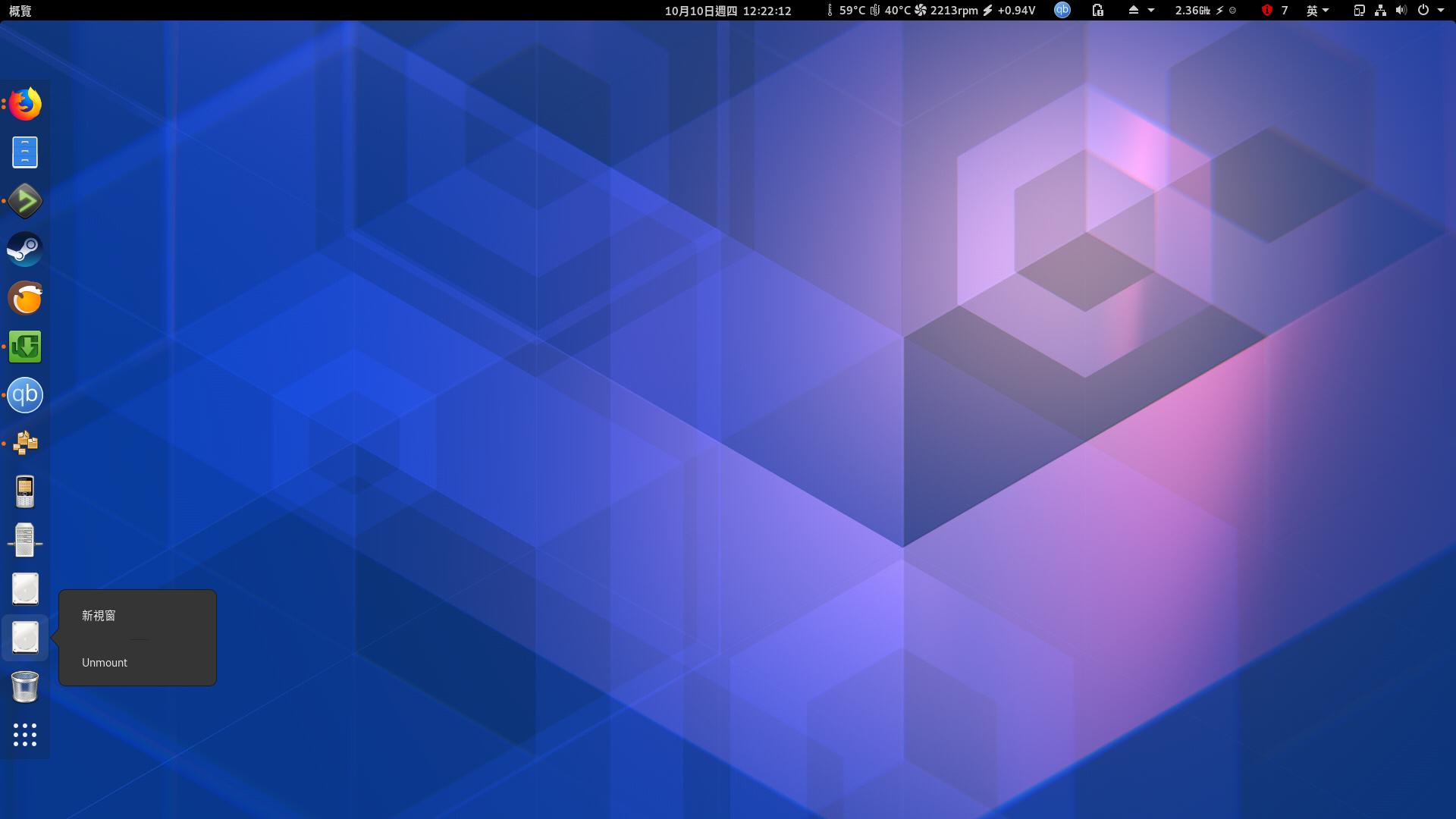
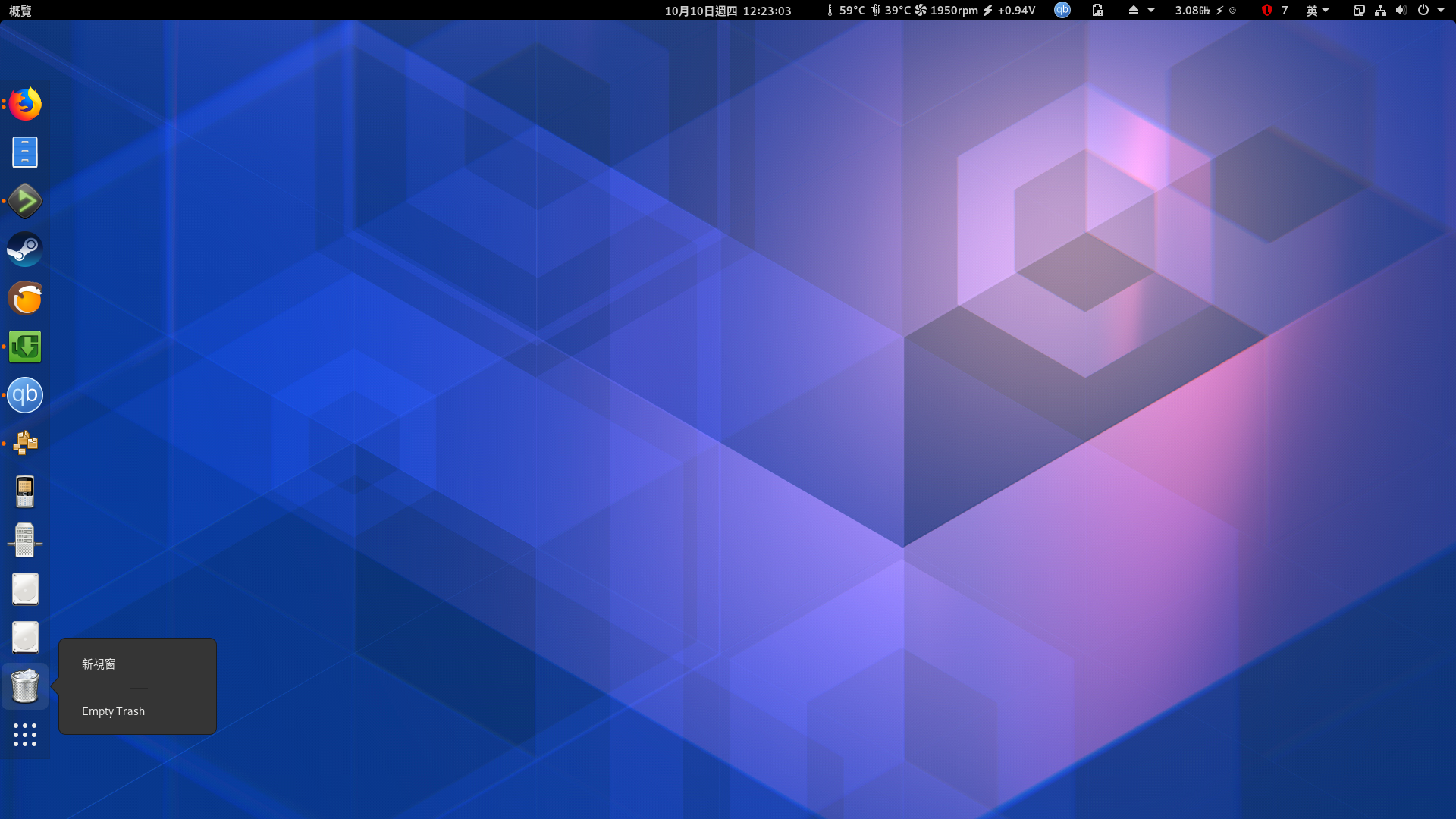
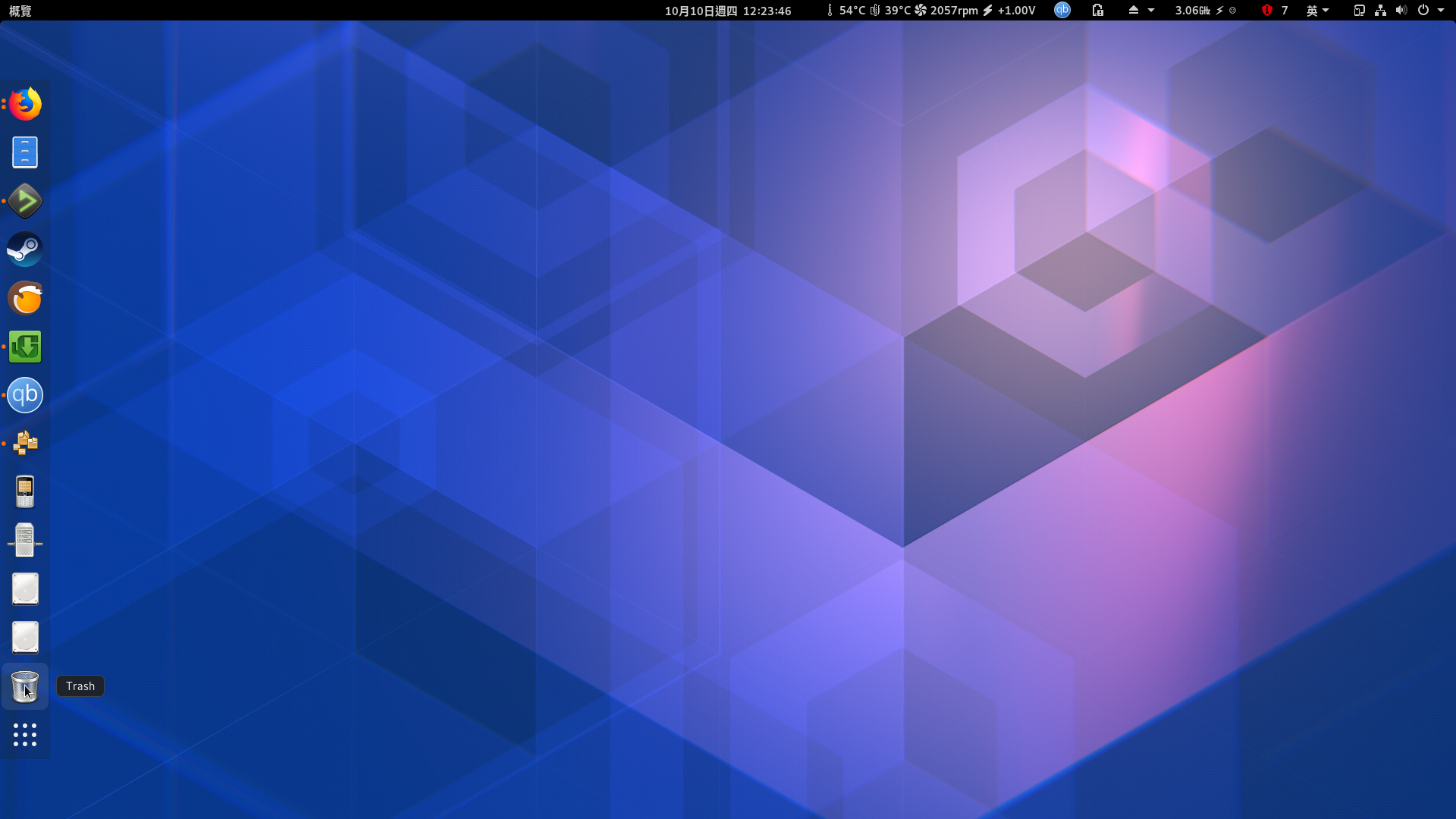
However, I still can't find the "Mount" "Unmount" "Trash" or "Empty Trash" in the po file.
laichiaheng
on 9 Oct 2019
@laichiaheng did you generate new pot file and then update your po file?
pyroxar
on 9 Oct 2019
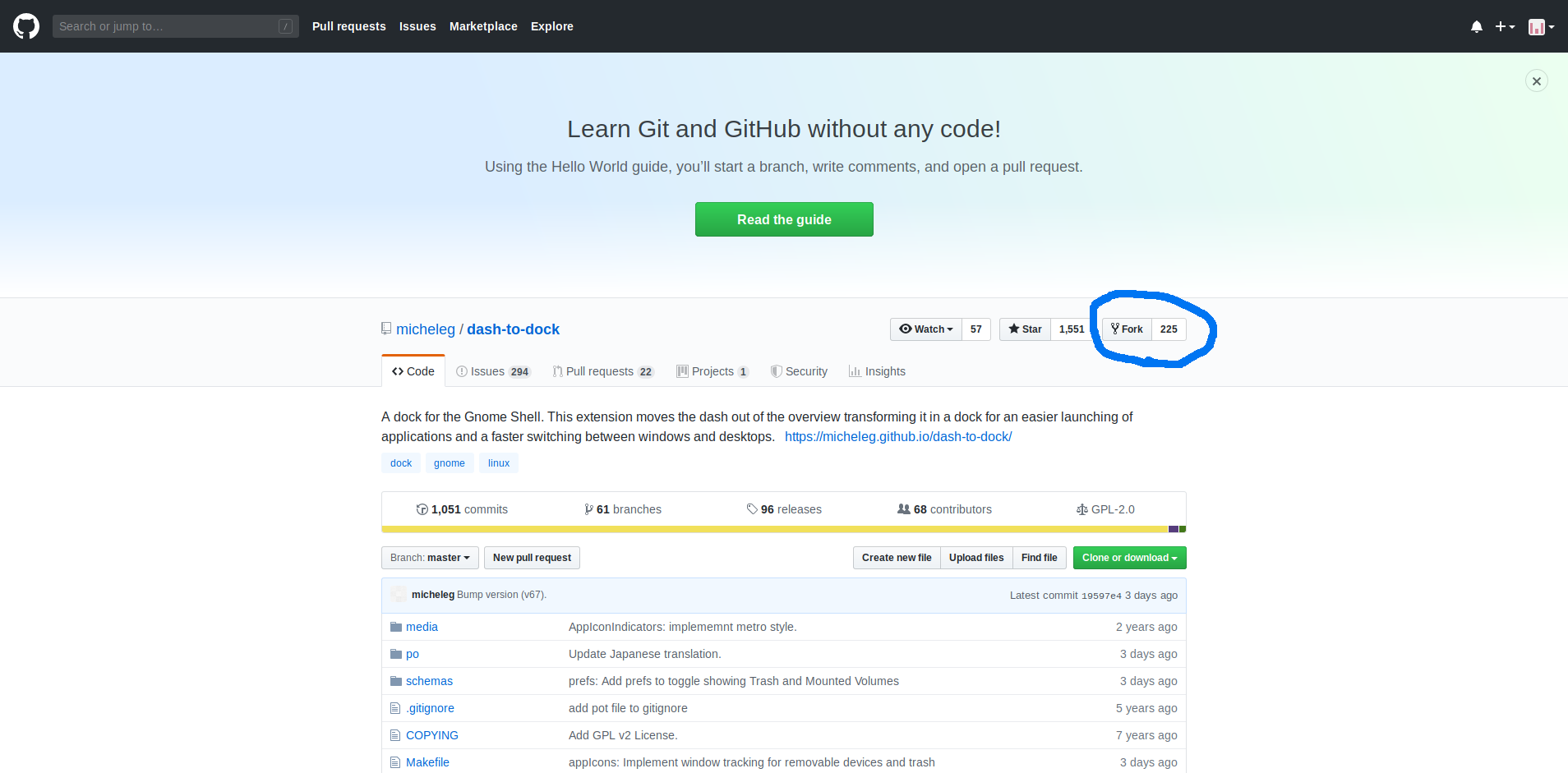
1 Fork this repo:
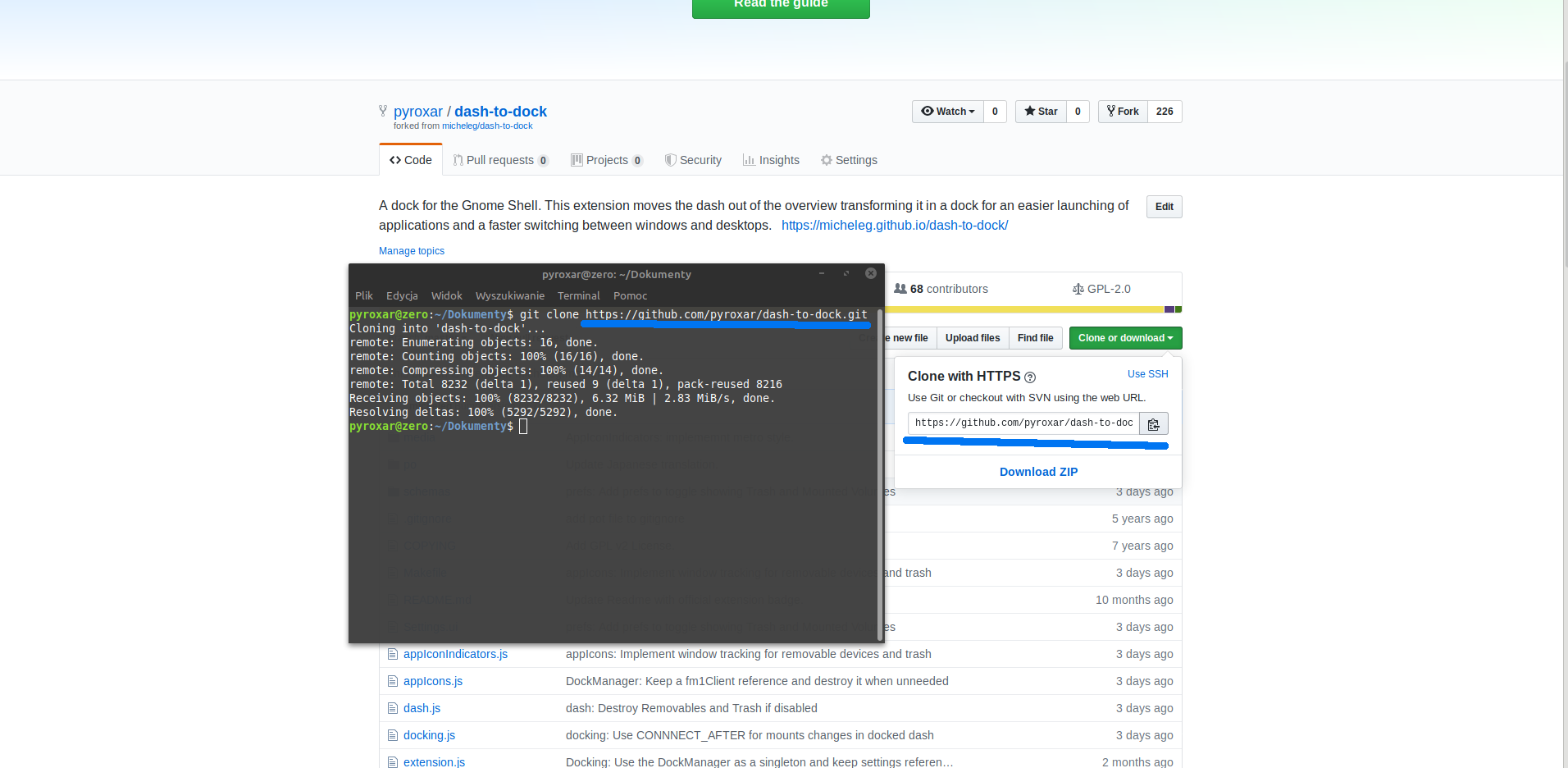
2 Clone to your computer from your repository - git clone ...
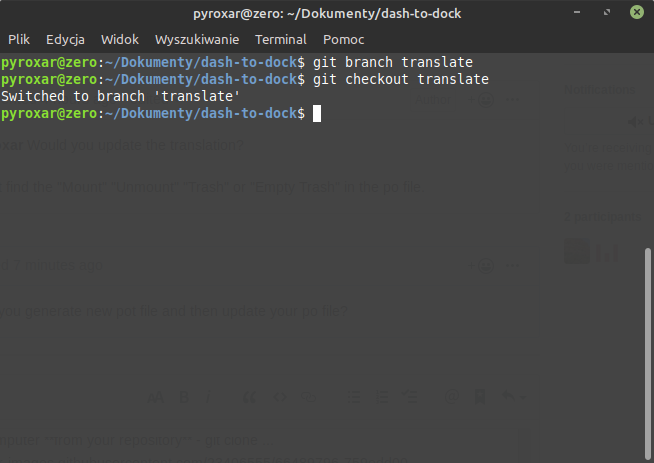
3 Go to cloned folder and:
3.1 create new branch
3.2 switch to new branch
Now you cane make changes (it is very good practice for you, when you do something new = new branch)
4 make potfile (https://micheleg.github.io/dash-to-dock/localization.html)
I have a problem here. If you have the problem here too, please create new issue and notify me (I will reproduce this bug)
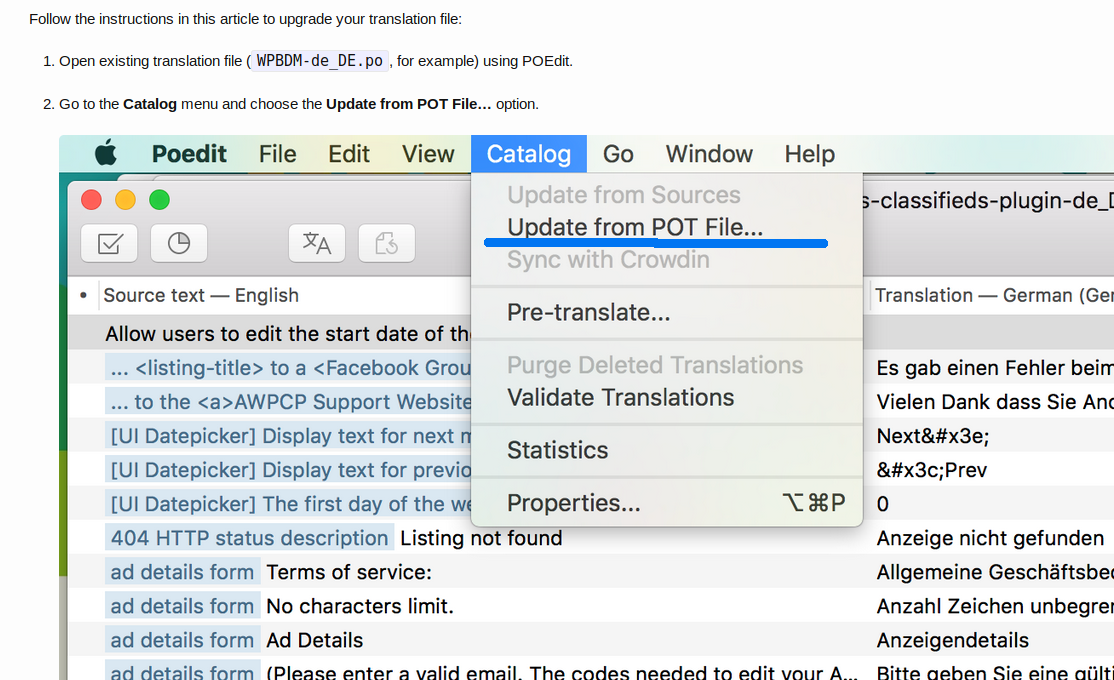
5 Open PO file of your language in poedit or Gtranslator (and find the "Update from POT File" option)
6 Translate it and save changes.
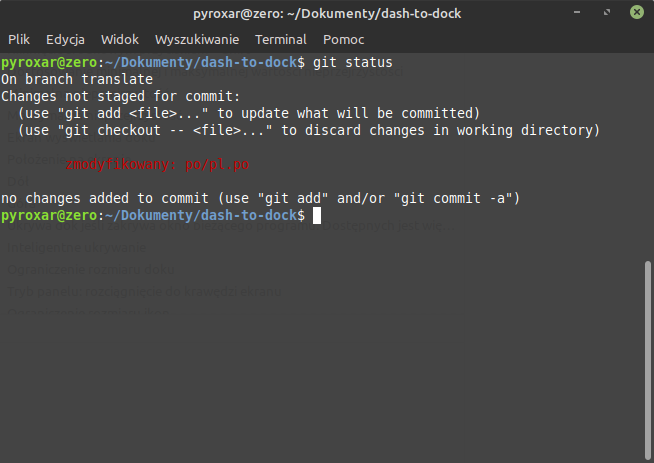
7 In terminal: git status to check changes
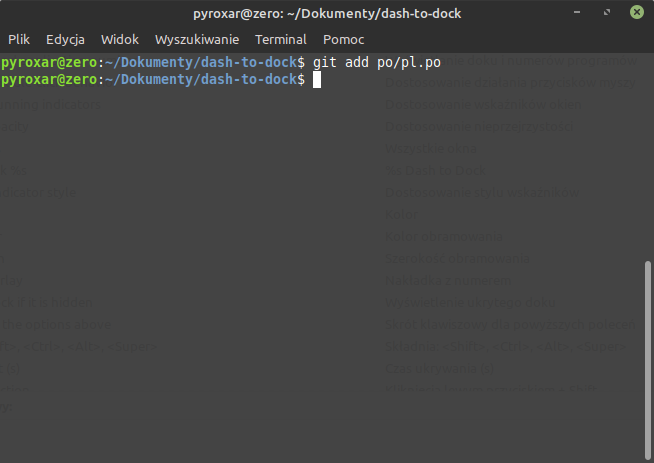
8 Add new file (git add filepath/file)
9 Git commit, describe your changes, CTRL + S to save and then CTRL + X to exit

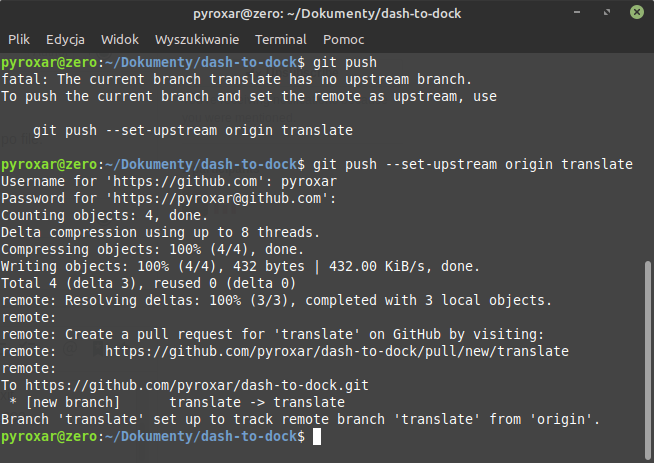
10 Now call command "git push" to push your changes to your repo but because you create new branch, first time you must use "git push --set-upstream origin yourbranch" See screenshot.
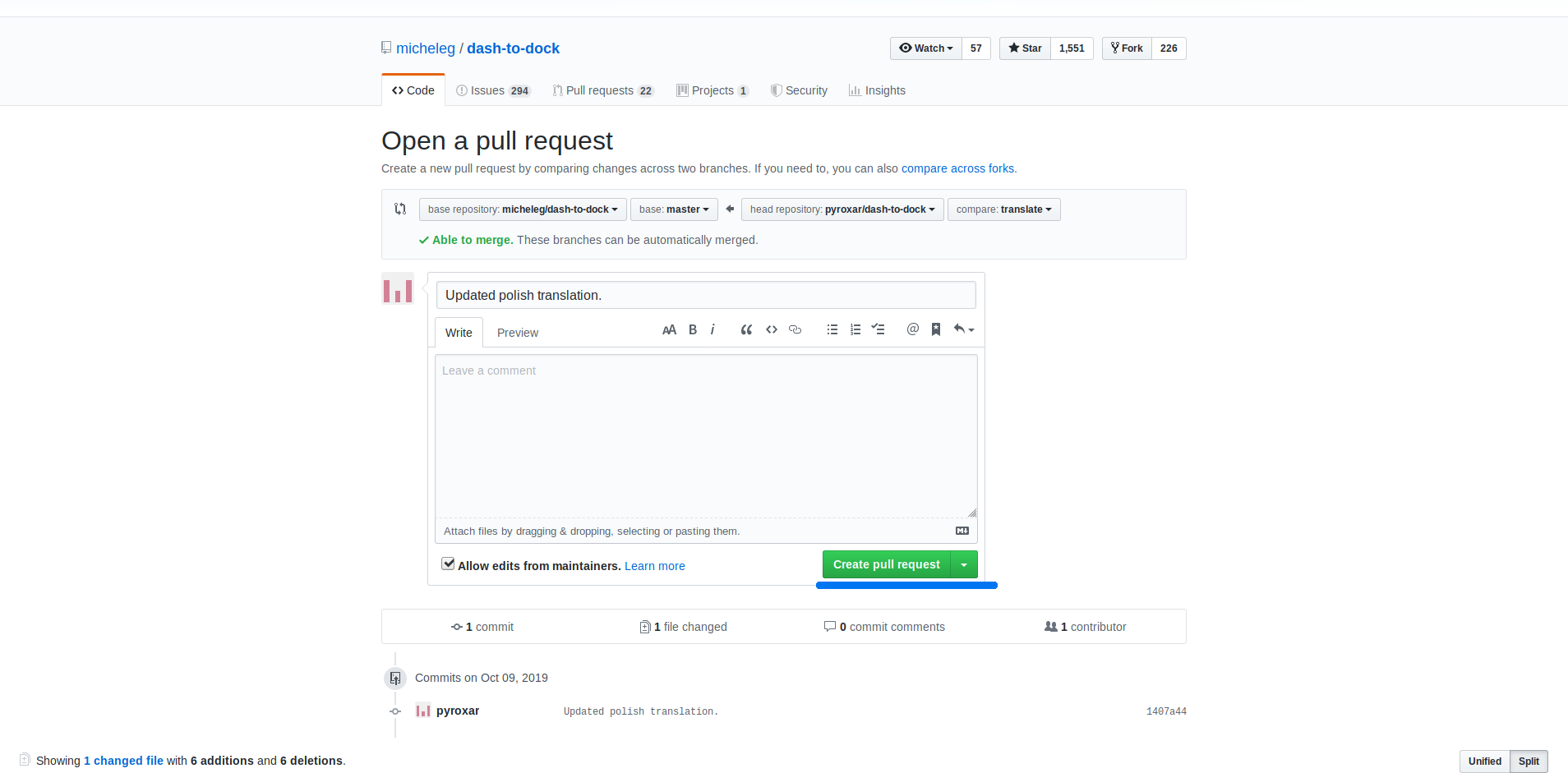
11 Go to your profile on GitHub and make pull request:
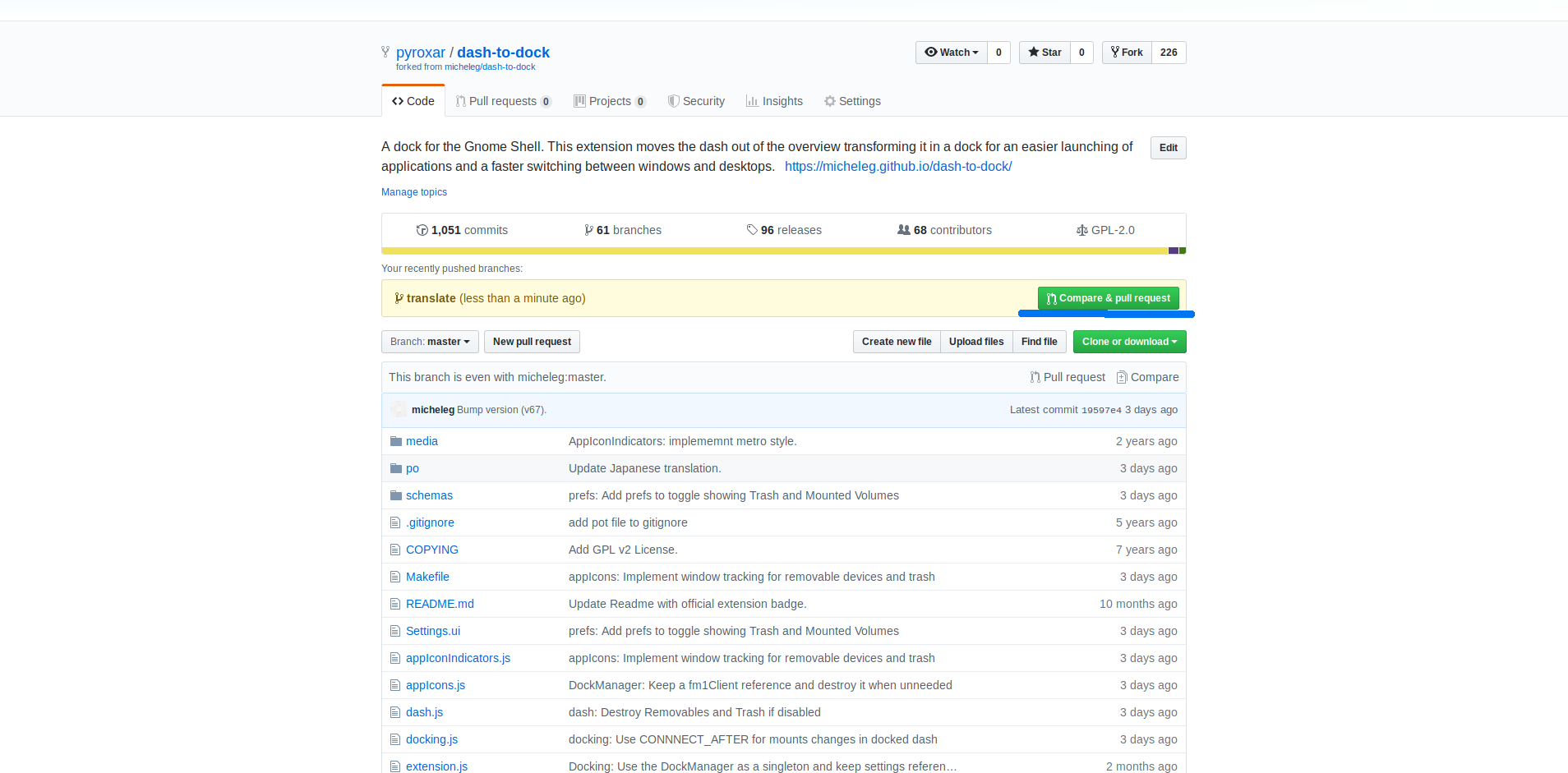
and
pyroxar
on 9 Oct 2019
@pyroxar Done. https://github.com/micheleg/dash-to-dock/pull/1013
But I still don't see the "Trash", "Empty Trash", "Mount", "Unmount" in the po file.
laichiaheng
on 10 Oct 2019
@laichiaheng did you can use "make potfile" command? If you can't, please make new issue about this.
pyroxar
on 10 Oct 2019
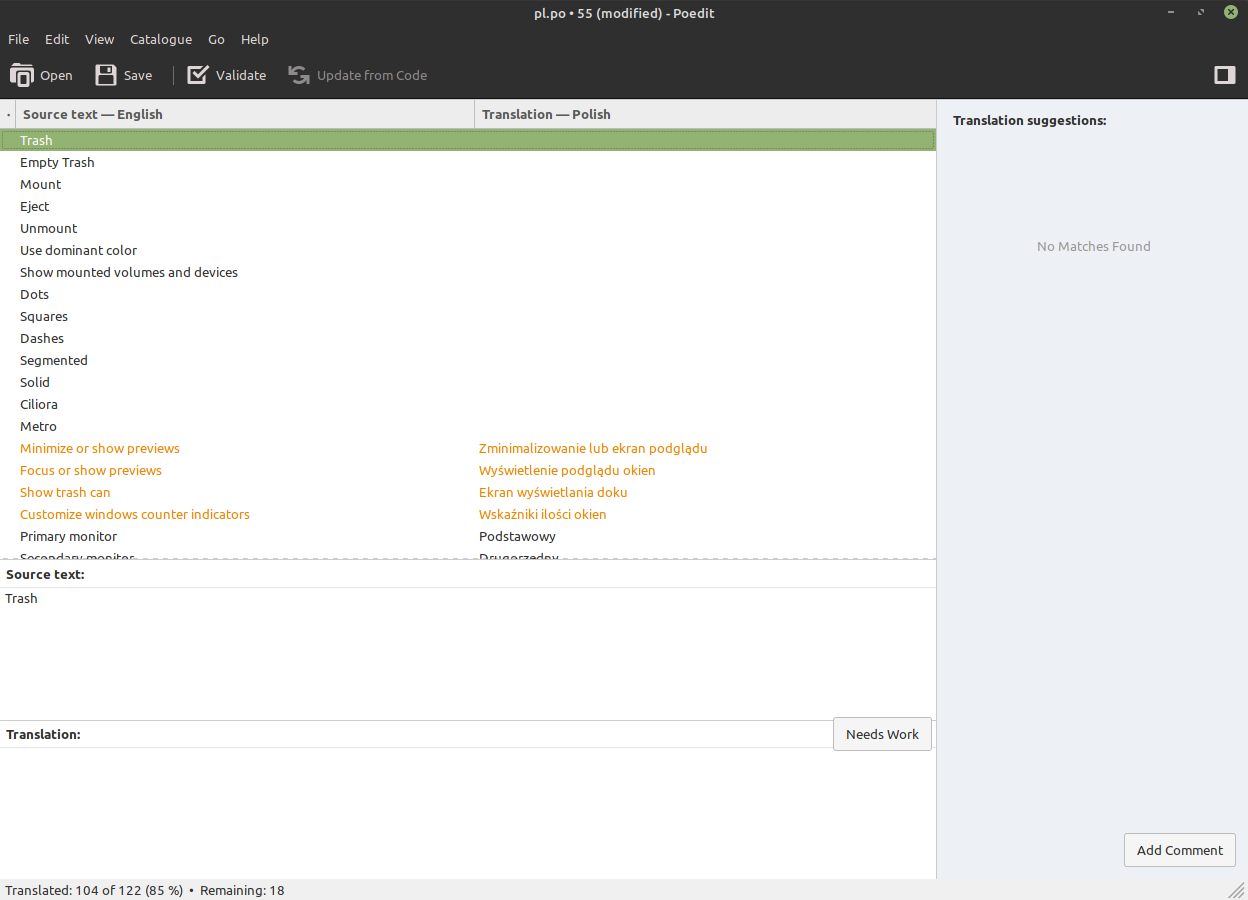
You must have 'intltool'.
'apt install intltool' works for me.
Make completely new pot file (delete old and make the command ' make potfile).
Now you should have new translations (after update your po file from pot file, see above)
pyroxar
on 10 Oct 2019
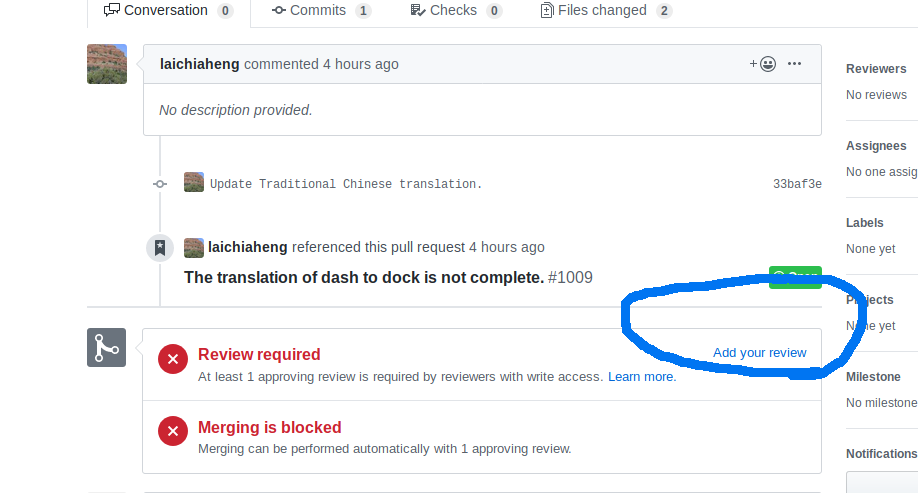
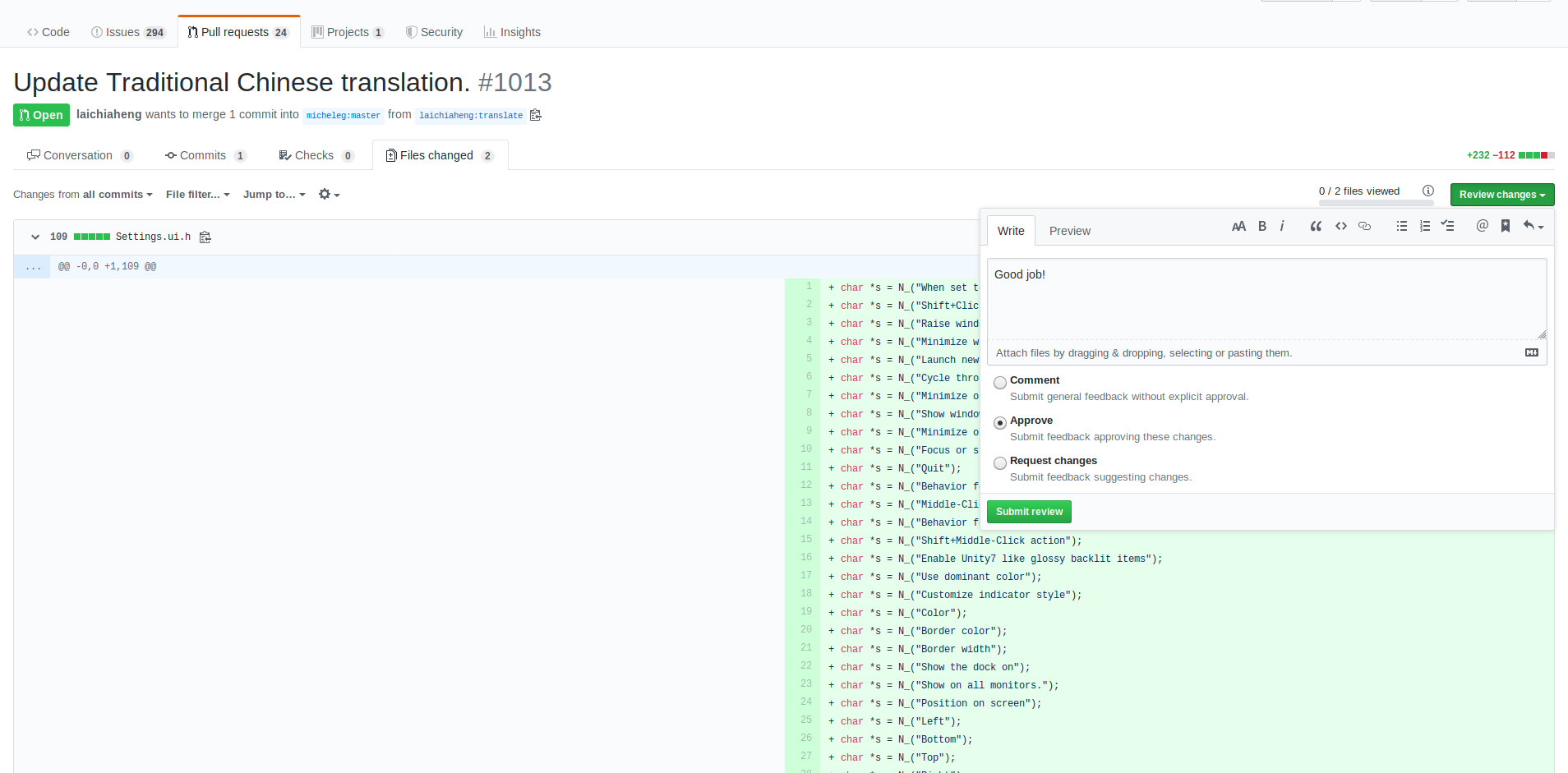
When you do it, make new pull request and i will review your changes and you will review my changes, ok? :)
https://github.com/micheleg/dash-to-dock/pull/1014 <~ Here is mine
pyroxar
on 10 Oct 2019
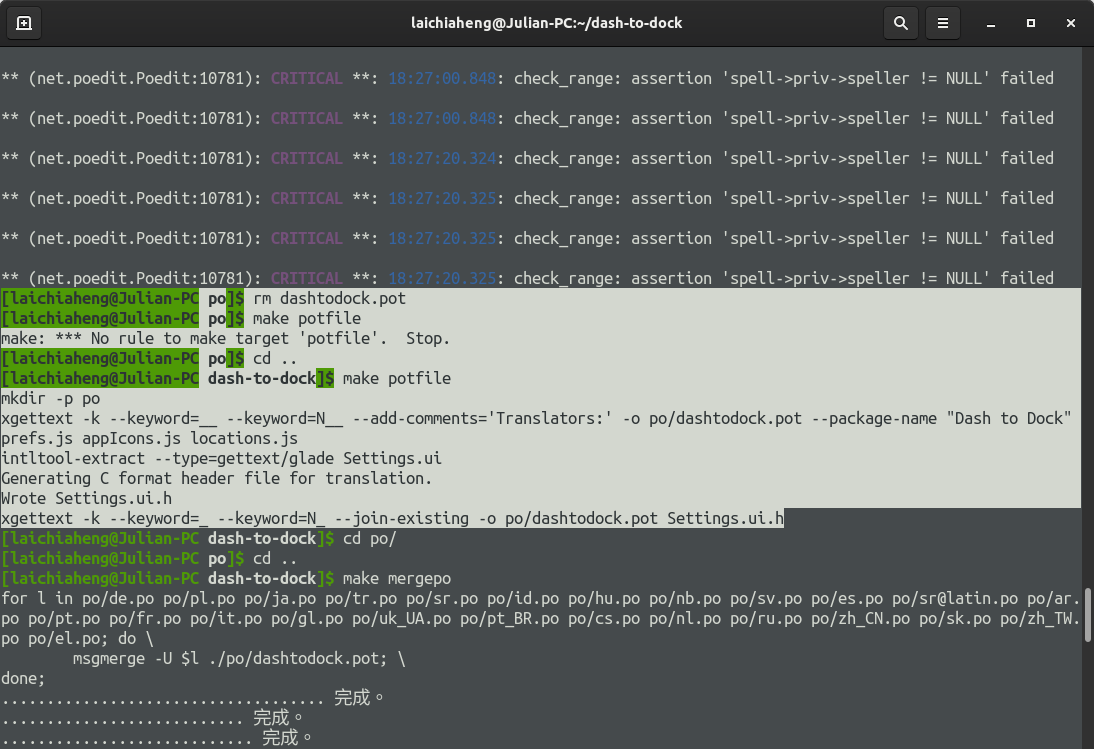
@pyroxar It does this:
mkdir -p po
xgettext -k --keyword=__ --keyword=N__ --add-comments='Translators:' -o po/dashtodock.pot --package-name "Dash to Dock" prefs.js appIcons.js locations.js
intltool-extract --type=gettext/glade Settings.ui
Generating C format header file for translation.
Wrote Settings.ui.h
xgettext -k --keyword=_ --keyword=N_ --join-existing -o po/dashtodock.pot Settings.ui.h
I have removed the po directory and run make potfile, I still don't see the Trash in the options.
laichiaheng
on 10 Oct 2019
Delete only pot file, not po directory.
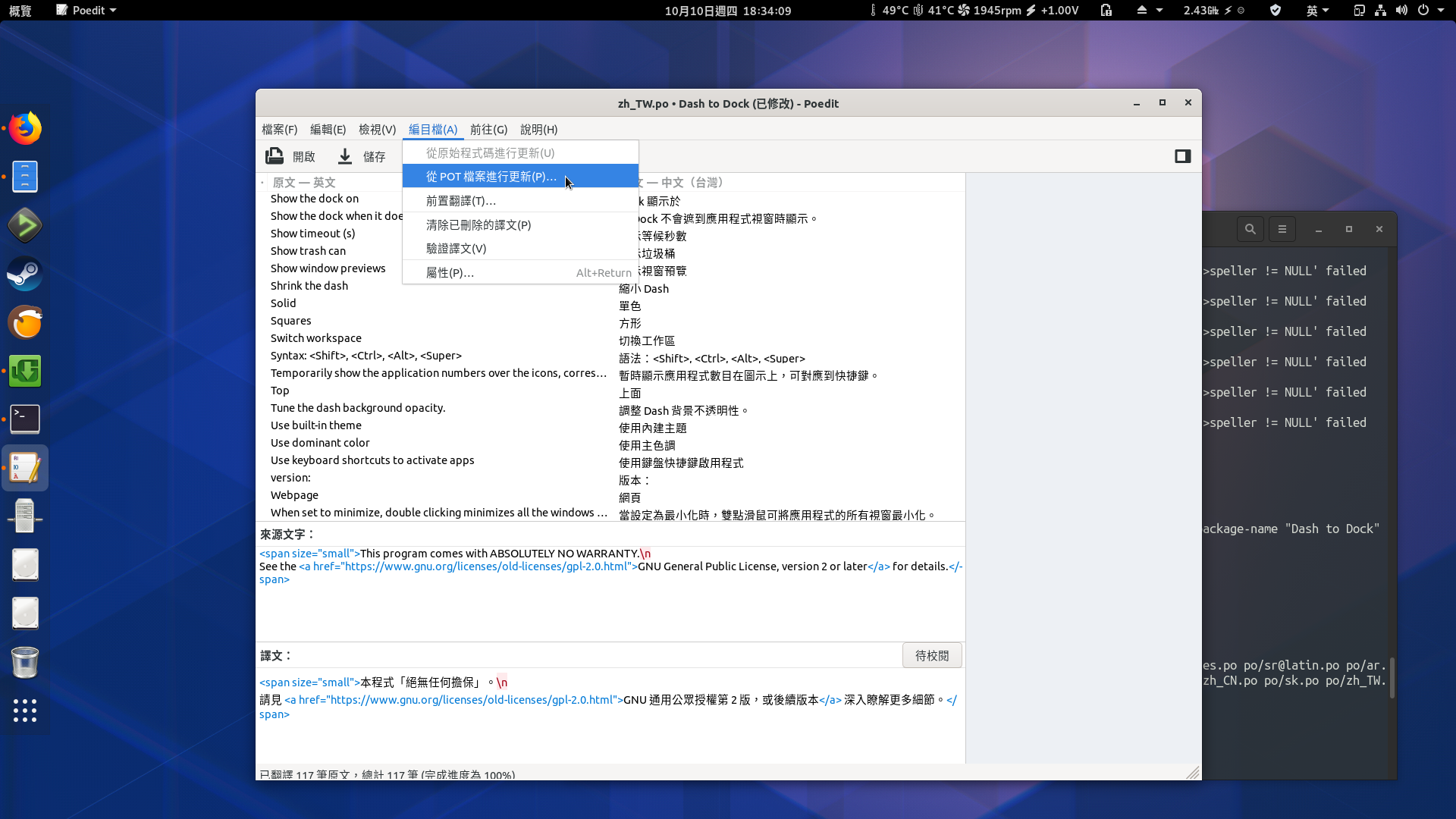
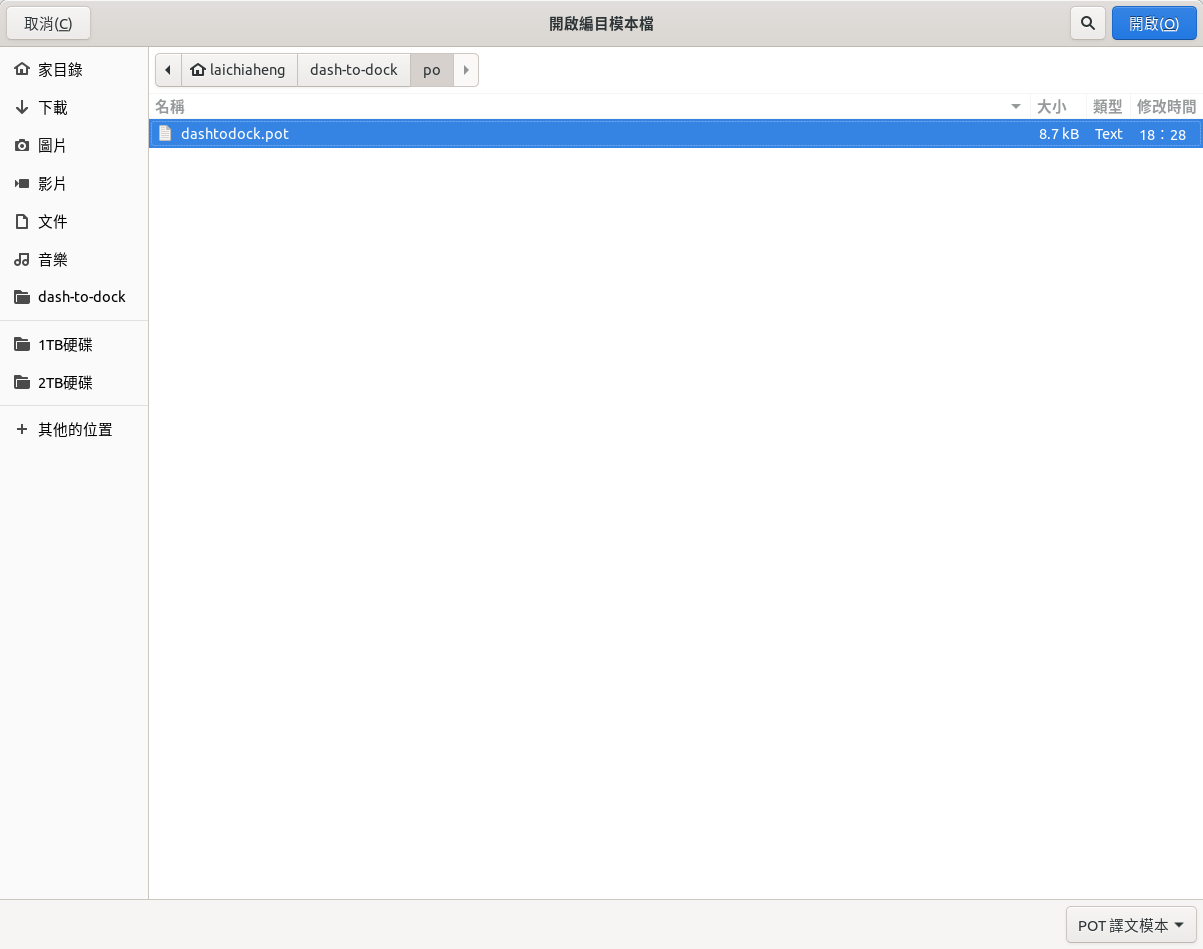
Open your po file in poedit and update (from pot file, "Catalogue > Update...")
pyroxar
on 10 Oct 2019
Delete only pot file, not po directory.
Open your po file in poedit and update (from pot file, "Catalogue > Update...")
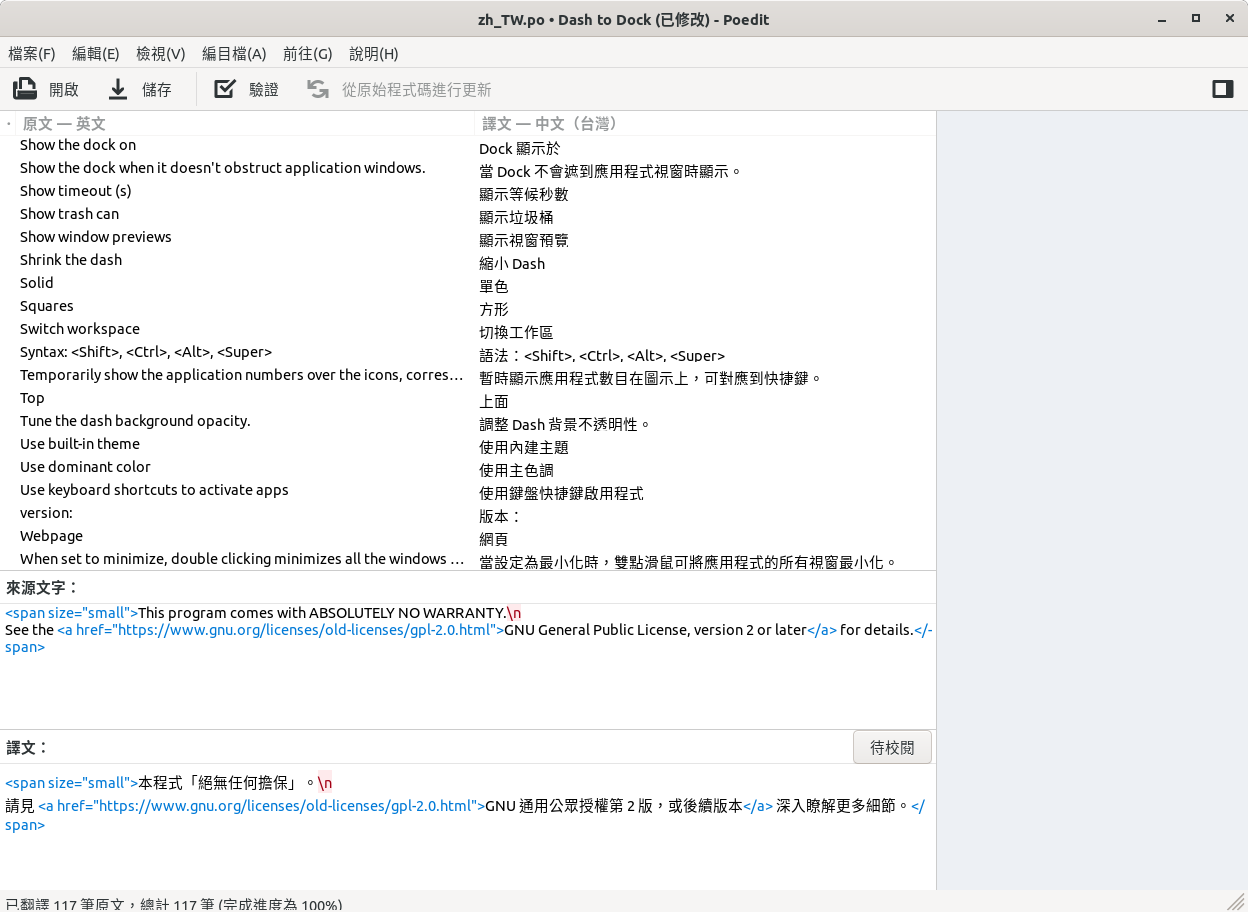
Yes, I have done that, but still no "Trash" and "Empty Trash" in the options.
laichiaheng
on 10 Oct 2019
I don't know this second command, use your program to update po file form pot file.
pyroxar
on 10 Oct 2019
I don't know this second command, use your program to update po file form pot file.
laichiaheng
on 10 Oct 2019
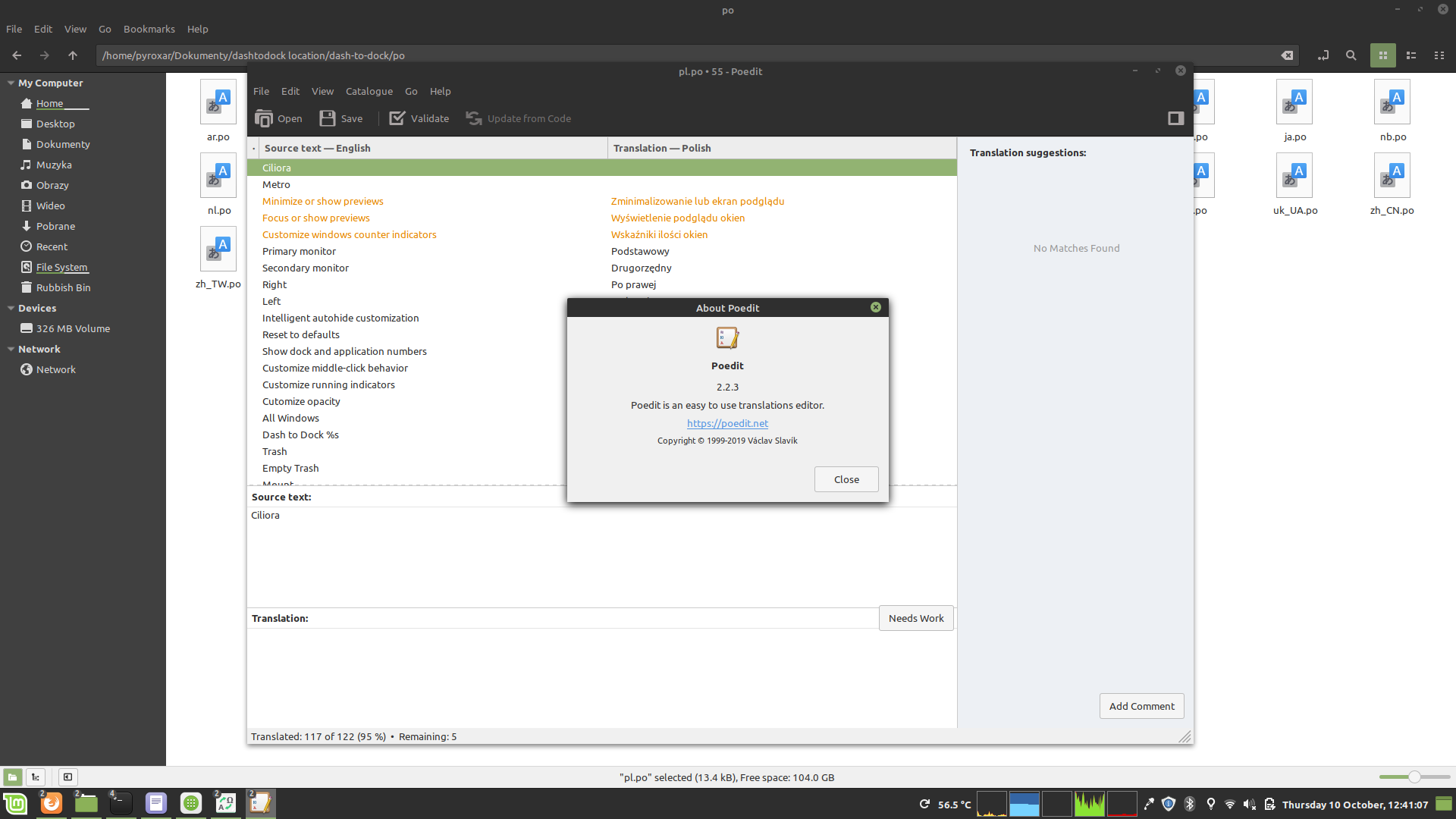
Which version you have?
I update the file, use it:
https://send.firefox.com/download/e844ab5a33d3cff2/#49cKq2pVjVoMAYo4B4_zZA
pyroxar
on 10 Oct 2019
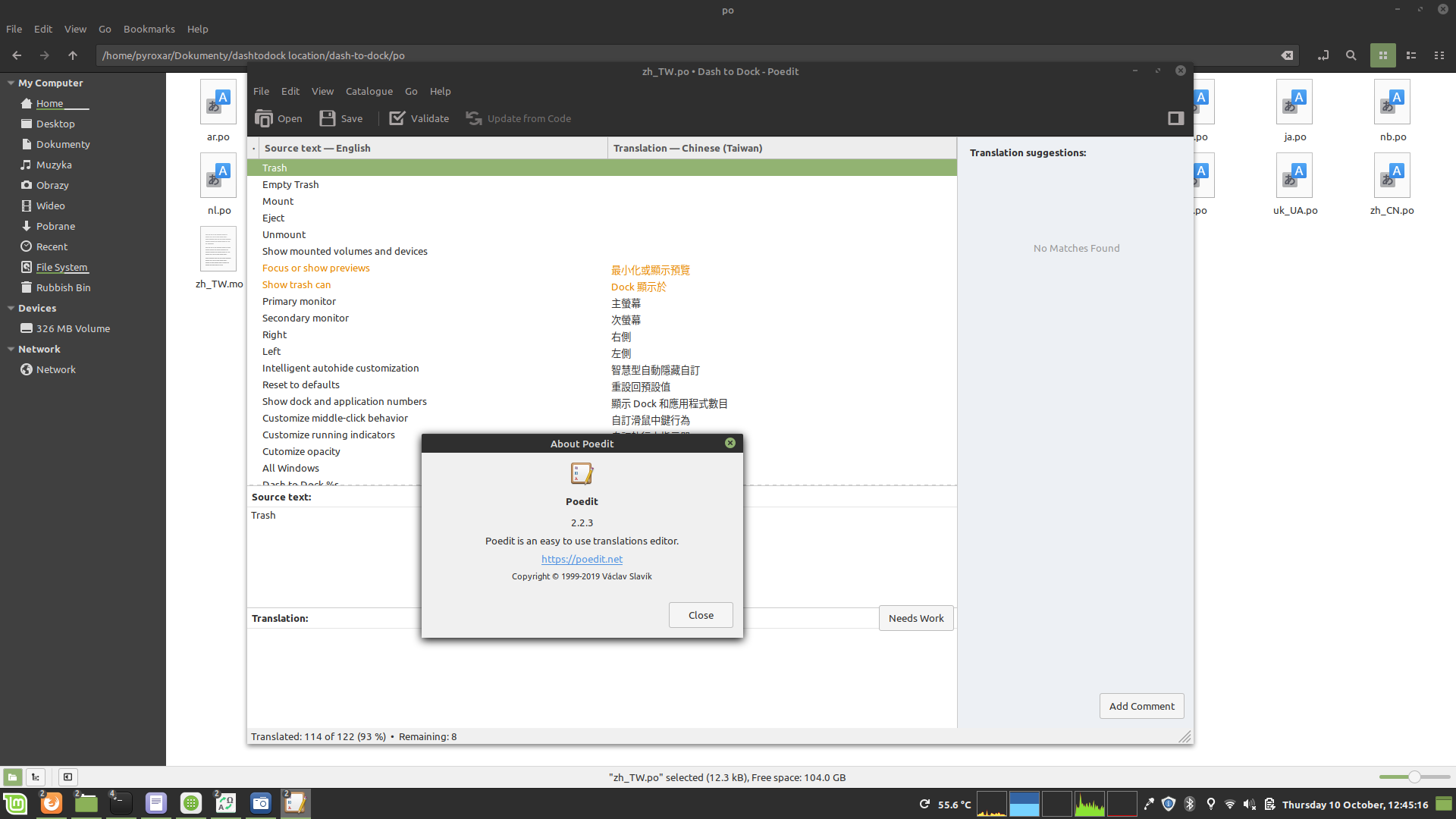
pyroxar
on 10 Oct 2019
@pyroxar
It's from the Manjaro repository.
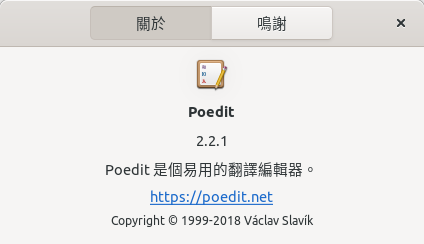
Thanks for the file!! Love you!
laichiaheng
on 10 Oct 2019
Which version you have?
I update the file, use it:
https://send.firefox.com/download/e844ab5a33d3cff2/#49cKq2pVjVoMAYo4B4_zZA
Could you share it again? I have lost the file.
laichiaheng
on 10 Oct 2019
OK
zh_TW.po.zip
pyroxar
on 10 Oct 2019
OK
zh_TW.po.zip
Thanks!
I have a question, what situation will the "Eject" be used?
laichiaheng
on 10 Oct 2019
@pyroxar Done
https://github.com/micheleg/dash-to-dock/pull/1016
laichiaheng
on 10 Oct 2019
I suspect that eject is when you disconnect your device, unmount when you unmount volume.
https://en.wikipedia.org/wiki/Volume_(computing)
pyroxar
on 10 Oct 2019
Related issues
 DmitryAstafyev
·
6Comments
DmitryAstafyev
·
6Comments
 wotmshuaisi
·
3Comments
wotmshuaisi
·
3Comments
 Feichtmeier
·
4Comments
Feichtmeier
·
4Comments
 kauanmocelin
·
3Comments
kauanmocelin
·
3Comments
 nana-4
·
3Comments
nana-4
·
3Comments
Most helpful comment
1 Fork this repo:

2 Clone to your computer from your repository - git clone ...

3 Go to cloned folder and:

3.1 create new branch
3.2 switch to new branch
Now you cane make changes (it is very good practice for you, when you do something new = new branch)
4 make potfile (https://micheleg.github.io/dash-to-dock/localization.html)

I have a problem here. If you have the problem here too, please create new issue and notify me (I will reproduce this bug)
5 Open PO file of your language in poedit or Gtranslator (and find the "Update from POT File" option)
6 Translate it and save changes.

7 In terminal: git status to check changes
8 Add new file (git add filepath/file)

9 Git commit, describe your changes, CTRL + S to save and then CTRL + X to exit

10 Now call command "git push" to push your changes to your repo but because you create new branch, first time you must use "git push --set-upstream origin yourbranch" See screenshot.

11 Go to your profile on GitHub and make pull request:


and