Darktable: Copy/Paste copies RAW black white point
I use darktable 3.3.0~git1045.c3b436ebb master on Xubuntu 18.04 and noticed weird colors in many images after copying history stacks via CTRL-C, CTRL-V
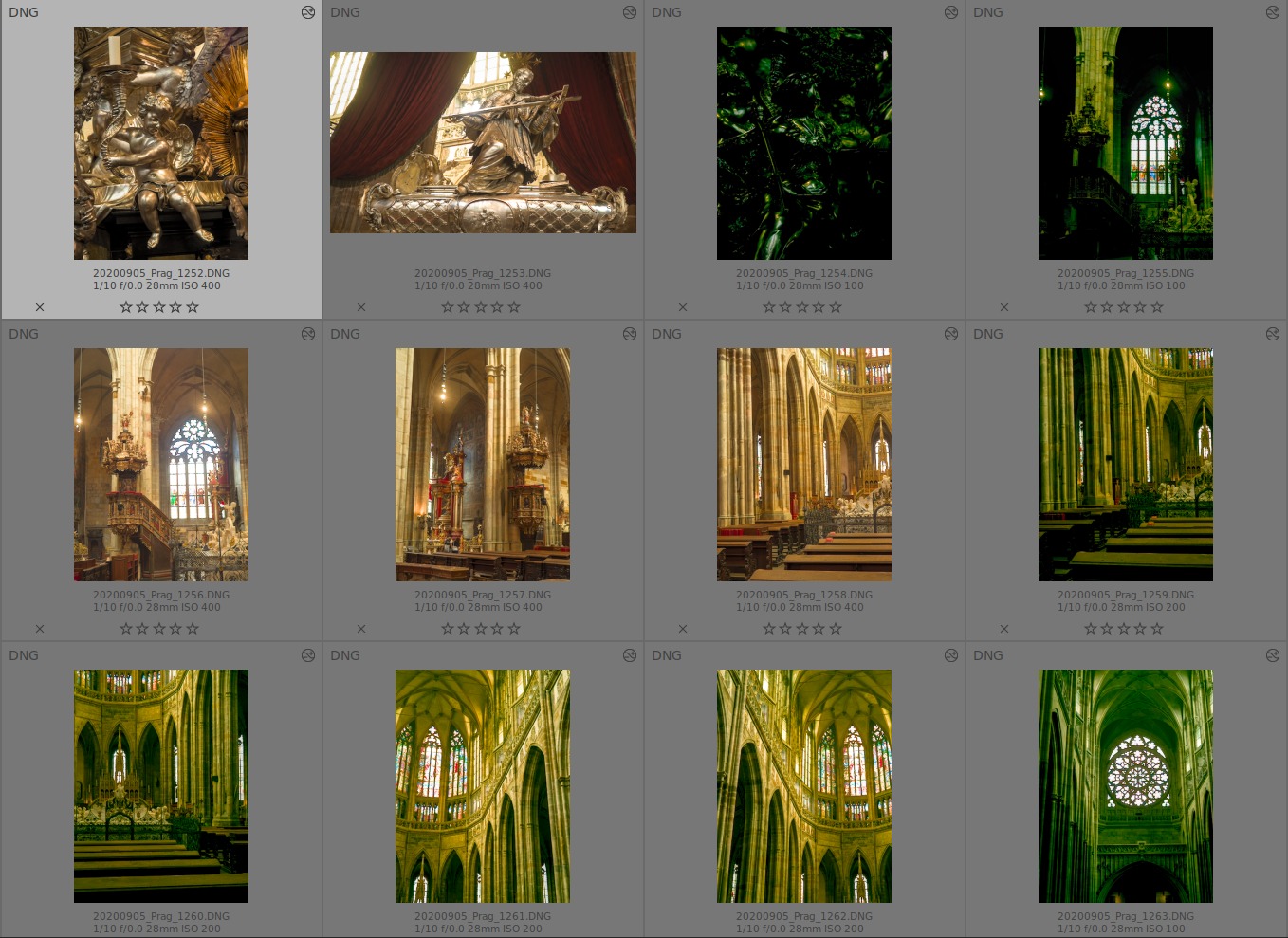
I found out that the colors get normal after resetting the RAW black white point. It seems that values for this module are copied, too.
Is this intended?
 pphotography
All 12 comments
You should exclude it when copying. Copying the whole stack is rarely desired.
 parafin
on 11 Oct 2020
parafin
on 11 Oct 2020
Can this be somehow avoided by the DT itself? Like having unchecked copy&paste raw B&W values by default. Simple as that.
I faced this issue after migration from RT and LR and just couldn't find out what was wrong. Until one guy pointed me out to reset the raw b&w values.
The rationale is that this adds confusion and extra steps to take during stack copy&paste. By bypassing b&w values during stack c&p we could easily avoid this.
 maboleth
on 12 Oct 2020
maboleth
on 12 Oct 2020
I agree that copy-paste logic in dt is not very straightforward, but I don't have any suggestions myself on how to improve it. rawprepare isn't the only iop that can cause this kind of trouble.
parafin
on 12 Oct 2020
I'm no programmer, so I don't have a knowledge how DT handles c&p. Not wanting to sound as a clueless smartass, but can certain modules have an exception to the overall rule, so DT won't use them by default for stack c&p?
I agree with you it's not the only one to get you in trouble, but afaik, these raw point values shouldn't be messed with in majority of cases and contribute to overall confusion of new users when they want to use simple c&p stuff they learned in LR and other raw editors.
maboleth
on 12 Oct 2020
I'm no programmer, so I don't have a knowledge how DT handles c&p. Not wanting to sound as a clueless smartass, but can certain modules have an exception to the overall rule, so DT won't use them by default for stack c&p?
That could be done, but some people would requite that copy/paste copy really everything. And copying the raw black point is not an issue as long as it is used on the same RAW from the same camera.
 TurboGit
on 12 Oct 2020
TurboGit
on 12 Oct 2020
I'm no programmer, so I don't have a knowledge how DT handles c&p. Not wanting to sound as a clueless smartass, but can certain modules have an exception to the overall rule, so DT won't use them by default for stack c&p?
That could be done, but some people would requite that copy/paste copy really everything. And copying the raw black point is not an issue as long as it is used on the same RAW from the same camera.
And with the same ISO and probably other settings. So it's just luck more or less.
I think the copy all/selected and paste all/selected logic is quite strange (it's not obvious what paste all does after copy selected). And indeed copying params of some of the iops (rawprepare, scalepixels, etc.) rarely makes sense and makes copy/paste all pretty useless.
parafin
on 12 Oct 2020
rawprepare isn't the only iop that can cause this kind of trouble
I wouldn't says so. "white balance" is equally bad, "lens correction" is the next candidate.
I think they are all bad for styles and bad for copy-all&paste-all. We have IOP_FLAGS_INCLUDE_IN_STYLES and IOP_FLAGS_DEPRECATED for problematic modules. Why not exclude them from copy&paste-all and if a user want's them to be included there is always the selection copy&paste. IMHO this would not break workflow but would lead to fewer issues and bad surprises...
 jenshannoschwalm
on 12 Oct 2020
jenshannoschwalm
on 12 Oct 2020
Sure thing Pascal, the problem is a bit more complicated than that, camera/RAWs wise. I'm speaking to RAW b/w alone.
Consider this - today's cameras have auto-ISO feature that seamlessly rise or lower ISOs by 1/3 depending on the exposure settings. And since noise is mostly not an issue anymore, using higher ISOs is not something to be dreaded.
Now, where is the problem? On my camera (Canon 5d mkiv) there's a big difference between ISO 250 and 320 (only 1/3 of exposure!) in terms of RAW black point values in DT.
I can easily fool myself to stack c&p those images, once I made the changes to one. To the point that images that look the same, same subject, same light, same shutter, same aperture with _slgithly_ changed ISOs... will produce garbage-looking results because RAW point settings are drastically different for these two ISOs.
I'm not sure if those specific iso values are related to the camera model or a brand, but I can confirm to my camera.
Of course that having a specific settings to one image (e.g. cropping) won't be required to be pasted to the whole catalog of similar images - BUT, raw b/w values are easily neglected as they are (usually) not touched during edit. Cropping and other visual alterings are conscious decision so editor can be reminded to exclude it during c&p.
maboleth
on 12 Oct 2020
And copying the raw black point is not an issue as long as it is used on the same RAW from the same camera
Unfortunately that is not fully true. Some cameras have raw black point and certainly also white point depending on other settings like ISO for example. I have one of those and it took me some time to understand ...
jenshannoschwalm
on 12 Oct 2020
Ok, I do agree that this may be a recurrent problem, so what about this:
the copy is changed to copy only iop with IOP_FLAGS_INCLUDE_IN_STYLES (stay on safe side)
if more controls is needed one need to do a copy part
TurboGit
on 13 Oct 2020
In fact we cannot use IOP_FLAGS_INCLUDE_IN_STYLES as this is used to have the module by default enabled in the style creation dialog.
TurboGit
on 13 Oct 2020
@jenshannoschwalm @parafin @maboleth @pphotography : what about this #6520.
TurboGit
on 13 Oct 2020
Related issues
 jade-nl
·
3Comments
jade-nl
·
3Comments
 sboukortt
·
3Comments
sboukortt
·
3Comments
 mjut
·
5Comments
mjut
·
5Comments
 schwerdf
·
4Comments
schwerdf
·
4Comments
 Nilvus
·
5Comments
Nilvus
·
5Comments