Cwa-wishlist: 'CWA start' with no Internet-connections…
First of all, I am pleased that after starting the CWA, if there is no internet connection, the last update status is displayed instead of an error message.
Great work, thanks.
But I see two change requests…
- Actually, when CWA has no internet-connection (neither WiFi nor cellular), then CWA shows this start screen for a (very) long time (~70 sec. = timeout?):
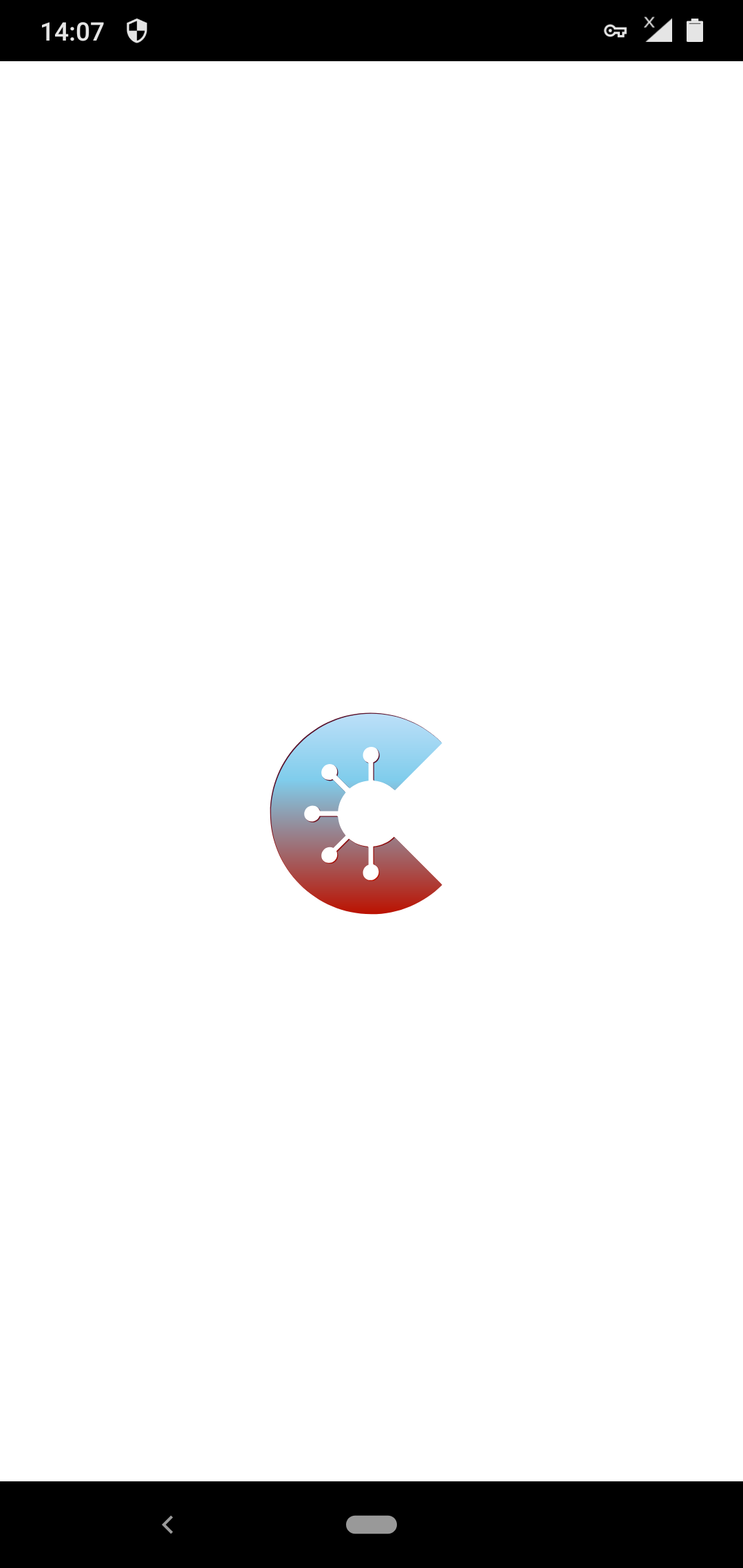
CWA start screen ("Screenshot_1").
Then, only after the timeout has expired, the last 'Updated Information' is currently displayed, such as:

("Screenshot_2".)
I mean, under these circumstances, it is better to display the CWA start screen ("Screenshot_1") for only about 3-5 seconds (instead of ~70 seconds when internet connection fails).
Then, if there is still no internet connection, display a message like this:
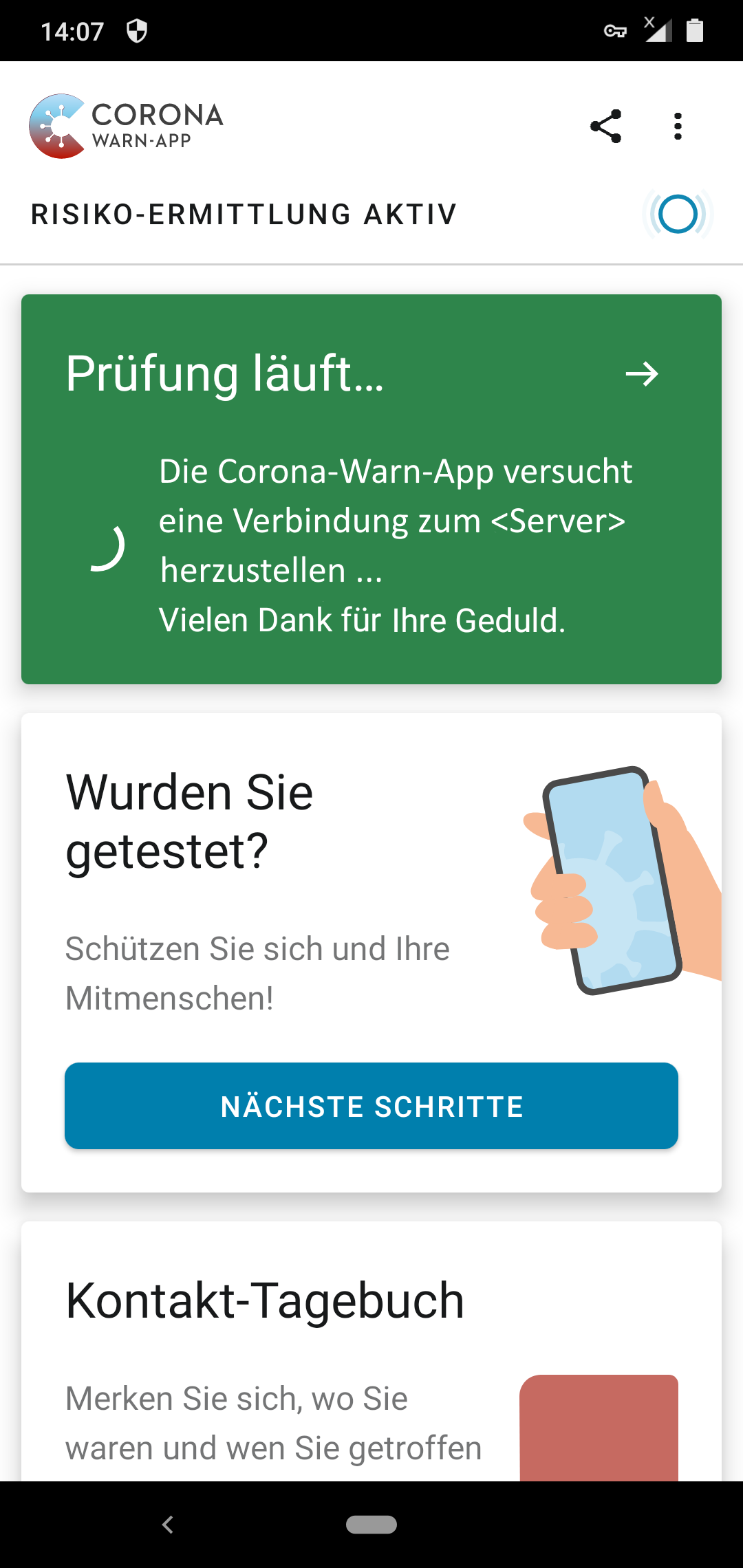
Text _example_:
Exam in progress ...
The Corona-Warn-App tries to establish
a connection to «Server» ...
Thanks for your patience.
If the connection continues to fail within the time limit (~70 seconds), the last update information _will then_ be displayed as before ("Screenshot_2").
Advantage: You can see that the CWA is working and that it did not crash during the 'start screen'.
If an Internet connection can be established within the timeout, the corresponding CWA informations will be displayed as it is.
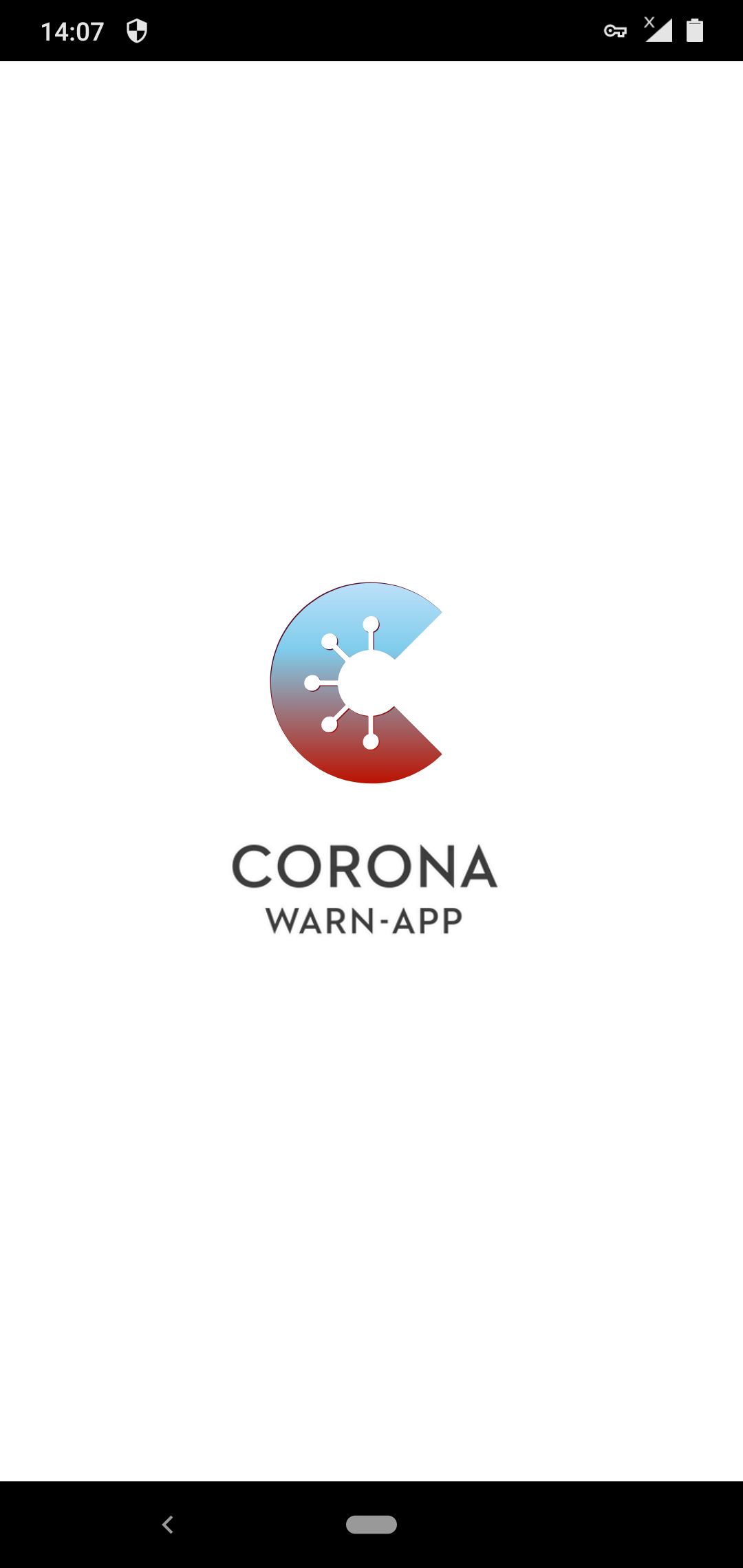
- CWA start screen:
Why CWA displays “Screenshot_1” (see above) instead of:
Best regards, Joachim.
Android 10 with Android security update: December 1st, 2020
Nokia 7.1, Build: 00WW_4_16B_SP02
CWA version: 1.10.1
ENF: 18204714000
 Jo-Achim
All 6 comments
Not reproducible on iPhone XR (iOS 14.3 & CWA 1.10.1) or iPhone 6s (iOS 14.4 Public Beta 1 & CWA 1.10.1).
I also think that you are experiencing an edge case here, but since I am not familiar with Android at all, maybe @daimpi could just quickly check the behaviour on his phone? 🙂
 Ein-Tim
on 7 Jan 2021
Ein-Tim
on 7 Jan 2021
@Jo-Achim
I tried enabling airplane mode i.e. no WLAN, no mobile data, no Bluetooth then rebooting and restarting CWA. It only took a couple of seconds before the full CWA screen was shown (risk card, test area & contact journal). So I can't reproduce the problem either.
Perhaps the issue is linked to your hardware Nokia 7.1? It sounds like the device is not reporting back the state of its network status correctly.
My configuration:
Mobile device: Samsung Galaxy A50 SM-A505FN
Android version: 10
CWA version: 1.10.1
 MikeMcC399
on 7 Jan 2021
MikeMcC399
on 7 Jan 2021
@Ein-Tim, @MikeMcC399,
thanks for information.
In fact, the above depends Problem with the software "netguard" together. If "netguard" is switched off (deactivated), the status screen is actually displayed within a few seconds - even if there are no Internet connections.
So the problem has been resolved - sorry.
About NetGuard see: https://github.com/corona-warn-app/cwa-app-android/issues/998#issuecomment-674369983
Thank you and best regards, Joachim.
Android 10 with Android security update: December 1st, 2020
Nokia 7.1, Build: 00WW_4_16B_SP02
CWA version: 1.10.1
ENF: 18204714000
NetGuard 2.290
Jo-Achim
on 7 Jan 2021
Okay, nice to hear that it's solved 👍
Could you maybe close this Issue @Jo-Achim?
Ein-Tim
on 7 Jan 2021
@Jo-Achim
In fact, the above depends Problem with the software "netguard" together.
Is this the same Netguard software listed on https://github.com/M66B/NetGuard ? Are you using the regular or the Pro version?
Have you tried specifically allowing the network connections used by CWA instead of just completely disabling Netguard? See https://www.coronawarn.app/en/faq/#access-list
*.coronawarn.app
*.t-online.de
MikeMcC399
on 7 Jan 2021
Hi @MikeMcC399,
Yes, I use "NetGuard Pro" from https://github.com/M66B/NetGuard.
And no, for my short test, I deactivated NetGuard completely.
Please remember: The above problem _only_ exists when no internet access is possible; neither WiFi nor cellular provider!
If I have Internet-access, I have no problems to use CWA in conjuction with NetGuard; incl. no delays during CWA-start.
My NetGuard-configuration, without any special or additional configurations, you can find here: https://github.com/corona-warn-app/cwa-app-android/issues/998#issuecomment-674369983.
However, I cannot rule out that other security software could cause something similar. Seen in this way, the additional dialog suggested above could possibly be helpful.
Best regards, Joachim.
Android 10 with Android security update: December 1st, 2020
Nokia 7.1, Build: 00WW_4_16B_SP02
CWA version: 1.10.1
ENF: 18204714000
NetGuard Pro 2.290
Norton 360, v.5.0.0.5437
Jo-Achim
on 8 Jan 2021
Related issues
 ST4YHealthy
·
3Comments
ST4YHealthy
·
3Comments
 AlptraumSAP
·
3Comments
AlptraumSAP
·
3Comments
 ChillerSargant
·
4Comments
ChillerSargant
·
4Comments
 flaphoschi
·
3Comments
flaphoschi
·
3Comments
 ststoessel
·
4Comments
ststoessel
·
4Comments
Most helpful comment
@Ein-Tim, @MikeMcC399,
thanks for information.
In fact, the above depends Problem with the software "netguard" together. If "netguard" is switched off (deactivated), the status screen is actually displayed within a few seconds - even if there are no Internet connections.
So the problem has been resolved - sorry.
About NetGuard see: https://github.com/corona-warn-app/cwa-app-android/issues/998#issuecomment-674369983
Thank you and best regards, Joachim.
Android 10 with Android security update: December 1st, 2020
Nokia 7.1, Build: 00WW_4_16B_SP02
CWA version: 1.10.1
ENF: 18204714000
NetGuard 2.290