Cwa-app-ios: No background check within 24 hours or much longer...
Your Question
I have a strange problem. After updating to 13.6. I did the following:
- Start the app (looks fine, 14 of 14 days)
- End the app as i always did before.
- Today in the morning i looked in the ios "COVID-19-Bewedungsaufzeichnungen" and it says: there was no check in the last 24 hours. The "Bewegungsüberprüfungen" showed "vorgestern 19:48".
- I then opened the app and it, downloaded the data and send it to the ios COVID checker.
The "Bewegungsüberprüfungen" now contains "today 3:48".
The days before there was always a check after 25hours, even i did not open the CWA.
I'm not sure what's the reason now. I had 1.0.2 installed most of the days and switched to 1.0.7 two days ago.
But did not noticed an issue. So this is at least not expected.
I will continue to lock on this in the next days.
If somebody has the same behavior please post here.
Internal Tracking ID: EXPOSUREAPP-1832
Internal Tracking ID: EXPOSUREAPP-3821
 Tho-Mat
All 339 comments
https://github.com/corona-warn-app/cwa-app-ios/issues/911#issuecomment-659134174
I also did this, that may be a reason, also.
But I would expect, that the background process period(24h) does not restart after that.
It should start 24h after the last update.
Tho-Mat
on 17 Jul 2020
I made the same observation:
- Update iphone 7plus to IOS 13.6
- Start Corona Warn App - everything is fine!
- Don't start App any more and periodically check "Begegnungsüberprüfung" - No updates!
- Manually starting the App today at 08:30
Before update to 13.6 , everything works fine. I have made Screenshot of Battery Status, no background activity shown for the App


 HeiDasGri
on 17 Jul 2020
HeiDasGri
on 17 Jul 2020
@Tho-Mat to clarify:
- You updated the OS yesterday? around which time?
- What do you mean by "end the app"? Swiping up?
 tkowark
on 17 Jul 2020
tkowark
on 17 Jul 2020
* You updated the OS yesterday? around which time?
Update to IOS 13.6 was at 15.7. 20:00 (Germany)
* What do you mean by "end the app"? Swiping up?
App still was in Task-List. After I recognised, that background Update dont work, I have Swiping it for test. This was about yesterday evening
Aditional Remark: I am using two iPhones and I don't know for sure, that Background activity has been woked on both. On this iPhone updates always was during daytime.
HeiDasGri
on 17 Jul 2020
Maybe a hint or starting point :) https://github.com/corona-warn-app/cwa-app-ios/issues/911#issuecomment-660041647
 Flocksserver
on 17 Jul 2020
Flocksserver
on 17 Jul 2020
On my other phone (iPhone 8) the same behaviour after update to IOS 13.6 (Update at 15.7. befor bedtime).
No background check within 30 hours. I intenionally did not start the App up to now. So if I should perform some test please let me know.
Here I am sure, that this has worked befor!

HeiDasGri
on 17 Jul 2020
My data as FYI. sometimes more than 30 hours.
This problem is IMHO NOT specific to iOS 13.6. I had these time jumps since keys were being distributed. I mentioned this before in #763, which I will now close.
The iPhone 11 is my "daily driver" and I frequently start the app to check. At least 2-3 times per day. The SE 1st Gen is my corporate phone where especially on the weekend i might not open the app for several days.
iPhone SE 1st Gen
Date | Time | Time between updates (h:mm)
-----|----|---
2020-07-17 | 14:49 | 24:10
2020-07-17 | 14:39 | 28:12
2020-07-16 | 10:27 | 37:42
2020-07-15 | - | No Check performed
2020-07-14 | 21:45 | 32:40
2020-07-13 | 13:05 | 39:55
2020-07-12 | - | No Check performed
2020-07-11 | 21:10 | 24:21
2020-07-10 | 20:49 | 24:30
2020-07-09 | 20:19 | 24:53
2020-07-08 | 19:26 | 24:39
2020-07-07 | 18:47 | -
iPhone 11
Date | Time | Time between updates (hh:mm)
-----|----|---
2020-07-18 | 10:57| 24:05
2020-07-17 | 10:52| 24:26
2020-07-16 | 10:26 | 24:05
2020-07-15 |10:21 | 24:16
2020-07-14 | 10:05 | 24:12
2020-07-13 | 09:53 | 24:00
2020-07-12 | 09:53 | 24:20
2020-07-11 | 09:33 | 28:40
2020-07-10 | 05:53 | 24:49
2020-07-09 | 05:04 | -
 jwildeboer
on 17 Jul 2020
jwildeboer
on 17 Jul 2020
I've got the same problem.
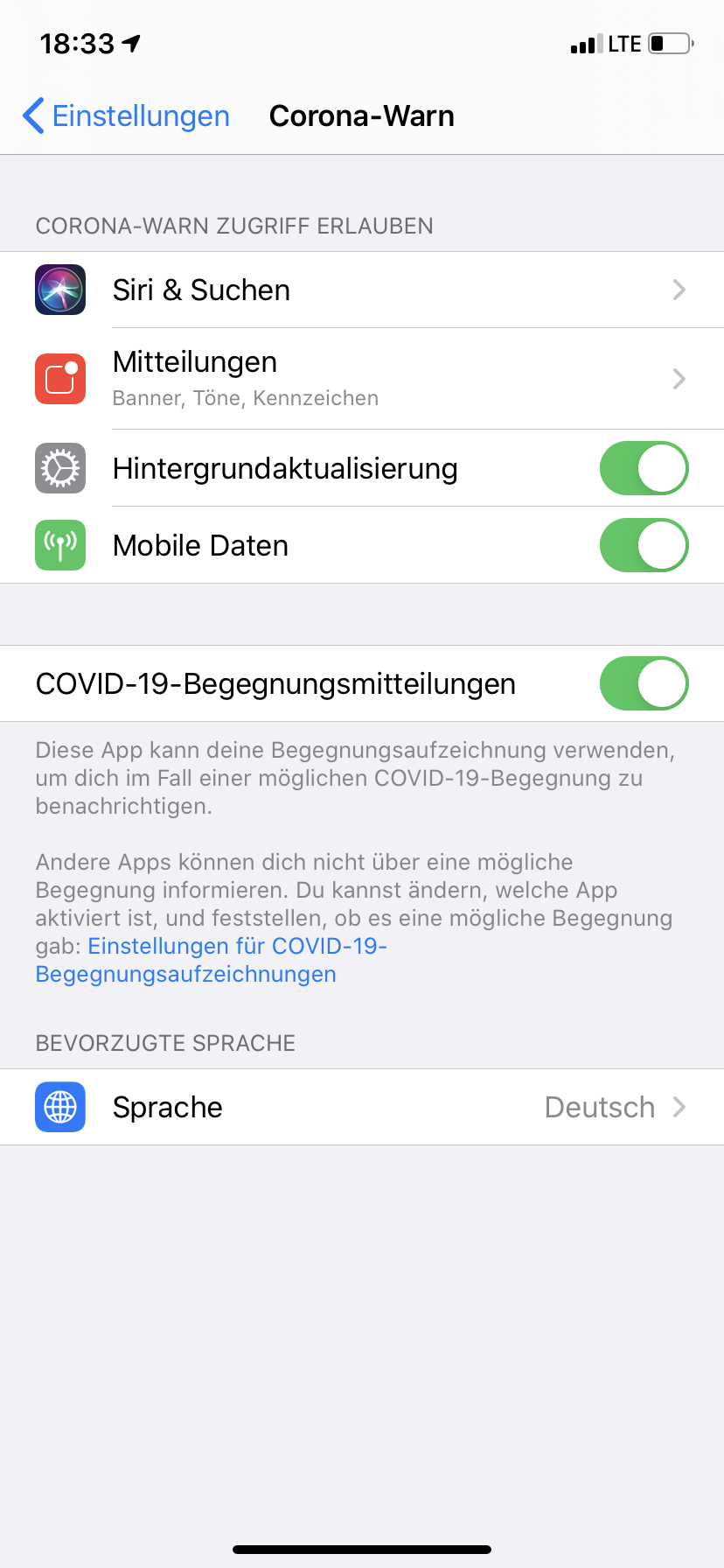
Background App Refresh is activated for Corona-Warn (see Screenshot 1), but the App never really did an Exposure Check on it's own, I always had/have to open the App once a day.
_Screenshot 1_

I have no idea why this is happening but for normal users, who won't open the App once a day it's really bad.
I've also attached a screenshot that was taken before I opend the App (Screenshot 2) and one which was taken after I opend the App (Screenshot 3).
_Screenshot 2_

_Screenshot 3_

iPhone XR/iOS 13.6
 Ein-Tim
on 17 Jul 2020
Ein-Tim
on 17 Jul 2020
I checked my wife's iphone (iPhone 11). Same problem here. the following conditions apply here:
- Update to IOS 13.6 was NOT installed
- She never had opened the App manually
- Screenshot was taken at 18.07. so last background check nearly 3 days ago

HeiDasGri
on 18 Jul 2020
Please take a look at this article. It seems to me that the same problem is addressed and the reply of Kevin Elliott give some good hints.
BGProcessingTaskRequest.earliestBeginDate prevents Task from being run
HeiDasGri
on 18 Jul 2020
I have not upgraded to 13.6 yet but I noticed that the background check is not working on my phone (iPhone 8 Plus) and my wife's phone (iPhone XS) for at least a week. I'm pretty sure it worked in the early days after the initial release at least on my phone.
Background app refresh is enabled for wifi+celluar and the corona-warn app specifically and never has been disabled.
I tried rebooting the phone and made sure the app is at least started once after a reboot. Also opening the app shortly before the 24 hour check window is approaching does not help. The (automatic) background refresh is just not working at all on both phones. Only opening the app triggers a check against the recorded ids.
screenshots from my iPhone 8 Plus:


As you can see the interval is greater then 24 hours and in all cases the update was trigged by me opening the app.
The contact protocol history on my wife's phone has even bigger holes in it as she is not opening the app is often as I am apparently...
I'm not ware of anything that I could have done that could have caused it and so far I have not been able to get it do any automatic checks anymore. The only thing I have not done so far is uninstalling and reinstalling the Corona Warn App.
 databus23
on 18 Jul 2020
databus23
on 18 Jul 2020
I see similar behaviour, but I have iOS 13.5.1, so I have submitted a separate ticket #920
I have the suspicion that it might be related to Corona app Version 1.0.7(0), or to bad / interrupted internet connection.
 ndegendogo
on 19 Jul 2020
ndegendogo
on 19 Jul 2020
I have made an additional test and maybe its getting us a bit closer to the problem. I have opened the app today at 8:30 (shortly before the next update should perform) and than the background task did its job within 2 hour delay, which is ok! This fits to my observation before:
If you periodically check the app status manually, the background task did its job within appropriate delay (2 hours).
If you didn't open your app any more, the background task is delayed for multiple hours, days, or will not be performed at all.
Thus I propose not to focus on the first update intervals but keep an eye on the background task for a longer period of time. Maybe it is somehow stopped or is not appropriate rescheduled.

Lets see, if tomorrow the update will be performed before 12:40.
Please note, that an update interval of 26 hours is not good at all, but is not related to this aditional problem. This needs to be solved here:
corona-warn-app/cwa-backlog#2
HeiDasGri
on 19 Jul 2020
Unfortunately the background update did not perform within a 34 hour time range. For test purpose I have made the following steps:
- 19.07. 07:09
-- Open the App manually
-- Exposure state updating performs immediately
-- Close app (press home button, not swipe) - 20.07. 18:30
-- No background check detected.
-- Setting Flight modus
-- Open App, screen shows correct "no network connection detected"
-- Close app (press home button, not swipe)
-- Deactivate Flight modus - 20.07. 20:31
-- Background check occurs
Thus let me summarize my experience (Based on App version 1.0.7):
- 2 hours after having the App open, a pending background check occurs
- 4 hours after having the App open, a pending background check isn't performed
- 24 hours after having the App open, a pending background check isn't performed
- It is not related to IOS 13.6 it also occurs with with the previous IOS version
- When the app was new, I often check their state. So maybe I did not see this behaviour in the beginning but it was always there
Hope it helps!
HeiDasGri
on 20 Jul 2020
So I didn't open the app yesterday on my iPhone SE. No background check happened.
Today I opened the app and check was done immediately.
Last check was Sunday at 15:29. New check was today at 09:05.
That's 41 hours without a check.
Definitely not even close to the 24 hours the app promises. And FTR, the iPhone was charged, online and used for other things during that time.

jwildeboer
on 21 Jul 2020
I have the same problem. I use an iPhoneX, iOS13.6, CWA 1.07. App is installed since it was first published. Background checks used to work. Now after I have updated to iOS13.6 the check never done in the background and is only performed in the moment when I open the app. I verified this behavior a couple of times. A reboot of the whole phone did not change anything.
Now I did not open the app intentionally for 3 days and no background check occurred at all. Today is 21/07/2020 and the last background check was done on 18/07/2020, see attached screenshot.

This makes me think a lot of CWA installations on iPhones might not do any checks at all. Please work on a fix.
 pozoo
on 21 Jul 2020
pozoo
on 21 Jul 2020
I have to report the same problem. Before and after 13.6 the exposure checks aren't performed if I don't open the app. What good is the app when it doesn't check? It is already a scandal to only generally check once a day instead of hourly. (Why not do hourly key releases anyway kind of like anti virus signature updates?)
I exported the json of the exposure logs from the settings and pushed it through grep '"Timestamp"' ExposureChecks-2020-07-21.json | uniq -c:
     13       "Timestamp" : "2020-07-07 20:13:32 +0200"
      1       "Timestamp" : "2020-07-14 16:50:32 +0200"
     13       "Timestamp" : "2020-07-14 16:50:33 +0200"
     14       "Timestamp" : "2020-07-15 19:22:21 +0200"
     14       "Timestamp" : "2020-07-18 13:50:05 +0200"
iOS 13.6 and the latest app update installed.
 irieger
on 21 Jul 2020
irieger
on 21 Jul 2020
Same here (App Version 1.0.7). iPhone XS but on iOS 13.5 (17F75).
Checks are only made when the App is opened manually.
All background tasks are allowed in the settings (WIFI + Mobile).
I always have flight mode turned on at night. But that shouldn't make any difference.

 danielvonmitschke
on 21 Jul 2020
danielvonmitschke
on 21 Jul 2020
This seems to be a general issue with a severe impact.
Designed process (as I understand it):
- A check should be made every two hours to determine whether a background check should be carried out
Implemented process:
- Only two hours after the app has been used, a one-time check is carried out to determine whether a background check is necessary. No further background checks occurs
@SebastianWolf-SAP : Until this bug is fixed, it should be recommended in the FAQ to check the App status daily.
HeiDasGri
on 21 Jul 2020
I've had almost full weeks without encounter checks taking place on an IPhone XR running iOS 13.5.1. The app states that everything's fine, and regular checks are taking place.
This provides users with a false sense of security, should be a high priority issue (if it isn't already).
Does fixing this depend on changes in iOS? If so, is the iOS target release set, yet?
 ABCMoNa
on 22 Jul 2020
ABCMoNa
on 22 Jul 2020
What exactly is the status of this issue? Are you able to reproduce it?
If not: any ideas how we can support you to achieve this?
In my case it lost the ability to check in background ~ 1-2 weeks ago.
I can confirm that it worked in the beginning, and can confirm that it does not work since at least a week.
I am on iOS 13.5.1, from the beginning.
No iOS upgrade in all these days. iPhone 8.
App is in version 1.1.1(3) since recently. I watched the issue for sure with version 1.0.7, not sure about 1.0.6 and 1.0.5.
Maybe an interesting detail, not sure if related:
I commute daily and cross a region with no network coverage. Can it be that such a condition kicks me out of thebackground check?
ndegendogo
on 22 Jul 2020
Hi @ndegendogo , yes, we are able to reproduce the issue, are currently collecting system diagnosis files and analyze them jointly with apple to determine the root causes.
@HeiDasGri could you point to the code file/line where you think the process is implemented as described by you?
tkowark
on 22 Jul 2020
@HeiDasGri could you point to the code file/line where you think the process is implemented as described by you?
I got the described behavior from black box tests I have made. My first obervation was, that background process works very fine, when I open the App shortly before the next update window. It doesn't work at all when the next update window is multiple hours in the future.
Unfortunately my software engineering experience are not related to swift programming, so I am not sure, where exactly the error occurs. Nevertheless I have taken a look to ENATaskScheduler.swift and found some correlation with my assumption (pure speculation!):
"case .fetchTestResults: return 2 * 60 * 60" exactly match with the 2 hour limit I have dermined by my tests.
In "ExposureStateUpdating" it might be usefull to check, wether "state.isGood" is allways calculated as expected
https://github.com/corona-warn-app/cwa-app-ios/blob/3825e894ec8aa41a89bc86159d3509f6382927c7/src/xcode/ENA/ENA/Source/Models/Task%20Scheduling/ENATaskScheduler.swift#L130In "func scheduleTasks()" the existing task will be terminated and a new one started. Here is the point where I assume the error is located. Maybee "cancelTask(for: taskIdentifier)" throws an exception and the "BGTaskScheduler.shared.submit(taskRequest)" never is called a 2nd time.
https://github.com/corona-warn-app/cwa-app-ios/blob/3825e894ec8aa41a89bc86159d3509f6382927c7/src/xcode/ENA/ENA/Source/Models/Task%20Scheduling/ENATaskScheduler.swift#L87
@tkowark Please do not blame me, if my hints go in the wrong direction. but I have a strong feeling, that this is not an apple issue about an unreliable service here.
(Updated link to line)
HeiDasGri
on 22 Jul 2020
Sorry if that came across as blaming you. I was just curious to which lines in the code exactly you are referring to.
EDIT: Link to Line
Now that we know that file/line, the developers can further comment.
tkowark
on 22 Jul 2020
Today I managed to trigger a download and risk assessment procedure from background, following the trick of @HeiDasGri (excellent observation!)
Details:
Yesterday I got a manual triggered download at 07:32, I had opened the app at that time after waiting in vain for more than 46 hours.
Today I opened the app at 07:12 (shortly before the 24 hour interval), then pressed the home button and watched (no swipe). And then at 09:13 it dowloaded the keys. Luckily without any risk reported.
ndegendogo
on 23 Jul 2020
Hello colleagues
After becoming aware of this issue, I checked my wife's iPhone today and can share my findings:
- the app was updated to version 1.1.1 yesterday, 22.07.2020
Then I looked into the "Exposure Checks" on her device:
- the oldest Entry in the log is from 04.07.2020
- daily updates from 04.-09.07.2020
- no updated between 09.07.2020 and 18.07.2020
- the last update on her phone happened on 18.07.2020
I can rule out that the iPhone was updated to 13.6 before release, so essentially the issue appeared on 10 July on iOS 13.5.1
Best Regards
 FabianKroenner
on 23 Jul 2020
FabianKroenner
on 23 Jul 2020
What is the priority of this error on SAP side? I am a little surprised that there is still no patch in sight! The "corona warning app is not warning" seems to me a major incident. The fatal fact is that "normal" people do not recognize it. When they one time a week open the App, the "last check" always show the current time.
@FabianKroenner : This match with my observation that the algorithm has worked before. But I am not sure, if its really true! Because there was some changes in the code about timing. They have shorten the interval time, so maybe the error was there before, but now it occurrences is earlier and thus more often
HeiDasGri
on 23 Jul 2020
tkowark
on 23 Jul 2020
From the corporate iPhone of a friend, who I asked to check yesterday - 4 days without checks. To say that he was not impressed is an understatement.
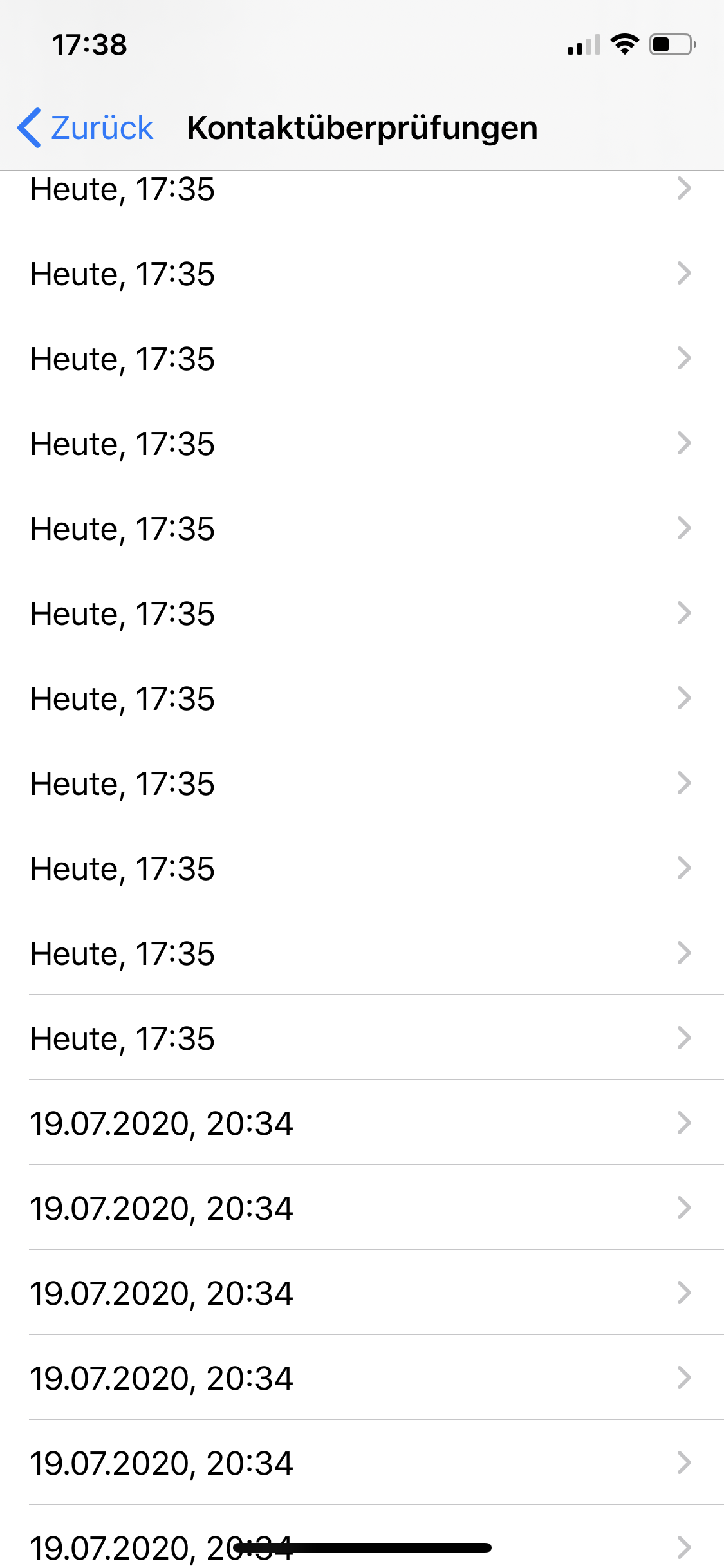
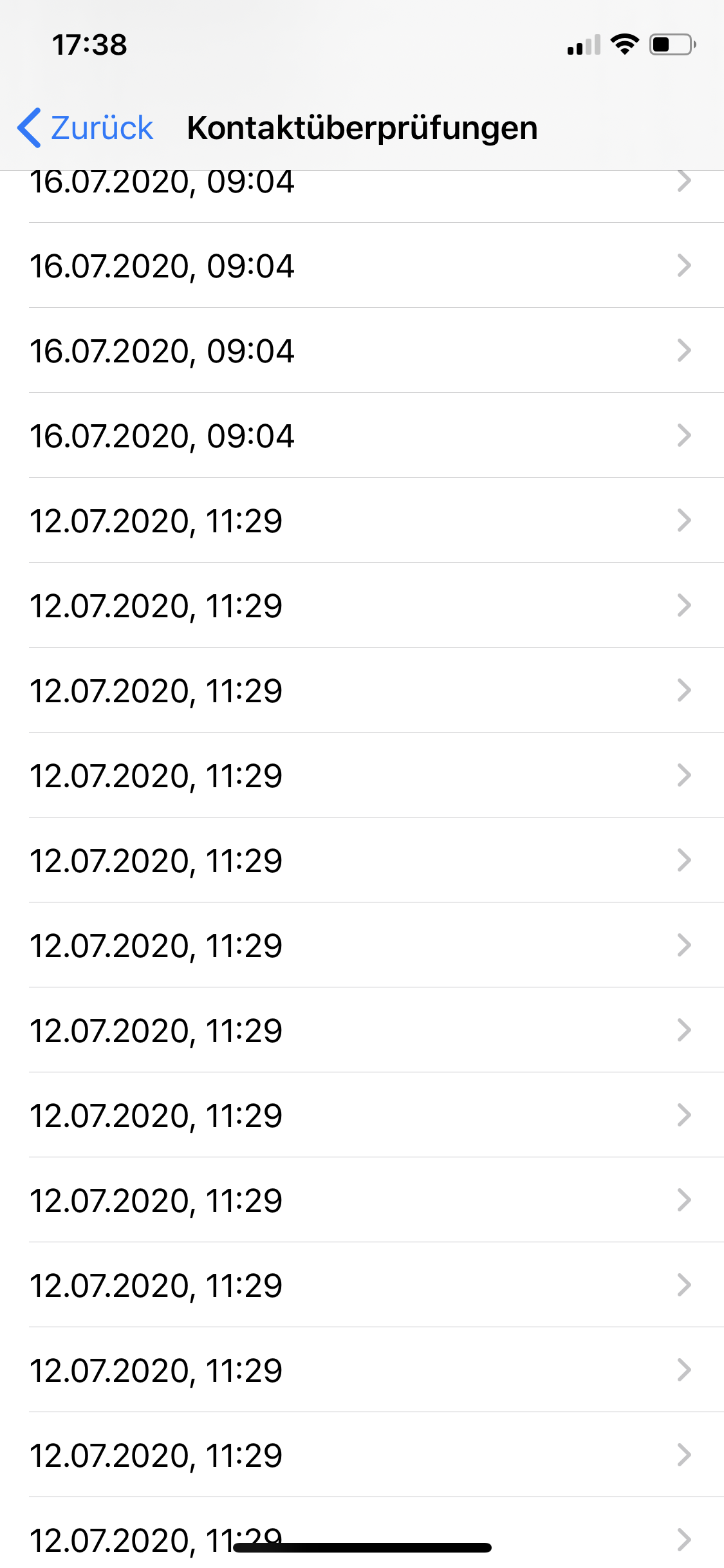
jwildeboer
on 24 Jul 2020
@tkowark so you plan to fix this in the upcoming next release? Glad to hear this.
Only I am a bit surprised to find it not (not yet?) mentioned in the release notes as bugfix - only as enhancement.
ndegendogo
on 24 Jul 2020
Out of curiosity does the background check work reliable on any iPhone? I have yet to find a phone running the most recent version of the app where the background check is happening roughly every 24 hours in the past 2 weeks.
I found one phone still running version 1.0.2 where the the checks happened in the background somewhat reliable without the app being opened.
databus23
on 24 Jul 2020
I just have seen V1.1.2. Thanks for fixing it before weekend. Related to press articles today, "Improve" it a good wording here ;-)
HeiDasGri
on 24 Jul 2020
I just have seen V1.1.2. Thanks for fixing it before weekend. Related to press articles today, "Improve" it a good wording here ;-)
I don’t see it yet. Maybe takes a while to rollout to everyone? 🤷🏻♂️
EDIT: Ah so you meant just the release on github, not on the app store.
 mss1010
on 24 Jul 2020
mss1010
on 24 Jul 2020
Is 1.1.2 already submitted to the App Store?
jwildeboer
on 24 Jul 2020
I think I have the same problem with my iPhone, latest iOS and Corona War-App Version. Oldest entry in Begenungsüberprüfungen dates from 16.07.2020. Means no background check for 8 days as today is the 24.07.2020?
Well...
 Duftorgel
on 24 Jul 2020
Duftorgel
on 24 Jul 2020
iOS 13.6
Corona warn 1.1.1
Not sure if this is a problem but my exposure checks only gets new entrys after starting/opening the app. Shouldn't it be much more that exposure checks auto update every 24 hour.
For example
Last line in exposure check is yesterday
Line before is 07/22
 nrd-tx
on 25 Jul 2020
nrd-tx
on 25 Jul 2020
Same here, my exposure checks only happen when I open the app and nearly never in the background...
Duftorgel
on 25 Jul 2020
@nrd-tx & @Duftorgel
See #740
Ein-Tim
on 25 Jul 2020
In case you need some more data:
My moms phone (iPhone 7, iOS 13.5.1) stopped updating 11.07.2020
updates:
11.07.2020 4:09
10.07.2020 3:24
09.07.2020 2:51
08.07.2020 2:11
07.07.2020 1:05
06.07.2020 0:15
04.07.2020 23:25
03.07.2020 22:32
It is very likely (but not guaranteed) that the app was never opened in the time span where updates happened, neither in the time since then.
App updates are automatic, current version 1.1.1 installed 2 days ago.
 nico72
on 25 Jul 2020
nico72
on 25 Jul 2020
Version 1.1.2 is now available in the app store. Let's update and make some additional testing! Hope we find nothing more.
HeiDasGri
on 25 Jul 2020
Updated to 1.1.2 and exactly 1 minute before 16:58 I opened the app. Since then still no background update.
@johannesrohwer Can you describe what exactly was changed in the background scheduling logic with this update?
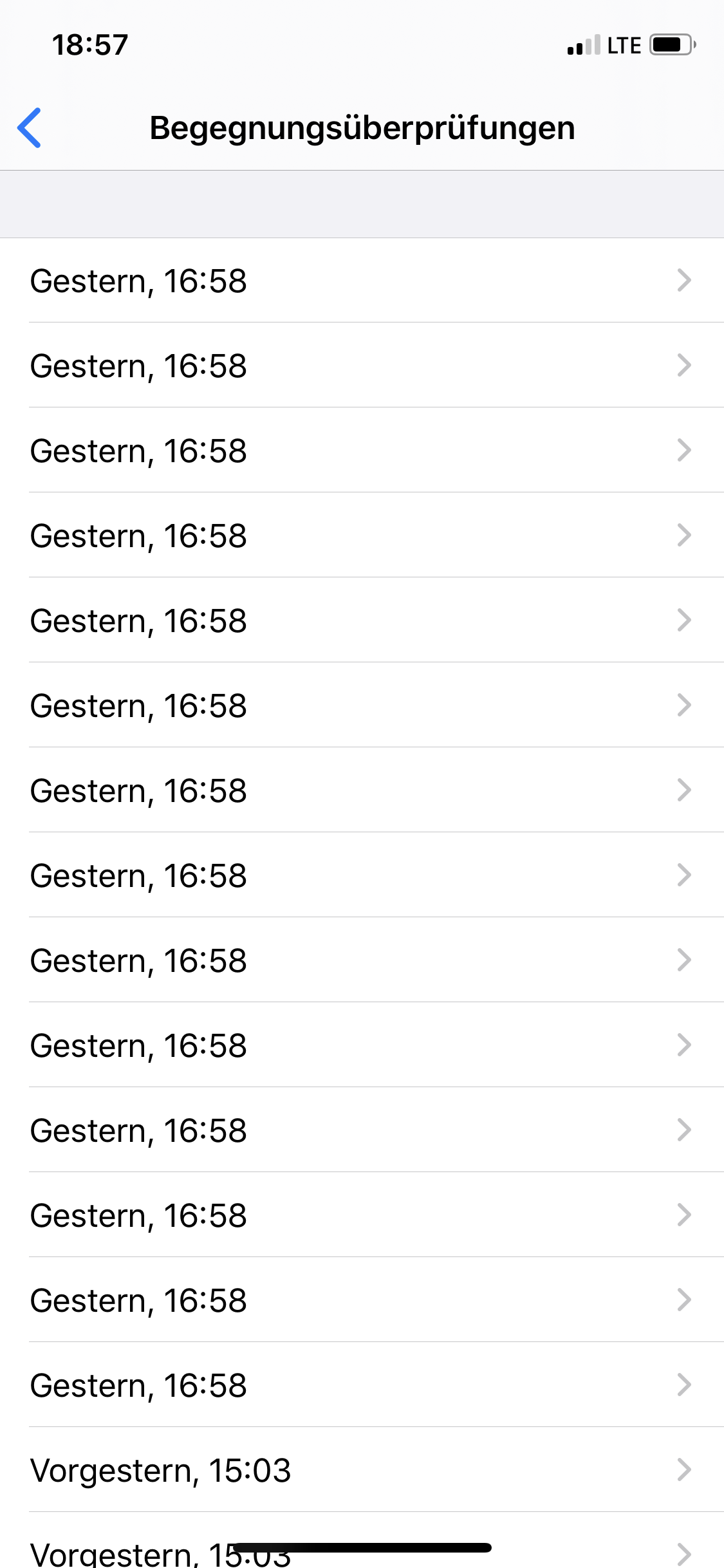
mss1010
on 25 Jul 2020
Now after nearly 4 hours the background check was done. Do you still have the 4 hour check period in place? This would not make much sense to me.
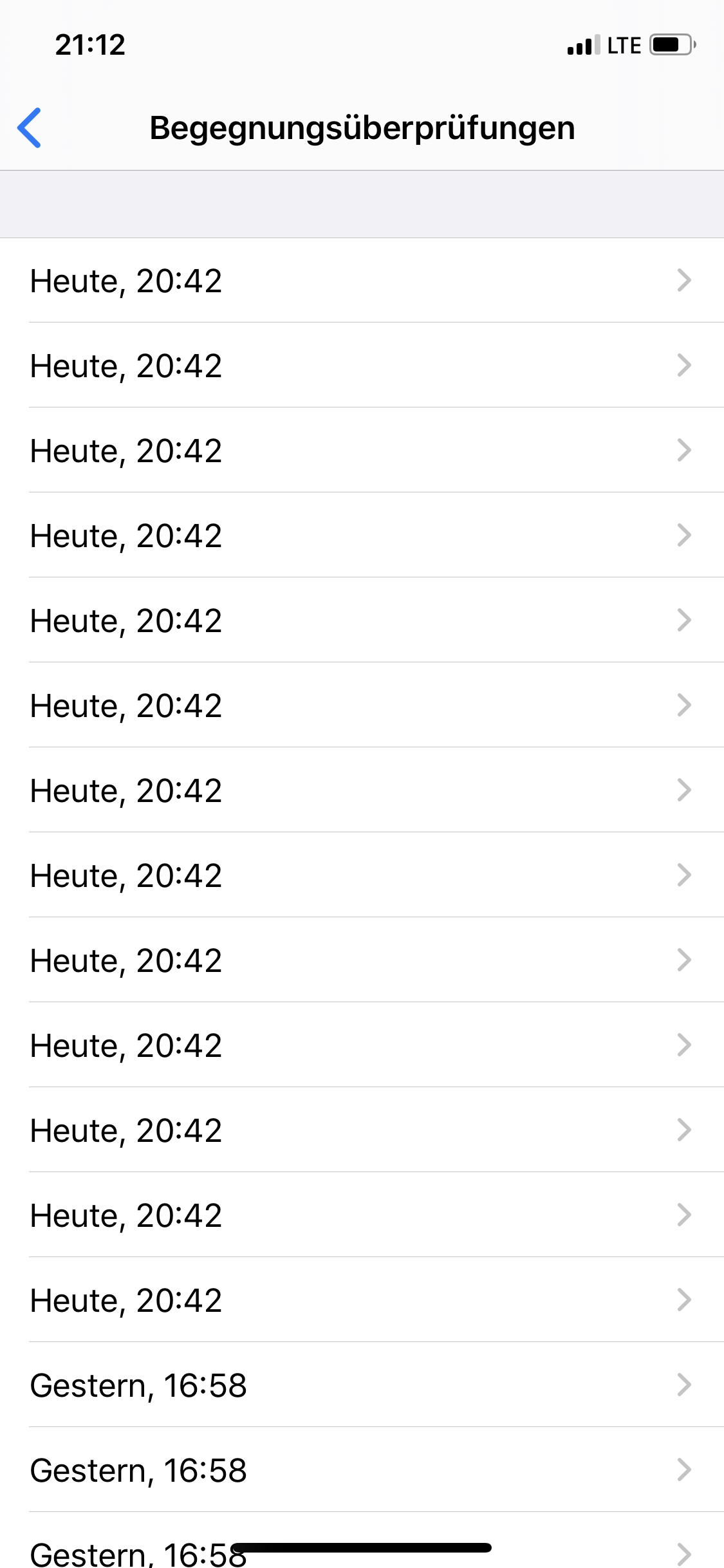
mss1010
on 25 Jul 2020
okay updated now lets see what it does
Another Problem (is there a open issue for? i think but couldnt find it)
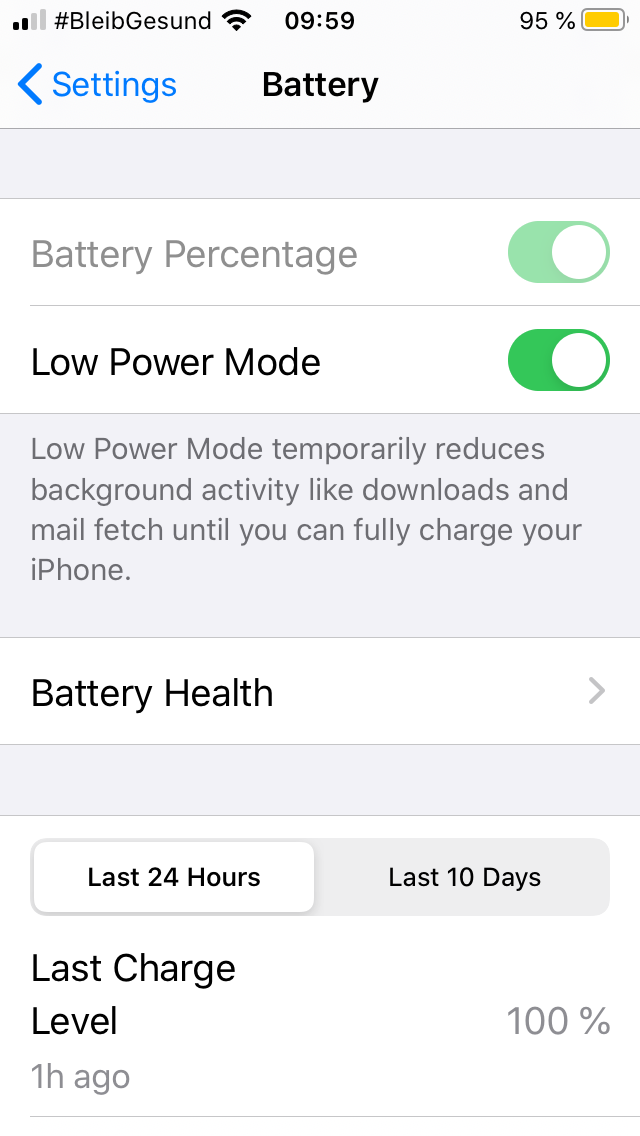
Low Power Mode disables background app refresh
nrd-tx
on 25 Jul 2020
@nrd-tx
Another Problem (is there a open issue for? i think but couldnt find it)
Low Power Mode disables background app refresh
See #650
Ein-Tim
on 25 Jul 2020
Still running on 1.1.1 on iOS 13.6 and missing background checks (see attached).
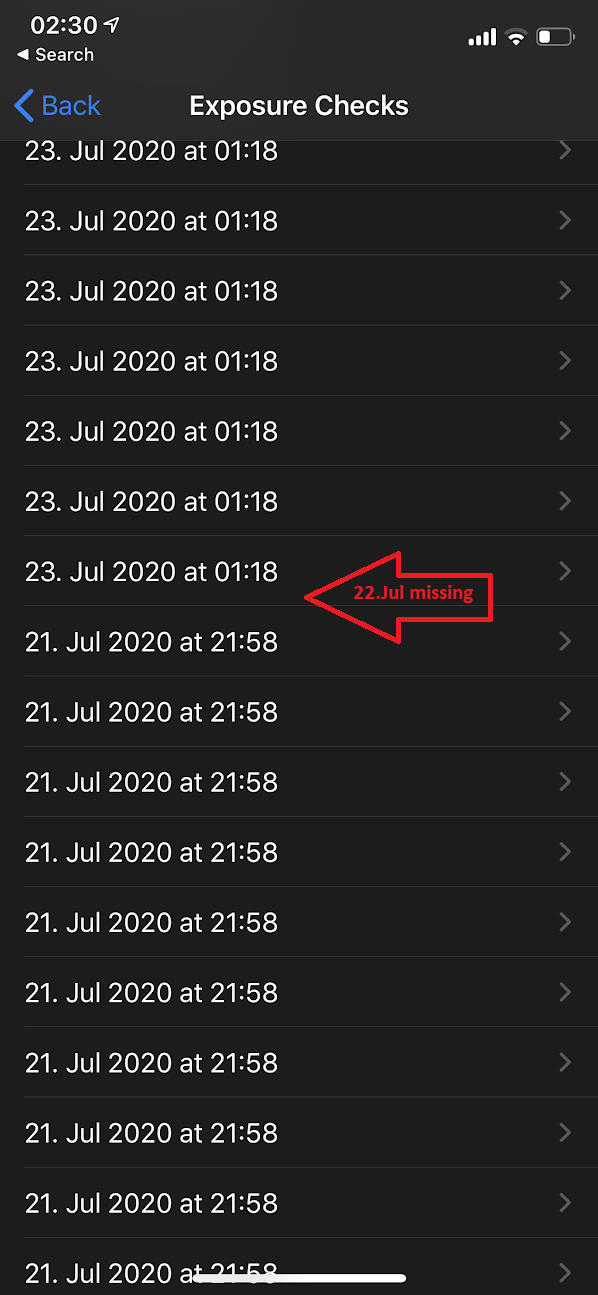
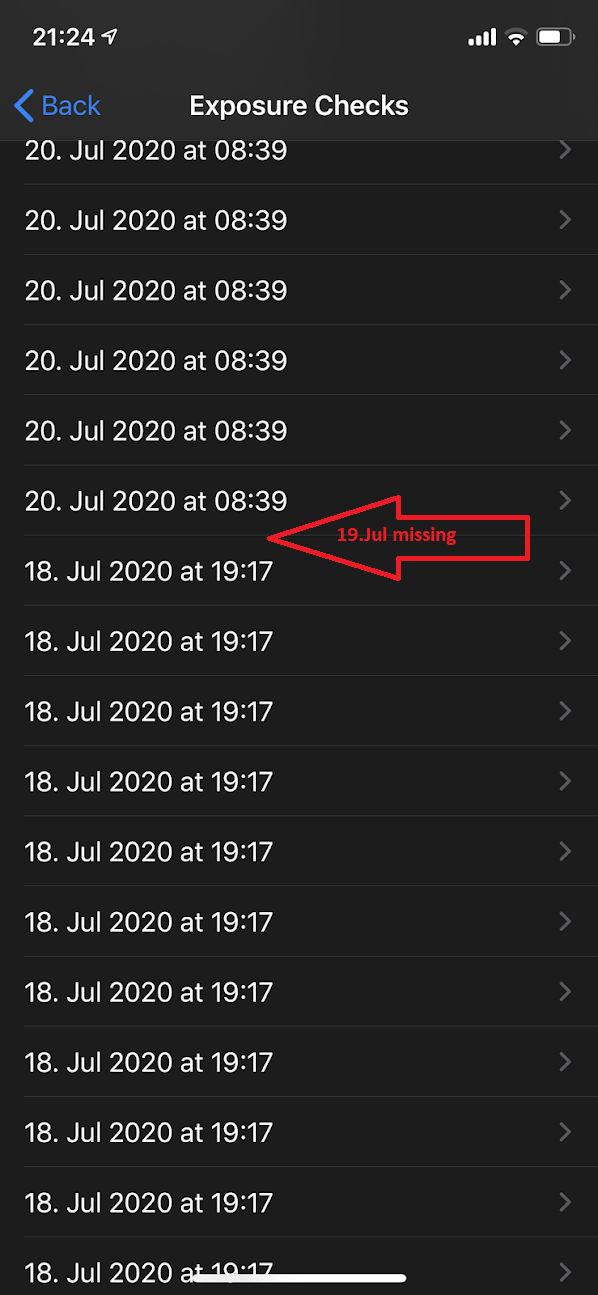
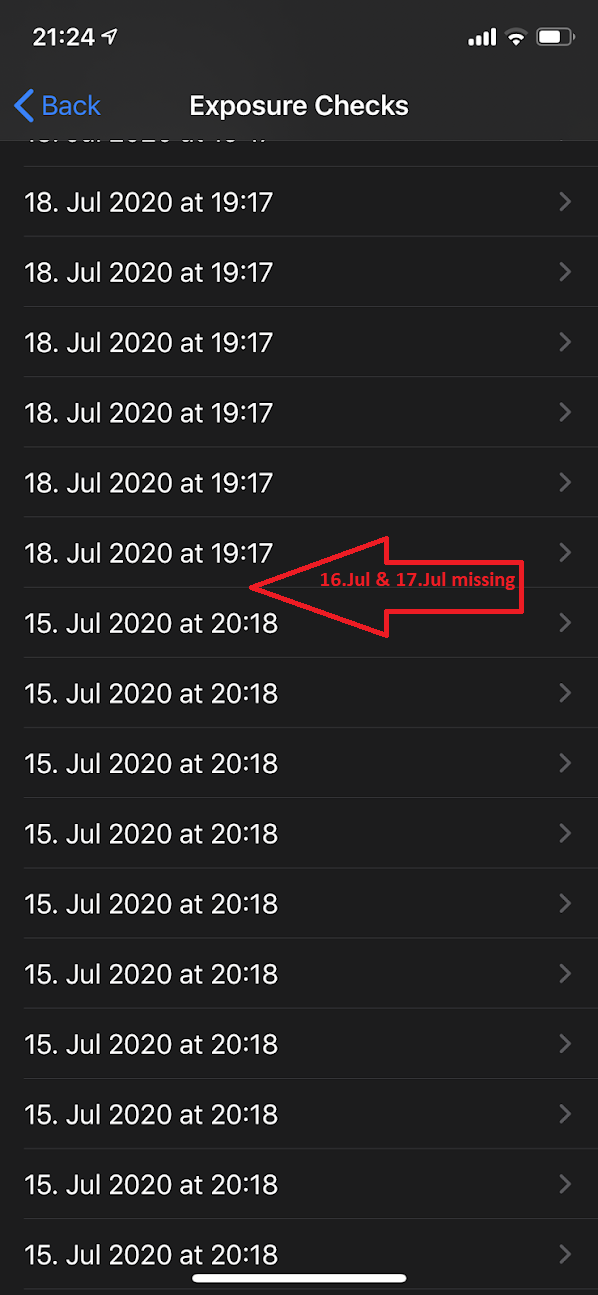
Will update to 1.1.2 right now (for whatever reason - not auto-updated?) and will report back.
 evilyeti
on 26 Jul 2020
evilyeti
on 26 Jul 2020
Definitely an improvement!
Thanks!
CWA v 1.1.2(0) / iOS 13.5.1 / iPhone 8
ndegendogo
on 26 Jul 2020
Just a short status report. Update 1.1.2 looks good!
On one phone only 2 minutes additional delay, on the other phone 2 hours additional delay on background task. I will make some additional checks with some unfair actions like swipping, reboot. Lets see if the algorithm is stable for a long time there too.
Also no battery draining. Within 24h only 6 minutes background activity in battery status. Thus background acitivity works and very low (0%) battery draining.
Background Task survives a reboot without launching the app again. Well Done!
Further positive side effect. Today my wife received a message about contact tracing (unfortunately I did not have seen it) that caused her to open the app manually for the first time. The status is still green and has not changed!
(Updated battery draining, reboot)
HeiDasGri
on 26 Jul 2020
I had the issue, now with 1.1.2 it is gone :-).
 JonasHeidelberg
on 26 Jul 2020
JonasHeidelberg
on 26 Jul 2020
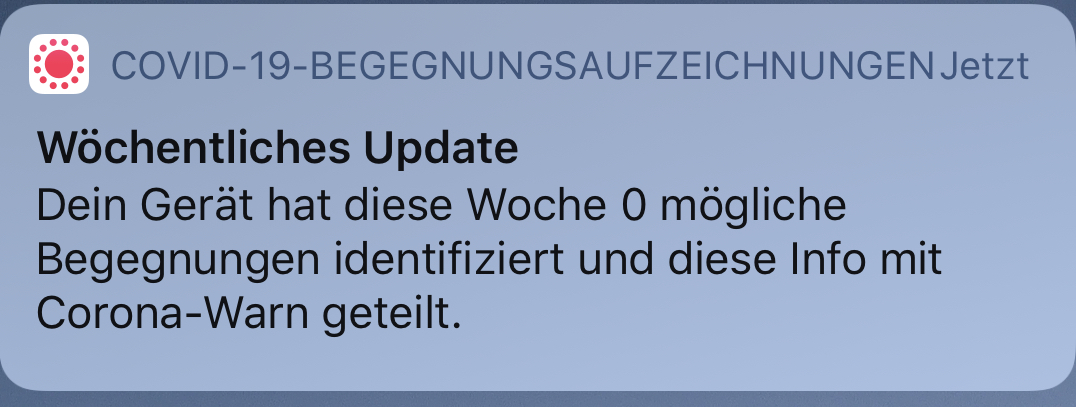
@HeiDasGri: the message that your wife saw, was maybe this one below. I never saw it before, probably something new from iOS 13.6. A tap on it brought me to the iPhone settings „Begegnungsaufzeichnungen“.
mss1010
on 26 Jul 2020
After my update on Saturday to cwa-version 1.1.2, I got yesterday a background check after 25:13 hours. See screenshot below.
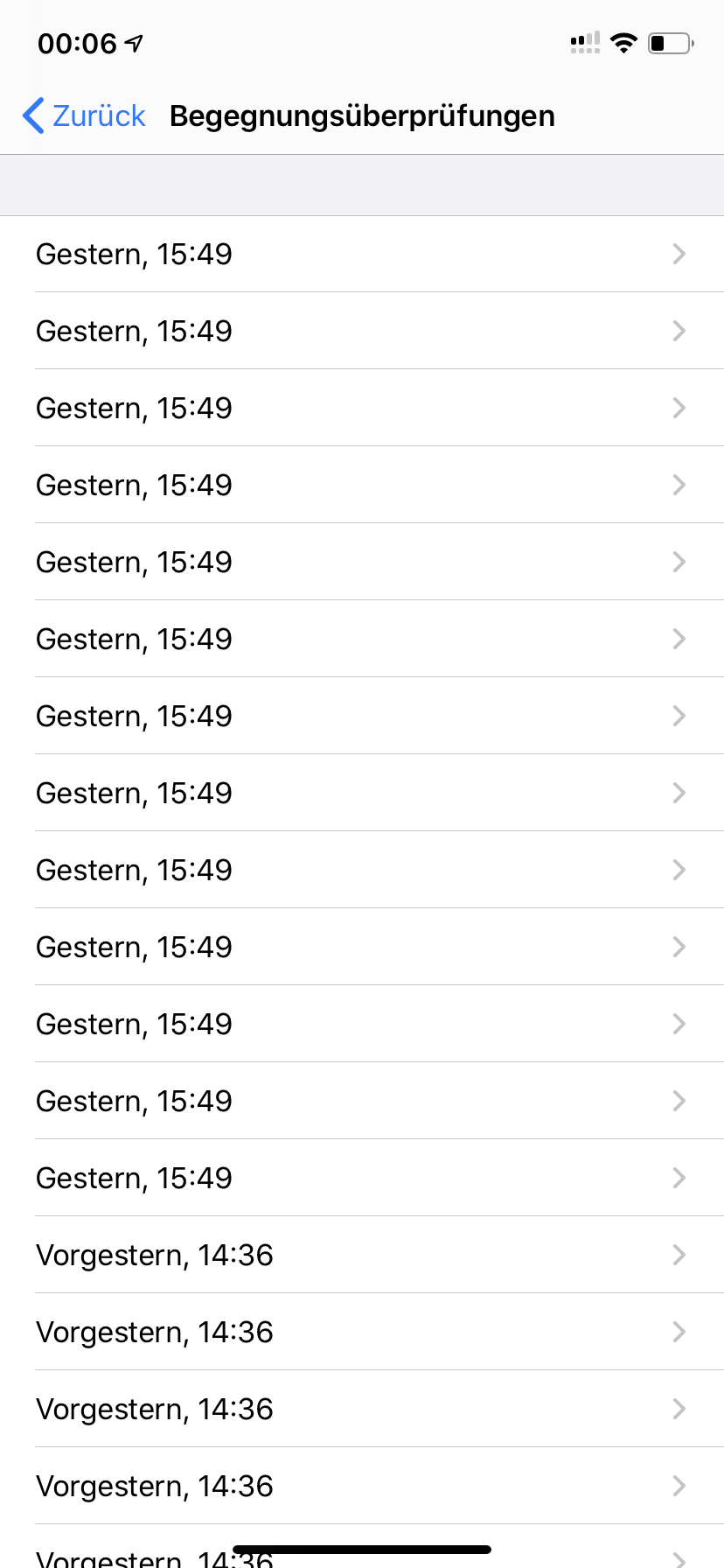
A delay of 1 hour and 13 minutes seems to be ok.
@HeiDasGri
I got this message, which @mss1010 showed us, already three times. It appears on my screen every Monday morning since I installed the beta of iOS 13.6.
 Jens07
on 27 Jul 2020
Jens07
on 27 Jul 2020
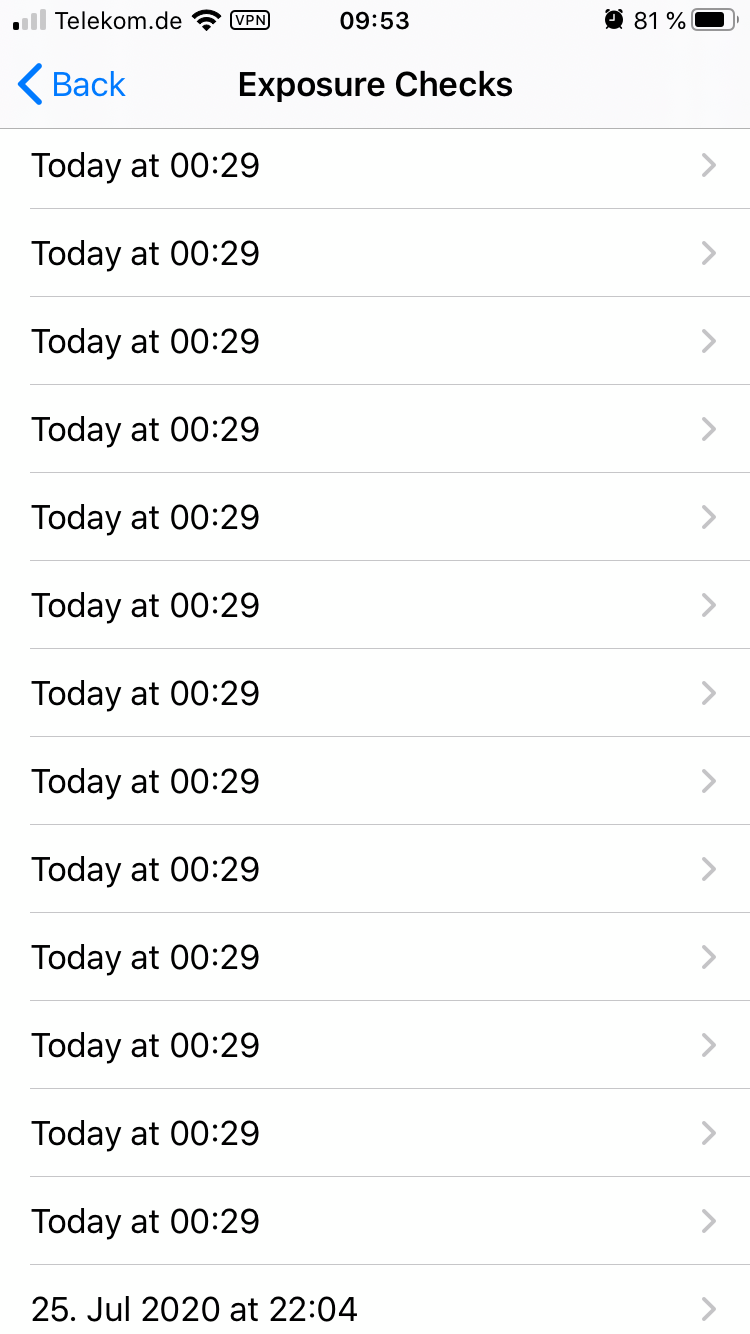
Update 1.1.2
Background Refresh works on my side now.
Seems yesterday is missing
nrd-tx
on 27 Jul 2020
@nrd-tx As long as it executes every 24 + x hours (with x < 4 hours) this is expected behavior, I would say.
I can confirm that it seems to work according to the pattern above with 1.1.2. No more huge gaps if I don’t actively open the app. 👍
According to the German news articles this is more of a workaround to an actual bug in the iOS scheduler. So does this workaround have any drawbacks from a user perspective or can this issue be closed for now? I also wonder how it relates to #740 which also deals with background updates.
 sin-azucar
on 27 Jul 2020
sin-azucar
on 27 Jul 2020
According to the German news articles this is more of a workaround to an actual bug in the iOS scheduler.
@sin-azucar Can you give a pointer to the source? I haven't heard about this being related to a real big in the iOS scheduler until now.
I also wonder how it relates to #740 which also deals with background updates.
My feeling is that these two issues have the same root cause, and are unrelated to iOS versions or iOS updates.
 PalminX
on 27 Jul 2020
PalminX
on 27 Jul 2020
@sin-azucar Can you give a pointer to the source? I haven't heard about this being related to a real big in the iOS scheduler until now.
946 Thats the PR related to version 1.1.2
mss1010
on 27 Jul 2020
@sin-azucar Can you give a pointer to the source? I haven't heard about this being related to a real big in the iOS scheduler until now.
946 Thats the PR related to version 1.1.2
Sorry. I meant the news source. I got it now.
PalminX
on 27 Jul 2020
@sin-azucar Can you give a pointer to the source? I haven't heard about this being related to a real big in the iOS scheduler until now.
Sure: https://www.tagesschau.de/investigativ/corona-warn-app-113.html
There is a section "Fehler liegt im Betriebssystem von Apple".
sin-azucar
on 27 Jul 2020
I hate to be the bearer of bad news but after background checks worked ~two times~ one time after installing 1.1.2 (it wasn't working at all for me for <1.1.2) it has failed today.
By "failing" I mean its now more than 28 hours (24+4) since the last update:
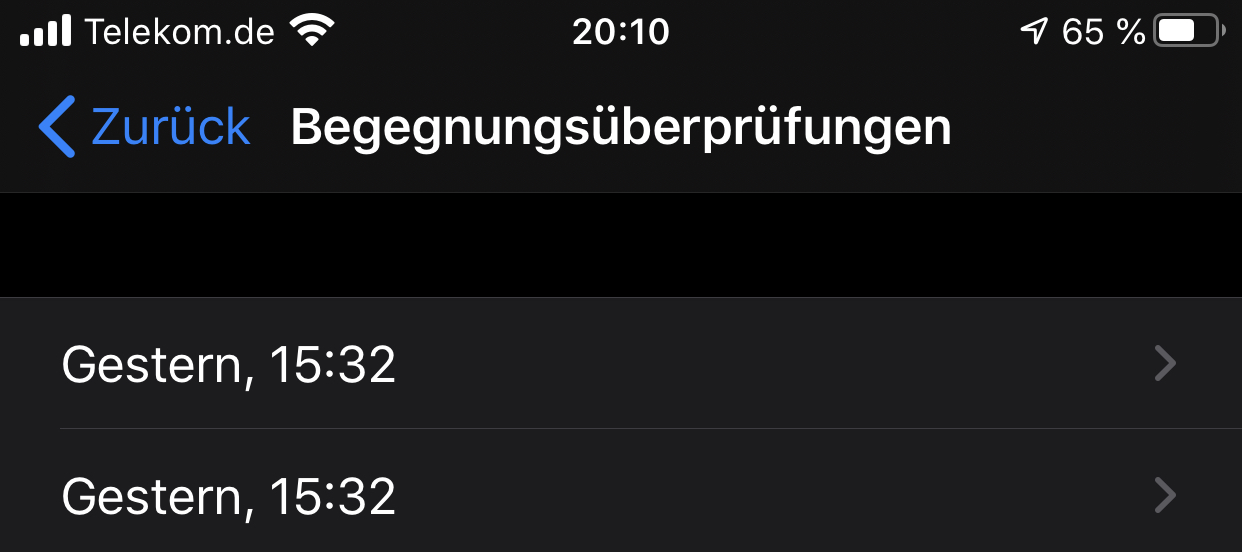
My phone was not rebooted, was never in low power mode, always had wifi+cellular connectivity (I was at home all day). I even remember opening the App about 2 hours before the hitting the 24h mark.
Again its an iPhone 8 Plus running 13.6 and app version 1.1.2 since saturday.
databus23
on 27 Jul 2020
@databus23 ... and you did all that magic that is recommended after upgrading the app? Like kicking the previous version out of background (swipe) and start the new version? (Just asking ...)
ndegendogo
on 27 Jul 2020
In such situations I‘m always asking myself: What are the others doing?
Does someone know if other apps in other countries using the Google/Apple API have the same issues?
mss1010
on 27 Jul 2020
@databus23 ... and you did all that magic that is recommended after upgrading the app? Like kicking the previous version out of background (swipe) and start the new version? (Just asking ...)
Apps are terminated during update, so swiping closed should not be necessary
PalminX
on 27 Jul 2020
@ndegendogo I didn‘t force quit the app at any point. I opened the app after the update multiple times and as I said the background update worked once (yesterday) after installing the update on Saturday.
databus23
on 27 Jul 2020
@sin-azucar I do not see a correlation to the error pattern described in #740 . Taking a look at the code the background scheduler has been redesigned. @nico72 has proven, that the algorithm works fine in first version. I assume the scheduler was changed due to bugs in correlation of the 24h limit from apple. Unfortunately the problem was introduced with the bug fixing.
On my phone, everything looks fine up to now, so lets determine what the special case of @databus23 is. I do not see a general issue here, but keep an eye on long time stability as well on my phone.
@databus23: Maybe some apple algorithm reduces background activity here. Could you please tell, when did you charged your phone? Was it connected to power supply since today 15:32?
HeiDasGri
on 27 Jul 2020
I am wondering how the decision making process looked like to trust the iOS background scheduler with this very important update task.
As far as I remember, the iOS scheduler is pretty unreliable and in my experience (< iOS 10) it only works well if the user is opening the application several times per day. This is mostly done for performance and battery improvements so that lesser used apps do not get the same background processing time as apps which are being used more often.
That is why all email applications use push notifications to inform you about new email, as scheduled background checks are not reliable for non-power users. The cwa app should be "install and forget" as it needs to support the usage patterns of the regular DAU.
Apple's developer documentation clearly states that
The system decides the best time to launch your background task, and provides your app up to 30 seconds of background runtime.
as well as
Background pushes silently wake your app in the background. They don’t display an alert, play a sound, or badge your app’s icon. If your app obtains content from a server infrequently or at irregular intervals, use background pushes to notify your app when new content becomes available.
Questions
- Has this changed in more recent SDKs / iOS versions? (answered my own question here: no it has not)
- Why isn't this solved using background push notifications so regular updates can be triggered reliably?
- Why did SAP communicate that this was somehow a bug in Apple's scheduler?
Edit
While I can understand, why you do not want to use push notifications via APN for personal test results (in that case the user is probably checking the app more often anyways), I cant see a reason to dismiss this for the contact list updates. https://github.com/corona-warn-app/cwa-documentation/issues/80
Ping @tkowark: Is there additional documentation you can point me to or can I expect an answer from a team member working on this.
 lksnmnn
on 27 Jul 2020
lksnmnn
on 27 Jul 2020
Apparently (this was mentioned in one of the other issues) the devs were in contact with Apple employees who claimed that the exposure notification tasks are run with highest priority, compared to other bg tasks.
While this might or might not be true, there are some indications that in some cases/on some devices, bg task execution is extremely unreliable, due to unavailability of system resources.
PalminX
on 27 Jul 2020
Status:
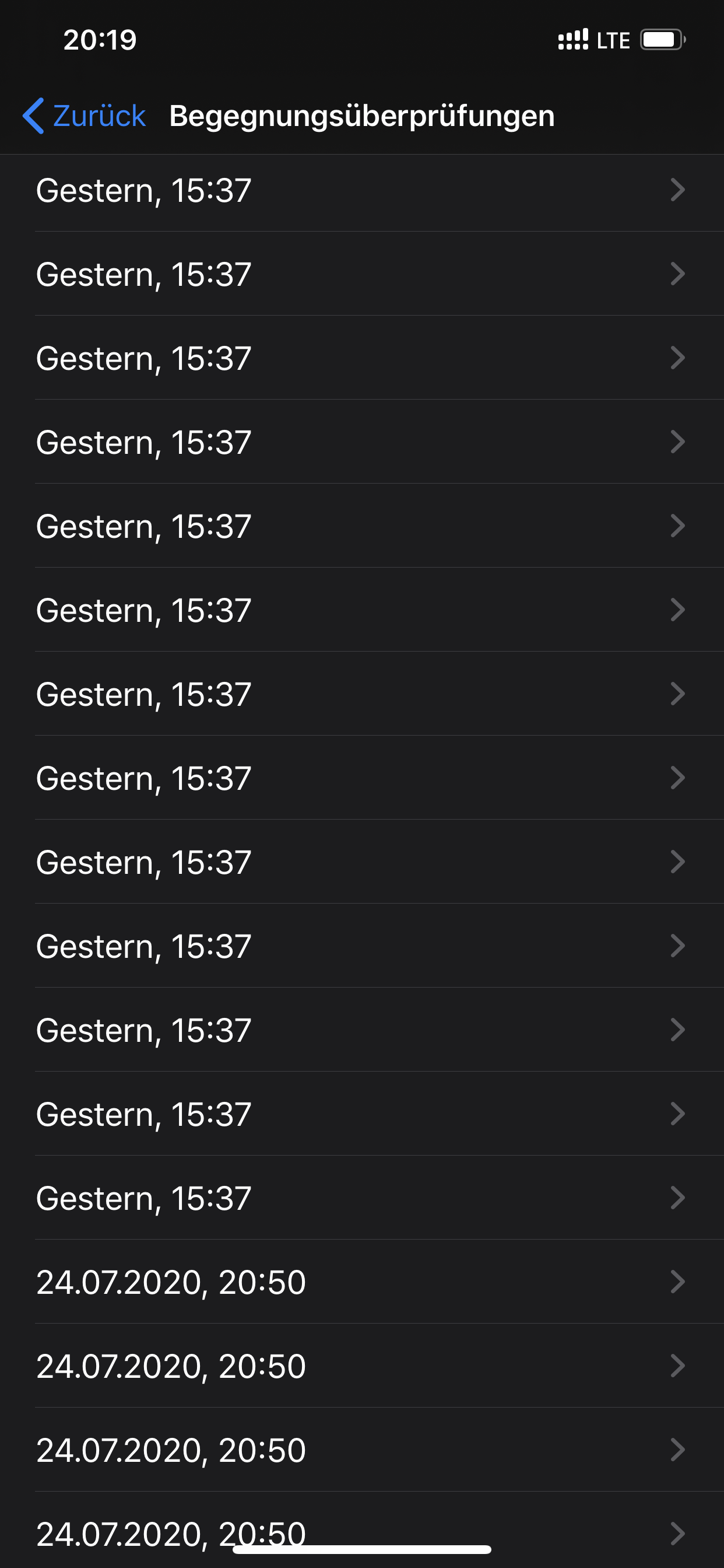
For me it‘s the same. I installed the update, opened it once, then swiped it off. That was yesterday at 15:37. The manual update. Did not open the app again.
No background check was made in the last 24+5 h.
I‘m extremely sure, that everything worked well with version 1.0.2.
The background checks worked. Even I did not open the app.
Tho-Mat
on 27 Jul 2020
@lksnmnn these push notifications: are these also possible in an anonymous setup like cwa, or do they require that every user registers with the server?
ndegendogo
on 27 Jul 2020
@ndegendogo
@lksnmnn these push notifications: are these also possible in an anonymous setup like cwa, or do they require that every user registers with the server?
The application needs to register itself using a device token. This is then being used to send the notification payload to the phone via the Apple Push Notification service (APN). In this case the payload would only need to contain a trigger for the application to run it's update. As the application already needs to connect to the CWA backend anyway I do not see a major additional impact privacy-wise. But I have not looked at this in detail and I did not do active iOS development since iOS 10.
Edit: It looks like background push notifications are somewhat unreliable as well, so it would probably need to be a "real" notification. Source: https://developer.apple.com/documentation/usernotifications/setting_up_a_remote_notification_server/pushing_background_updates_to_your_app
lksnmnn
on 27 Jul 2020
@lksnmnn maybe this idea is worth a feature request, if it adds reliability to the process.
ndegendogo
on 27 Jul 2020
@HeiDasGri it was not connected to a power supply since the 24h mark passed. I have opened the app in the meantime so no way to check now if connecting it to power makes a difference. Let’s see how it goes tomorrow...
databus23
on 27 Jul 2020
@databus23 Thanks for your help, maybe you can see a pattern when iOS Backgroundtask is not working for you
@mss1010
https://github.com/ProteGO-Safe/ios/issues/104
https://github.com/austrianredcross/stopp-corona-ios/issues/107
https://github.com/immuni-app/immuni-app-android/issues/147
https://github.com/DP-3T/dp3t-sdk-ios/issues/182
 thomasaugsten
on 28 Jul 2020
thomasaugsten
on 28 Jul 2020
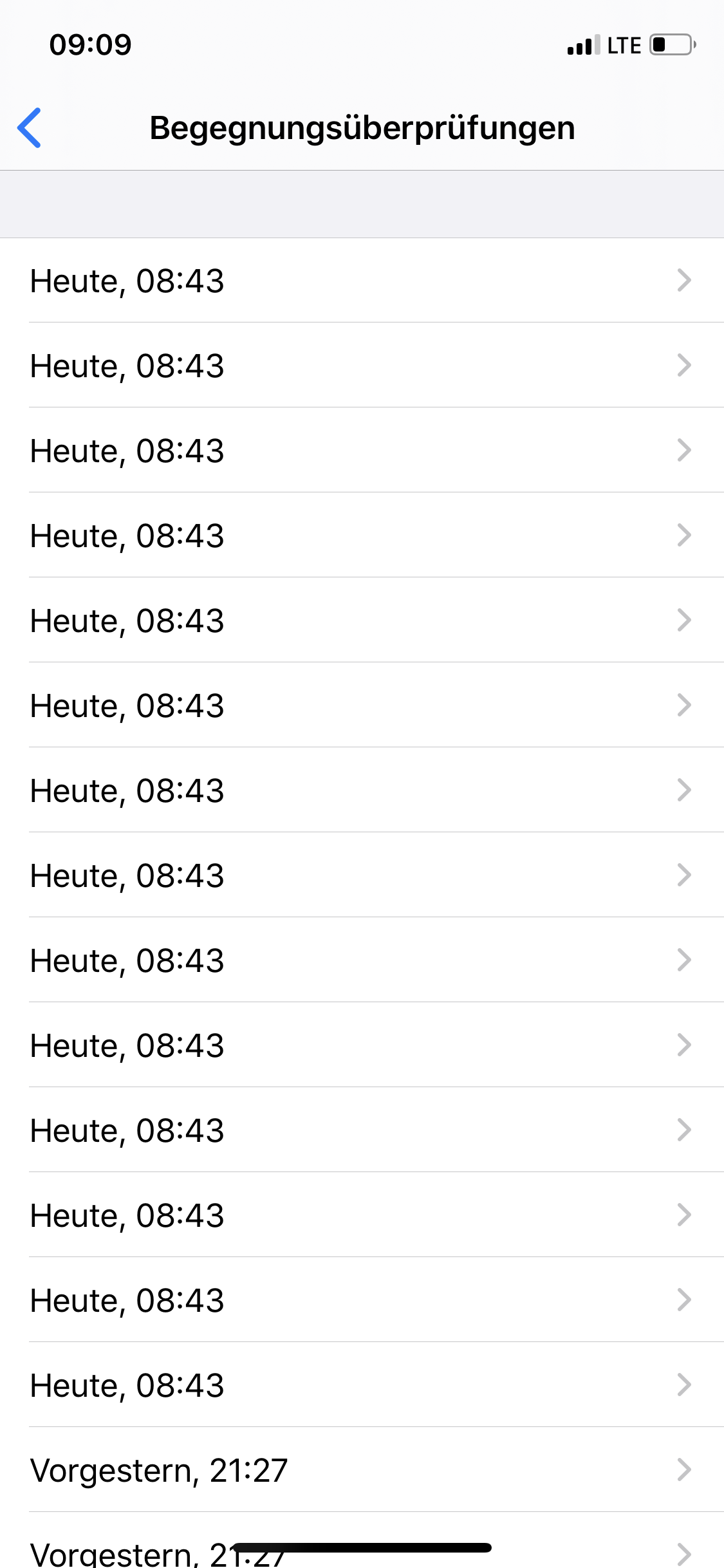
Now I have good news: It seems that the background task survived a shutdown. Yesterday evening the update did not happen, because I turned of the phone shortly after 10 pm. The device was off as every night, and this morning I turned it on, without starting the CWA. Then to my surprise, I saw that the update has happened!
mss1010
on 28 Jul 2020
I can confirm the background check now seems to work reliably on both my iPhones. Thank you for the fix!
jwildeboer
on 28 Jul 2020
Question to somebody from the developers:
What happens when you aren't connected to the internet at the time where the background check should be done?
For the second time I wasn't connected to the internet and the checkt didn't happen...
Ein-Tim
on 28 Jul 2020
Have you been offline for online a specific point in time (and a couple of minutes around it) or a longer period?
tkowark
on 28 Jul 2020
@tkowark I've been offline today for like an hour before and 30 min after the check should occur.
The times for yesterday I don't know.
I'll try to be connected to the internet when the check should be performed tomorrow, than I can report if it works at all.
Ein-Tim
on 28 Jul 2020
And how much time has passed since the expected time? ~My hunch would be that~ The job runs again when it is next scheduled (so up to 2 hours later). Have you opened the app since the expected time (also yesterday)?
tkowark
on 28 Jul 2020
Well ... yesterday I reported success, I got the check at 12:44.
Today I am still waiting (now we have 19:22) - so, unfortunately, not reliably.
cwa 1.1.2(0) / iOS 13.5.1 / iPhone 8
ndegendogo
on 28 Jul 2020
And how much time has passed since the expected time? My hunch would be that the job runs again when it is next scheduled (so around 2 hours later), but I'll confirm with the devs. Have you opened the app since the expected time (also yesterday)?
Yes, I've opend the app yesterday about 2 hours after the scheduled time.
To be honest, today only 1 hour passed, than I opened the App because I wanted the check to be performed because I had Internet then.
My suggestion:
Tomorrow I'll do my best (but I'm on holiday, so I can't promise anything) to be connected to WLAN/Mobile Data, and watch if it occurs (after the scheduled time I will wait 2-4 hours). So we can see if the check is done in background.
Than I'll report back.
Sorry for the effort...
Best wishes and a nice evening
Tim
Ein-Tim
on 28 Jul 2020
@Ein-Tim
The task has the requirement "requiresNetworkConnectivity" this mean if the OS decides to start the task it will check for network connection if this is not case it should try again to start the task in the range of 1min-120min again.
@ndegendogo
Please update to iOS 13.6, open the app and check again after ~26h.
thomasaugsten
on 28 Jul 2020
I have made further tests without opening the app manually:
- swiping App in task manager
- Reboot of the phone
- Switching to flight modus shortly before 24h window for 3 hours
In all cases background task still runs later on and works well. Nevertheless I am in favour of @lksnmnn idea to use the Apple Push Notification service. But keep this existing algorithm working and use the push notification only as a additional trigger when keys are updated on the server. This would reduce the delay of the process and acts as a fallback when background task is not performed (e.g. powersafe modus).
HeiDasGri
on 28 Jul 2020
Well ... yesterday I reported success, I got the check at 12:44.
Today I am still waiting (now we have 19:22) - so, unfortunately, not reliably.
cwa 1.1.2(0) / iOS 13.5.1 / iPhone 8
Adding more details.
I just opened the app - before I had intentionally not opened the whole day because I wanted to watch the background check.
And now the app shows me an error message: "Fehler 11 ...." and the hint to upgrade to iOS 13.6.
So, @thomasaugsten, you were on the right track :-)
Suggestions and questions:
1) Could you add a timestamp to your error message? Because then we could know if it was triggered by background processing (but then failed with error 11), or if the error occurred when it tried to load the keys after I opened the app.
2) Will a failure during background processing trigger such an error message? Or, rather some kind of notification, because the dialog I see only when I open the app?
ndegendogo
on 28 Jul 2020
Ping @tkowark: Is there additional documentation you can point me to or can I expect an answer from a team member working on this.
@lksnmnn sorry for the late reply, missed that yesterday.
If you have questions beyond what was discussed already in cwa-documentation#80, can we kindly ask you to open a separate issue? This way we can keep this one focused (as good as possible) on figuring out if the current implementation works and under which circumstances it doesn't. Same goes for the feature request, which should also be discussed in a separate issue.
tkowark
on 28 Jul 2020
@ndegendogo
Please update to iOS 13.6, open the app and check again after ~26h.
ok, I am now on iOS 13.6 and it is after midnight; got a successfull manual triggered check.
I'll continue to watch.
cwa 1.1.2(0) / iOS 13.6 / iPhone 8
ndegendogo
on 29 Jul 2020
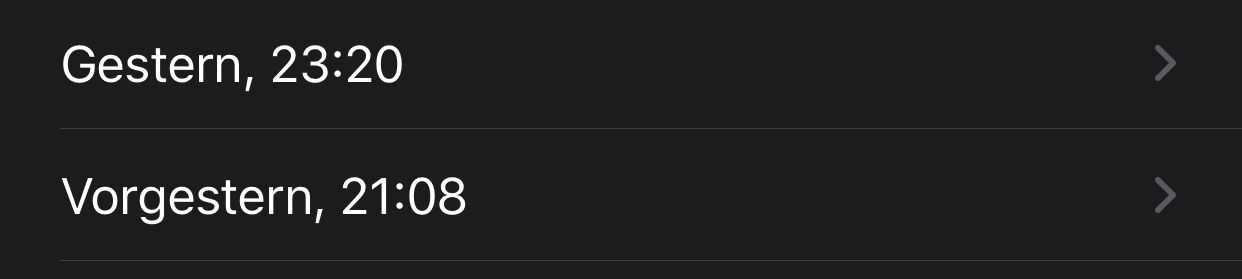
Ok small update from my side: Yesterday the background update haden't happened > 2 hours after the 24h mark had passed. When I then plugged the phone in the charger it immediately did the background check (at 23:20).
So it seems the task scheduler is a little aggressive on the energy saving side on my phone. The phone was not even close to being empty (I think the battery was at 77%). I replaced the battery on my phone few months back. In battery settings the system reports 100% capacity for the battery. So I don't really understand why the background checks are somewhat unreliable on my phone. In the 2 hours since the 24 hour mark had passed I used the phone a fair amount (watching youtube, safari etc), so there were plenty of opportunities for the scheduler to run the test while the phone was active anyway.
I will give the scheduler more time today without plugging the phone in the charger.
databus23
on 29 Jul 2020
@thomasaugsten Ping
tkowark
on 29 Jul 2020
@databus23 This means the scheduler runs by himself without starting the app manually?
Do you replaced the battery by yourself?
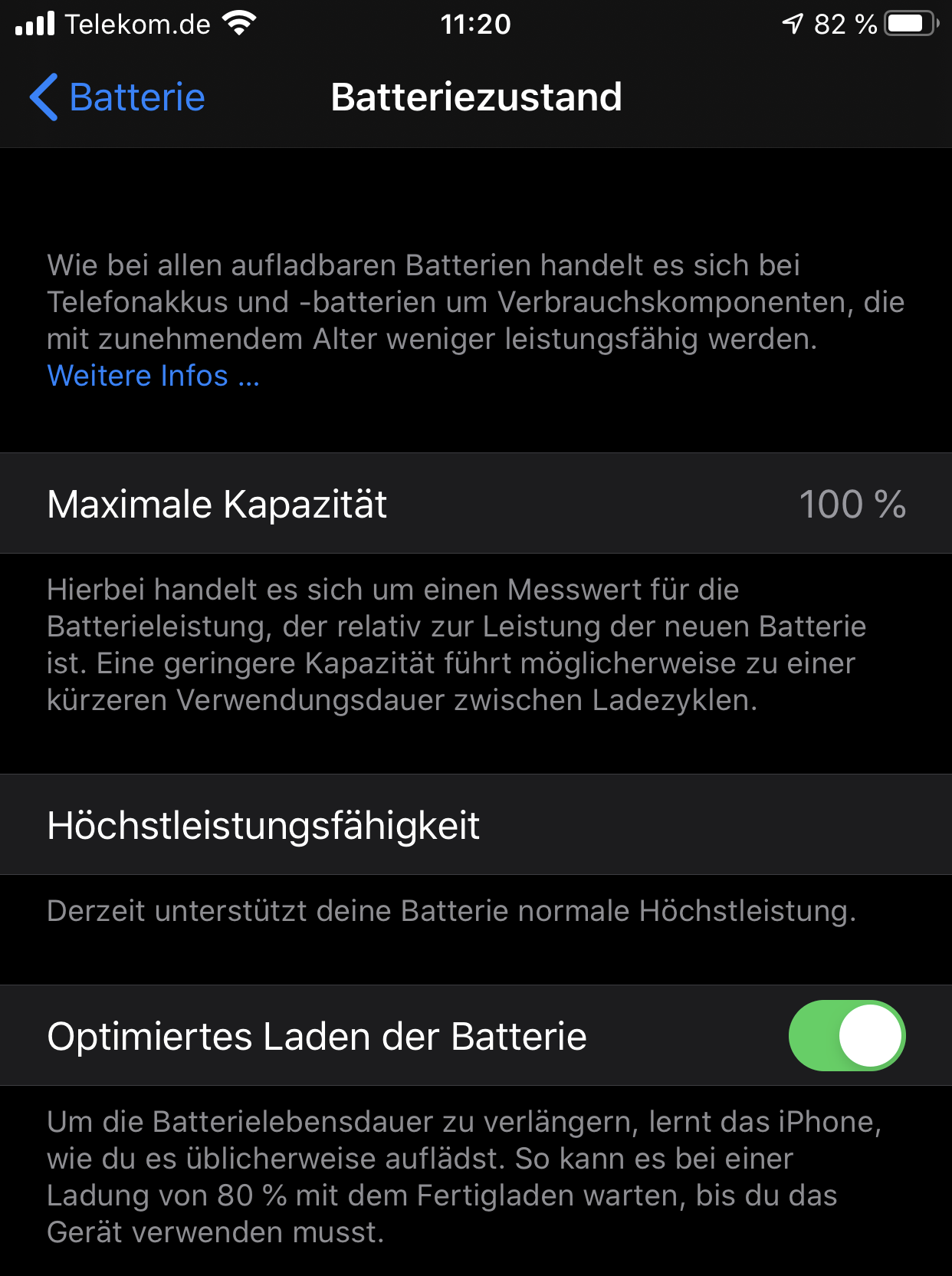
Can you provide a screenshot of your Batteryzustand in the iOS settings?
thomasaugsten
on 29 Jul 2020
@thomasaugsten
Do you replaced the battery by yourself?
Can you provide a screenshot of your Batteryzustand in the iOS settings?
I did not replace the battery myself, but it wasn't in an apple authorised shop. So its most certainly not an original apple battery.
The battery seems to work fine without any issues otherwise. I don't experience any other weird behaviour on the phone that could be explained by a bad battery.
Screenshot:
This means the scheduler runs by himself without starting the app manually?
Yes
databus23
on 29 Jul 2020
@tkowark
Of course! I created a new issue / feature request for this topic here: https://github.com/corona-warn-app/cwa-app-ios/issues/971
However, I still think relying on the scheduler is fundamentally flawed, especially if most users do not open the app on a regular basis. Apple will never cannibalize its own energy management for this.
You also did not answer my question, why the bug was attributed to Apple, when you where able to _potentially_ fix this issue with the refactoring in v1.1.2. The bug was in your code?!
lksnmnn
on 29 Jul 2020
@databus23 If the scheduling is working without starting the app manually than the scheduling works fine. If the OS decides to execute the task only with power connection we cannot influence this. Because we set the task requiresExternalPower = false
@lksnmnn This is not a clear yes or no question, this is more complex we are also still investigating this. What we can say is the current version from CWA and iOS with all related configurations provides are more stable scheduler than before.
thomasaugsten
on 29 Jul 2020
@thomasaugsten Then the PR department should not tell the media this as a fact.
lksnmnn
on 29 Jul 2020
From what I can tell the refactoring just merged the two background tasks (fetch test results and check exposure) into one doing all the work.
As to why this could be attributed to Apple: the example implementation in Apple's documentation uses the exact same mechanism to fetch the data and check exposure, through a BGProcessingTaskRequest that's constantly rescheduled. The difference with the old implementation here is that there were 2 background tasks, not one. This has been merged now.
If this way of getting the data in the background isn't reliable while Apple uses it in their own example code it is clearly a bug in iOS, especially since devs are promised higher priority for these background tasks as your OS knows that this is an Exposure Notification App.
 ir-fuel
on 29 Jul 2020
ir-fuel
on 29 Jul 2020
Suggestion for a patch so users are aware of the issue:
Schedule a local notification at 30 hours from the last time the checks happened. If within those 30 hours the background tasks run cancel the local notification and reschedule a new one 30 hours from now. If nothing happened for 30 hours the notification will show on the user's phone asking them to open the app to sync the data.
This will have 0 impact on users where the scheduler works, will only annoy users where the scheduler doesn't work (and they aren't aware of this) and only on those days where it is a problem, and will automatically go away if Apple fixes their scheduler.
30 is of course a suggestion. Exact value must be > 24 but is to be determined.
ir-fuel
on 29 Jul 2020
Are local notifications handled differently than tasks or do they rely on the scheduler as well?
Edit: if this works, it would reduce the need for push notifications.
lksnmnn
on 29 Jul 2020
Local notifications can be scheduled on an exact date and time.
https://developer.apple.com/documentation/usernotifications/uncalendarnotificationtrigger
ir-fuel
on 29 Jul 2020
@thomasaugsten
@databus23 If the scheduling is working without starting the app manually than the scheduling works fine. If the OS decides to execute the task only with power connection we cannot influence this. Because we set the task requiresExternalPower = false
But development disregarded several reports from several users, based on experience with other apps, that in some cases / for some device states, background task scheduling is completely unreliable, so as an additional fallback, there should be a push notification trigger.
PalminX
on 29 Jul 2020
For me, background updates still don't work. After updating to the latest version 1.1.2 (and having started it), I waited >50 hrs for the automatic update, but it didn't happen. I then reopened the app to make sure it had a chance to schedule the bg task, and now again more than 34 hrs have passed without an update.
PalminX
on 29 Jul 2020
@PalminX are you on iOS 13.6?
tkowark
on 29 Jul 2020
But development disregarded several reports from several users, based on experience with other apps, that in some cases / for some device states, background task scheduling is completely unreliable, so as an additional fallback, there should be a push notification trigger.
This can not be used as an argument as Apple guaranteed that the background tasks for this specific scenario would be handled differently. This is not a generic background task. Your task needs a specific suffix in its name so iOS knows it needs to prioritise it, even if the app hasn't been opened for a long time.
ir-fuel
on 29 Jul 2020
@PalminX are you on iOS 13.6?
Yes
PalminX
on 29 Jul 2020
@PalminX
Can you please contact me directly ?
thomasaugsten
on 29 Jul 2020
This can not be used as an argument as Apple guaranteed that the background tasks for this specific scenario would be handled differently. This is not a generic background task. Your task needs a specific suffix in its name so iOS knows it needs to prioritise it, even if the app hasn't been opened for a long time.
I would argue otherwise. As someone else has mentioned (I think in this issue), Apple/iOS probably will never sacrifice system integrity (be it RAM, battery performance, or other, we don't know for sure) for this.
In the past years, it has become much harder for apps to perform any background tasks for any meaningful time, in order to preserve battery power and give a better overall user experience.
I would really like to believe that the exposure notification tasks are handled differently, but current experience suggests otherwise.
PalminX
on 29 Jul 2020
Please check the documentation before making claims like these:
The BackgroundTask framework detects apps that contain the Exposure Notification entitlement and a background task that ends in exposure-notification. The operating system automatically launches these apps when they aren’t running and guarantees them more background time to ensure that the app can test and report results promptly.
ir-fuel
on 29 Jul 2020
From my point of view, it is obvious that apple handles this background task with special privileges. I have activate battery saving (yellow battery) and was sure, that the task will not be performed during the time. But it occures in time without delay. Thus the algorithm is bullet prove from my point of view and I don't understand, what's different in some rare cases now.
Thus everybody who still have a problem now, I propose to make the following test:
- Unlock the phone
- check status of internet connection with different app (e.g. WLAN with or without internet access, LTE, or some bad overloaded mobile connection)
- Plug in power
- wait 15 minutes
- check if background task performs.
- report the result of the test here and name iPhone version
One rough idea, what might happens in some cases is a timing issue. Maybe the mobile connection takes so many time, that a time-out occurs before the exposure framework is used. Thus maybe in this case apple does not recognize this special task. But here we need more evidence from users.
HeiDasGri
on 29 Jul 2020
I think it's a good idea to gather more data from users which still have this issue, but I feel that this type of blackbox testing will not give enough information. We would at least need to have debug builds with some logging, to see if tasks are triggered at all etc...
PalminX
on 29 Jul 2020
Please check the documentation before making claims like these:
You probably won't believe me, but I have read this part of the documentation, together with the whole docs on BGTask/BGTaskscheduler. And you probably will believe me even less that Apple docs can sometimes be wrong/misleading/inaccurate.
As I said, I hope that this is correct, and I believe that Apple implemented it this way, because nothing else would make sense. But then still something doesn't seem to be right.
PalminX
on 29 Jul 2020
@tkowark
I've got bad news:
The background check didn't happen today.
I was connected to the internet via LTE, I opened the App 5 minutes before the scheduled time of the background check should happen and left the App open in the background.
The check should have happend at 6:30 p.m., I waited until 7 p.m., then I started charging my phone because I thought the OS might start the background task then. Now it's 8:15 p.m and nothing happened.
I won't open the App until approximately 10:45 p.m. (4 hours) and will then report back.
But I'm not very optimistic that the check will happen on its own...
- iOS Version: 13.6
- CWA Version: 1.1.2
- Device: iPhone XR
The app is allowed to perform tasks in the background.
Ein-Tim
on 29 Jul 2020
@Ein-Tim
Hi if you open the app 18:30 and put the app in background, the scheduler will run earliest 20:30 and latest 22:30. Can you please share tomorrow your covid 19-> Begegnungsüberprüfungen via screenshot?
thomasaugsten
on 29 Jul 2020
I really like @ir-fuel's suggestion of setting a local notification for something like +24h passed since the last background task was run. While I usually would dismiss this for bad UX and intrusiveness, it actually allows all users to detect when the app is not working as intended and mitigate this issue manually by opening the app once. At least until Apple or you found a fix.
After all, we want people the be healthy and detect contacts early. Adding this functionality as a fail-safe would at least not render the application useless for many people. If communicated correctly, I believe most users would accept this for now. Maybe make it so that people can opt-out if they don't want regular notifications. And make the time configurable so it's +-12h but does not wake up people when they sleep.
lksnmnn
on 29 Jul 2020
Hi
I opened issue 927 which was closed and it was pointed out to me that this issue is the relevant one.
I have an iPhone SE, updated yesterday to iOS 13.6 and the app's version is 1.1.2.
I turn on low power mode almost ever and in this mode the app does not actualize automatically, although, according to
Sebastian Wolf it should. I attach two screen shots
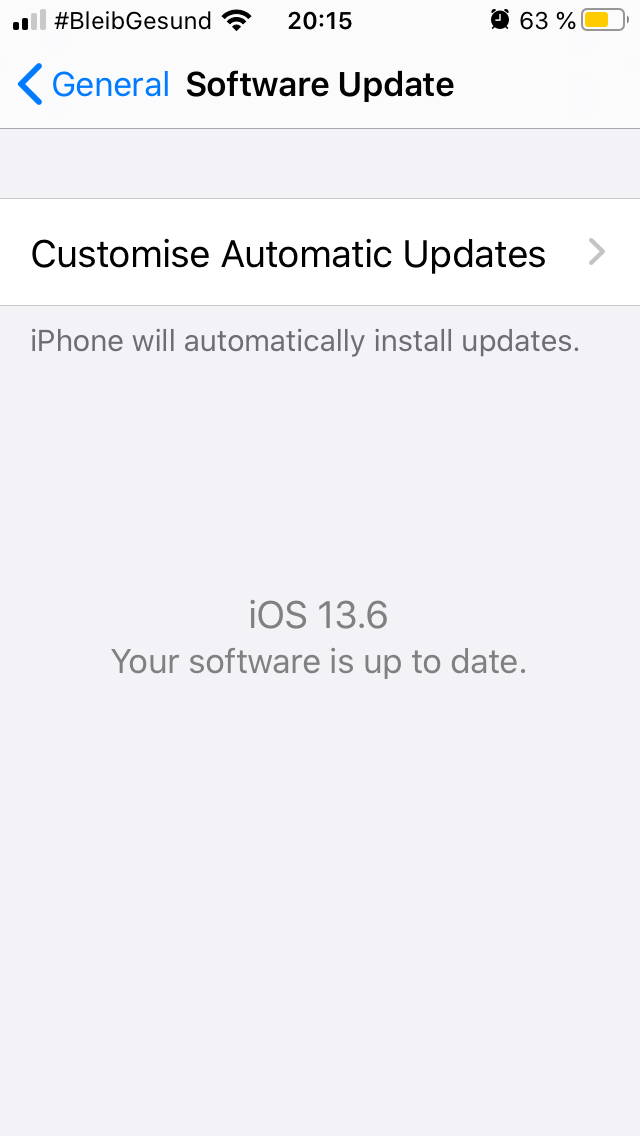
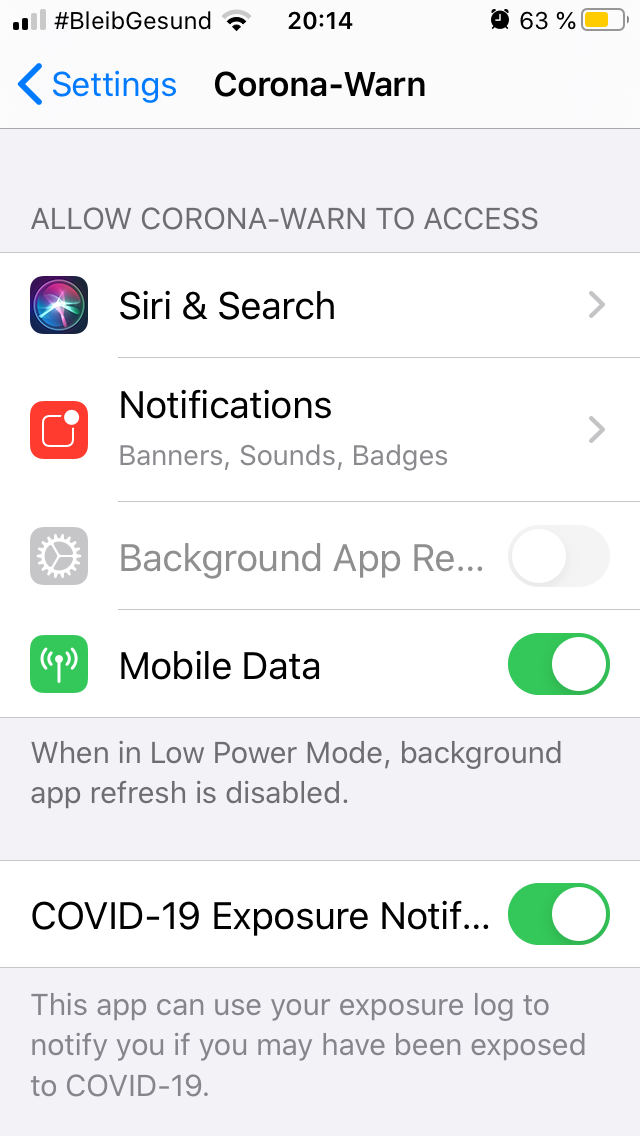
 ouboub
on 29 Jul 2020
ouboub
on 29 Jul 2020
@Ein-Tim
Hi if you open the app 18:30 and put the app in background, the scheduler will run earliest 20:30 and latest 22:30. Can you please share tomorrow your covid 19-> Begegnungsüberprüfungen via screenshot?
I can tell now:
The check happend!
I can see 27 logs under Begegnungsüperprüfungen (I think thats too much but better too much than too little...)
I will keep having an eye on it and see how it is tomorrow, thanks a lot @thomasaugsten
Ein-Tim
on 29 Jul 2020
@ouboub Could you please provide a screenshot of ios Settings -> Dataprotection-> Health->covid 19-> Begegnungsüberprüfungen
thomasaugsten
on 29 Jul 2020
That is what I did, do you mean,
ios: privacy->health->covid 19?
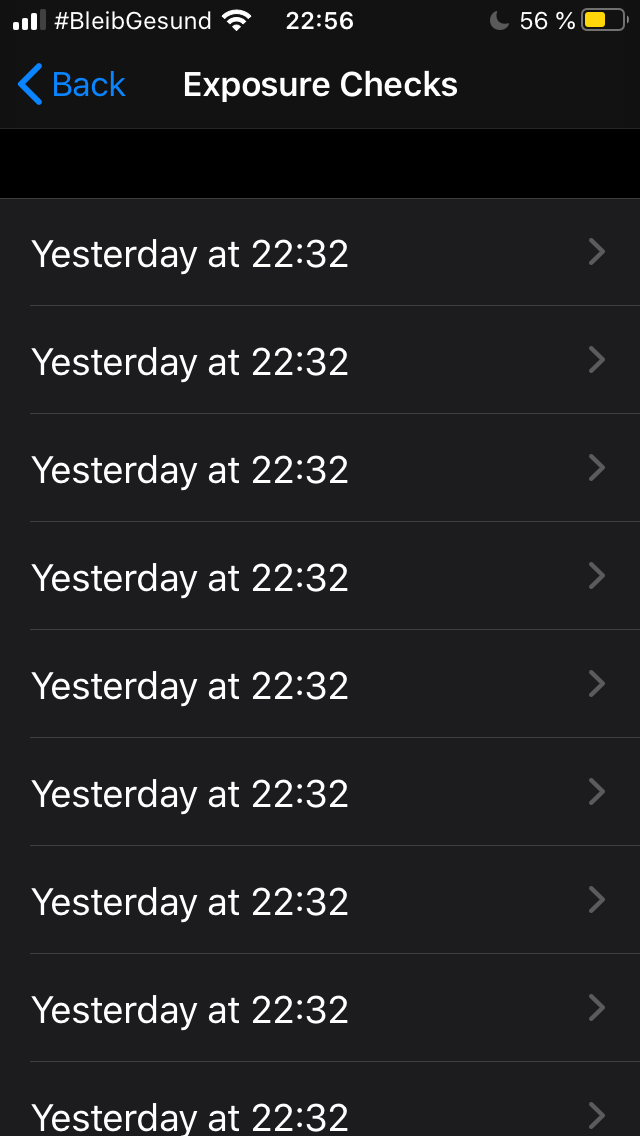
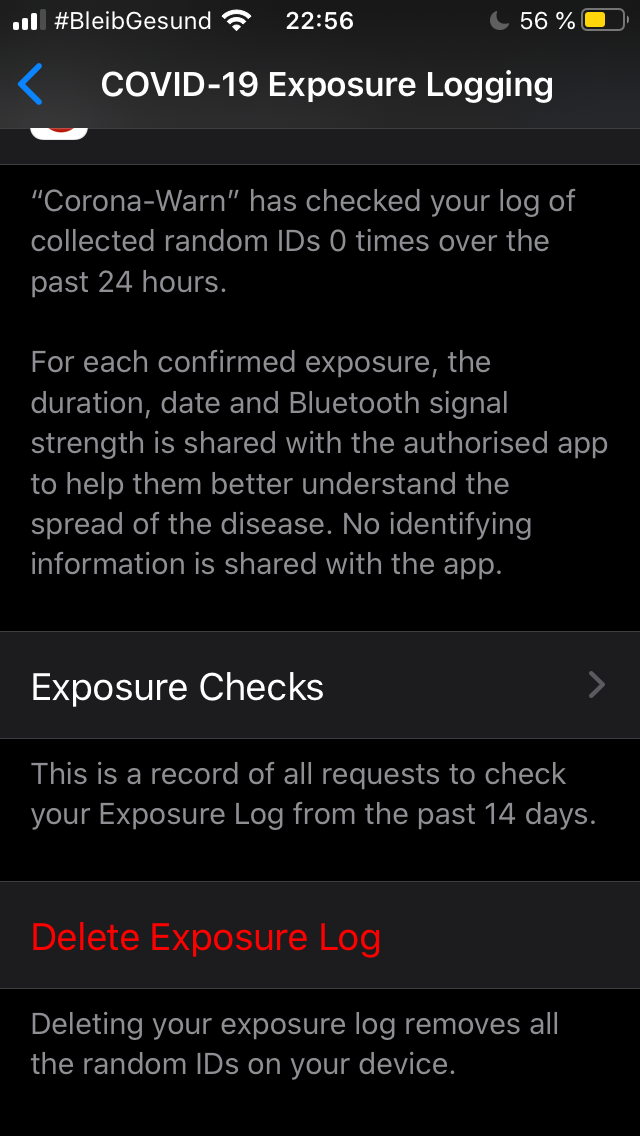
ouboub
on 29 Jul 2020
@ouboub I do not see a problem on your side, Currently the check should only perform every 24 h. a delay about 2 hours over time is absolute normal behaviour, in special when running in battery saving mode. If this is still the last check on your side, please report immediately!
Doing the checks more frequently is a very useful feature but not a bug. It is discussed here and not that easy:
corona-warn-app/cwa-backlog#2
HeiDasGri
on 30 Jul 2020
Hi
it is the last check I attach a screenshot I did a couple of minutes ago
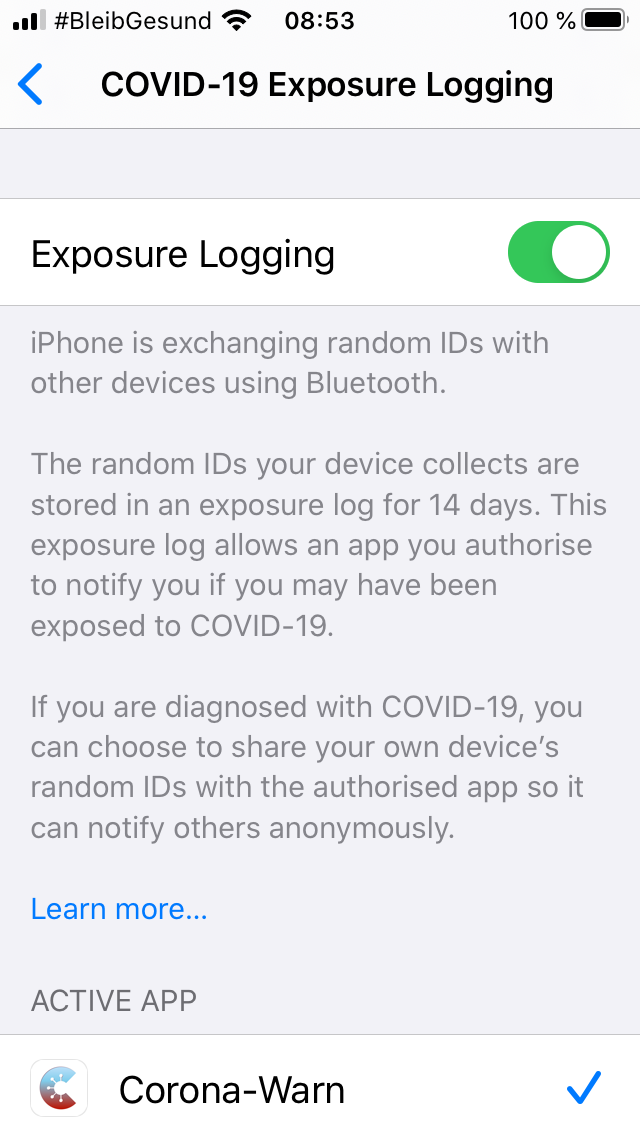
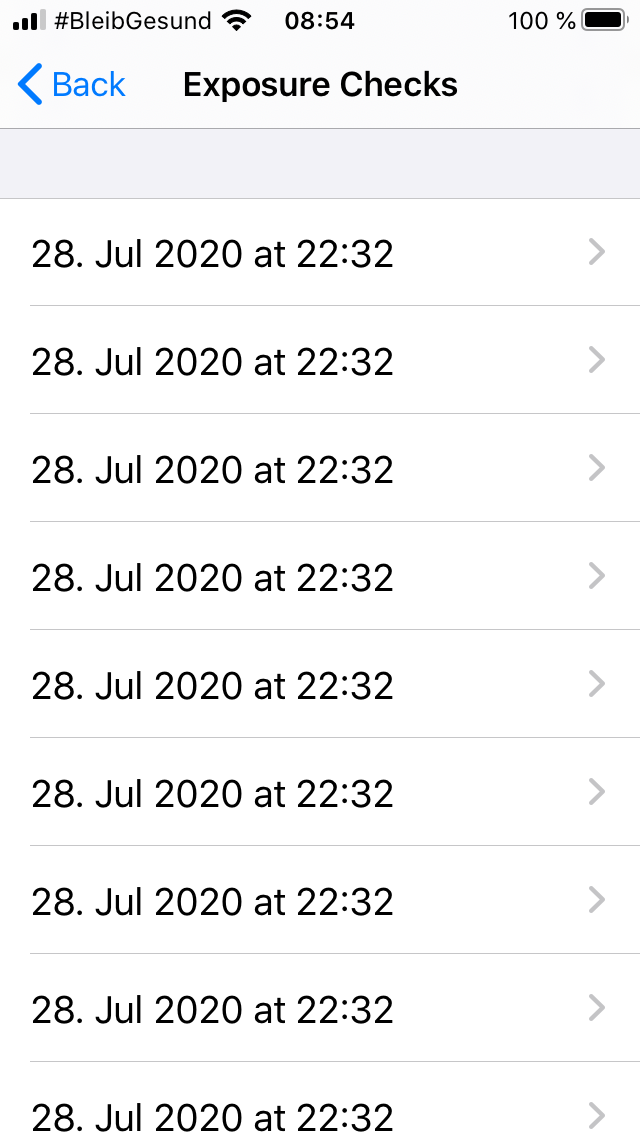
ouboub
on 30 Jul 2020
@ouboub Thanks, now I can see the problem! What looks fine:
- Phone has Charged
- Internet connectivity WLAN and Mobile
- No Powersave modus
On your screenshot of app setting, the "Background App Refresh" is disabled. This is ok for powersafe modus. But we do not know your setting on full power mode. Please check in adition Background App Refresh on iOS, here is the setting:
Open the “Settings” app in iOS
Go to “General”
check “Background App Refresh”
HeiDasGri
on 30 Jul 2020
Short update from me.
My phone really seems to do the background checks only when the phone is connected to power.
Yesterday I charged my phone to 100% right before hitting the 24 hour mark at 23:20 and then left it disconnected from power at 100%:
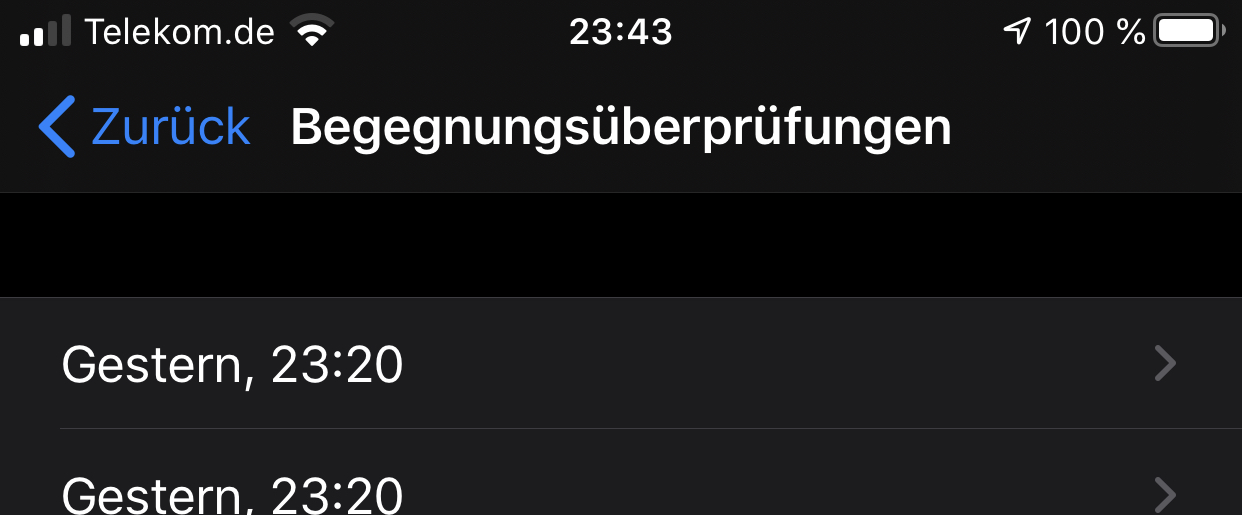
I left the phone disconnected over night only to find out in the morning that the update hadn't happened 8 hours after passing the 24 hour mark:
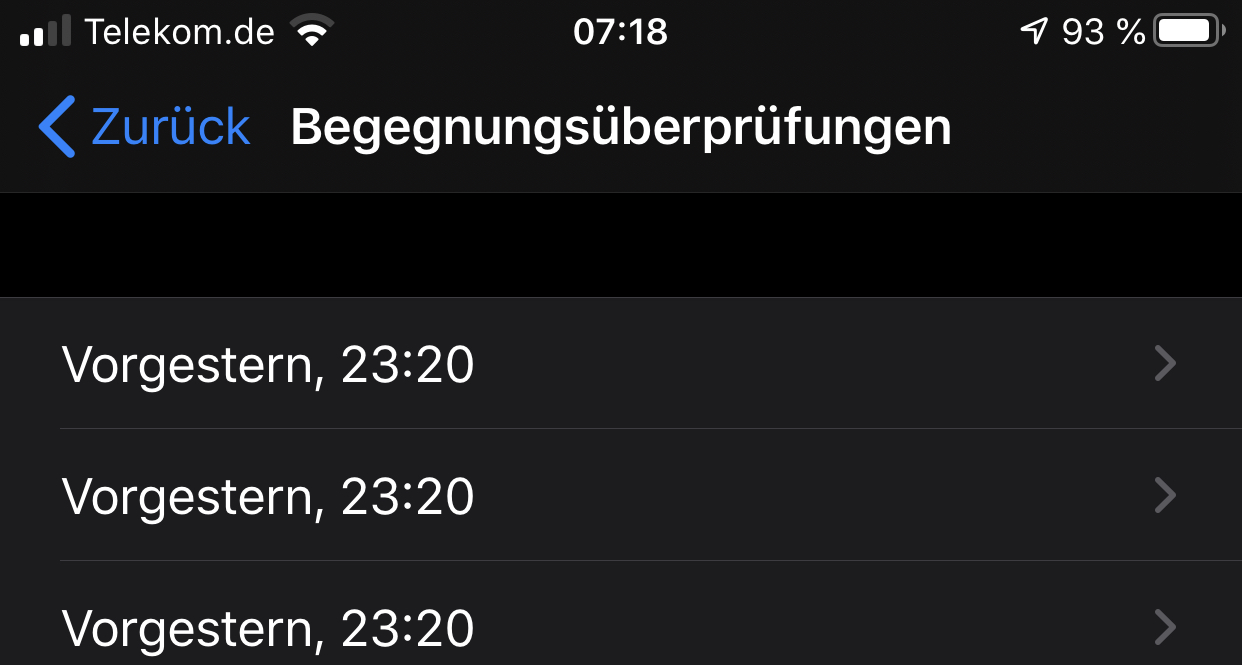
I then connected the phone to power this morning at 7:19 and without opening the app the update happened within 5 minutes:
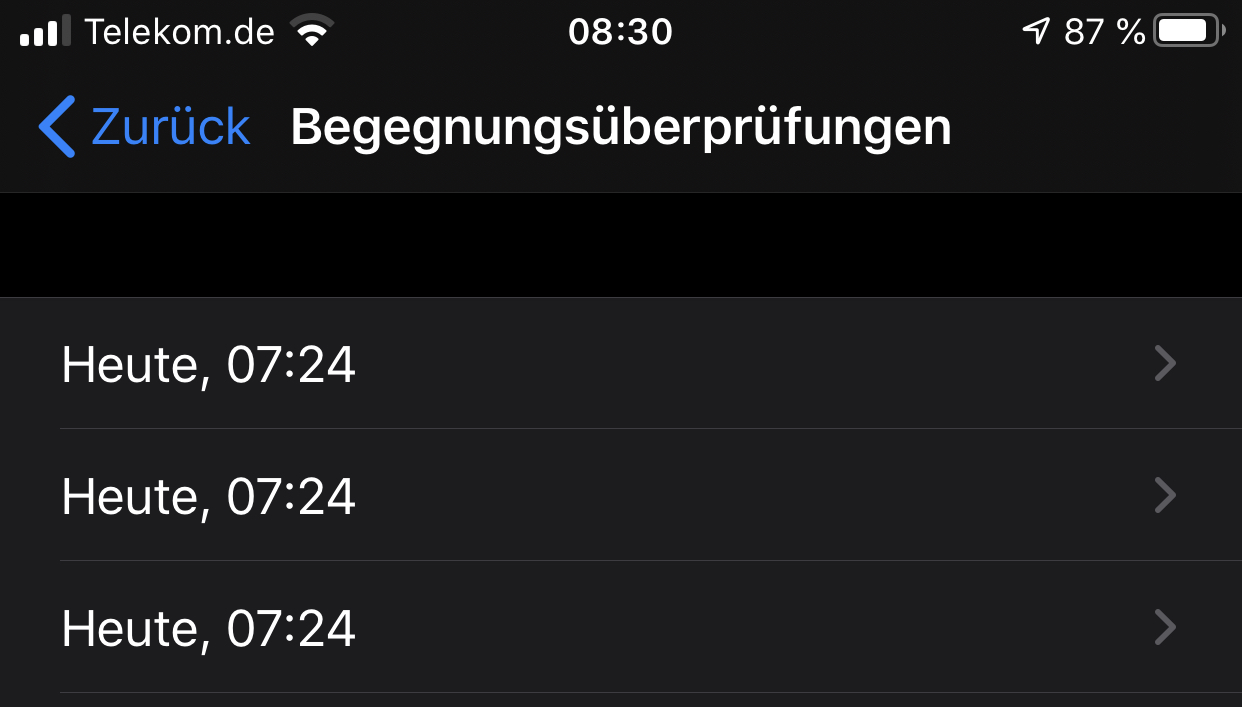
databus23
on 30 Jul 2020
@ouboub Thanks, now I can see the problem! What looks fine:
- Phone has Charged
- Internet connectivity WLAN and Mobile
- No Powersave modus
On your screenshot of app setting, the "Background App Refresh" is disabled. This is ok for powersafe modus. But we do not know your setting on full power mode. Please check in adition Background App Refresh on iOS, here is the setting:
Open the “Settings” app in iOS
Go to “General”
check “Background App Refresh”
it is desactivated. I did that in order to save energy. By bad, sorry
I activated it, but when turning to low battery mode, which I do after each recharge
background app refresh is off again,
Therefore the C-Warn app refreshing is also off.
At least this is my understanding.
Question, is there a way that the C-Warn app has
background app refresh on even in low power mode?
ouboub
on 30 Jul 2020
@databus23 Good test and good obeservation. But it is totally different to the experiences with my phone. Maybe the different is "Day" and "Night". Could you please charge the phone over night and disconnect the plug before 7:24. Lets see if it will be the same behaviour during the day.
HeiDasGri
on 30 Jul 2020
Question, is there a way that the C-Warn app has
background app refresh on even in low power mode?
Don't worry, on my phone this specific background task runs in low power mode. Here the setting page do not recognise, that this is a privileged app.
HeiDasGri
on 30 Jul 2020
Question, is there a way that the C-Warn app has
background app refresh on even in low power mode?Don't worry, on my phone this specific background task runs in low power mode. Here the setting page do not recognise, that this is a privileged app.
Well but still the app has not updated, I attach 3 screenshots.
I conclude app refresh is activated in normal mode but deactivated in low power mode.
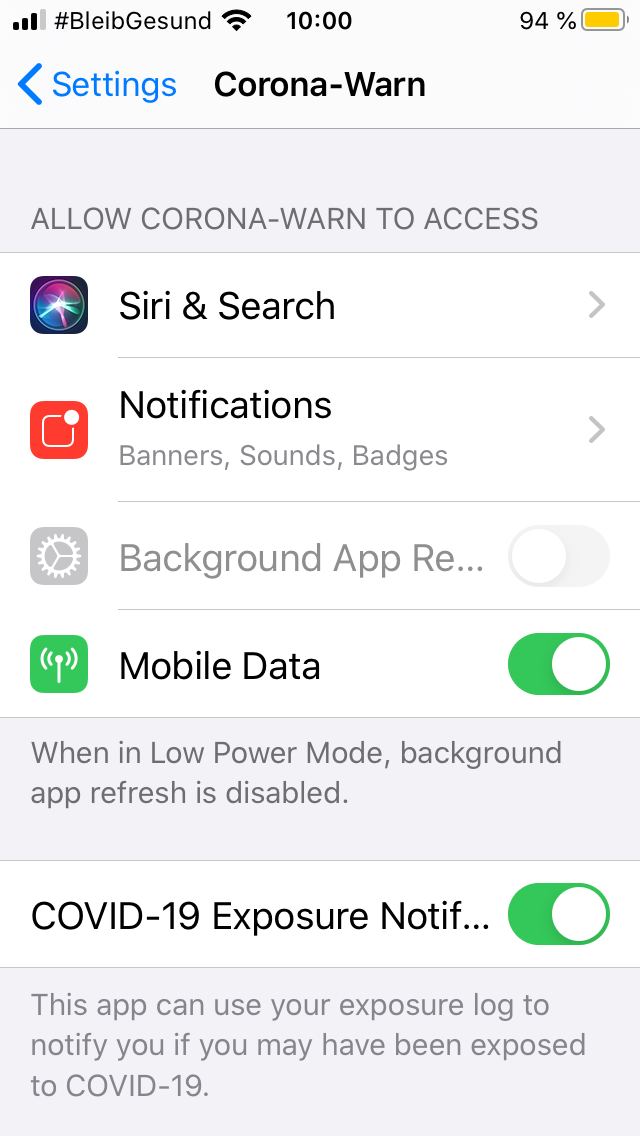
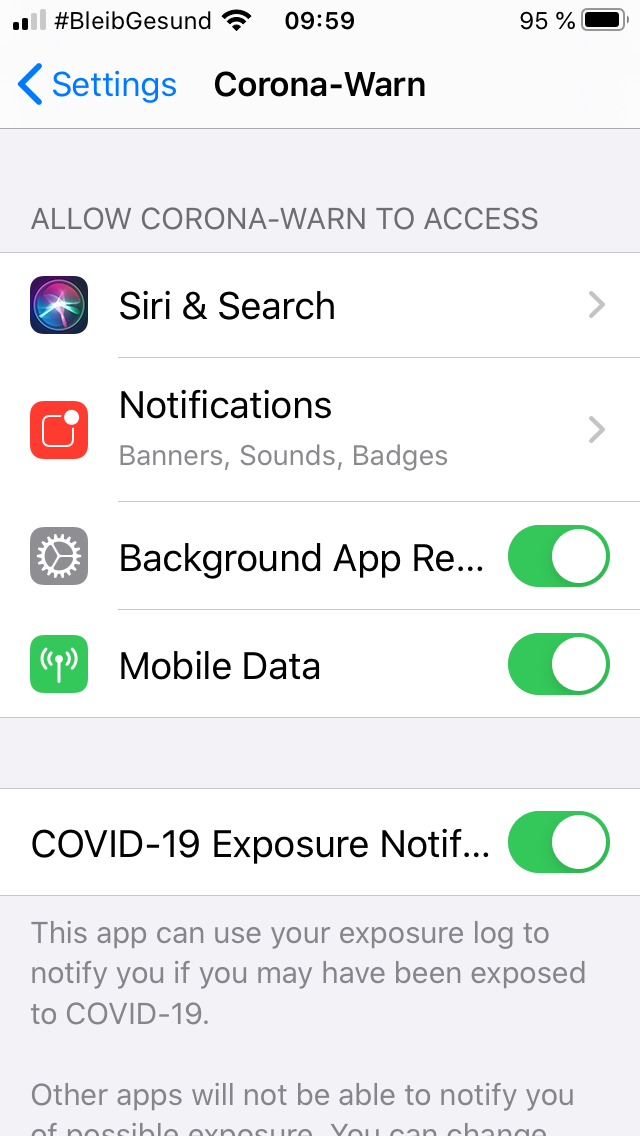
ouboub
on 30 Jul 2020
@ouboub Our tests shows also with low power mode the background task is working. Can you please check one day with low power mode activated via control center?
thomasaugsten
on 30 Jul 2020
@ouboub Our tests shows also with low power mode the background task is working. Can you please check one day with low power mode activated via control center?
Well the last check still is 28 of July 22:35. I will wait the whole day, if by tomorrow it has not actualized, I report back.
ouboub
on 30 Jul 2020
@ouboub Our tests shows also with low power mode the background task is working. Can you please check one day with low power mode activated via control center?
Well the last check still is 28 of July 22:35. I will wait the whole day, if by tomorrow it has not actualized, I report back.
Ok, good news, the app performed the checks at 10:54, screenshot attached, but only 6 instead of the usual 13/14 it does when I do it manually.
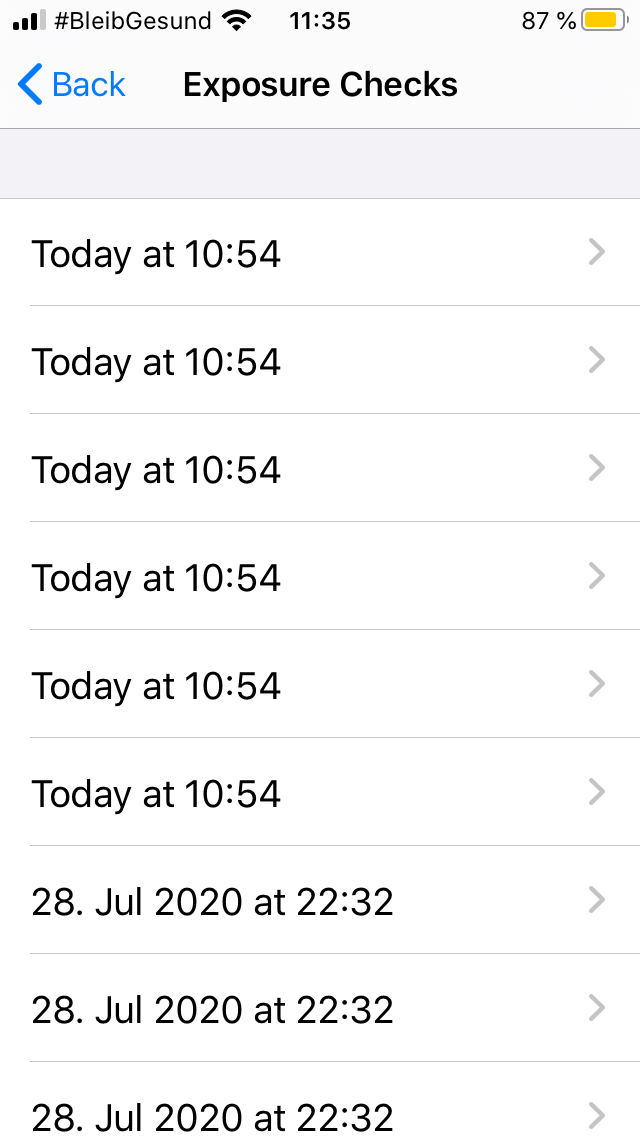
ouboub
on 30 Jul 2020
@ouboub Our tests shows also with low power mode the background task is working. Can you please check one day with low power mode activated via control center?
Well the last check still is 28 of July 22:35. I will wait the whole day, if by tomorrow it has not actualized, I report back.
Ok, good news, the app performed the checks at 10:54, screenshot attached, but only 6 instead of the usual 13/14 it does when I do it manually.
Now it gets bizarre: I opened the app and it again preformed a check with the usual 13/14 checks, screenshots attached.
This is of course is no bug, but a bit odd it is.
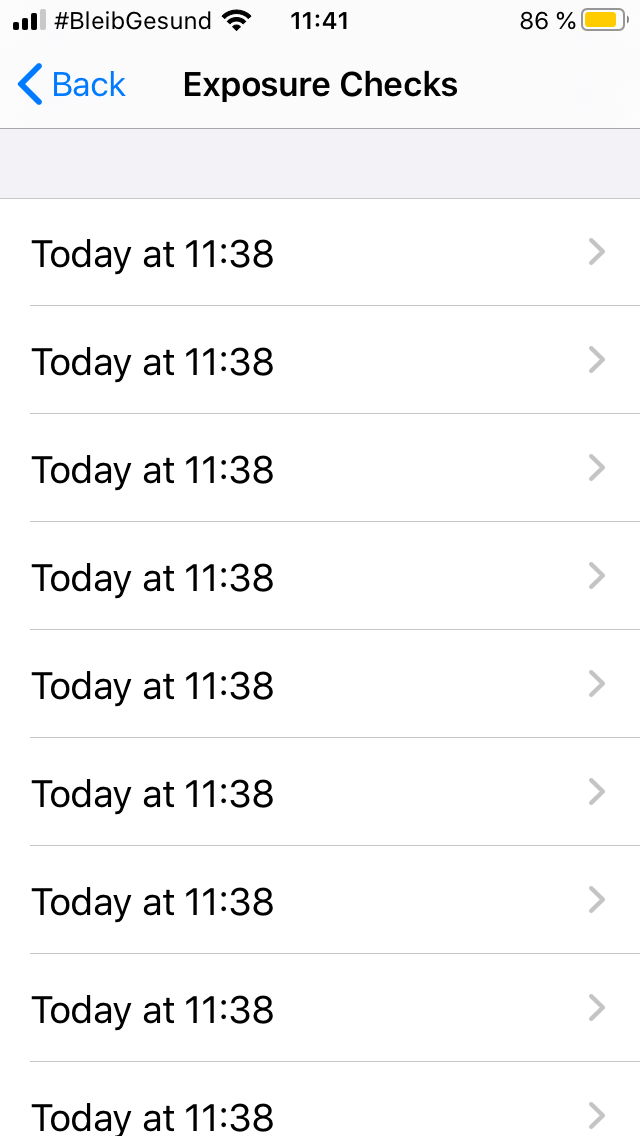
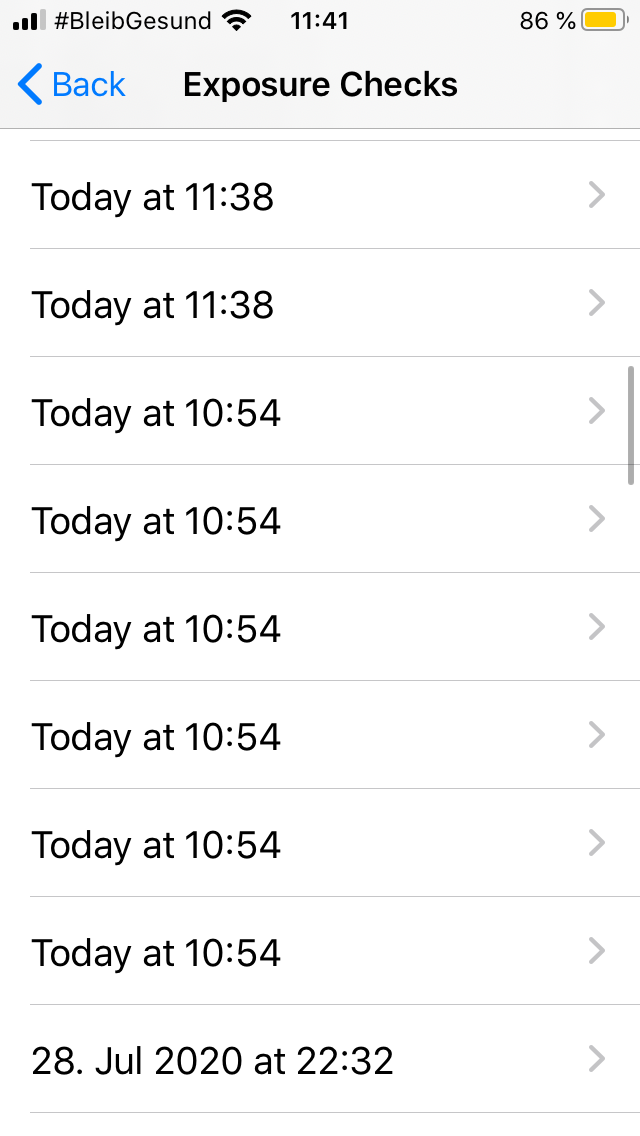
ouboub
on 30 Jul 2020
After I updated to version 1.1.2 and started the app on 27.07.2020 at 18:16, the app performed the checks immediately. Then I finished the app completely, curious about what will happen in the next days.
And that happened:
Three background checks took place at the following times.
28.07.2020 19:04
29.07.2020 20:05
30.07.2020 21:08
And then everything was over. No more background checks. So the "Fix" only works for three days.
That you are not ashamed to deliver such a bad quality for so many millions of Euros.
Hopefully you'll be decent this time and inform the public that the problem is not solved.
 codertrix
on 2 Aug 2020
codertrix
on 2 Aug 2020
@codertrix Can you give us details about your device and iOS version?
thomasaugsten
on 2 Aug 2020
Similar story here. After updating to 1.1.2 it updated in the background for a few days then stopped. Running iOS 13.5.1 on an iPhone X.
 nimand
on 3 Aug 2020
nimand
on 3 Aug 2020
Please update to the latest iOS 13.6 and test again.
thomasaugsten
on 3 Aug 2020
Twitter user is reporting problems (checks only happening when manually opening the app): https://twitter.com/JulianRoepcke/status/1290201844975841280
- Iphone 7
- iOS 13.6 & CWA 1.1.2
Btw: Are the entries in the "Kontaktüberprüfungen" list in chronological order under iOS? Under Android they seems to be all over the place.
 daimpi
on 3 Aug 2020
daimpi
on 3 Aug 2020
It might be helpful to push an update which informs the users to update to 13.6 (and to open the app regularly, until this issue is resolved)
lksnmnn
on 3 Aug 2020
@codertrix Can you give us details about your device and iOS version?
I'm using an iPhone 6s with iOS 13.6.
codertrix
on 3 Aug 2020
@codertrix Can you please double check the settings Einstellungen->Allgemein->Hintergundaktualisierung
The first element ist active and the app specific is active.
thomasaugsten
on 3 Aug 2020
Hi
I have
- an iPhone SE,
- iO13.6
- App 1.1.2
I have always low power mode on, and I had desactivated Background App refresh. (my bad)
I turned low power mode off, activated Background App refresh (only for the corona app)
then I turned low power mode on again and
in low power it looks as if the app is not actualized (while in fact it does, so that is a bit confusing)
Be it as it may, the app actualizes so far, but not in a strict 24 hours rythm.
So after that configuration change I see:
privacy-->health--> CoronaVirus-->exposure checks:
- 30 July 11:38
- 31 July 13:14
- 1 August 13:38
- 2 August 14:06 5.
today I am still waiting
ouboub
on 3 Aug 2020
@ouboub Hi the low energy should not be a problem but you have to activate the background refresh. In the next releases we will help the user if they deactivate the background app refresh. Please do again a test with low power mode and background app refresh activated.
thomasaugsten
on 3 Aug 2020
If you are encountering "missing" updates, I would suggest to check
Einstellungen -> Datenschutz -> Analysedaten
if there are any entries for "ENA" (which is the internal name of the CWA). If there are entries there, these are crash logs, which might help the devs to understand the continuing issues.
PalminX
on 3 Aug 2020
@ouboub Hi the low energy should not be a problem but you have to activate the background refresh. In the next releases we will help the user if they deactivate the background app refresh. Please do again a test with low power mode and background app refresh activated.
right, this is what I tries to explain.
there are two options, you desctivate app background refresh, and then turn low power mode on.
you do not activate app background app on, (or only for the Corona app) and then turn low power on. Again it seems that
no app will refreshed, while in fact privileged ones will.
It seems that the app refresh mechanism works now, but the it is a bit confusing that the app does not make it sufficiently clear that it works in low power mode, if you have background refresh activated, (because in low power mode backtround refresh seems to be deactivated globally, which is not true)
Anyhow this is also apple's fault, because that is not sufficiently clear
ouboub
on 3 Aug 2020
I've previously reported, but have since updated iOS and CWA. This is an iPhone XR
I've done the following, in this order:
- Installed CWA (shortly after first release on the App Store)
- Ran CWA a couple times
- Updated to iOS 13.6
- Ran CWA once
- Updated CWA to 1.1.2
- Ran CWA once (and never again since) at 2020-07-30 ~20:12
Settings -> Data protection -> Health -> COVID-19 encounter recordings -> COVID-19 encounter recordings = On
Settings -> Data protection -> Health -> COVID-19 encounter recordings -> Active App = CWA
Settings -> Data protection -> Health -> COVID-19 encounter recordings -> Encounter checks:
14x 2020-07-22 08:34
13x 2020-07-28 00:02
13x 2020-07-30 20:13
Settings -> Data protection -> Analysis & Improvements -> Analysis data -> (No "ENA" records, no records after 2020-07-28 are related to CWA/ENA)
Settings -> Corona-Warn -> Background updates = On (never changed)
Settings -> Corona-Warn -> COVID-19 Encounter Notification = On (never changed)
Settings -> Corona-Warn -> Language = Deutsch (never changed)
Low power mode is off, and has been off most of the time. The battery has fully charged several times since.
I did reset the devices' Ad-ID at least once since upgrading iOS to 13.6.
My understanding is that this should not have happened, instead, encounter checks should have been logged daily. I have not read the full log of this issue, though, and may have missed newer information. Please advise.
Please let me know if I should provide any additional information or try anything else. I do expect that background checks would occur, at least once or twice (before failing again), if I were to open the app now.
ABCMoNa
on 3 Aug 2020
@ABCMoNa thanks for this detailed report can you please contact me directly to provide more details
thomasaugsten
on 3 Aug 2020
Thanks @thomasaugsten, I just sent contact details to the e-mail address you provided. Feel free to contact me any day and time of day (I may or may not respond immediately).
_An update for anyone reading:_
Thomas got in touch with me instantly and kept responding instantly whenever I sent e-mail, including at 1 a.m. That's faster than most bots could reply - impressive. More importantly, his responses were terse but on point.
Regarding the problems I reported: Thomas asked me to provide am iOS system diagnosis, which I did. Reviewing it seemed to have indicated that the app had not been started after I had upgraded it (but I'm certain I started it exactly once). Thomas asked me to start the app once more, and to keep an eye on whether this would help with getting encounter log updates. And it did - I have since received (and still receive) daily updates in a ~24,5h period, as it should be. Works for me.
Thanks to Thomas and the SAP team for your dedication to this project and for working around these API deficiencies successfully.
ABCMoNa
on 3 Aug 2020
- Ran CWA a couple times
- Updated to iOS 13.6
- Ran CWA once
- Updated CWA to 1.1.2
- Ran CWA once (and never again since) at 2020-07-30 ~20:12
Settings -> Data protection -> Health -> COVID-19 encounter recordings -> COVID-19 encounter recordings = On
Settings -> Data protection -> Health -> COVID-19 encounter recordings -> Active App = CWA
Settings -> Data protection -> Health -> COVID-19 encounter recordings -> Encounter checks:
14x 2020-07-22 08:34
13x 2020-07-28 00:02
13x 2020-07-30 20:13
Settings -> Data protection -> Analysis & Improvements -> Analysis data -> (No "ENA" records, no records after 2020-07-28 are related to CWA/ENA)
Do you mean (main language English (UK) (and US, as I checked)
Settings->Privacy-->Analysis & Improvements--> Analytics data?
Well in this case I also have no ENA records, none, although
Under
Settings-> Privacy-> Health-> COVID 19 Exposure Logging--> Exposure Checks
I see
15x 03-08-2020 14:20
14x 02-08-2020 14:06
15x 01-08-2020 13:38
15x 31-07-2020 13:14
22x 30-07-2020 11:38
before that data, I had background app refresh off, and opened the app
daily at least once.
So I am confused, what does the lack of ENA records mean?
ouboub
on 3 Aug 2020
ENA records in "Analysis data" are crash report of the app or the ENF
thomasaugsten
on 3 Aug 2020
@codertrix Can you please double check the settings Einstellungen->Allgemein->Hintergundaktualisierung
The first element ist active and the app specific is active.
I checked it. Both settings are active.
codertrix
on 3 Aug 2020
@thomasaugsten sorry for off-topic, but it would be beneficial if SAP added you to the organization Corona-Warn-App (see https://github.com/orgs/corona-warn-app/people). Helps with understanding who's a dev and who's a user when reading issues.
 jlnprssnr
on 4 Aug 2020
jlnprssnr
on 4 Aug 2020
@jlnprssnr Thanks for the hint. The membership was not public. I was not aware of this misconfiguration.
thomasaugsten
on 4 Aug 2020
Please update to the latest iOS 13.6 and test again.
After updating to 13.6 and opening the app once for a manual update, it still doesn't refresh in the background after more than 40 hours.
nimand
on 5 Aug 2020
@nimand can you please contact me directly for further details
thomasaugsten
on 5 Aug 2020
@nimand can you please contact me directly for further details
I sent you a message.
nimand
on 5 Aug 2020
After entering the app a 2. time to manually update it seams to work now. So may be it‘s not enough to enter the app only once
Tho-Mat
on 5 Aug 2020
After entering the app a 2. time to manually update it seams to work now. So may be it‘s not enough to enter the app only once
I don't think that this is the reason. Either the task is scheduled or not, and for this, opening the app once is enough. The problem is just that the BG Tasks are either not called because iOS thinks this is not suitable (due to system load/device constraints), or the app crashes while performing the exposure notification check (which is what I saw on my phone).
PalminX
on 5 Aug 2020
Just an update from my side as it seems not everyone is having luck here: With iOS 13.6 and the last App update installed on 2020-07-25 shortly after that manual update, all exposure checks where when I opened the app manually before. After the update I didn't open the app deliberately as I wasn't really out anyway and I wanted to have a few days of test data. In the evening of 2020-07-29 I opened the app once and never again since. Seems that opening once after the update did the trick.
     14       "Timestamp" : "2020-07-15 19:22 +0200"
     14       "Timestamp" : "2020-07-18 13:50 +0200"
     13       "Timestamp" : "2020-07-21 21:55 +0200"
     14       "Timestamp" : "2020-07-24 12:23 +0200"
     14       "Timestamp" : "2020-07-25 13:37 +0200"
     14       "Timestamp" : "2020-07-29 17:19 +0200"
     14       "Timestamp" : "2020-07-30 17:41 +0200"
     14       "Timestamp" : "2020-07-31 18:19 +0200"
     14       "Timestamp" : "2020-08-01 18:36 +0200"
     13       "Timestamp" : "2020-08-02 19:22 +0200"
     13       "Timestamp" : "2020-08-03 19:59 +0200"
(Yesterday I had a check roughly at 20:30 but did sent this log out before. So always around 24:30-25:00 hours between updates.)
Hope you can work with Apple to get this more stable like having the App work without opening after an update, although Apple seems to not care too much about features not used in silicon valley anyways as they showed in some other things and now with the Covid API not being in the first months of betas for iOS 14. (Don't get why people use betas on their daily phones but the public ones encourage this behaviour.)
Maybe you can figure out hourly/two hourly checks with them too as we all now time is key in fighting this pandemic.
P.S. one additional note on the exposure checks not working: I think I got regulary weekly: "No critical exposure" notifications by the OS although the checks weren't executed regularly.
irieger
on 5 Aug 2020
Background checks have stopped working again. iPhone X, iOS13.6, CWA 1.1.2. All worked fine after installing CWA1.1.2 from when it was released until 2 days ago. Last check happened 2 days ago 18:45. No check yesterday, no check today. The phone was connected to the mobile network or wifi all the time and was not in power save mode since then as far as I remember. Also I did not disable anything (like Bluetooth, wifi or background checks) it is all on standard settings. Seems like there are still some issues remaining with background checks.
If there is any information I can provide to help clarify why it is not working let me know. I checked the crash logs but couldn't find anything obvious.
Update 2020-08-11: After I opened the app manually yesterday, it immediately did a check at 11:35. Today I did not open the app but found that the background check is working again, happened today at 12:10. Seems that the background check task is now scheduled again. So it seems once a background check did not run, it will never run again in the future unless the user opens the app.
You should really investigate under which circumstances the background task can get lost. I know bugs can happen but I have a hard time understanding why this is still not 100% fixed. If it an iOS issue, don't just wait for Apple, find a workaround. Looks bit embarrassing to me.
pozoo
on 9 Aug 2020
FYI, my brother opened his CWA yesterday on 13.6 and it immediatly did a check. But the last one before that was on Aug, 1st. Please make people open their apps more often!! Else this tool is useless in fighting the virus spread effectively.
lksnmnn
on 10 Aug 2020
I tried everything to disrupt the background check of the CWA or find any failure. But the check works reliable everyday since the 26th July. In my stress test - in the most cases - I didn’t charge my iPhone during the check. Among others I did the following:
- One time the battery had only 17% and I switched my iPhone to the low power mode before the check
- I closed the app permanent several hours before the supposed background check
- I activated the airplane mode shortly before the supposed check. Then I let my iPhone in that mode for at least 8 hours to look what’s happening after that.
In the case of the airplane mode, the check was exactly executed after 15 minutes of the deactivation. In all other cases, 24 hours after the last check, my longest delay was about 1 hour and 42 minutes.
At present I don't see any possibility to help the community. My configuration is:
- iPhone 11
- iOS 13.6
- CWA-Version 1.1.2
Jens07
on 11 Aug 2020
So, I did also some tests - and it broke.
(Now, is this good news or bad news? :-) )
cwa v 1.1.2(0) / iOS 13.6 / iPhone 8
I am running with this configuration since 13 days now with daily background check successfull, as expected. Check was always at night time under ideal conditions: device powered, no power saving mode, good internet connection.
Check time drifted towards morning, so I decided to try some rougher conditions.
But unfortunately, I am not aware of any specific action that triggered the failure now...
- Saturday check at 08:28, successfully triggered from background
- Sunday ~ 08:45 disconnect WLAN and mobile data => no internet. Battery is fully charged, but device not powered
- as expected, no check till 13:00
- at 13:02 activate mobile data, and 5 minutes later connect WLAN
- check from background at 13:03
- I remember that I opened the app after this to confirm the app version. Not sure if this is important.
- Monday 13:35 check from background successfull
- Tuesday 21:21 and I am still waiting ...
Edit:
- Wednesday 09:00 still no automatic background check
- I open the app manually so the check was done today at 09:00 (after > 43 hours!)
- no error message seen
- verified cwa version: indeed 1.1.2(0)
Are there any log files or other information that I could share to support further analysis?
ndegendogo
on 11 Aug 2020
A little update from my side:
Everything works fine, background checks are always performed.
They are shifted back every day for, usually, ca. 1:30h (which is not great but okay IMHO).
Today I had a strange behavior:
I was in Low Power Mode at the time the background check should, approximately, perform.
9 checks were performed at 7:06 pm (in the background).
But also 18 checks were performed at 8:13 pm today (after I manually opened the App).
I wonder what would have happened if I wouldn't had opened the App?
If it would stick to 9 checks in the background only this wouldn't be good.
Technical Details:
iOS Version: 13.6
Device: iPhone XR
App Version: 1.2.1 (0)
Ein-Tim
on 12 Aug 2020
The release 13.6.1 and CWA 1.2 improves also the background app refresh. Please try this new releases and report your experience.
thomasaugsten
on 13 Aug 2020
On first look 13.6.1/1.2.1 did not change anything for me regarding background app refresh: It only happens when I connect the phone to power. Same as before.
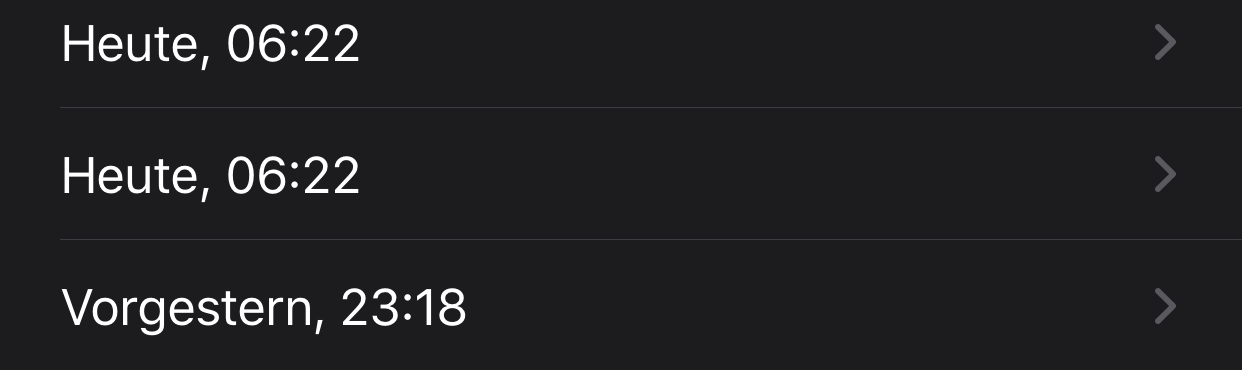
databus23
on 14 Aug 2020
@databus23 This is very interesting can you contact me directly to share more details
thomasaugsten
on 14 Aug 2020
Installed iOS 13.6.1 yesterday and running the latest CWA Version.
Yesterday the check was only delayed 4 minutes (which is really great!)
So, the check today should be performed at 8:17 pm.
Until now, nothing happened...
My phone was connected to the Internet via Mobile Data, I was in Power-Save Mode for a while but than I turned it off. I also connected the phone to a power supply, but still nothing happened.
I will open the App manually now, because I want the check to be performed, but unfortunately background checks are still not really reliable.
A restart of the phone didn't do anything...
Ein-Tim
on 14 Aug 2020
@Ein-Tim For a test can you please wait minimum 24h after your expected exposure check time, to see if the new WakeUpService is working.
thomasaugsten
on 15 Aug 2020
@thomasaugsten
Okay, I hope the check today will performed at the time it should perform, if not I won't open the App.
Ein-Tim
on 15 Aug 2020
@Ein-Tim Did it work?
Jens07
on 17 Aug 2020
Apologies is this is a red herring but I noticed 9 checks were performed when I entered my wifi zone at 12:20. At 13:23 I opened the app and 14 checks were performed.
iPhone 7 Plus, iOS: 13.6, App: 1.2.1, Background App Refresh: off
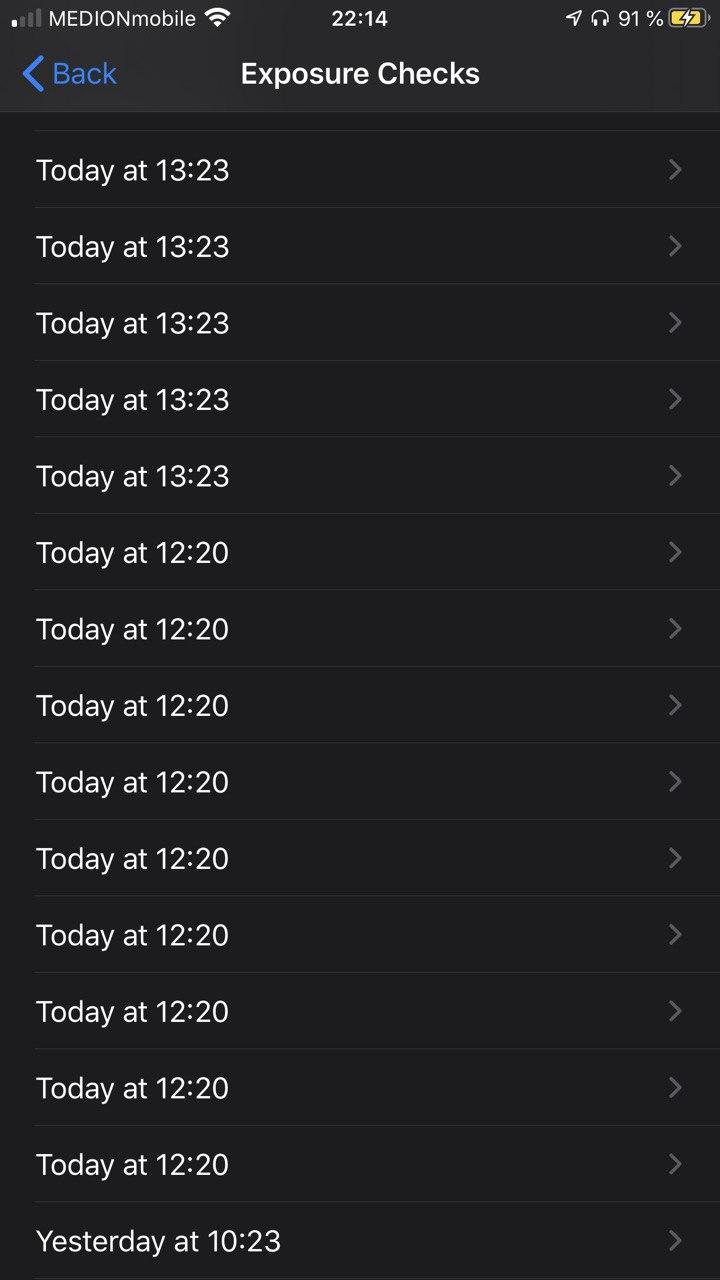
 alanrick
on 17 Aug 2020
alanrick
on 17 Aug 2020
@thomasaugsten & @Jens07
Yes, the day after the check worked and until today, it still works 👍
Ein-Tim
on 17 Aug 2020
@alanrick
Interesting, I had the same behavior on my phone some days ago.
See this comment
Ein-Tim
on 17 Aug 2020
I am having the same problem on my iPhone X.
iOS 13.6.1
App 1.2.1(0)
Background activity allowed.
But the app only updates when it is opened.
At the moment I am on vacation and relying on mobile data most of the time. Permission for using mobile data for background activity granted.
 ghost
on 18 Aug 2020
ghost
on 18 Aug 2020
@kluegerwerden What was the gap between two background tasks before you open the app manually? With 13.6.1 there should be a task running triggered via iOS, once per day, most likely around midnight.
thomasaugsten
on 18 Aug 2020
am having the same problem on my iPhone SE2
iOS 13.6.1
App 1.2.1(0)
Background activity allowed.
But the app only updates when it is opened now. Before the update to 13.6.1 and 1.2.1 it was updating.
Permission for using mobile data for background activity granted.
After the double update the app was updating automatically for one day and since then I have to open the app manually. On my iPhone it never updated around midnight. It updated when it was working always something about 30 minutes
 KoeRobert
on 19 Aug 2020
KoeRobert
on 19 Aug 2020
am having the same problem on my iPhone SE2
iOS 13.6.1
App 1.2.1(0)
Background activity allowed.
I have the same iOS and the same app version on my iPhone SE1. I also have background activity allowed and I have
always low power mode on.
The app actualizes roughly every 26 hours not every 24 hours, but I think this is ok.
So I recommend you really to wait more than one day without opening the app and only
check the exposure log via, the settings-->Private-->health etc etc
ouboub
on 19 Aug 2020
@thomasaugsten
So the check will most likely occur on midnight?
Ein-Tim
on 19 Aug 2020
We saw the wakeUpService on our device around 22:00-2:00. But your check can happen at any time it depends on the last check of your device and other things like internet or connected to a power charger.
thomasaugsten
on 19 Aug 2020
@kluegerwerden What was the gap between two background tasks before you open the app manually? With 13.6.1 there should be a task running triggered via iOS, once per day, most likely around midnight.
I opened the app on Aug 16th at 22:06, and on Aug 18th at 17:46. So midnight has been passed twice in between without an update. Before the 16th I have used iOS 13.6.0, but the situation was similar, no daily updates, at least since Aug 11th or 12th.
ghost
on 19 Aug 2020
@kluegerwerden can you please contact me directly. I'd like to have detailed look on you background task.
thomasaugsten
on 19 Aug 2020
cwa 1.2.1(0) / iOS 13.6.1 / iPhone 8
Today my check was a bit late; not 24h, not 26h, but 26h 51min.
It is the first delay > 26h since I am running this configuration; cwa 1.2.1 was updated 8 days ago, iOS 13.6.1 since 3 days.
Device not powered, but battery still fine > 50%. No power saving mode. I am not aware of bad internet connection at the time where the check was due.
And another observation: it presented not 14 files to the ENF, but 27 files, all at 21:47, in the following order: first the 13 recent days (but no new file for today), then again the same 13 files, and finally the new file.
ndegendogo
on 22 Aug 2020
Again background check was not working. Opened the app and only then the snyc was performed. Was working somehow within the two hours time frame and then there was only a few minutes delay. Today it was not working. I personally start to lose trust in the app!
KoeRobert
on 23 Aug 2020
@KoeRobert can you please give some
Background information which iOS version and CWA version do you use? When was your last exposure check how long you wait for the background check? What is the last entry in your exposure check log?
thomasaugsten
on 23 Aug 2020
@thomasaugsten
I have iOS 13.6.1 and CWA 1.2.1
The exposure check is very randomly. Sometimes there is only a few minutes ... or 2 hours +/-
Yesterday to the day before there was only a few minutes. Yesterday the update was at 10:48 and today I opened the app at 13:13 and noticed the following:
The textblock for the overview over my personal risk was grey and where it normally stated "Risiko-Ermittlung aktiv" was grey as well. After a few seconds everythings seems to be working ...
Where can I find the exposure check log?
KoeRobert
on 23 Aug 2020
Where can I find the exposure check log?
(In German:)
Einstellungen->Datenschutz->Health
->COVID-19-Begegnungsaufzeichnungen
->Begegnungsüberprüfungen
Ein-Tim
on 23 Aug 2020
@Ein-Tim @thomasaugsten
Thanks!


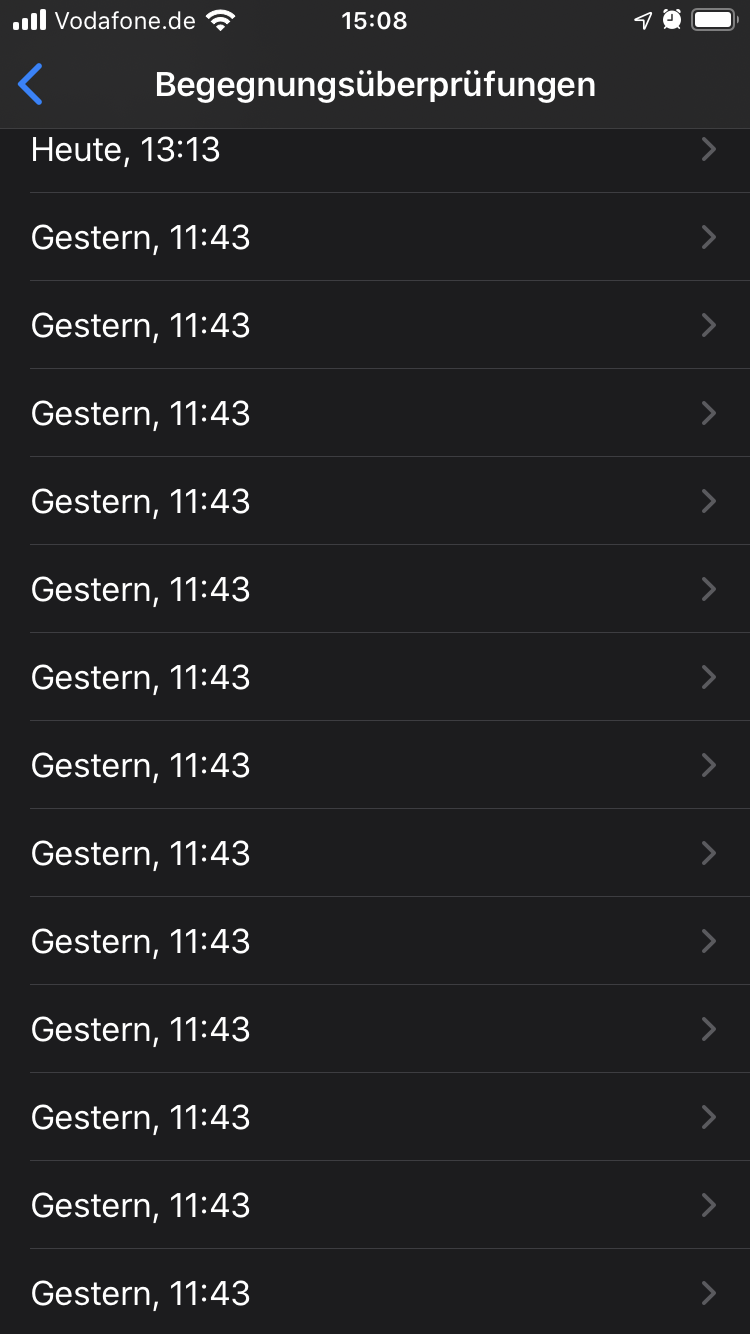
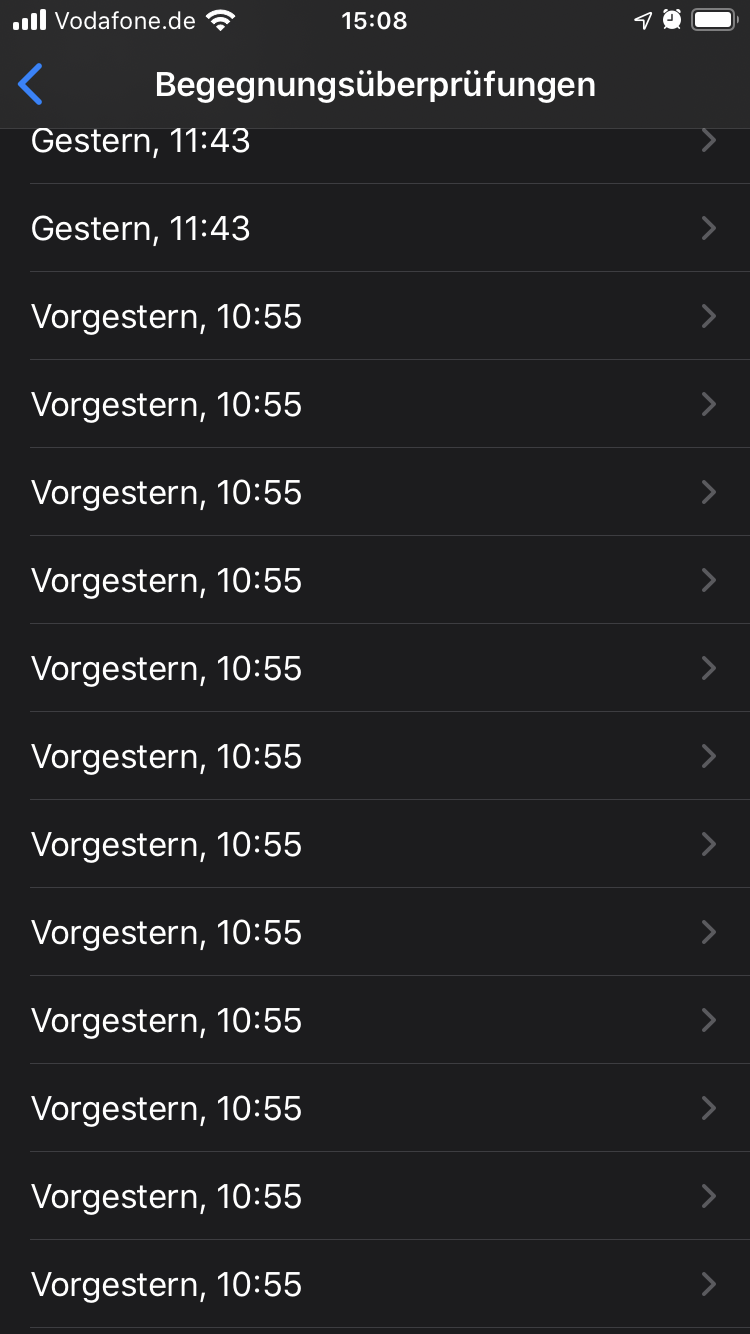
a little bit surprising ... at least in my eyes!
KoeRobert
on 23 Aug 2020
@KoeRobert
This looks normal (to me), no gaps in the Log and the check is always shifted back ca. 2 hours 👍
Ein-Tim
on 23 Aug 2020
I would expect to have the exposure check not randomly 2 hours +/- apart .... what is the reason to shit bak the check time?
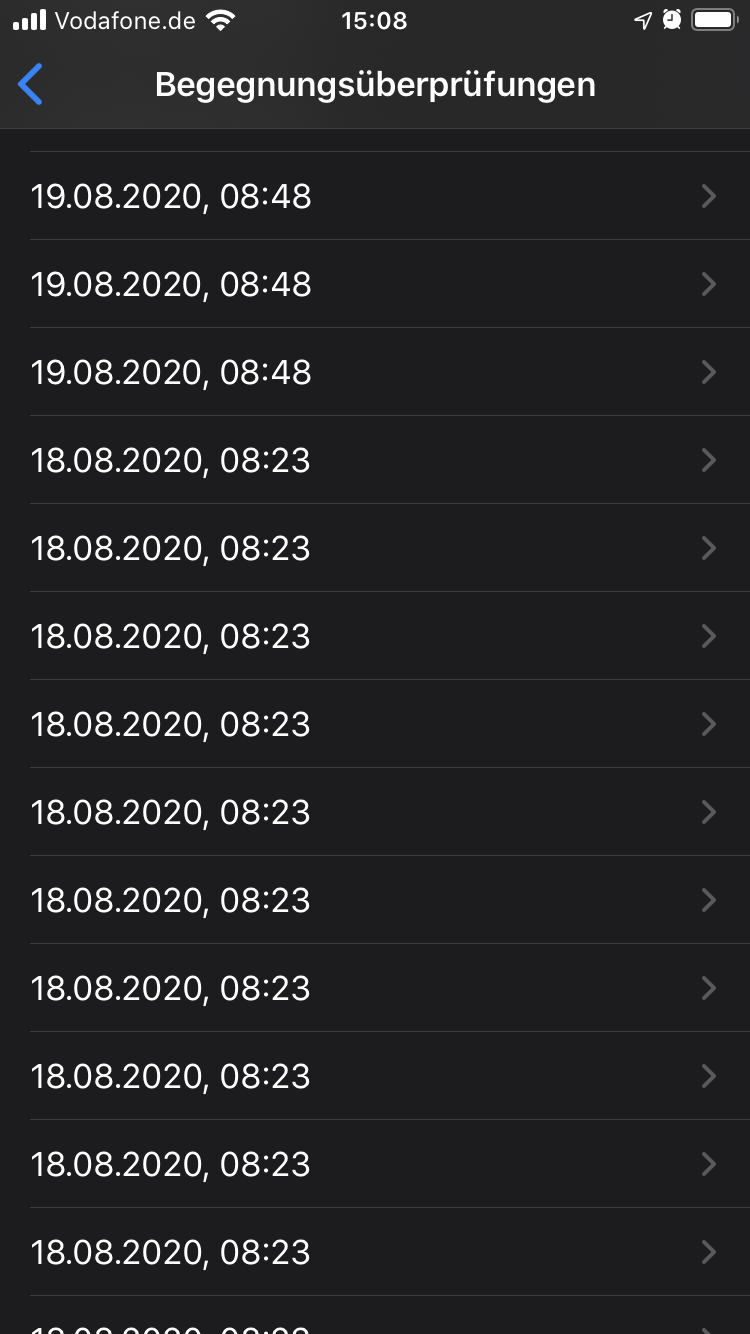
KoeRobert
on 23 Aug 2020
@KoeRobert this looks ok for me. Please be patient with your phone. iOS postponed sometimes background task because of many reasons like battery status, network coverage, cpu and memory usage. Sometime the os postponed background tasks over several hours but the app will retry every 2h and the iOS will ensure start every 24h.
thomasaugsten
on 23 Aug 2020
@thomasaugsten
my phone is mostly charged and has a good network connection ..
hopefully this is getting fixed because this is irritating and I'm pretty sure not only for me! and a better communication about this for the time being would probable help for the acceptance and trust as well ...
I hear this from a lot of people that the app is working not correctly
KoeRobert
on 23 Aug 2020
my phone is mostly charged and has a good network connection ..
Yeah, but how @thomasaugsten stated: It depends on a lot of things and this comes (mainly) from iOS.
hopefully this is getting fixed because this is irritating and I'm pretty sure not only for me!
I think this all is going to improve with every new iOS release and every new CWA Version.
and a better communication about this for the time being would probable help for the acceptance and trust as well ...
I agree, this shoud be added to the FAQ.
Ein-Tim
on 24 Aug 2020
@thomasaugsten
Is there any update about this 2h shift back?
Can this be somehow improved or will we see more checks (not only once a day) with a newer App version?
The problem, at the moment, with this is that the checks will get later and later at the day, so f.e. at the 26.08. the check was done at 23:32 but on the 27.08. no check was done and until now still nothing. This is a problem because one day is missing now...
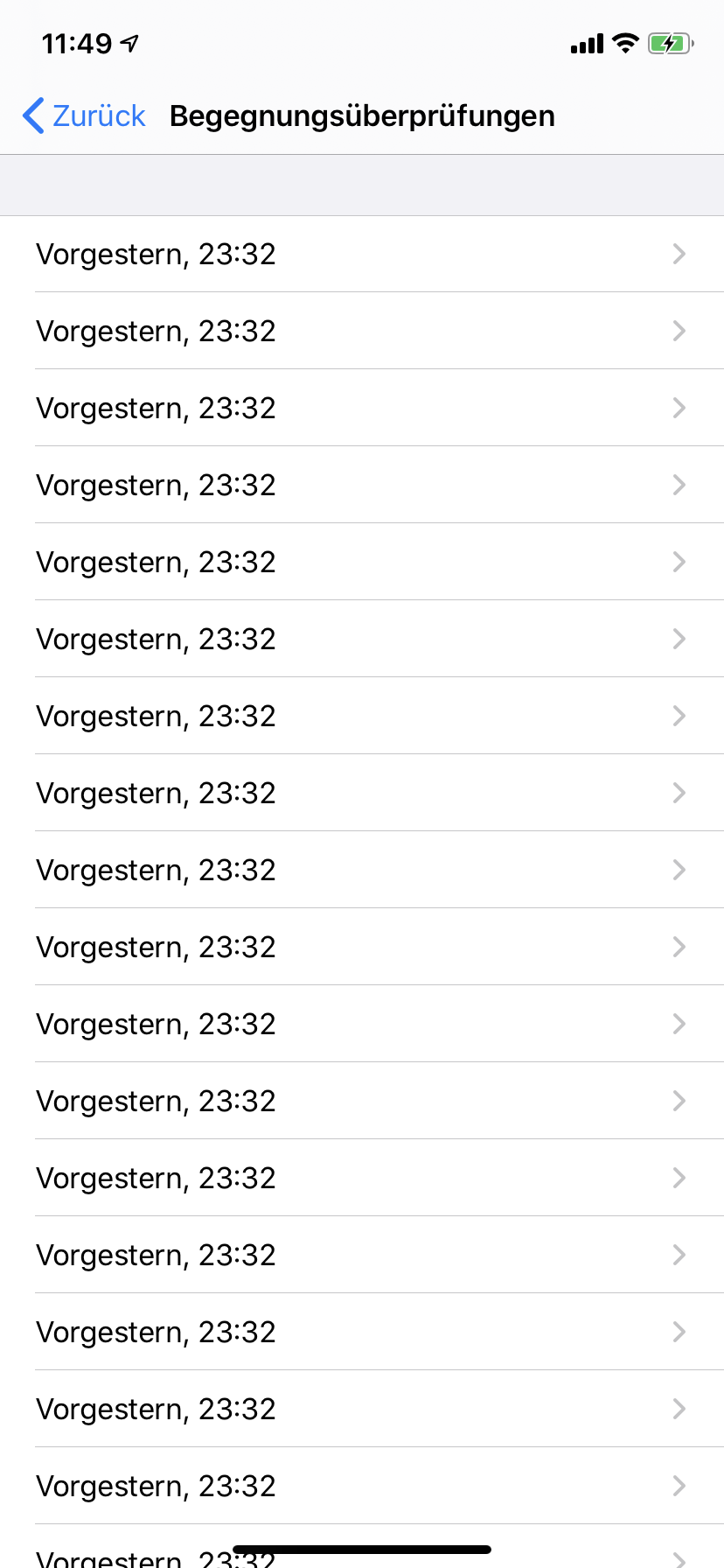
Update: The check now happened...
This is good, so the background process still works, but the problem with the 2 hour (or even more (longest for me was a difference from 6 hours!)) shift back still exists.
Ein-Tim
on 28 Aug 2020
@Ein-Tim you can identify each of the key files by their number of keys (alternatively by its hash value). So you can watch them and verify that you don't loose a package. Every day is the last 13 files plus one new. Around midnight (22:00 - 02:00?) one less (only 13 files), but still a new file. And at some time you get two new files, compensating the delay.
At least this is what I observe.
ndegendogo
on 28 Aug 2020
@ndegendogo
Okay, thank you, I will watch out for a day when there are 15 (or more) differnet new files downloaded.
So or so thats very confusing for normal users and should not happen.
Thats why I asked for an update about this whole 2 hour back shifting situation 👍
Thank you and have a nice weekend
Ein-Tim
on 28 Aug 2020
@Ein-Tim actually, I did not get 15 keys on such days, but 14 ( 2 new, and 12 old).
Edit: I just checked. I got the wrap-around 2 times, both times it was after 02:00 a.m.
ndegendogo
on 28 Aug 2020
Today again a bit late (27:01 hours).
cwa 1.2.1(0) / iOS 13.6.1 / iPhone 8
Additional observations:
- it presented 28 files to the ENF (14 different files, according to the last 14 days, then again the same 14 files)
- number of keys in the newest file is 3339, not divisible by 5 - is this expected?
Can this newest file be corrupted / incomplete?
Can this possibly be the reason for the second iteration, and/or the delay?
ndegendogo
on 30 Aug 2020
@ndegendogo
number of keys in the newest file is 3339, not divisible by 5 - is this expected?
not expected but it seems to be related to
[(https://github.com/corona-warn-app/cwa-server/issues/693)]
and the file is not corrupted.
For the 2 checks export the .json and upload
:Einstellungen->Datenschutz->Health->COVID-19-Begegnungsaufzeichnungen->Begegnungsüberprüfungen->Begegnungsüberprüfungen exportieren
Tho-Mat
on 30 Aug 2020
@Tho-Mat
attached json file as requested.
Additional informations:
Configuration at time of download:
- the oldest key file in this json export is
"Hash" : "A18E806F1CEFF5943A93A1AD4057286209E59B7B30CD627DBF695D5DE5EA5BC2",
"RandomIDCount" : 2285
it was firstly loaded on 12 Aug with cwa v 1.1.1(3) / iOS 13.6 - "Hash" : "3BD10320781C1E71D844AD787C7B5F3BF34FC9AC19EE4DDB85ABF6736B2CFBEB",
"RandomIDCount" : 3800
firstly loaded on 13 Aug with cwa v 1.2.0(8) / iOS 13.6 - "Hash" : "9834E005A724EC22DE70E2CC43E3A2D4A9B8EEEFBE5819DB8106DBC282E31747",
"RandomIDCount" : 3940
firstly loaded on 14 Aug with cwa v 1.2.1(0) / iOS 13.6
same configuration for the following days - "Hash" : "8F95F9299978F59E938CF8A3EB8CE8DF76518835A45EE6E43250F9C20E866BDD",
"RandomIDCount" : 3970
firstly loaded on 20 Aug with cwa v 1.2.1(0) / iOS 13.6.1
same configuration for the following days
Other observations:
- 2*14 files on 2020-08-30 04:38
- only 13 files on:
2020-08-29 01:37 /
2020-08-28 01:28 /
2020-08-25 23:39 /
2020-08-24 23:21 /
2020-08-23 22:10 (incomplete in the json export)
I see the pattern of only 13 files always between 22:00 and 02:00
is this related to the retention policy? - but 14 files, not 13 on 2020-08-26 23:51
Note: this one was not triggered from background processing,
I had opened the app at that time, and the check was due.
ExposureChecks-2020-08-30.json.zip
ndegendogo
on 30 Aug 2020
@ndegendogo
I see the pattern of only 13 files always between 22:00 and 02:00
is this related to the retention policy?
This is ok. Between 22:00 and 2:00 the oldest day may no longer be present.
Examples:
21.08. 23:05 dates 08.08.-20.08. were present
22.08. 02:05 dates 08.08.-21.08. were present
22.08. 22:05 dates 09.08.-21.08. were present
23.08. 02:05 dates 09.08.-22.08. were present
23.08. 20:05 dates 10.08.-22.08. were present
24.08. 02:05 dates 10.08.-23.08. were present
24.05. 22:05 dates 11.08.-23.08. were present
New day files will always be added at 02:05.
Old day files should be remove 14d after the last hour file was created on that old date.
So it must not be 22:00-02:00, but often it is.
I check the 2*14 files on 2020-08-30
**1. check starts at 4:38:25 and runs till 4:38:25
- check starts at 4:38:25 and runs till 4:38:26**
I looks like something went wrong with the first test, or did you open the app while the test was running?
Could you remember if you leave the phone alone on that time?
Or any other things, that happen at that time? (internet, start charge, ...)
Maybe someone else has an idea about this unexpected behavior.
Tho-Mat
on 31 Aug 2020
@Tho-Mat thanks a lot for your analysis.
did you open the app while the test was running? Could you remember if you leave the phone alone on that time? Or any other things, that happen at that time? (internet, start charge, ...)
Well, it was at 4:38 am ... definitely I did not open the app at that time. During nighttime usually it has perfect conditions: I leave it alone, it is powered, no power saving mode or similar, and usually it has very good internet connection.
Of course I cannot tell with 100% confidence that there was no glitch in the WLAN at that time; but, tbh, I don't believe it; actually I would expect a different pattern in that case.
I'll continue to watch.
ndegendogo
on 31 Aug 2020
Today it happened again. A slight delay for the daily check (26h 21min), and then 4 + 14 files.
First iteration from day(-12) .. day(-9), then a full iteration from day(-13) .. day(0).
cwa 1.2.1(0) / iOS 13.6.1 / iPhone 8
Can it be that the originally planned check failed for whatever reasons, and then two fallback strategies kick in?
... just a crazy idea :-)
ndegendogo
on 3 Sep 2020
This is not for iOS 13.6 like the title says, but for 13.7
Today there was an automatic background check, which did not download any files. I saw before that only some files were downloaded, but not yet that no files at all are downloaded.
Not sure if this information helps.
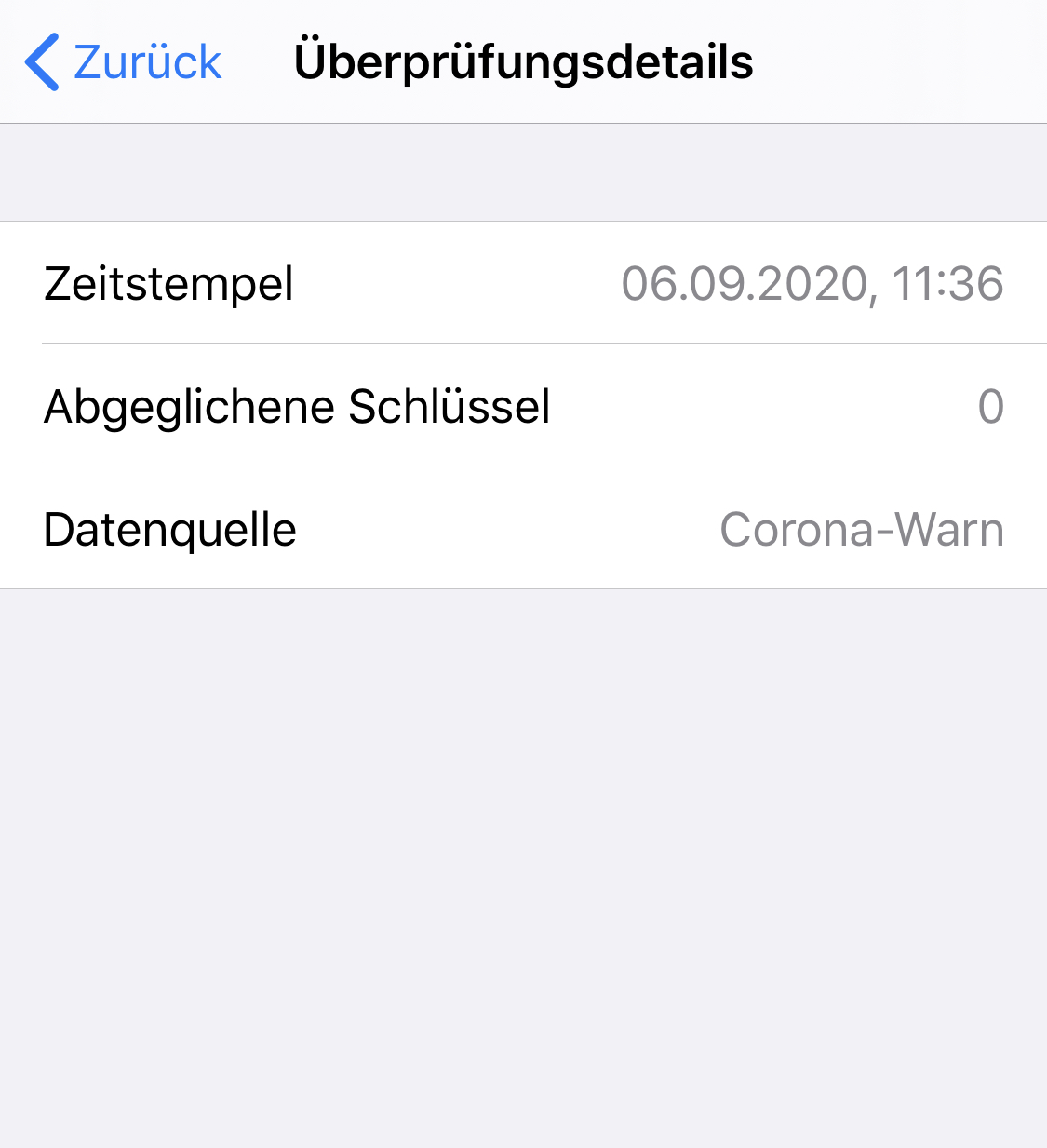
mss1010
on 6 Sep 2020
@mss1010
Does the App still says
Aktualisiert: Heute, 11:36 Uhr
or what does it say?
Ein-Tim
on 6 Sep 2020
After that I opened the app manually and it did another check and downloaded 14 files as expected.
mss1010
on 6 Sep 2020
Okay thanks.
So the question now is:
Would the App try again to download all files.
Take a look at this closed Issue, @thomasaugsten stated there that the App will try again in the Background until all files are downloaded.
So if this happens again, could you not open the App but just wait if the App trys again?
Ein-Tim
on 6 Sep 2020
Don't know if this is a freak result but the delay seems to have deteriorated with release 1.3.0 which I downloaded immediately it hit the App store. (iOS 13.7)
5-7th Sept is reasonable because my phone is switched off overnight, but the 51 and 32 hour update-periods seem excessive.
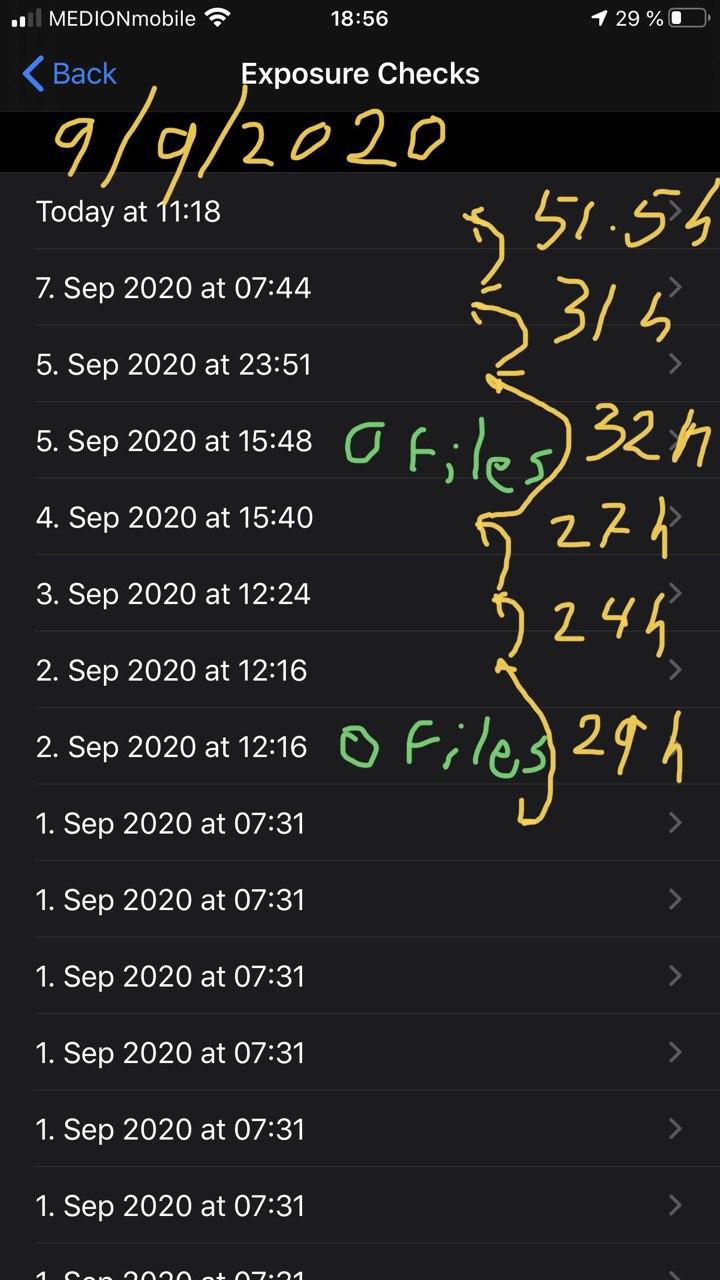
alanrick
on 9 Sep 2020
For me, the background check is not downloading any files since 2 days. Both checks have 0 files. Now I again did a manual update after more than two days.
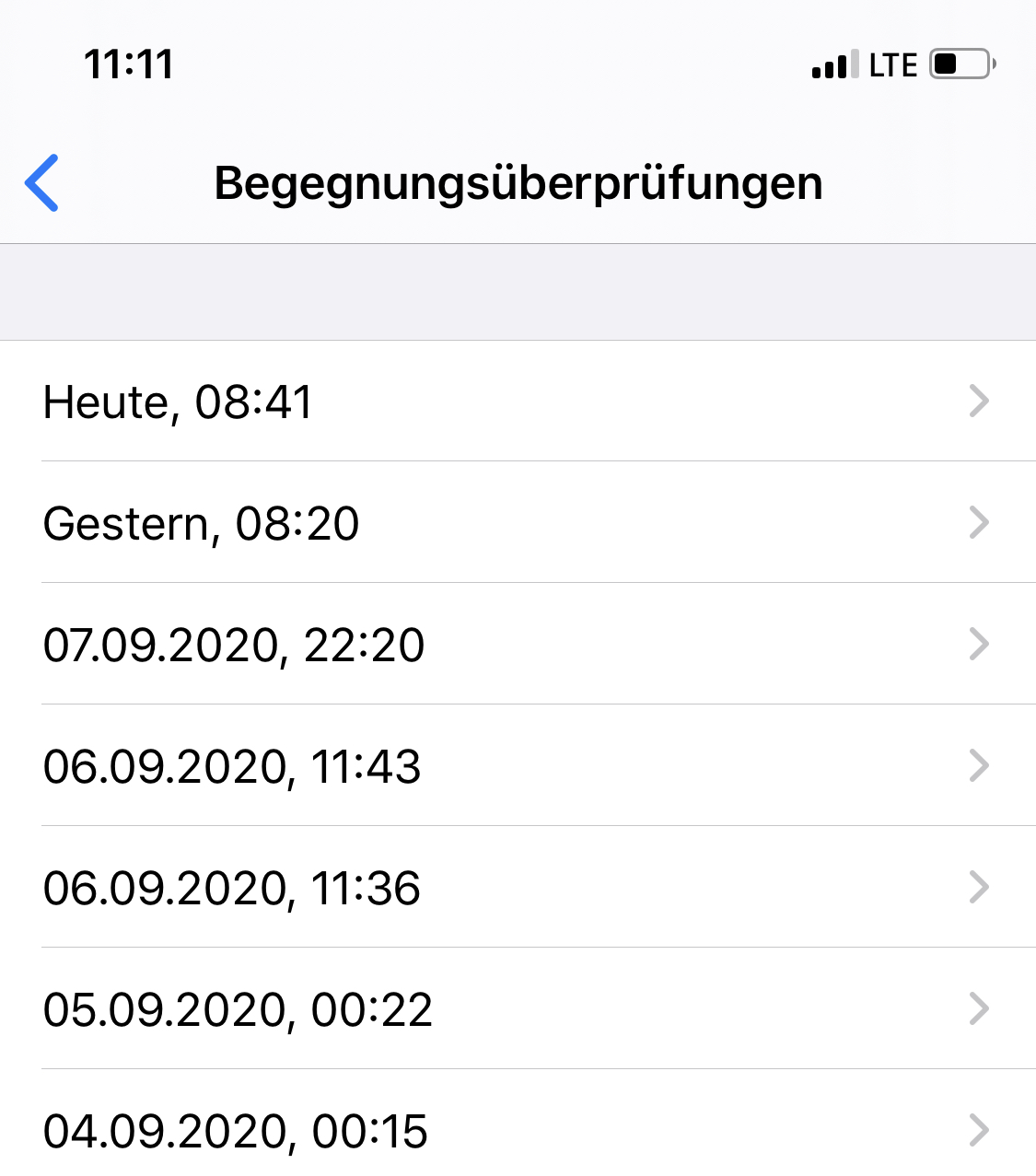
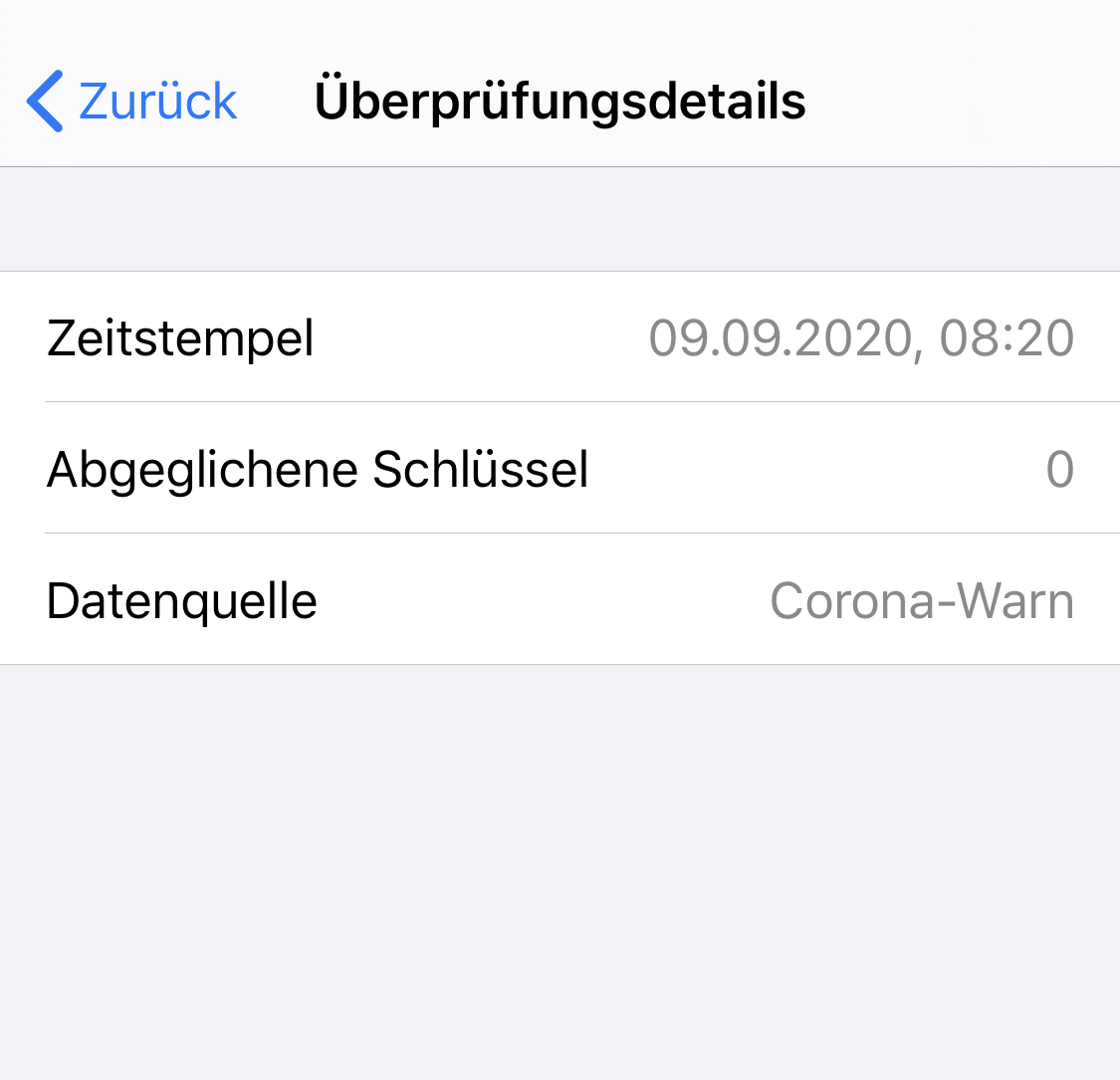
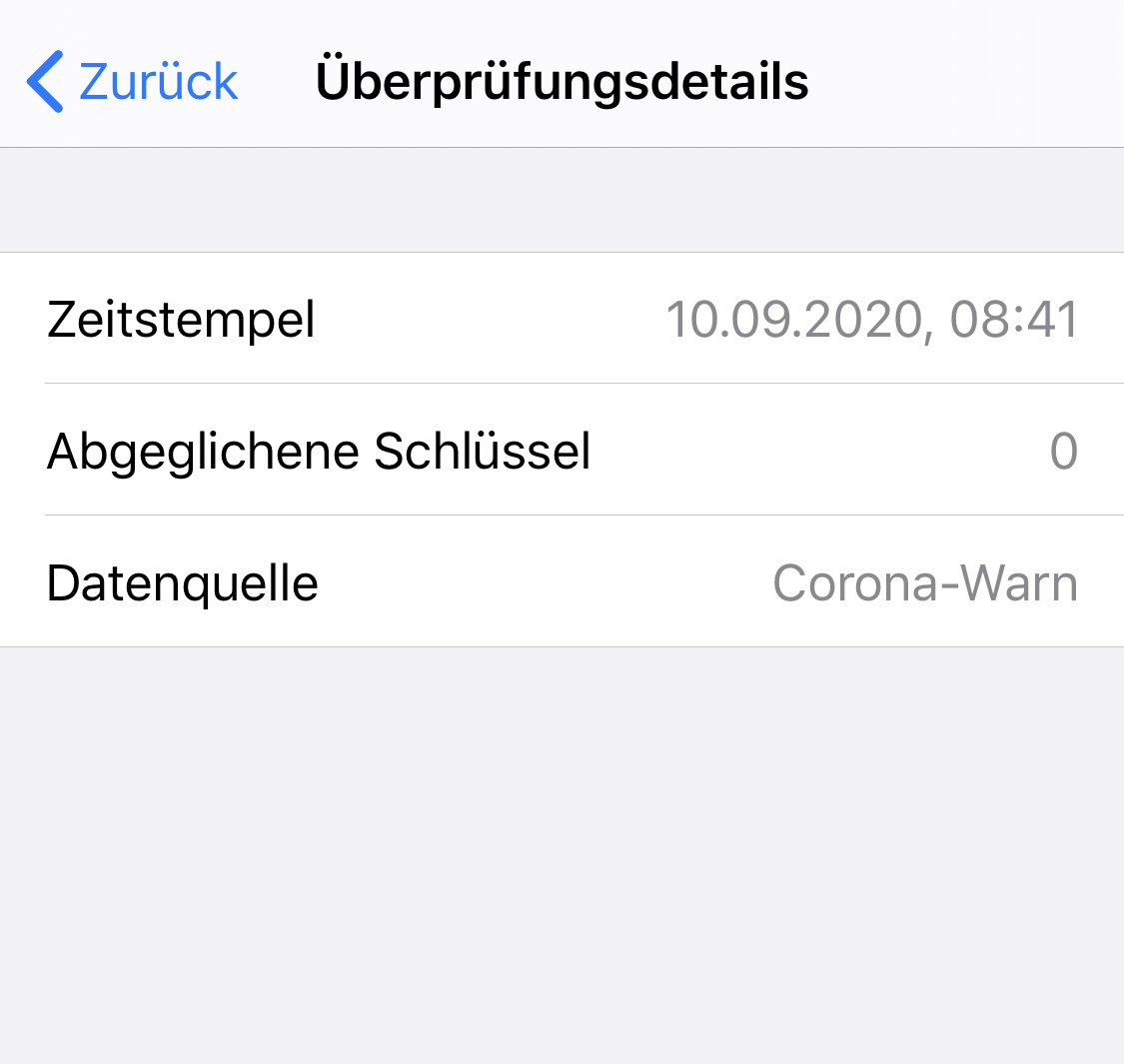
mss1010
on 10 Sep 2020
Can you give some details about your internet connection of the day. You are gedrosselt or similar like this
thomasaugsten
on 10 Sep 2020
Can you give some details about your internet connection of the day. You are gedrosselt or similar like this
I had no limitation of the data volume, and no connection issues. Background refresh is set to on (wifi and mobile). The phone was online via mobile data the whole day, except one hour from 18:00 - 19:00 where I set "plane mode". So, there should have been more than enough time for another background task to start.
mss1010
on 10 Sep 2020
Can you give some details about your internet connection of the day.
Background refresh on for CWA, but off for many other apps. Wifi on all day except when phone is off overnight. Mobile is on for most of the time I'm away from home, but not the whole time. On the 8th it was on for virtually the whole day. Low-power mode is sometimes after 18:00, but wasn't on the 8th. The CWA is not visibly running most of the time.
alanrick
on 10 Sep 2020
@alanrick @mss1010 do you use the original battery or is the battery replaced?
thomasaugsten
on 10 Sep 2020
The original was replaced a year ago by SAP IT.
alanrick
on 10 Sep 2020
I have the original battery, and in the settings it shows 95% capacity.
At this opportunity, can you please explain why we are bothering at all with this horrible non-working mess of iOS background tasks? Is there really no other way of directly triggering tasks? Maybe the "silent" or "local" notifications?
mss1010
on 10 Sep 2020
For silent notification we need to exchange your private data with Apple server. The background is ensured once per day by iOS. But iOS can decide to stop the task if the phone is in not normal state. This would be the same for silent notification.
thomasaugsten
on 10 Sep 2020
For silent notification we need to exchange your private data with Apple server. The background is ensured once per day by iOS. But iOS can decide to stop the task if the phone is in not normal state. This would be the same for silent notification.
Why do you need to exchange private data with apple? Such a notification would not need any specific data, but just „trigger the EN check on my device“. The rest happens locally on the device.
And whats the reason against local notifications? Can they only be created with a popup?
mss1010
on 10 Sep 2020
@thomasaugsten Just btw, wasn't it said by Apple that the Background Tasks from Exposure Apps have higher priority than others, or am I wrong here?
Ein-Tim
on 10 Sep 2020
@thomasaugsten Just btw, wasn't it said by Apple that the Background Tasks from Exposure Apps have higher priority than others, or am I wrong here?
I also remember this statement. But quite obviously this is not enough. That issue is on Apples side. Therefore I would try everything possible to do this differently, avoiding the background task concept.
mss1010
on 10 Sep 2020
I also remember this statement. But quite obviously this is not enough. That issue is on Apples side. Therefore I would try everything possible to do this differently, avoiding the background task concept.
Yes for sure this is on Apples side... And also yes we should think about how the background tasks could be (better) performed...
Ein-Tim
on 10 Sep 2020
The background is ensured once per day by iOS.
I really wish it was simply once per day instead of this 24 hour scheduling which complicates everything and adds delays.
alanrick
on 10 Sep 2020
For silent notification you need to register your device and communicate via apple infrastructure
The task is higher but still iOS kills the task if the os has a high usage of cpu memory or a unnormal battery state.
There not other concept on iOS which fits in the data privacy requirments.
We are working to reduce the update rate to 2hr this will also reduce the delay but still some device will update only on power charger or if they reach a healthy OS state.
thomasaugsten
on 10 Sep 2020
We are working to reduce the update rate to 2hr
Looking forward to this big improvement 😀
ndegendogo
on 10 Sep 2020
We are working to reduce the update rate to 2hr
Looking forward to this big improvement 😀
yes, this would be awesome!
mss1010
on 10 Sep 2020
@thomasaugsten Just btw, wasn't it said by Apple that the Background Tasks from Exposure Apps have higher priority than others, or am I wrong here?
I also remember this statement. But quite obviously this is not enough. That issue is on Apples side. Therefore I would try everything possible to do this differently, avoiding the background task concept.
The problem is that the "background task concept" is the only officially supported way by Apple. Using this using the right task identifiers allows iOS to detect that this is an EN operation and thus schedule it accordingly (it even ignores the fact that you disable background updates in your phone. I tested this). If you go and roll out your own solution there will be all kinds of issues, because then your app will be considered a "generic" app wrt scheduling, with all the problems that might follow.
ir-fuel
on 11 Sep 2020
Today I have again the same issue. Last check was yesterday at 11:14 and still no check.
What options do I have to attempt to fix it WITHOUT loosing my recorded keys?
Resetting app? Reinstalling app? Other options?
iOS 13.7
mss1010
on 11 Sep 2020
@mss1010 I don't have any attempt to fix it (but open the App) but I can tell that sometimes it is still, unfortunately, normal to wait much more than 24 hours for a background check... (Yesterday at 01.36, until now only one failed check with 0 new files for me...)
I hope the Devs are on that and the 2h check will be introduced soon...
Ein-Tim
on 11 Sep 2020
Ok this was a strange coincidence... At 18:49 the background check was done, this must have been just a few minutes after I wrote the last post. At least on the mobile here I don’t see the exact time the post was created.
mss1010
on 11 Sep 2020
@mss1010 you can try some voodoo magic, like I did (although it was an older version of cwa and iOS). I had lost the ability for background checks, and I watched it for several days, and every two days I opened it manually (after all, I wanted the check to happen). And then I followed the procedure of @HeiDasGri and opened the app shortly before the check was due, and it did the trick. Since then the background check works again. Of course it can be pure accident.
... worked for me ...
ndegendogo
on 11 Sep 2020
I have an update on the issue, where the background check was triggered in the morning, but downloaded no files.
Now I realized, that this actually was an issue with my WIFI connection. At both occasions (today a third one) I was connected to WIFI. And that WIFI connection sometimes has some weird issues and cannot download any data also in other apps. So, I´m quite sure that this was not canceled by iOS background task handling, but it just got a timeout due to my flawed WIFI.
I don´t know if it´s possible in the app to override the WIFI connection in such a case, and explicitely use the mobile data connection as a fallback.
mss1010
on 14 Sep 2020
This issue has been solved and will be closed now. Fix Version 1.2.
 GPclips-zz
on 29 Sep 2020
GPclips-zz
on 29 Sep 2020
I still have the issue that the checks sometimes have an interval as long as 40 hours between them, and even when a check is performed it sometimes doesn't download data, resulting in over 50 hours between different updates. Is this a separate symptom? Should I open a new ticket?
iOS 13.7 CWA 1.3.2
alanrick
on 29 Sep 2020
@GPclips
Are you sure that this is resolved? It seems like ppl are still experiencing this issue.
daimpi
on 29 Sep 2020
@GPclips
Are you sure that this is resolved? It seems like ppl are still experiencing this issue.
Agree, also for me and many others it is still not solved. Still, it’s on Apple side, but it's not accurate to say, that it’s solved.
mss1010
on 29 Sep 2020
Hello @daimpi and @mss1010,
I will doublecheck with the development team and reopen the issue until then.
Thanks,
LMM
Corona-Warn-App Open Source Team
GPclips-zz
on 29 Sep 2020
We could also remove iOS 13.6 from the issue title, as the issue is independent of the iOS version.
mss1010
on 29 Sep 2020
We could also remove iOS 13.6 from the issue title, as the issue is independent of the iOS version.
same with 14.0.1 here
 martin-59
on 3 Oct 2020
martin-59
on 3 Oct 2020
I don´t know if it´s a general change in behavior or a coincidence, but I have to say, that recently the background check works more reliably again for me. There is "just" a delay of 2 - 6 hours after the 24 hour period.
The only thing I changed is to set the background refresh in iOS to "WIFI only". However, at 95% of the day, I have WIFI deactivated, but iOS overrules this for the EN framework, and also does the update over mobile data. Don´t know if this is related, but like that now it works quite well for me.
iPhoneXS and latest versions.
mss1010
on 7 Oct 2020
Hm I am still on iOS13 (iphone SE 1.generation) and I still see the lag, it sometimes needs 28 hours or more to actualize.
I was in Spain for a couple of weeks, using their Radar Warn. This app really does the actualizatiion much better.
According to the developers it is because they use DP3T iOS SDK:
I opened an issue https://github.com/corona-warn-app/cwa-wishlist/issues/194
but so far no feedback
ouboub
on 7 Oct 2020
For me it feels (_only a feeling_) the issue is back.
After installation of ios 14.00 i got background check ever 24-26h and was happy.
But now the things changed
time | time dif | rem |
-- | -- | -- | --
23.Sep 05:49 | 00:00 | first in log |
24.Sep 08:44 | 26:55 | |
25.Sep 08:53 | 24:09 | |
25.Sep 12:55 | 4:02 | << ios 14.01 is installed|
26.Sep 15:38 | 26:43 | |
27.Sep 18:54 | 27:16 | |
28.Sep 19:19 | 24:25 | |
29.Sep 19:34 | 24:15 | |
30.Sep 23:23 | 27:49 | << cwa 1.3.2 is installed|
02.Okt 19:10 | 43:47 | |
03.Okt 23:09 | 27:59 | |
04.Okt 23:11 | 24:02 | |
06.Okt 09:28 | 34:17 | manual triggered by entering the app |
07.Okt. | 25:27 | waiting |
Tho-Mat
on 7 Oct 2020
For me it work very reliably in last time.
iOS 13.7 / cwa 1.3.2 / iPhone 8 / no power saving / sometimes bad internet
Not sure if related, but: since I know of the issue #1106 with missing matches in the EN log, I check the app every day for low-risk matches. Before I had only checked the ENF log for matches, and did open cwa only very seldom.
ndegendogo
on 7 Oct 2020
For me it work _very_ reliably in last time.
iOS 13.7 / cwa 1.3.2 / iPhone 8 / no power saving / sometimes bad internet
Not sure if related, but: since I know of the issue #1106 with missing matches in the EN log, I check the app _every day_ for low-risk matches. Before I had only checked the ENF log for matches, and did open cwa only very seldom.
If you open the app every day, then by definition you have no issues with background checks.
mss1010
on 7 Oct 2020
If you open the app every day, then by definition you have no issues with background checks.
@mss1010 true 😊
Actually, I wanted to say: I get a daily background check reliably with very little delay; after this I check in cwa for low-risk exposures.
So iOS strategy for bg tasks might take into account that I like and value this app.
ndegendogo
on 7 Oct 2020
@ndegendogo
Now I'm waiting for more than 30h but nothing happens.
I thought #1036 would come then.
Tho-Mat
on 7 Oct 2020
@Tho-Mat
The Dead Man Notification will (at the moment) only be send if there were 0 background tasks from CWA, even a Task which failed is counted and the Notification will be rescheduled to 36 hours... So I wouldn't be too optimistic that there will be a notification send...
Ein-Tim
on 7 Oct 2020
@Tho-Mat Do you have a feedback on your current background task situation?
thomasaugsten
on 8 Oct 2020
@thomasaugsten
Thanks for asking.
Yesterday at 19:15 Apple support advice me to restart my iPhone 11 since i had a problem with a lightning to USB3 adapter.
(What did not help. I found the solution myself. The charger of the iPhone 11 is not compatible with the original Apple adapter. Using a charger for iPhone 8 works.)
So at this time (19:15) a background check was made, but no files have been downloaded.
At 23:15 or 37h 47min after the last background task, 14 file were downloaded and checked.
Will watch this for some time and let you know if it is working again.
Interesting is, that after update to iOS 14.01 a new background check 4h after the previous one was successful, but the first check after the restart failed.
Tho-Mat
on 8 Oct 2020
So, 5 days ago I reported 'reliably on my side' - today I am affected.
cwa 1.3.2 / iOS 13.7 / iPhone 8
Additional info:
Yesterday the check was due at 20:57.
I opened cwa shortly before this time at 20:37, then closed it.
Background check happened at 21:07.
After this our internet connection broke down for about 4 hours, from ~ 22:00 till ~02:00 / 02:15.
Today I was expecting the check at 21:07, latest 23:07. Now it is 01:30 and still no check.
Ah, yes, another detail, maybe this helps to find the root cause. I opened the app after 22:00 to check the risk status - but instead of showing the main screen, it tried to connect to the internet - why this? The risk check had performed shortly before successfully, all 14 files, nothing exceptional, no delays in the loop.
It showed the message "connecting to the internet..." for a very long time (unfortunately I have no screenshot), and this message prevented me from seeing my risk status. After a long timeout it gave up, with an error message "no internet available". At least I could then see my risk status.
The error message "no internet" then appeared every time when I started the app or when I returned from a submenu to the main view. But I could not reproduce the long timeout.
Note: local WLAN was available. In such a case iOS does not use mobile data for internet connection, and possibly is even not aware of the fact that there is no internet.
ndegendogo
on 12 Oct 2020
Update: now it is 09:34 the next day, and still no background check. The last check is > 36 hours ago now, so I was awaiting the push notification, but got none so far. I'll continue to watch.
@thomasaugsten I assume your description of the strategy corresponds to the current implementation / latest released version cwa v 1.3.2(0)?
Update: just checked again the ENF log. Now I see two checks at 09:46. The first is empty ( no files), the second has same timestamp and the full cycle of 14 files.
So, at least, it recovered the check on its own. Note: 09:46 was the time when I entered the company building for work. There is WLAN avaliable.
ndegendogo
on 12 Oct 2020
So it seems that a ~4 hour hole in internet connectivity is sufficient to kill the BG task.
Have you analysed the root cause?
Will there be improvements in your next release?
And: have you ever seen this promised push notification after 36 hours in action?
ndegendogo
on 12 Oct 2020
Do you need any more info?
Should I check for crash logs or similar?
ndegendogo
on 12 Oct 2020
For the record, these my last results with version 1.3.2 (0) iOS14.0.1 before upgrading to CWA 1.5.
Day | Time | Interval
19 | 12:04 | 27:57:00
18 | 08:07 | 63:05:00
15 | 17:02 | 29:56:00
14 | 11:06 | 29:13:00
12 | 19:53 | 31:23:00
11 | 12:30 | 24:04:00
10 | 12:26 | 27:09:00
9 | 09:17 | 37:16:00
7 | 20:01 | 25:55:00
6 | 18:06 | 24:17:00
5 | 17:49 |
Least interval was 24 hours.
Longest interval was 63 hours.
Hoping for an improvement with Release 1.5, in particular abandoning the minimum of 24 hours between checks.
alanrick
on 19 Oct 2020
BTW it was announced (Der Spiegel) that today a new version will be released. So far I can't see anything in the App Store.
So when is this supposed to happen?
ouboub
on 19 Oct 2020
@ouboub
It should be available via your App Store now, isn't it?
Ein-Tim
on 19 Oct 2020
@ouboub
It should be available via your App Store now, isn't it?
I just checked, no it is not.
ouboub
on 19 Oct 2020
@ouboub
You are also using iOS, are you? For me the Update was there and I installed it, I think it should work... Which version of iOS are you using at the moment?
Ein-Tim
on 19 Oct 2020
I am using iOs14 (we had an interchange of message whether iOS14 is stable enough for the app)
but I don't see the upgrade in the app store.
ouboub
on 19 Oct 2020
you know you can pull down the list to actualize the new apps? i installed cwa 1.5 one hour ago ...
Martin Matthey
0151 1577 2237
Am 19.10.2020 um 15:48 schrieb Uwe Brauer notifications@github.com:
I am using iOs14 (we had an interchange of message whether iOS14 is stable enough for the app)
but I don't see the upgrade in the app store.—
You are receiving this because you commented.
Reply to this email directly, view it on GitHub, or unsubscribe.
martin-59
on 19 Oct 2020
@ouboub
Yeah I can remeber our chat in the Issue #1328, could you do what @martin-59 said?
Ein-Tim
on 19 Oct 2020
in the app store app - tap on „your„ symbol in the upper right corner, then pull down the list
Martin Matthey
0151 1577 2237
Am 19.10.2020 um 15:52 schrieb Ein_Tim notifications@github.com:
@ouboub
Yeah I can remeber our chat in the Issue #1328, could you do what @martin-59 said?—
You are receiving this because you were mentioned.
Reply to this email directly, view it on GitHub, or unsubscribe.
martin-59
on 19 Oct 2020
Ah, now I can see it! thanks!
nice little trick, did not know about it.
ouboub
on 19 Oct 2020
It appears that 1.5 still waits for a full 24 hours or longer to synch so I switched to the Irish App, which according to the press is compatible with the CWA (though I couldn't find anything specific about this in the CWA FAQ). The Irish app appears to sync every few hours. The sync only contains a few files so I'm not sure if it's performing a full sync. Nevertheless, it's encouraging that the Irish App appears to handle the syncs more frequently and for me it's a practical workaround.
alanrick
on 21 Oct 2020
That looks very nice, not sure how effective that would be in Germany as a non traveler...but I do love the stats from the Irish app..
 sebastiancomsa
on 21 Oct 2020
sebastiancomsa
on 21 Oct 2020
My understanding from the press (eg heise online) is that I can use the Irish or Italian app for contact-alerting in Germany. But, as you say, the stats are meaningless here. Likewise, if I was tested I’d switch to the CWA to scan the qrcode.
alanrick
on 21 Oct 2020
I checked with the Telekom technical hotline and they confirmed that using the Irish App instead of the the CWA will offer the same protection in Germany. My results confirm the Key exchange is now working better.
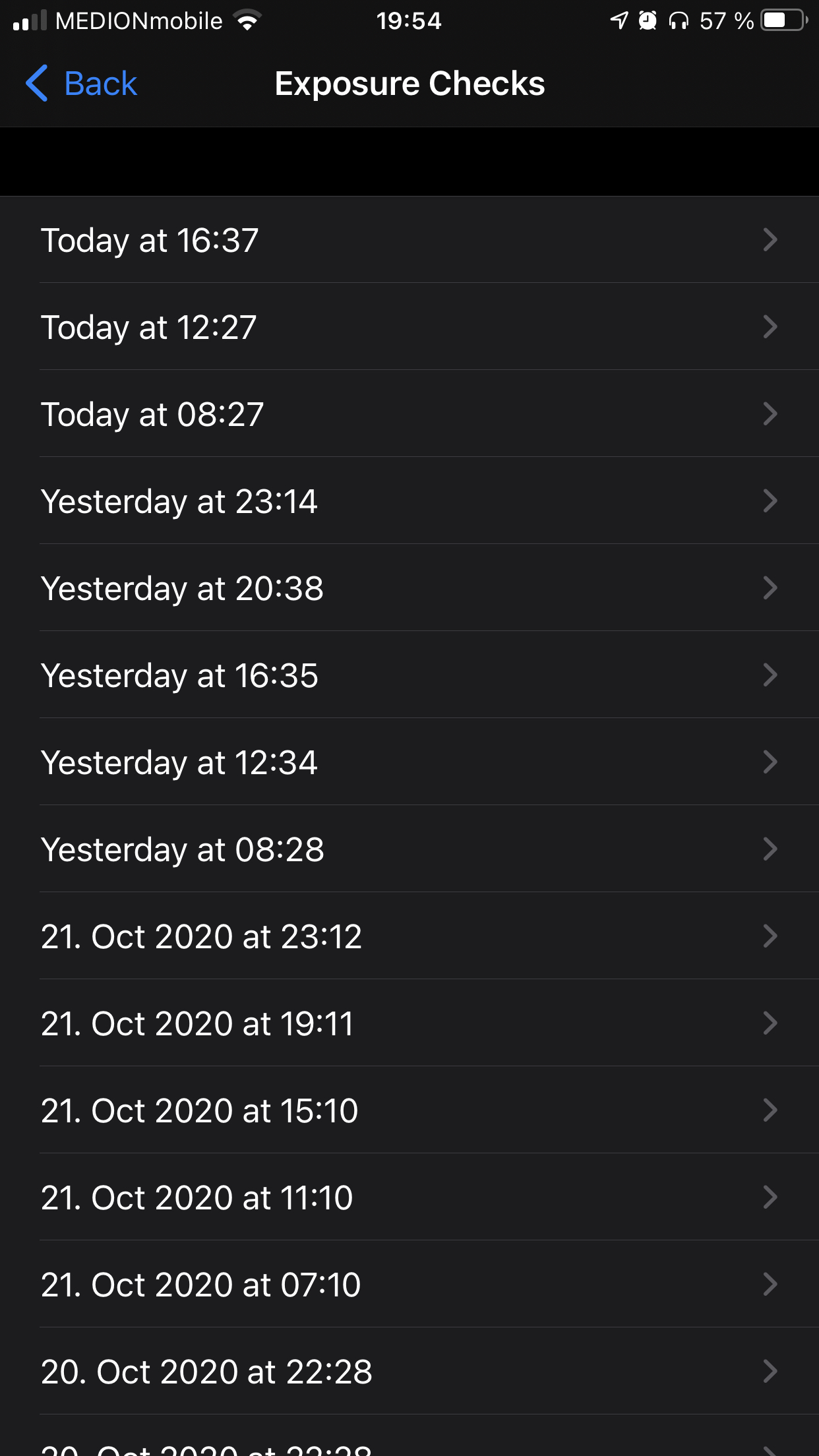
Caveat - I noticed that fewer Keys are exchanged, but I suspect this is due to a reset when I installed the Irish app or update of the German app.
alanrick
on 23 Oct 2020
@alanrick could you post the number of keys here for a few days? Would be interesting to understand, if
- lower numbers are due to the key padding factor here; they reduced it recently from 5 to 1
- Irish app downloads same keys as German; and if there is any additional delay
- numbers per key file are lower because they are distributed more timely (instead of collecting 1 large daily package)
Feel free to open a new ticket, to keep this ticket focussed on its original topic
ndegendogo
on 24 Oct 2020
@ndegendogo here are the key-counts (barring typos when using my calculator)
Date (October) | Time | Daily Total | Keys
-- | -- | -- | --
24 | 08:23 | - | 1770+1642+677
23 | 20:39 | 17181 | 3184+2372
23 | 16:37 | - | 2980+3030
23 | 12:27 | - | 3039+945
23 | 08:27 | - | 969+662
22 | 23:47 | 13213 | 1686
22 | 20:38 | - | 2184+2197
22 | 16:35 | - | 2468
22 | 12:34 | - | 2911+883
22 | 08:28 | - | 670+214
21 | 23:12 | 31937 | 1664+3334
21 | 19:11 | - | 2892+1932
21 | 15:10 | - | 19867
21 | 11:10 | - | 34+49+153
21 | 07:10 | - | 1204+379+14+217+184+14
The FAQ now appears to have been updated.
No need to create a new ticket. I'm just suggesting the Irish app as a workaround because this issue with the CWA is taking a long time to fix.
alanrick
on 24 Oct 2020
@alanrick interesting. I had:
23 Oct.: 16122 keys
22 Oct.: 14309 keys
That is roughly a similar number. Maybe slightly different because our server packs them at a different time?
21 Oct.: 10876 keys
very different. Why do you have so many packages on that day? Maybe catching up the previous 2 weeks?
ndegendogo
on 24 Oct 2020
Also very interesting that they create more than one file before the number of keys gets too high. Maybe it is more robust then with regard to timeout on slow devices?
ndegendogo
on 24 Oct 2020
Why do you have so many packages on that day? Maybe catching up the previous 2 weeks?
Makes sense. I’d installed it the evening before after trying the UK app.
alanrick
on 24 Oct 2020
Is there already a solution to the Problem of CWA not reliably fetching the data? For the last two weeks I never had it that the App updated itself in the background, always had to open it manually and only then the download of new keys will start - of course I don't remember every exact 24h which leads to something you can see for yourself in the Screenshot:
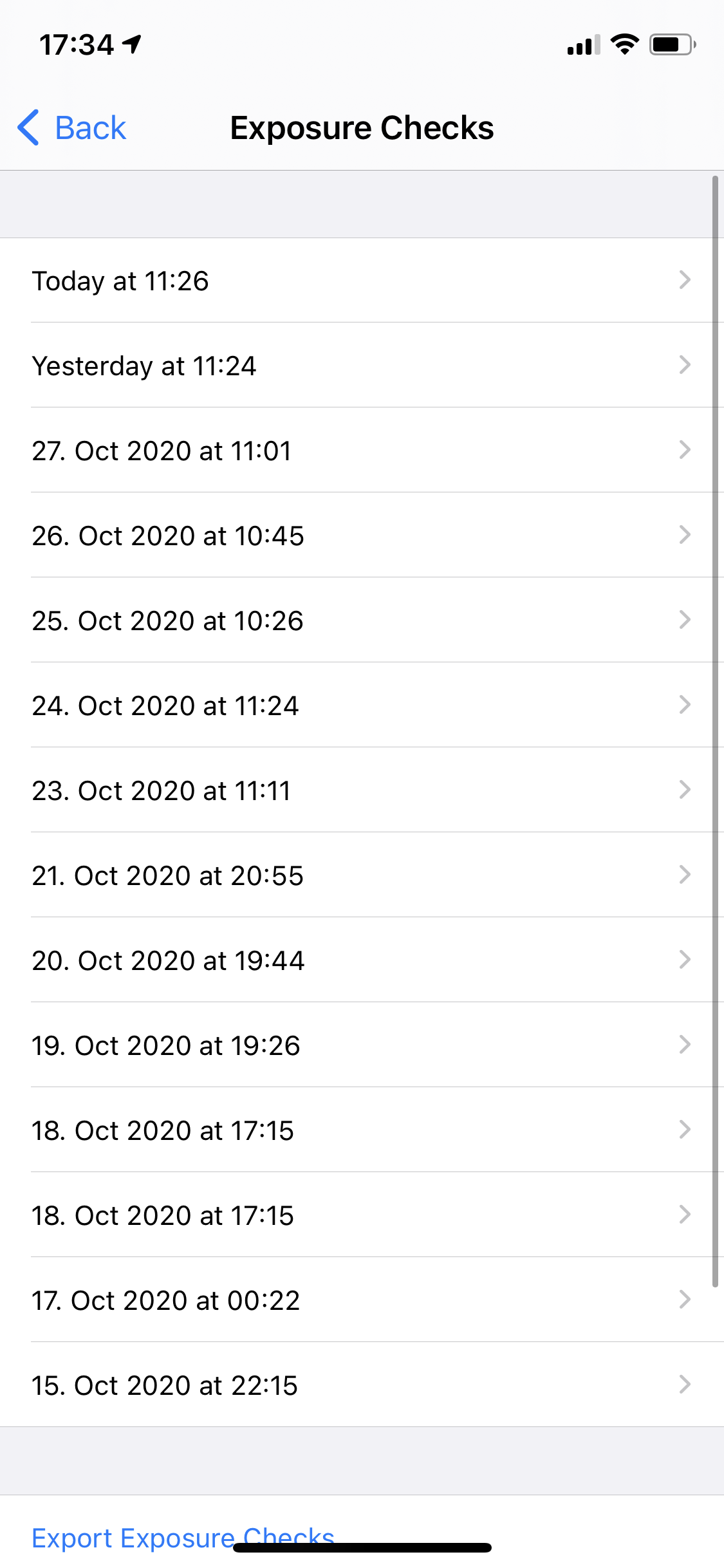
Another thing I am curious about is the much higher number of files downloaded in comparison to others who posted above. Every file contains between 9.000 and 26.000 keys.
CWA is allowed to use Background App Refresh and I always have internet connectivity so that shouldn't be a problem. Is there any solution? I don't want to reinstall CWA because I don't want to lose the keys of the last 14 days. And of course I've already restarted my smartphone several times without any effect.
 achisto
on 29 Oct 2020
achisto
on 29 Oct 2020
@achisto Just a small note from me:
If you reinstall CWA you don't loose anything (but a registered test result) but CWA will show the Unknown Risk Card...
But there is a workaround for this:
- Reinstall CWA
- Open Settings -> General -> Date & Time -> Set Automatically [OFF] -> Set a Date which is <14 days in the past -> Open CWA and do the onboarding, etc. -> Close it (Swipe up) -> Set the correct Date again -> CWA shows "Exposure Logging permanently active"
If you should reinstall CWA or not, and if it would help or not, I can't tell...
Ein-Tim
on 29 Oct 2020
@achisto Just a small note from me:
If you reinstall CWA you don't loose anything (but a registered test result) but CWA will show the Unknown Risk Card...
But there is a workaround for this:
- Reinstall CWA
- Open Settings -> General -> Date & Time -> Set Automatically [OFF] -> Set a Date which is <14 days in the past -> Open CWA and do the onboarding, etc. -> Close it (Swipe up) -> Set the correct Date again -> CWA shows "Exposure Logging permanently active"
If you should reinstall CWA or not, and if it would help or not, I can't tell...
I have used the Spanish radar corona app, and this app, has no issues at all of actualising the data even in the background.
it relies on DP3T, as I wrote in
https://github.com/corona-warn-app/cwa-wishlist/issues/194
why not do the same for the corona warn app? But so far no reply.
ouboub
on 29 Oct 2020
Background task for CWA and DP3T is almost identical because the whole work is done by iOS.
@achisto This large gaps are not normal but at the end it depends on the condition of your iPhone. iOS has multiple factor to decide if a background task is executed
Can you give some details about your phone, battery, network and iOS version?
And wait again 36h before start the app manually.
thomasaugsten
on 29 Oct 2020
Background task for CWA and DP3T is almost identical because the whole work is done by iOS.
@achisto This large gaps are not normal but at the end it depends on the condition of your iPhone. iOS has multiple factor to decide if a background task is executed
Can you give some details about your phone, battery, network and iOS version?
And wait again 36h before start the app manually.
Sure! iPhone Xs (Model: MT9H2ZD/A) on iOS 14.1 with a Battery Health of 92%. Mobile carrier is Telekom but around 80% of the day I'm using wifi. I have perfect LTE-reception at home and FTTH with more than sufficient speed so connectivity should not be an issue.
CWA is running on Version 1.5.2 (1). These are my CWA-Settings:
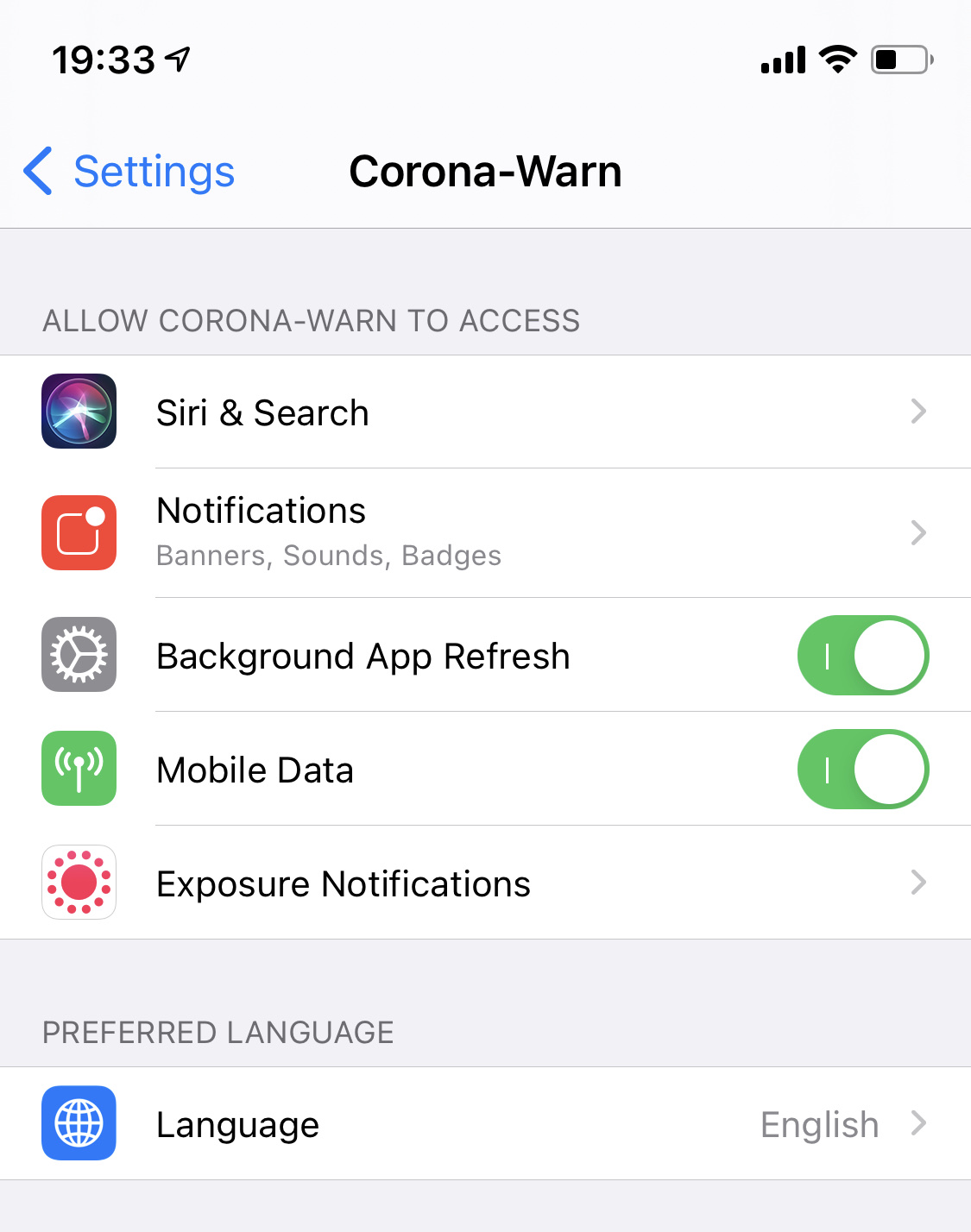
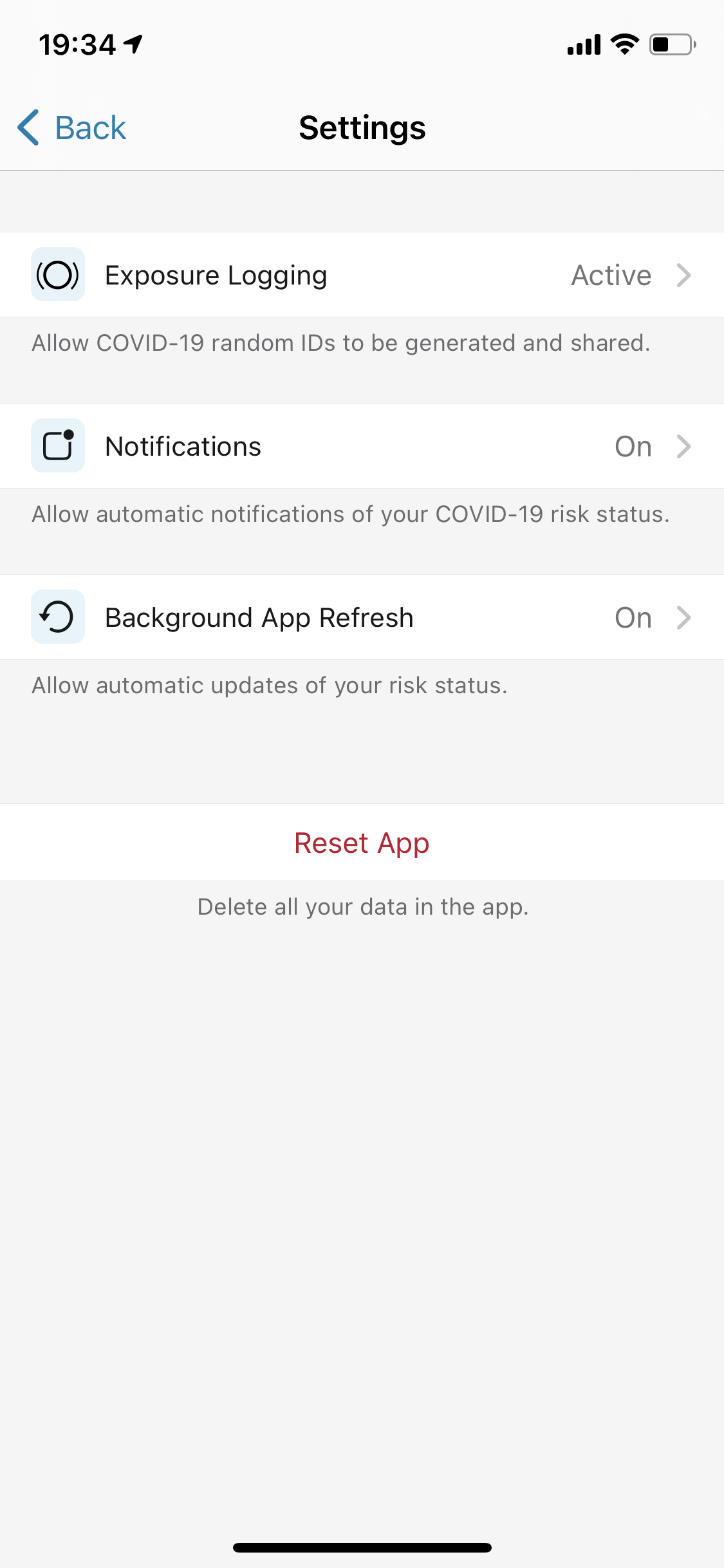
achisto
on 29 Oct 2020
Another thing I am curious about is the much higher number of files downloaded in comparison to others who posted above. Every file contains between 9.000 and 26.000 keys.
@achisto yes, these are the correct numbers, since version 1.5 we get additional keys from other countries (Ireland and Italy)
ndegendogo
on 29 Oct 2020
I have the same issue right now, which seems to not do a background update every 24hours automatically, but only when I open the app it downloads the keys.
It seems that it did try to do an update around 1PM today but unsuccessfully as there are no keys downloaded as shown in screenshots below!
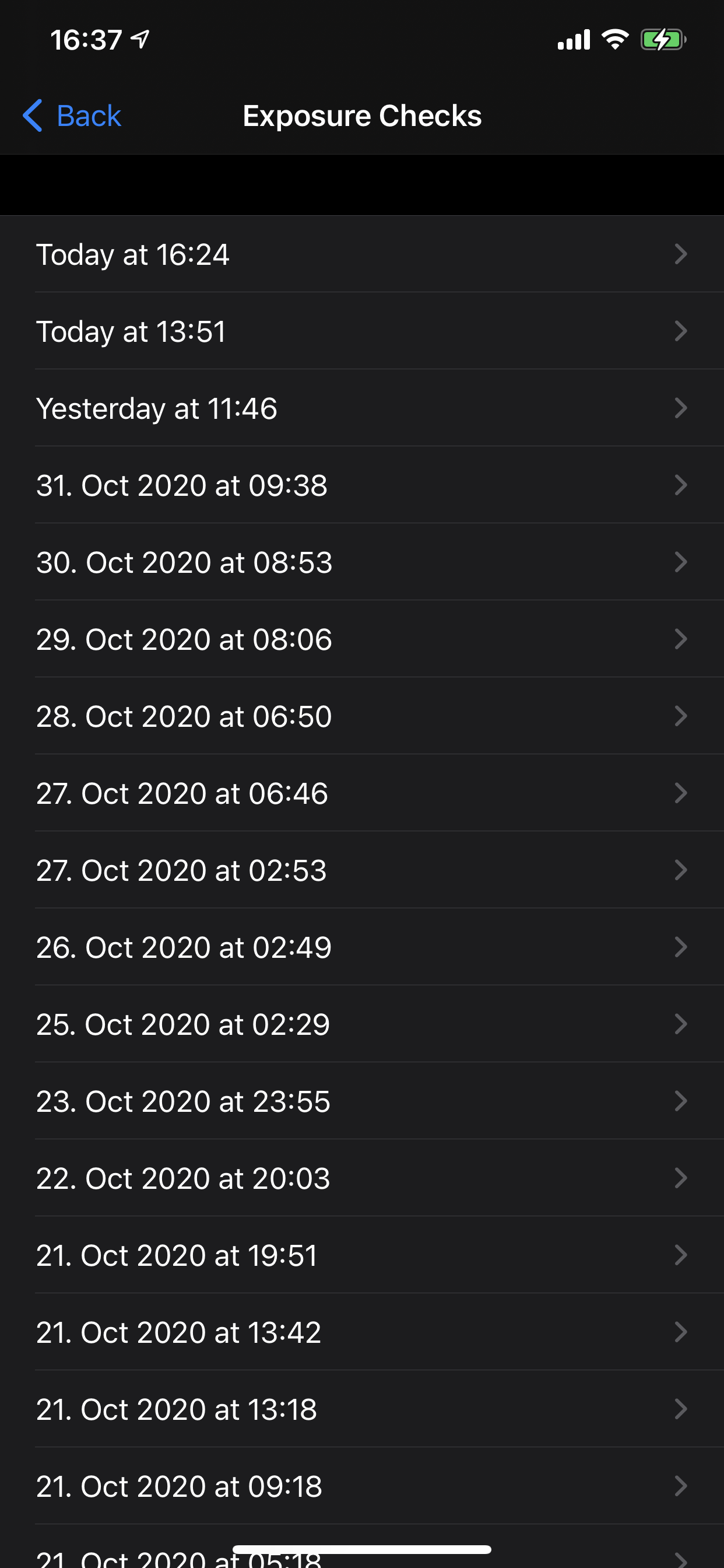
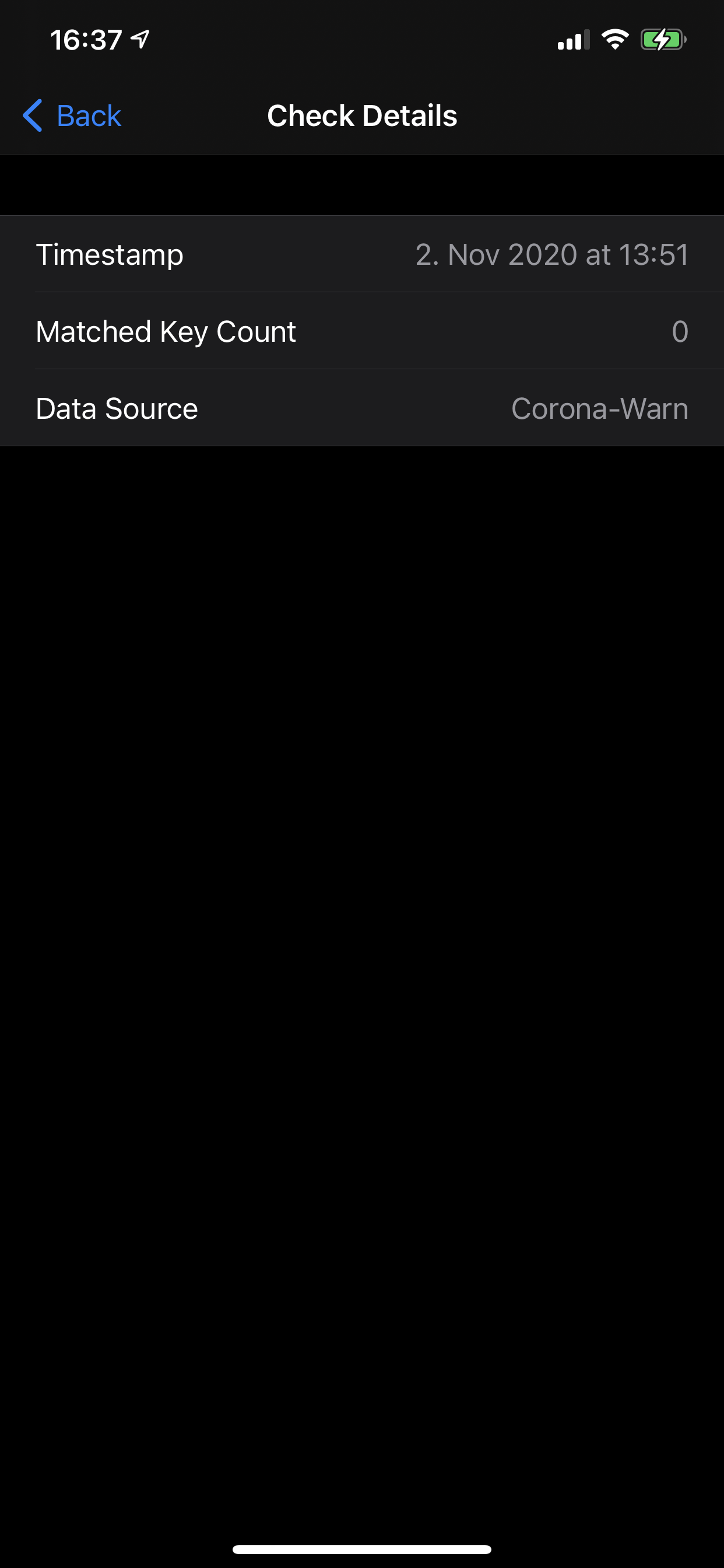
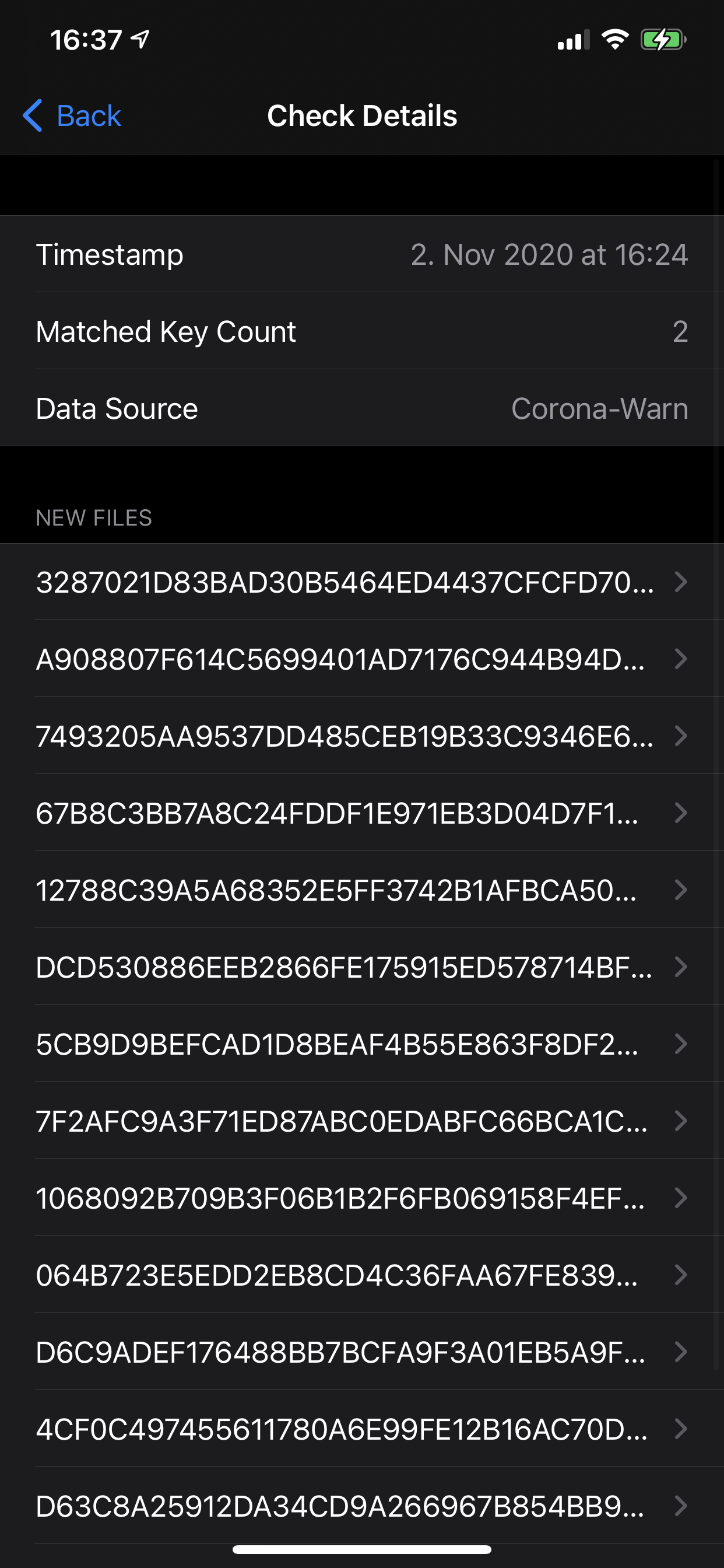
Otherwise all good so far, keep up the good work guys!
Thanks,
Seb
sebastiancomsa
on 2 Nov 2020
@sebastiancomsa Can you please don't open the app for 36h andgive the app a longer chance for a background update?
thomasaugsten
on 2 Nov 2020
So I didn't open at all the app for more than 36hours, it seems the background update worked 1 out of 3 times as you can see in the screenshots below:
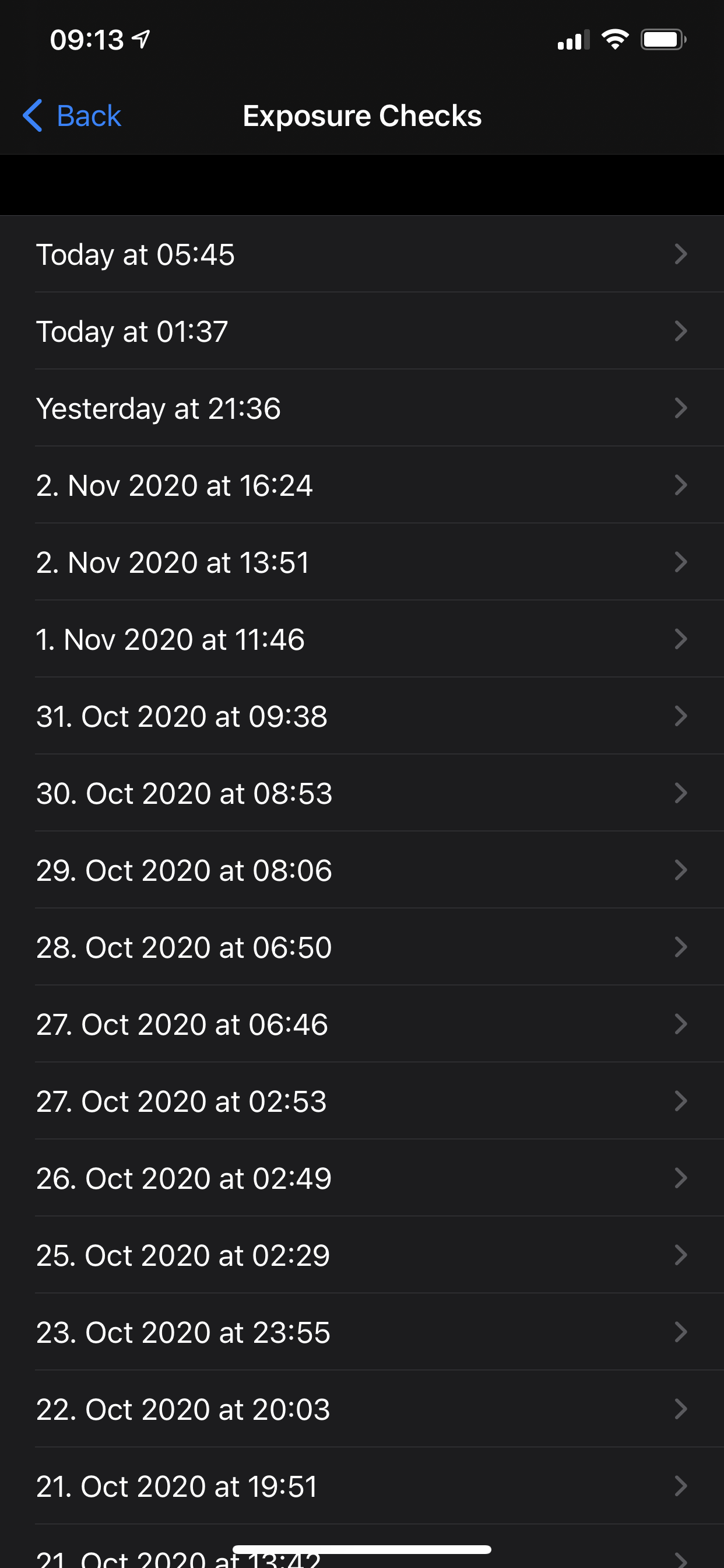
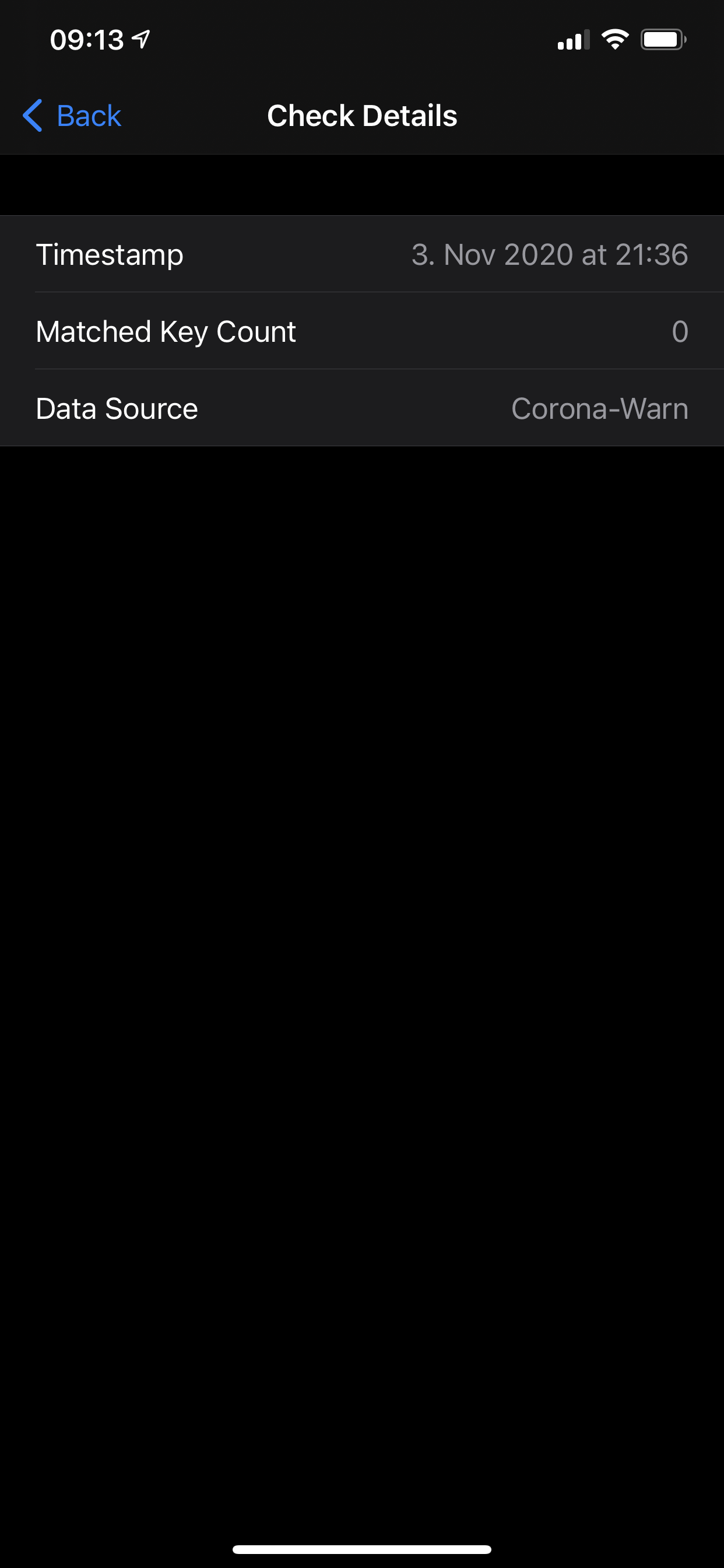
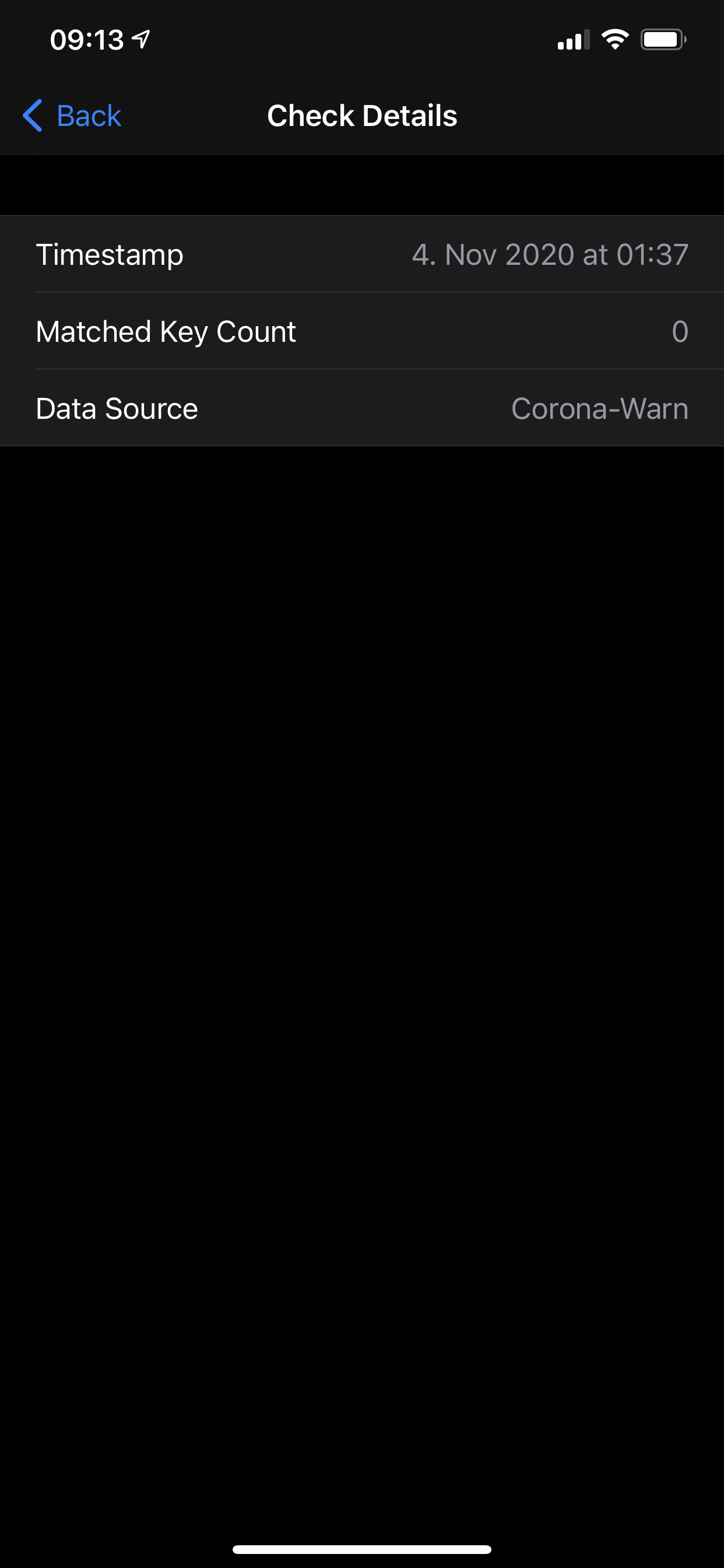
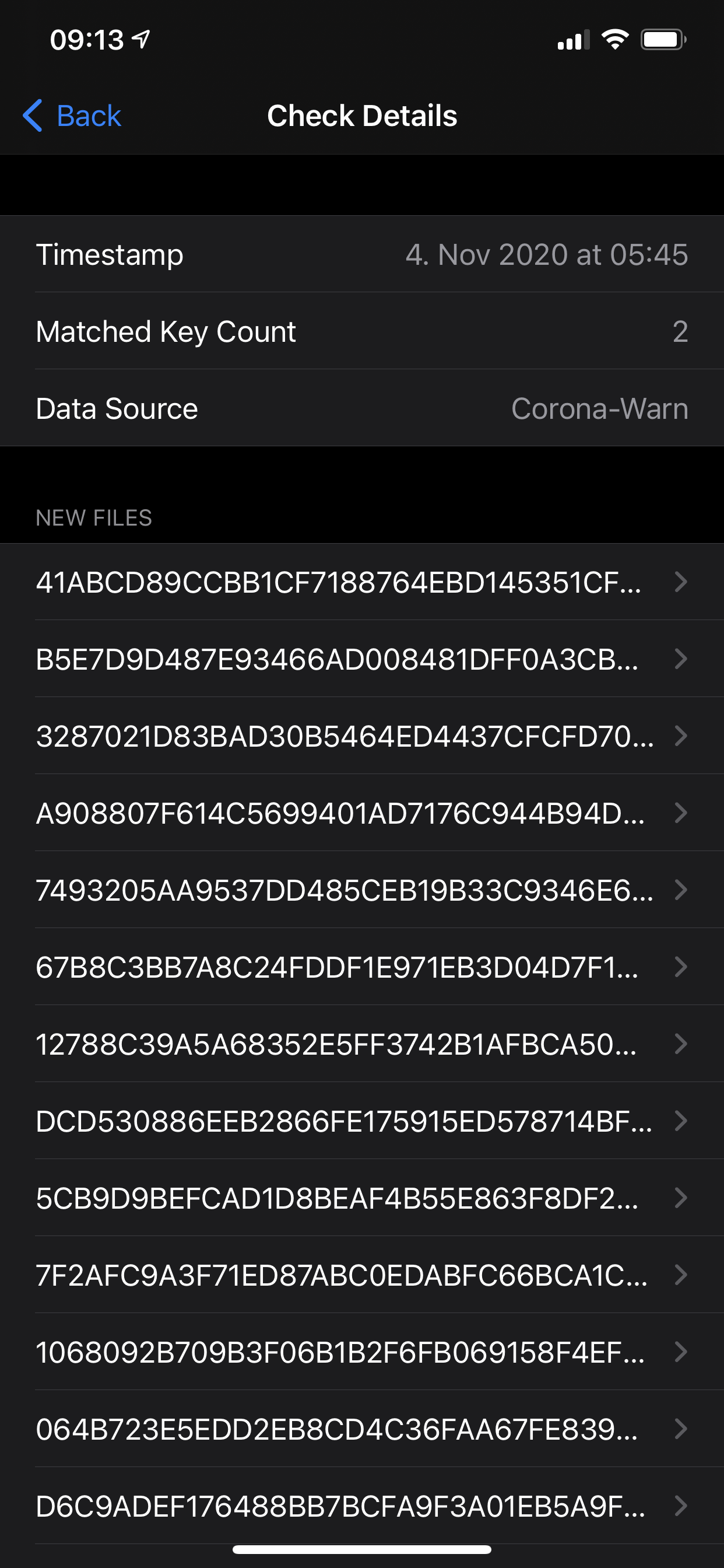
Thanks,
Seb
sebastiancomsa
on 4 Nov 2020
@sebastiancomsa It looks the iPhone struggles to download or to process the files. But the retry and background task is working correctly. Can you give some details about your iPhone/Battery and the mobile network coverage when you are in your home.
thomasaugsten
on 4 Nov 2020
ExposureChecks-2020-11-07.json.txt
So it happened again here. Background check was significantly delayed tonight.
Details:
Thursday 05.11. 18:18
Friday none
Saturday 07.11. 01:13 => gap of 31 hours
cwa 1.5.3(1) / iOS 14.1 / iPhone 8
Usually the check is triggered in the background with mostly max 2 hours delay, but sometimes longer like 3 or 4 hours. This time 7 hours was exceptional.
I attach my json log file.
On 25 Oct you see the time shift to "Winterzeit". On 31 Oct I did some testing => ignore that day. On 04 Nov the check performed not from background, I opened the app at that time.
ndegendogo
on 7 Nov 2020
I’m trying out the Spanish app (compatible with CWA according to the press) and that seems to refresh twice a day which seems like a good pragmatic approach.
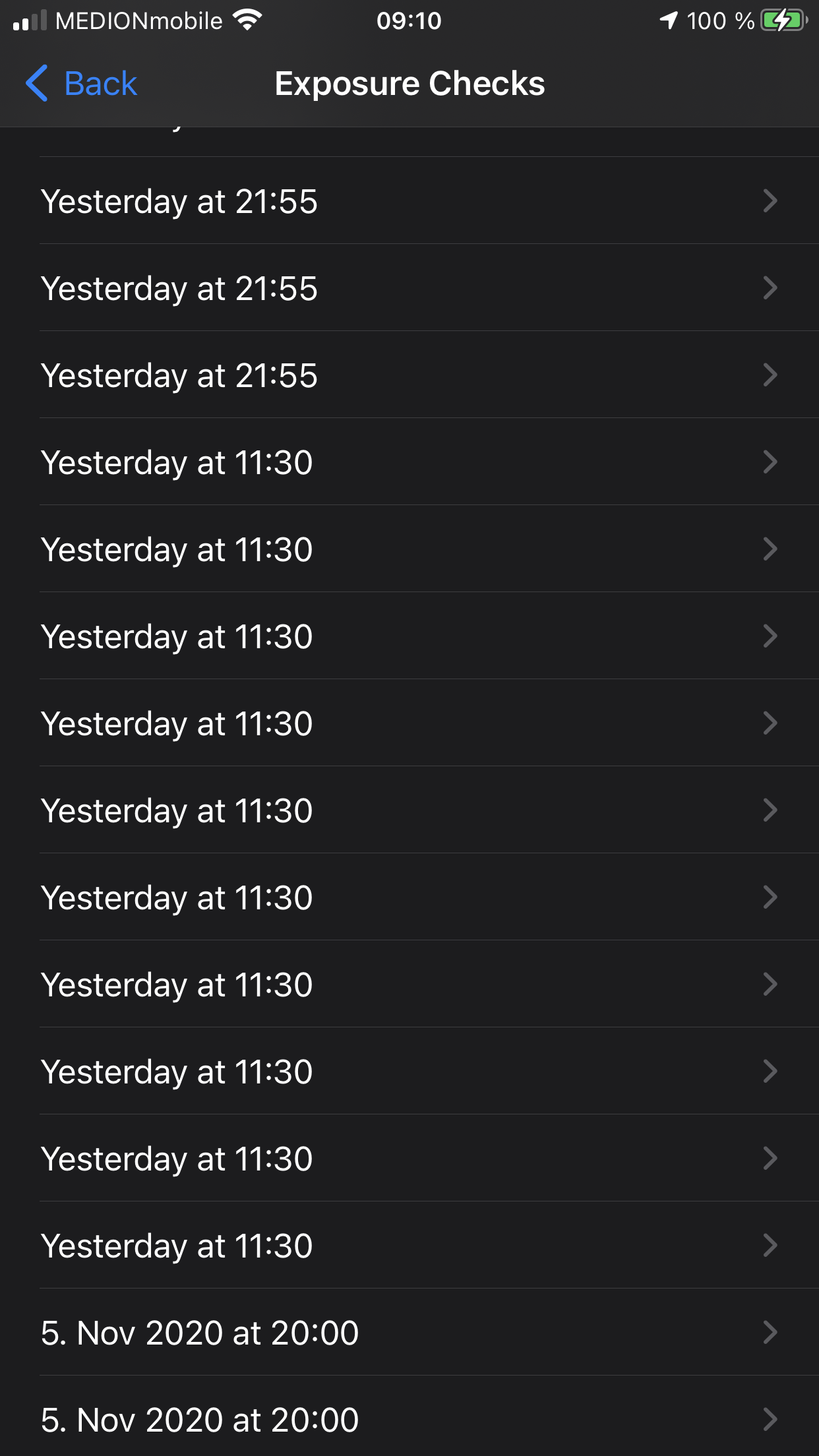
alanrick
on 7 Nov 2020
I’m trying out the Spanish app (compatible with CWA according to the press) and that seems to refresh twice a day which seems like a good pragmatic approach.
Hi
I also have the background actualization problem with the corona-warn and I tried out the Spanish app, for 2 weeks in Spain and can confirm that it much better deals with th issue of up and downloads the keys.
I'd like to know, however, about the claimed compatibility with the corona warn o the compatibility.
How do you know that it is indeed compatible, the corona-warn only lists
ireland and italy.
So it it is compatible with the spanish radar covid. the corona warn should tell the user, and we should
open an issue?
ouboub
on 7 Nov 2020
@ouboub I recommend a separate ticket, as the focus here is different. For example an explicit question in the cwa/documentation repo
ndegendogo
on 7 Nov 2020
Hi
the issue still persists:
Here are two screenshots of today (iphone SE, iOS14)
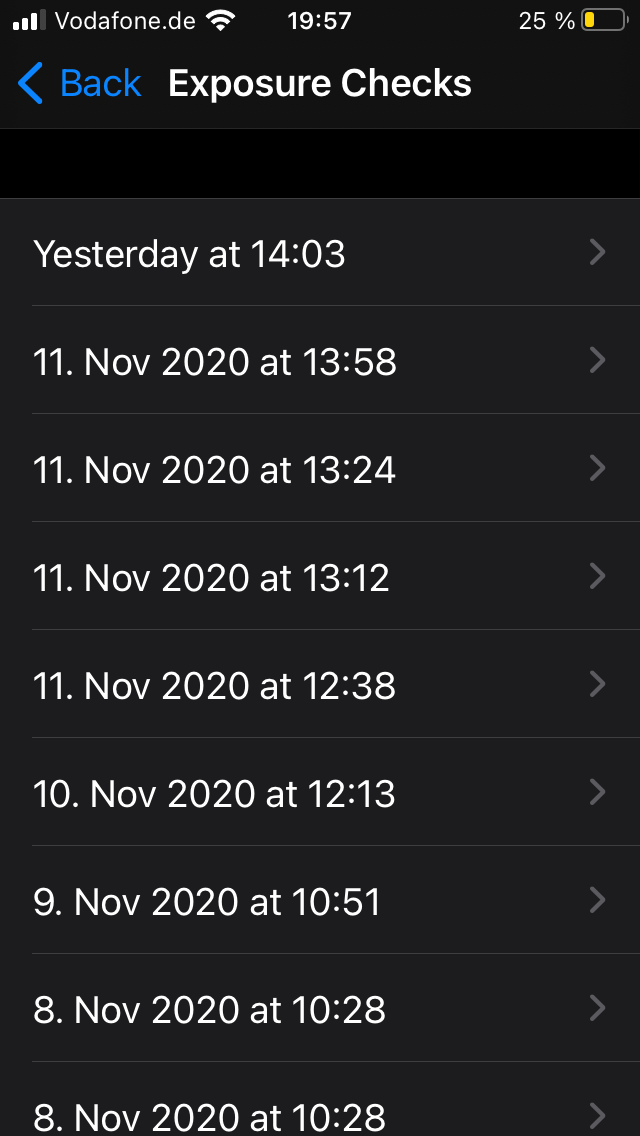
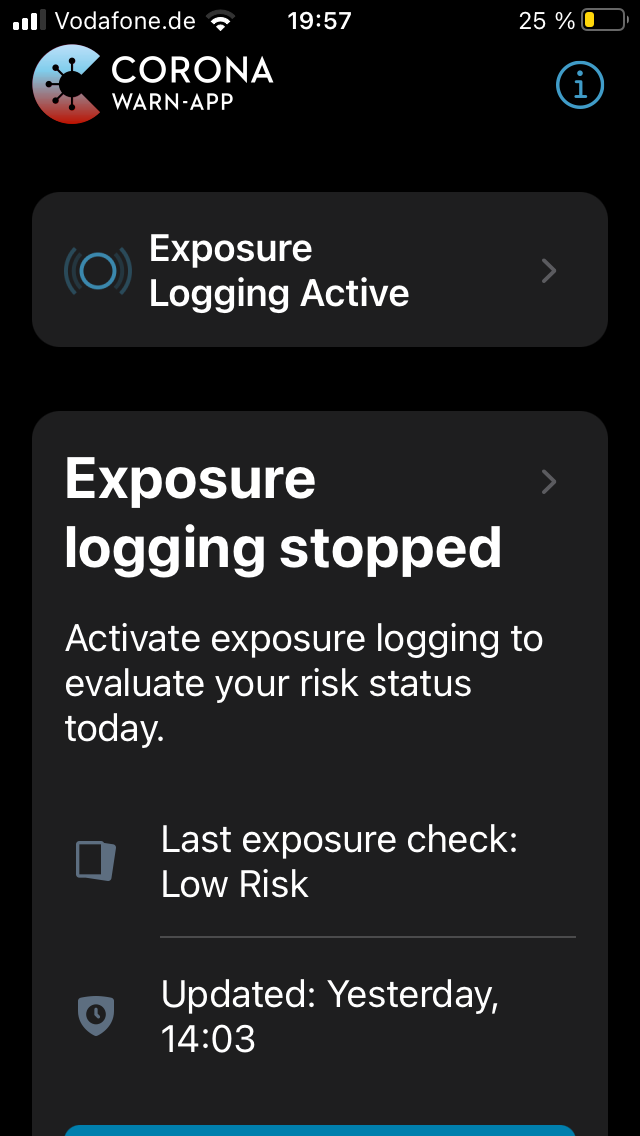
ouboub
on 13 Nov 2020
@ouboub Can you please contact me directly. I need a detailed log what exactly happens on the phone. What happens when you presse manually the button and wait a minute?
thomasaugsten
on 14 Nov 2020
I will do this now, but which button?
ouboub
on 14 Nov 2020
The blue button with the text "Erneut starten/Restart"
thomasaugsten
on 14 Nov 2020
The blue button with the text "Erneut starten/Restart"
I just sent you an email with the steps I perform to obtain the result I just reported.
I don't have a button in my Corona App saying erneut starten/restart
but maybe I misunderstood you
ouboub
on 14 Nov 2020
Thanks for log files. My analyse shows a lot of wifi error maybe the device has an hardware problem or your wifi signal is not very stable.
thomasaugsten
on 14 Nov 2020
Hm I am not a Apple certified engineer, so I can't say anything with respect to the hardware problem, the wifi could be a problem, but I thought this is what 3G or 4G is for.
Or are you saying the app cannot download the keys when 3G or 4G is used and requires a stable Wifi connection, that would be really bad.
ouboub
on 14 Nov 2020
This an OS part we as a app cannot influence the network layer, we only set as prerequisite we need network to make a background check. If the OS decide there is no reliable network connection then the OS will not start our background task.
I have no idea why iOS is not switching to 3G when the Wifi is not working correctly.
We as an app only receive a network timeout but cannot switch between wifi or 4G.
thomasaugsten
on 14 Nov 2020
@ouboub if you know that your Wifi-based internet connection is unreliable you could try if switching it off improves your situation.
I have watched (with other applications, like safari) that iOS tries very long to stay with Wifi, but uses mobile data when I deactivate Wifi. And of course this behaviour may vary with different iOS versions and/or device types.
@thomasaugsten I have the impression (only gut feeling, no hard data) that robustness of cwa background is heavily impacted by bad / unreliable internet. Any chances from your side to investigate and improve this?
ndegendogo
on 14 Nov 2020
on iOS try settings- mobile data - „scroll all the way down“ - wifi support - will switch to mobile net on bad wifi
translated from german - so the menu items probably are different
Martin Matthey
0151 1577 2237
Am 14.11.2020 um 16:01 schrieb ndegendogo notifications@github.com:
@ouboub if you know that your Wifi-based internet connection is unreliable you could try if switching it off improves your situation.
I have watched (with other applications, like safari) that iOS tries very long to stay with Wifi, but uses mobile data when I deactivate Wifi. And of course this behaviour may vary with different iOS versions and/or device types.@thomasaugsten I have the impression (only gut feeling, no hard data) that robustness of cwa background is heavily impacted by bad / unreliable internet. Any chances from your side to investigate and improve this?
—
You are receiving this because you were mentioned.
Reply to this email directly, view it on GitHub, or unsubscribe.
martin-59
on 14 Nov 2020
on iOS try settings- mobile data - „scroll all the way down“ - wifi support - will switch to mobile net on bad wifi translated from german - so the menu items probably are different Martin Matthey 0151 1577 2237
…
Am 14.11.2020 um 16:01 schrieb ndegendogo @.*>: @ouboub if you know that your Wifi-based internet connection is unreliable you could try if switching it off improves your situation. I have watched (with other applications, like safari) that iOS tries very long to stay with Wifi, but uses mobile data when I deactivate Wifi. And of course this behaviour may vary with different iOS versions and/or device types. @thomasaugsten I have the impression (only gut feeling, no hard data) that robustness of cwa background is heavily impacted by bad / unreliable internet. Any chances from your side to investigate and improve this? — You are receiving this because you were mentioned. Reply to this email directly, view it on GitHub, or unsubscribe.
that option is always on, and I also see for all other apps (email/safari whatsapp) that they switch to G3/G4 as soon as the wifi signal is bad, only the background actualization behaves oddly here.
ouboub
on 14 Nov 2020
@martin-59 thanks - I didn't know this trick 😀
ndegendogo
on 14 Nov 2020
In the last couple of days, background checks are not working reliably anymore for me. My last check is more than 36 hours ago. Until now, no deadman notification has been sent.
The last check also had to be triggered manually after the deadman notification appeared on my phone.
It's interesting to see how things start to go haywire on/after November 9th.
I don't think it has anything to do with bad internet, since I'm at home with good WiFi most of the time, certainly over night.
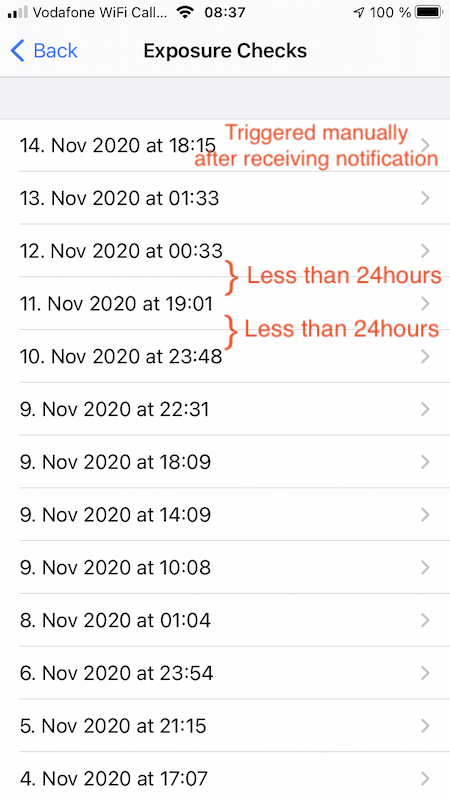
sin-azucar
on 16 Nov 2020
Same here. Since cwa 1.6.1 the checks seem to happen randomly or not.
Opening the ap (foreground processing) starts several checks at once.
Background task performs at "random" times, and pauses for 4 hours after a few files. With 1.5.3 before, the check was usually performed without interruptions, and within a few seconds.
cwa 1.6.1 / iOS 14.2 / iPhone 8
I'll upload my ENF logs later
ndegendogo
on 16 Nov 2020
@sin-azucar could you upload your ENF log file?
ndegendogo
on 16 Nov 2020
I can confirm that the background checks are not performed reliably for me either. Last check in the ENF log was done when manually opening the app two days ago (49 hrs), and there are four checks logged at the same time, including the same 14 files.
No deadman notification either.
CWA 1.6.1 / iOS 14.2 / iPhone 8
PalminX
on 16 Nov 2020
@sin-azucar could you upload your ENF log file?
Sure, I hope this is what you meant:
ExposureChecks-2020-11-16.zip
Note that I opened the app shortly after posting my comment, hence the manually triggered check at today, 09:10.
sin-azucar
on 16 Nov 2020
Can also report unreliable checks under 1.6.1. @thomasaugsten could this be a side effect of #1497?
Ein-Tim
on 16 Nov 2020
same here
danielvonmitschke
on 16 Nov 2020
The Irish app has remained reliable the last few weeks so I doubt it's an issue with the underlying iOS framework.
alanrick
on 16 Nov 2020
We are investigating this in EXPOSUREAPP-3821
thomasaugsten
on 16 Nov 2020
@sin-azucar pointing out the "highlights" (or rather low-lights?) of your log file:
Even before Nov 9th the daily delay is often a bit longer than it should be:
2020-11-02 12:37 / 2020-11-03 12:47 / ok
2020-11-03 12:47 / 2020-11-04 17:07 / => 24 + 4 h
2020-11-04 17:07 / 2020-11-05 21:15 / => 24 + 4 h
2020-11-05 21:15 / 2020-11-06 23:54 / => 24 + ~2 h, let's say this is ok
2020-11-06 23:54 / 2020-11-08 01:04 / => ok
but then on 9th Nov, as you said, something bad happens.
It started late after 24 + 9 h, but file list is empty then retries again after every 4 hours with empty file list, 4 retries in total
finally at 2020-11-09 22:31 it is successfull
So if we consider the successfull only
2020-11-08 01:04 / 2020-11-09 22:31 / => 24 + 21 h (only after 3 failing retries)
2020-11-09 22:31 / 2020-11-10 23:48 / => ok
2020-11-10 23:48 / 2020-11-11 19:01 / => 24 + 19 h
2020-11-11 19:01 / 2020-11-12 00:33 / => 24 + 5 h
2020-11-13 01:33 / 2020-11-14 18:15 / => 24 + ~17 h
2020-11-14 18:15 / 2020-11-16 09:10 / => 24 + 15 h, and this one was only triggered manually
All checks finished within a few seconds.
ndegendogo
on 16 Nov 2020
As promised, my ENF log file.
ExposureChecks-2020-11-16.json.txt
Details: iPhone 8.
Starting with cwa 1.5.3 / iOS 14.1
2020-11-02 14:51 / 2020-11-03 16:02 / => 24 + 1 h
2020-11-03 16:02 / 2020-11-04 17:02 / => 24 + 1 h, this was foreground
2020-11-04 17:02 / 2020-11-05 18:18 / => 24 + 1 h
2020-11-05 18:18 / 2020-11-07 01:13 / => 24 + 7 h - ooops
2020-11-07 01:13 / 2020-11-08 04:18 / => 24 + 3h
Updated iOS 14.2, still cwa 1.5.3
2020-11-08 04:18 / 2020-11-09 07:49 / => 24 + 3 h, this again foreground
2020-11-09 07:49 / 2020-11-10 13:10 / => 24 + 5 h
2020-11-10 13:10 / 2020-11-11 14:03 / => 24 + 1 h
2020-11-11 14:03 / 2020-11-12 17:45 / => 24 + 3 h
All checks up to here performed within a few seconds.
But now:
Updated to cwa 1.6.1 (I skipped 1.6.0).
2020-11-13 13:49 / => after less than 24 h (unexpected)
2020-11-13 17:49 / => after only 4 h, only 13 files, blocked after 2 files
I opened the app at 21:43 - check resumed, and I got another 3 full checks (14 files, including the file that was skipped before)
After this I did not open the app again and watched only ENF log.
But BG processing was often interrupted and resumed only after pause of 4 hours.
2020-11-14: started 01:52 / finished 09:54 after two interruptions. Unfortunately, it did not download any new files (started too early).
2020-11-15: started 06:19 / finished 13:05 after two interruptions. Only 12 files.
But at least it did download a new file...
To sum this up:
Hash 08516D.. was first checked at 2020-11-13 13:49
Hash 54EB69.. was first checked at 2020-11-15 13:05
=> 24 + 24 h without new file
2020-11-15 13:05 / a second check, same time, finished within seconds
2020-11-16 14:18 / => 24 + 1 h
2020-11-16 18:18 / started but then aborted or blocked (no files in the log)
And now it is 24 + 4 h later, and still waiting for new entries
ndegendogo
on 17 Nov 2020
2020-11-10 23:48 / 2020-11-11 19:01 / => 24 + 19 h
2020-11-11 19:01 / 2020-11-12 00:33 / => 24 + 5 h
2020-11-10 23:48 until 2020-11-11 19:01 is ~19 hours, not 24 + 19.
2020-11-11 19:01 until 2020-11-12 00:33 is ~5 hours, not 24 + 5.
So I assume this has to do with the bug (or feature 🤨) that risk calculation can be triggered more often than every 24hours. (https://github.com/corona-warn-app/cwa-app-ios/issues/1514)
But maybe something about it throws the background job off?
sin-azucar
on 17 Nov 2020
I can confirm that the background checks are not performed reliably for me either. Last check in the ENF log was done when manually opening the app two days ago (49 hrs), and there are four checks logged at the same time, including the same 14 files.
No deadman notification either.CWA 1.6.1 / iOS 14.2 / iPhone 8
Last night, a new background check finally happened, 65 hrs after the last (foreground) check. So it seems that not opening CWA somehow made the background check work after some time. No deadmen message was shown at any time.
PalminX
on 17 Nov 2020
2020-11-10 23:48 until 2020-11-11 19:01 is ~19 hours, not 24 + 19.
2020-11-11 19:01 until 2020-11-12 00:33 is ~5 hours, not 24 + 5.
@sin-azucar oops - yes, you are right, of course 🤪
ndegendogo
on 17 Nov 2020
Last night, a new background check finally happened, 65 hrs after the last (foreground) check.
@PalminX So I'll be patient, too, and continue to wait ...
ndegendogo
on 17 Nov 2020
@thomasaugsten please give us an update about the whole situation.
IMHO this in combination with #1144 requires a hotfix...
Ein-Tim
on 18 Nov 2020
Now, this is strange. I finally got the check.
No dead-man notification before, although I was more than 2 days without fresh data.
16 Nov 14:18 last successfull check (14 files).
Same day, 4 h later (18:18) an unsuccessfull / aborted attempt (empty file list).
Yesterday nothing.
Today 16:23 a successfull check - but it did not load any new files, so only 12 files.
Finally, 4 h later a successfull download, followed by a check on 14 files.
Makes a gap of 24 + 24 + 6 h in total
Oh, and when I opened cwa after this I saw the error message #1497 (exposure checks already running)
cwa 1.6.1 / iOS 14.2 / iPhone 8
screenshot and ENF log attached
ExposureChecks-2020-11-18.json.txt
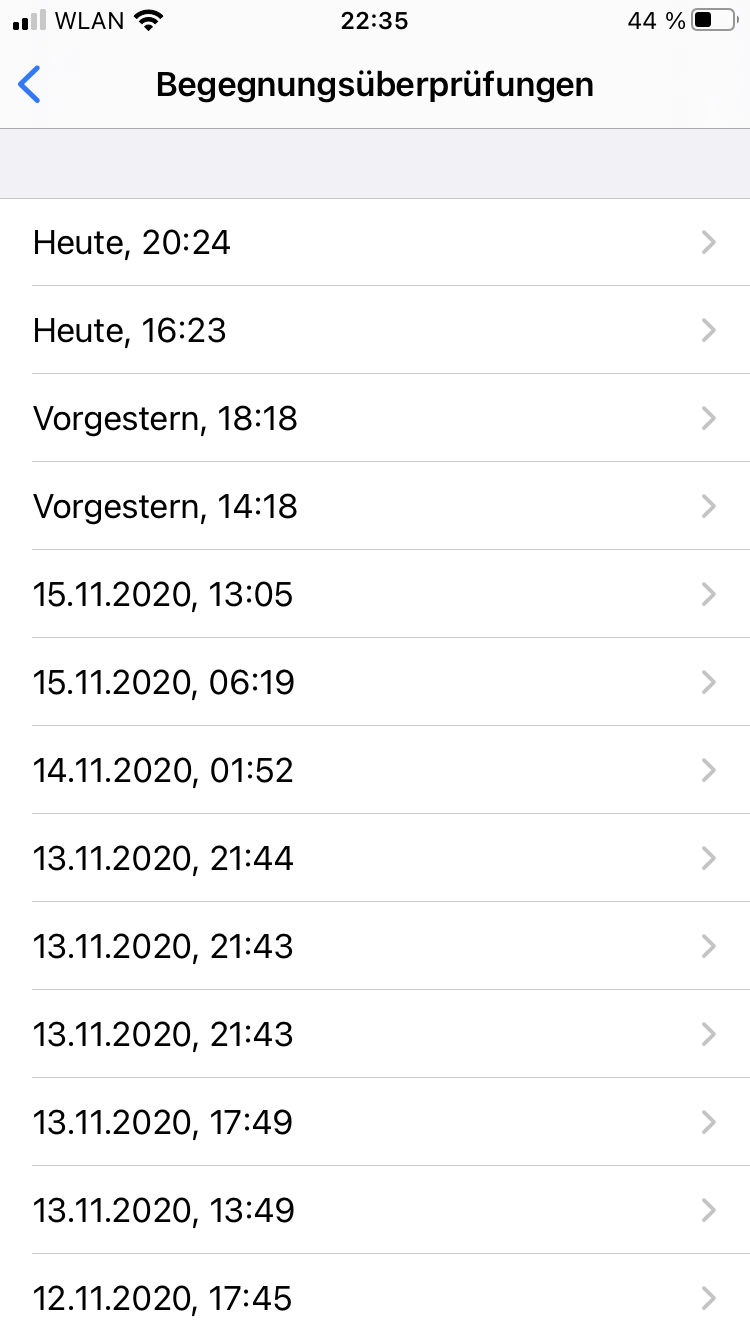
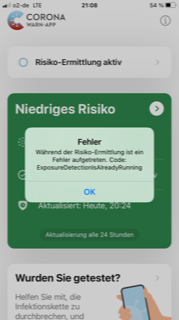
ndegendogo
on 18 Nov 2020
Today 16:23 a successfull check - but it did not load any new files, so only 12 files.
Alternative explanation for this observation: maybe the check was aborted prematurely, before it finished.
PR #1081 could be a candidate / suspect for this.
ndegendogo
on 18 Nov 2020
We investigated this behaviour and we improved this together with the 4hour checking in v1.7 which will be released next week.
thomasaugsten
on 19 Nov 2020
The same issue has been reported here: https://github.com/corona-warn-app/cwa-app-ios/issues/1542
 dsarkar
on 19 Nov 2020
dsarkar
on 19 Nov 2020
Do you have a schedule for the release v1.7 with the fix for this issue?
Today again I had no check ....
21 Nov 02:10 (14 files), then another 06:11 (13 files with interruptions), then I opened the app at 10:31 and got 2* 14 files
22 Nov 10:58 (14 files)
23 Nov 14:46 (14 files), then another 18:47 (empty)
24 Nov 07:46 I opened the app, and it showed last successfull (yesterday 14:46); no check now (this is ok, it is less than 24 h ago). Later at 15:12 it started a check, but failed (empty), so I had no check today.
cwa 1.6.1 / iOS 14.2 / iPhone 8
See screenshot and ENF log file
ExposureChecks-2020-11-24.json.txt
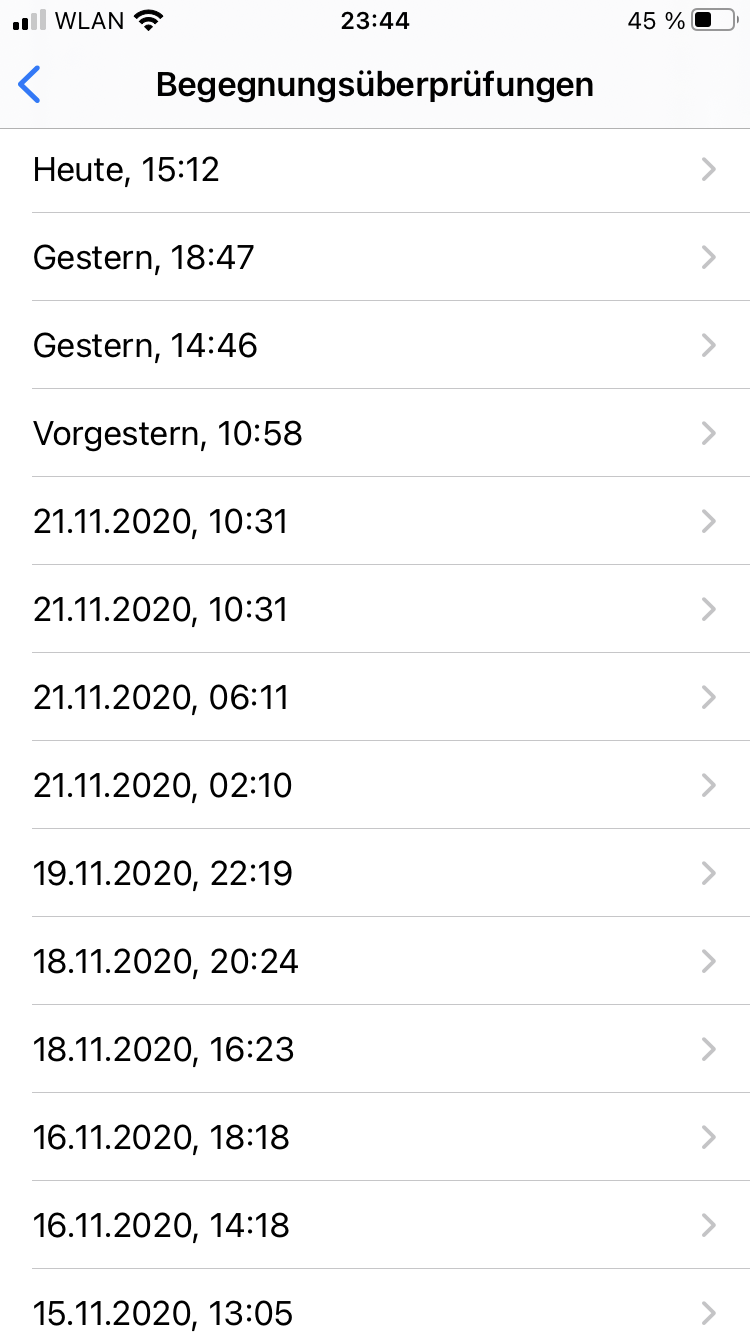
ndegendogo
on 25 Nov 2020
Please check with the released v1.7.1 and the more often exposure checks. If the exposure checks comes now more regular.
thomasaugsten
on 25 Nov 2020
Hallelujah! The update is available so I’ve switched back to using the CWA. Hoping this thread can finally be closed. 🤞
alanrick
on 25 Nov 2020
@thomasaugsten you can bet that I will watch it closely 😀
Thanks for all your hard work on this!
ndegendogo
on 26 Nov 2020
Dear community,
We would appreciate very much detailed feedback on this issue, now that CWA version 1.7 has been rolled out. Please monitor the behavior. Thank you all very much for your contributions.
UPDATE: Regarding the update to CWA 1.7: Please note that it is a staged rollout. Over the next two days, 100% of the users should have received the update.
Best wishes,
DS
Corona-Warn-App Open Source Team
dsarkar
on 26 Nov 2020
Dear community,
We would appreciate very much detailed feedback on this issue, now that CWA version 1.7 has been rolled out. Please monitor the behavior. Thank you all very much for your contributions.
Best wishes,
DSCorona-Warn-App Open Source Team
Hi
I installed yesterday 1.7 as soon as it was released and I am very postively surprised, the background checks are now done regularly:
12:45 (yesterday)
17:24 (yesterday)
22:15 (yesterday) (ok I opened the app)
3:38 (today)
7:40 (today)
thanks for fixing this issue.
regards
ouboub
on 26 Nov 2020
Hallelujah! The update is available so I’ve switched back to using the CWA. Hoping this thread can finally be closed. 🤞
I switched back to CWA after downloading 1.71 18 hours ago but so far there have been no updates. The ones in the screenshot are from the Irish app. My phone is fully charged most of the time and either WiFi or mobile (walks outside about an hour long) on all the time, even through the night.
Not sure what I’m doing wrong or whether it waits a few days after reactivating the app and doesn’t take account of EU app-switching.
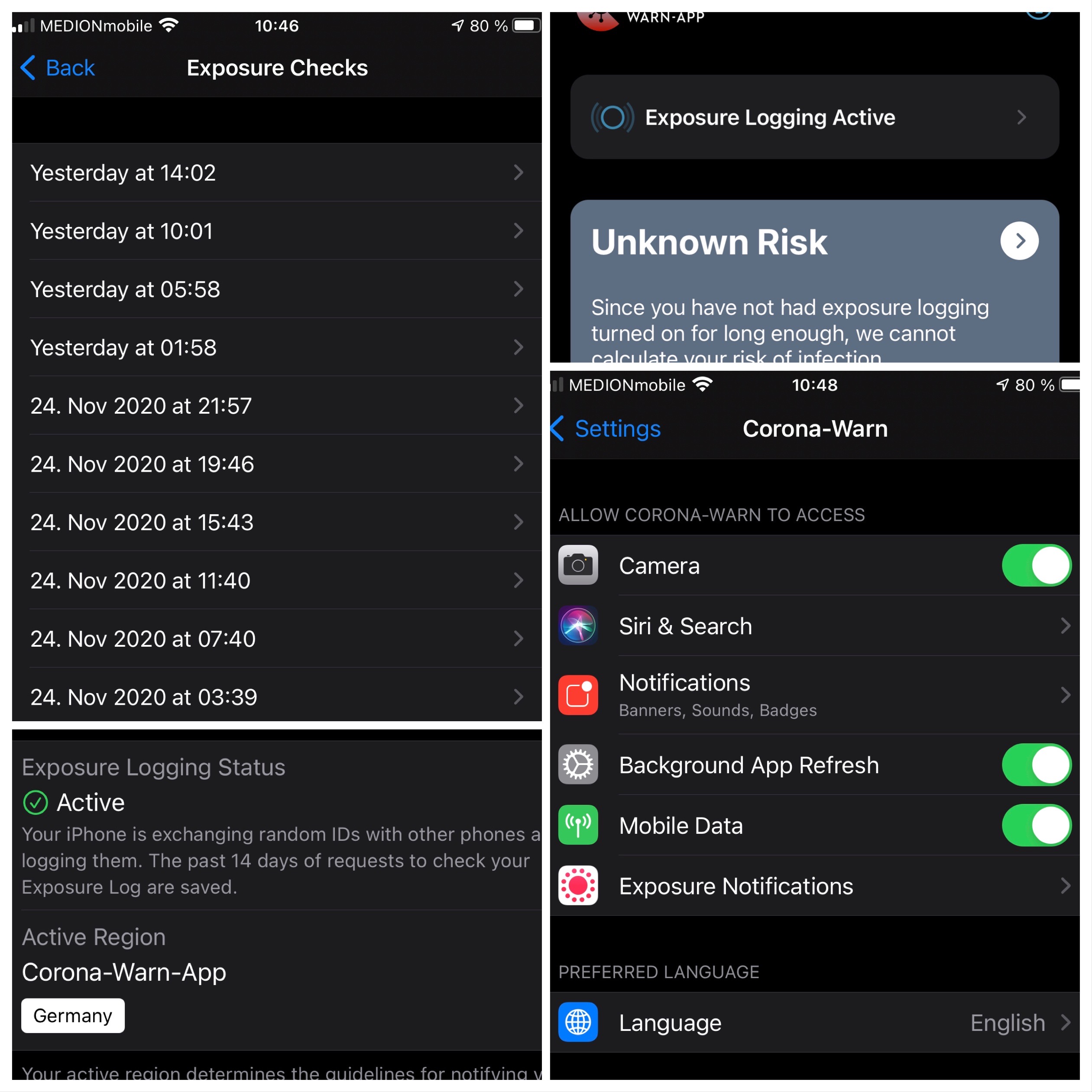
alanrick
on 26 Nov 2020
@alanrick, thanks for reporting and screenshots. Can you upload the ENF log file, please.
Best wishes,
DS
Corona-Warn-App Open Source Team
dsarkar
on 26 Nov 2020
While I had problems with v1.6.1 they seem to have gone with v1.7 - background checks were done two times today without me manually opening the app. I am only curious about one thing: on both checks there were the exact same files and numbers of keys transmitted. So while the app is downloading data more often and more reliable now it seems that the dataset downloaded doesn't change as often? 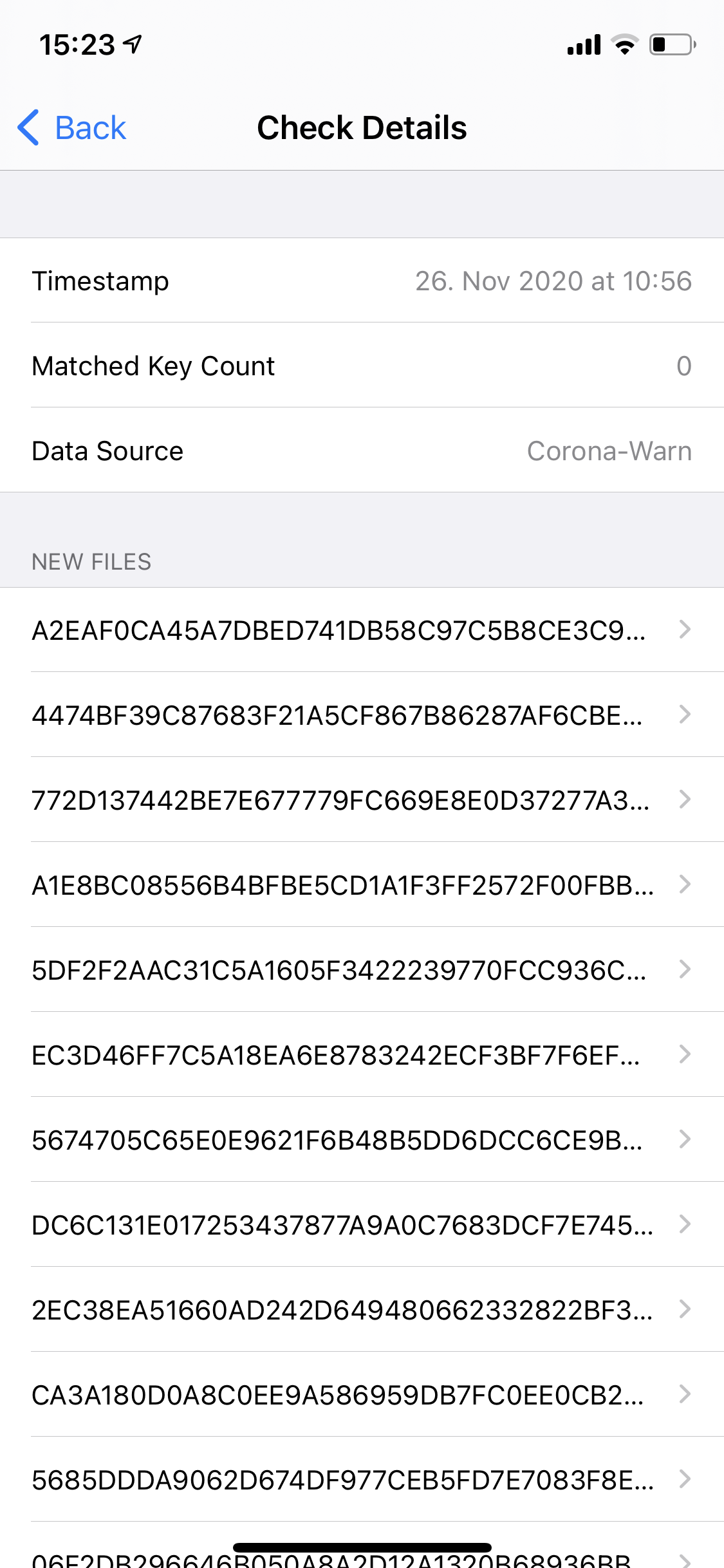
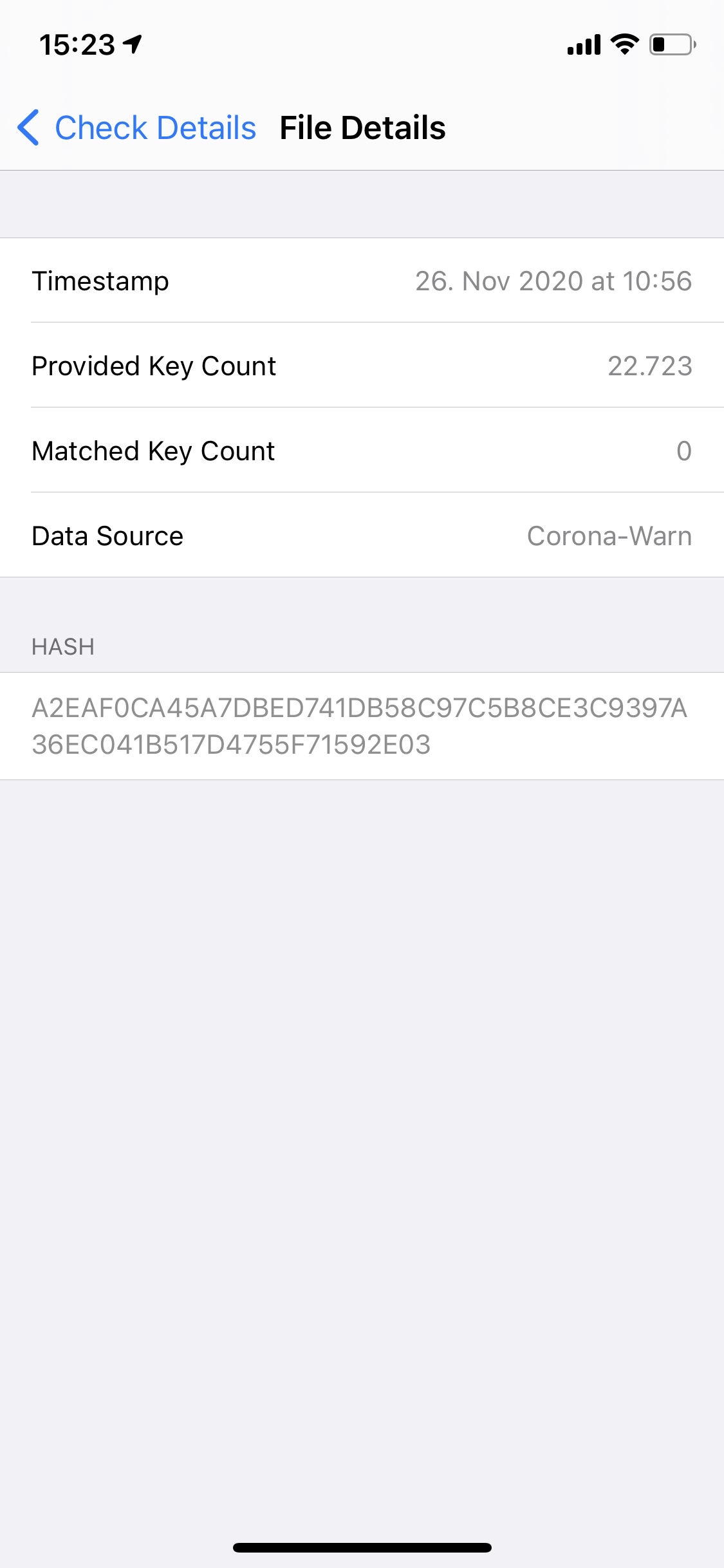
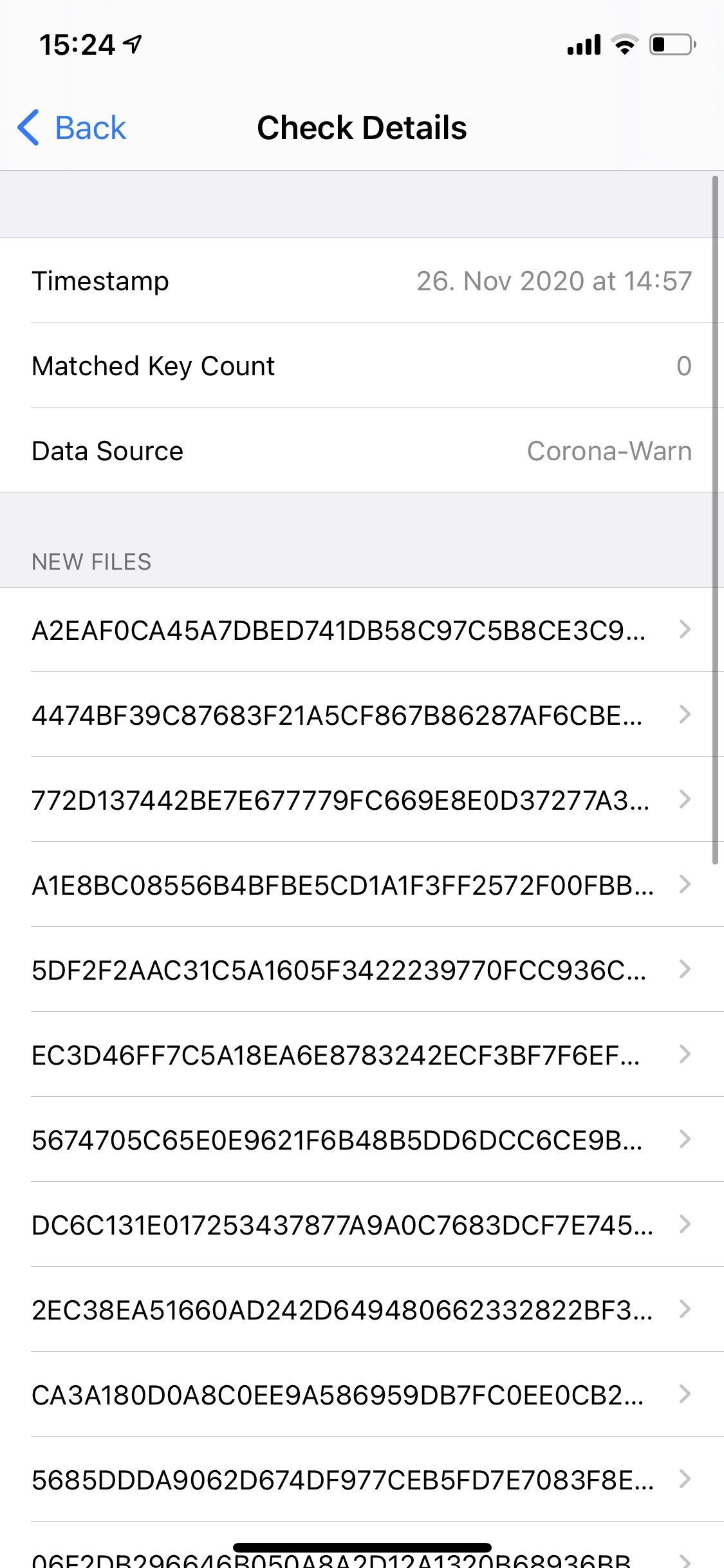
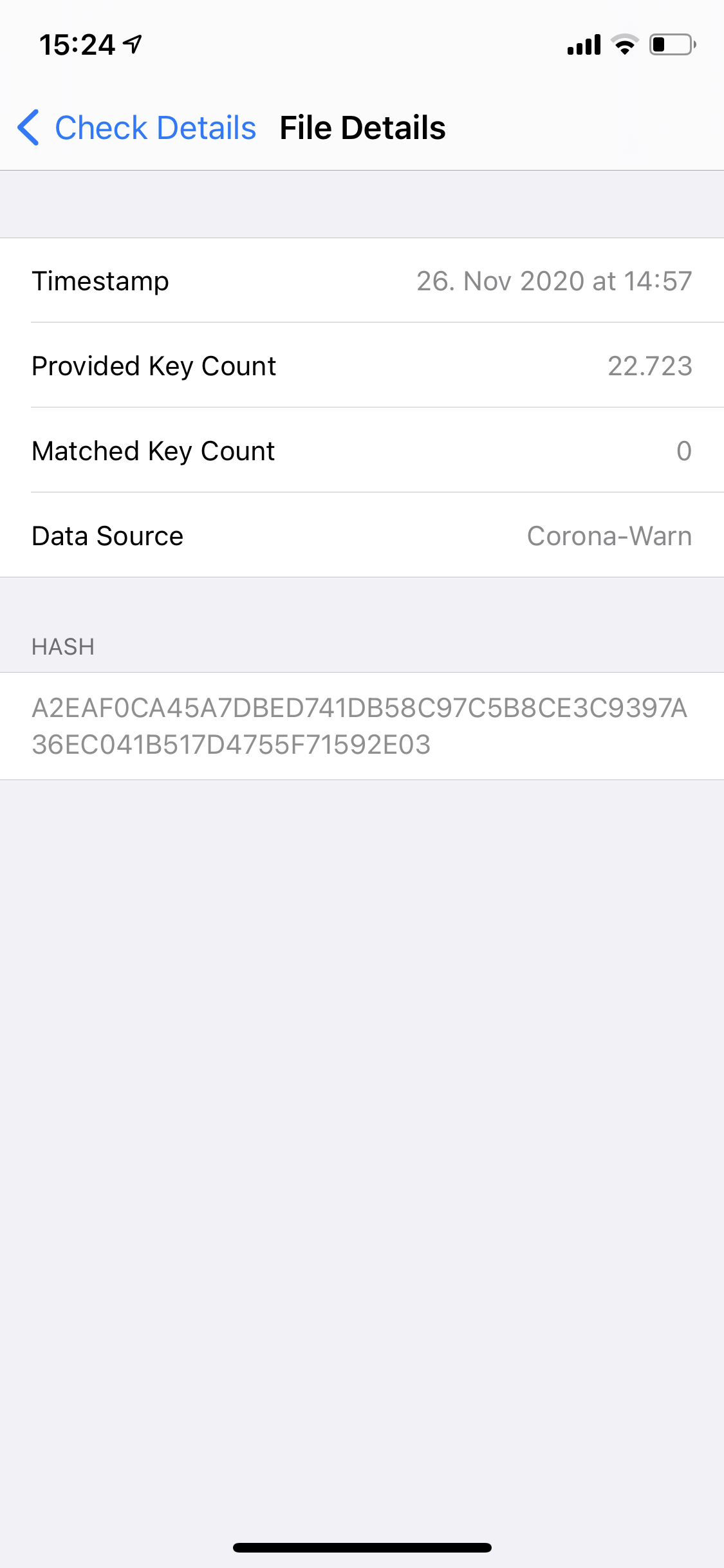
achisto
on 26 Nov 2020
@achisto
At the moment the App is still using the daily published data, if I understand everything correct this will soon be changed so the App will fetch the hourly published data
Ein-Tim
on 26 Nov 2020
At the moment the App is still using the daily published data, if I understand everything correct this will soon be changed so the App will fetch the hourly published data
It is already using hourly files for me. Looking at the EN log, the daily files (14 as usual) seem to be at the beginning of the list and the hourly files are appended at the end (of course only the current day).
These are the last 5 entries in my EN log - note that the KeyCount is much too small for a daily file.
    {
      "Hash" : "9556E28413B1223D99427A3E9EDFD731C210E34797EECF566942260CA9CFAD90",
      "MatchCount" : 0,
      "KeyCount" : 954,
      "AppBundleIdentifier" : "de.rki.coronawarnapp",
      "Timestamp" : "2020-11-26 13:16:22 +0100"
    },
    {
      "Hash" : "8CEDDB33E17F79617AA64EF079FA8EE63198180FB2706F07DB24396AED25A164",
      "MatchCount" : 0,
      "KeyCount" : 1121,
      "AppBundleIdentifier" : "de.rki.coronawarnapp",
      "Timestamp" : "2020-11-26 13:16:22 +0100"
    },
    {
      "Hash" : "751615850AEA4B539AED2CBDC052A1B77413F2BF4E3322315961372F83584FD6",
      "MatchCount" : 0,
      "KeyCount" : 1708,
      "AppBundleIdentifier" : "de.rki.coronawarnapp",
      "Timestamp" : "2020-11-26 13:16:22 +0100"
    },
    {
      "Hash" : "0082C12D7AAA76C66D518F560EBE4AC00BE07084FFB36994FA6C8AFA2A78109E",
      "MatchCount" : 0,
      "KeyCount" : 1978,
      "AppBundleIdentifier" : "de.rki.coronawarnapp",
      "Timestamp" : "2020-11-26 13:16:22 +0100"
    },
    {
      "Hash" : "479A76B987C453E7642B6EFE152E65B866A8E39DF582591E818E43D9405808D0",
      "MatchCount" : 1,
      "KeyCount" : 1739,
      "AppBundleIdentifier" : "de.rki.coronawarnapp",
      "Timestamp" : "2020-11-26 13:16:22 +0100"
    }
However, once per day there seems to be a check that only uses the daily files (IDK if it's always the first one...). This check is also performed when on cellular data, the other ones require WiFi.
This is my understanding of things, corrections are appreciated.
sin-azucar
on 26 Nov 2020
@alanrick, thanks for reporting and screenshots. Can you upload the ENF log file, please.
Here you go...
ExposureChecks-2020-11-26.zip
BTW: Over 24 hours now and still no update.
alanrick
on 26 Nov 2020
@sin-azucar
Interesting, my CWA did not yet downloaded any hourly packages
Ein-Tim
on 26 Nov 2020
@alanrick Do yo still see the grey card? When do you install the CWA?
@Ein-Tim You manually update to 1.7.1 and you are on wifi?Manually opening the app after 4h should trigger an exposure check with hourly packages.
thomasaugsten
on 26 Nov 2020
@thomasaugsten
Yes, I've updated to 1.7.1 yesterday evening, the phone was always on Wi-Fi... I've opened the App manually yesterday evening.
My EN-Log: ExposureChecks-2020-11-26.txt
Edit: It was my mistake, I thought the hourly files would be presented on top of the other Files, but they are at the bottom...
Ein-Tim
on 26 Nov 2020
Thanks @Ein-Tim and @sin-azucar for your replies. I actually can confirm what @sin-azucar suggested. I compared the logs of three smartphones which all had a different time stamps of their latest refresh and they all showed the same files at the end of the list with one file more for each hour of difference between refresh time stamps.
achisto
on 26 Nov 2020
@alanrick Do yo still see the grey card? When do you install the CWA?
I installed CWA the first day it was released but I switched to using the Irish app about a month ago. I know the CWA was active in the background because it occasionally gave me notifications to check my exposure (even though Ireland was the active region).
Yesterday at about 14:00 I downloaded the 1.71 CWA and changed the iOS settings to restore the active region to Germany.
The good news is that two hours ago (17:58 today) exposure transfer took place. More than 24 hours after switching but I'm optimistic that from now on it will work properly.
The card is no longer grey. It is green, with the message "exposure logging was active for 1 of the past 14 days". That's a bit strange because it had been logging continuously over the last 14 days but used the Irish app to synch the data (every 4 hours, reliably). But that's another story, and seeing as I don't travel 🛫 at the moment not a problem 👌
alanrick
on 26 Nov 2020
the hourly files [...] are at the bottom...
@Ein-Tim And I appreciate this order very much. The hourly files are the freshest, and they are presented first. See #982 😀
ndegendogo
on 26 Nov 2020
Hm
I am starting to get worried a bit myself. My last download was at 12:15 not it is 22:35 and I have been connected via wifi, save some 30 min around 15:00. I will look tomorrow but I thought every 6 hours there will be a download.
ouboub
on 26 Nov 2020
Hm
I am starting to get worried a bit myself. My last download was at 12:15 not it is 22:35 and I have been connected via wifi, save some 30 min around 15:00. I will look tomorrow but I thought every 6 hours there will be a download.
it is ok, I checked at night,
downloads at 00:00 and 4:12, however during daytime there seem to be not very many downloads
ouboub
on 27 Nov 2020
I will look tomorrow but I thought every 6 hours there will be a download.
FWIW, in my experience it can vary anywhere between 4 and 8 hours, even when having constant WiFi.
Still not 100% predictable, but it looks like it will average to ~4 checks per day which should be fine. I hope it stays that way. 👍

sin-azucar
on 27 Nov 2020
Still not 100% predictable, but it looks like it will average to ~4 checks per day which should be fine.
To me it's a no-brainer. About 1/3 of my data syncs exceeded 30 hours (25% reasonable delay), so 2/3 where within 25% reasonable delay. With a 4 hour sync instead of 24 hour refresh you'd need 6 syncs in a row to fail... about 2/3 to the power of 6 ... 2/729 about 1 day every year it fails. to update in a day, and the chance of failing for 2 days is about once in a 1000 years.
Can't understand why the RKI took so long to allow this seemingly trivial modification.
* Apologies to the developers as I'm sure I've underestimated the complexity of the code-change moving from 24 hours to 4 hour update.... but nevertheless it's surely one of the least significant efforts compared to other functional changes assuming a well thought out architecture.
alanrick
on 27 Nov 2020
Dear community,
Thanks again for contributing and detailed feedback. Be aware of the following:
- Using WIFI: Updates about every 4 h
- Using mobile data network: Update once per day
Please, continue reporting your observations here.
Best wishes,
DS
Corona-Warn-App Open Source Team
dsarkar
on 27 Nov 2020
@dsarkar is there a specific reason why the 4h-updates only happen over wifi? I know quite a lot people who are on unlimited data plans and use their mobile data as an alternative to wifi, especially when being underway. If I'm informed correctly the mobile providers also promised that data used by CWA is not counted towards a data cap so this shouldn't be a problem either for users with small plans.
achisto
on 27 Nov 2020
@achisto, my understanding is that the current agreement includes one update per day in the so-called zero rating.
dsarkar
on 27 Nov 2020
I've got some great news:
With 1.7.1 the background checks are 100% reliable (for me).
I deactivate WLAN & Bluetooth over night, and in the morning, as soon as I switch them both on again, a check always happens!
The 4h checks are often shifted back ca. 1h, but that's ok 👍
Thanks for all your work! 1.7.1 is a really great improvement!
Ein-Tim
on 29 Nov 2020
I've got some great news:
With 1.7.1 the background checks are 100% reliable (for me).
I deactivate WLAN & Bluetooth over night, and in the morning, as soon as I switch them both on again, a check always happens!
The 4h checks are often shifted back ca. 1h, but that's okThanks for all your work! 1.7.1 is a really great improvement!
Hi, I can confirm this, 1.7.1 does check very regularly and is a great improvement over earlier releases, finally!
ouboub
on 29 Nov 2020
Also for me. I am on 1.7.1 since 4 days, and during this time I got nice regular checks.
Long-time reliability and robustness under exceptional conditions like bad internet or power saving modes still to be proven.
ndegendogo
on 29 Nov 2020
Dear community, thanks for the feedback. We monitor a few more days, before closing this issue. Best wishes,
DS
Corona-Warn-App Open Source Team
dsarkar
on 30 Nov 2020
Another positive experience: after waking up and turning off "airplane mode" the CWA almost instantly requests new keys. Even when low power mode is active the requests happen regularly (although they are sometimes delayed by up to one hour). I had huge problems with background refresh in 1.6 but with 1.7 they are completely gone. Thanks for your work!
achisto
on 30 Nov 2020
Hi @achisto, thanks for the feedback. Best wishes,
DS
Corona-Warn-App Open Source Team
dsarkar
on 1 Dec 2020
Dear @achisto, @Tho-Mat, @ndegendogo. @ouboub, @sin-azucar, @Ein-Tim, @HeiDasGri, @alanrick, @sin-azucar, @ABCMoNa, @jwildeboer, @pozoo, and community,
Thank you for all your contributions here. We consider this issue solved now and will close this ticket. We will keep another ticket https://github.com/corona-warn-app/cwa-app-ios/issues/1631 open, in order to monitor irregularities and robustness. Thanks again for all the feedback!
Best wishes,
DS
Corona-Warn-App Open Source Team
dsarkar
on 9 Dec 2020
Related issues
 wandoliver
·
3Comments
wandoliver
·
3Comments
 Applaus-Klaus
·
3Comments
Applaus-Klaus
·
3Comments
 rainervonuns
·
3Comments
rainervonuns
·
3Comments
 mw76
·
3Comments
mw76
·
3Comments
 Hermann12
·
3Comments
Hermann12
·
3Comments
Most helpful comment
Suggestion for a patch so users are aware of the issue:
Schedule a local notification at 30 hours from the last time the checks happened. If within those 30 hours the background tasks run cancel the local notification and reschedule a new one 30 hours from now. If nothing happened for 30 hours the notification will show on the user's phone asking them to open the app to sync the data.
This will have 0 impact on users where the scheduler works, will only annoy users where the scheduler doesn't work (and they aren't aware of this) and only on those days where it is a problem, and will automatically go away if Apple fixes their scheduler.
30 is of course a suggestion. Exact value must be > 24 but is to be determined.