I have a collection where I try to upload an Asset, a jpg file of 516kb.
The loader gets to a 100% but then the "Something went wrong." message appears.
The file is not stored in the uploads directory, it is however present in the storage/tmp directory.
I checked and the storage/uploads directory is writable.
info
PHP version: 7.2.11
Upload file size limit: 4M
Memory limit: 128M
Cockpit version: 0.8.3
OS: Debian 9 Stretch
Web server: Nginx
 drieshooghe
All 14 comments
@drieshooghe check in the devtools network tab what response message you have for the upload request
 pauloamgomes
on 6 Nov 2018
pauloamgomes
on 6 Nov 2018
@paoloamgomes I forgot to mention, the application returns a 500 error
drieshooghe
on 6 Nov 2018
sure, but what you have in the network tab response, check below:
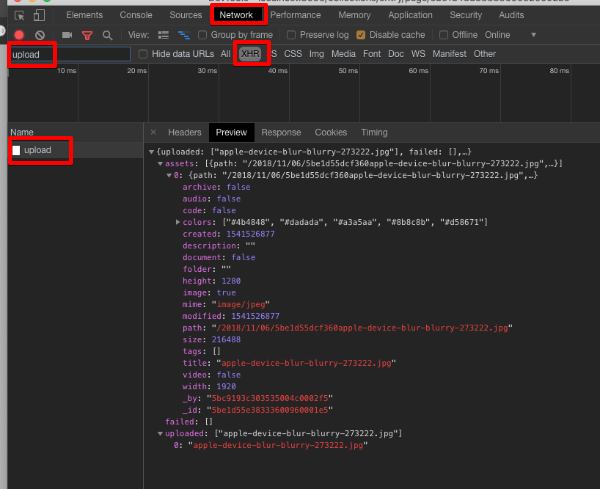
just to understand if there is anything more about the error
pauloamgomes
on 6 Nov 2018
@pauloamgomes
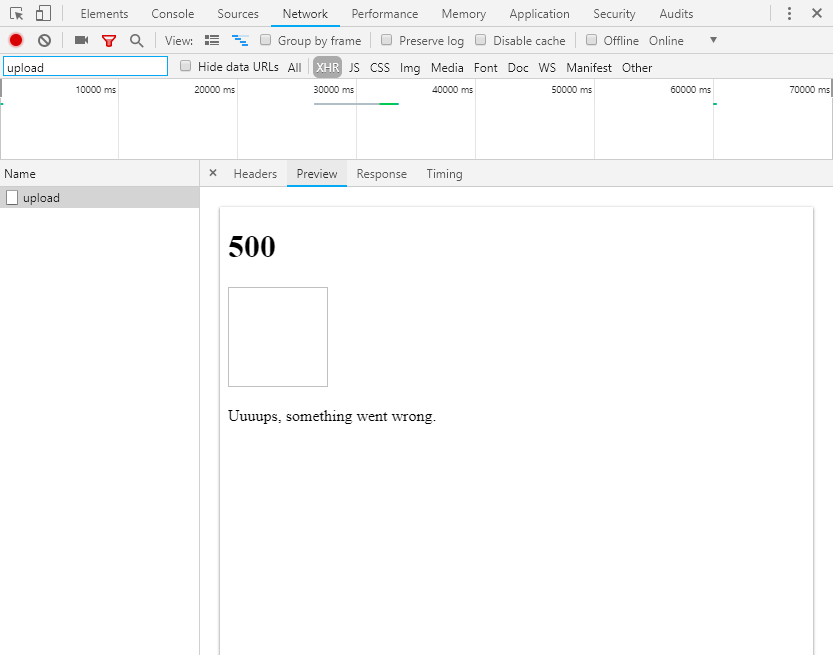
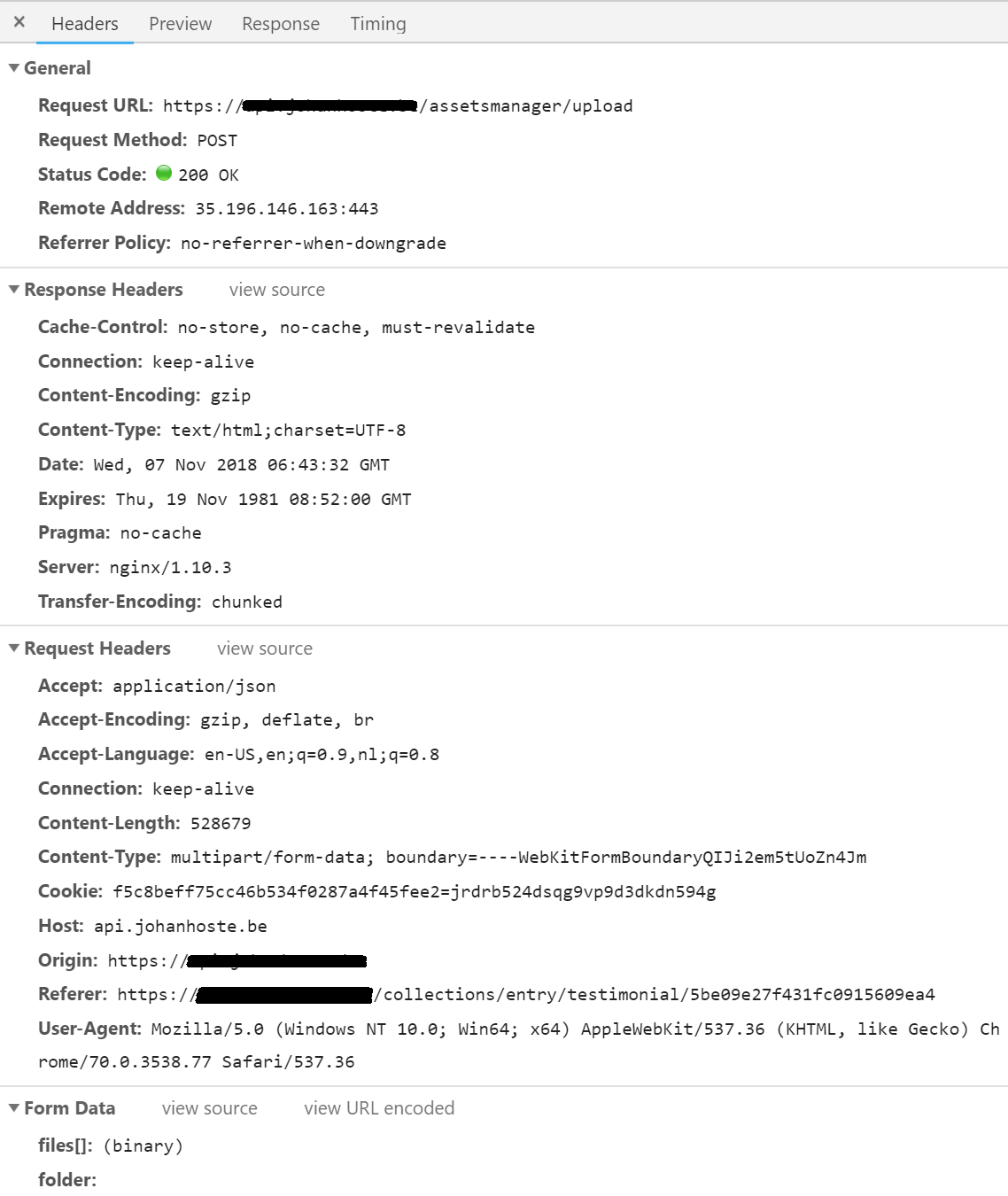
drieshooghe
on 7 Nov 2018
@drieshooghe I know you said that you have correct permissions, but just for be sure, give full permissions (including group and others - 777) on the storage/uploads folder and test again.
pauloamgomes
on 7 Nov 2018


I still get the same result.
drieshooghe
on 7 Nov 2018
Yeah, was expecting that 😞 Do you can upload assets on the asset page?
pauloamgomes
on 7 Nov 2018
Nope, no luck...
drieshooghe
on 7 Nov 2018
@pauloamgomes I resolved the issue.
The PHP GD extension wasn't installed correctly, which caused the problem.
All is well! Thank you for your help.
Perhaps the php GD extension is an idea for an additional check in the installer script?
drieshooghe
on 7 Nov 2018
@drieshooghe I'm having the same problem running Cockpit with the Dockerfile. What was wrong with GD in your setup? Maybe I have the same problem.
 mpartipilo
on 13 Nov 2018
mpartipilo
on 13 Nov 2018
It gets worse. I run cockpit locally with the exact same docker compose file and uploading works.
mpartipilo
on 13 Nov 2018
Some more information:
This is the status code returned: 413 Request Entity Too Large
Strange, since the file being uploaded is barely 3MB and the .htaccess file sets the upload max size to 256M
mpartipilo
on 13 Nov 2018
Found the reason... Locally I'm accessing the cockpit instance directly, but on my remote server it's running behind nginx as reverse proxy. Something must have changed in the nginx config that limits the size of the upload files. I updated the nginx config and it all works now.
mpartipilo
on 13 Nov 2018
So for future ref this is how I dealt with it
Step 1 : go to bootstrap.php line 100 and set 'debug' = true, since my error was Call to undefined function finfo_open()
Step 2 : install fileinfo Universal Extensions if is not installed on your php
Step 3 : go to php.ini of your website and find extension=fileinfo and remove the ;
Step 4 : reload and restart php service on your server.
Now I can upload files. Cockpit still rules
 hypo-thesis
on 21 Feb 2021
hypo-thesis
on 21 Feb 2021
Related issues
 AienTech
·
3Comments
AienTech
·
3Comments
 HausOfAlejandro
·
4Comments
HausOfAlejandro
·
4Comments
 poldixd
·
4Comments
poldixd
·
4Comments
 TechnicallyJoe
·
6Comments
TechnicallyJoe
·
6Comments
 victormoretti
·
5Comments
victormoretti
·
5Comments
Most helpful comment
@pauloamgomes I resolved the issue.
The PHP GD extension wasn't installed correctly, which caused the problem.
All is well! Thank you for your help.
Perhaps the php GD extension is an idea for an additional check in the installer script?