Client: Add block height to connection bar
On the "Home" page of an organization there is a bar at the bottom showing the connection status. It would be nice if this showed the current block height that is being read from the Ethereum node, so that users can troubleshoot if they think the node their client is connected to is falling behind the chain tip.
 john-light
All 9 comments
YES! It could show both the wallet provider and the websockets provider
best block. It would be super easy to notice discrepancies.
On Sat, 17 Nov 2018 at 1:23 AM, John Light notifications@github.com wrote:
On the "Home" page of an organization there is a bar at the bottom showing
the connection status. It would be nice if this showed the current block
height that is being read from the Ethereum node, so that users can
troubleshoot if they think the node their client is connected to is falling
behind the chain tip.—
You are receiving this because you are subscribed to this thread.
Reply to this email directly, view it on GitHub
https://github.com/aragon/aragon/issues/484, or mute the thread
https://github.com/notifications/unsubscribe-auth/AAbTYNYMWjoa9sQgbSf7x2w1SDefG0z2ks5uv1cCgaJpZM4YnKvp
.
 izqui
on 17 Nov 2018
izqui
on 17 Nov 2018
From #494: it would likely be better UX if this was done obnoxiously so users understood their default provider was behind rather than the app being broken or buggy.
 sohkai
on 23 Nov 2018
sohkai
on 23 Nov 2018
It might be something that we want to have near the connection status rather than the home app.
 bpierre
on 23 Nov 2018
bpierre
on 23 Nov 2018
It would also be nice to warn the user in the network settings if the node they're connected to is behind by a noticable amount (e.g. 20+; ~5min delay).
sohkai
on 22 Jan 2019
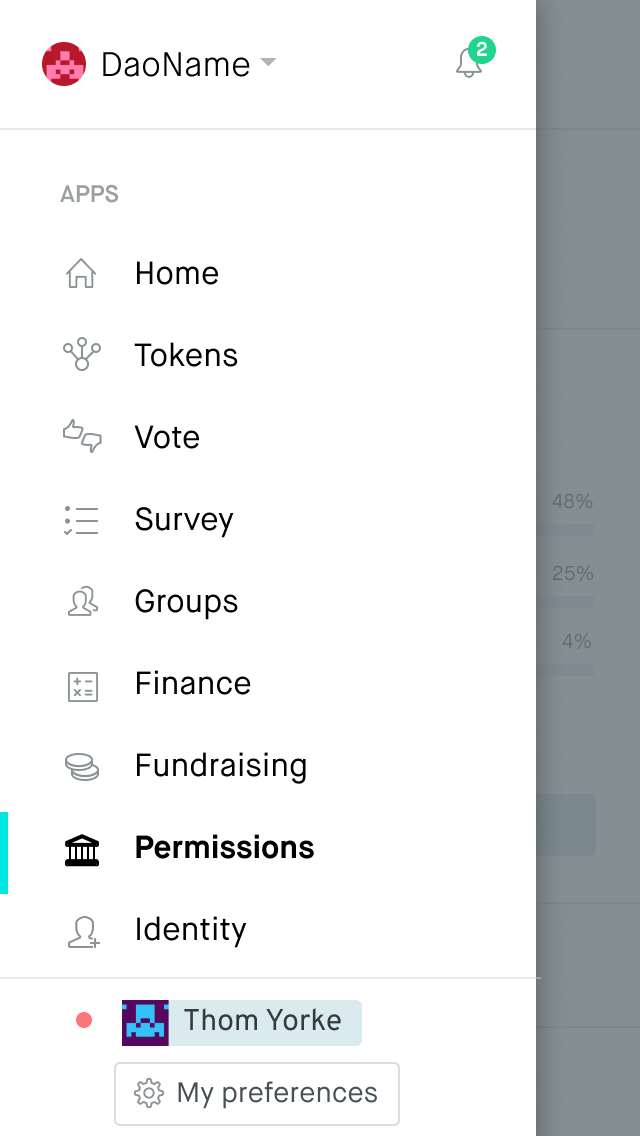
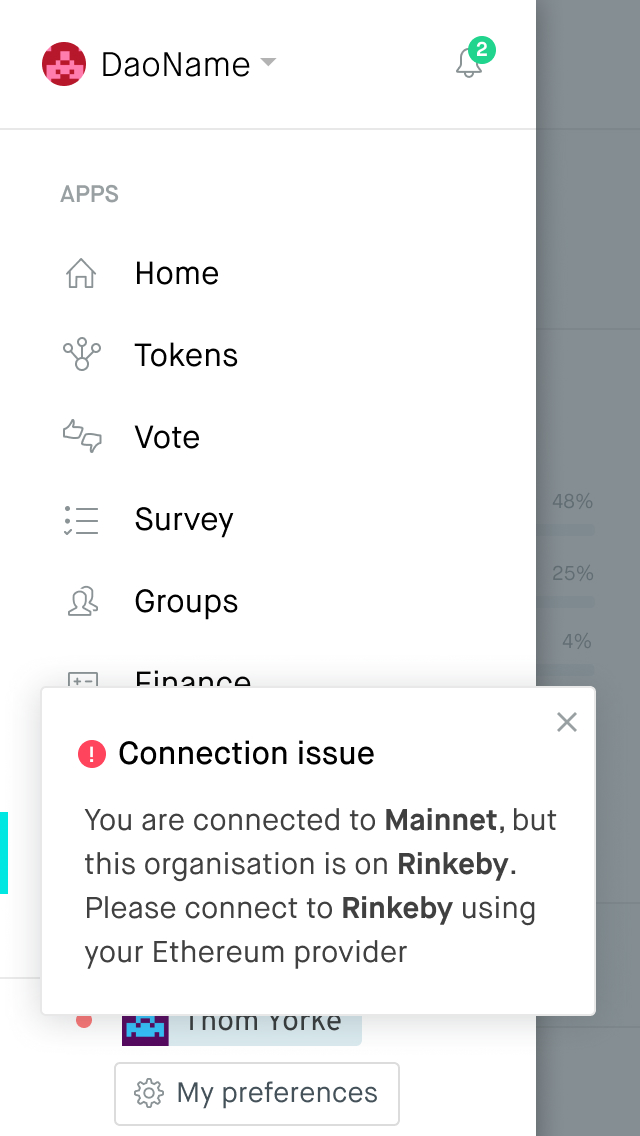
The connection status is now at the bottom of the menu panel, as a green/red indicator dot. I would propose showing a popover with extra data when tapping it.
Here is an example for a network error, would you have some example copy for the normal network status inc. block height @john-light ?
 jounih
on 27 Feb 2019
jounih
on 27 Feb 2019
@jounih Some ideas for the copy on block heights:
- "Warning" (yellow): We've detected the Ethereum node (or "Ethereum provider") you're connected to seems to be having trouble syncing blocks. You may want to contact the owner of the node if this is not resolved after some time.
- Ethereum node: block X
- Ethereum provider: block Y
- "Normal" (green): Syncing normally from Ethereum.
- Current block: Z
sohkai
on 27 Feb 2019
Thanks @sohkai !
I've added the permutations here:
https://www.figma.com/file/TRyOTNyTIqcqLM9yANDFq2Ia/Network-status?node-id=0%3A1
jounih
on 28 Feb 2019
This will be done as part of the new account module: https://www.figma.com/file/bZ1j7omfhdMCbtFahP3nEJ9B/Client?node-id=555%3A612
sohkai
on 16 Oct 2019
This has been implemented as part of the account module.
sohkai
on 18 Mar 2020
Related issues
 lkngtn
·
3Comments
john-light
·
3Comments
john-light
·
3Comments
lkngtn
·
3Comments
john-light
·
3Comments
john-light
·
3Comments
 ricburton
·
3Comments
ricburton
·
3Comments
 luisivan
·
3Comments
luisivan
·
3Comments