Carla: Semantic segmentation - Car windows
I have noticed that the car windows are completely transparent to the segmentation camera, i.e. the segmentation algorithm will label the corresponding pixels as whatever is behind them, regardless of how opaque the windows are.
In the following pictures, we can see that, despite of the windows being completely visible and near opaque in the RGB image, part of the windshield is labeled as road (which, in turn, is barely visible).
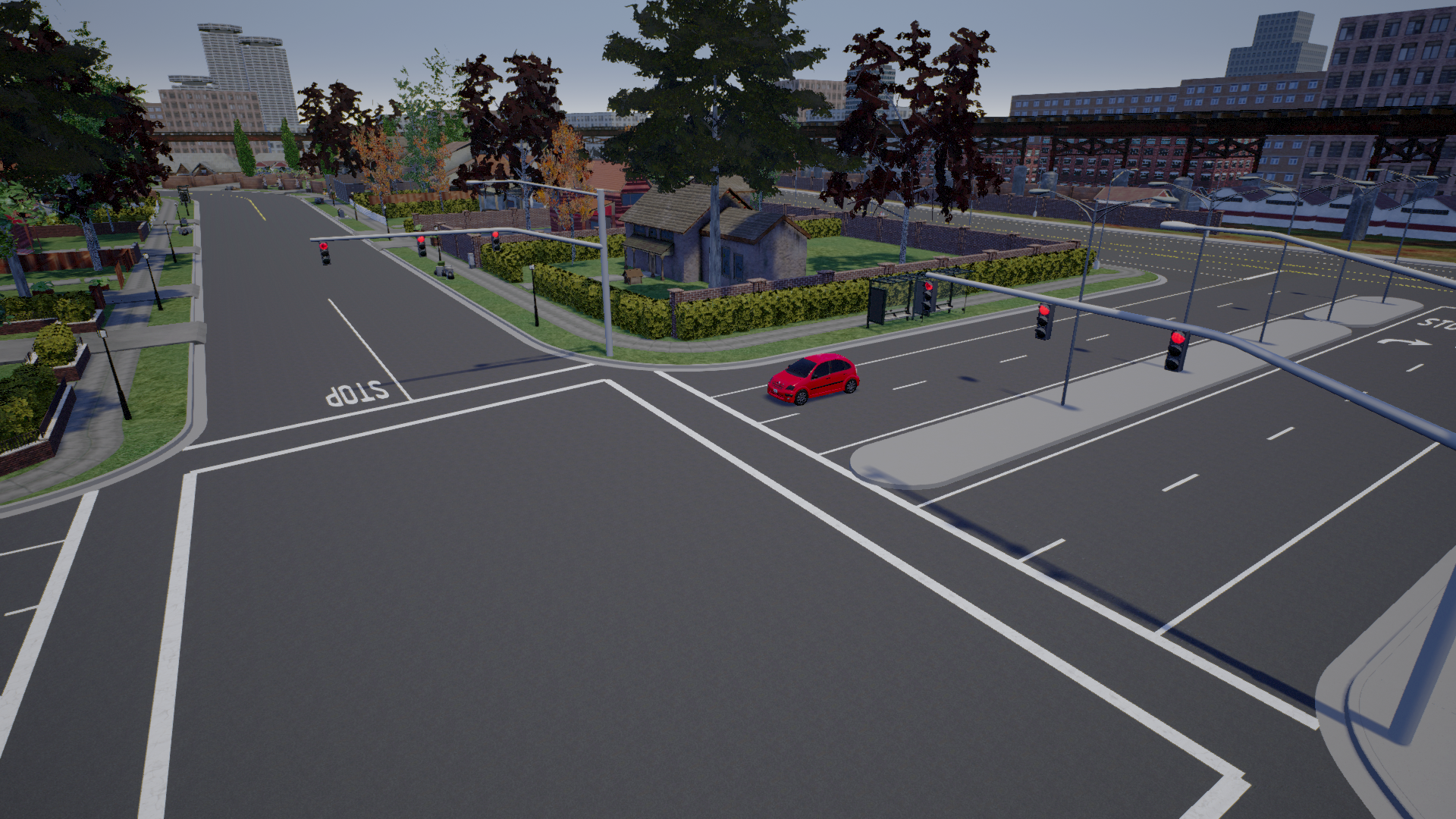
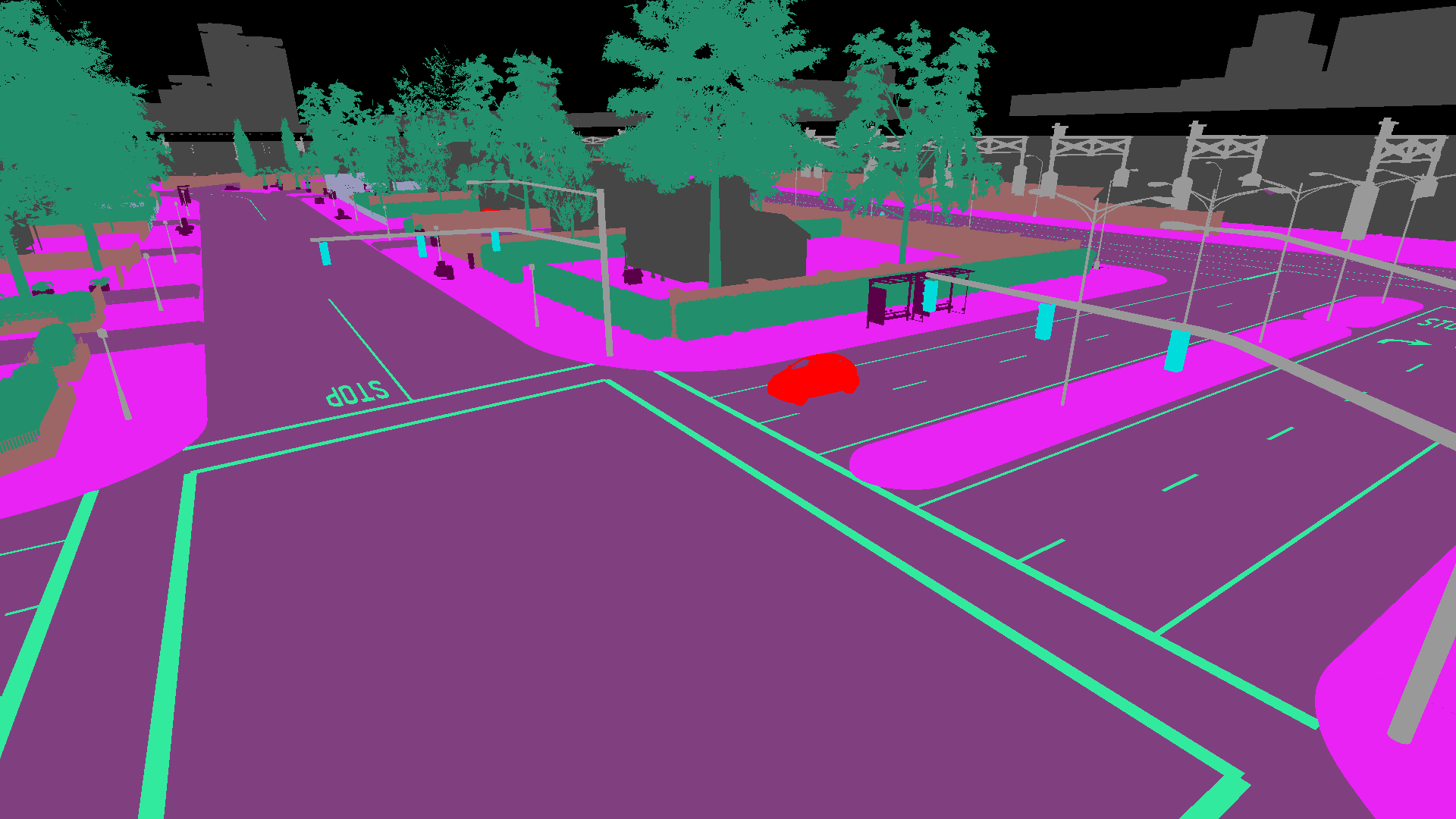
Is this the intended behavior? Otherwise is any fix planned?
 carlaUser
All 6 comments
I can confirm this issue. In my opinion, it should not be the intended behavior as a car window should for all intents and purposes still be semantically part of a vehicle.
The fix is simple:

Translucent materials have an additional property to allow custom depth writes (this incurs a performance cost as they are normally excluded from the custom depth pass since they need to be handled last). As long as the base material for all car glass, which I believe is Static/Vehicles/GeneralMaterials/Glass.uasset, has this flag changed, all material instances using Glass.uasset will be rendered in custom depth.
However, as Carla content is distributed through AWS / Google Drive, there is no way for a user to push this fix. If you have an editor build you can change this for yourself, but otherwise you will need to wait on a new asset pack / new release.
 jeffreykxiao
on 9 Jan 2020
jeffreykxiao
on 9 Jan 2020
could you please share your fixed version?
Thanks!
 meteorshowers
on 7 Feb 2020
meteorshowers
on 7 Feb 2020
Hey!
I'm also interested. If you can would love to get the fix :)
 guygo12345
on 31 Mar 2020
guygo12345
on 31 Mar 2020
This issue has been automatically marked as stale because it has not had recent activity. It will be closed if no further activity occurs. Thank you for your contributions.
![stale[bot] picture](https://avatars.githubusercontent.com/in/1724?v=4&s=40) stale[bot]
on 30 May 2020
stale[bot]
on 30 May 2020
This issue still persists in 0.9.9
 magehrig
on 18 Jun 2020
magehrig
on 18 Jun 2020
It seems like this issue isn't going to be solved, but meanwhile I'm attaching here the updated uasset file.
If you want to use it just replace the original with this
glass.zip
guygo12345
on 7 Jul 2020
Related issues
 hc167
·
4Comments
hc167
·
4Comments
 rowanmcallister
·
3Comments
rowanmcallister
·
3Comments
 AftermathK
·
3Comments
AftermathK
·
3Comments
 syinari0123
·
4Comments
syinari0123
·
4Comments
 kk2491
·
3Comments
kk2491
·
3Comments
Most helpful comment
could you please share your fixed version?
Thanks!