Current behavior
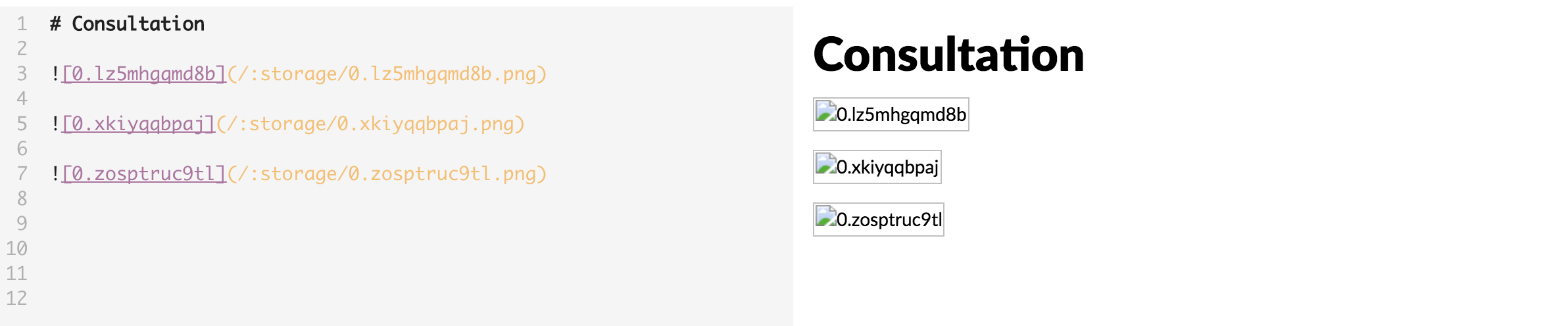
Expected behavior
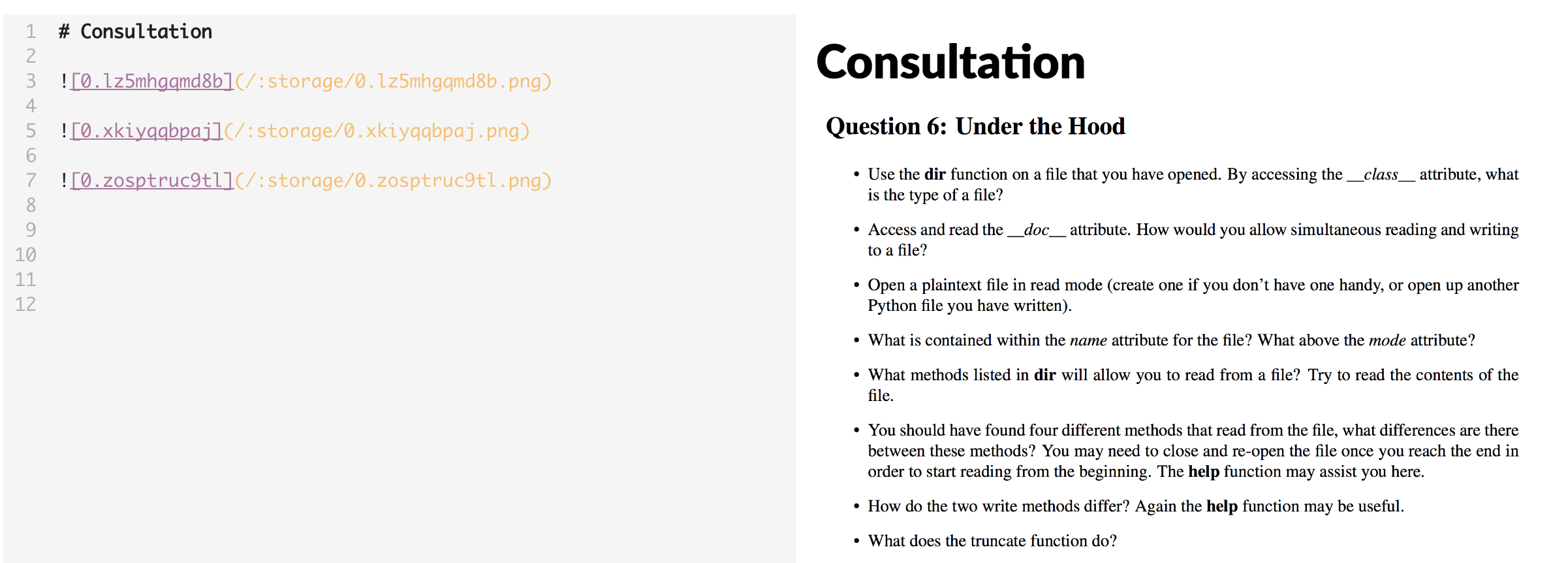
Environment
- Version : v0.11.5
- OS Version and name : Sierra 10.12.6
 eugenia1815
All 15 comments
For me, drag and drop images don't display unless in edit mode with the split screen off.
Secondly if i have already added an image and it is displaying correctly and i add a second image in split screen mode all images stop displaying.
 OnlineVagrant
on 26 May 2018
OnlineVagrant
on 26 May 2018
Yes, I have encounted the issue too. Now, images can only be displayed by using absolute path which is quite annoying.
 yangsijie666
on 26 May 2018
yangsijie666
on 26 May 2018
Able to reproduce the same. Hopefully a fix will be in place soon.
 i5uhail
on 26 May 2018
i5uhail
on 26 May 2018
I have this issue too, I don't want to upgrade. How to stop upgrade, because v0.11.4 is better, it does not have image issue
 hminle
on 26 May 2018
hminle
on 26 May 2018
This is a huge bug, can anyone help?
hminle
on 26 May 2018
hi together, i fear it is my fault. I explained the problem here: https://github.com/BoostIO/Boostnote/issues/1941#issuecomment-390644169
I am very sorry for the problems i caused.. i've already submitted a PR that hopefully fixes the problem, but it can't be released before the next version (in 2-3 weeks,,,).
@OnlineVagrant what is the problem with drag&drop? If there is an error in the development console, could you please post it?
as a current workaround: if you rename the folder "images" at your boostnote storage location to "attachments" it might work again (see the comment linked above for the explanation)
 ehhc
on 26 May 2018
ehhc
on 26 May 2018
@ehhc When in edit mode drag and drop works well but in the split view mode it does not display when dragging and dropping. I just realised if you move the cursor by adding another photo or pressing enter the photo gets displayed.
There is an error but I think it is unrelated.


OnlineVagrant
on 27 May 2018
@OnlineVagrant thank you for your answer. Yes it is unrelated but it will be (hopefully) fixed with the next release as well :)
Sorry for the problems..
ehhc
on 27 May 2018
Is there a way to downgrade?
Working with 11.5, when I paste the image I copied, it appears the image with absolute path and the image SHOULD be in the attachment folder. However, it did not create the new image in the 'attachments' folder. All my images gone when I quit Boostnote and open again even I insert the image with the absolute path.

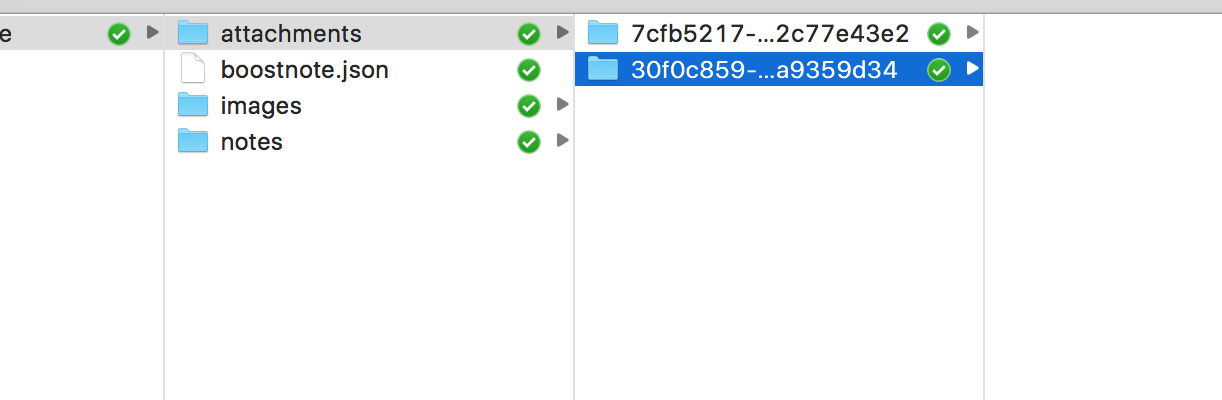
My folder is empty, without any images
eugenia1815
on 1 Jun 2018
could you guys try and test if the issue is solved with the new version?
I hope my fixed solved the issue but there are some comments indicating that it still persist.. could you test it on your machines and give me feedback? If it's still not working: do you get any output on the developer console?
Thanks a lot
ehhc
on 14 Jun 2018
In the new version (0.11.6) images are broken. The error in the developer console shows that it's looking for images in a folder called attachments, but they are in a folder called images.
Did the root path for images change in the update but no process was added to move existing images from the images folder, perhaps?
 jonblack
on 20 Jun 2018
jonblack
on 20 Jun 2018
@jonblack actually the root path changed with version 0.11.5.. But with version 0.11.6 a mathod to copy them from the old location to the new one exists..(I'm sorry that i forgot about that in the 0.11.5 version :( ) Obviously it dosen't work though.. :/
I just can say we're looking to it... sorry for the problems
ehhc
on 20 Jun 2018
I think there are multiple problems. If I manually move the images to the attachments folder it still doesn't load them. The path it's trying to load has the following prefix: file:///file:///, which obviously doesn't work.
Re-adding them by dragging and dropping does work, and now I can see that there should also be a folder for the image, and that folder is the uuid of the note the attachment is in. So I guess the only thing to do is re-add for now.
jonblack
on 21 Jun 2018
Hi,
i think/hope both is fixed with https://github.com/BoostIO/Boostnote/pull/2107
First problem: I have not considered that the old path started with "/:storage" instead of ":storage". -> the double file:// problem..
Second problem: I think the migration doesn’t work because the old way (i'm not completely sure about that) was "/:storage/path/..." with "/". In the first migration try i assumed that it is platform dependent instead of "/" (-> in windows "/:storage\path.." ) But that seems to be a wrong assumption.. i (hope that i) fixed that with the recent PR as well...
Sorry for all the problems again..
ehhc
on 21 Jun 2018
I still have this problem on Windows 10 with 0.11.13.
As you can see the last backslash \ is urlencoded to %5C, which might be the cause why the image cannot be loaded.

 szjani
on 25 Mar 2019
szjani
on 25 Mar 2019
Related issues
 lijinglue
·
3Comments
lijinglue
·
3Comments
 NonlinearFruit
·
3Comments
NonlinearFruit
·
3Comments
 aurelkurtula
·
3Comments
aurelkurtula
·
3Comments
 npeeples
·
3Comments
npeeples
·
3Comments
 gavvvr
·
3Comments
gavvvr
·
3Comments