Bitshares-core: Can't connect to witness node from CLI wallet running on aws -Bitshare DEX
when ever i try to connect to the witness node through CLI it says unreachable and give following error
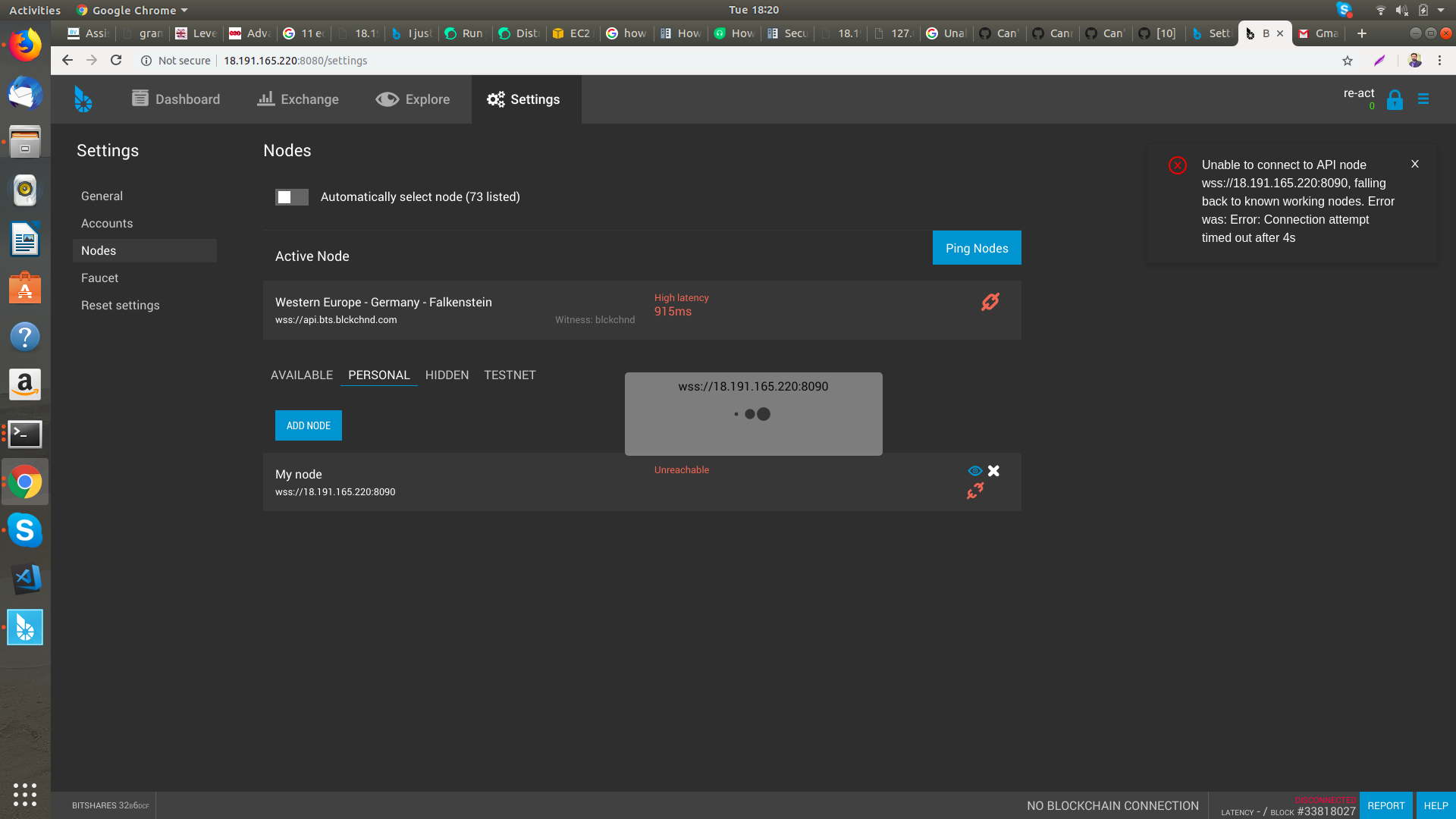
Unable to connect to API node wss://18.191.165.220:8090, falling back to known working nodes. Error was: Error: Connection attempt timed out after 4s
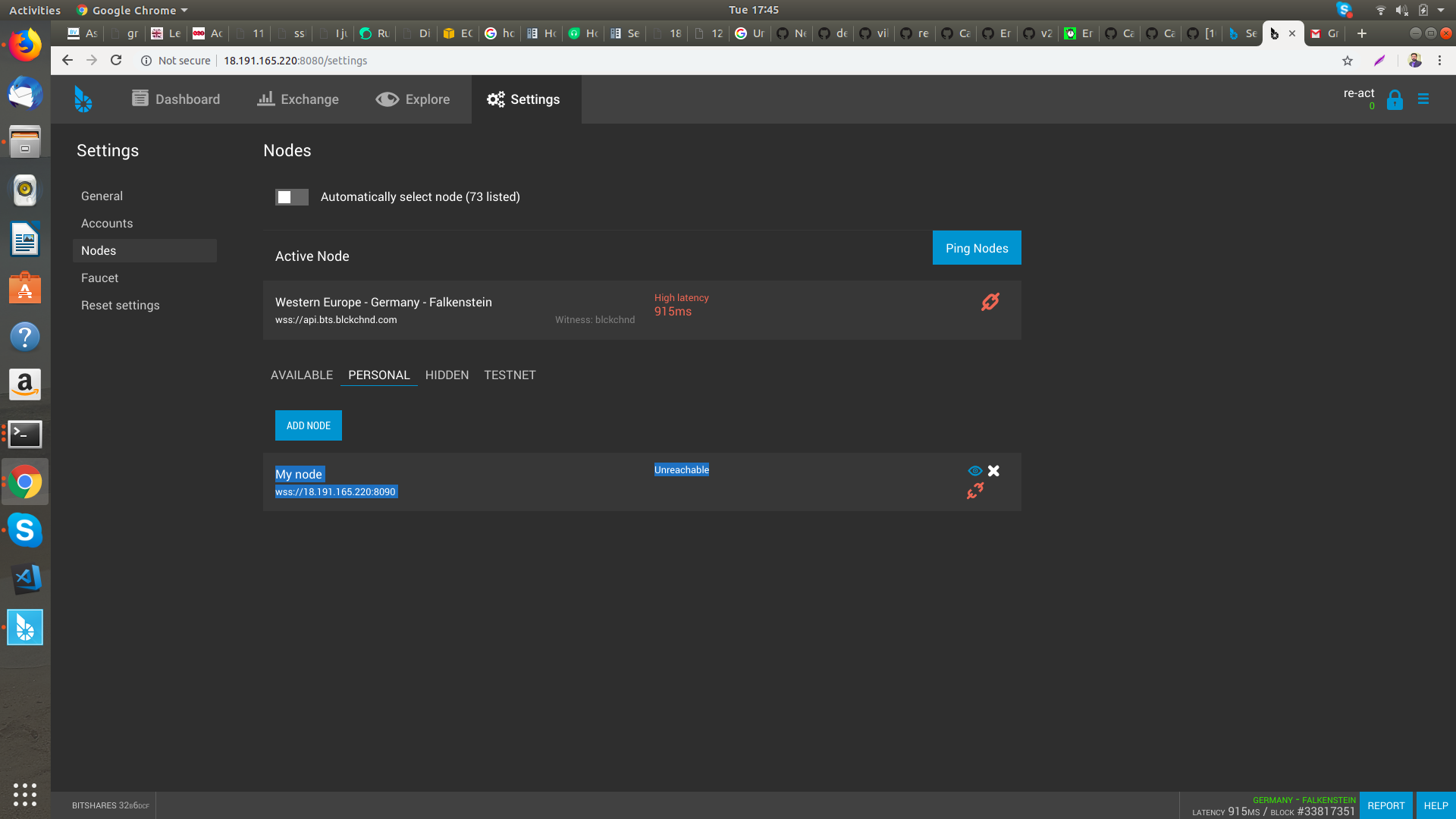
i have hosted bitshare server and CLi both on Aws.
When i run the witness nodei get followiing response on screen? is this fine? or its an error i read that its a default response if witness node runing
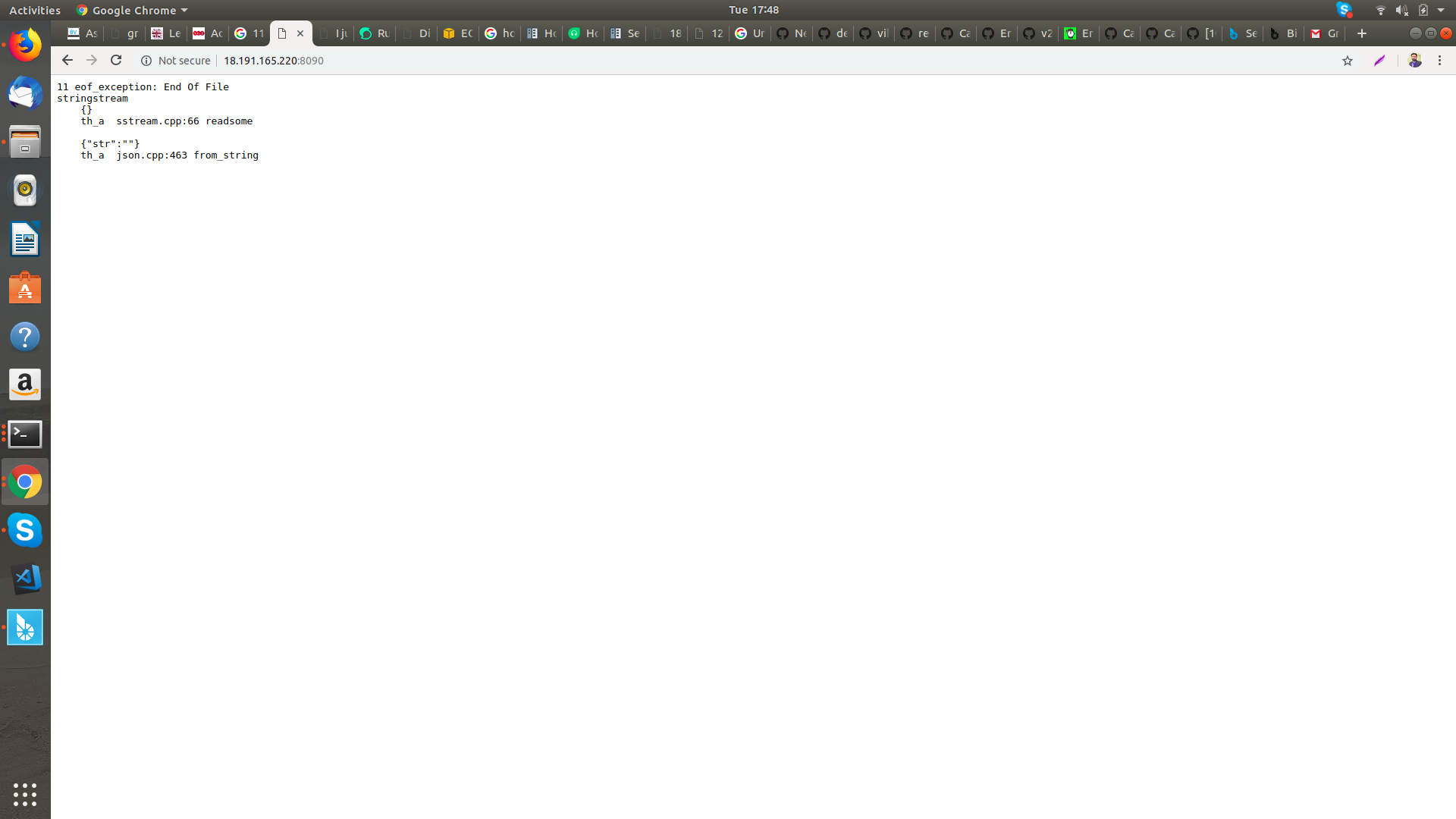
and then i run the CLI and go to nodes and add my own node of above witness node but it says unreachable

Please help , will be thank ful to all
 M-Zeeshan-Haider
All 7 comments
Based on the output of witness_node, it looks like one of your config files (config.ini or logging.ini) may have a problem. Please review those files, being sure that everything looks okay. Pay special attention to brackets and quotes (i.e. " ", { }, [ ])
 jmjatlanta
on 8 Jan 2019
jmjatlanta
on 8 Jan 2019
i have just followed these steps to set the witness node:
`sudo apt-get update
sudo apt-get install autoconf cmake make automake libtool git libboost-all-dev libssl-dev g++ libcurl4-openssl-dev
git clone https://github.com/bitshares/bitshares-core.git
cd bitshares-core
git checkout master # may substitute "master" with current release tag
git submodule update --init --recursive
cmake -DCMAKE_BUILD_TYPE=RelWithDebInfo .
make
./programs/witness_node/witness_node --rpc-endpoint 18.191.165.220:8090
`
18.191.165.220 is the witness node server on aws and i did not edited the files config or logging file and i am receiving same screen.
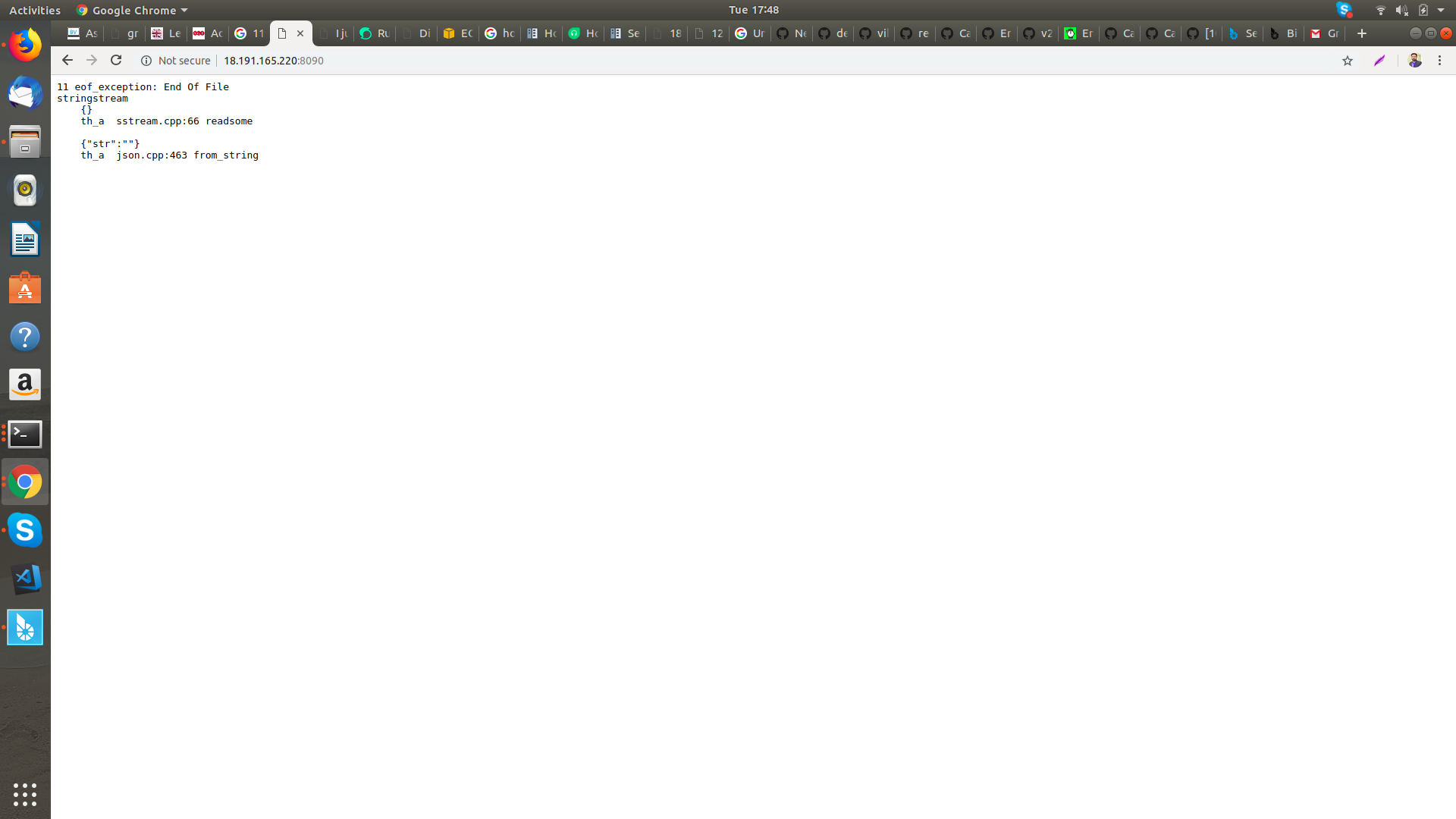
and i have read in many links that this response is default response of witness node creation, not an error, because when i run this in localhost, this all works fine, CLI wallet also get the Witness node on locahost, but i do same by hosting on aws , CLI wallet dos not get the Witness node and says unreachable
and when i try to connect it gives following error [at right]
M-Zeeshan-Haider
on 8 Jan 2019
You're missing the double-dash before the rpc-endpoint option, and you have whitespace around the =. Try this:
./programs/witness_node/witness_node --rpc-endpoint=18.191.165.220:8090
Oh, and if you want to use wss you must set up the rpc-tls-endpoint instead. Don't ask me how the certificates are to be configured, though. Probably via openssl environment variables.
 pmconrad
on 8 Jan 2019
pmconrad
on 8 Jan 2019
Or use ws://18.191.165.220:8090 instead of wss.
 abitmore
on 8 Jan 2019
abitmore
on 8 Jan 2019
Based on the output of witness_node, it looks like one of your config files (config.ini or logging.ini) may have a problem. Please review those files, being sure that everything looks okay. Pay special attention to brackets and quotes (i.e.
" ",{ },[ ])
no @jmjatlanta i dont have changed or edited the the config or loggin file
i just used these commands given in bitshare-core docs
i have just followed these steps to set the witness node:
sudo apt-get update
sudo apt-get install autoconf cmake make automake libtool git libboost-all-dev libssl-dev g++ libcurl4-openssl-dev


git clone https://github.com/bitshares/bitshares-core.git
cd bitshares-core
git checkout master # may substitute "master" with current release tag
git submodule update --init --recursive
cmake -DCMAKE_BUILD_TYPE=RelWithDebInfo .
make

./programs/witness_node/witness_node --rpc-endpoint=18.191.165.220:8090
Or use
ws://18.191.165.220:8090instead ofwss.
Thanks @abitmore i used this command
./programs/witness_node/witness_node --rpc-endpoint="0.0.0.0:8090"
and it works now
i just changed wss:// to ws://
M-Zeeshan-Haider
on 9 Jan 2019
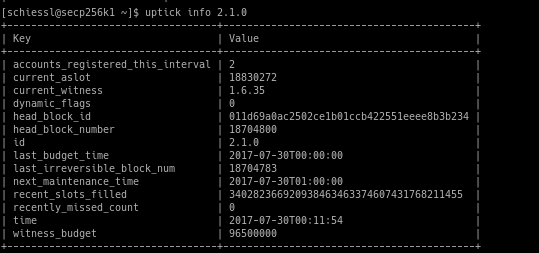
I can't connect to your node, it seems like it is stuck
 sschiessl-bcp
on 9 Jan 2019
sschiessl-bcp
on 9 Jan 2019
Related issues
 vikramrajkumar
·
7Comments
abitmore
·
6Comments
vikramrajkumar
·
7Comments
abitmore
·
6Comments
 spartucus
·
8Comments
abitmore
·
9Comments
spartucus
·
8Comments
abitmore
·
9Comments
 xiangxn
·
9Comments
xiangxn
·
9Comments