Bforartists: Node Editor - Add nodes icons to node headers
Issue
Right now, the nodes panels is awesome and has some great icons for the node types, but once you drag them into the node editor, they are visually disconnected.
Request
Is there a way to code in the same icon from the button into the headers of the icons? So you can collapse and rename icons, but still show what kind they are?
 Draise14
All 14 comments
The same problem exists with dragging them from the add menu. I had this problem before too. But the nodes are a very special beast. I have no idea what we can really change here.
 ReinerBforartists
on 13 Jun 2020
ReinerBforartists
on 13 Jun 2020
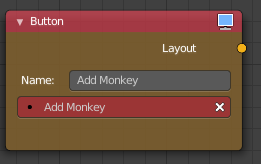
Ok, found an addon that adds icons to the nodes of its editor. Might take a look into there.
(Visual Blender Scripting Addon)
Draise14
on 14 Jun 2020
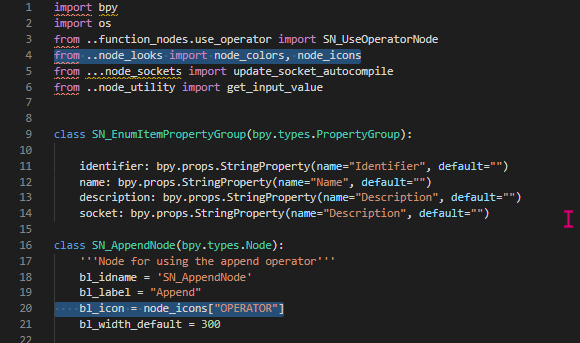
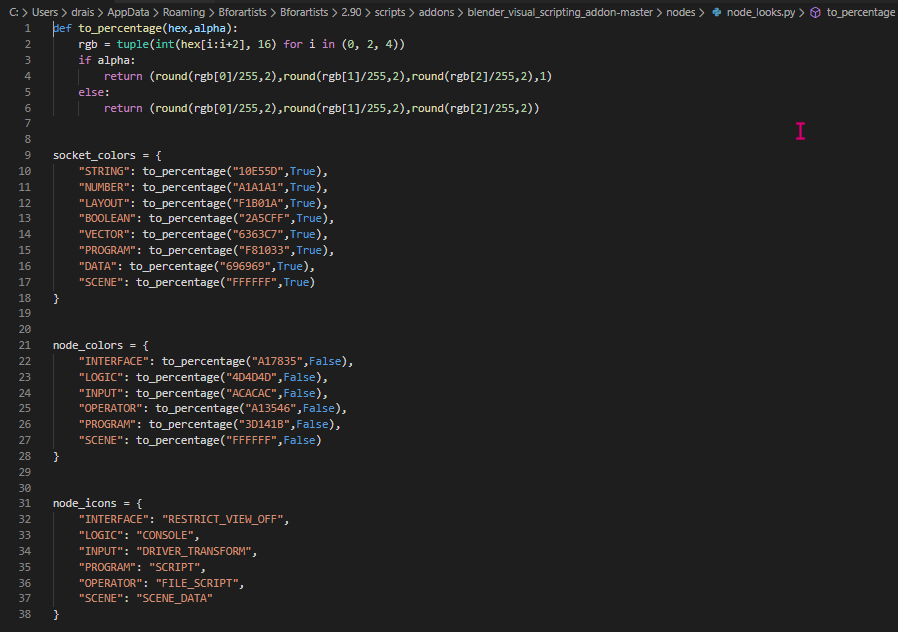
I guess it's adding code to call icons in the node code, which I'll have to try dig and find in BFA. They listed a format code also, for colours and such, if BFA has it, then the icons could be called and added from there.
Draise14
on 14 Jun 2020
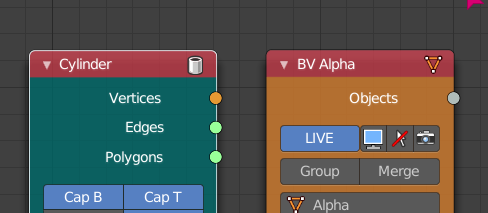
Another addon that does it is Sverchok.
Draise14
on 14 Jun 2020
Nice catch :)
ReinerBforartists
on 14 Jun 2020
Ah, just as a side note, you can usually claim postponed tasks here too. Postponed just means that i will not touch them yet since my focus is at the manual. I just fix bugs and obvious little things like missing icons at the moment. And when there is really a reason to postpone it in general, then i will point at it.
ReinerBforartists
on 14 Jun 2020
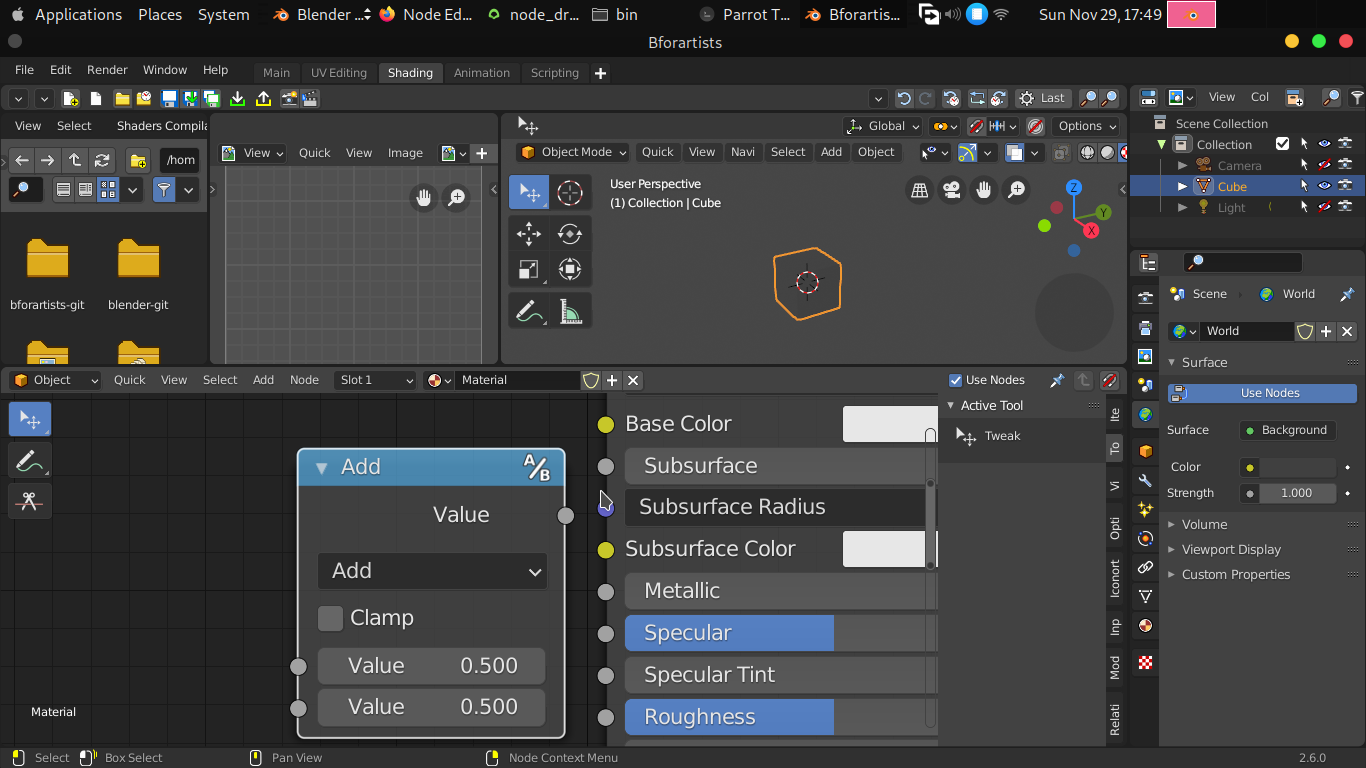
progress :)
file in source/blender/editors/space_node/node_draw.c, the lead was that node group node had an icon
 iyadahmed
on 29 Nov 2020
iyadahmed
on 29 Nov 2020
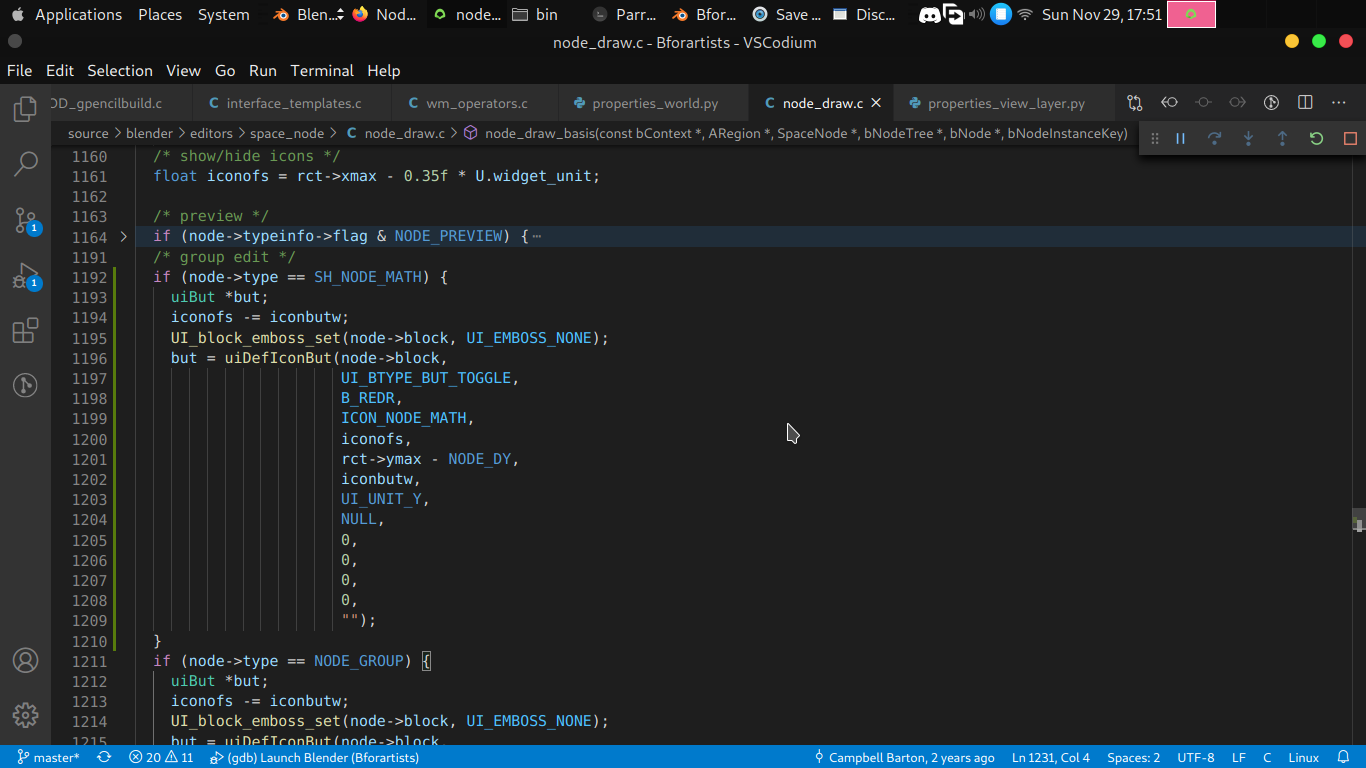
now we need to write cases for every node type, maybe we can have some sort of automation, but the easiest is to set icon per node type using if or switch case
iyadahmed
on 29 Nov 2020
Cool :)
ReinerBforartists
on 29 Nov 2020
btw is Bevel node missing from node panels?, couldn't find it
will use bevel icon for now I think
iyadahmed
on 30 Nov 2020
Missing Bevel mode from panels could be a new task.
Draise14
on 30 Nov 2020
indeed, will create a task
iyadahmed
on 30 Nov 2020
Ah, a new node? Yes, that's a task then. We need to add new nodes manually to the sidebar. I'll make the task.
ReinerBforartists
on 30 Nov 2020
Task created. And the bevel node is just fine for it.
Node Editor - add bevel node to the sidebar #2036
ReinerBforartists
on 30 Nov 2020
Related issues
 CyberFoxHax
·
6Comments
ReinerBforartists
·
5Comments
ReinerBforartists
·
8Comments
ReinerBforartists
·
6Comments
Draise14
·
7Comments
CyberFoxHax
·
6Comments
ReinerBforartists
·
5Comments
ReinerBforartists
·
8Comments
ReinerBforartists
·
6Comments
Draise14
·
7Comments