Azuredatastudio: Keyboard shortcut and commands to navigate between the Editor, Results and Messsages
Is your feature request related to a problem? Please describe.
I'm always frustrated when I have just run a query by pressing F5 and then I have to use the mouse to navigate to the results pane or the messages pane. The toggle query results (Shift+Windows+R) works but it doesn't place the focus on the Results pane.
Describe the solution or feature you'd like
I would like keyboard shortcuts to place focus directly on the Results pane, the Message pane and back on the Editor pane (which could be the existing Ctrl+1 for group 1 or Focus Current Query). I also need a shortcut to navigate between the datasets if multiple datasets are returned.
Describe alternatives you've considered
An alternative would be a lesser keyboard shortcut like F6 in SQL Management Studio which cycles between the Editor pane, Results pane and Messages pane.
Additional context
If we want to use the existing Shift+Windows+R for toggling the Results pane, then it should also place focus on the first or most recent result set. Then have a shortcut like F6 and Shift F6 that allows you to navigate between the results. On pressing Shift+Windows+R again the results are hidden and focus is on the Editor pane.
Shift+Windows+M could be the shortcut for the Messages pane.
 jagdishrajan
All 5 comments
@alanrenmsft I thought we had all the shortcuts mentioned in this issue in order to meet accessibility compliance. Do you know what the current shortcuts are and if they can be remapped in the keymap editor?
 kburtram
on 9 Dec 2020
kburtram
on 9 Dec 2020
let me have a look at it.
 alanrenmsft
on 9 Dec 2020
alanrenmsft
on 9 Dec 2020
@kburtram apparently we don't have it shortcut keys to switch between the "views", when I joined ADS team there are only a few accessibility bugs remaining, I don't remember seeing such issues/requirements for accessibility.
I think this is a relative small task and let me try to get this done in Jan release milestone.
alanrenmsft
on 9 Dec 2020
@jagdishrajan I added a shortcut key to switch between the results area and query editor area. Win+SHIFT+F.
alanrenmsft
on 8 Jan 2021
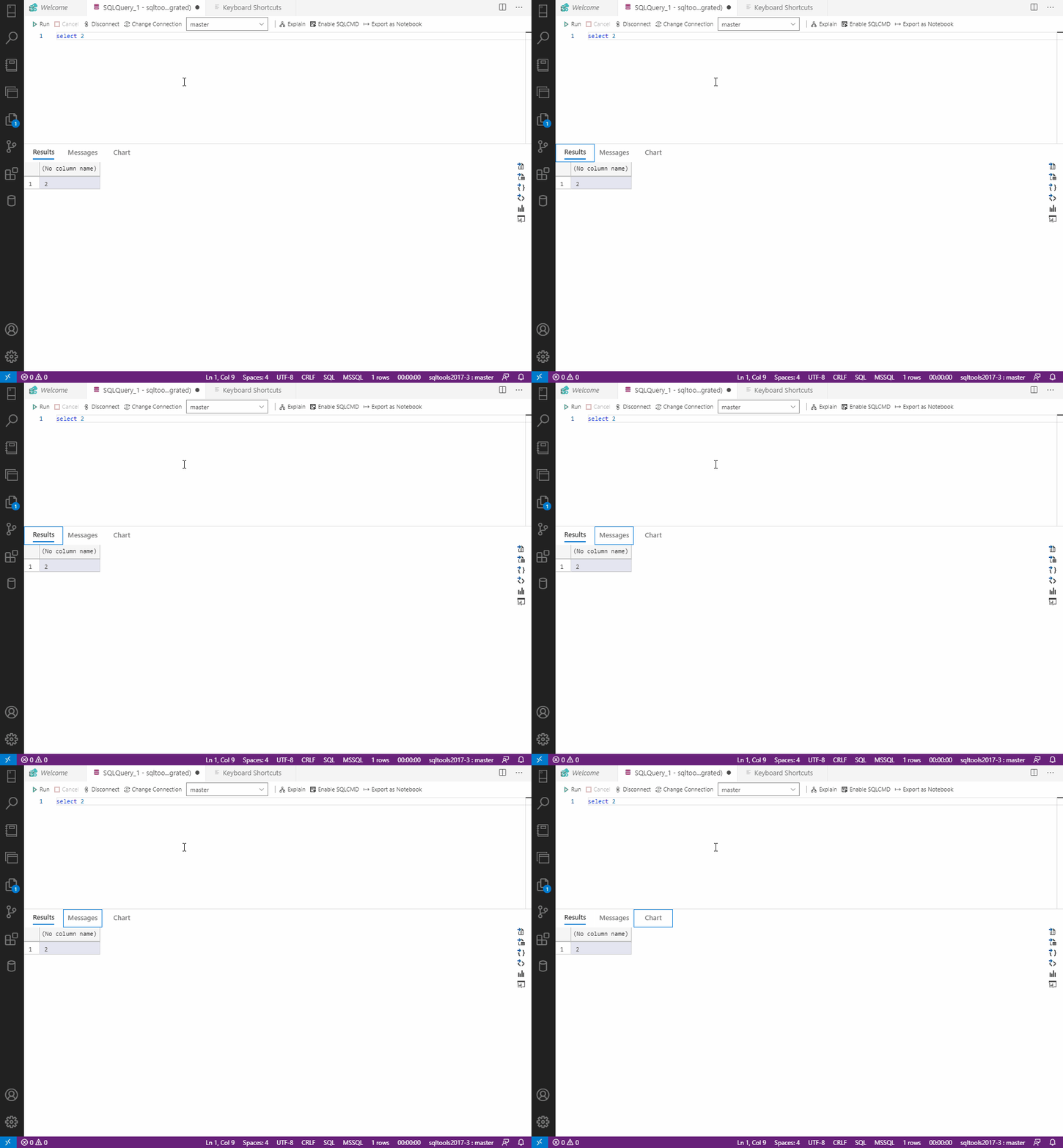
@jagdishrajan this is how it looks like
alanrenmsft
on 8 Jan 2021
Related issues
kburtram
·
3Comments
 squillace
·
3Comments
squillace
·
3Comments
 sandermvanvliet
·
3Comments
kburtram
·
3Comments
sandermvanvliet
·
3Comments
kburtram
·
3Comments
 Ungerfall
·
3Comments
Ungerfall
·
3Comments
Most helpful comment
@kburtram apparently we don't have it shortcut keys to switch between the "views", when I joined ADS team there are only a few accessibility bugs remaining, I don't remember seeing such issues/requirements for accessibility.
I think this is a relative small task and let me try to get this done in Jan release milestone.