Azuredatastudio: v1.11 broke intellisense, again
Hi guys, la latest version (v1.11) broke the intellisense. I had to downgrade to v1.10.
Please be aware about this functionality, is the one of most important... imho
thank you and good job,
J.
 jakodev
All 26 comments
Could you please provide details on what exactly broke? What server type/version are you connecting to and what problems are you seeing exactly?
 Charles-Gagnon
on 11 Sep 2019
Charles-Gagnon
on 11 Sep 2019
I'm seeing the same behavior as @jakodev, and I also downgraded to v1.10 to resolve. The behavior manifests as follows: When typing a SQL statement, e.g., SELECT * FROM DatabaseName.dbo., as I start to type part of a table name after "dbo.", I expect intellisense to kick in, as in, I expect to see a list of table names pop up corresponding to the text I'm typing. This no longer happens, and if I press Ctrl-Space to force display of the pop-up, it contains no table names. I'm running Azure Data Studio in Windows 10, connecting to SQL Server 2016 sp2.
 jfcarr
on 11 Sep 2019
jfcarr
on 11 Sep 2019
+1. Strange behavior. All is OK when I choose "New Query" from Connections Browser. But when I creating new file or open some sql file, intellisense isn`t working. "Choose SQL Language provider" on status bar. But I'm already connected to MSSQL Database =).
System: Windows 7.
 konpl
on 11 Sep 2019
konpl
on 11 Sep 2019
@konpl Are you sure the query window is connected?
You should see this in the action bar of the editor :

If you see this (Connect button and other things disabled) that means the editor isn't connected to a database so it's expected you wouldn't have Intellisense at that point.

@jfcarr I can't repro this myself on a 2016 instance. And reverting back to 1.10 resolved the issue? Could you try uninstalling ADS and then reinstalling 1.11 to see if that helps anything? If not could you open the developer console (Help -> Toggle Developer Tools) and see if there's any errors in the console tab?
Charles-Gagnon
on 12 Sep 2019
@Charles-Gagnon
I see this
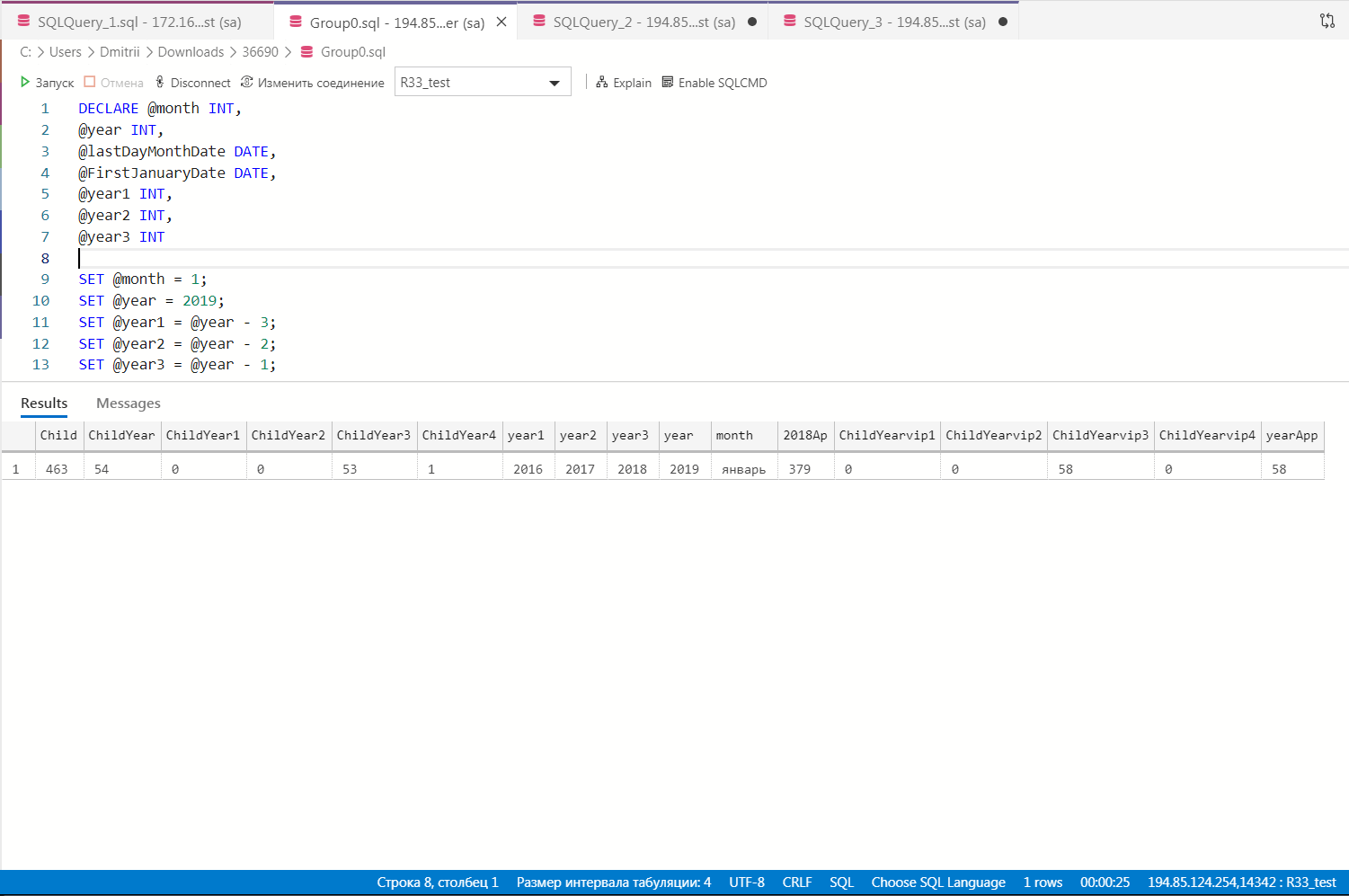
When try to call intellisense with Ctrl+Space see this in console:
ERR Model is disposed!: Error: Model is disposed!
at TextModel._assertNotDisposed (file:///C:/Program Files/Azure Data Studio/resources/app/out/vs/workbench/workbench.desktop.main.js:91326:23)
at TextModel.deltaDecorations (file:///C:/Program Files/Azure Data Studio/resources/app/out/vs/workbench/workbench.desktop.main.js:92212:18)
at LineSuffix.dispose (file:///C:/Program Files/Azure Data Studio/resources/app/out/vs/workbench/workbench.desktop.main.js:164066:29)
at MutableDisposable.set value [as value] (file:///C:/Program Files/Azure Data Studio/resources/app/out/vs/workbench/workbench.desktop.main.js:9525:29)
at SuggestController._toDispose.add._model.onDidTrigger.e (file:///C:/Program Files/Azure Data Studio/resources/app/out/vs/workbench/workbench.desktop.main.js:164137:40)
at Emitter.fire (file:///C:/Program Files/Azure Data Studio/resources/app/out/vs/workbench/workbench.desktop.main.js:10984:38)
at SuggestModel.trigger (file:///C:/Program Files/Azure Data Studio/resources/app/out/vs/workbench/workbench.desktop.main.js:163879:32)
at SuggestController.triggerSuggest (file:///C:/Program Files/Azure Data Studio/resources/app/out/vs/workbench/workbench.desktop.main.js:164260:29)
at TriggerSuggestAction.run (file:///C:/Program Files/Azure Data Studio/resources/app/out/vs/workbench/workbench.desktop.main.js:164396:24)
at TriggerSuggestAction.runEditorCommand (file:///C:/Program Files/Azure Data Studio/resources/app/out/vs/workbench/workbench.desktop.main.js:125208:25)
at editor.invokeWithinContext (file:///C:/Program Files/Azure Data Studio/resources/app/out/vs/workbench/workbench.desktop.main.js:125180:29)
at InstantiationService.invokeFunction (file:///C:/Program Files/Azure Data Studio/resources/app/out/vs/workbench/workbench.desktop.main.js:105609:27)
at CodeEditorWidget.invokeWithinContext (file:///C:/Program Files/Azure Data Studio/resources/app/out/vs/workbench/workbench.desktop.main.js:143880:47)
at TriggerSuggestAction.runCommand (file:///C:/Program Files/Azure Data Studio/resources/app/out/vs/workbench/workbench.desktop.main.js:125174:27)
at handler (file:///C:/Program Files/Azure Data Studio/resources/app/out/vs/workbench/workbench.desktop.main.js:125127:55)
at InstantiationService.invokeFunction (file:///C:/Program Files/Azure Data Studio/resources/app/out/vs/workbench/workbench.desktop.main.js:105609:27)
at Proxy._tryExecuteCommand (file:///C:/Program Files/Azure Data Studio/resources/app/out/vs/workbench/workbench.desktop.main.js:225078:74)
at waitFor.then._ (file:///C:/Program Files/Azure Data Studio/resources/app/out/vs/workbench/workbench.desktop.main.js:225068:47)
at ZoneDelegate.invoke (c:\Program Files\Azure Data Studio\resources\app\node_modules.asar\zone.js\dist\zone-node.js:388:26)
at Zone.run (c:\Program Files\Azure Data Studio\resources\app\node_modules.asar\zone.js\dist\zone-node.js:138:43)
at c:\Program Files\Azure Data Studio\resources\app\node_modules.asar\zone.js\dist\zone-node.js:872:34
at ZoneDelegate.invokeTask (c:\Program Files\Azure Data Studio\resources\app\node_modules.asar\zone.js\dist\zone-node.js:421:31)
at Zone.runTask (c:\Program Files\Azure Data Studio\resources\app\node_modules.asar\zone.js\dist\zone-node.js:188:47)
at drainMicroTaskQueue (c:\Program Files\Azure Data Studio\resources\app\node_modules.asar\zone.js\dist\zone-node.js:595:35)
konpl
on 12 Sep 2019
i am confused why this is closed... running into the same issue about to downgrade. I am connected to the DB.
 asjones987
on 12 Sep 2019
asjones987
on 12 Sep 2019
@asjones987 sorry, I closed accidentally. We're investigating and trying to get an internal repro.
 kburtram
on 12 Sep 2019
kburtram
on 12 Sep 2019
Is anyone else with this issue seeing that same error that @konpl posted?
And could anyone hitting this issue do the following :
- Uninstall and reinstall ADS then see if it still repros
If it does then follow these steps :
- In ADS open the settings and find the Mssql: Tracing Level option then set that to All

Restart ADS
Repro the issue in an editor window
Run the command Developer: Open Logs folder
In that folder browse to exthost1\Microsoft.mssql and then find the sqltools.log folder.
Either upload that file here or e-mail to me directly
Also with that could you include the server version you're trying to connect to and whether this happens to all servers you try to connect to or just specific ones?
Charles-Gagnon
on 12 Sep 2019
I created a test build that reverts the SQL Tools Service component back to align with the 1.10 release (this change https://github.com/microsoft/azuredatastudio/compare/master...feat/rollbackSqlToolsService). This reverts a recent SMO update, which may be related to this issue.
If you have a chance, please let me know if the issue is present on the below build. This will help narrow down where to investigate. Thanks!
Windows: https://azuredatastudiobuilds.blob.core.windows.net/test/azuredatastudio-windows-intellisense-bug.zip
macOS: https://azuredatastudiobuilds.blob.core.windows.net/test/azuredatastudio-macos-intellisense-bug.zip
kburtram
on 13 Sep 2019
@Charles-Gagnon Didn't try to reinstall because I having many server connections and don't want to rewrite them.
sqltools.log
Steps for log write:
- Open ADS;
- Select "New Query" from connections window;
- Write simple SQL query and execute it (Intellisense working);
- Save file. After this happenned disconnect (It's correct behavior?);
- Connect to the same SQL Server;
- Try to call Intellisense, but it isn't working.
konpl
on 13 Sep 2019
Could you please provide details on what exactly broke? What server type/version are you connecting to and what problems are you seeing exactly?
I'm sorry for late response:
When I type select * from dbo. ... _I'm excepecting a list of tables/schemas_ but appears only a list o previous typed words _[abc]etc etc_
The same happens for select * from dbo.mytable t where t. ... _I'm excepecting a list of columns_ but nothing appears
I'm using:
SQL SERVER v14.0.2027.2 on Windows Server 2012 R2 Standard (6.3)
SQL SERVER v12.0.6329.1 on Microsoft Windows NT 6.3 (9600)
I've tried to uninstall and reinstall, but works only with v1.10
Thank you very much,
J.
jakodev
on 13 Sep 2019
@jakodev if you have time to verify if the below build resolves the issue that would be helpful in narrowing down where to investigate. This build is from master yesterday with a downgraded SMO component. Thanks!
Windows: https://azuredatastudiobuilds.blob.core.windows.net/test/azuredatastudio-windows-intellisense-bug.zip
macOS: https://azuredatastudiobuilds.blob.core.windows.net/test/azuredatastudio-macos-intellisense-bug.zip
kburtram
on 13 Sep 2019
Seeing the same problem. I tried with both SQL2008 and SQL2016, so I think you can rule out SQL version as mattering. The key repro seems to just be saving the file kills intellisense.
 HumorMe
on 13 Sep 2019
HumorMe
on 13 Sep 2019
@kburtram I tried the windows version you linked in your last post. It did not fix the problem.
I am using exact same repro steps as @konpl against a local SQL Server 2016 from a client with Windows 10 build 18362.
Also, I have at least one other user here with same specs and same problem. Both of us upgraded from a recent build, probably 1.10 but I won't swear to it. Don't really want to uninstall/reinstall as I assume I will lose stuff.
HumorMe
on 13 Sep 2019
@HumorMe thanks for confirming! That helps us narrow down where not to look.
Azure Data Studio keeps its persisted state in C:\Users\[USERNAME]\AppData\Roaming\azuredatastudio and C:\Users\[USERNAME]\.azuredatastudio. These directories shouldn't be altered during uninstall\install. The connection data specifically is in C:\Users\[USERNAME]\AppData\Roaming\azuredatastudio\User\settings.json in case you'd like to "backup" those settings before reinstalling.
kburtram
on 13 Sep 2019
@jakodev if you have time to verify if the below build resolves the issue that would be helpful in narrowing down where to investigate. This build is from master yesterday with a downgraded SMO component. Thanks!
Windows: https://azuredatastudiobuilds.blob.core.windows.net/test/azuredatastudio-windows-intellisense-bug.zip
macOS: https://azuredatastudiobuilds.blob.core.windows.net/test/azuredatastudio-macos-intellisense-bug.zip
Hi @kburtram,
I'm trying this release (v1.12) and the intellisense this time works only if I'm using it in a new clean query sheet. In old/saved query sheet intellisense still doesn't work. Very strange...
Let me know if you need further tests
J.
jakodev
on 16 Sep 2019
@jakodev I'm able to repro now with saved SQL files. Previously I was testing with untitled files. This should be enough to determine the root cause. Thanks!
kburtram
on 16 Sep 2019
Alright, I've tracked down an issue that was indeed introduced in the last release. I'm working on a fix now - will update if I need any more information!
Charles-Gagnon
on 16 Sep 2019
While it is not fixed, not sure if everyone knows this but in a query windows after connecting to the database if we run "Refresh IntelliSense Cache" then it works for that query window/database. (v1.11.0)
 cesarlaforet
on 17 Sep 2019
cesarlaforet
on 17 Sep 2019
While it is not fixed, not sure if everyone knows this but in a query windows after connecting to the database if we run "Refresh IntelliSense Cache" then it works for that query window/database. (v1.11.0)
Yes, I've already tried without success...thansks for the suggestion.
J.
jakodev
on 17 Sep 2019
Fix merged in https://github.com/microsoft/sqltoolsservice/pull/867 - once we get an updated SqlToolsService then I'll update insiders with the new version.
Charles-Gagnon
on 19 Sep 2019
Just an FYI, I do also have the intellisense issue with v1.11
 lpvezina
on 24 Sep 2019
lpvezina
on 24 Sep 2019
Fix merged in microsoft/sqltoolsservice#867 - once we get an updated SqlToolsService then I'll update insiders with the new version.
when this fix will be available in the insiders?
 Epivaral
on 25 Sep 2019
Epivaral
on 25 Sep 2019
@Epivaral The insiders build from last night should have the fix! Try it out and let us know if anyone is still having issues after the update.
Charles-Gagnon
on 25 Sep 2019
when can non-insiders expect to see this fix?
 ideoclickVanessa
on 25 Sep 2019
ideoclickVanessa
on 25 Sep 2019
@ideoclickVanessa We're targeting next week for a stable release
Charles-Gagnon
on 25 Sep 2019
Related issues
 erickangMSFT
·
3Comments
erickangMSFT
·
3Comments
 sandermvanvliet
·
3Comments
sandermvanvliet
·
3Comments
 haydnlj
·
3Comments
haydnlj
·
3Comments
 jacobzed
·
3Comments
jacobzed
·
3Comments
 stevenreddie
·
3Comments
stevenreddie
·
3Comments
Most helpful comment
Alright, I've tracked down an issue that was indeed introduced in the last release. I'm working on a fix now - will update if I need any more information!