Good evening! I beg! You are welcome! You can add a function to give names to the layers and materials that are created
 AlexKiryanov
All 5 comments
You can already name layers and materials to whatever you like. Here's how it's done:
- Create a new Layer or Material
- Double Left-Click on your new material or layer. This will open up either the 2D view (for Layers) or Node View (for Materials).
- In the bottom right-hand corner of either the 2D View or Node View is the name of the Layer or Material
- Left-Click on that name and it will highlight, letting you change it to whatever you like!
These steps also work for Groups as well. Just Double Left-Click on the Group folder icon and you will see the Group name in your 2D View.
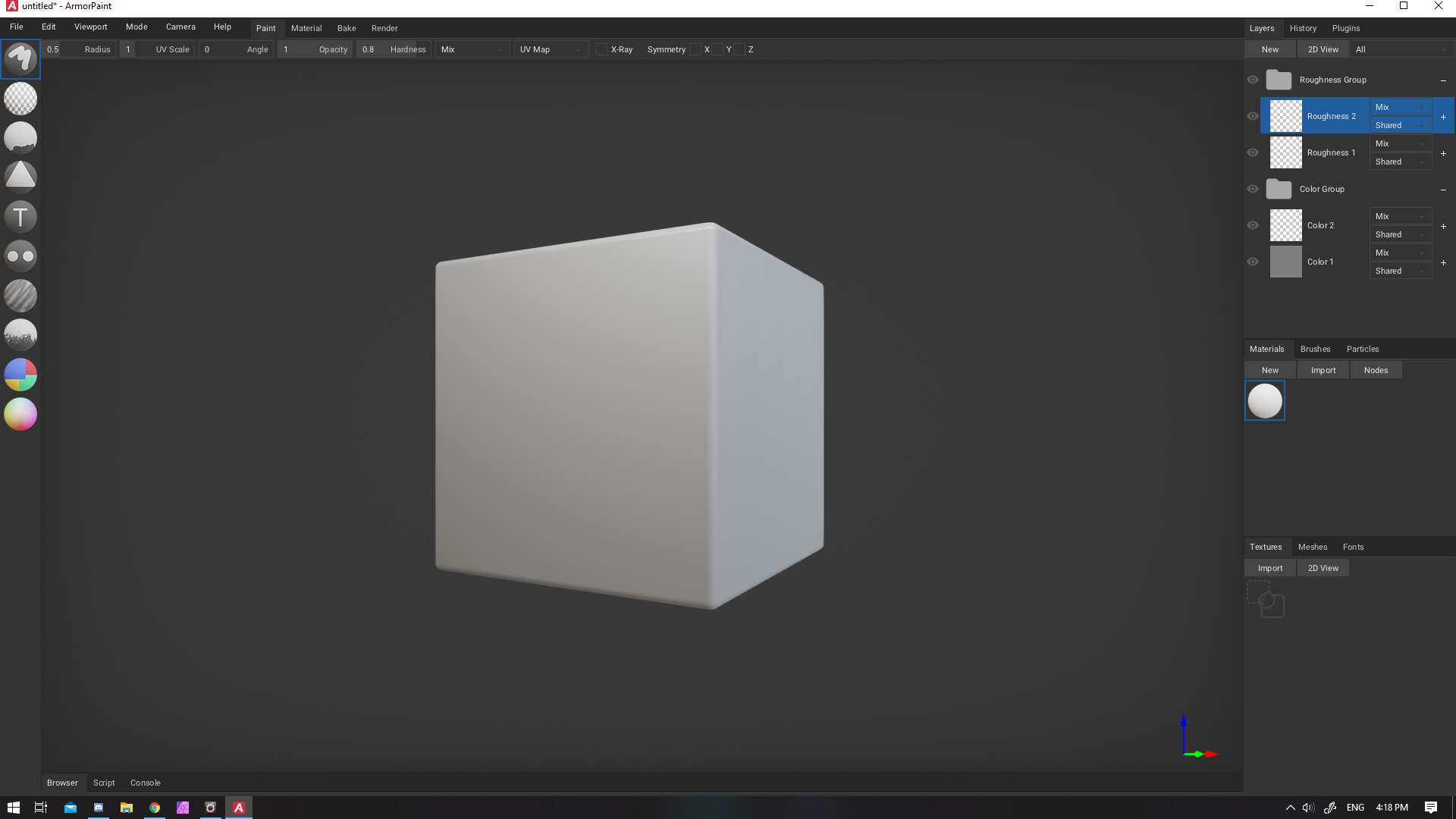
Here's a screen shot from ArmorPaint showning renamed Layers and Groups
 bmobius
on 26 May 2020
bmobius
on 26 May 2020
Will add an option to rename directly in the tab soon-ish to make it easier. 🔨
 luboslenco
on 27 May 2020
luboslenco
on 27 May 2020
Thank you so much! bmobius
Thank you so much! luboslenco
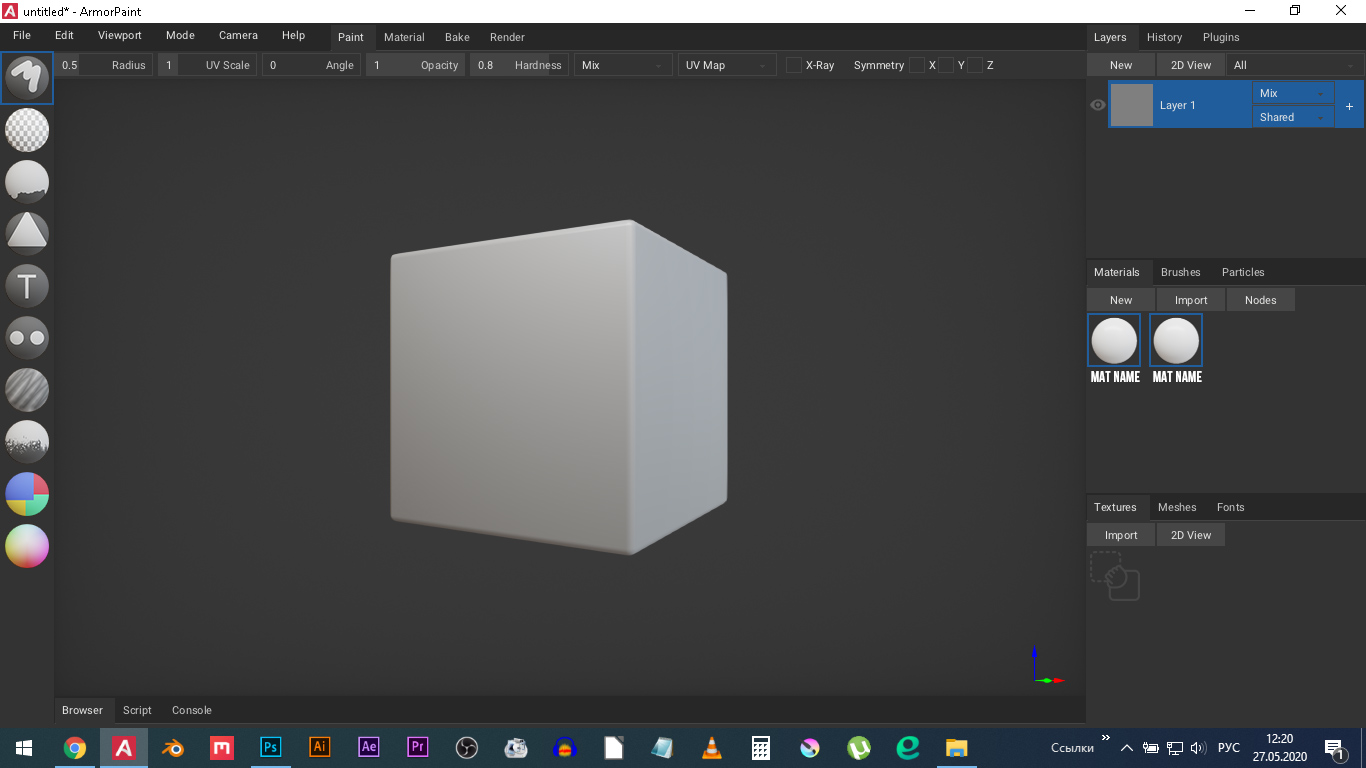
Yes, it’s better to do it directly in layers, as in all photo editors.
Just intuitively, I did not immediately understand what to call layers in the lower right corner.
And the materials, for example, are so signed imnea and there you can rename them
AlexKiryanov
on 27 May 2020
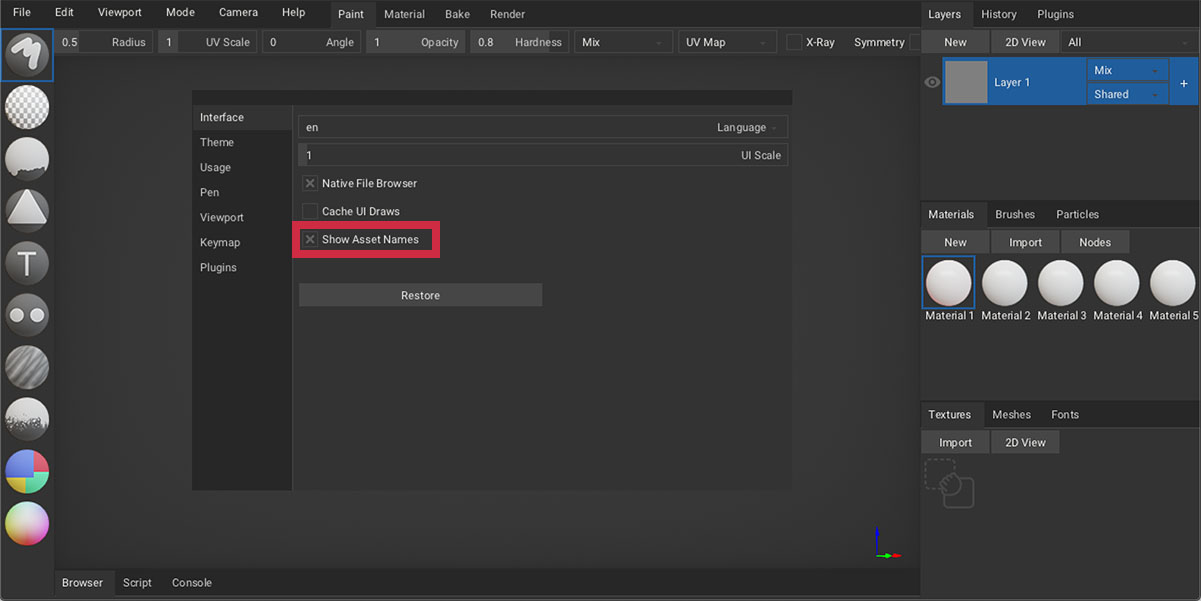
Awesome! Working on the material names as well - there is an experimental option at Preferences - Interface - Show Asset Names. Will enable it by default in the future.
luboslenco
on 27 May 2020
Super! Thank!
AlexKiryanov
on 27 May 2020
Related issues
 UnknownS1024
·
3Comments
UnknownS1024
·
3Comments
 FBorgen
·
4Comments
FBorgen
·
4Comments
 Niknokinater
·
3Comments
Niknokinater
·
3Comments
 knightknight
·
3Comments
knightknight
·
3Comments
 rajeshja
·
3Comments
rajeshja
·
3Comments
Most helpful comment
Awesome! Working on the material names as well - there is an experimental option at
Preferences - Interface - Show Asset Names. Will enable it by default in the future.