Armorpaint: OBJ import issues with Lightwave 3D 10.1/above and Blender 2.80
Hi. I am a registered user of Armorpaint 0.7
I have noticed that when exporting my object from Lightwave 3d .lwo to .obj format , trying to import the .obj file in Armorpaint the object is heavily corrupted, with vertices that goes to near infinite values positions. If I try to import before my obj in Blender 2.8, and re-export it in OBJ format, apparently the object is not corrupted anymore, but when trying to paint on it the UV appear to be completely corrupted, probably by blender import (so not an Armorpaint bug this time). But I cannot export in Armorpaint my .obj objects at all. Recently I managed to obtain correct import in Armorpaint when exporting in FBX2011 binary format from Lightwave 3D, and importing FBX object in Armorpaint.
In this case both the object and UV are correct (only a rotate x command in Armorpaint is needed to correctly orientate the object).
So I suggest both to improve .obj importing and to mantain actual compatibility with .fbx importing, that actually is the only way for a Lightwave 3D user to import correctly in Armor Paint
Many many thanks for the attention
 Clockmaster
All 6 comments
Hi, are you able to share the troubling .obj file? (attaching .zipped files should work here.) Will fix asap.
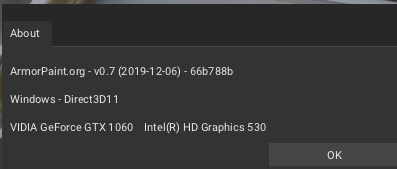
There was another .obj importer fix in the most recent 0.7 build released on December 6 (tag-66b788b) - if by any chance you are running an older 0.7 build please try updating as well. Thanks for report!
 luboslenco
on 8 Dec 2019
luboslenco
on 8 Dec 2019
Sure!
Here my 3D .obj file attached.
I am already using latest update.
Thanks for the support
BUG REPORT OBJ FILE.zip
Clockmaster
on 8 Dec 2019
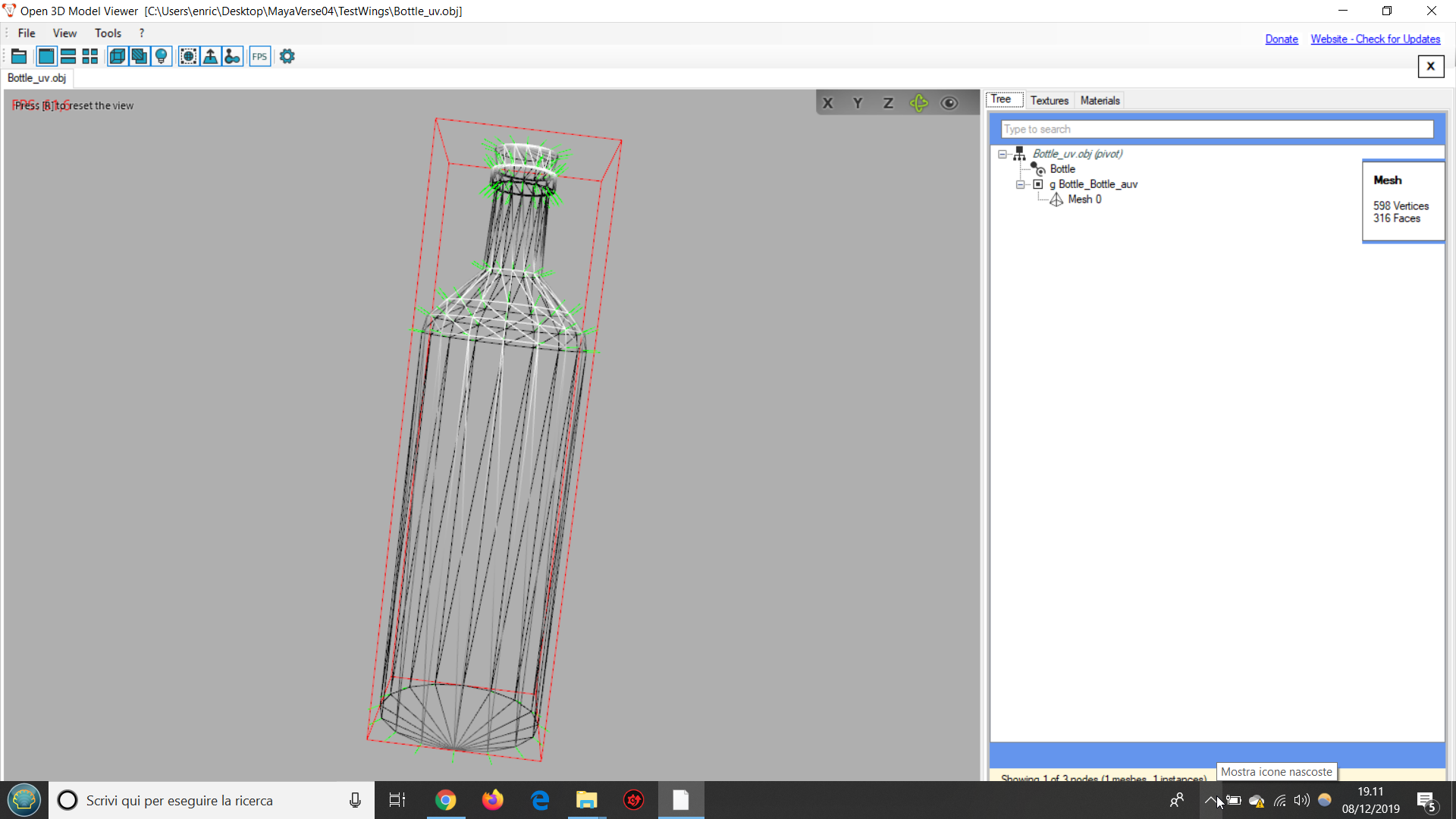
I have the same problem with OBJ created with Wings 3D 2.2.4. I have bought last version of ArmorPaint:
Using Viewer there no problem:

With ArmorPaint:

File used:
Please, let me know how to help.
Thank you for your work.
 Vytek
on 8 Dec 2019
Vytek
on 8 Dec 2019
New 0.7 development builds are up - both models should now import correctly. Thanks a lot for sharing the files!
when trying to paint on it the UV appear to be completely corrupted
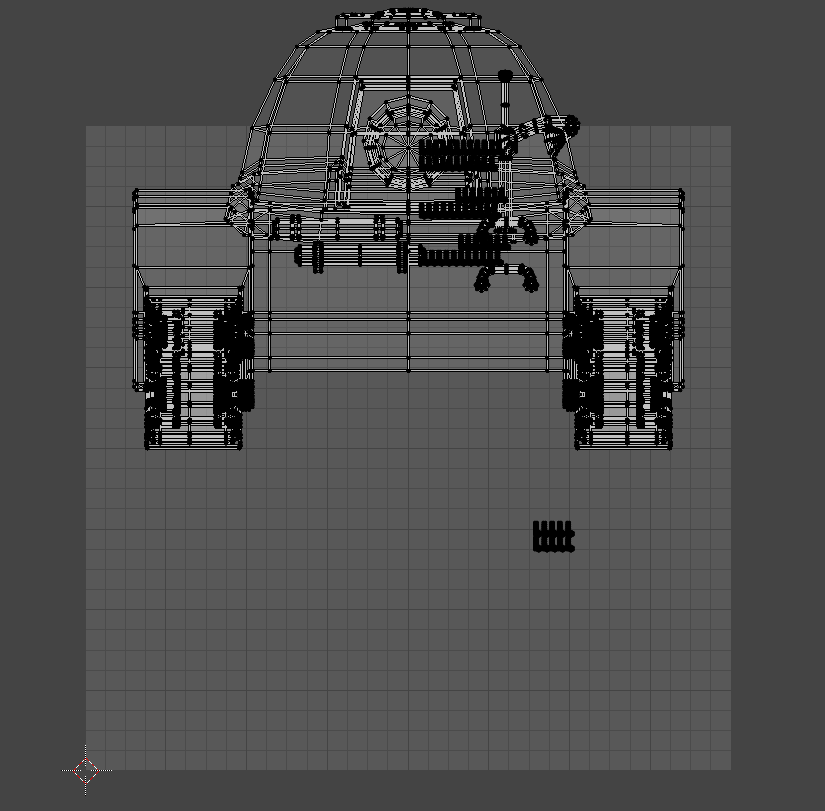
Not sure if this is intentional, but on the shared Battle Tank model there are overlapping UVs, which might be difficult for painting:
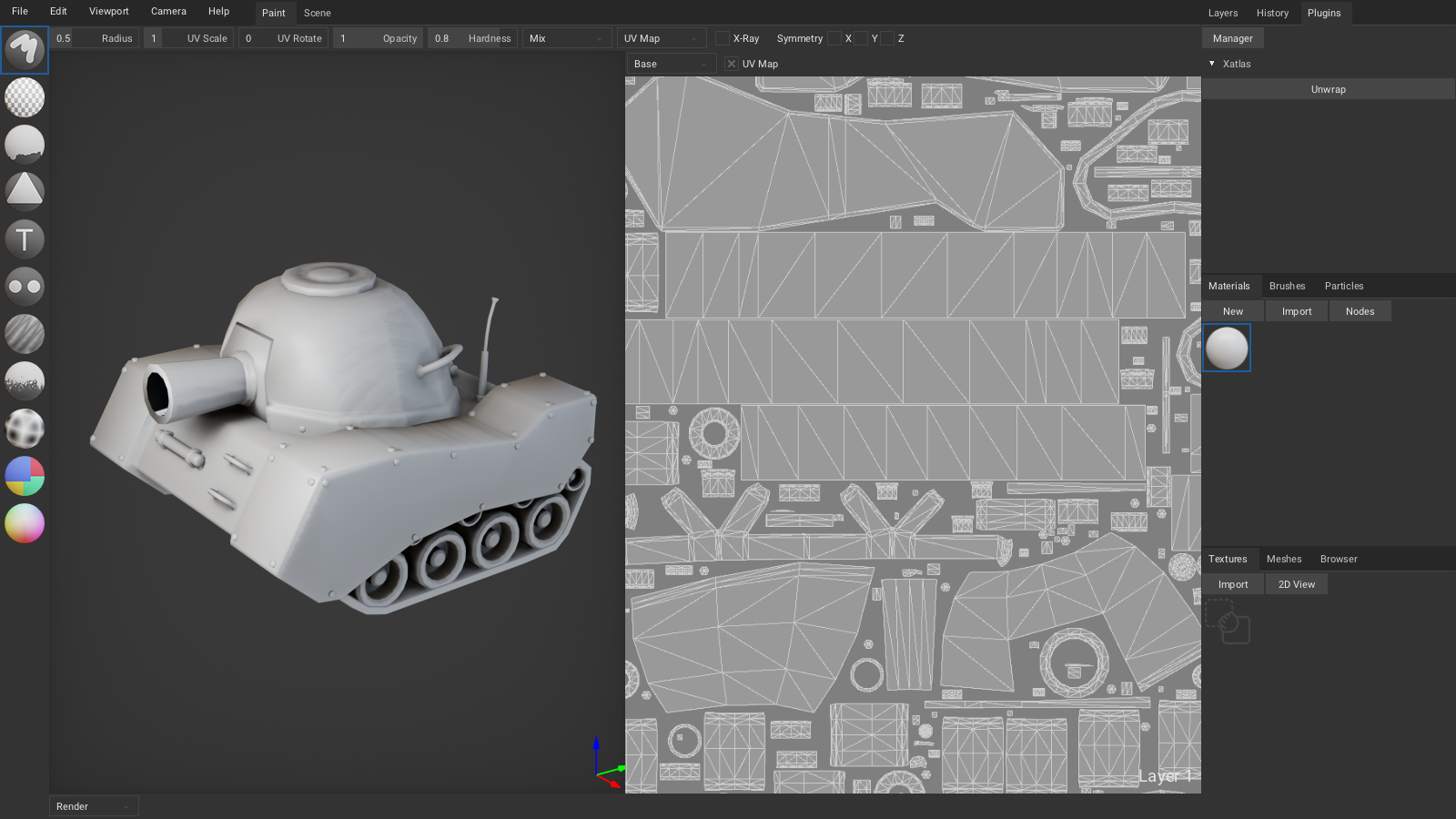
One possible fix: non-overlapping UVs can be generated directly in ArmorPaint, by enabling Xatlas plugin and clicking Unwrap:
Alternatively, using the Smart UV Project unwrap in Blender should also work.
luboslenco
on 10 Dec 2019
Hi! Thanks for the support. The uv problem is generated when opening the obj from blender, is a Blender issue. The obj generated by LightWave has a correct non-overlapping uv. I have managed to do this with Armorpaint: https://www.turbosquid.com/3d-models/3d-cartoon-tank-model-1480653
Thanks a lot for your program😊😊😊
Clockmaster
on 10 Dec 2019
The uv problem is generated when opening the obj from blender, is a Blender issue.
Ah, I see.
I have managed to do this with Armorpaint: https://www.turbosquid.com/3d-models/3d-cartoon-tank-model-1480653
Wohoo, love it. 😍 Please feel welcome to open additional bug / feature-request issues as well!
luboslenco
on 10 Dec 2019
Related issues
 MiloHX
·
3Comments
MiloHX
·
3Comments
 LiamBester
·
4Comments
LiamBester
·
4Comments
 Stromberg90
·
3Comments
Stromberg90
·
3Comments
 ArieLeo
·
3Comments
ArieLeo
·
3Comments
 zxq2233
·
4Comments
zxq2233
·
4Comments