Armorpaint: Fix file browser and node canvas ui scale
Give user option to scale the UI up for HiDPI screen.
I am using a 4K monitor on Ubuntu and I didn't find a way to scale the UI up. I can switch back to Windows 10 and scale the whole thing there, but still, proper HiDPI support will be much appreciated.
/Milo
 MiloHX
All 3 comments
Still a bit awkward but added an option to scale UI at http://armorpaint.org/manual/#toc7.1.
 luboslenco
on 28 Feb 2018
luboslenco
on 28 Feb 2018
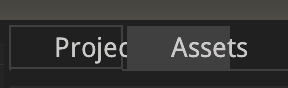
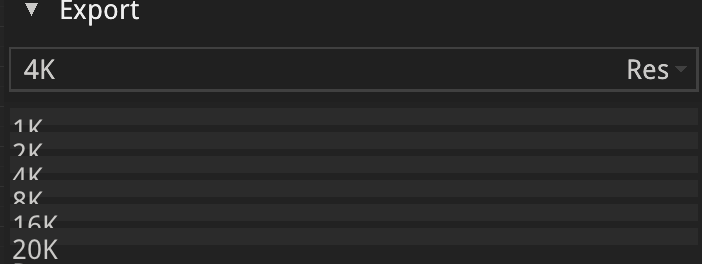
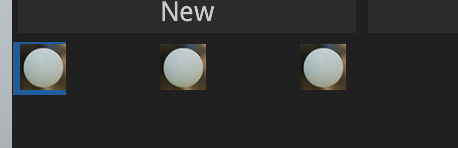
Great! I tested and it was already usable! There are something not scaling correctly (x2.5):
Project/Assets Tabs:
Drop down lists:
Import popup window:

Lighting / Brushes / Materials icons are not scaled:
Hopefully once the UI scaling feature is robust, it will be implemented into the UI Canvas editor of Armory too, since I encountered the same problem there.
MiloHX
on 28 Feb 2018
Pushed more scaling fixes, file browser and node canvas also get scaled now.
luboslenco
on 23 Oct 2018
Related issues
 ArieLeo
·
3Comments
ArieLeo
·
3Comments
 Niknokinater
·
3Comments
Niknokinater
·
3Comments
 ControllerArts
·
5Comments
ControllerArts
·
5Comments
 LiamBester
·
4Comments
LiamBester
·
4Comments
 emiljohnny
·
4Comments
emiljohnny
·
4Comments
Most helpful comment
Still a bit awkward but added an option to scale UI at http://armorpaint.org/manual/#toc7.1.