Anki-android: Displaying tags not working.
Reproduction Steps
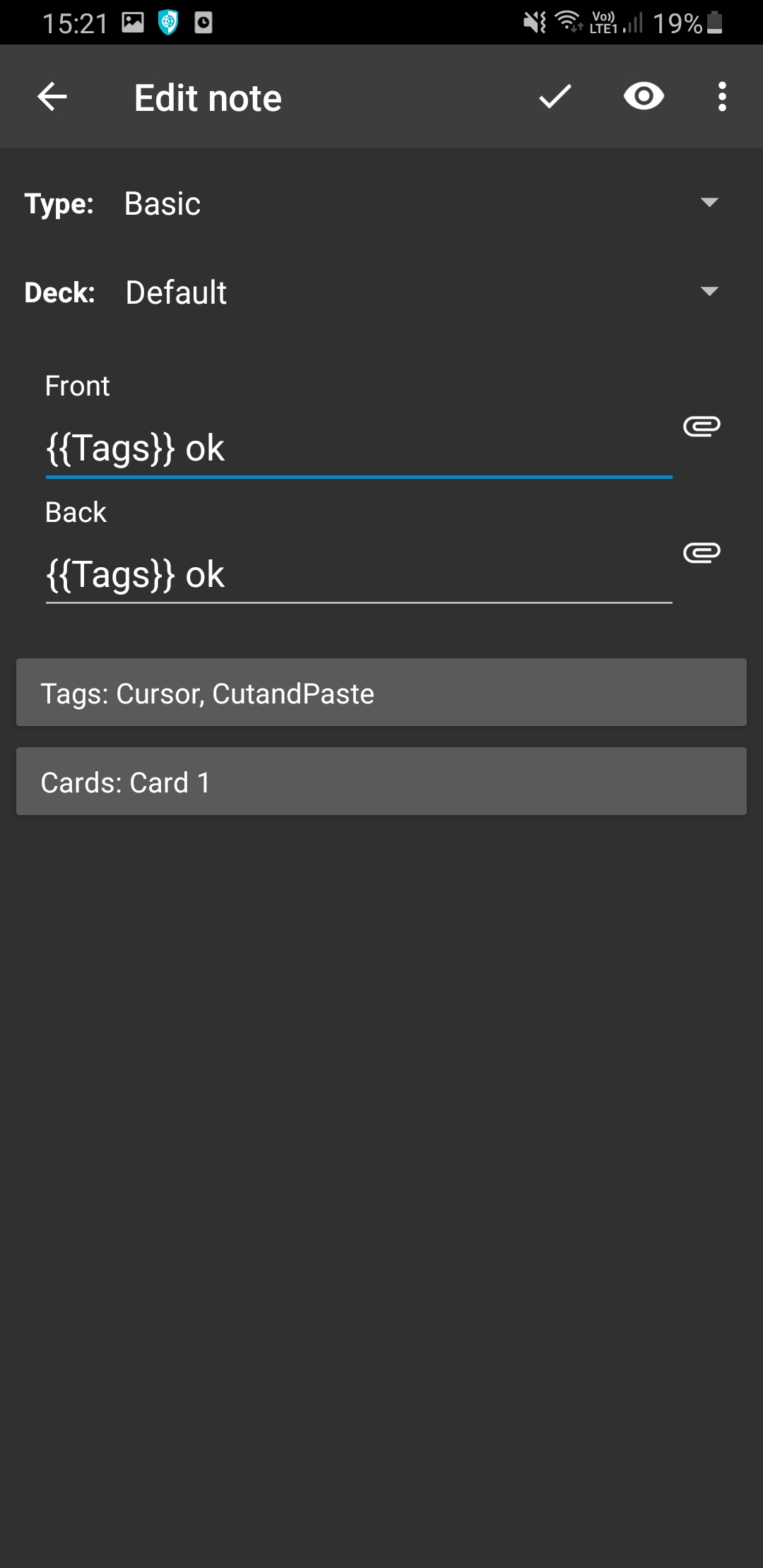
- create a card with {{Tags}}
- see it
Expected Result
Display my tags.
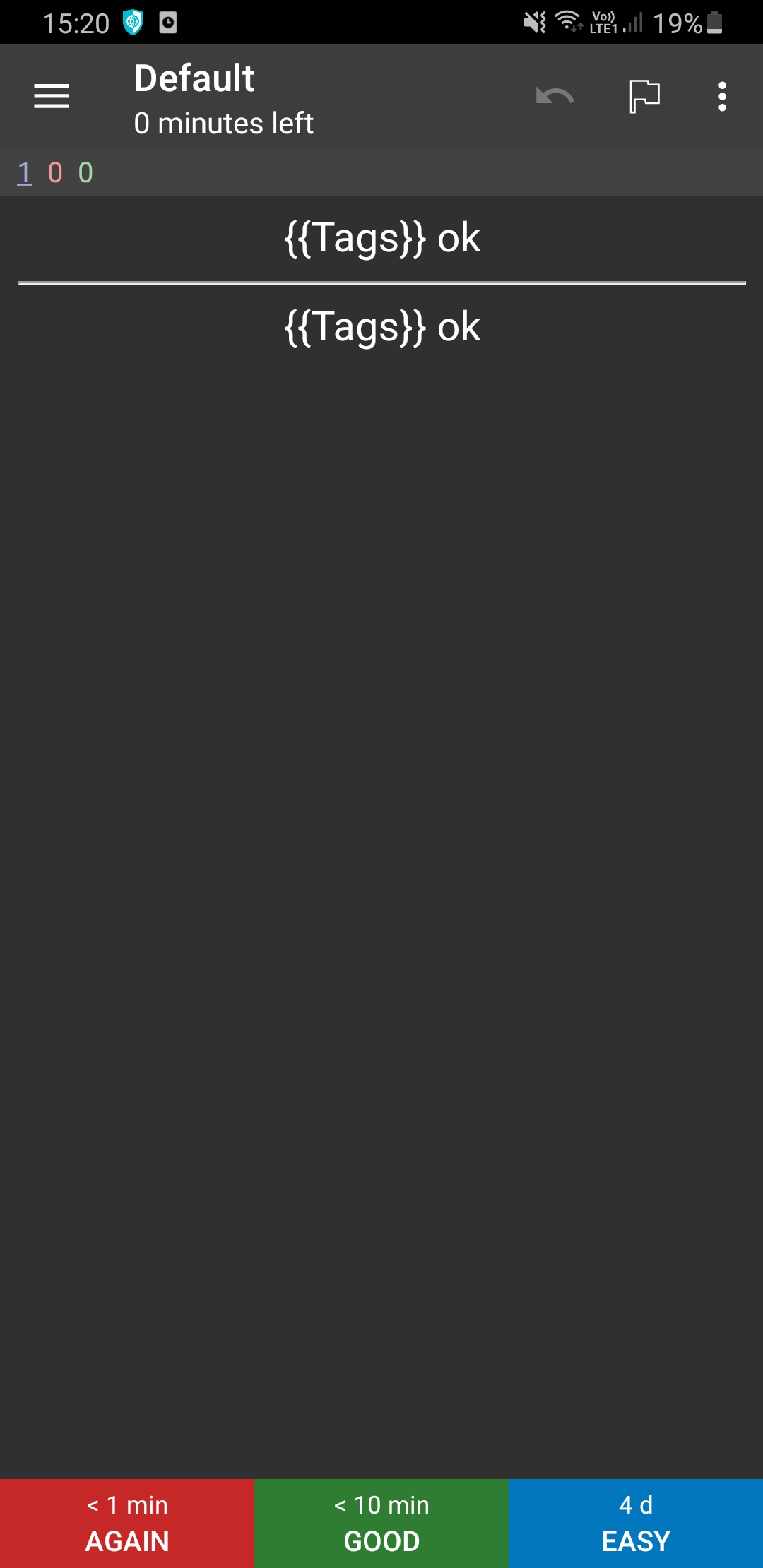
Actual Result
Display {{Tags}}.
Debug info
AnkiDroid Version = 2.13.2
Android Version = 10
ACRA UUID = 5c8fb2f3-f637-4a3d-8512-52d4122b6ca4
Scheduler = std
Research
Enter an [x] character to confirm the points below:
[x ] I have read the support page and am reporting a bug or enhancement request specific to AnkiDroid
[x ] I have checked the manual and the FAQ and could not find a solution to my issue
[x ] I have searched for similar existing issues here and on the user forum
[ ] (Optional) I have confirmed the issue is not resolved in the latest alpha release (instructions)
 Acelya-9028
All 4 comments
Hello! 👋 Thanks for logging this issue. Please remember we are all volunteers here, so some patience may be required before we can get to the issue. Also remember that the fastest way to get resolution on an issue is to propose a change directly, https://github.com/ankidroid/Anki-Android/wiki/Contributing
![welcome[bot] picture](https://avatars0.githubusercontent.com/in/4141?v=4&s=40) welcome[bot]
on 3 Oct 2020
welcome[bot]
on 3 Oct 2020
{{Tags}} now needs to go on the card template, please either use a new note type, or edit the card template of an existing note type.
Rationale: #6295
 david-allison-1
on 3 Oct 2020
david-allison-1
on 3 Oct 2020
Thank you for the help :D!
Acelya-9028
on 3 Oct 2020
No worries, don't forget to rate the app!
david-allison-1
on 3 Oct 2020
Related issues
 noamraph
·
3Comments
noamraph
·
3Comments
 mashinbaz1
·
6Comments
mashinbaz1
·
6Comments
 homocomputeris
·
5Comments
homocomputeris
·
5Comments
 infinyte7
·
4Comments
infinyte7
·
4Comments
 littlefoodt
·
4Comments
littlefoodt
·
4Comments
Most helpful comment
{{Tags}} now needs to go on the card template, please either use a new note type, or edit the card template of an existing note type.
Rationale: #6295