Amplify-console: Custom Headers & Build Settings Options for Manual deployment amplify CRA project
Please describe which feature you have a question about?
Custom Headers & Build Settings for Manual deployment project
Provide additional details
I have deployed a project using a CRA-based app, with Amplify CLI. I selected manual hosting as per the tutorial here.
I wanted to add custom headers for the project.
Looking into the docs I found that for manual hosting Build Settings option is not visible on AWS amplify Console.
After some research, I found that I have to add amplify.yml file in the project in order to make it work.
So I tried adding the amplify.yml file in the root folder of the project, but it didn't work.
I also tried adding the amplify.yml file in the public folder so that when the app is built it is present in the build folder, but it didn't work.
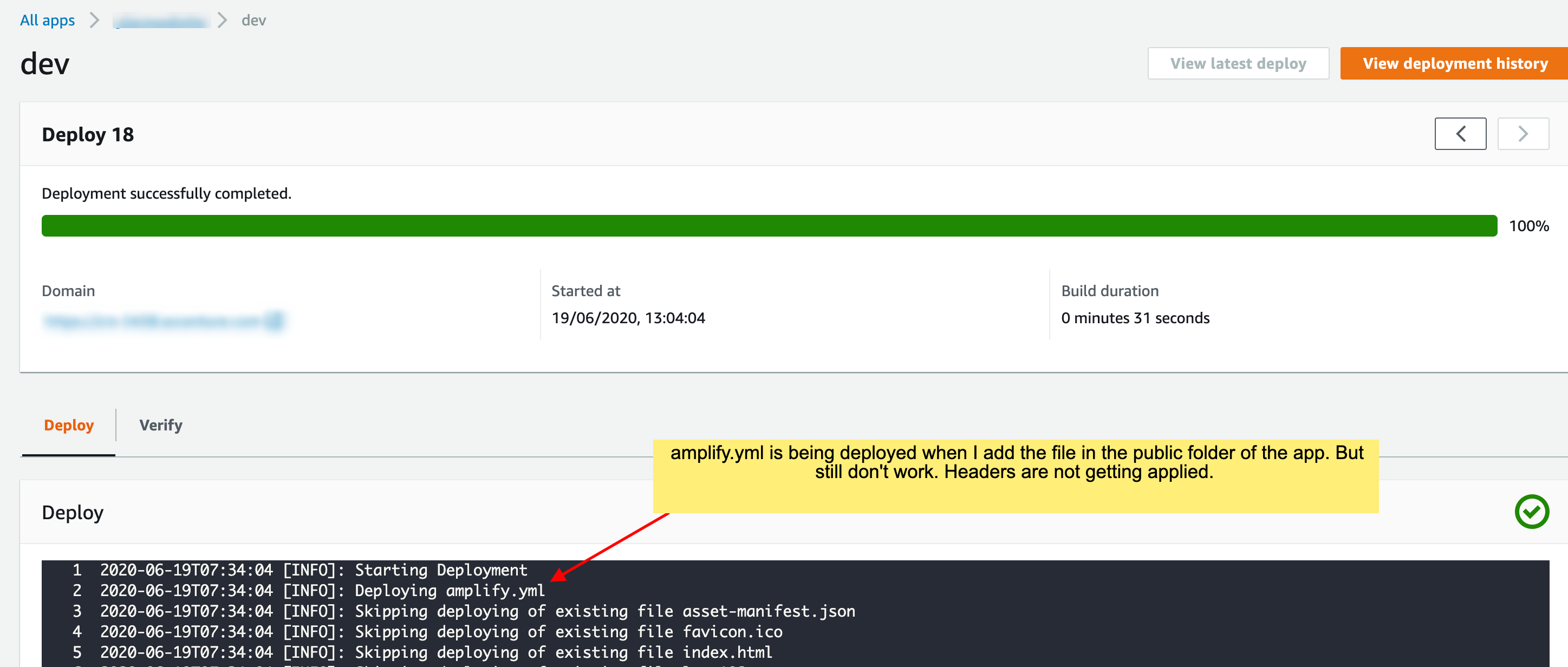
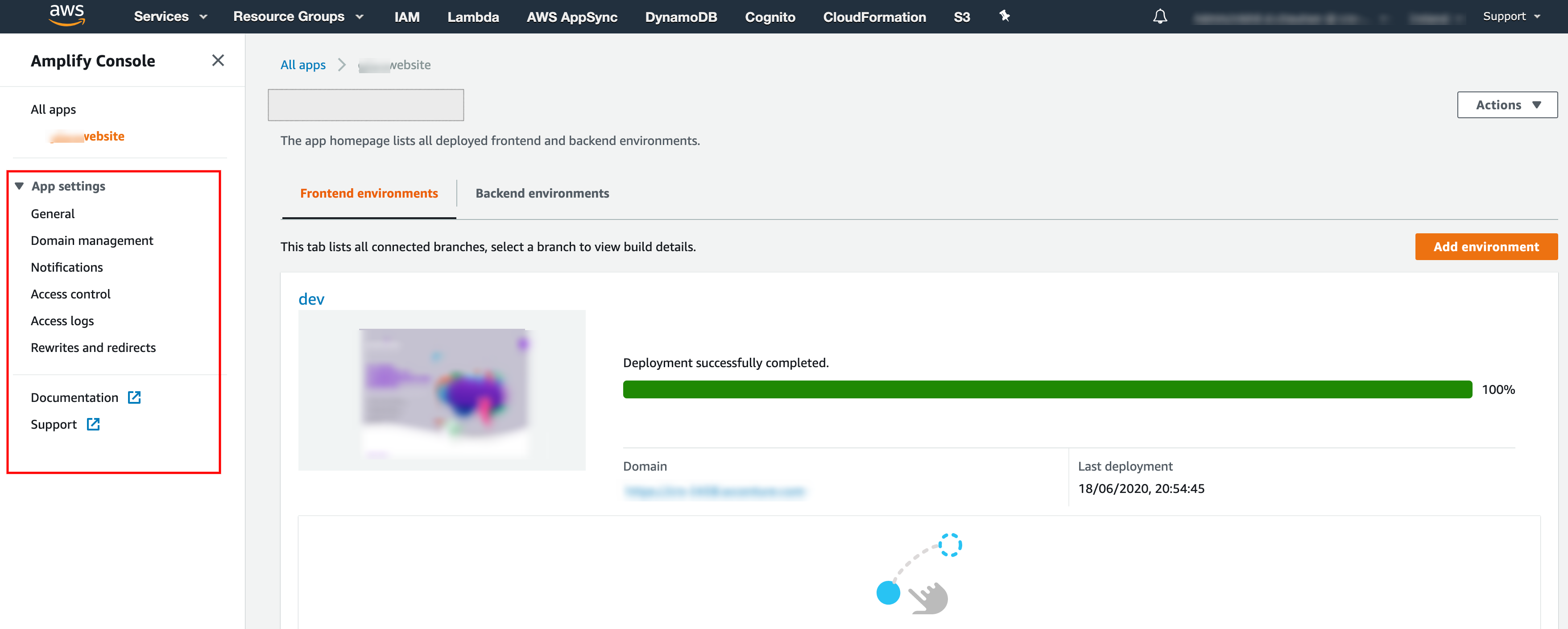
Following the screenshot of my AWS amplify console.
Following is amplify.yml file content
version: 0.1
frontend:
  phases:
    preBuild:
      commands: ['yarn install']
    build:
      commands: ['yarn run build']
  artifacts:
    baseDirectory: build
    files:
      - '**/*'
  cache:
    paths:
      - 'node_modules/**/*'
  customHeaders:
    - pattern: '**/*'
      headers:
        - key: 'Strict-Transport-Security'
          value: 'max-age=31536000; includeSubDomains'
        - key: 'X-Frame-Options'
          value: 'SAMEORIGIN'
        - key: 'X-XSS-Protection'
          value: '1; mode=block'
        - key: 'X-Content-Type-Options'
          value: 'nosniff'
        - key: 'Content-Security-Policy'
          value: 'default-src self'
 nickchauhan
All 2 comments
@nickchauhan Currently custom headers is not supported for manual deploys. We are working on addressing this so it applies to both CI/CD and manual deploys. As an interim workaround, please switch to Continuous deployments.
 swaminator
on 22 Jun 2020
swaminator
on 22 Jun 2020
@nickchauhan we've released the ability to configure custom headers for manual deploy apps as well, details in updated docs: https://docs.aws.amazon.com/amplify/latest/userguide/custom-headers.html
Give it a try and let us know if you see any issues!
 kahdojay
on 11 Nov 2020
kahdojay
on 11 Nov 2020
Related issues
 OzzieOrca
·
3Comments
OzzieOrca
·
3Comments
 JIoJIaJIu
·
5Comments
JIoJIaJIu
·
5Comments
 patleeman
·
5Comments
patleeman
·
5Comments
 zackthoutt
·
3Comments
zackthoutt
·
3Comments
 AustinZhu
·
4Comments
AustinZhu
·
4Comments