Amiberry: No picture unless either Screen Mode or Line Mode have been toggled first (every boot)
Describe the bug
I was getting a black/blank screen when booting an A500 config on AmiBerry. But when I switched from Windowed screen mode to Fullscreen, I successfully got a boot screen. Great, except when I reset the machine (screen mode was preserved), I got a blank screen again. Screen mode was still on Fullscreen, so I switched it back to Windowed and reset. It worked. I had a boot screen again. But, when I reset, the image was gone. So, I have to constantly toggle the screen mode to get a picture. Toggling Line Mode has the same effect. Doesn't matter what the value is as long as it's different from last time.
To Reproduce
Requirements:
Retropie 4.6 for Raspberry Pi 3B (I have checked the MD5 and I believe this has Amiberry 3.1.3)
Kickstart ROMs
AmiBerry installed
Steps to reproduce the behavior:
- Load AmiBerry and choose the A500 from the Quickstart section.
- Ensure DF0: is empty
- Click "start"
- Observe black screen.
- Press F12 to return to AmiBerry and choose "Reset".
- Observe black screen.
- Now press F12 and change the screen mode to anything. Then Reset again.
- Success! You can see a boot screen.
- Reset again. The display is gone again.
- F12 and change the screen mode once more. Reset.
- Observe that the picture is back, but only for this boot.
Expected behavior
No screen mode toggling should be needed. Picture should just display.
Screenshots
Here it is again with pictures
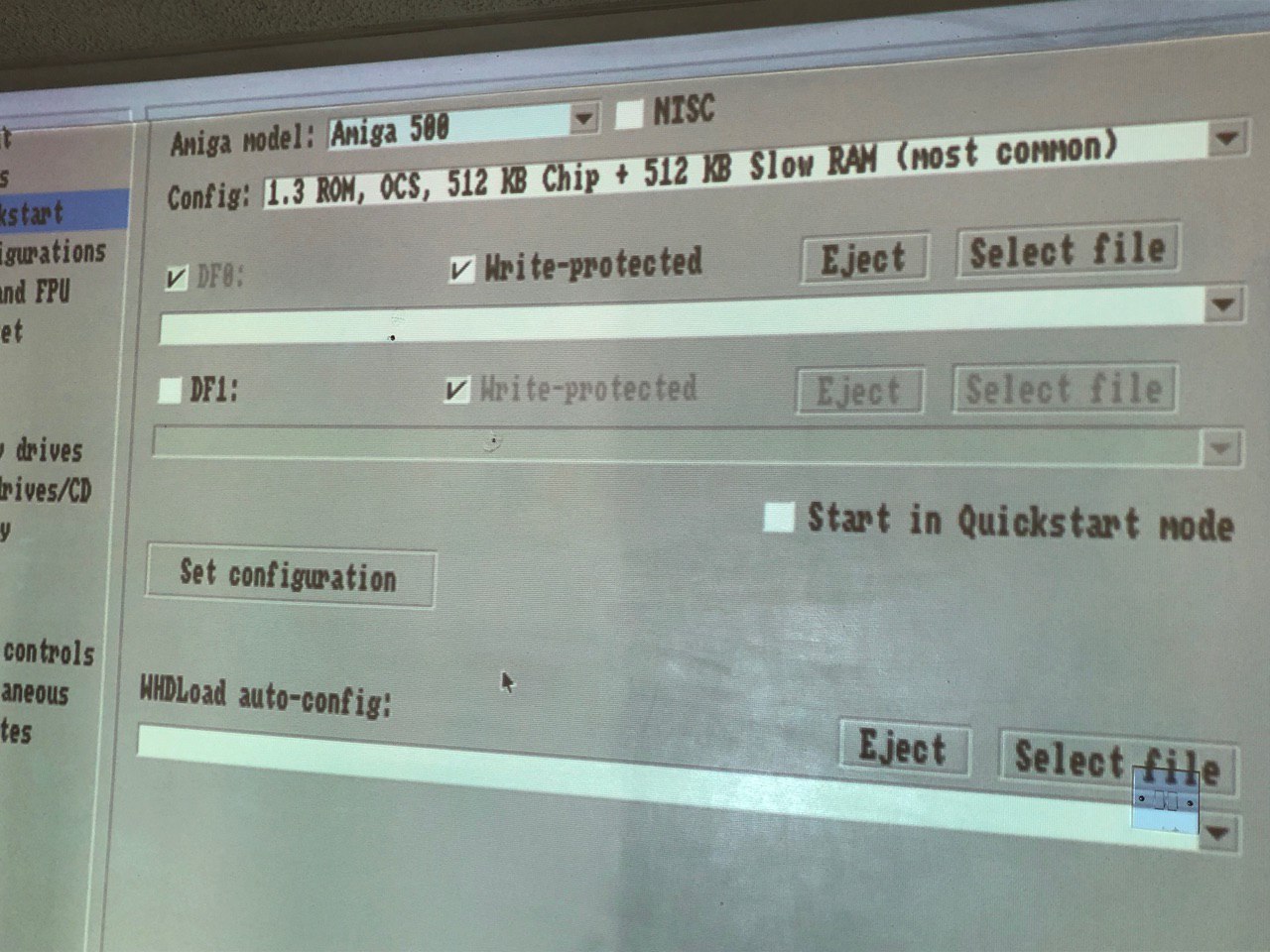
A) Choose the A500 from the Quickstart menu
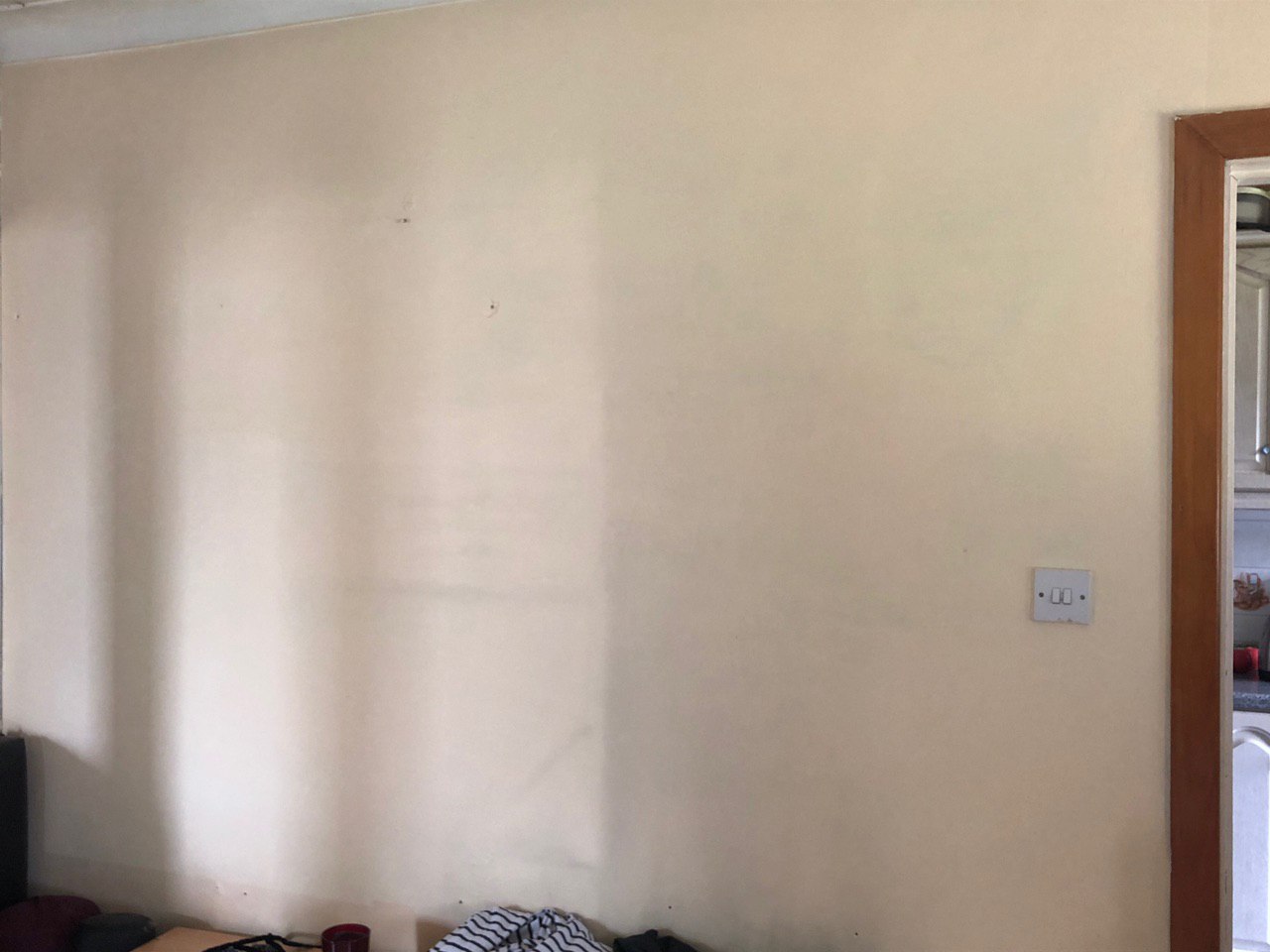
B) Press Start and notice there is no picture displayed (I'm using a projector, which is why you only see a wall)
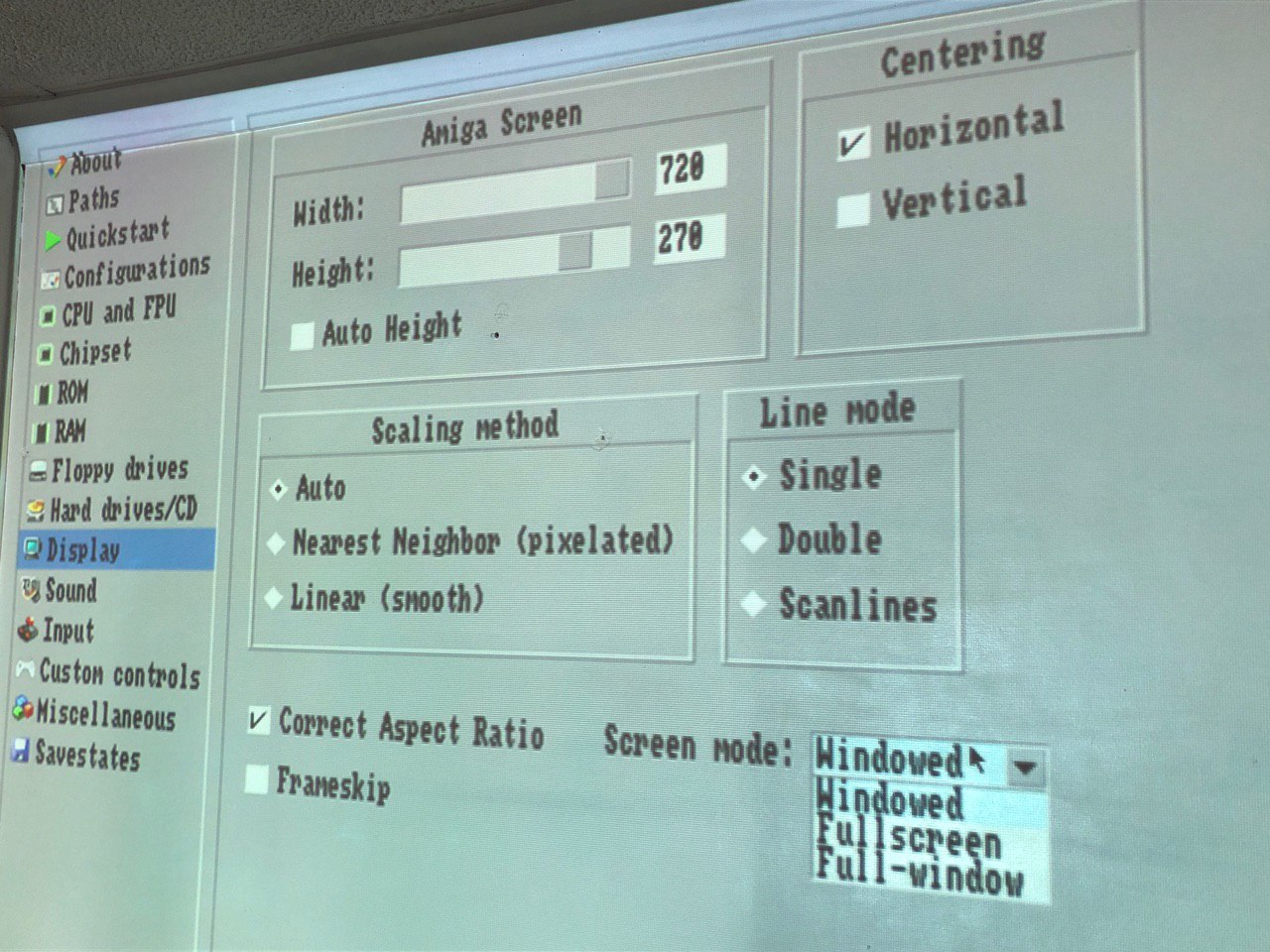
C) Change the screen mode. It doesn't matter which value, as long as it's different to current.
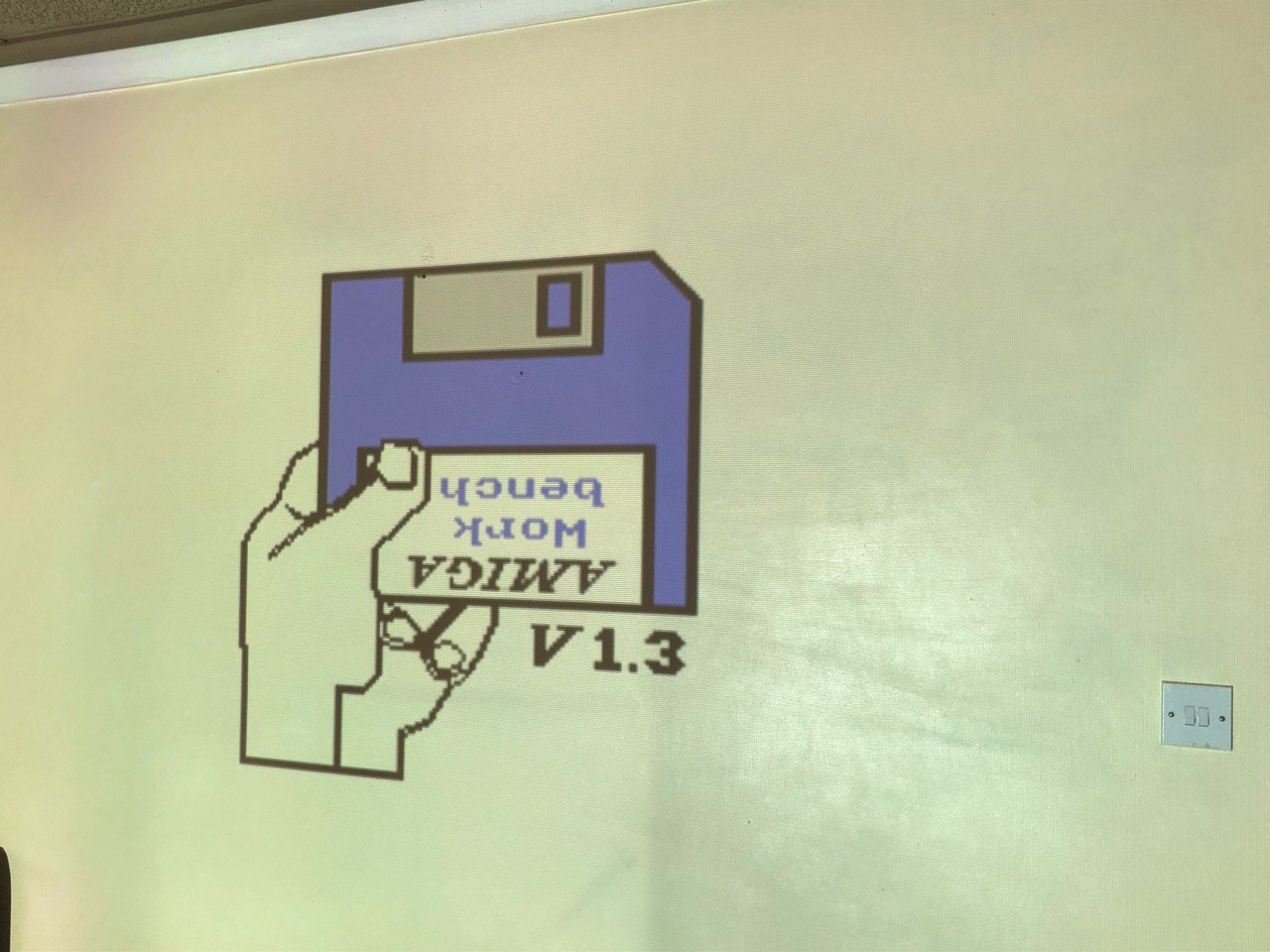
D) Success! We have a picture.
E) Stay with the current screen mode. Do not change it (I was on Fullscreen, so I keep with that)
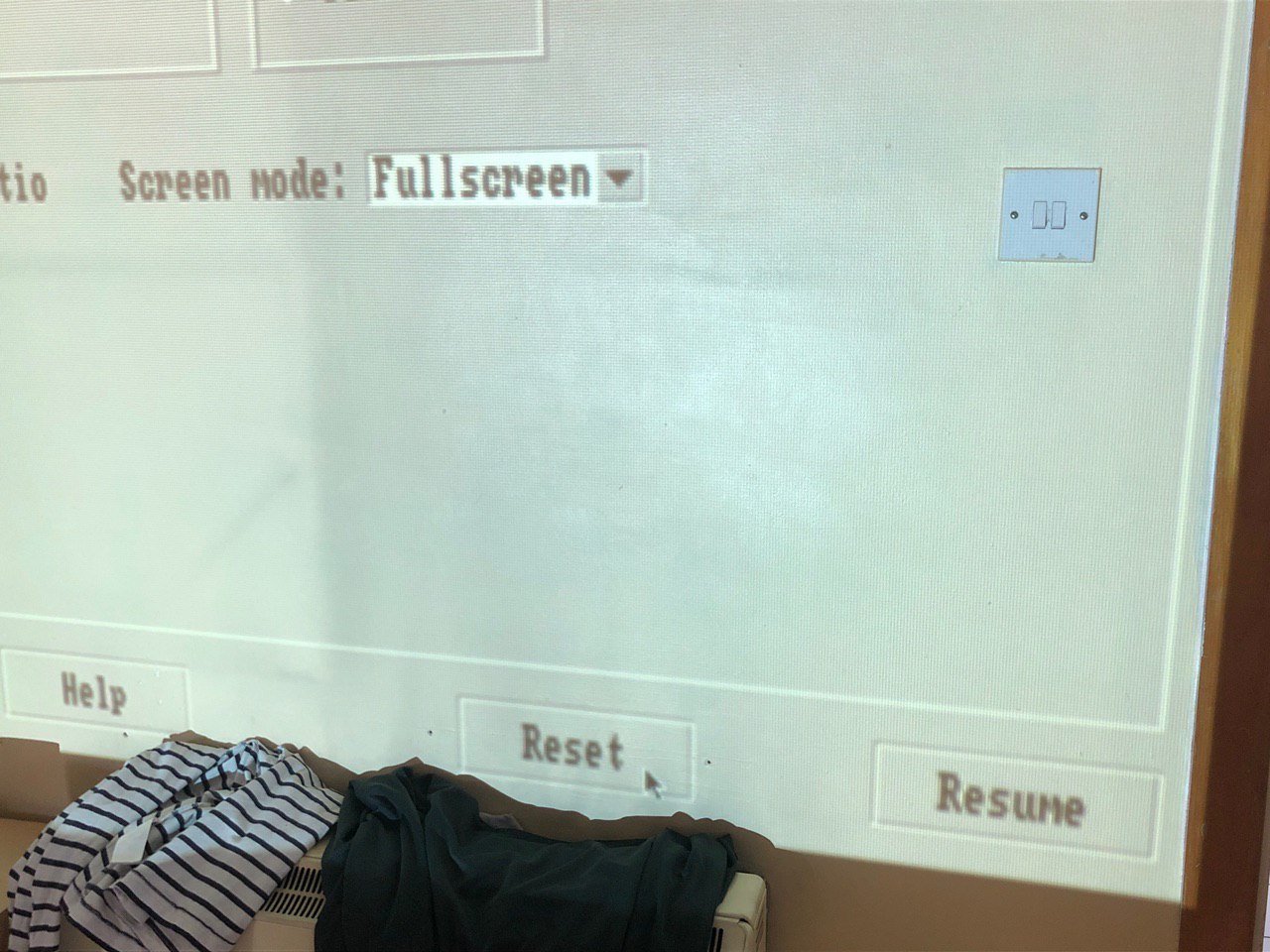
F) Reset one more time. We got good results with this setting last time.
G) But, there is no picture. It is not the value of Screen Mode that mattered, but the changing of it.
This change is necessary every time before starting the emulator and before every reset.
Desktop (please complete the following information):
Retropie 4.6 for Raspberry Pi 3B (I have checked the MD5 and I believe this has Amiberry 3.1.3)
Additional context
This is a standard installation with the ROMs copied to the BIOS directory.
I did try reinstalling Retropi + AmiBerry (binary installation) but I got the same result.
Love Amiberry? Please consider supporting our collective:
👉 https://opencollective.com/amiberry/donate
Done
 tenleftfingers
All 8 comments
Thanks for the detailed description.
This seems to be a bug which only happens under that environment, but I managed to recreate it.
Fix incoming soon...
 midwan
on 26 Jul 2020
midwan
on 26 Jul 2020
Actually, this bug was fixed with a9166eb8b83ec9ba83c6de42f4e7e4b3e83cfe5f from 2020-07-10.
Please upgrade to the latest version from source, if you're running the beta that had this problem.
midwan
on 26 Jul 2020
Thanks for your time. Reinstalling from source was easy from the Retropie config/settings. It's all working now.
tenleftfingers
on 27 Jul 2020
Just to note I updated retropie binaries a week ago or so, but updated them again a few hours ago.
Please can people using RetroPie use the retropie forum first for issues, so we can test, and avoid multiple issues being reported here.
Thanks @midwan
 joolswills
on 28 Jul 2020
joolswills
on 28 Jul 2020
I've ran into this btw after updating to the latest code on master (61fcb9a73b91069665e609558dc3e01f4b07abce)
Rpi4 with fkms and kernel 5.4.51
I'll provide example configs and more information as it could be a config issue my end triggering.
joolswills
on 9 Aug 2020
I believe it actually may be an issue with installing from binary Vs source on retropie. It's possible some env stuff in RetroPie is wrong so rather than continue speculating I'll come back after looking into it thoroughly.
If any retropie users have this issue I recommend they try and install from source. Sorry for spamming a closed ticket.
joolswills
on 9 Aug 2020
The issue was due to the prebuilt binaries for the rpi4 being built for sdl2 without dispmanx. So looks like this is an issue with pure sdl2 version on the rpi4.
Rebuilding retropie binaries now.
See https://github.com/RetroPie/RetroPie-Setup/commit/86470aad66cb6189dfadcf96014f9f7a9a517dfa for the related fix on our side.
joolswills
on 9 Aug 2020
@joolswills
Thanks!
midwan
on 9 Aug 2020
Related issues
 nemo93
·
10Comments
nemo93
·
10Comments
 jonpatterson
·
8Comments
jonpatterson
·
8Comments
 jabulonboaz
·
9Comments
jabulonboaz
·
9Comments
 Shawson
·
7Comments
Shawson
·
7Comments
 henrikstengaard
·
7Comments
henrikstengaard
·
7Comments