Amiberry: JIT can be selected with 24-bit addressing in v3.3
Describe the bug
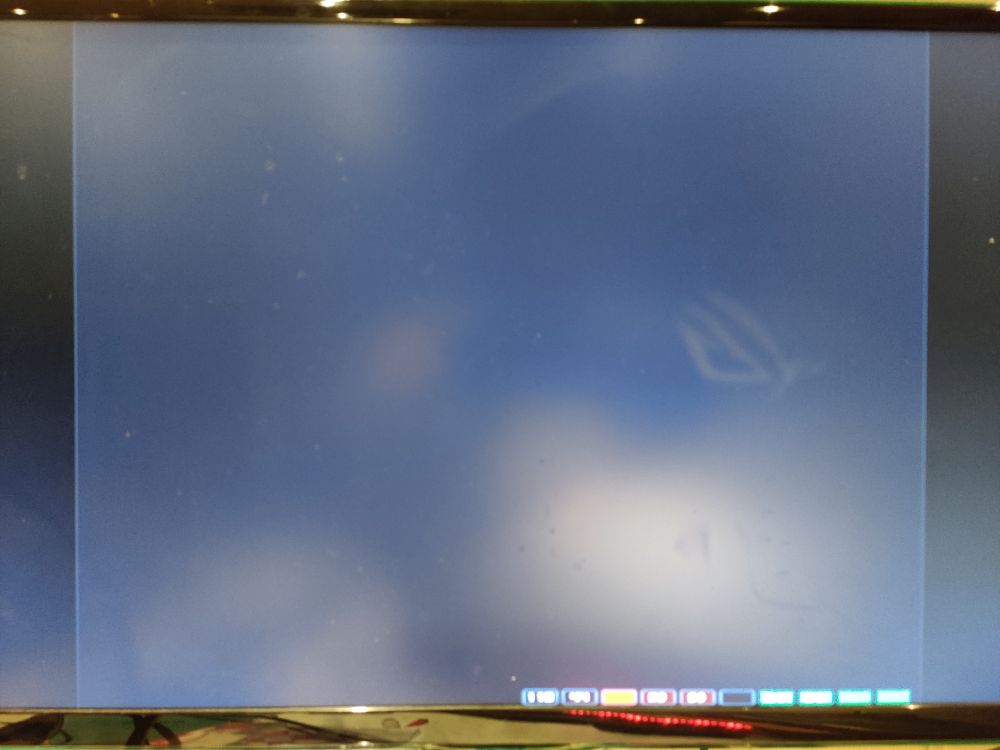
Enabling JIT on master v3.3 (2020-09-17) seems to be broken. When enabling JIT it results on an endless reboot loop blinking screen with A1200 Kickstart 3.1 rom and no harddrives or floppies configured. Entering configuration with F12, uncheck JIT in CPU and FPU and click reset shows Kickstart boot screen with animated floppy being inserted.
To Reproduce
- Start Amiberry.
- Switch to Quickstart tab.
- From Amiga model dropdown select A1200.
- From Config dropdown select 4MB Fast RAM expanded configuration.
- Switch to CPU and FPU tab.
- Select 68020 CPU.
- Check JIT for CPU.
- Select 68882 FPU.
- Select Fastest CPU Speed.
- Switch to ROM tab.
- From Main ROM File dropdown select kick31.rom (A1200 40.68 Kickstart rom).
- Click Start in bottom of screen.
- See error with screen is somewhat blinking and seems to be in an endless reboot loop in first screenshot.
- Press F12.
- Switch to CPU and FPU tab.
- Uncheck JIT for CPU.
- Click Reset in bottom of screen.
- Notice Kickstart 3.1 rom screen is shown with animated floppy being inserted in second screenshot.
Expected behavior
Given no floppies or harddrives have been added, it's expected that Kickstart 3.1 boot screen is shown.
Screenshots

Desktop:
OS: Raspberry Pi OS Lite (2020-12-02-raspios-buster-armhf-lite)
Version: Raspbian GNU/Linux 10
Hardware: Raspberry Pi 4 Model B Rev 1.1
Compiled and installed SDL2 KMSDRM as described in github readme.
Compiled and installed Amiberry from master branch platform=rpi4 as described in github readme.
Love Amiberry? Please consider supporting our collective:
👉 https://opencollective.com/amiberry/donate
 henrikstengaard
All 7 comments
In Amiberry, JIT is notoriously unable to work with Z2 memory (24-bit expanded RAM). You need to use Z3 memory instead.
In my own experience, it's also not compatible with everything that use MMU (for instance 68040.library from Aminet or from an accelerator board). Just to tell, if your next step was to configure an AmigaOS hardfile...
 Yserra
on 18 Dec 2020
Yserra
on 18 Dec 2020
This is not just an Amiberry limitation, JIT is not compatible with 24-bit memory addressing even in WinUAE.
The bug in v3.3 is that it allows you to have both enabled (24-bit addressing and JIT), which shouldn't be the case.
This has already been fixed in the upcoming v3.4 version, currently in beta. It's basically a GUI bug.
 midwan
on 19 Dec 2020
midwan
on 19 Dec 2020
I have a configuration with harddrives that has JIT enabled with 8MB Z2 memory and I haven't been able to get that working with latest versions of Amiberry. It worked with Amiberry v3.1.2, so something has changed since that cause it to break.
If disabling Z2 memory and enabling Z3 memory solves the current JIT issues, I would suggest disabling Z2 memory selection same way selecting JIT disables checkboxes in CPU and FPU tab until JIT is more stable with Z2 memory.
@Yserra Thanks for the tip, I will use Z3 memory until then.
henrikstengaard
on 19 Dec 2020
@midwan Ah, so it's just a matter of deselecting 24 bit addressing before checking JIT?
henrikstengaard
on 19 Dec 2020
@henrikstengaard
In v3.3 yes, that should work.
In v3.4 this is already addressed, as the correct combination is checked on the GUI and applied, so you can see what's happening.
And generally rewriting the memory allocation routines is in the pipeline for the future, since several glitches are related to that. It will come together with multiple Z3 boards (up to 4), each one allowing up to a maximum of 1GB of RAM (so you could end up with up to 4GB of Z3 RAM). But that won't be there in v3.4, as it requires some extra work and is not in the current scope for the next release. :-)
midwan
on 19 Dec 2020
@midwan, @Yserra Thanks for the feedback. Much appreciated.
I tested disabling Z2 memory (None) and enabling Z3 memory (16 MB) and it works perfect. I will update my configuration to use this ;-)
henrikstengaard
on 19 Dec 2020
The ARM JIT is desinged to work also for 24 bit adressing mode (680ec20). I tested this yesterday with my code in 32 bit version of JIT and it works. This should also working in 64 bit version of JIT. If there are problems, we have to analyse it.
 PandTomB
on 16 Mar 2021
PandTomB
on 16 Mar 2021
Related issues
 phalkon13
·
3Comments
phalkon13
·
3Comments
 ariath
·
8Comments
ariath
·
8Comments
 ransom1122
·
5Comments
ransom1122
·
5Comments
 Gerbinist
·
8Comments
Gerbinist
·
8Comments
 nemo93
·
10Comments
nemo93
·
10Comments
Most helpful comment
@midwan, @Yserra Thanks for the feedback. Much appreciated.
I tested disabling Z2 memory (None) and enabling Z3 memory (16 MB) and it works perfect. I will update my configuration to use this ;-)