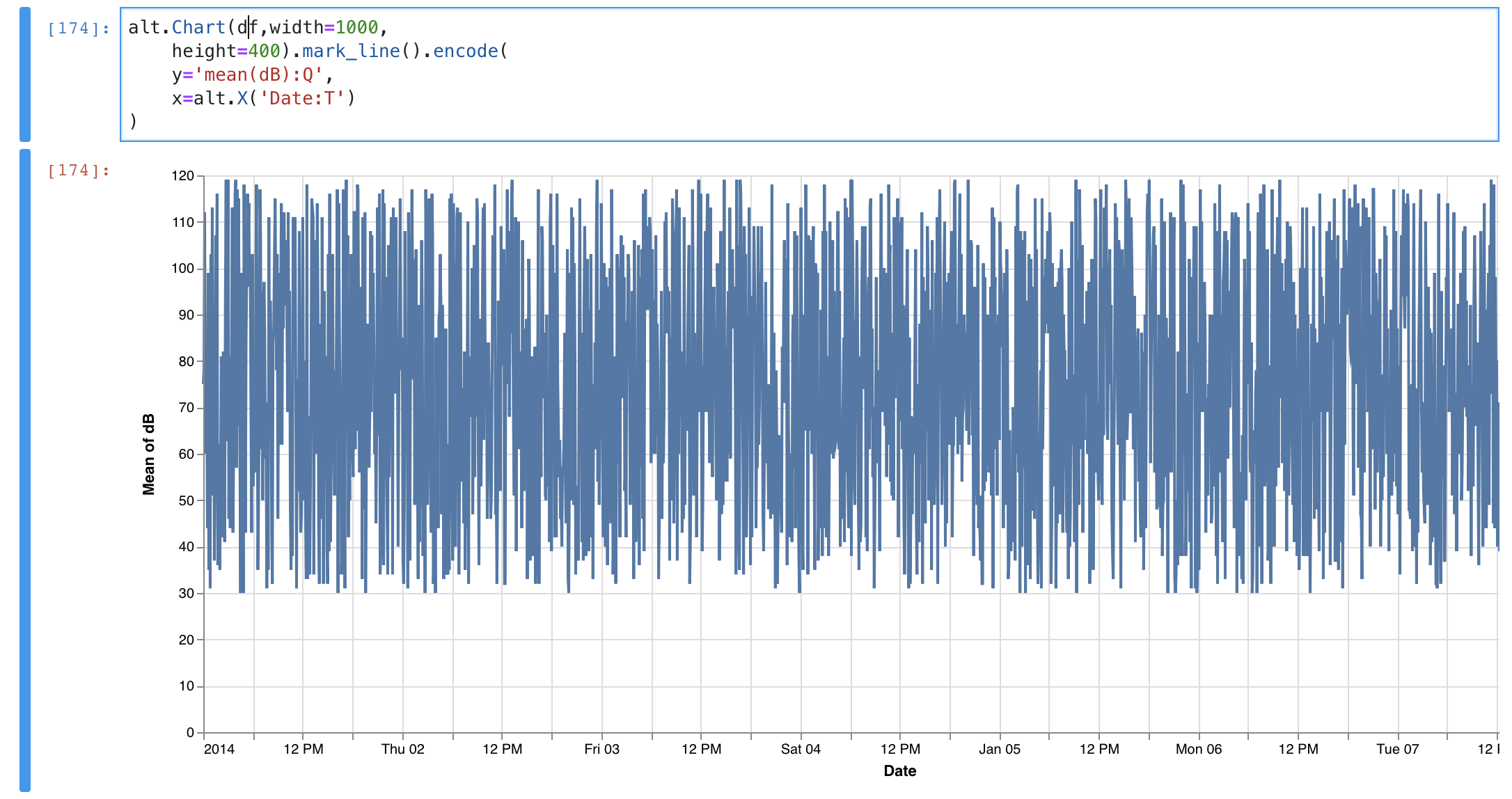
Is there a way to change the 12-hour clock to a 24-hour clock as seen on the picture?
 Adrast
👀1
All 2 comments
In your x channel you could use one of the D3 time formatting strings listed here.
For example
.
.
.
x=alt.X('Date:T', axis=alt.Axis(format='%H'))
 Alcampopiano
on 5 Oct 2018
Alcampopiano
on 5 Oct 2018
👍2
By setting a fixed formatting string you lose the ability to have the tick labels be smart and include dates among the times (as shown in the picture above).
 ejain
on 31 Oct 2018
ejain
on 31 Oct 2018
👍1
Was this page helpful?
0 / 5 - 0 ratings
Related issues
 mattijn
·
23Comments
mattijn
·
23Comments
 XaviFar
·
19Comments
XaviFar
·
19Comments
 mroswell
·
21Comments
mroswell
·
21Comments
 choldgraf
·
20Comments
choldgraf
·
20Comments
 Znafon
·
23Comments
Znafon
·
23Comments
Most helpful comment
In your x channel you could use one of the D3 time formatting strings listed here.
For example