Akira: Not really an issue. Can we see some pictures of the current Akira UI?
Hi there!
I'm following the Akira development since the beginning but until now it's being hard for me to understand how to install Akira into Ubuntu. Since I just want to see and to feel the UI and maybe give some feedback to improve it, I would like if some prints of the Akira UI were available to people somewhere without need to install it.
Is it possible?
 e200
e200
All 4 comments
Hi @e200!
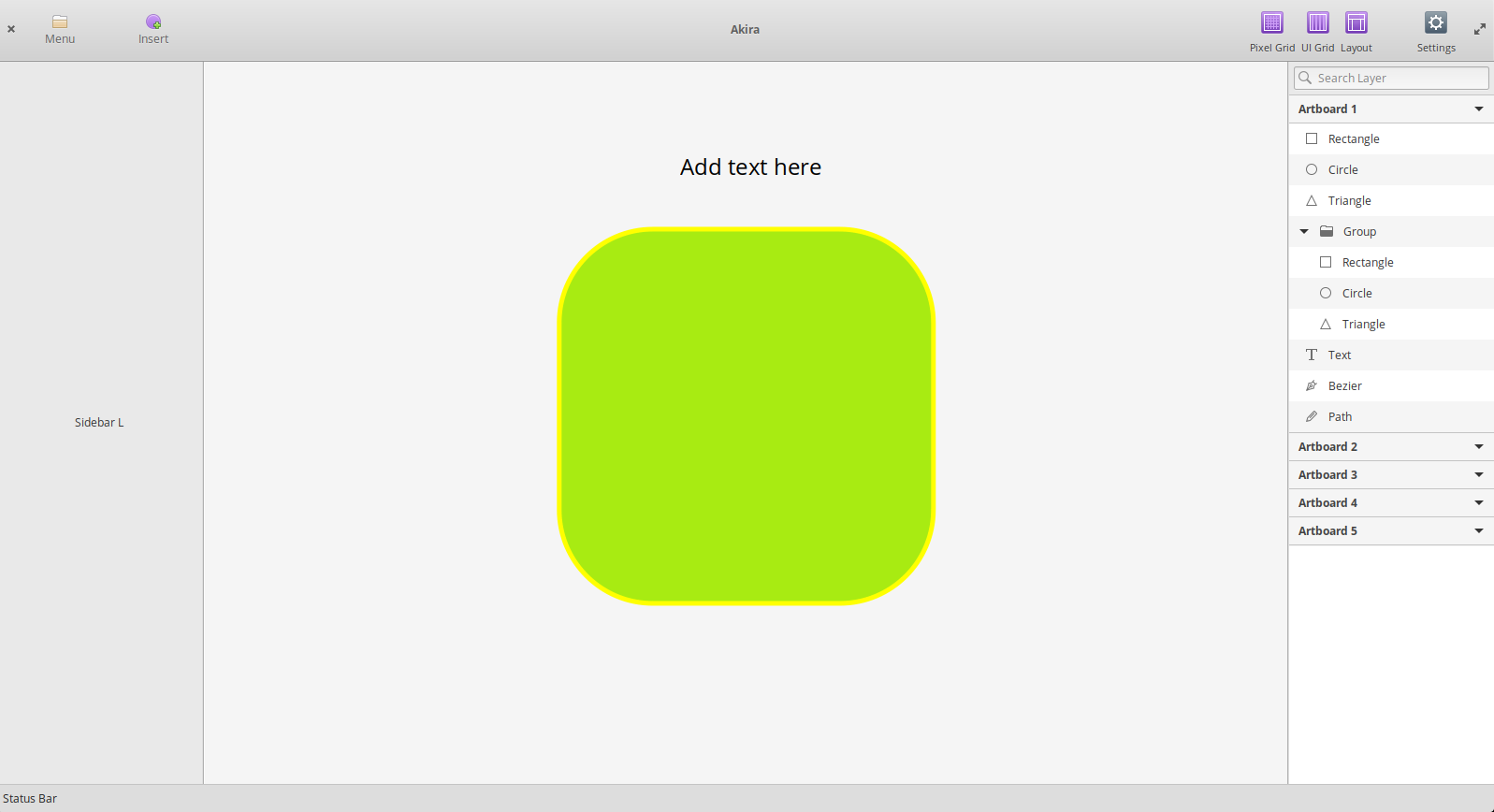
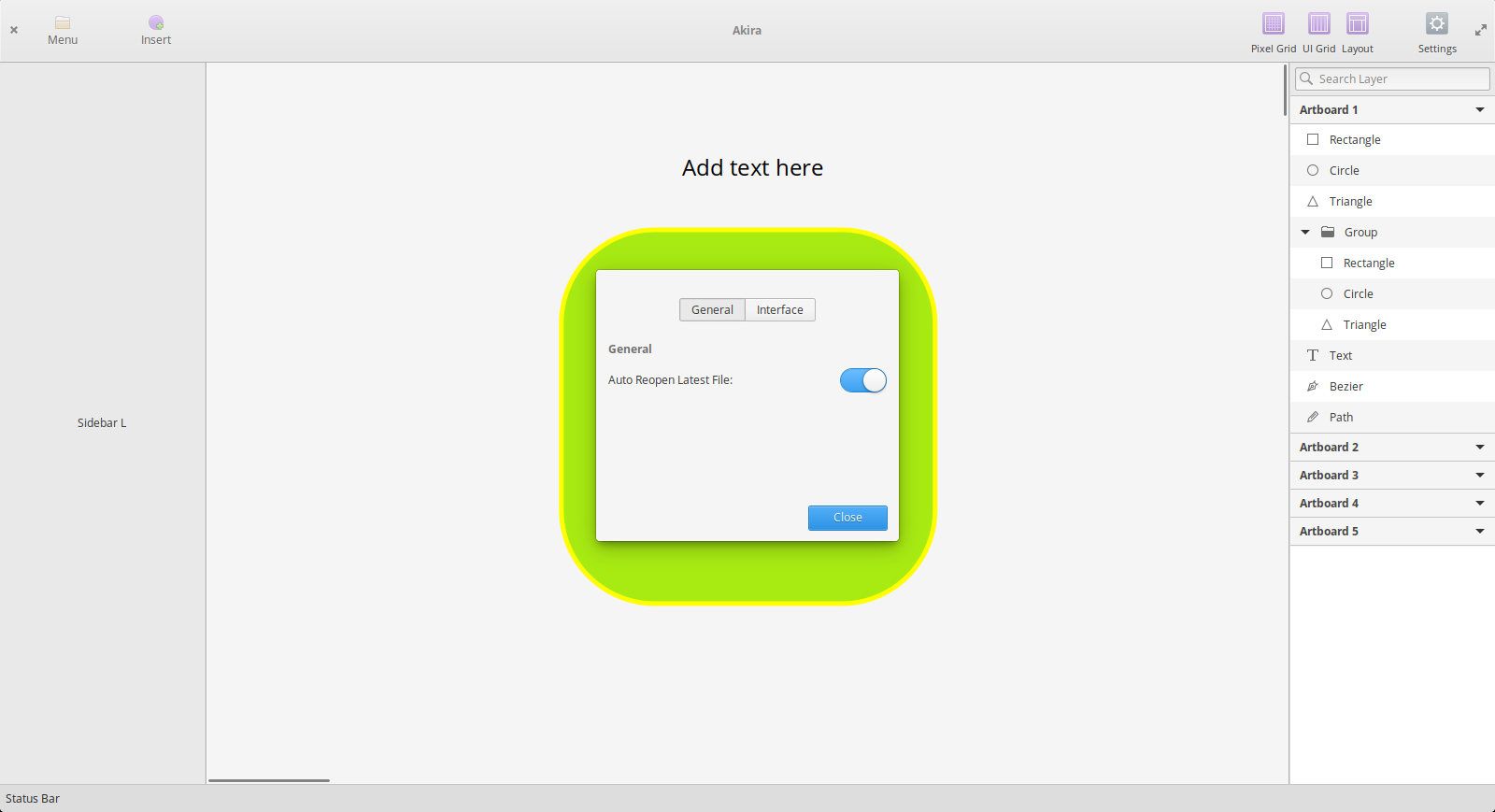
I built and installed the software already, I make a couple (actually just 2 of 'em) of screenshots, I share them with you!
This is the main UI as it is presented when you open the App
This is the settings panel you can get by clicking on the cog icon on the top right corner
There are also dropdown menu entry for Menu and Insert icon buttons, but I'm not able to take screenshot when the dropdown is open, I don't know why.
It also seems that alt-tab gesture is hinibited when the dropdown is open.
Hope those help :)
 giacomoalbe
on 25 Feb 2019
giacomoalbe
on 25 Feb 2019
Hey,
First of all, thanks for your interest in Akira. Currently, there isn't much to test on the current application. You can try the Flatpak package. You just need to use Builder, clone the repository and build it with CTRL + F5 and the current dev version of the app will be run without installing anything on your system.
Until we have a usable alpha/beta whatever release or at least something to try, there won't be any other way to test the application.
 bilelmoussaoui
on 25 Feb 2019
bilelmoussaoui
on 25 Feb 2019
@giacomoalbe, thanks for your screenshots!
Did you tried to print the screen using the prt sc button on the keyboard?
e200
on 26 Feb 2019
@bilelmoussaoui, thanks for the info.
e200
on 26 Feb 2019
Related issues
 Alecaddd
·
5Comments
Alecaddd
·
4Comments
Alecaddd
·
4Comments
Alecaddd
·
5Comments
Alecaddd
·
4Comments
Alecaddd
·
4Comments
 LucileDT
·
3Comments
LucileDT
·
3Comments
 TixieBorg
·
4Comments
TixieBorg
·
4Comments