Yetiforcecrm: Popup Selection Search Magnifying Glass Column List [Question]
Issue
Can't find the setting to make this edit, need some pointer.
How to trigger the error
Use the Stable version 4.3, use this link: https://gitstable.yetiforce.com/index.php?module=Contacts&view=Edit&record=114
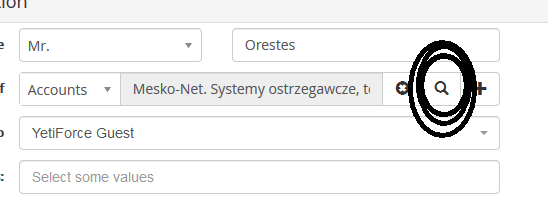
Next to "Member of", click the Magnifying (Search) Button. it Between the X and +.
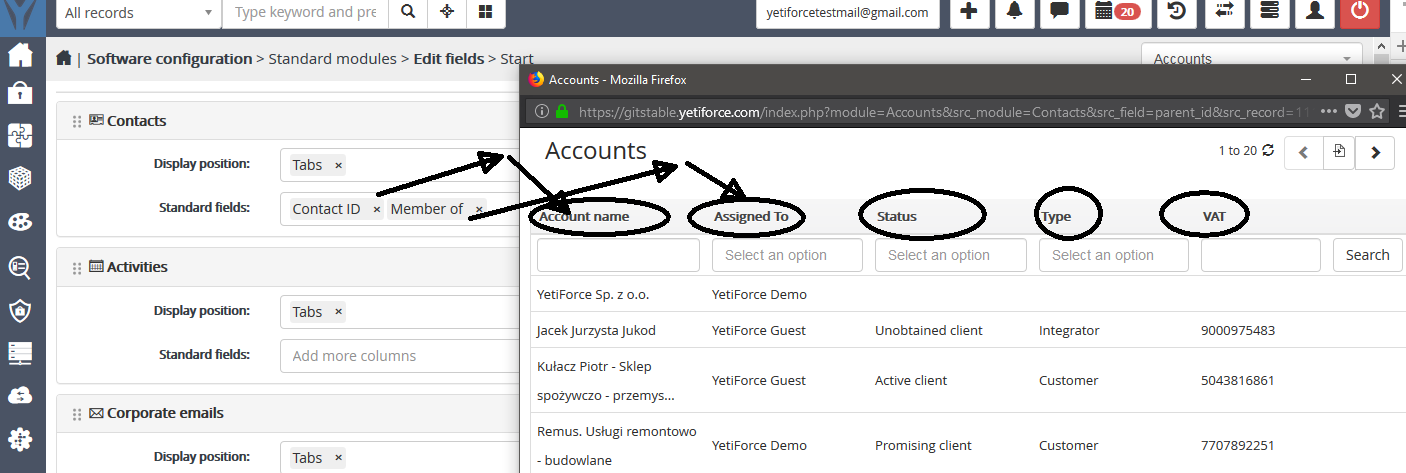
Look at the popup (which is this one here: https://gitstable.yetiforce.com/index.php?module=Accounts&src_module=Contacts&src_field=parent_id&src_record=114&view=Popup&triggerEventName=postSelection3018
How do I change those column? For example from VAT column to Phone Number, etc. Where is the setting to edit these?
Your Environment
- YetiForce Version used: 4.3
- Browser name and version:
- Environment name and version:
- Operating System and version:
 ldgbc
ldgbc
All 7 comments
Hi @ldgbc You can change columns here: https://github.com/YetiForceCompany/YetiForceCRM/blob/b13d9a861cb8fecdf9bc1747ca61053c95df9079/modules/Accounts/Accounts.php#L53
 cltvchannel
on 14 Jul 2018
cltvchannel
on 14 Jul 2018
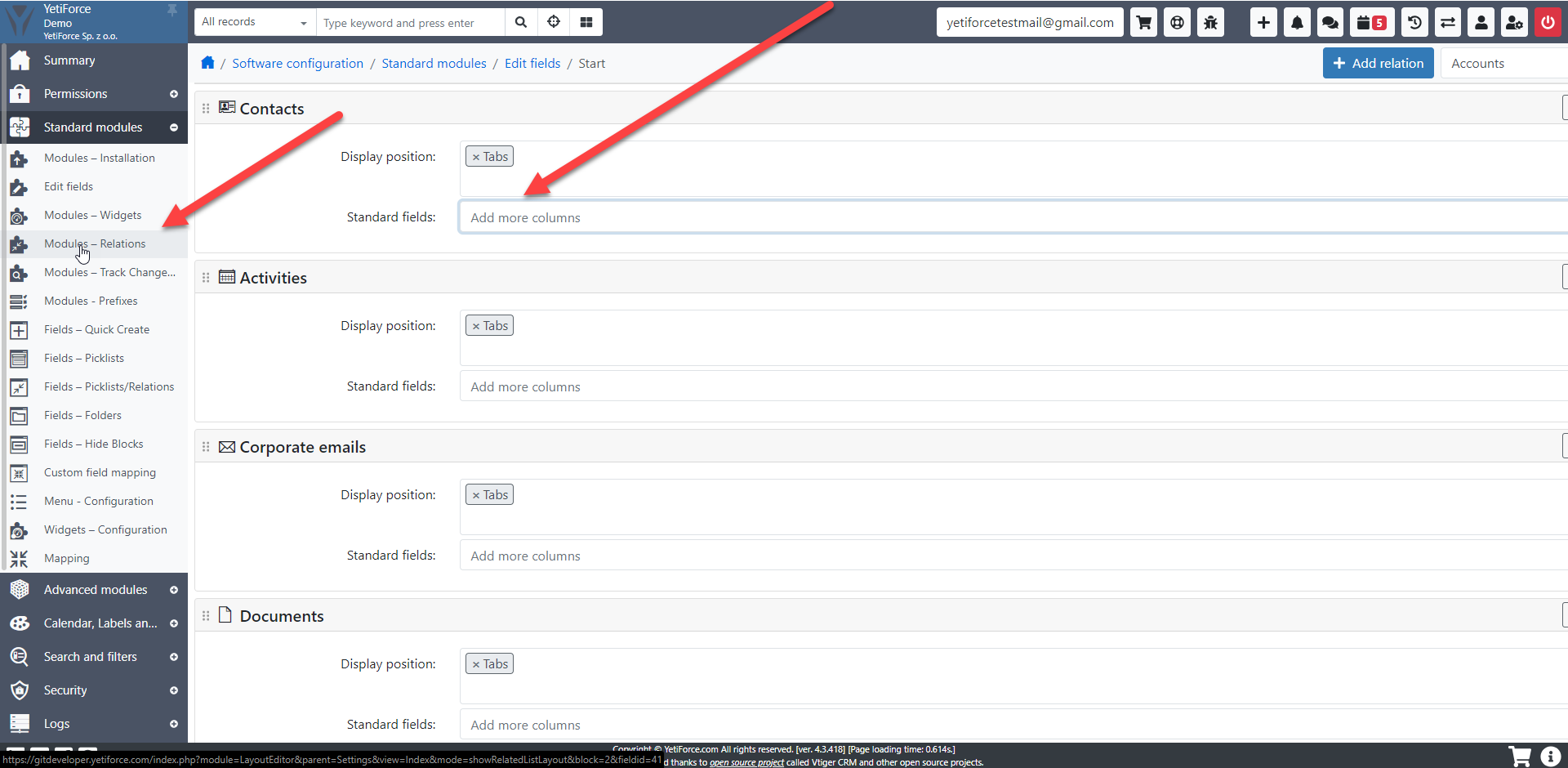
@cltvchannel Thanks. I remember there was an GUI way to do it. Did it got remove, moved or I remember it wrong?
ldgbc
on 16 Jul 2018
 mariuszkrzaczkowski
on 17 Jul 2018
mariuszkrzaczkowski
on 17 Jul 2018
Look like word is better to demostrate
@mariuszkrzaczkowski
ldgbc
on 19 Jul 2018
mariuszkrzaczkowski
on 19 Jul 2018
I guess no GUI yet then. Editing it is. For future reference and anyone who is interested in editing. I also recommend you to modify other section that you will use frequently. Such as Contact, Documents, Calendar, etc:
File path as follow:
\modules\Contacts\Contacts.php
Also because you be modifying these, I recommend you to make a Copy of Original before you modify. Also after you finish modifying it, create a copy of that as well because when you upgrade your Yetiforce version you will (may) lose it and have to start over again. By doing this you can always Copy/Paste from your old edit to the newer version.
I only edit the in public $search_fields_name = [
which seem to be working. But not sure if I need to do the public $search_fields = [ as well.
Thanks.
ldgbc
on 20 Jul 2018
ldgbc
on 28 Jul 2018
Related issues
 michelmarquesrj
·
3Comments
michelmarquesrj
·
3Comments
 serbiaserbia
·
3Comments
serbiaserbia
·
3Comments
 PDMeira
·
3Comments
PDMeira
·
3Comments
 ezbank
·
3Comments
ezbank
·
3Comments
 MacarenaReina
·
3Comments
MacarenaReina
·
3Comments