Hi,
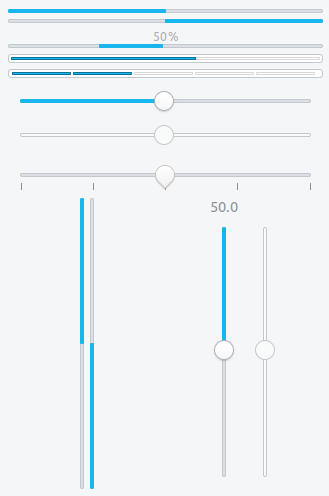
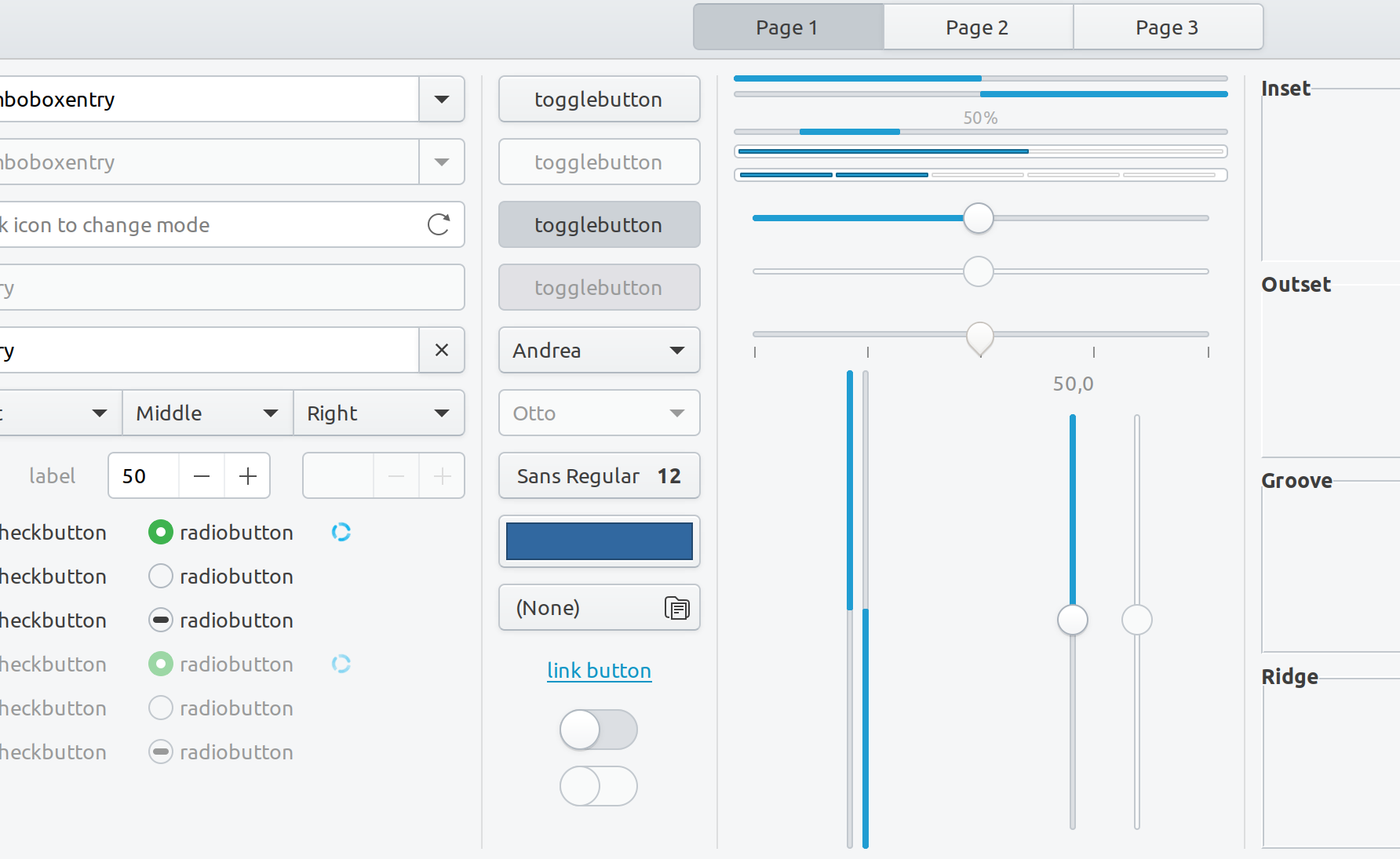
Would it be possible to change the color of the progress bars in Yaru? The blue color is too bright compared to the rest of the theme.
This is all the more obvious with the new light theme when changing the volume.
 ghost
ghost
All 9 comments
Hi,
The color palette is going to be reviewed in the next cycle, but I can't promise anything right now.
By the way, the new light theme changed only the headerbar color
 clobrano
on 9 Sep 2019
clobrano
on 9 Sep 2019
I know but I find that the color is less harmonious with the new theme :)
ghost
on 9 Sep 2019
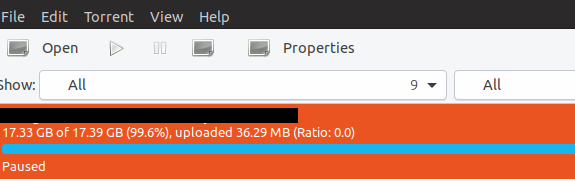
When using Transmission, the entire torrent entry is highlighted in Orange. But with that comes this Blue progress bar. It is certainly a kind of mismatch in that scenario.
 meetdilip
on 10 Sep 2019
meetdilip
on 10 Sep 2019
This is the "old" theme pre-upstream-resync right? It should be white with master
 Feichtmeier
on 10 Sep 2019
Feichtmeier
on 10 Sep 2019
I see. Thanks for reminding.
meetdilip
on 10 Sep 2019
This is the "old" theme pre-upstream-resync right? It should be white with master
I can't test at the moment, but does this mean that we can close this issue?
 madsrh
on 10 Sep 2019
madsrh
on 10 Sep 2019
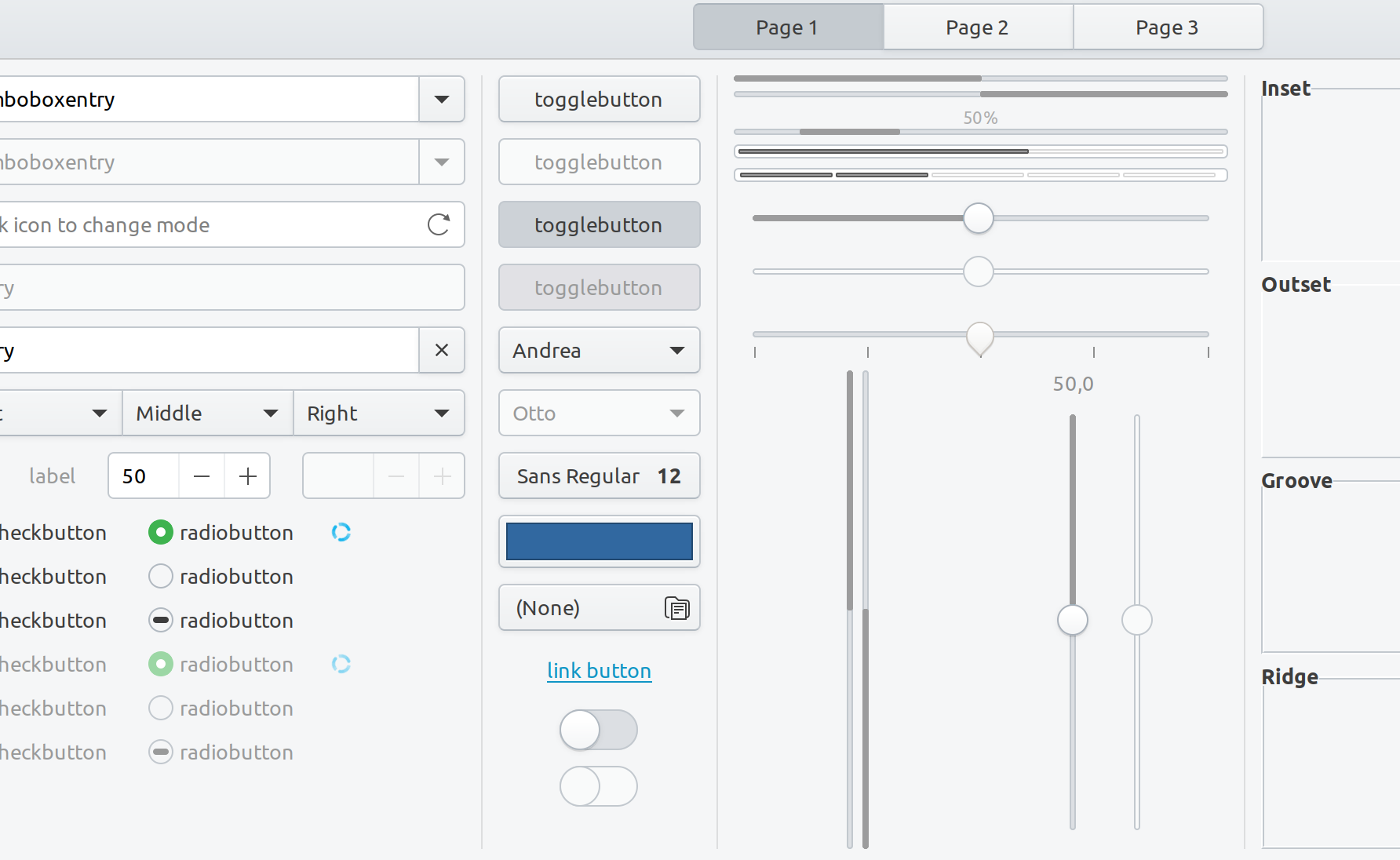
I did a few experiments and just wanted to share them here for future reference regarding the color palette review. These were my best ideas and they are pretty bad 🤦♂ I still prefer the current bright blue.
Coffee #9c9c9d
Unity8.1 Blue #335280
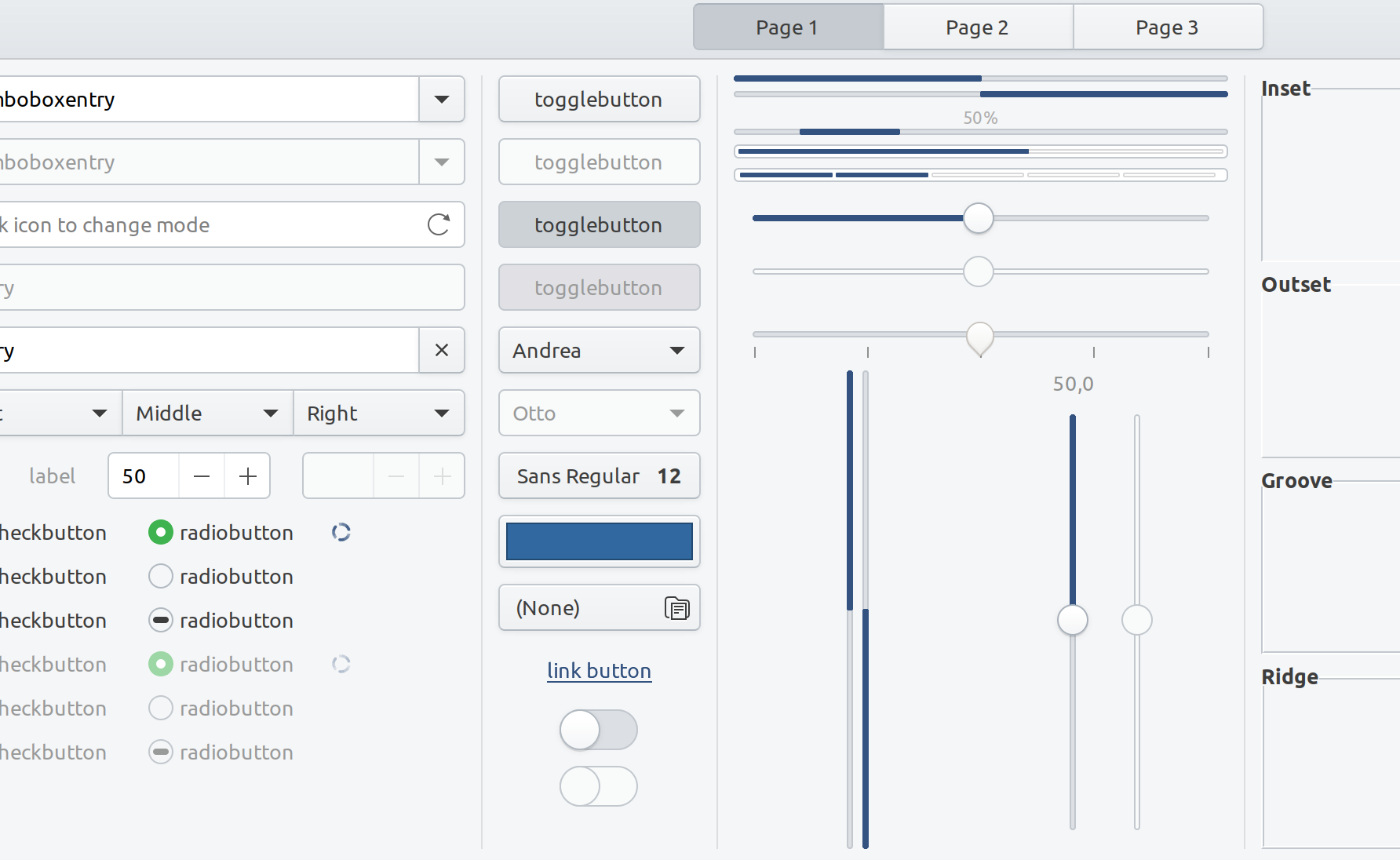
Slightly darker current blue #209dd2
madsrh
on 11 Sep 2019
Thanks for the efforts @madsrh
But I agree with you
What is exactly different now that the dark headerbar is gone in the light theme, that makes the blue different than before? It is the EXACT same bg_color and base_color and what not. Nothing changed except the headerbar. Imho this issue is pointless, sorry.
Feichtmeier
on 11 Sep 2019
It is always good to keep the progress bar bright. Most use case scenarios will support it.
meetdilip
on 12 Sep 2019
Related issues
 chrisjbillington
·
3Comments
Feichtmeier
·
3Comments
chrisjbillington
·
3Comments
Feichtmeier
·
3Comments
 sicklylife-jp
·
3Comments
Feichtmeier
·
3Comments
sicklylife-jp
·
3Comments
Feichtmeier
·
3Comments
 mivoligo
·
3Comments
mivoligo
·
3Comments