Distributor ID: Ubuntu
Description:    Ubuntu 19.04
Release:    19.04
Codename:   disco
 zd-dalibor
All 14 comments
Sorry I accidentally closed it!
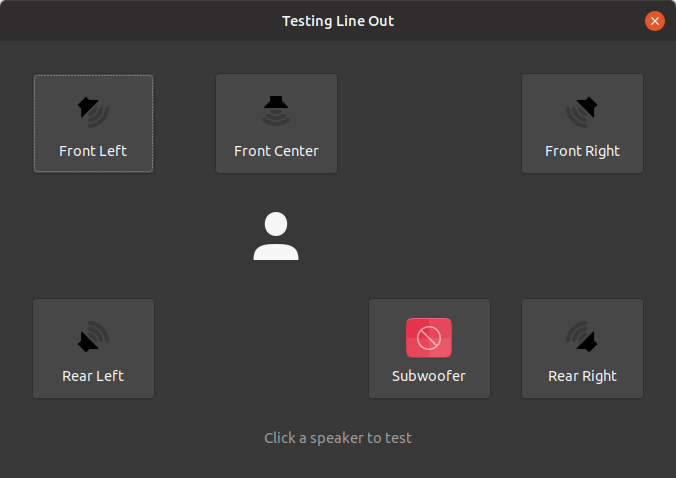
Thanks for the issue! I think on top of the missing one, we could use all the others in the yaru style.
 Feichtmeier
on 24 Aug 2019
Feichtmeier
on 24 Aug 2019
Sorry if I've asked this before @Feichtmeier but is there any way to change the color of the icons?
 madsrh
on 27 Aug 2019
madsrh
on 27 Aug 2019
Yes, symbolic icons colour can be changed. But maybe it's hard coded colour in the app. What app is this?
Feichtmeier
on 27 Aug 2019
Yes, symbolic icons colour can be changed. But maybe it's hard coded colour in the app. What app is this?
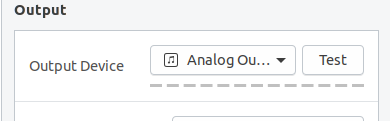
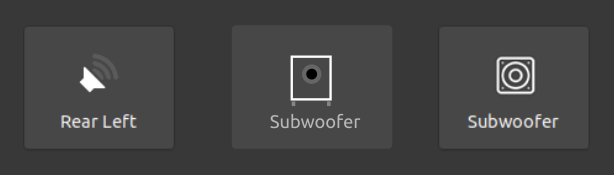
Let's hope it isn't hard coded. It's Gnome Settings ⚙️ just hit the _test_ button
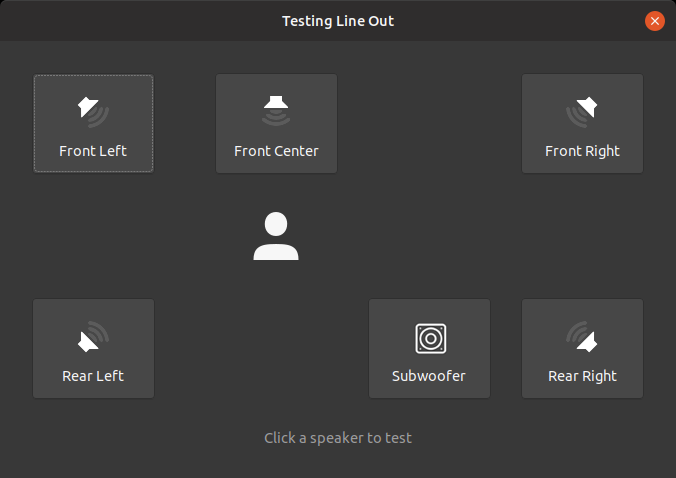
The icon below is just borrowed from the web (I'm sure @ubuntujaggers can come up with something more fitting) to illustrate how this could look with white symbolic icons (like the rest of the UI uses 😉).
madsrh
on 27 Aug 2019
@ubuntujaggers could you draw a subwoofer icon?
It's called audio-subwoofer.svg and with color audio-subwoofer-testing.svg in the devices folder.
Here is Paprius for reference.
I think the blue "testing" color is #729fcf

madsrh
on 23 Jan 2020
Just to have a list for you to check after the nice finding of mads:
[x] audio-subwoofer-testing.svg
https://github.com/PapirusDevelopmentTeam/papirus-icon-theme/blob/master/Papirus/48x48/devices/audio-subwoofer-testing.svg[x] audio-subwoofer.svg
https://github.com/PapirusDevelopmentTeam/papirus-icon-theme/blob/master/Papirus/48x48/devices/audio-subwoofer.svg[x] audio-speaker-center-back-testing.svg
https://github.com/PapirusDevelopmentTeam/papirus-icon-theme/blob/master/Papirus/48x48/devices/audio-speaker-center-back-testing.svg[x] audio-speaker-center-back.svg
https://github.com/PapirusDevelopmentTeam/papirus-icon-theme/blob/master/Papirus/48x48/devices/audio-speaker-center-back.svg[x] audio-speaker-center-testing.svg
https://github.com/PapirusDevelopmentTeam/papirus-icon-theme/blob/master/Papirus/48x48/devices/audio-speaker-center-testing.svg[x] audio-speaker-center.svg
https://github.com/PapirusDevelopmentTeam/papirus-icon-theme/blob/master/Papirus/48x48/devices/audio-speaker-center.svg[x] audio-speaker-left-back-testing.svg
https://github.com/PapirusDevelopmentTeam/papirus-icon-theme/blob/master/Papirus/48x48/devices/audio-speaker-left-back-testing.svg[x] audio-speaker-left-back.svg
https://github.com/PapirusDevelopmentTeam/papirus-icon-theme/blob/master/Papirus/48x48/devices/audio-speaker-left-back.svg[x] audio-speaker-left-side-testing.svg
https://github.com/PapirusDevelopmentTeam/papirus-icon-theme/blob/master/Papirus/48x48/devices/audio-speaker-left-side-testing.svg[x] audio-speaker-left-side.svg
https://github.com/PapirusDevelopmentTeam/papirus-icon-theme/blob/master/Papirus/48x48/devices/audio-speaker-left-side.svg[x] audio-speaker-left-testing.svg
https://github.com/PapirusDevelopmentTeam/papirus-icon-theme/blob/master/Papirus/48x48/devices/audio-speaker-left-testing.svg[x] audio-speaker-left.svg
https://github.com/PapirusDevelopmentTeam/papirus-icon-theme/blob/master/Papirus/48x48/devices/audio-speaker-left.svg[x] audio-speaker-mono-testing.svg
https://github.com/PapirusDevelopmentTeam/papirus-icon-theme/blob/master/Papirus/48x48/devices/audio-speaker-mono-testing.svg[x] audio-speaker-mono.svg
https://github.com/PapirusDevelopmentTeam/papirus-icon-theme/blob/master/Papirus/48x48/devices/audio-speaker-mono.svg[x] audio-speaker-right-back-testing.svg
https://github.com/PapirusDevelopmentTeam/papirus-icon-theme/blob/master/Papirus/48x48/devices/audio-speaker-right-back-testing.svg[x] audio-speaker-right-back.svg
https://github.com/PapirusDevelopmentTeam/papirus-icon-theme/blob/master/Papirus/48x48/devices/audio-speaker-right-back.svg[x] audio-speaker-right-side-testing.svg
https://github.com/PapirusDevelopmentTeam/papirus-icon-theme/blob/master/Papirus/48x48/devices/audio-speaker-right-side-testing.svg[x] audio-speaker-right-side.svg
https://github.com/PapirusDevelopmentTeam/papirus-icon-theme/blob/master/Papirus/48x48/devices/audio-speaker-right-side.svg[x] audio-speaker-right-testing.svg
https://github.com/PapirusDevelopmentTeam/papirus-icon-theme/blob/master/Papirus/48x48/devices/audio-speaker-right-testing.svg[x] audio-speaker-right.svg
https://github.com/PapirusDevelopmentTeam/papirus-icon-theme/blob/master/Papirus/48x48/devices/audio-speaker-right.svg
Rofl xD For every corner there is a normal and a -testing icon with blue color
Feichtmeier
on 23 Jan 2020
Good diagnosis!
 ubuntujaggers
on 23 Jan 2020
ubuntujaggers
on 23 Jan 2020
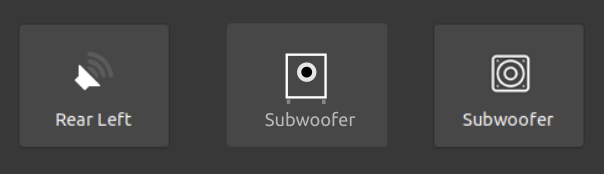
You want blue colour with white background ?
 meetdilip
on 24 Jan 2020
meetdilip
on 24 Jan 2020
You want blue colour with white background ?
The blue color is only when the speaker is tested (sound is coming from the speaker). If @ubuntujaggers is redoing all of the icons, he can just use another color (one that work great on light and dark background) - as long as all the icons match :)
madsrh
on 24 Jan 2020
Made from @madsrh 's hex code
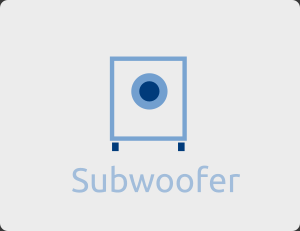
Edit : Me and @madsrh posted at the same time. Didn't see the previous reply.
meetdilip
on 24 Jan 2020
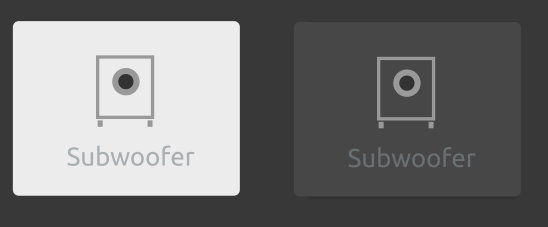
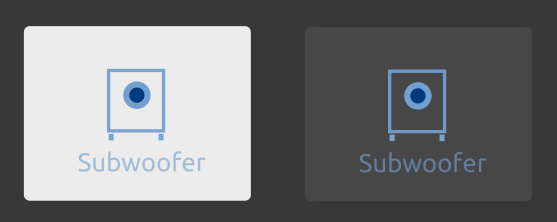
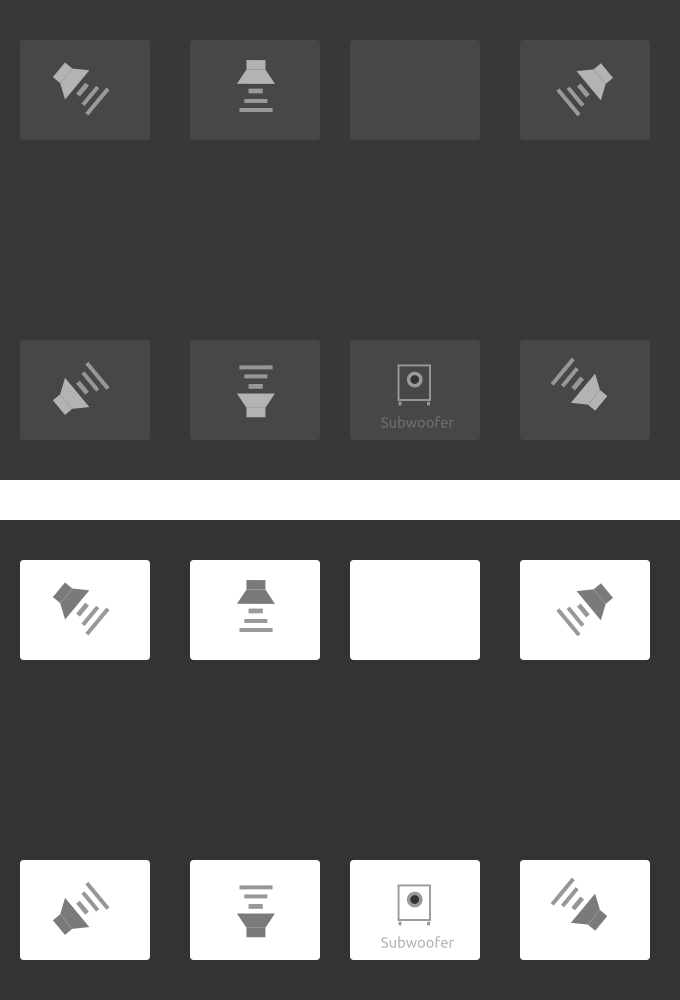
Same icon, different backgrounds.
meetdilip
on 24 Jan 2020
Managed to identify the colour which works with both backgrounds. Same icon, different backgrounds. Also, I am not sure what " mono " is and which position it will take. Care to share a screenshot ?
meetdilip
on 24 Jan 2020
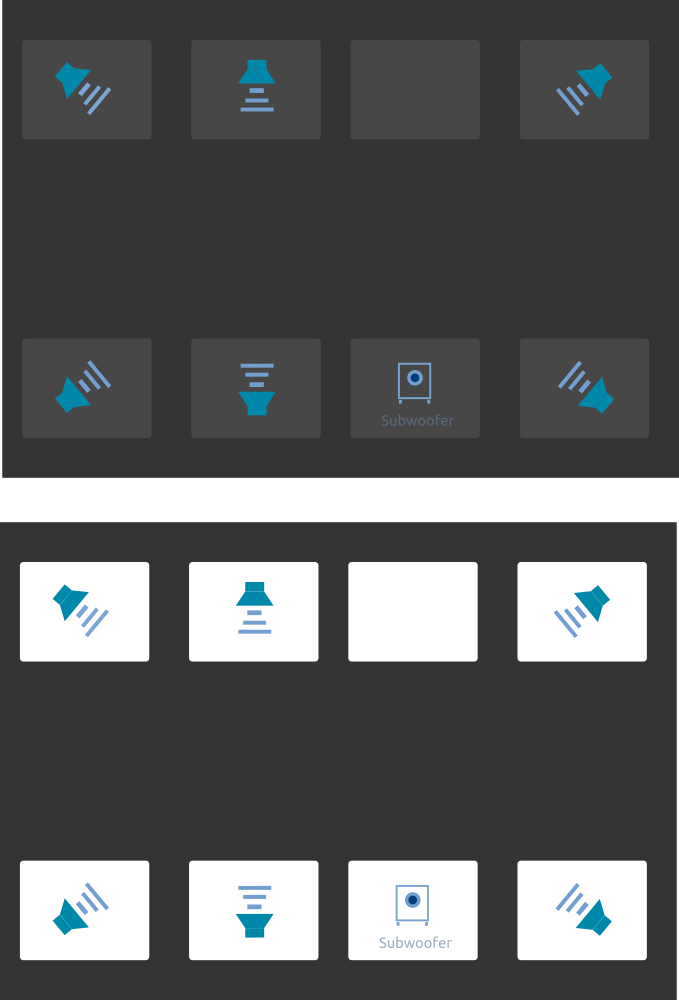
Testing icons in blue
meetdilip
on 24 Jan 2020
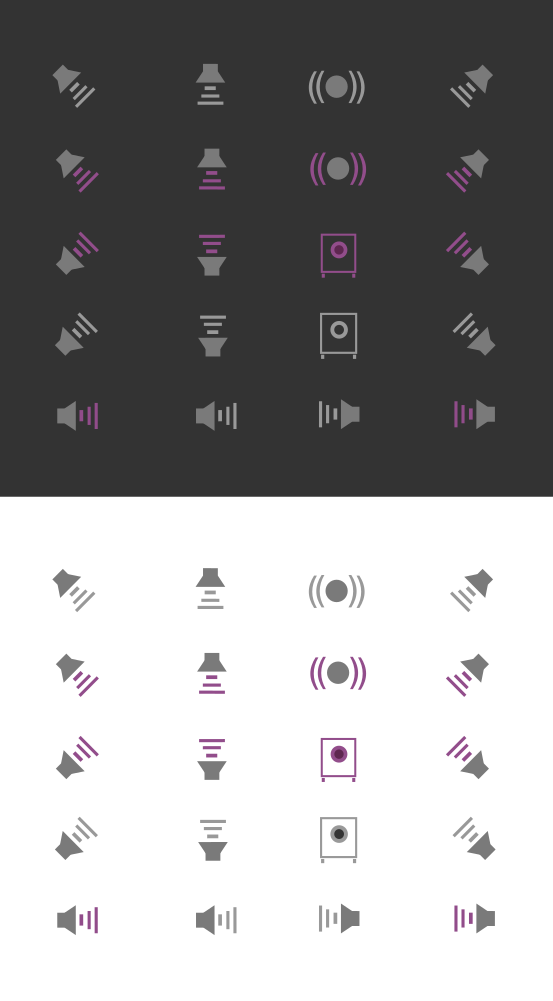
Just for reference
meetdilip
on 25 Jan 2020
Related issues
madsrh
·
3Comments
 eaglersdeveloper
·
3Comments
eaglersdeveloper
·
3Comments
 matthewpaulthomas
·
3Comments
Feichtmeier
·
3Comments
matthewpaulthomas
·
3Comments
Feichtmeier
·
3Comments
 sicklylife-jp
·
3Comments
sicklylife-jp
·
3Comments
Most helpful comment
Just for reference