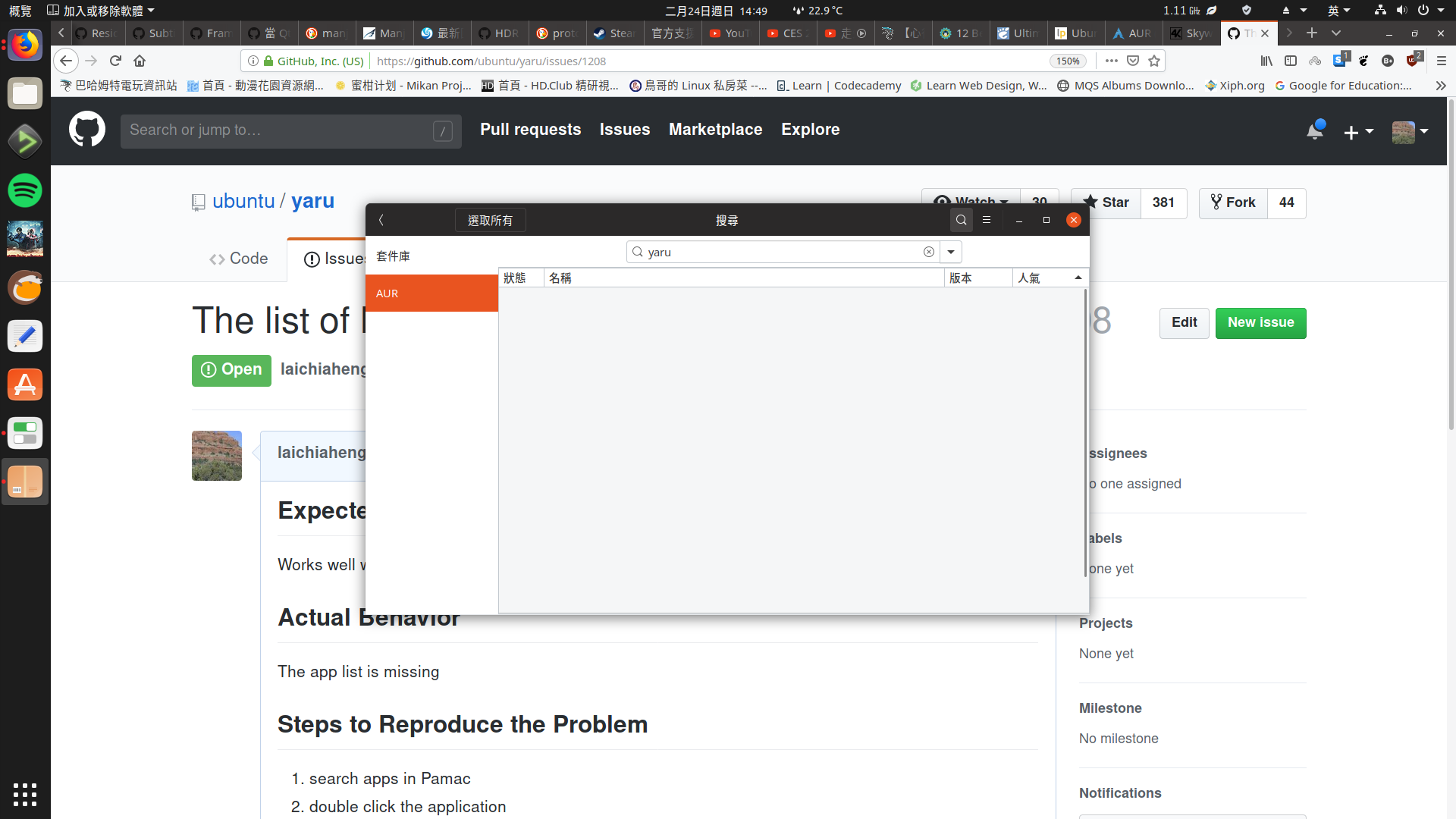
Yaru: The app list of Pamac is missing with Yaru GTK theme.
Expected Behavior
Works well with Pamac
Actual Behavior
The app list is missing
Steps to Reproduce the Problem
- search apps in Pamac
- double click the application to view the description
- go back to the app list
- click on the app list
Specifications
Software that presents the issue:
- Name: yaru-gtk-theme (AUR)
- Version: 19.04-2
 laichiaheng
All 18 comments
Thanks for taking the time to report this issue @laichiaheng
Can you tell me if the app list is also missing with the Adwaita theme?
 madsrh
on 24 Feb 2019
madsrh
on 24 Feb 2019
@madsrh No, it doesn't.
laichiaheng
on 24 Feb 2019
@madsrh It only happens to the AUR app list.
laichiaheng
on 25 Feb 2019
It looks more a system problem, yaru only styles the results
 clobrano
on 25 Feb 2019
clobrano
on 25 Feb 2019
@clobrano But other GTK themes don't have this problem.
laichiaheng
on 25 Feb 2019
I understand, but Yaru on AUR is kind of experimental. I really can't understand how a theme (installed properly) can discard a list of items to display. I can only think of weird behavior when every element of this list is white on white, or transparent.
clobrano
on 25 Feb 2019
@laichiaheng could you please post a screenshot of your app using adwaita?
We officially only support Ubuntu but if it's easy to fix for other distros we can maybe do something. But I don't have time to set up an arch VM to debug this, I didnt even know this app exists
Edit: also - is that aur package up to date and correctly packaged? Might check to just install this theme from src instead https://github.com/ubuntu/yaru/blob/master/CONTRIBUTING.md#build-and-install-themes-from-source
 Feichtmeier
on 3 May 2019
Feichtmeier
on 3 May 2019
@Feichtmeier
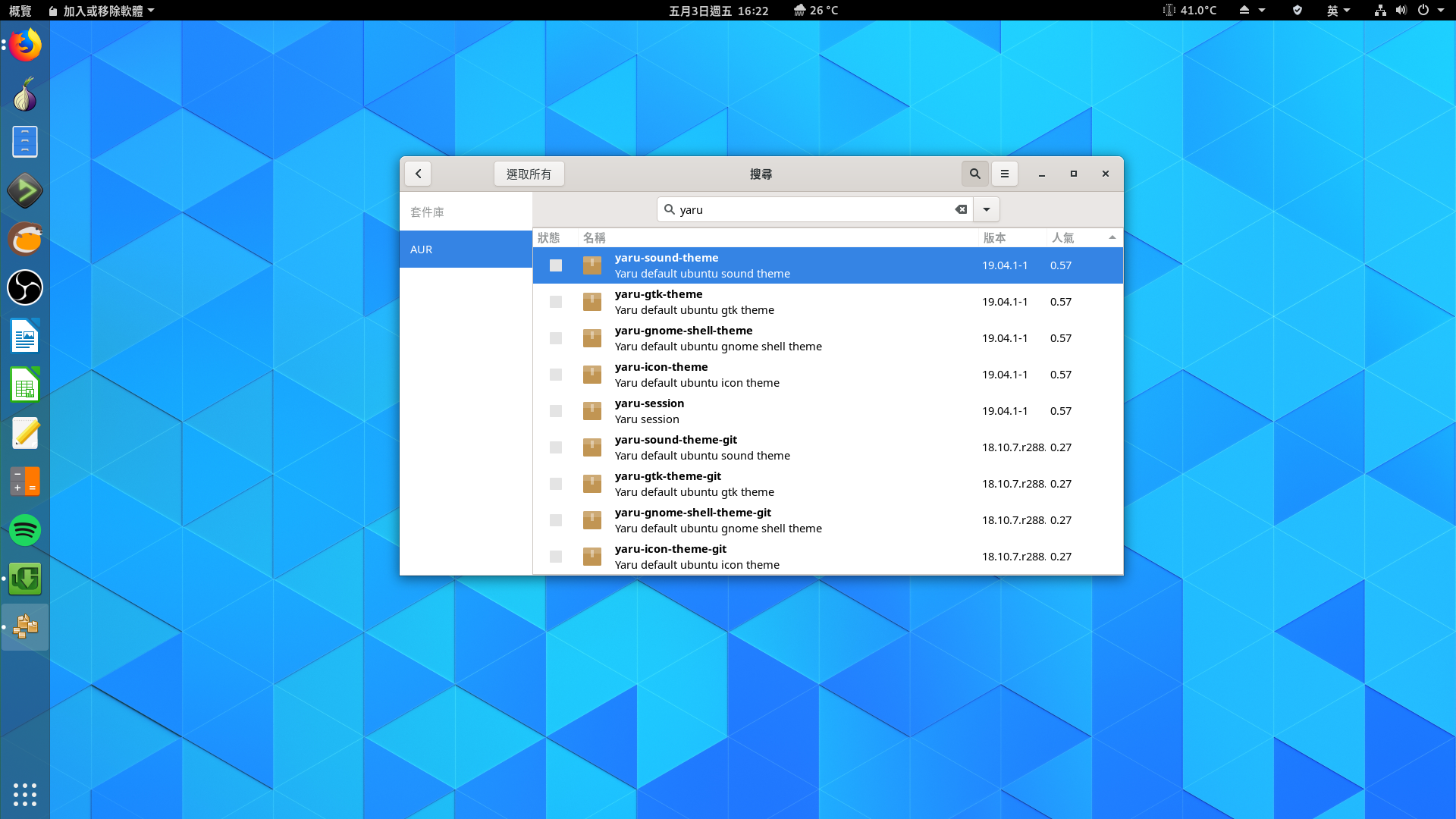
It still happens if I build it myself, there is no libgtk-3-dev in arch though.
laichiaheng
on 3 May 2019
@laichiaheng thanks!
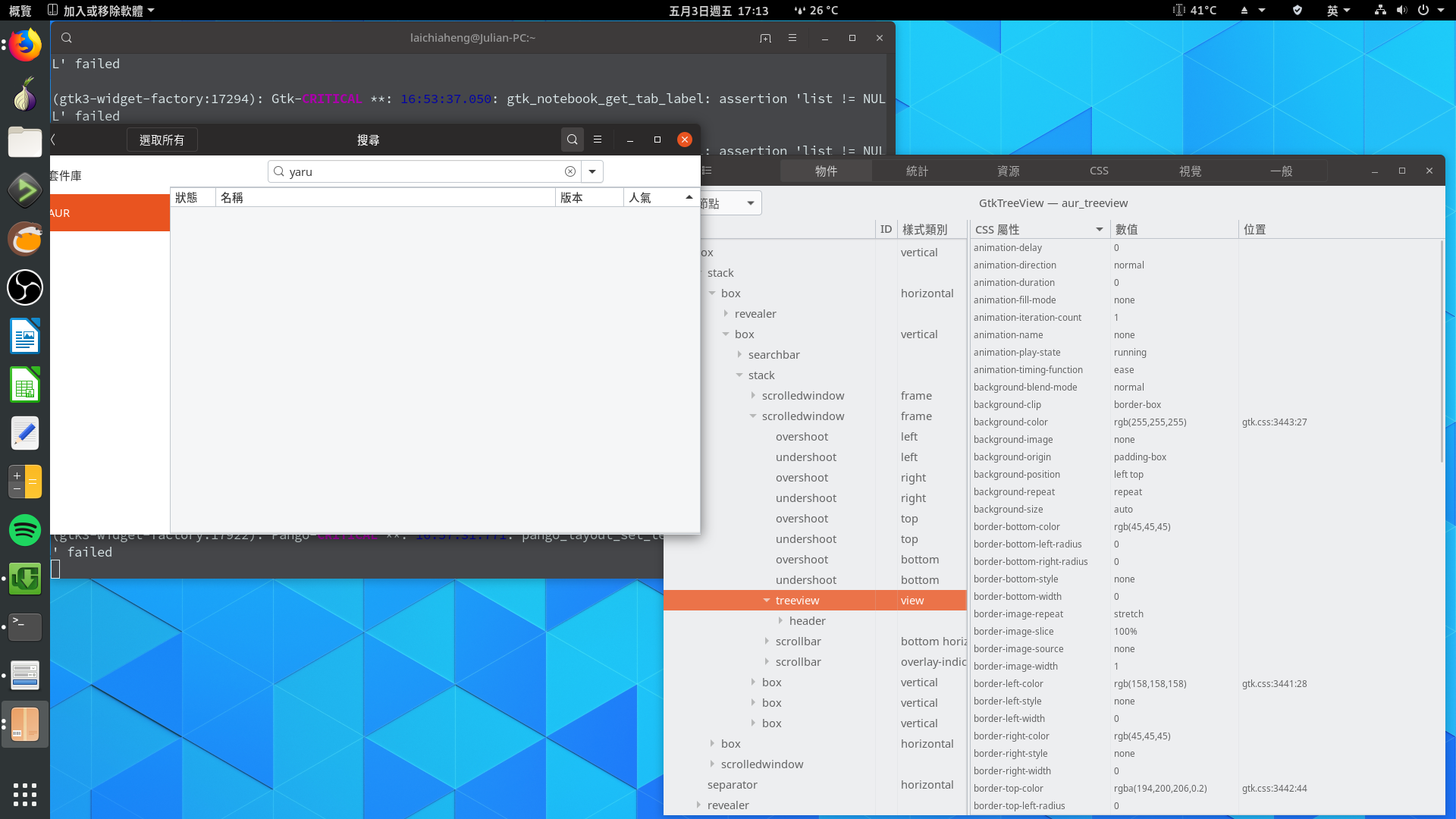
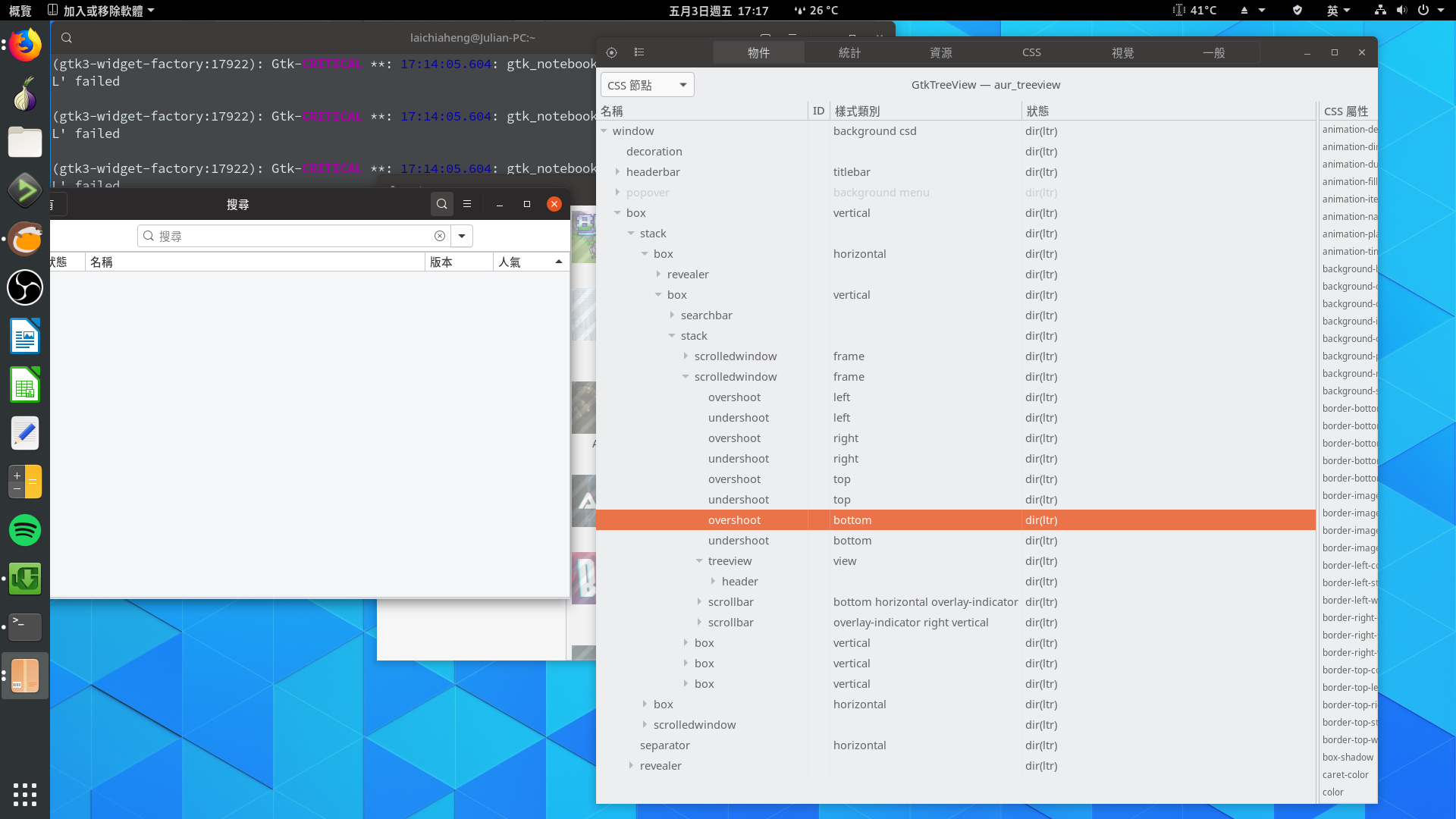
Could you check with the gtk inspector which widget hierarchy had been used there? Or just post a screenshot of your gtk inspector?
You can enable it with
https://github.com/ubuntu/yaru/blob/master/CONTRIBUTING.md#quick-testing-in-the-gtk-inspector
Feichtmeier
on 3 May 2019
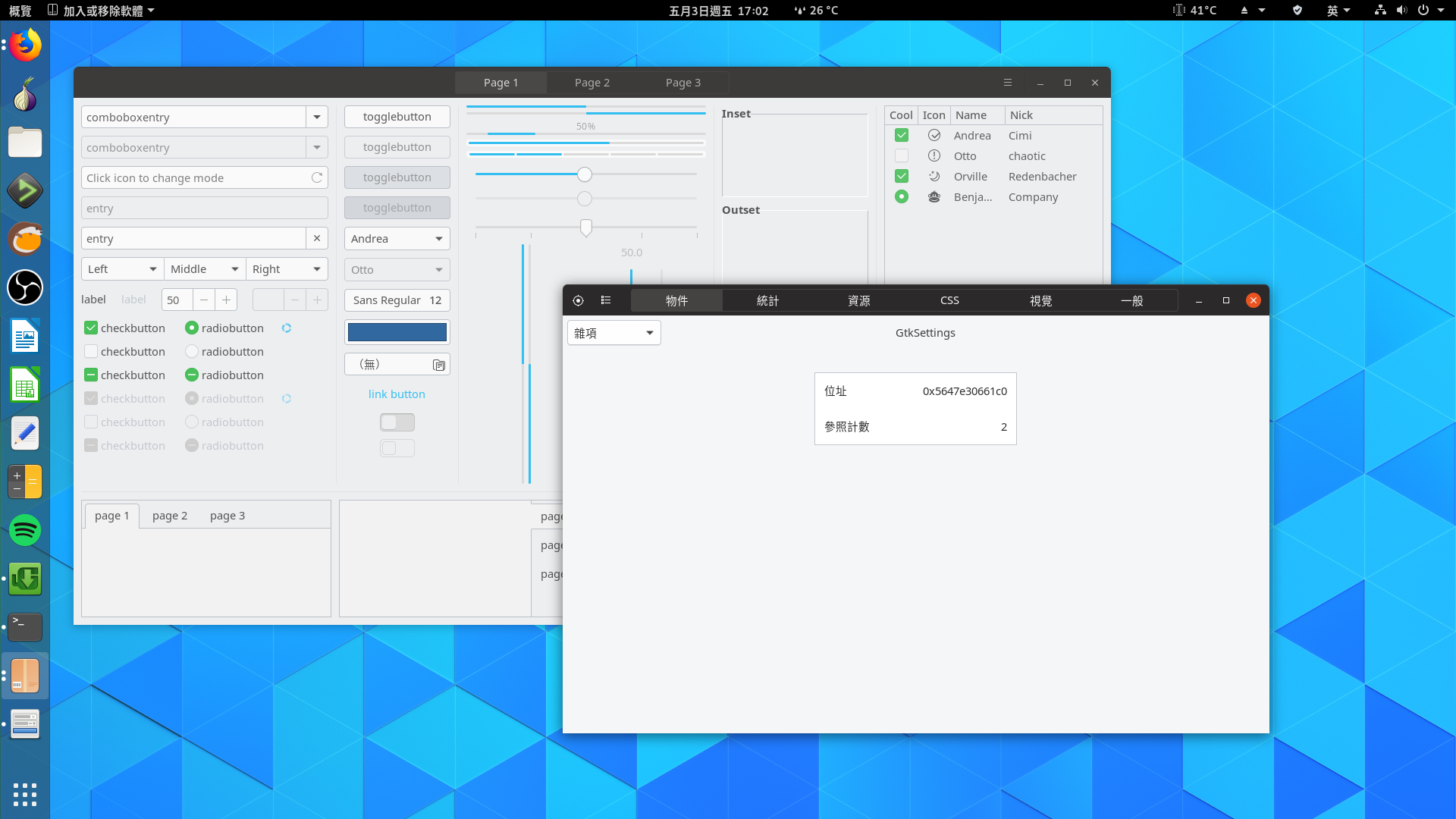
@Feichtmeier What should I do after I open the widget factory and the inspector?
laichiaheng
on 3 May 2019
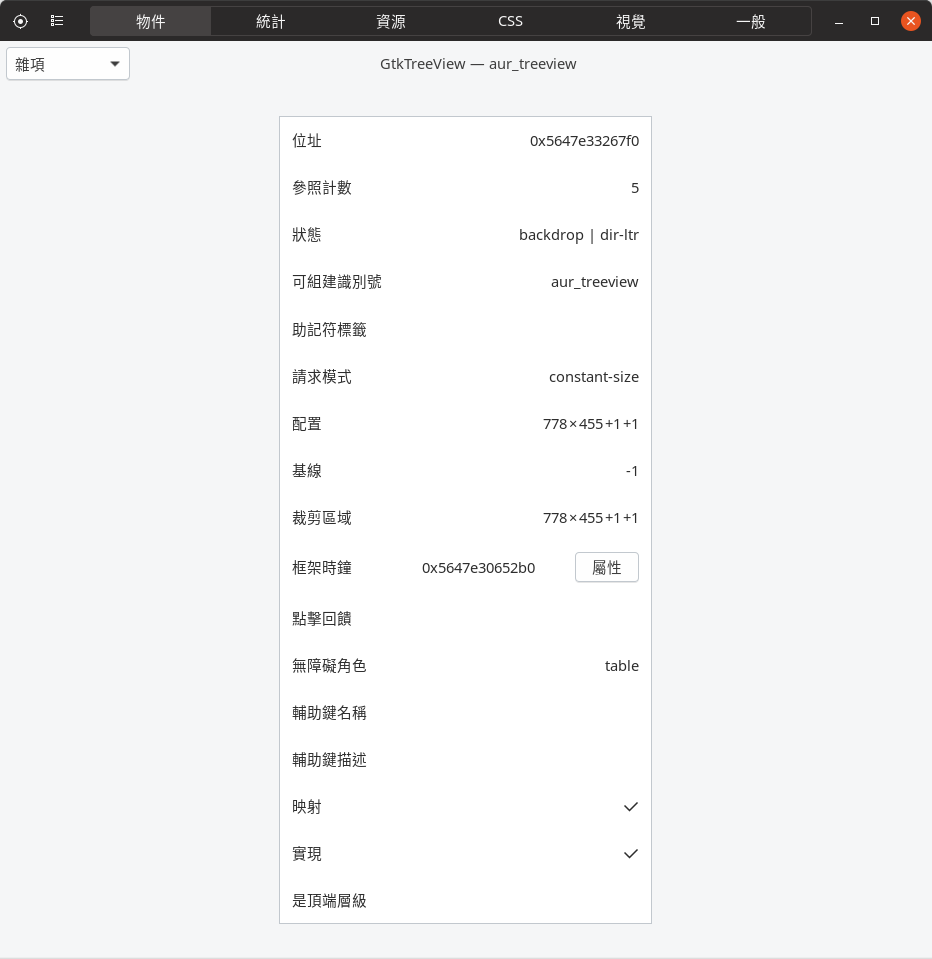
@Feichtmeier Or this?
laichiaheng
on 3 May 2019
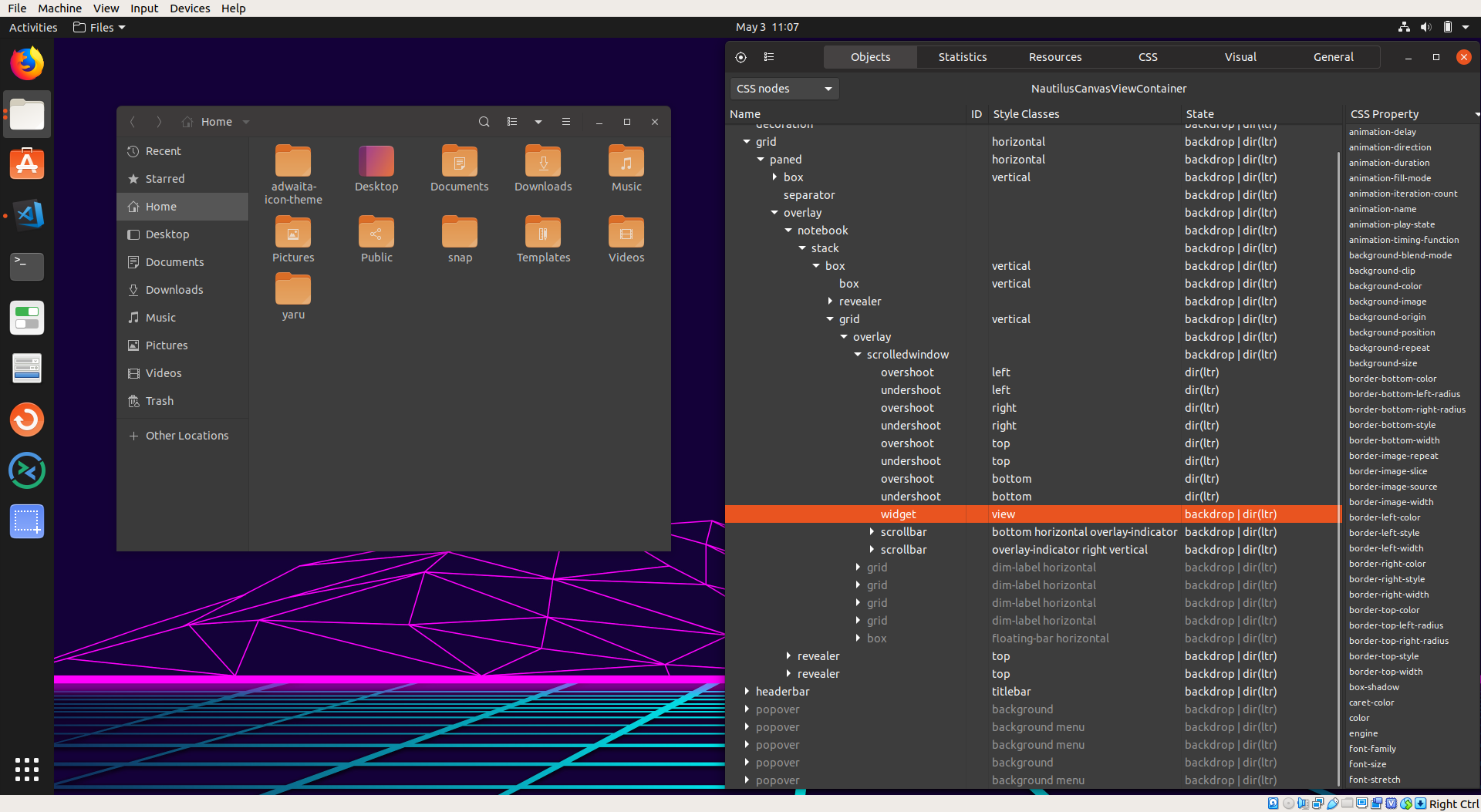
Ah nice - you need to
1) open that pamac app
2) open the inspector with that hotkey
3) click that crosshair/bullseye symbol in the top left and then select the bugged element of the pamac app
4) select the combobox in the top left corner (under the corsshair/bullseye symbol) and select "CSS Nodes" (in chinese ;D )
5) make a good screenshot of the hierarchy like for example here:
Feichtmeier
on 3 May 2019
laichiaheng
on 3 May 2019
Thanks we're almost there
could you please drag that right side of the gtk inspector to become smaller? so we can see the style classes of the selected widget in the left part of the window?
Feichtmeier
on 3 May 2019
laichiaheng
on 3 May 2019
Could you please test this with the new master branch?
Best regards
Feichtmeier
on 6 Aug 2019
@Feichtmeier It seems to work now.
I only test it with the yaru-gtk-theme-git in AUR.
laichiaheng
on 7 Aug 2019
Thank you for reporting back! Closing it then
Feichtmeier
on 7 Aug 2019
Related issues
 matthewpaulthomas
·
3Comments
matthewpaulthomas
·
3Comments
 chrisjbillington
·
3Comments
chrisjbillington
·
3Comments
 8none1
·
3Comments
8none1
·
3Comments
 eaglersdeveloper
·
3Comments
eaglersdeveloper
·
3Comments
 YamiYukiSenpai
·
3Comments
YamiYukiSenpai
·
3Comments