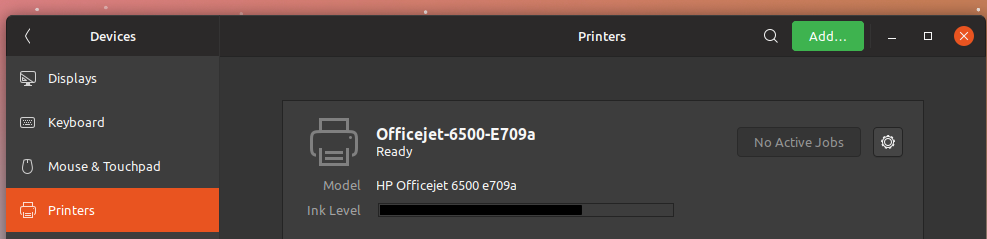
Yaru: Printer setting/ ink level scale color/thickness
Not sure if it is a real issue ... wdyt?
 Paz-it
All 20 comments
Could you post a comparison to the light theme?
And that's not suru you are using there, right? =) It's suru++? Because their symbolic icons have often the wrong color
 Feichtmeier
on 9 Aug 2018
Feichtmeier
on 9 Aug 2018
@Feichtmeier Yes, Not Suru++ ( Arrongin-Suru) So ignore the icons :)
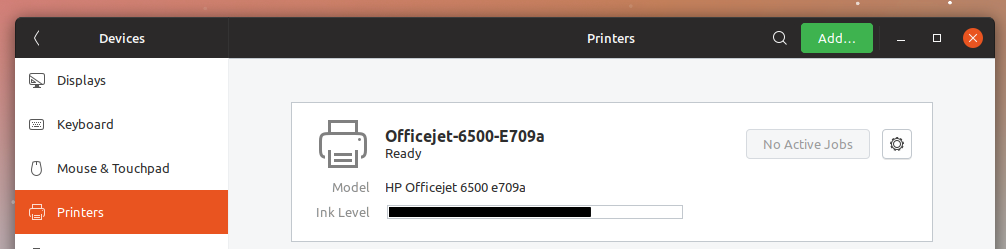
Here is the light version:
Paz-it
on 9 Aug 2018
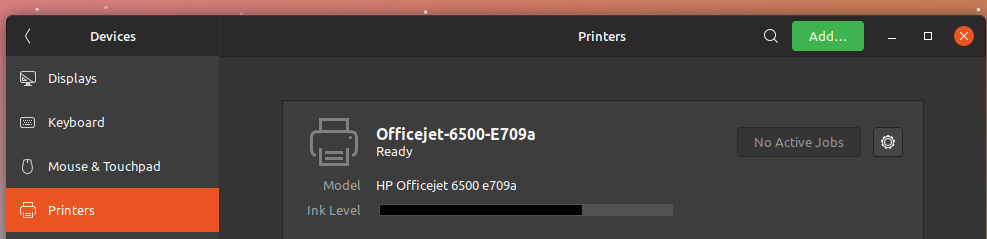
Hmm, we use the dark borders so technically this is by-the-book, but I do think that the black border could be slightly more distinct from the ink bar.
Perhaps this is better?
 madsrh
on 10 Aug 2018
madsrh
on 10 Aug 2018
Then this "ink panel" should be applied also to the light theme.
 eaglersdeveloper
on 10 Aug 2018
eaglersdeveloper
on 10 Aug 2018
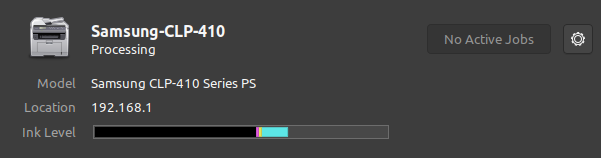
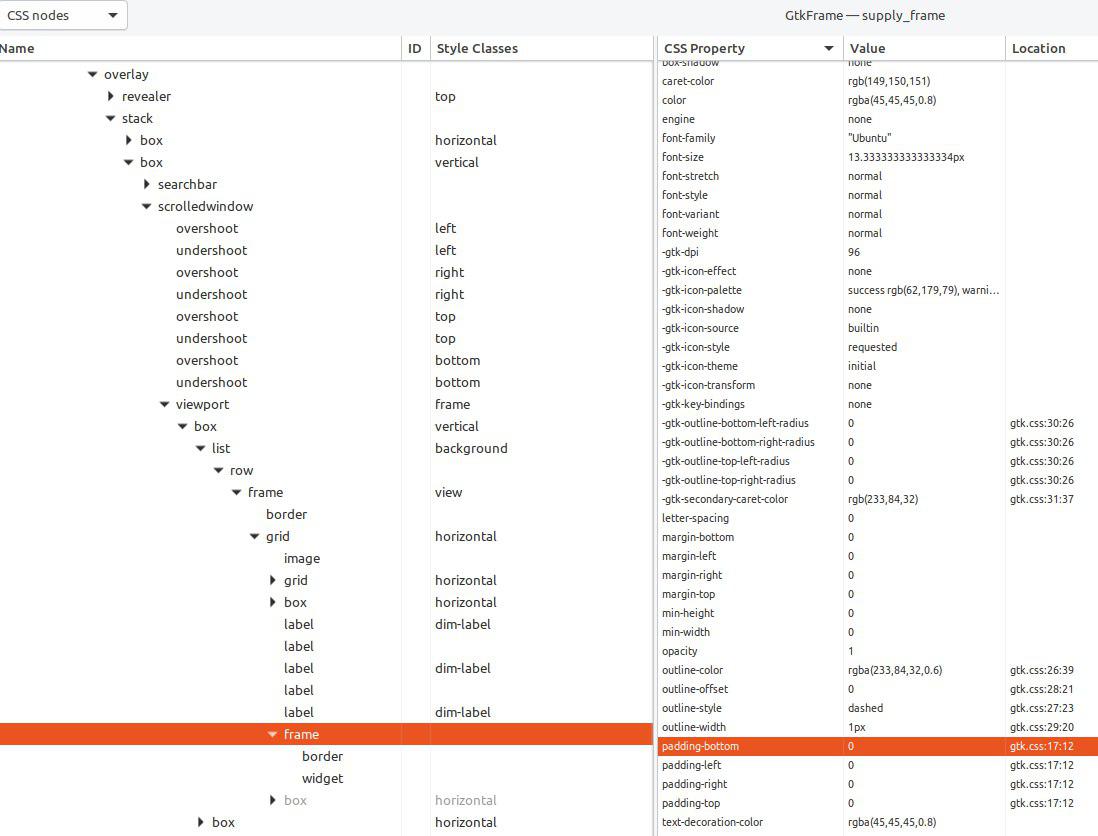
I don't have printers which supports this kind of ink information so could anyone with one of those open the gtk inspector and tell us which style class / style ID it has? :)
Feichtmeier
on 10 Aug 2018
madsrh
on 10 Aug 2018
Feichtmeier
on 11 Aug 2018
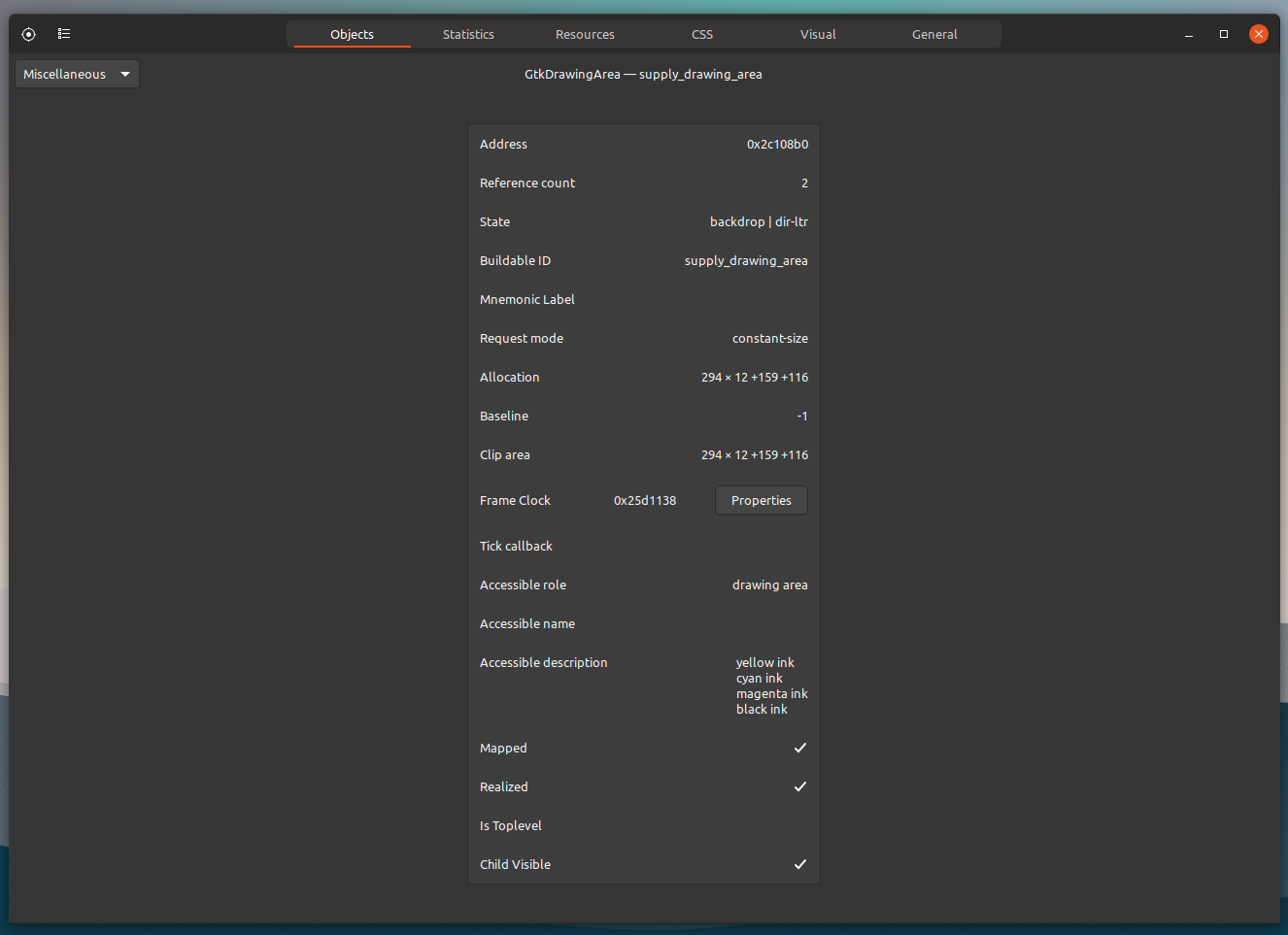
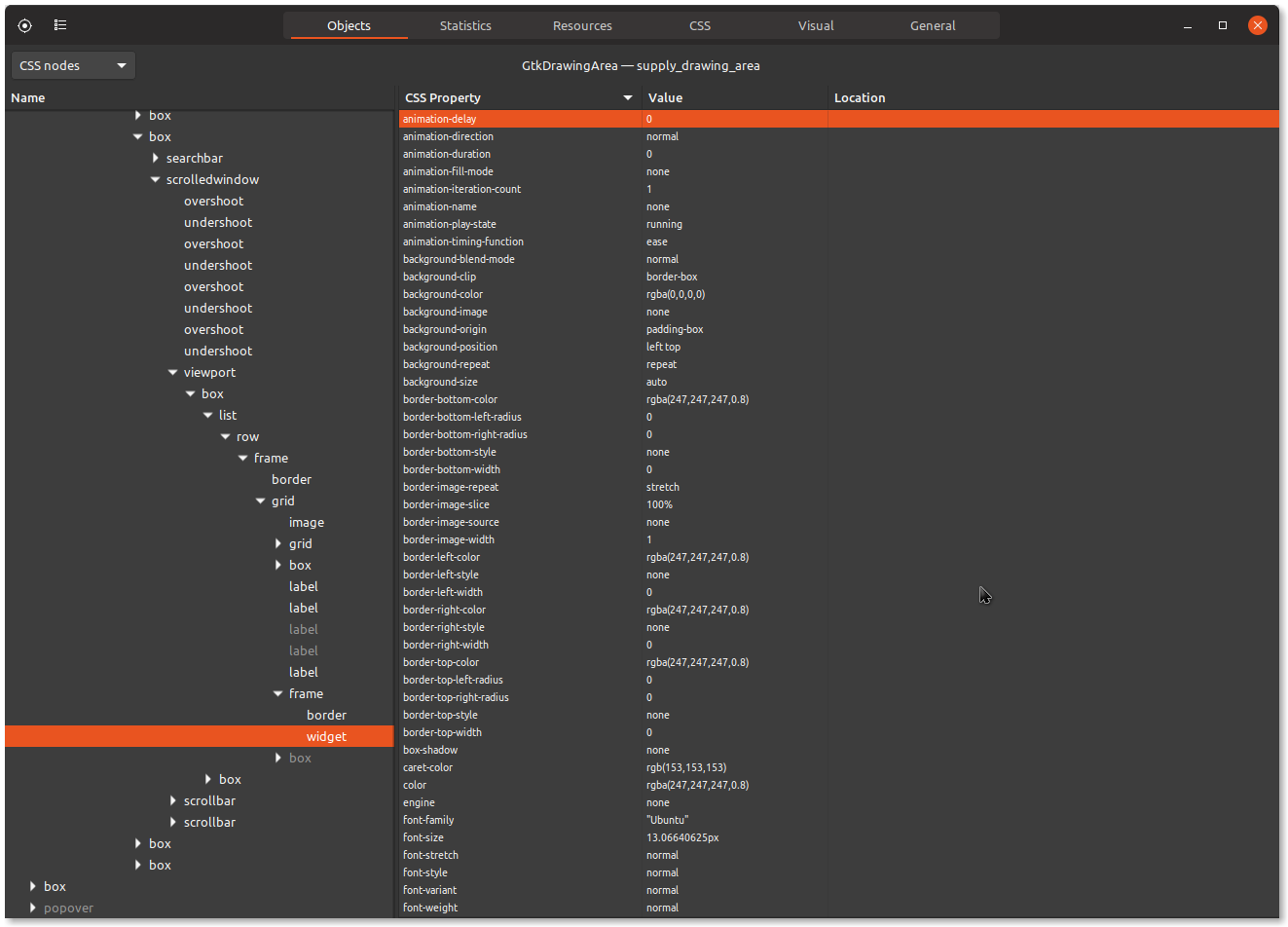
Managed it :dancer:
Paz-it
on 11 Aug 2018
What do we want to do with this ticket? Current state doesn't look bad actually
 clobrano
on 30 Nov 2018
clobrano
on 30 Nov 2018
I think lightening the border would be nice, but I can not check it because I do not own such a printer : /
Feichtmeier
on 30 Nov 2018
In the end, it just uses the border we use for the dark variant, so I would not call anything "broken" here.
The black bar is actually the black part of CMYK
Feichtmeier
on 30 Nov 2018
I think @madsrh did it already. His solution is very good.
Paz-it
on 30 Nov 2018
That was just a mockup. I have no printer to test this, could anyone show
the gtk inspector page with the classes? In the pictures above they're
always hidden
Il giorno ven 30 nov 2018, 22:15 Paz-it notifications@github.com ha
scritto:
I think @madsrh https://github.com/madsrh did it already. His solution
is very good.—
You are receiving this because you were assigned.
Reply to this email directly, view it on GitHub
https://github.com/ubuntu/yaru/issues/699#issuecomment-443341658, or mute
the thread
https://github.com/notifications/unsubscribe-auth/ACwAHpCo7XXSzJ56OSbecgqF4FE5pilhks5u0Z_mgaJpZM4V2Aat
.
clobrano
on 1 Dec 2018
@clobrano , I know It's just a mockup :smile:
What is hidden in my pictures above.
What exactly do you need to see in the gnome inspector?
Paz-it
on 2 Dec 2018
name and style class and state

(this is only an example)
Feichtmeier
on 3 Dec 2018
Sorry @Feichtmeier but I'm not sure what I'm looking for here. Is this it?

madsrh
on 24 Dec 2018
@madsrh, sorry for the late reply. The screenshot is exactly what I meant, perfect
clobrano
on 30 Dec 2018
unfortunately, I don't see any style class we can use to specify a different styling only for this widget.
@madsrh, the mockup in this comment, did you make it changing the css or modifying the screenshot?
clobrano
on 30 Dec 2018
the mockup in this comment, did you make it changing the css or modifying the screenshot?
Sorry @clobrano this is GIMPed 😣 No CSS
madsrh
on 30 Dec 2018
I feared that, so I think there's no way to do it. At least not to change only this occurence
clobrano
on 30 Dec 2018
Related issues
 CDrummond
·
3Comments
CDrummond
·
3Comments
 8none1
·
3Comments
Feichtmeier
·
3Comments
madsrh
·
3Comments
madsrh
·
3Comments
8none1
·
3Comments
Feichtmeier
·
3Comments
madsrh
·
3Comments
madsrh
·
3Comments
Most helpful comment