Xenia: Big slowdown in games after 9a588412 "[D3D12] ROV: Use MSAA instead of SSAA"
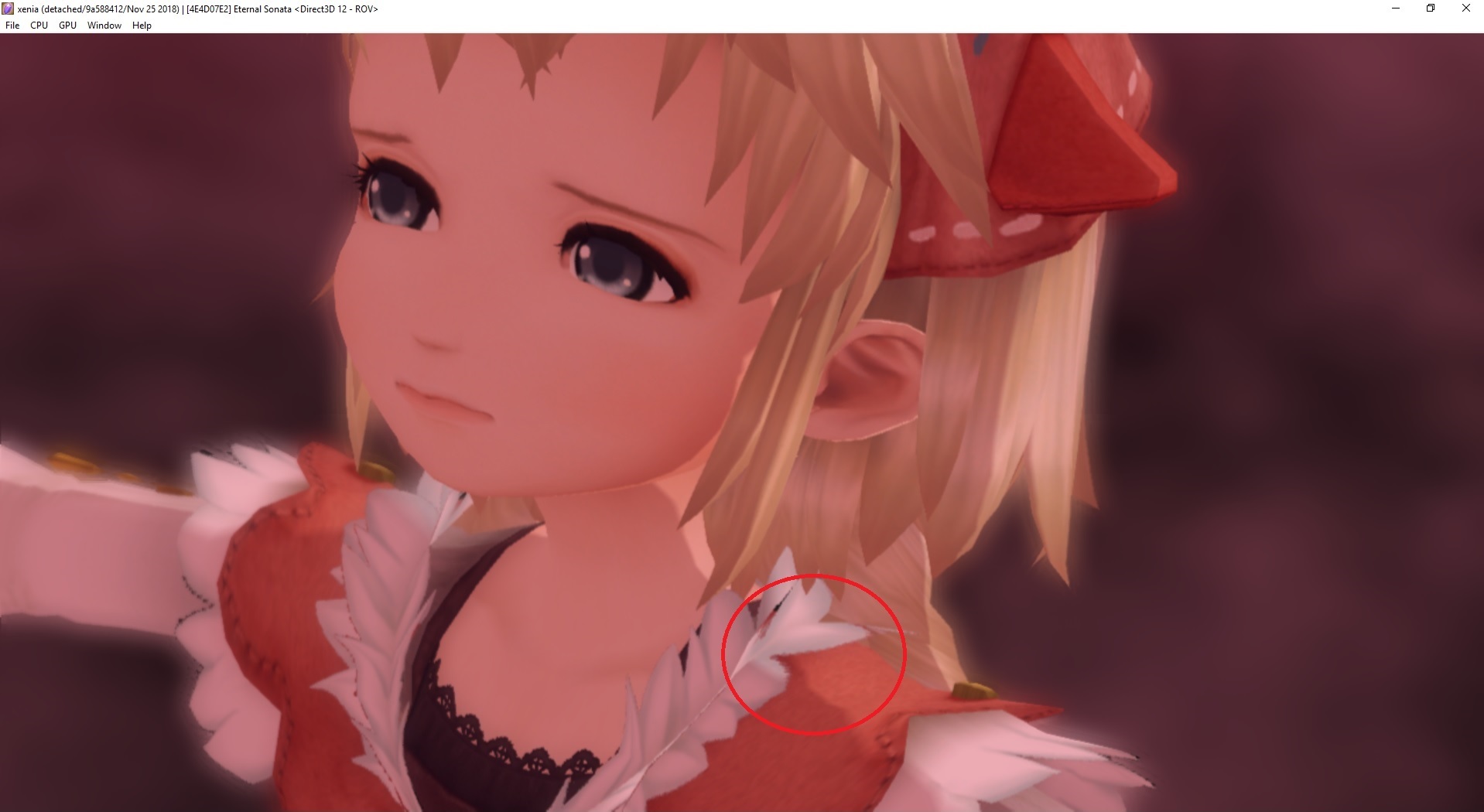
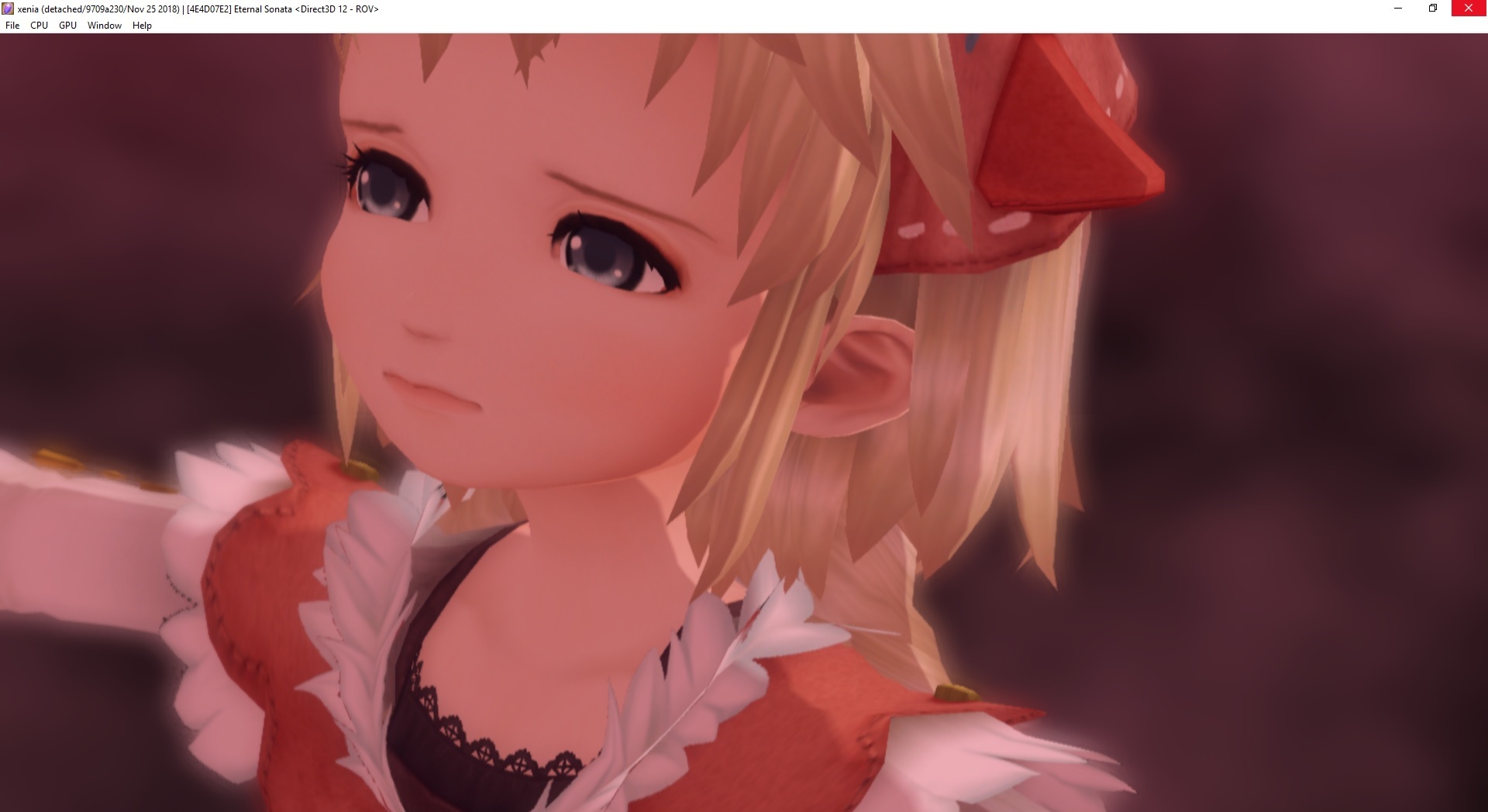
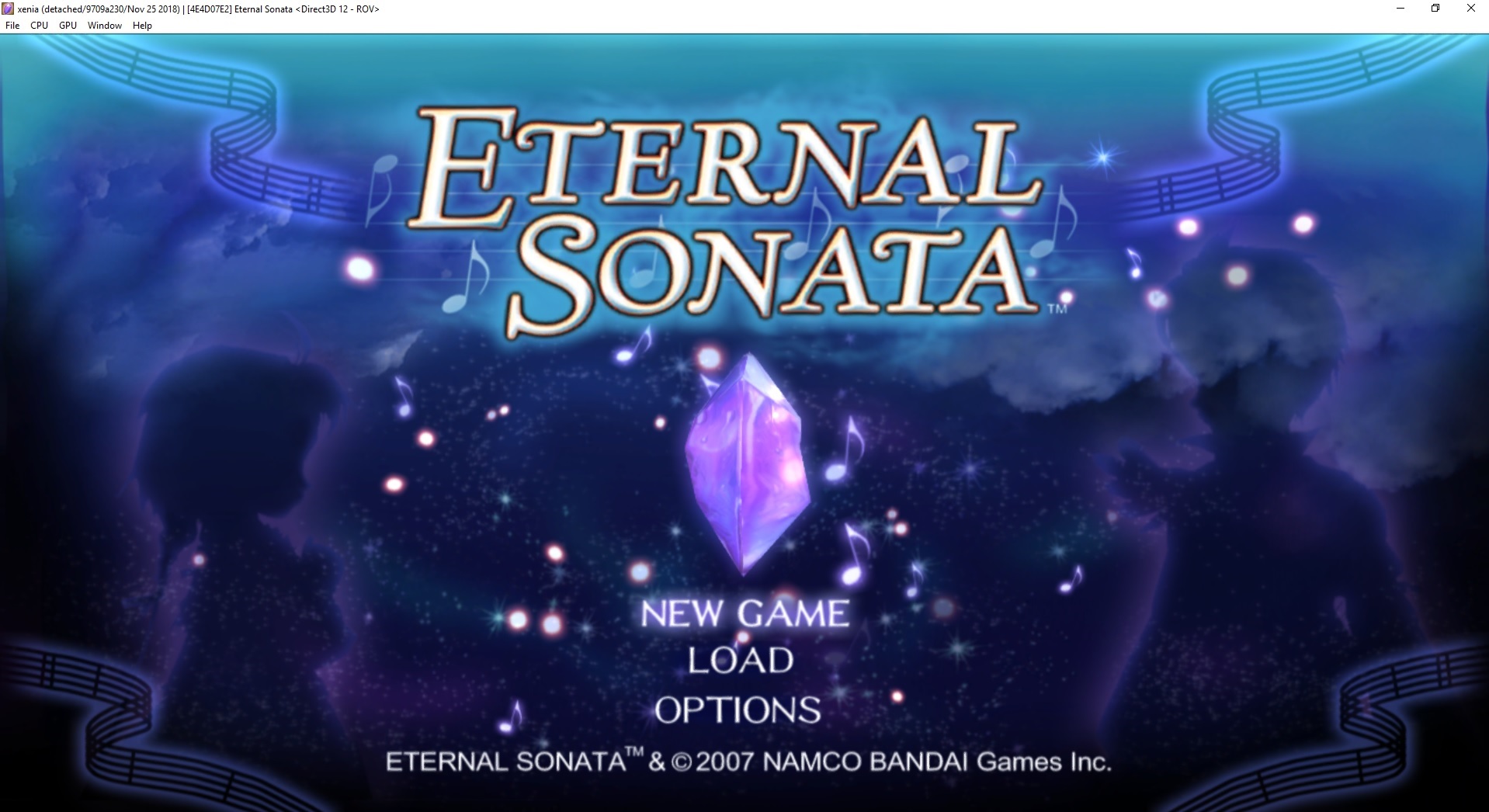
Games have a slowdown after the build 9a588412 "[D3D12] ROV: Use MSAA instead of SSAA" and not only that, they look worse. Eternal sonata also has some graphical artifacts with this build. (Third image, in the "New game" text) There´s some white noise in this new build.
Tested games with slowdowns: Bayonetta and eternal sonata (Comparing 9a588412 vs previous build 9709a230)
9a588412:
9709a230:
9a588412:

9709a230:
 LuismaSP89
All 9 comments
Heres some videos comparing the artifacts and slowdown:
LuismaSP89
on 26 Nov 2018
It looks worse because MSAA is a downgrade from SSAA, but is more accurate.
 Margen67
on 26 Nov 2018
Margen67
on 26 Nov 2018
It looks worse because MSAA is a downgrade from SSAA, but is more accurate.
Yes, I know that MSAA is a downgrade, but it needs less graphic power than SSAA, it makes no sense the slowdown, so maybe the code is not perfectly implemented yet. I don´t know if is "more accurate" but SSAA looks better in all games.
LuismaSP89
on 26 Nov 2018
If you want games to look better just wait for resolution scaling.
Margen67
on 27 Nov 2018
The main reason of this issue is the slowdown introduced in that build, not only the downgrade of the visuals or the graphical artifacts.
LuismaSP89
on 27 Nov 2018
What graphics card do you have? It's really weird that this happens.
 Triang3l
on 27 Nov 2018
Triang3l
on 27 Nov 2018
Nvidia GTX 970
Btw, I also tested with different drivers version, the latest "416.94" and 398.46 from July, both the same. Slowdown after this build.
LuismaSP89
on 27 Nov 2018
@Triang3l Ok, I found where the issue is.
The problem is with the nvidia graphics card having enabled the (Antiliasing - Transparency) option other than multisample. If you select supersample (no matters if 2x, 4x or 8x) the graphical problems and the big slowdown comes in.
So, in short, supersample options in the antialiasing - transparency options of the nvidia control panel have problems after build 9a58841 causing graphical artifacts and huge slowdown. If you disable this option for xenia, or only enables multisample, all works as it should.
I´ll keep this open if you need to change something to solve this, or you can close by yourself, feel free to do that.
Thanks a lot for your help and keep making Xenia the awesome emulator that it is ; )
LuismaSP89
on 6 Dec 2018
@LuismaSP89 We don't support any of those overrides because the way Xenia writes things to render targets is extremely customized, especially in the ROV path where we aren't using the fixed-function output-merger hardware at all.
Triang3l
on 7 Dec 2018
Related issues
 TotalCaesar659
·
4Comments
TotalCaesar659
·
4Comments
 kobyaustin1
·
4Comments
kobyaustin1
·
4Comments
 mkMoSs
·
3Comments
mkMoSs
·
3Comments
 yugi1408
·
3Comments
yugi1408
·
3Comments
 arcadee1977
·
3Comments
arcadee1977
·
3Comments
Most helpful comment
The main reason of this issue is the slowdown introduced in that build, not only the downgrade of the visuals or the graphical artifacts.