Wysiwyg-editor: Bullet Indent/Outdent Issue
Steps to reproduce the problem.
I am facing issue related to bullet indent/outdent which is as follows:
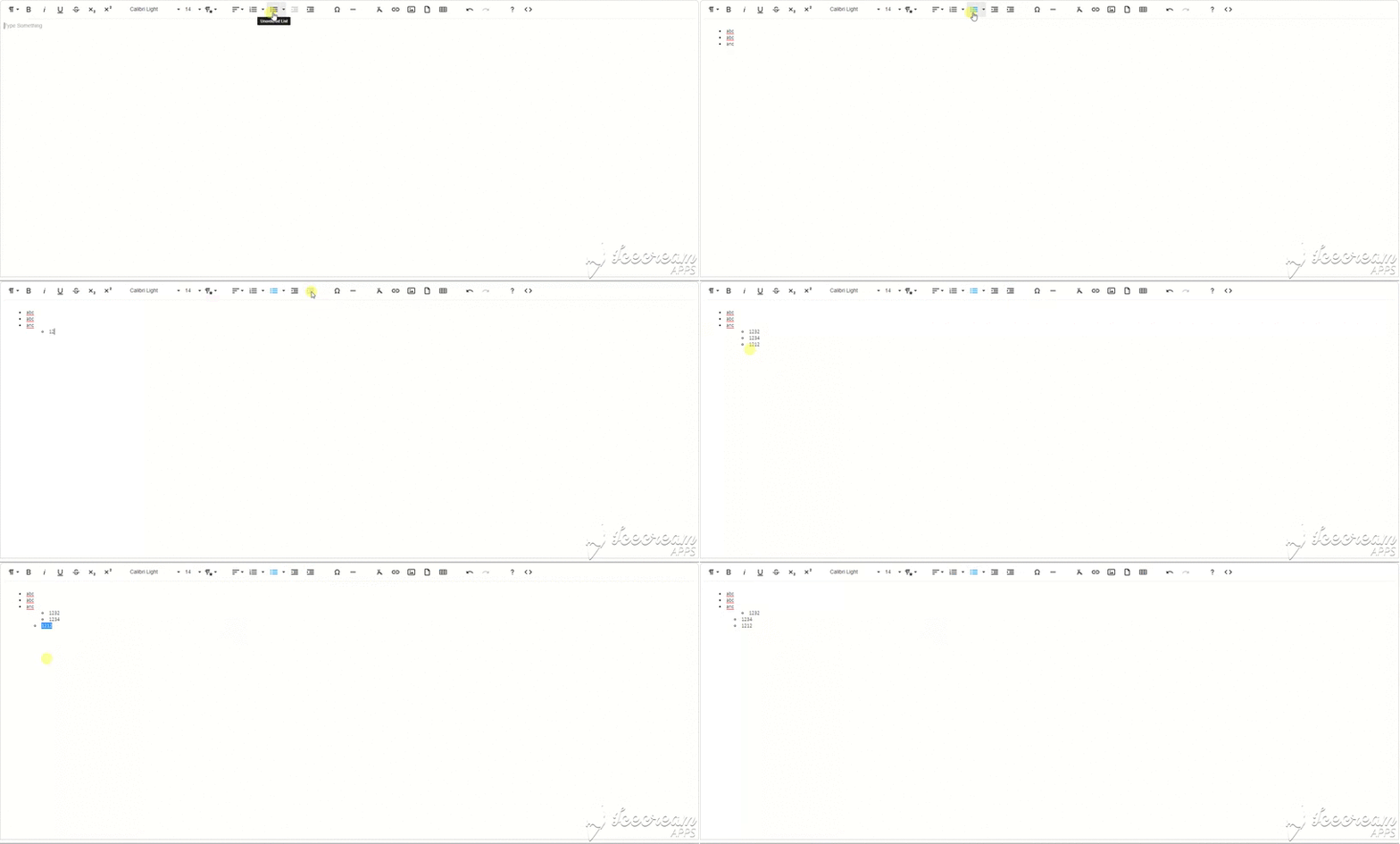
- Create an Ordered/unordered list from toolbar button.
- Add three to 4 items in bullets
- Now increase indentation through tool bar button
- Create 3 to 4 items in bullets.
- Select any item except the first item in the sublist(in which indentation is increased)
- Press decrease indent button
- Note that items do not move to previous/original position.
Video is attached for reference and it is producible on the new version 3.0.6; check the following link to produce it.
https://jsfiddle.net/4fb18s6m/1/
Expected behavior.
Items should move to previous position
Actual behavior.
Note that items do not move to previous/original position.
Editor version.
version 3.0.6
OS.
windows 10
Browser.
chrome
Recording.
 HammadKhalil90
All 2 comments
Also having this issue, another way to reproduce is by indenting one list item using the indent button and another using the tab key.

From my understanding it looks like using the indent button is both creating a nested list and adding the indent margin (default 20px), whereas just using tab to indent does not add the indent margin.
 drampelt
on 28 Feb 2020
drampelt
on 28 Feb 2020
I can confirm the behaviour described by drampelt.
In my opinion the attribute style="margin-left: 20px" should never be set on <li> elements.
 princehorn
on 27 Jul 2020
princehorn
on 27 Jul 2020
Related issues
 Fandangi
·
3Comments
Fandangi
·
3Comments
 george-norris-salesforce
·
4Comments
george-norris-salesforce
·
4Comments
 archonic
·
4Comments
archonic
·
4Comments
 bnjmnfnk
·
4Comments
bnjmnfnk
·
4Comments
 studiotemple
·
3Comments
studiotemple
·
3Comments