Wysiwyg-editor: Space after element?
Expected behavior.
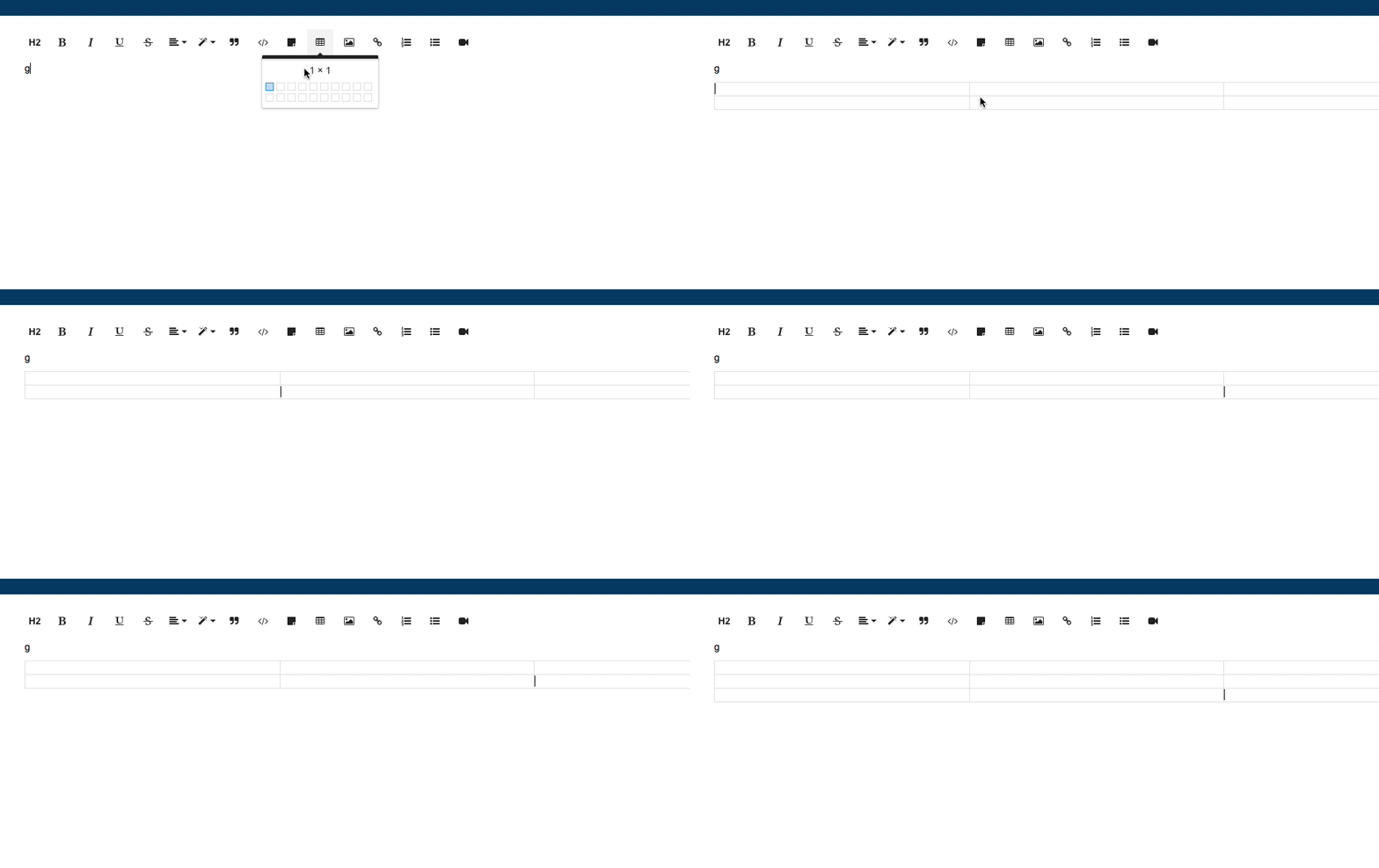
Inserted elements have a space after to insert your cursor (for instance tables)
Would be preferable to press the down arrow to target a line below the element..
Actual behavior.
Inserted elements NO NOT have a space after to insert your cursor (for instance tables).
Have to awkwardly place cursor after table/element, which is hard to taget and half the time ends up click into the element/table
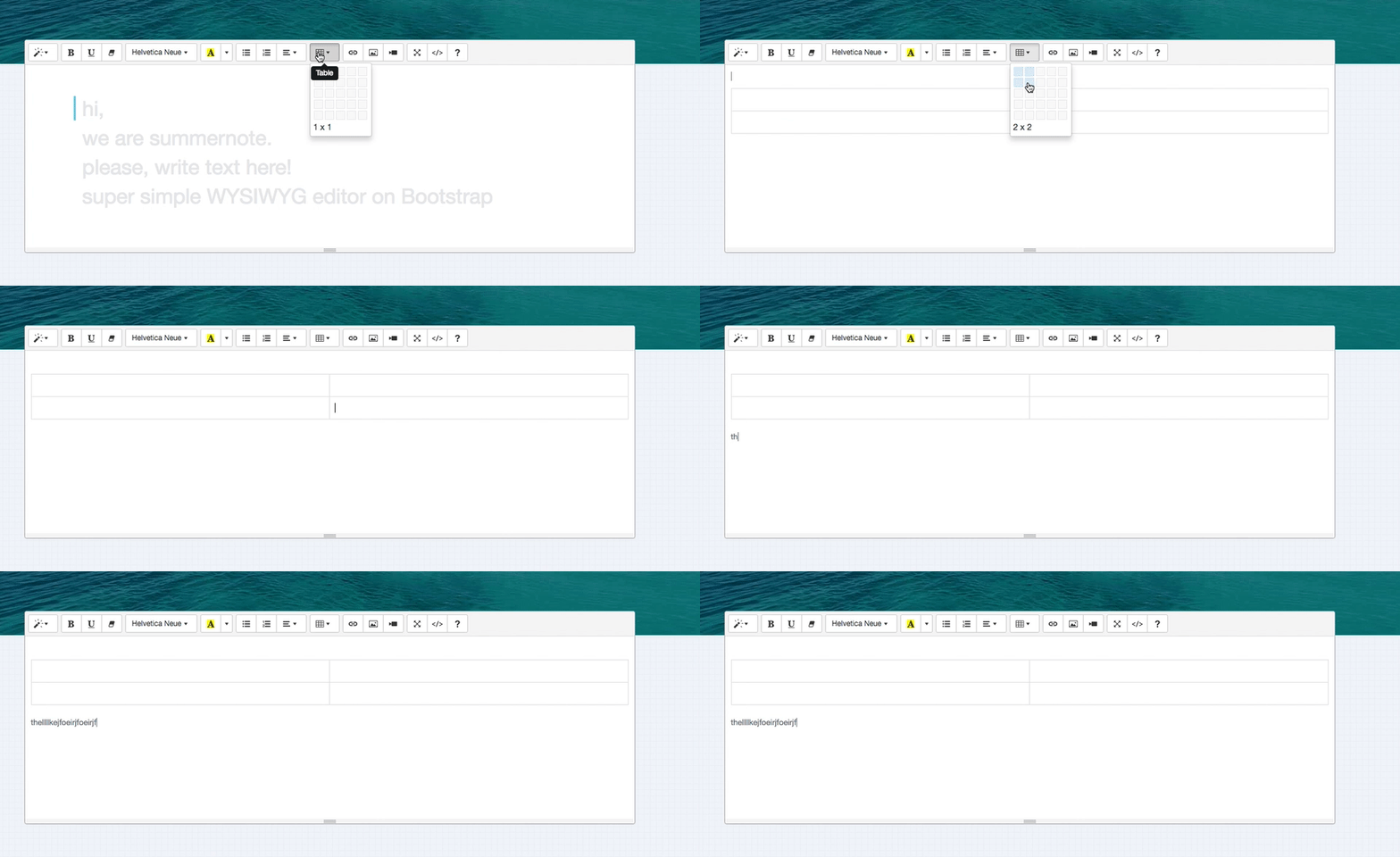
Summernote does this..
One problem is.. if you make custom elements, like below..

How is it possible to give the user a space after the element?
Try 1: Add a after the inserted elements
This works but it creates unwanted markdown (notice the jumpiness of editor)
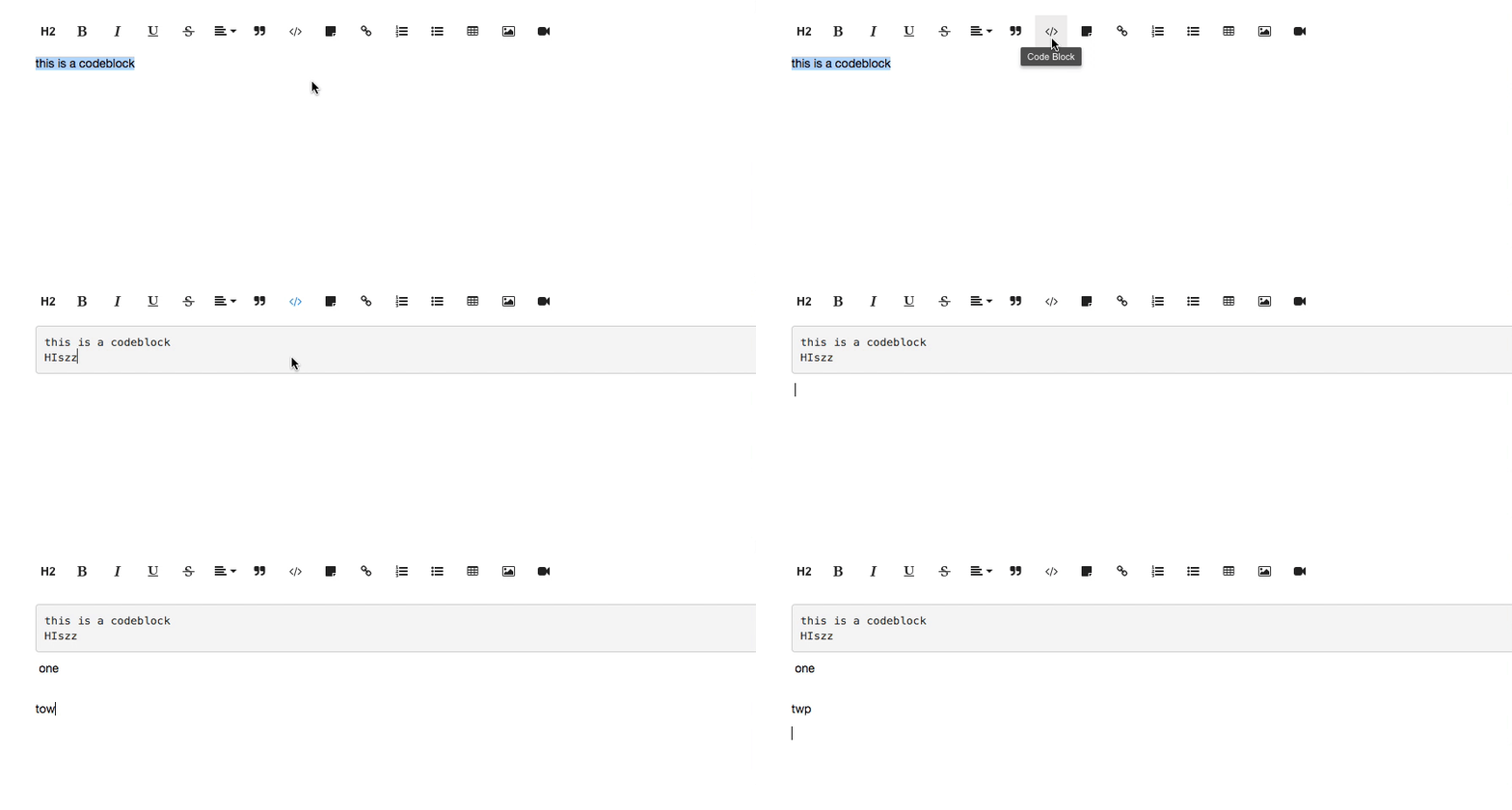
This output is not very clean

 george-norris-salesforce
All 4 comments
Some more input on this with regards to tables. In Chrome I can click before or after the table and properly focus on before or after the table. In IE or Firefox it is not appear possible to focus before or after the table by clicking on the outside of the table into the rich text area. I'll take a look at the code in a while.
@stefanneculai Should this be reclassified as a bug or should I open a separate ticket on the problem I just described?
 Pyro979
on 19 Apr 2017
Pyro979
on 19 Apr 2017
Closing this as duplicate of #1762.
 stefanneculai
on 23 May 2017
stefanneculai
on 23 May 2017
How's this a duplicate of itself?
Is this solved? I can't yet add spaces after an IMG element.
 abologna-r7
on 11 Jul 2017
abologna-r7
on 11 Jul 2017
@abologna-r7 it should have been #1907. Sorry for the confusion.
stefanneculai
on 12 Jul 2017
Related issues
 adilsonb
·
3Comments
adilsonb
·
3Comments
 Fandangi
·
3Comments
Fandangi
·
3Comments
 cristianst
·
4Comments
cristianst
·
4Comments
 cksachdev
·
4Comments
cksachdev
·
4Comments
 archonic
·
4Comments
archonic
·
4Comments