Wysiwyg-editor: Image with a caption
Hello!
That's a common feature in newspapers to show caption below the image. I couldn't find a way to change html output for image upload feature. Image upload popup has input field for title. This title can be used for caption (even from semantic point of view, title should cover image purpose, so perhaps to omit new field you can use this data). Can be this handy? Or there is a way to handle this right now?..
Thanks for supporting and quick feedbacks! :)
 Khrystyna
All 9 comments
This feature is already on our list. The simple way to do it now would be to set a data-caption with the same value as title and then use an after property for image to display it.
 stefanneculai
on 20 Nov 2014
stefanneculai
on 20 Nov 2014
Great to hear you have it in your feature list :)
I also thought about this, but, as I found out, very few browsers (as far as I know, only Firefox) implement the :after CSS property for "img" tag.
Khrystyna
on 21 Nov 2014
One of our customers created a plugin for that https://github.com/Streetwise-Media/Froala-Image-Caption
stefanneculai
on 10 Dec 2014
Two years passed already and the feature is still not implemented. The given plugin doesn't work with the 2nd version. This is sad :(
 Finesse
on 16 Sep 2016
Finesse
on 16 Sep 2016
Will this be implemented?
 leelinde92
on 17 Jul 2017
leelinde92
on 17 Jul 2017
Yes, it will be in the following months. Sorry to keep all you guys waiting.
stefanneculai
on 17 Jul 2017
Yes, it will be in the following months. Sorry to keep all you guys waiting.
Any update on this yet?
 Faey2222
on 24 Aug 2017
Faey2222
on 24 Aug 2017
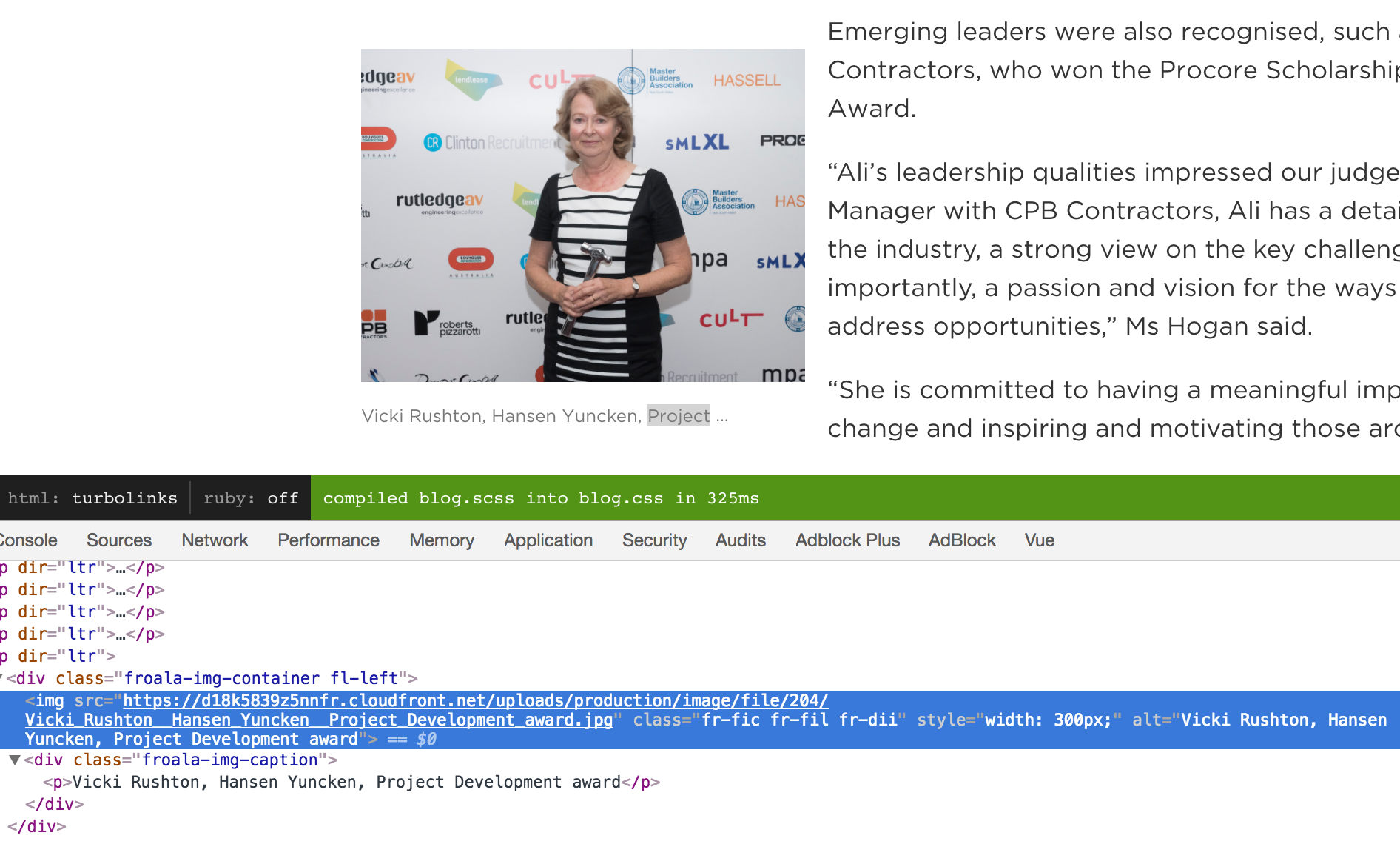
Here's some hacky JS/CSS to use the images alt text and display that as an image caption
// Loops through all the images in the fr-view
$(".fr-view img").each(function() {
     // Checks if it is floating and wraps the image in a container with specific classes for the float position
     if($(this).hasClass('fr-fil')) {
        $(this).wrap("<div class='froala-img-container fl-left'></div>");
     } else if($(this).hasClass('fr-fir')) {
        $(this).wrap("<div class='froala-img-container fl-right'></div>");
     } else {
        $(this).wrap("<div class='froala-img-container'></div>");
     }

     // Sets the caption from the value of the images alt text, then appends that after the image
     var caption = $(this).attr("alt");
     $(this).after("<div class='froala-img-caption'><p>" + caption + "</p></div>");
});
SASS styles to make it look nice:
.froala-img-container {
   position: relative;

   &.fl-left {
     float: left;
   }

   &.fl-right {
     float: right;
   }
 }

 .froala-img-caption p {
   color: #777777;
   font-size: 12px;
   width: 250px;
   float: left;
   white-space: nowrap;
   text-overflow: ellipsis;
   display: block;
   overflow: hidden;
 }
Preview in action:
 Coedcoe
on 26 Aug 2017
Coedcoe
on 26 Aug 2017
Just a quick update here. The last commit is adding image caption feature.
stefanneculai
on 18 Sep 2017
Related issues
 bbugh
·
3Comments
bbugh
·
3Comments
 cristianst
·
4Comments
cristianst
·
4Comments
 Fandangi
·
3Comments
Fandangi
·
3Comments
 lohiaad
·
4Comments
lohiaad
·
4Comments
 Nucs
·
4Comments
Nucs
·
4Comments
Most helpful comment
Two years passed already and the feature is still not implemented. The given plugin doesn't work with the 2nd version. This is sad :(