Wp-calypso: Sign-in with Google when liking posts is not taking effect
Description
This only seems to happen in Google Chrome so far
Tested on Win10 Firefox, Win10 Edge, those are working fine.
Steps to reproduce
- Make sure you are logged out
- Go to this page: https://dtest415854240.wordpress.com/2020/09/03/example-post-3/
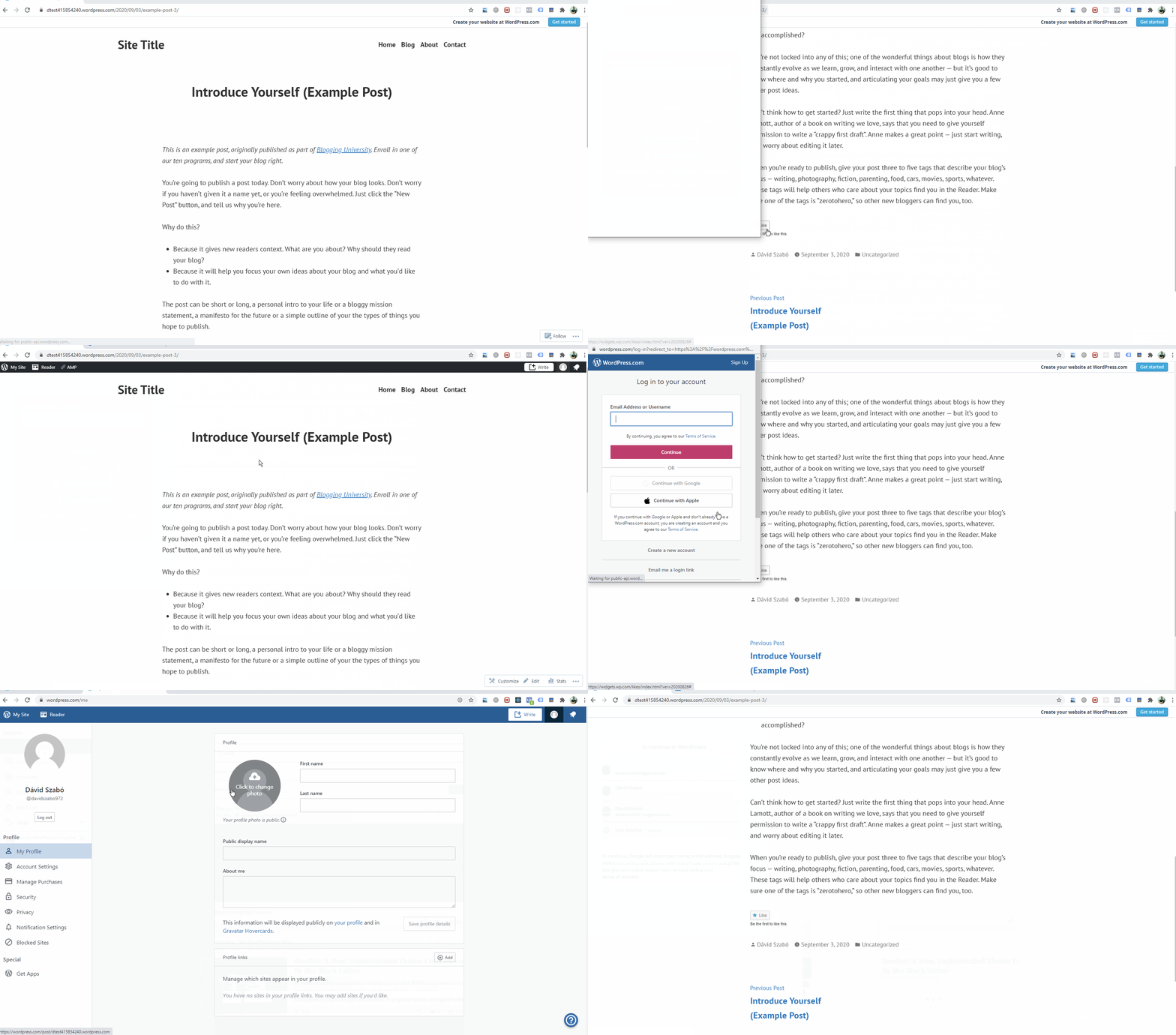
- Click the Post Like button
- On the sign-in page, click the Sign in with Google option
- Proceed to sign in with Google
- Sign-in window closes but like is not added
- Try clicking on the like button again
- Window comes up and closes immediately
- Still no like on the post
What I expected
After signing in with Google post like should take effect.
Browser / OS version
Google Chrome latest
Windows 10
Screenshot / Video
Context / Source
user-report
 david-szabo97
All 3 comments
It seems that signing in with username and password also doesn't work.
 alshakero
on 7 Sep 2020
alshakero
on 7 Sep 2020
👍1
PR in D49592-code
alshakero
on 15 Sep 2020
Closing as fixed in D49592-code. Thanks a lot David!
alshakero
on 17 Sep 2020
🎉1
Was this page helpful?
0 / 5 - 0 ratings
Related issues
 jeherve
·
3Comments
jeherve
·
3Comments
 vparkhere
·
3Comments
vparkhere
·
3Comments
 roccotripaldi
·
3Comments
roccotripaldi
·
3Comments
 kellychoffman
·
3Comments
kellychoffman
·
3Comments
 aduth
·
3Comments
aduth
·
3Comments