Wp-calypso: Customer Home: Clicking the support button displays a flash of the checklist
Steps to reproduce
- Starting at URL: https://wordpress.com/home
- Select a site that has the Customer Home.
- Click the support button/bubble.
What I expected
I expect the support menu to open.
What happened instead
While the support menu opens, I see a flash of the checklist on screen before the customer home appears again.
Browser / OS version
Chrome 77.0.3865.120 / macOS 10.15
(Also seen in the WP.com desktop app 4.5.0-beta1)
Screenshot / Video
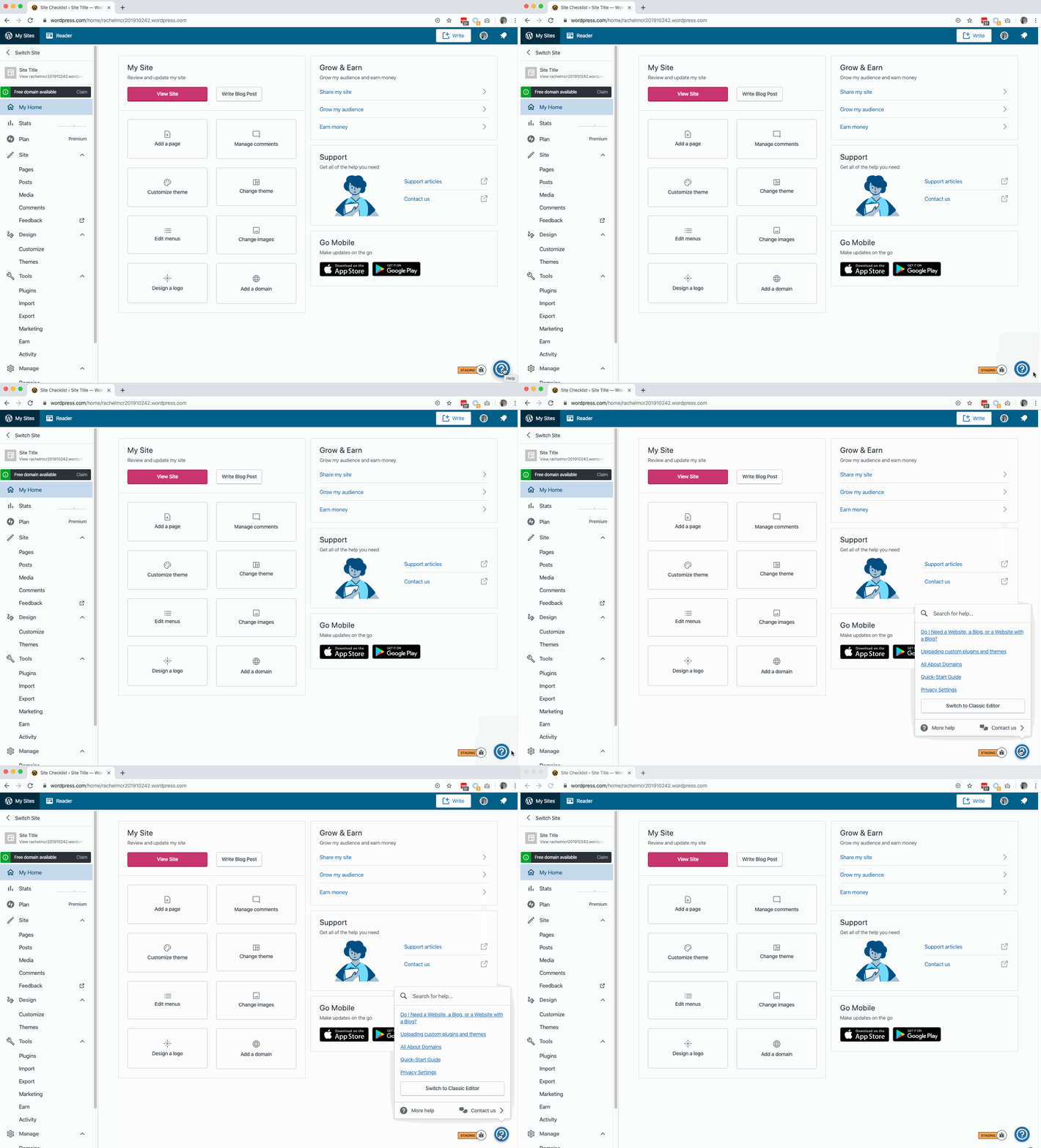
Context / Source
manual-testing
 rachelmcr
All 5 comments
Moved to DotCom Manage for triaging.
 davipontesblog
on 13 Mar 2020
davipontesblog
on 13 Mar 2020
I could definitely reproduce this a while ago, but I no longer can currently.
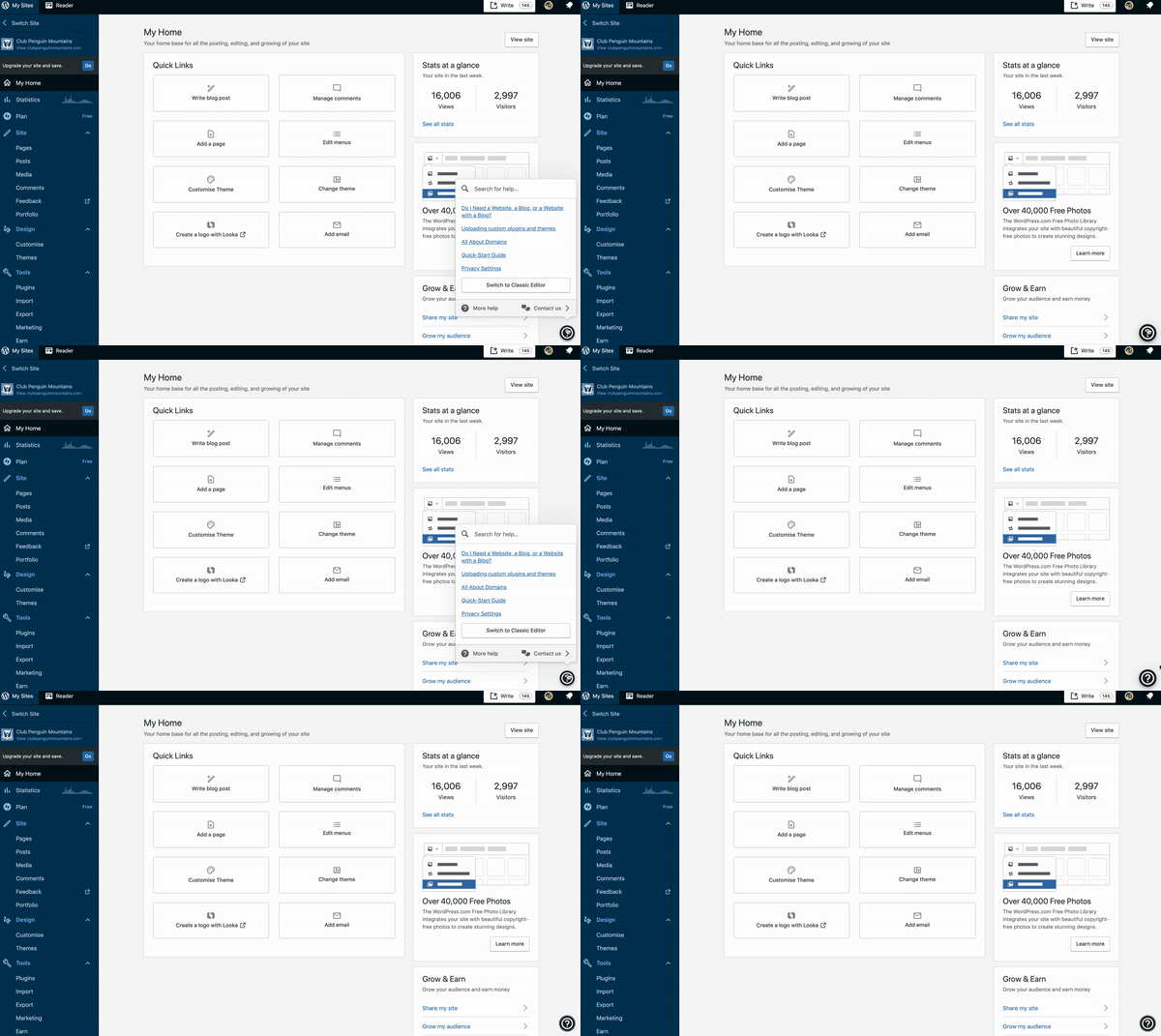
@rachelmcr Are you still seeing this issue?
 Aurorum
on 24 Mar 2020
Aurorum
on 24 Mar 2020
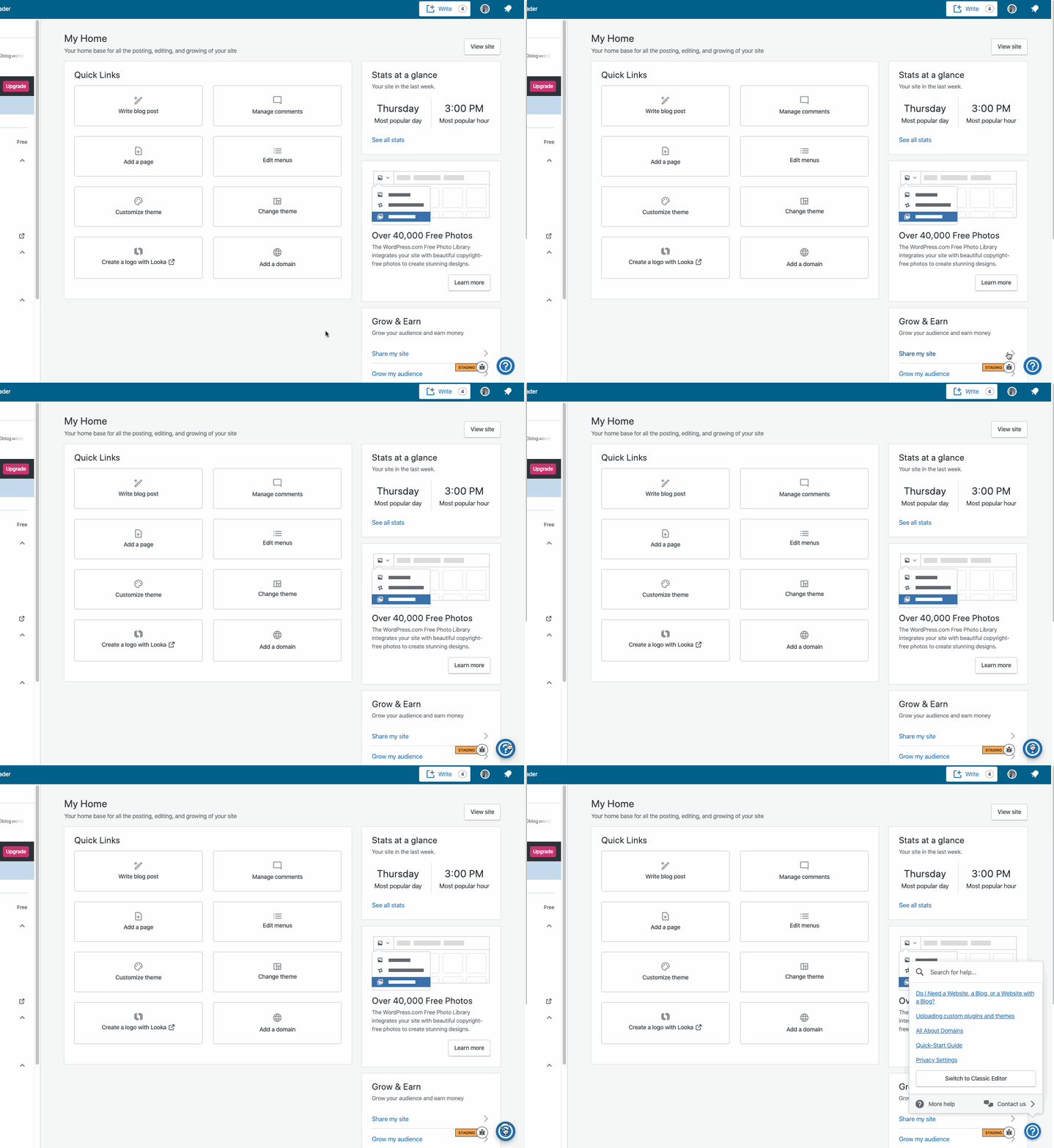
Yep, I can still see the issue — at least on sites where I previously had access to the site checklist:
rachelmcr
on 24 Mar 2020
👋 @rachelmcr Are you still able to reproduce this? I added myself as an admin to the test site URL noted in the ticket description and I'm not seeing a flash in the latest version of Chrome, Firefox, or Safari.
 sixhours
on 7 Apr 2020
sixhours
on 7 Apr 2020
Thanks for the nudge! I confirmed I am no longer able to reproduce this — not on an existing site where I completed the site checklist before, or after signing up for a new account/site and completing the site checklist. Closing!
rachelmcr
on 7 Apr 2020
Related issues
 jeherve
·
3Comments
jeherve
·
3Comments
 ghost
·
3Comments
ghost
·
3Comments
 kellychoffman
·
3Comments
kellychoffman
·
3Comments
 hoverduck
·
3Comments
hoverduck
·
3Comments
 gedex
·
3Comments
gedex
·
3Comments
Most helpful comment
Thanks for the nudge! I confirmed I am no longer able to reproduce this — not on an existing site where I completed the site checklist before, or after signing up for a new account/site and completing the site checklist. Closing!