Wp-calypso: Gutenberg: Press This does not include title or link
Steps to reproduce
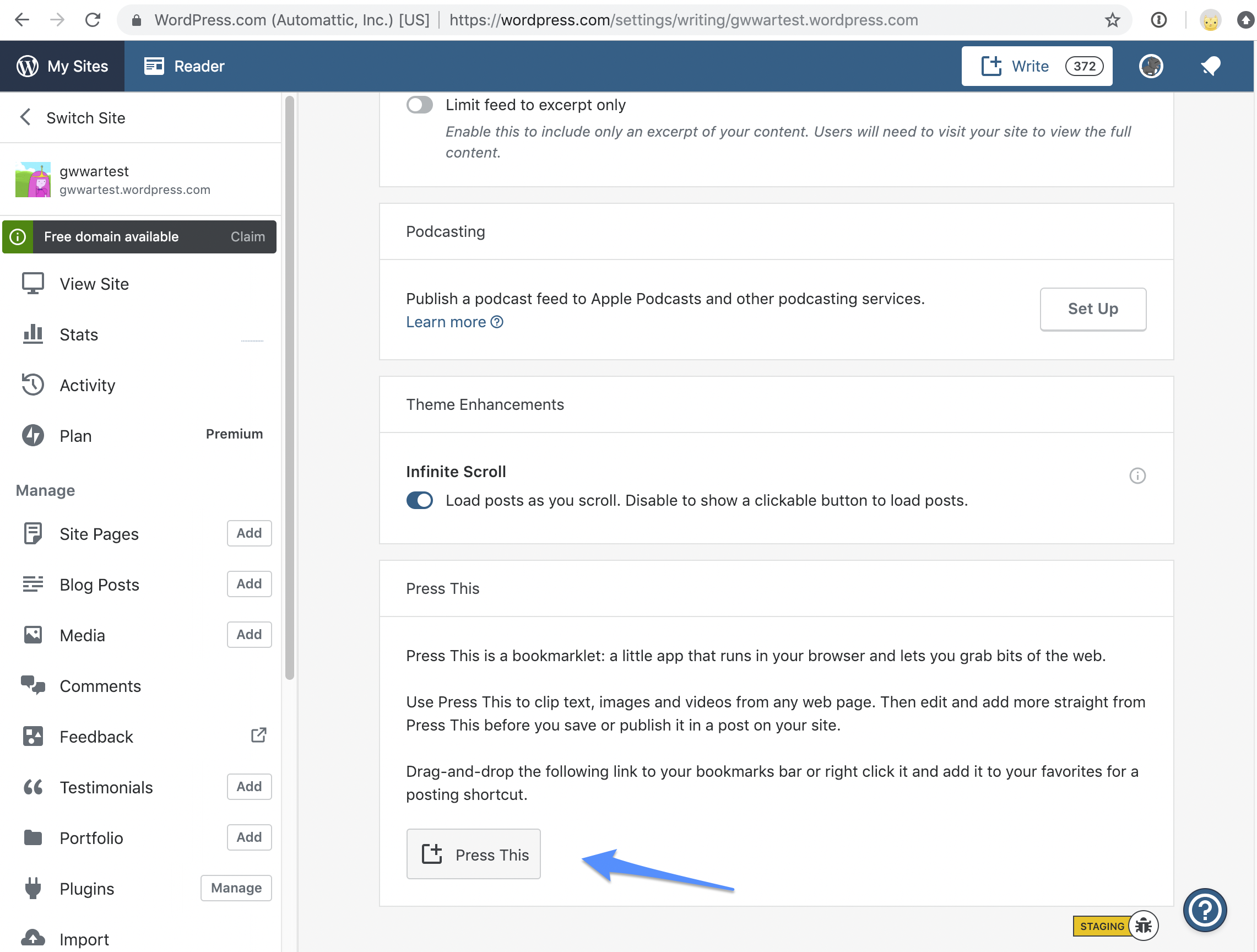
- Starting at URL: https://wordpress.com/settings/writing/example.wordpress.com (where example.wordpress.com is any Gutenberg-enabled simple site)
- Save the Press This bookmarklet
- Use the bookmarklet on another URL
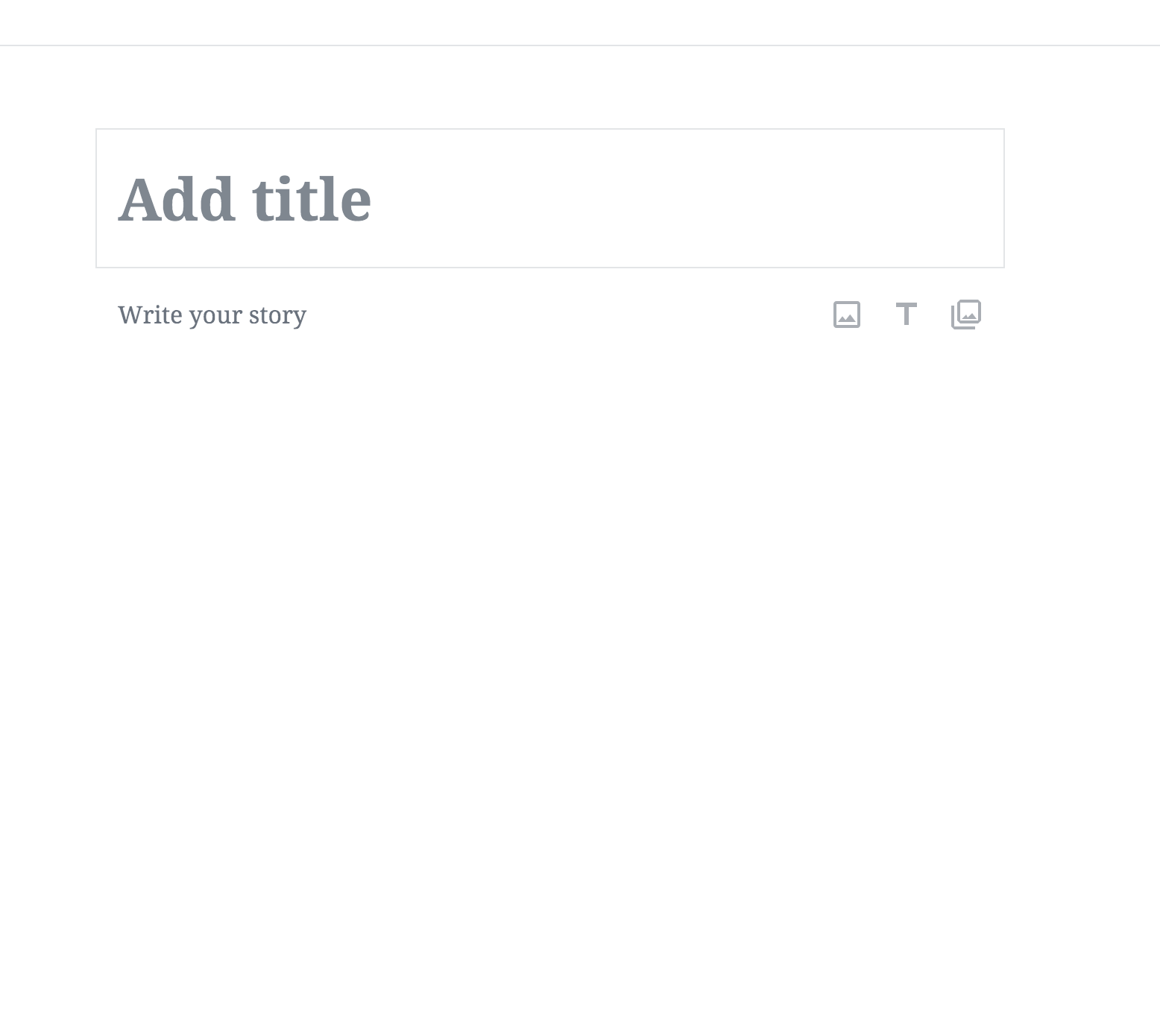
- Note the title and via URL/link are not passed to Gutenberg
What I expected
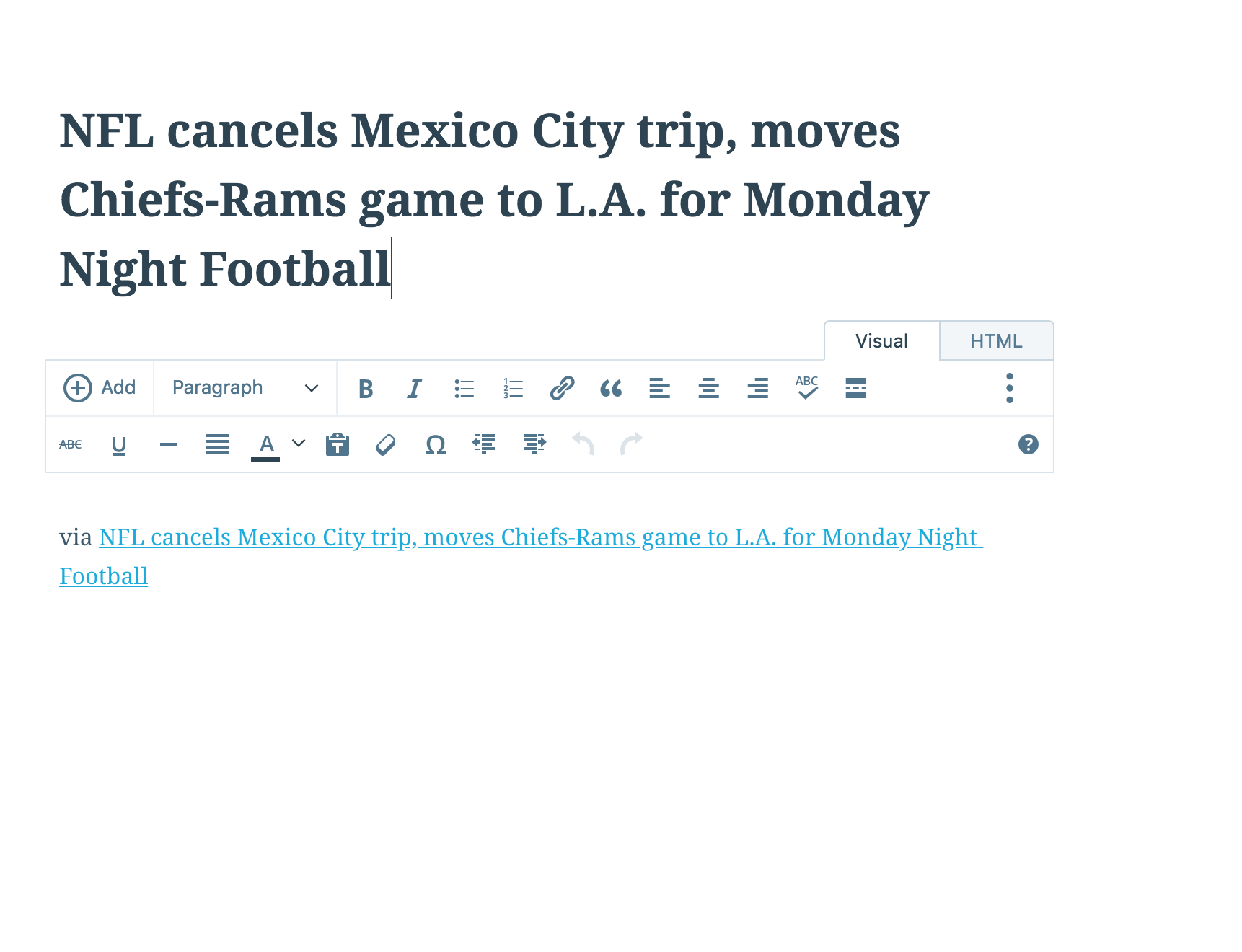
For the title in Gutenberg to use the title of the page I use Press This on and the link to be included in the post content
What happened instead
Gutenberg is opened but the title and via link in post content are not included
Browser / OS version
OS X 10, Chrome 70.0.3538.77
Screenshot / Video
Gutenberg
Classic Calypso editor
Context / Source
manual-testing, #user-report
 kriskarkoski
All 9 comments
New user report: hc-7685611
Also replicated on my test site with a Personal Plan.
What I noticed: no title or text appear.
Example on a free site without Gutenberg:
Example on a Personal Plan site with Gutenberg:
 mlaetitia
on 15 Nov 2018
mlaetitia
on 15 Nov 2018
Could y'all verify that this works on a vanilla Gutenberg install? If we see the same issue in core, it sounds like the plugin should be updated. See p9dueE-rW-p2 for how to get a quick Jurassic site up
 gwwar
on 20 Nov 2018
gwwar
on 20 Nov 2018
It works on a vanilla gutenberg installation: http://cld.wthms.co/k0pcaY (only installed gutenberg and press this on a jurassic ninja site)
Have created a brand new free site on WordPress.com to test again - and still not working.
mlaetitia
on 21 Nov 2018
Customer in #1654635-zen is having trouble with this in Safari. They reverted to Classic Editor and now Press This would not work in Classic, either. I was not able to replicate with a test site.
 ChrissiePollock
on 22 Dec 2018
ChrissiePollock
on 22 Dec 2018
I think this is related to #28973
Do folks have links to where folks and saving the bookmarklet?
gwwar
on 8 Jan 2019
Reported here: 1766788-zen
Was able to reproduce the issue on my test site using Chrome Version 72.0.3626.81 (Official Build) (64-bit) and macOS Mojave Version 10.14.2 (18C54)
 AtrumGeost
on 5 Feb 2019
AtrumGeost
on 5 Feb 2019
Got another one here:
https://en.forums.wordpress.com/topic/press-this-tool-not-working/
i have the same issue on a test site.
 supernovia
on 19 Feb 2019
supernovia
on 19 Feb 2019
@gwwar we're picking it up from
https://wordpress.com/settings/writing/justvelda.wordpress.com
Noting my browser isn't allowing me to add the bookmarklet, but I can still highlight text on that page and click "press this" -- if I'm using Classic, it starts the new post with the title and highlighted text as expected. If I'm using Gutenberg it just gives me a new blank post.
supernovia
on 19 Feb 2019
Thanks @supernovia, I added a screenshot!
gwwar
on 19 Feb 2019
Related issues
 rickybanister
·
3Comments
rickybanister
·
3Comments
 spen
·
3Comments
spen
·
3Comments
 ehg
·
3Comments
ehg
·
3Comments
 aduth
·
3Comments
aduth
·
3Comments
 samouri
·
3Comments
samouri
·
3Comments