Wp-calypso: Store: Failure to load Store when WooCommerce deactivated
Original Report: p2MSmN-6je-p2
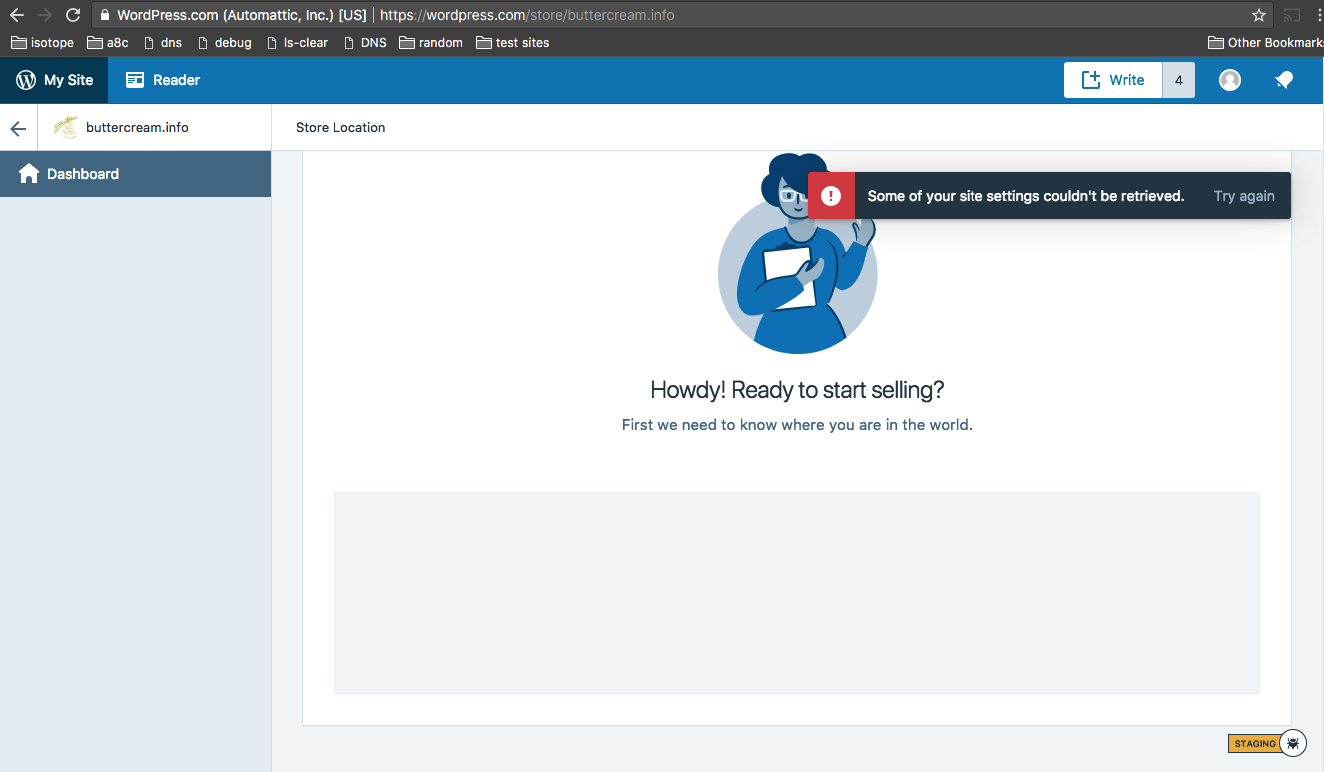
When an AT site has WooCommerce installed, but it is deactivated, the /store/SITE page reacts oddly. If a Store has yet to be setup, the Address field stays in a perpetual loading state, and eventually the generic "Some of your site settings couldn't be retrieved." is shown.
In the console, all /wc/v3 requests have failed with rest_no_route due to wc-api-dev not loading since WC is not active.
Thinking we should consider attempting to re-activate WooCommerce in scenarios like this, but logging here since it aligns with our error handling focus ( /cc @coderkevin )
Steps to reproduce
- From an AT Site, Click Store to setup all required plugins
- Deactivate WooCommerce
- Open /store in Calypso again
 timmyc
All 2 comments
I think that we should think about activation/deactivation in general. What happens if user deactivates something in wp-admin ( by mistake ) and now fights with Calypso to make the store work.
 budzanowski
on 18 Dec 2017
budzanowski
on 18 Dec 2017
I think that we should think about activation/deactivation in general.
Totally agree. In this particular scenario, a Store has never been fully setup - plugins have been installed but the setup wizard was never completed. As it turns out the user appears to be using Ecwid - so perhaps they don't want to use Store on WPCOM, and the menu item is just confusing.
I think if a site has a Store configured, but one of the required plugins is deactivated for some reason, it might be nice to try to sniff that out, and display some messaging that we would like to fix the issue be re-enabling the plugins for them, or give them the option to contact support.
timmyc
on 18 Dec 2017
Related issues
 ghost
·
3Comments
ghost
·
3Comments
 jeherve
·
3Comments
jeherve
·
3Comments
 gedex
·
3Comments
gedex
·
3Comments
 hoverduck
·
3Comments
hoverduck
·
3Comments
 vparkhere
·
3Comments
vparkhere
·
3Comments