Wp-calypso: Site Settings: Can't disconnect broken Jetpack site
I know we have similar issues open but this one seems different than what I've seen before.
Steps to reproduce
Start with a connection to a Jetpack site that is no longer online and which is getting notifications about the site being down.
- Starting at URL: wordpress.com
- Click on My Sites to select the site as directed here
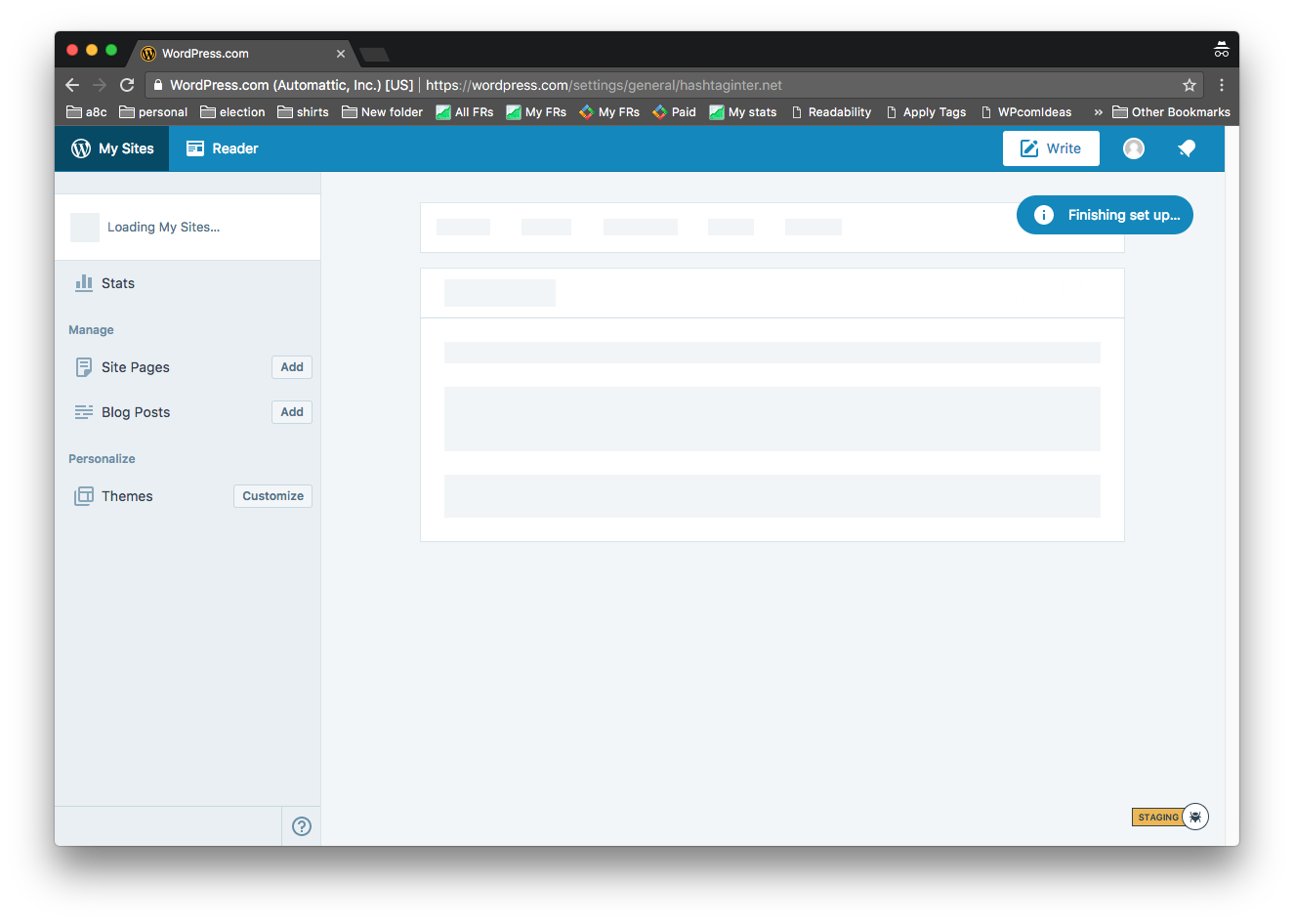
- The site may not show up or My Sites may be flashing / loading, or the site may not be listed there at all.
What I expected
Users should be able to disconnect a site
What happened instead
They can't select the site to disconnect it. Even if I try to go to https://wordpress.com/settings/general/sitename.com I get "Finishing Setup..." and flashing "Loading" sign on the left.
Browser / OS version
OSX/Chrome (Both current)
Screenshot / Video
Context / Source
We frequently run across this in the forums:
http://en.forums.wordpress.com/topic/my-sites-doesnt-work
 supernovia
All 5 comments
supernovia
on 24 Oct 2017
supernovia
on 24 Oct 2017
@ockham something to think about with the disconnect survey you are working on is whether folks can disconnect if their site is down to begin with :)
 annezazu
on 27 Oct 2017
annezazu
on 27 Oct 2017
I started with a previously connected Jetpack site that is currently down. (It was a temporary site and I received a Jetpack Monitor notification when it went down.) The Jetpack debugger gave an unknown error, and this was the detailed connection error:
The Jetpack site is inaccessible or returned an error: Jetpack: [http_request_failed] cURL error 56: Recv failure: Connection reset by peer [-10520]
I followed these steps to disconnect the site:
- Start at this URL: https://wordpress.com/
- Click on My Sites.
- Open Settings.
- Select "Manage Your Connection" which takes me to this page: https://wordpress.com/settings/manage-connection/{site_address}
- Select "Disconnect from WordPress.com" which takes me to this page with the disconnect survey: https://wordpress.com/settings/disconnect-site/{site_address}
- Confirm I want to disconnect.
Result: The site was successfully disconnected.
If some users are still getting the issue described in the original report, it would help to know more about the state of their site so we can investigate that specific case, as it doesn't seem to be an issue for all broken Jetpack sites.
 rachelmcr
on 13 Nov 2017
rachelmcr
on 13 Nov 2017
Just adding to this issue, the same problem was encountered by a user (in 1230985-zen) whose site does not exist anymore, and as such the site did not show up under My Sites in order for them to be able to disconnect Jetpack.
They had been receiving repeated emails from Jetpack saying their site was down but couldn't seem to do anything about it.
This has been resolved now but is another example of confusion in the Jetpack disconnection flow (following the same steps to reproduce as explained by @supernovia ).
 coder-karen
on 22 Jun 2018
coder-karen
on 22 Jun 2018
Related issues
 kellychoffman
·
3Comments
kellychoffman
·
3Comments
 ghost
·
3Comments
ghost
·
3Comments
 jeherve
·
3Comments
jeherve
·
3Comments
 BrookeDot
·
3Comments
BrookeDot
·
3Comments
 aduth
·
3Comments
aduth
·
3Comments