Wordpress-ios: Stats aren't being fetched or updated in the background on iPad if the date changes
Steps to reproduce:
- Verify that your blog and your iPad are both set to the same timezone.
- In the app, go to Stats > Days.
- Let the app go to sleep overnight.
- Wake up the app.
- Check to see whether stats are showing and accurate for the current day.
(both in the bar graph and the details below) - If the stats haven't updated, try pulling to refresh.
Result: the app isn't fetching or updating stats in the background on iPad.
Description of the problem from a support ticket:
Last night I left the app open on my iphone and ipad. They both presented data for the day properly. Both units went to sleep. The next morning (Mtn time ) the ipad never updated even after multiple swipes to update.
To make stats appear ion the ipad, I had to close the app, double-home button to remove the app from cache. Restarting the app - then it got today’s stats and date correctly. The app isn’t fetching or updating in the background.
(internal reference: 2451286-zen)
The problem was first reported by this user for v13.3 of the iPad app in August, and now they have reported the same problem is still happening for them on v13.4.1 of the iPad app today.
- WordPress for iOS 13.4.1 (13.4.1.1)
- Device model: iPad Pro 12.9-inch (WiFi/Cellular) (iPad6,8)
- OS: iOS, 12.1.4
- wp.com account
Note: I haven't tested this yet but will do tonight, and over the next few days if needed. It requires letting the app sit overnight and waking it up the next day to see if stats are updated without having to pull to refresh or clear app cache.
 designsimply
All 10 comments
Possibly related: this may be a duplicate of https://github.com/wordpress-mobile/WordPress-iOS/issues/12646 but I filed a separate issue because of the extra detail provided in this case and because the PR proposed at https://github.com/wordpress-mobile/WordPress-iOS/pull/12658 is about Insights and this issue is about Period stats and also because this user is not seeing the "Loading stats…" message. For this case:
- Which screen is getting stuck: Days.
- Message or error shown on screen: none, the stats just aren't updated.
- Type of site. WordPress.com
- See app logs at 2451286-zen.
designsimply
on 31 Oct 2019
2451286-zen replied confirming that time zones are correct
 melindahelt
on 1 Nov 2019
melindahelt
on 1 Nov 2019
Tested and confirmed that stats do not refresh on iPad if you leave the Stats > Days screen open and let the device go to sleep—after that, pulling to refresh won't update the stats. (1m32s)
Tested with WPiOS 13.5.0.0 (TestFlight) on iPad Mini 4 (WiFi) (iPad5,1) iPadOS 13.2 beta.
designsimply
on 2 Nov 2019
I re-tested to see if stats would get stuck when the app goes to sleep and you wake it back up on the same day _after new stats have been generated_ and I found that pull-to-refresh works in that case. The stats only get stuck if the date changes after stats have loaded.
designsimply
on 3 Nov 2019
I re-tested the original steps again except when I left the app open it was on a different screen other than Stats. When I opened the 13.5 app in the morning and tried to check Stats, it just said "Stats not loaded" or "Loading Stats…" forever. When I opened the 13.6 beta app in the morning to check if Stats would update, they did update for the previous day but the new day did not appear until I disconnected and re-connected the internet connection.
In 13.5 (App Store version), the stats either showed a message saying "Stats not loaded There was a problem loading your data, refresh your page to try again" or "Loading Stats…" Pull to refresh did not help. Backgrounding the app and trying again did not help. Completely closing and re-opening the app helped.
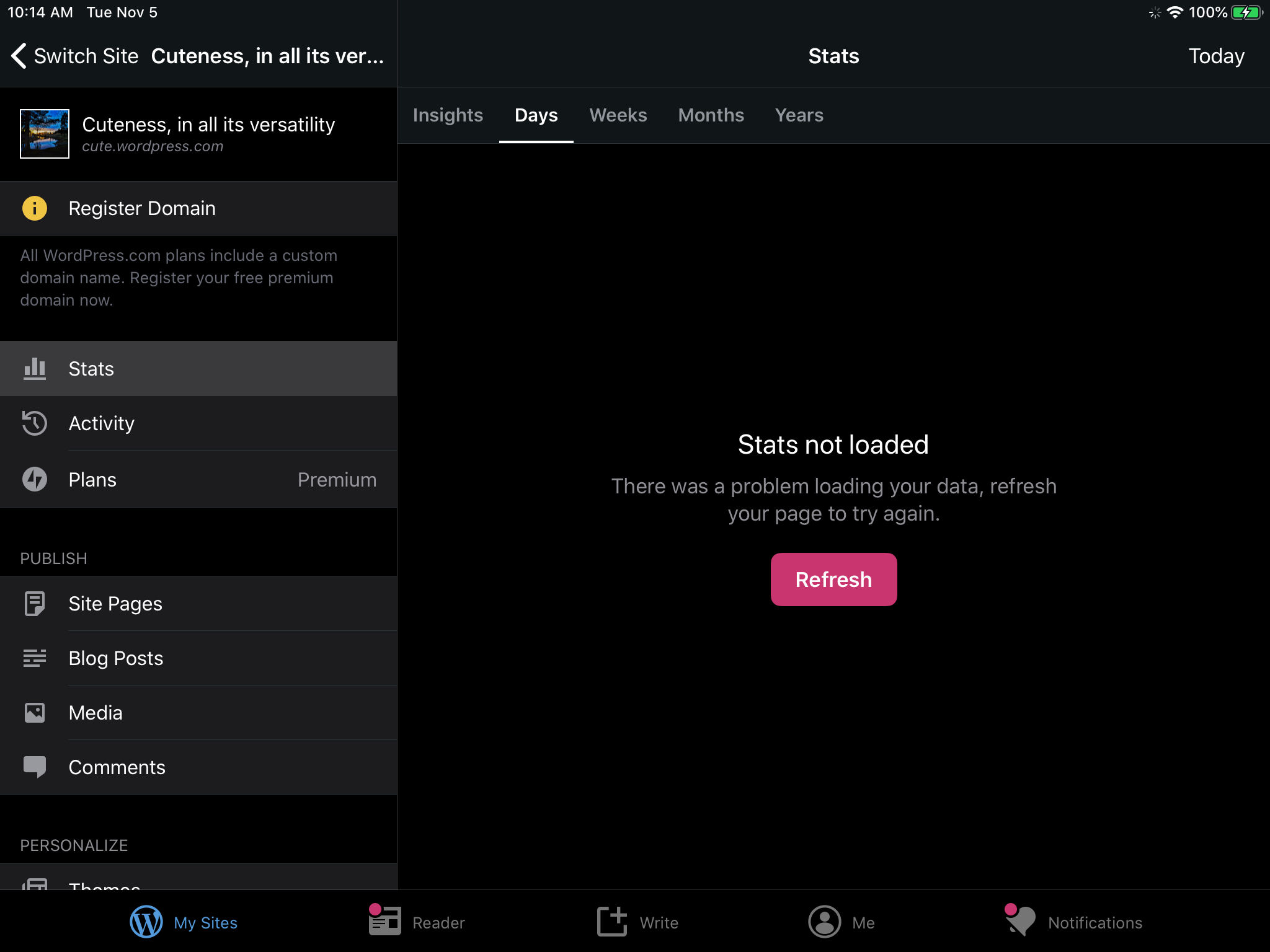
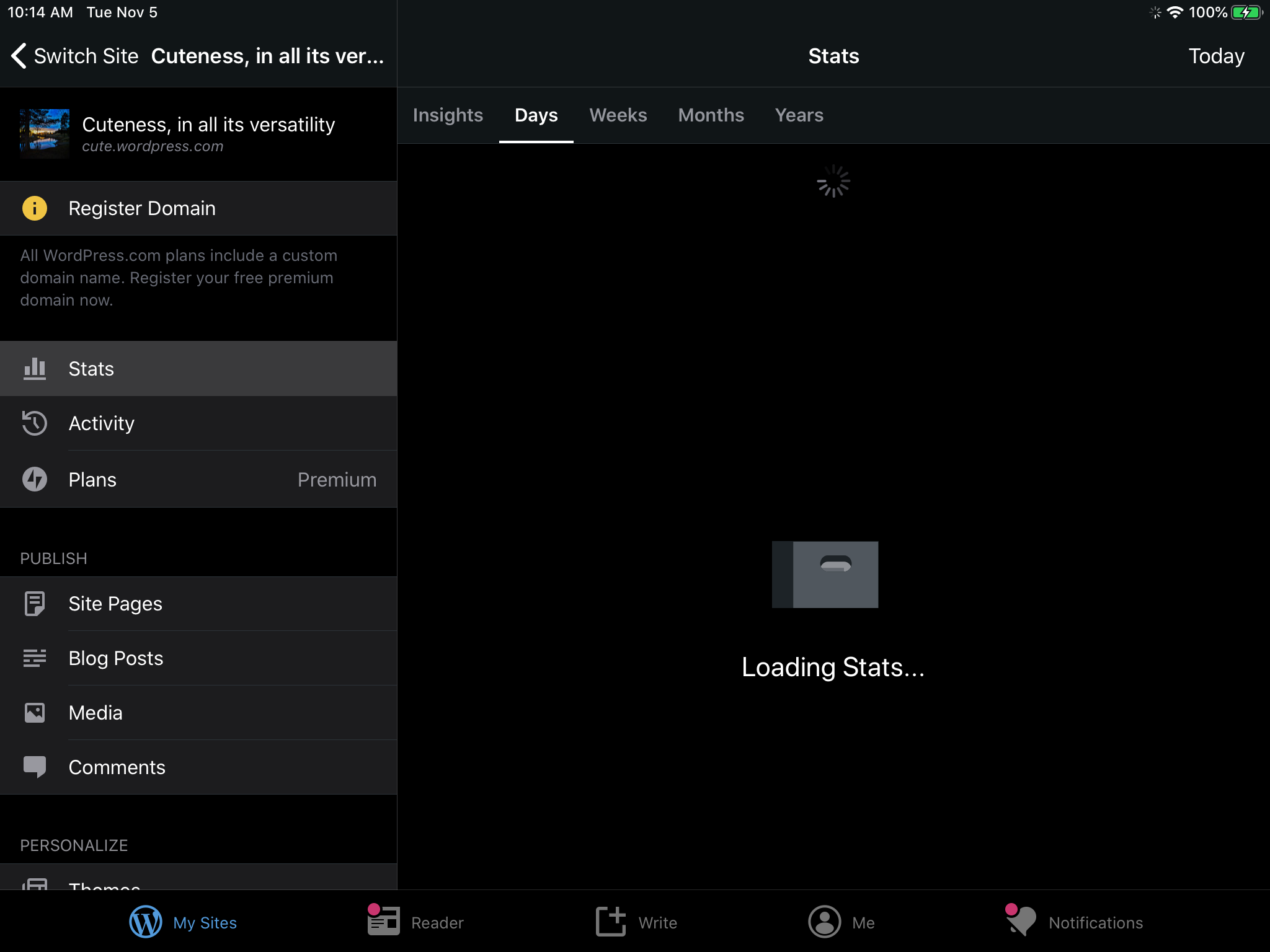
Tested with WPiOS 13.5.0.3 (App Store version) on iPad Mini 4 (WiFi) (iPad5,1) iPadOS 13.2.
In WP Internal 13.6.20191104, the stats for the previous day did get updated, however, the day still doesn't advance in the Days graph. Pull to refresh did not help. Backgrounding the app and trying again did not help. Closing and re-opening the app did not help. Turning the internet connection off and back on again helped and caused the stats to update and show the current day. (6m30s)
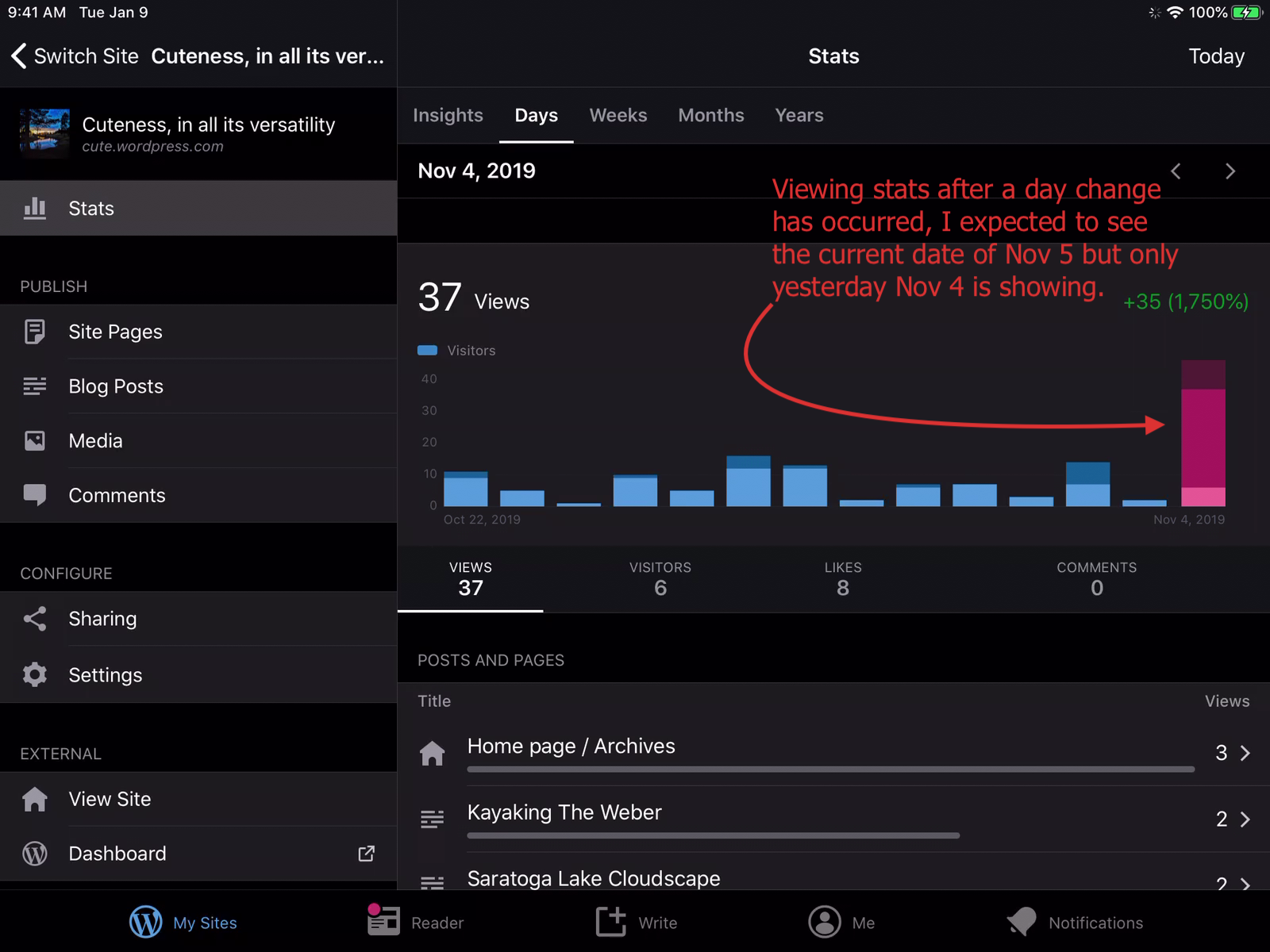
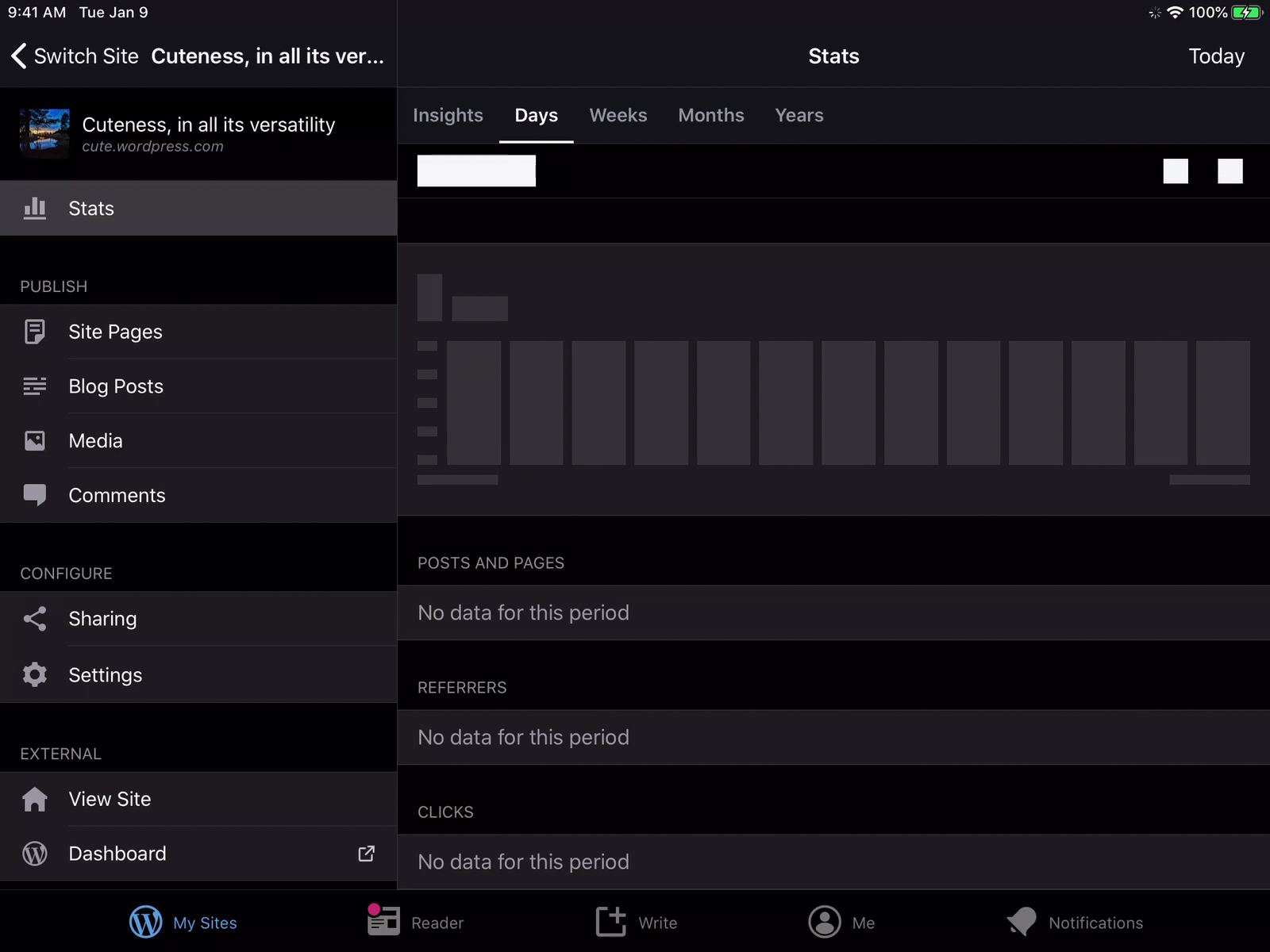
Tested with WP Internal 13.6.20191104 (HockeyApp version) on iPad Mini 4 (WiFi) (iPad5,1) iPadOS 13.2.
designsimply
on 5 Nov 2019
Raising to high priority because this issue has had several mentions as a problem in iOS app reviews.
@danielebogo can you fix this for 13.6 or 13.7?
designsimply
on 6 Nov 2019
From a 2-star review "Becoming More Unusable" by Morgan Jo – Nov 5, 2019 Version 13.5
I only use this app to check my stats and traffic info. 9/10, it loads yesterday’s data with today’s date. Sometimes it loads a completely arbitrary number. Sometimes, it just won’t load anything at all. Hope they fix it because this looks like it has been an issue for a long time.
designsimply
on 6 Nov 2019
@designsimply I'll have a look!
 danielebogo
on 7 Nov 2019
danielebogo
on 7 Nov 2019
This came up in 13.6 beta testing:
The first time I check my stats in the morning, the app won’t update to show today. It shows through yesterday only. If I kill the app and restart it, it will pull in today’s stats. This is the only way I’ve found to work around this issue. I’d expect that pulling down to refresh stats would advance the day if it is needed.
(internal reference: p5T066-14K-p2#comment-3845)
designsimply
on 18 Nov 2019
Noticed one more review from a Version 13.9 user in an app review, however, I'm not sure if it was just timing and this was fixed for them with 12955 so I'll wait to re-open until I find additional reports. Noting this one for reference for now.
From a 1-star review by Matt in oz – Jan 14, 2020
The App was good but after the last few updates the app doesn’t show stats from the current day unless you turn your phone off and then back on.
Version 13.9. Australia.
designsimply
on 5 May 2020
Related issues
designsimply
·
3Comments
designsimply
·
3Comments
 ScoutHarris
·
3Comments
ScoutHarris
·
3Comments
 SiobhyB
·
3Comments
SiobhyB
·
3Comments
 frosty
·
3Comments
frosty
·
3Comments