Wordpress-android: Featured Image Appears Blank in Post List in Certain Cases
Expected behavior
If a post has a featured image then, ideally, I'd expect it to display alongside the post in the app's post list.
If there are technical reasons an app can't display a post's featured image, then I wouldn't expect a blank space to display alongside the post in the post list.
Actual behavior
If a third-party plugin is used to add a featured image from a URL, the app will display a blank space alongside the post in the post list. This blank space is where a featured image would usually appear.
Steps to reproduce the behavior
- Log into the /wp-admin area for a self-hosted within a web browser.
- Install the Featured Image From Url plugin.
- Create a new post in the classic editor and add a featured image to it from a URL.
- Save your changes and view the post in the app's post list.
Screenshot of the results:
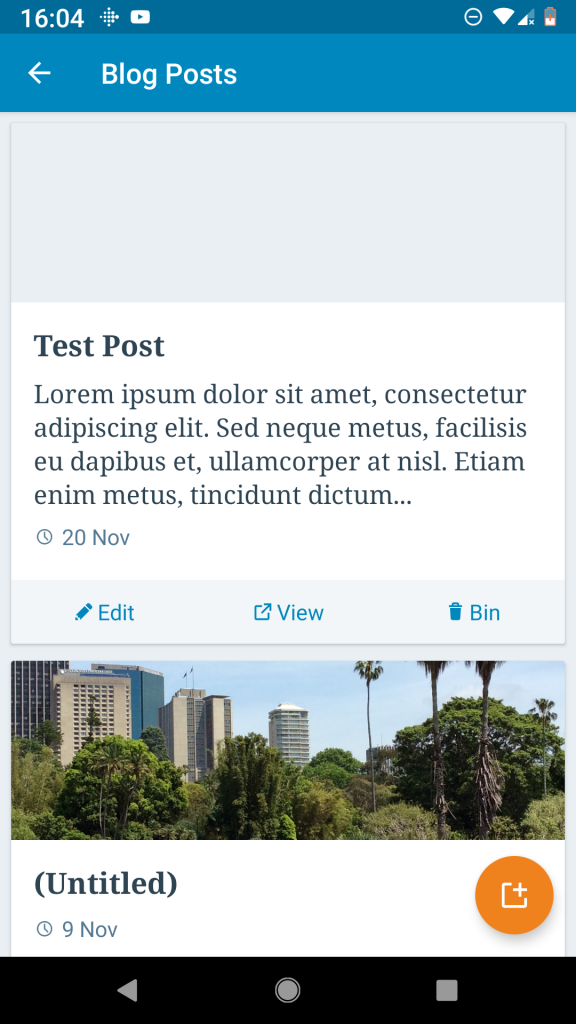
Tested on Pixel, WordPress alpha-142, Android 9
This was first reported to us in 1648665-z.
Some similar past issues: https://github.com/wordpress-mobile/WordPress-Android/issues/6279, https://github.com/wordpress-mobile/WordPress-Android/issues/5197
 SiobhyB
All 6 comments
@SiobhyB Thanks for creating the issue! I've just tried to follow the provided steps and the image is correctly displayed.
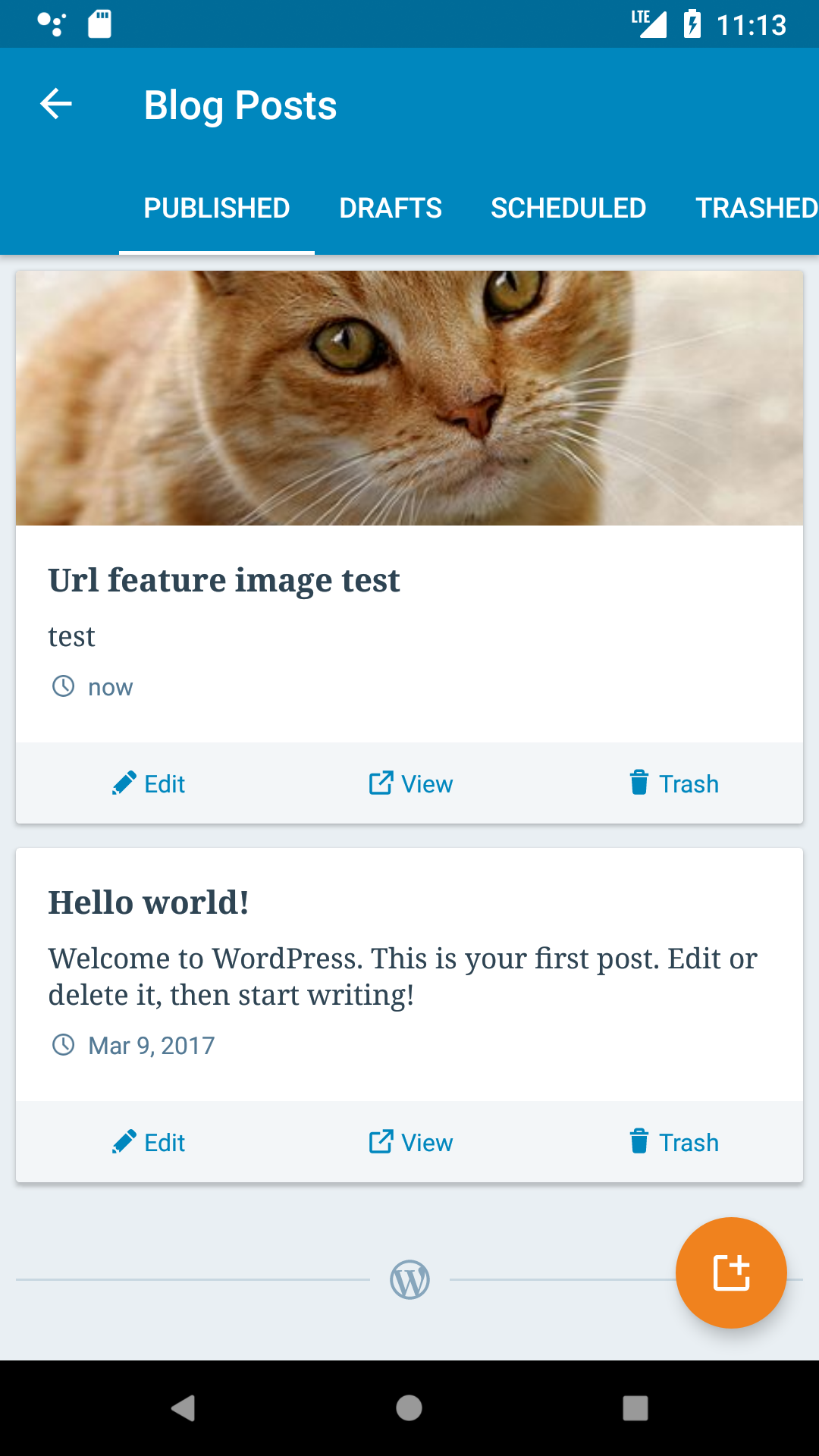
- I created a site on http://poopy.life/
- I installed the plugin
- I created a post in Chrome (wpadmin) and I added a public image url from wikipedia
- I used Android 8 and 9 emulators
Can you please confirm the bug is fixed in the current beta version (10.8) or point me in the right direction how to reproduce it. Thanks!
 malinajirka
on 20 Feb 2019
malinajirka
on 20 Feb 2019
@malinajirka: I just want through the steps to replicate again and can confirm this is now fixed. 🎉 Thank you!
SiobhyB
on 5 Mar 2019
@malinajirka This might be happening when the post doesn't have a featured image but a regular one in it. We try to show these images as featured and I think it might not be loading correctly in some cases. I am going to reopen it to make sure I won't forget to check it out. Feel free to ignore it for now.
 oguzkocer
on 6 Mar 2019
oguzkocer
on 6 Mar 2019
Good idea @oguzkocer !
I've tested the same steps, but I haven't put the image url into the "feature image from url" input, but into the post content area. The image is being displayed correctly.

malinajirka
on 28 Mar 2019
@oguzkocer and I has decided to close this issue as we are not able to reproduce it. We'll re-open it if the issue is still present.
malinajirka
on 8 Apr 2019
Just to clarify, we have been testing this issue in our post filters branch and not develop. So, the issue might have been fixed in that branch only and it should be merged fairly soon-ish.
oguzkocer
on 8 Apr 2019
Related issues
 roundhill
·
3Comments
roundhill
·
3Comments
 designsimply
·
3Comments
designsimply
·
3Comments
 develric
·
3Comments
malinajirka
·
3Comments
develric
·
3Comments
malinajirka
·
3Comments
 maxme
·
3Comments
maxme
·
3Comments