Woocommerce-ios: [UL&S] Login epilogue screen says my site is not a WordPress site when it is a WordPress site
Steps to reproduce:
- Start with a site running an older version of WordPress, such as WordPress 5.1.4.
- Log out of the app.
- Tap "Enter Your Store Address".
- Enter the address of a self-hosted WordPress site that does not have Jetpack installed.
- Enter the site address and tap Continue.
Result: If try to login using a site address and I have an older version of WordPress installed then the app tells me:
The website is not a WordPress site. For us to connect to it, the site must have WordPress installed.
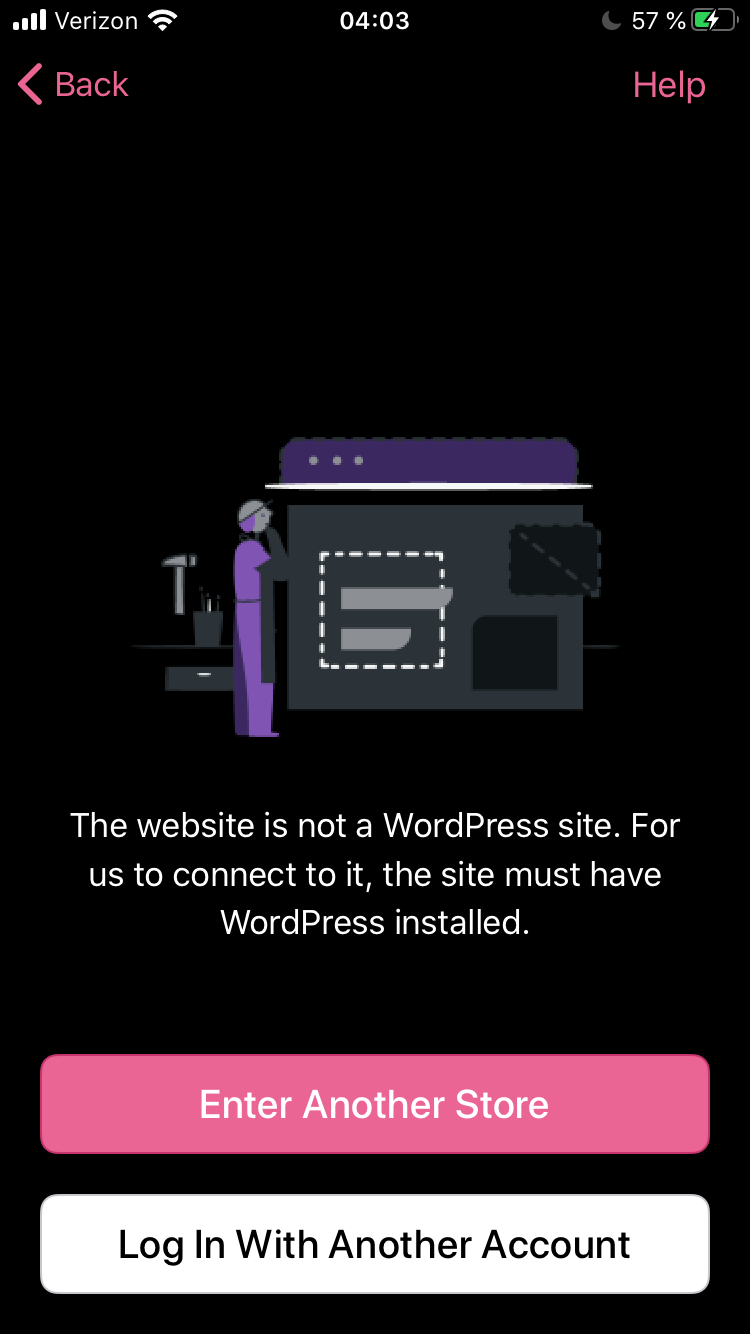
Tested with iPhone 6S, iOS 13.7, WooCommerce app version 5.7.0.1 (TestFlight beta) using the site address login flow with designsimply.com which is currently running WordPress 5.1.4 and has Jetpack 7.1.1 installed but not active—the only other active plugins are Akismet and https://wordpress.org/plugins/random-images/, WooCommerce is not installed.
Expected behavior
I expect that if I enter a WordPress site address that does not have Jetpack or WooCommerce installed and try the site address flow I will be prompted to install Jetpack like this:
To use this app for charming-rook.jurassic.ninja you'll need to have the Jetpack plugin installed and connected on your store.
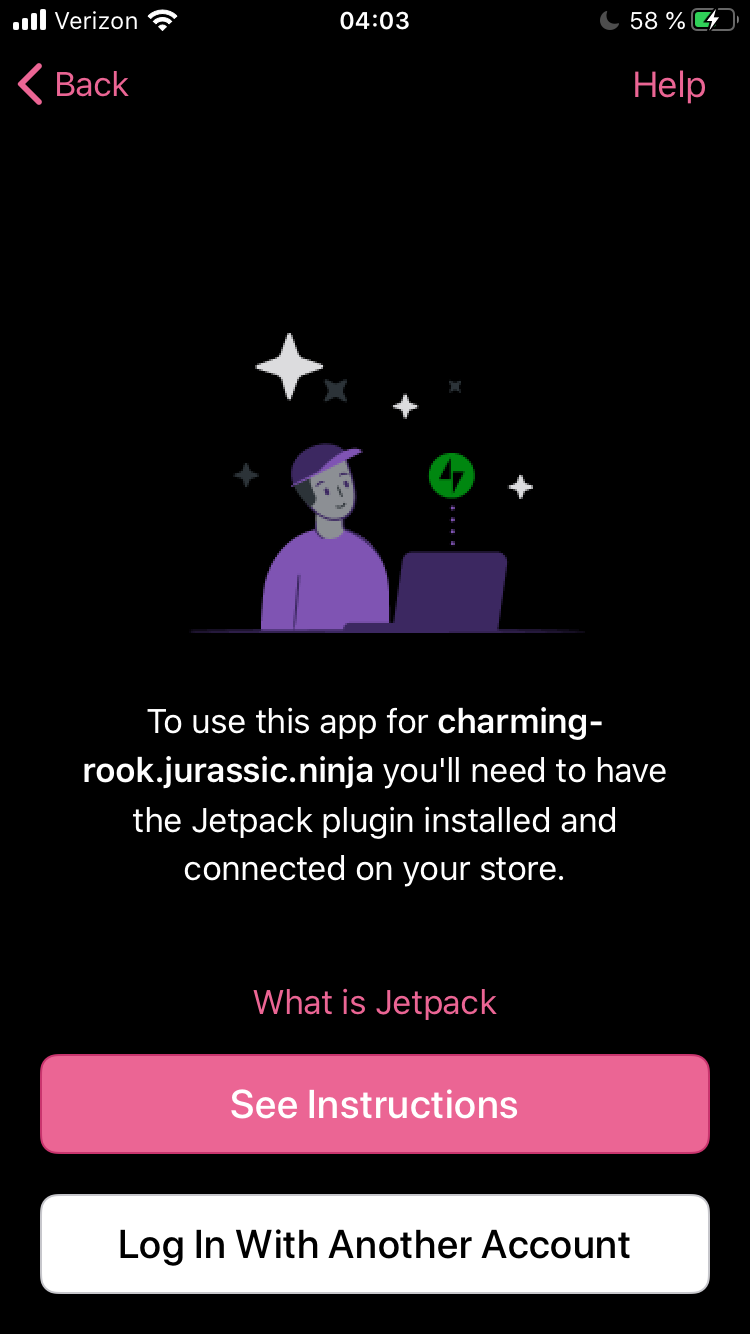
Tested with iPhone 6S, iOS 13.7, WooCommerce app version 5.7.0.1 (TestFlight beta) using the site address login flow with charming-rook.jurassic.ninja which is currently running WordPress 5.5.3 and has no plugins.
 designsimply
All 3 comments
Proposed copy change
Current:
The website is not a WordPress site. For us to connect to it, the site must have WordPress installed.
Proposed:
We were not able to detect a WordPress site at the address you entered. Please make sure WordPress is installed and that you are running the latest available version.
Feedback welcome on the copy if you'd like to change or shorten it!
designsimply
on 21 Dec 2020
@Garance91540 or @adamzelinski What do you think about the message that @designsimply shared above (https://github.com/woocommerce/woocommerce-ios/issues/3392#issuecomment-749155461)?
 shiki
on 14 Apr 2021
shiki
on 14 Apr 2021
I really like the new proposed copy and happy to go with that. Thanks for the suggestion @designsimply @shiki
 adamzelinski
on 15 Apr 2021
adamzelinski
on 15 Apr 2021
Related issues
 jaclync
·
3Comments
jaclync
·
3Comments
 pmusolino
·
5Comments
pmusolino
·
5Comments
 rachelmcr
·
4Comments
rachelmcr
·
4Comments
 jkmassel
·
4Comments
jkmassel
·
4Comments
 eshurakov
·
3Comments
eshurakov
·
3Comments
Most helpful comment
I really like the new proposed copy and happy to go with that. Thanks for the suggestion @designsimply @shiki