Woocommerce-admin: Activity Panel: Notices Button not functioning
Describe the bug
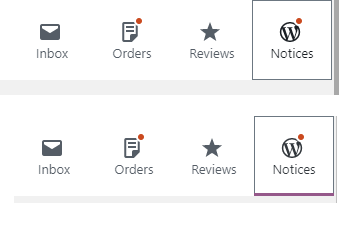
The Notices button in the Activity Panel isn't functional for me.
To Reproduce
When i click on the notices button, all it does is add a small purple line underneath it.
Expected behavior
I expected something to come out in a similar way to the other buttons which all function as expected.
Screenshots
Desktop (please complete the following information):
Windows 10 tested with both edge and chrome
 derekakelly
All 11 comments
@derekakelly Thanks for reporting this.
- Was this with the new 0.14.0 version?
- Do you see any script errors in your browser console?
 rrennick
on 26 Jun 2019
rrennick
on 26 Jun 2019
Hi Ron,
Yes, I just updated to 0.14.0
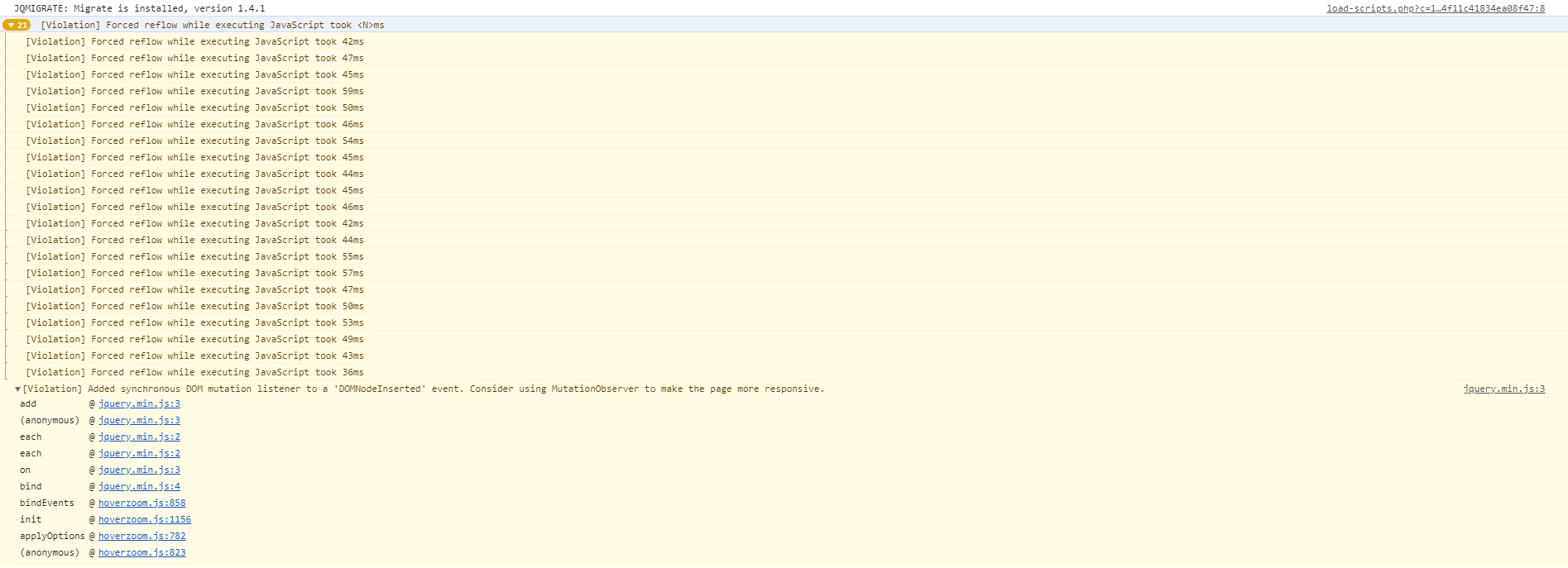
I looked in my Console and don't see any errors that were related.
This is what i did get, but only when i resized console.
I also checked my debug.log and didn't find anything
Is this related to Jetpack? Because I don't use Jetpack.
derekakelly
on 26 Jun 2019
@derekakelly Can you try two quick tests
- Navigate to a different WC screen, click on the Notice button once the page loads
- Navigate to a second screen, scroll down then click on the Notice button
The behaviour I'm seeing is that the Notice button works when the page is scrolled to top. When the page is scrolled down the button does show the notices but does not scroll up to make them visible.
rrennick
on 27 Jun 2019
@rrennick I've followed your instructions but I'm still not getting anything.
derekakelly
on 27 Jun 2019
@derekakelly I'm not able to reproduce the issue on Firefox myself - by chance could you inspect the dom for the div with the id of wp__notice-list and see if there is indeed some notices being output there?
Alternatively - if you visit a non-woo page, like perhaps the post listing page /wp-admin/edit.php are you seeing any admin notices there?
FWIW I created a test notice using the following:
<?php
/**
 * Plugin Name: Just A Notice
 * Plugin URI: https://woocommerce.com
 * Description: Just a notice
 */

function sample_admin_notice__error() {
    $class = 'notice notice-error';
    $message = 'just a notice';

    printf( '<div class="%1$s"><p>%2$s</p></div>', esc_attr( $class ), esc_html( $message ) );
}
add_action( 'admin_notices', 'sample_admin_notice__error' );
 timmyc
on 27 Jun 2019
timmyc
on 27 Jun 2019
I've setup a staging site and disabled all plugins, then by reactivating them one by one, I found the issue came back while the WooCommerce Order Status Manager plugin by SkyVerge was activated.
Until that plugin was loaded, there were only 3 buttons in the Activity Panel that were visible, the Notices button was hidden.
@timmyc I found the section you were referring to but i couldn't find any useful information.

derekakelly
on 28 Jun 2019
@derekakelly very strange, I was able to reproduce this with Order Status Manager enabled but not after deactivating it and reactivating it. Everything with WC-Admin functionality and markup looked fine. It was toggling the show/hide class but there simply wasn't any notices in the HTML markup. There should be(if there are notices in the shop) some <div class="error"> elements but those are missing in your screenshot.
Image link: https://cld.wthms.co/8SP3We
 tommyshellberg
on 28 Jun 2019
tommyshellberg
on 28 Jun 2019
@derekakelly I'm still not able to reproduce the bug with Order Status Manager installed too.
Based off your screenshot though, it looks like the empty divs for js-wc-cart-notices-admin-notice-placeholder is the cause of the issue. Do you have WooCommerce Cart Notices installed/enabled? When I activated that extension, I can reproduce the bug. I'll work on a fix.
timmyc
on 1 Jul 2019
@timmyc Yes, I have WooCommerce Cart Notices installed, but not activated on my staging site.
derekakelly
on 2 Jul 2019
@derekakelly interesting, wondering why that DOM element is still there then. Still I think the solution I have in #2552 should fix up the bug you are seeing. Thanks again for the report and for all the help in troubleshooting!
timmyc
on 2 Jul 2019
@derekakelly I just merged in the fix, so this issue was closed out during that process. The fix will go out in v0.15.0 in about a week from now.
timmyc
on 2 Jul 2019
Related issues
timmyc
·
4Comments
 peterfabian
·
3Comments
timmyc
·
4Comments
peterfabian
·
3Comments
timmyc
·
4Comments
 justinshreve
·
3Comments
justinshreve
·
3Comments
 mujuonly
·
3Comments
mujuonly
·
3Comments