Wlroots: [request] nearest neighbour scaling on xwayland apps
Currently, xwayland apps look pretty blurry on outputs set to scale 2, which is problematic in terms of eye fatigue (most major IDEs for instance aren't wayland native).
Since https://github.com/swaywm/wlroots/issues/1635 depends on xwayland changes that could take some time to get merged & released (if ever), would it be possible to change the scaling mechanism to use nearest neighbour instead?
 luispabon
All 24 comments
I'd be interested to see:
- How simple it would be to change the algorithm
- How much of a difference this makes for LoDPI apps
- How much GPU time it uses
 emersion
on 25 Jul 2019
emersion
on 25 Jul 2019
glTexParameteri(target, GL_TEXTURE_MAG_FILTER, GL_NEAREST);- it makes a huge difference (as in, it's clearly noticeable), although I'm not exactly sure that one is always better than the other - leaving it to a config option would be the best idea IMO
- none. Nearest neighbor interpolation is actually mathematically simpler than linear, so it would potentially be even faster, however, with the way modern GPUs work there shouldn't be any difference whatsoever.
 dos1
on 25 Jul 2019
dos1
on 25 Jul 2019
@ascent12 Thoughts?
emersion
on 25 Jul 2019
Well it guess it would be GL_TEXTURE_MIN_FILTER, since we're displaying LoDPI apps on HiDPI screens.
EDIT: no, I was confused.
emersion
on 25 Jul 2019
It'll probably look terrible with fractional scaling, but I'd rather not let that bad idea get in the way of good integer scaling.
I wouldn't oppose it if someone opened a PR. Some comparison screenshots (especially involving text) would be good too.
 ascent12
on 26 Jul 2019
ascent12
on 26 Jul 2019
@dos1 thanks for pointing out where the magic is happening. I've no skill on C or graphics and I couldn't work out where rescaling was occurring.
I tried all the filters I could find on the gl headers:
GL_NEAREST
GL_LINEAR
GL_NEAREST_MIPMAP_NEAREST
GL_LINEAR_MIPMAP_NEAREST
GL_NEAREST_MIPMAP_LINEAR
GL_LINEAR_MIPMAP_LINEAR
Screenshots: scaling_shots.zip
Evolution and vscode both running via xwayland and terminator is wayland native, for comparison.
luispabon
on 26 Jul 2019
You can just ignore MIPMAP ones (https://en.wikipedia.org/wiki/Trilinear_filtering) - it won't make any difference in hidpi scaling, but it will break when scaling down unless you generate mipmaps for the textures, which isn't free (takes both time and memory) and doesn't have much sense in compositor case (you rarely scale things down a lot and even if you do, bilinear should be enough for most cases).
dos1
on 26 Jul 2019
As I said I don't know anything about graphics so I brute forced everything :sweat_smile:
I've been using all of them in my day to day toil for a couple of hours since yesterday and for my use case (scale 2 on a 4k 15" display) nearest is by far the best - not perfect as it's not native but my eyes aren't constantly trying to refocus like they are on linears.
Nearest on 1.5 scale looks crap. I would imagine there should be some sort of mechanism to select one or the other based on reasons.
luispabon
on 26 Jul 2019
Please don't break fractional scaling. That would wipe away one of the big advantages of Wayland... On all of the displays I've tried, 1.6 scale is the best fit.
 AdrianVovk
on 26 Jul 2019
AdrianVovk
on 26 Jul 2019
This would be great to see as a configuration option, Xwayland apps are pretty unusable for long periods of time right now with scaling enabled.
 thepont
on 20 Aug 2019
thepont
on 20 Aug 2019
GL_NEAREST looks the best for integer scaling. Can we determine from the scaling matrix whether the scaling is integer or fractional?
 helloworld1
on 31 Aug 2019
helloworld1
on 31 Aug 2019
I'd rather not pick the scaling method automagically in wlroots' renderer.
emersion
on 31 Aug 2019
Fwiw, Windows 10 automatically applies nonblurry scaling to apps not declared as DPI-aware at integer scaling ratios such as 2 (200%), while applying blurry scaling at fractional ratios such as 1.5 (150%).
 Marat-Tanalin
on 31 Aug 2019
Marat-Tanalin
on 31 Aug 2019
@emersion Are you ok with output config to take option for the scaling method so user can choose?
helloworld1
on 6 Sep 2019
We can just choose one or the other depending on the configured output scale in Sway, and see if that doesn't break anything.
emersion
on 8 Sep 2019
Hey, are there any changes commited to work on that?
https://www.phoronix.com/scan.php?page=news_item&px=Xorg-Server-CI-Driven-Releases
Pretty much new Xorg is probably released soon, so what's about it? Can we expect Mixed DPI scaling soon under Xwayland?
 HoshiYamazaki
on 10 Oct 2019
HoshiYamazaki
on 10 Oct 2019
Can that be done on a per output basis @emersion ? What happens with floating windows when they're between displays with different scales?
luispabon
on 10 Oct 2019
Each output is rendered separately, so yeah this can be done per-output.
emersion
on 10 Oct 2019
Seems like nearest neighbor should be preferred when the scaling factor is an integer.
emersion
on 22 Oct 2019
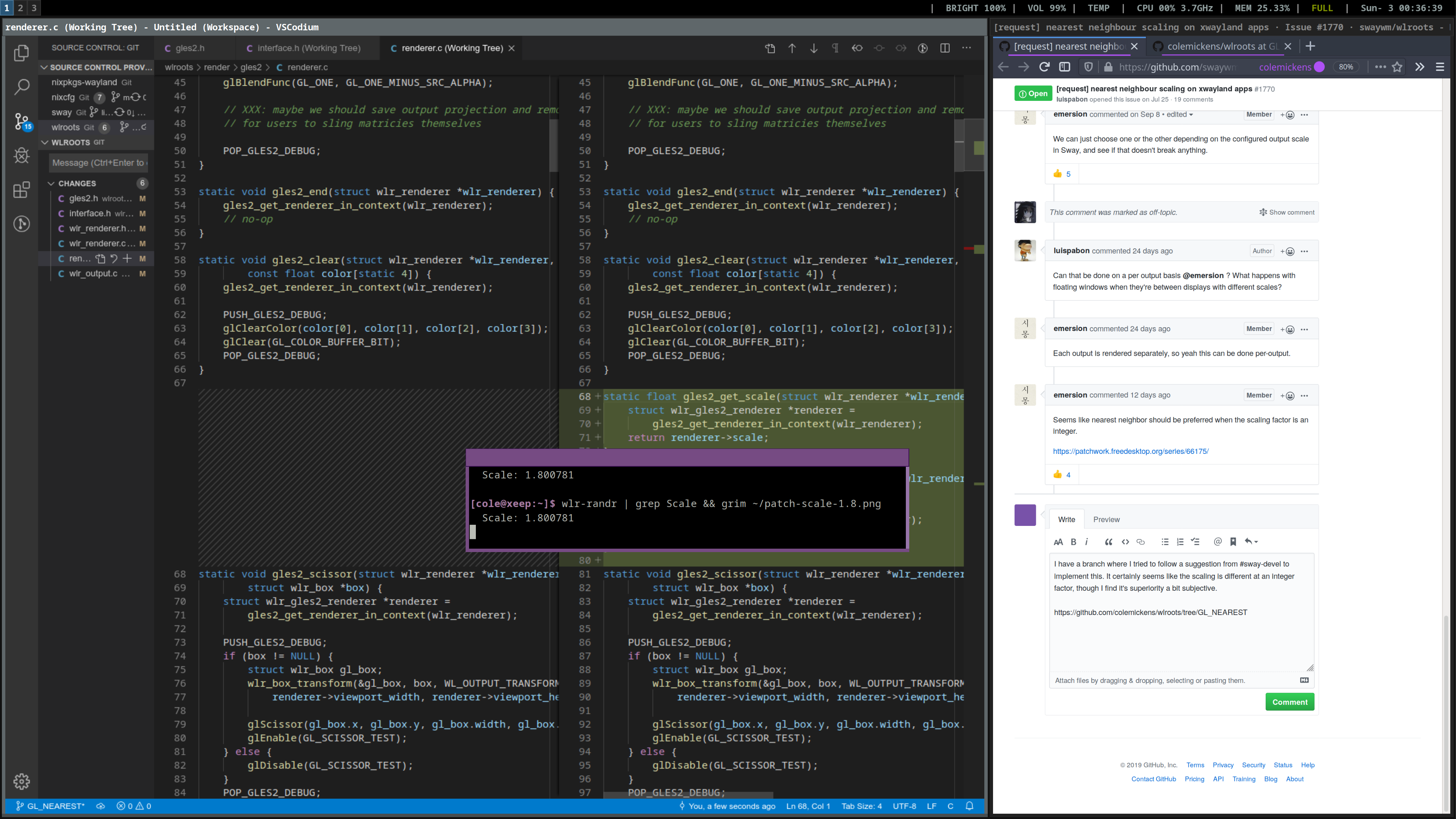
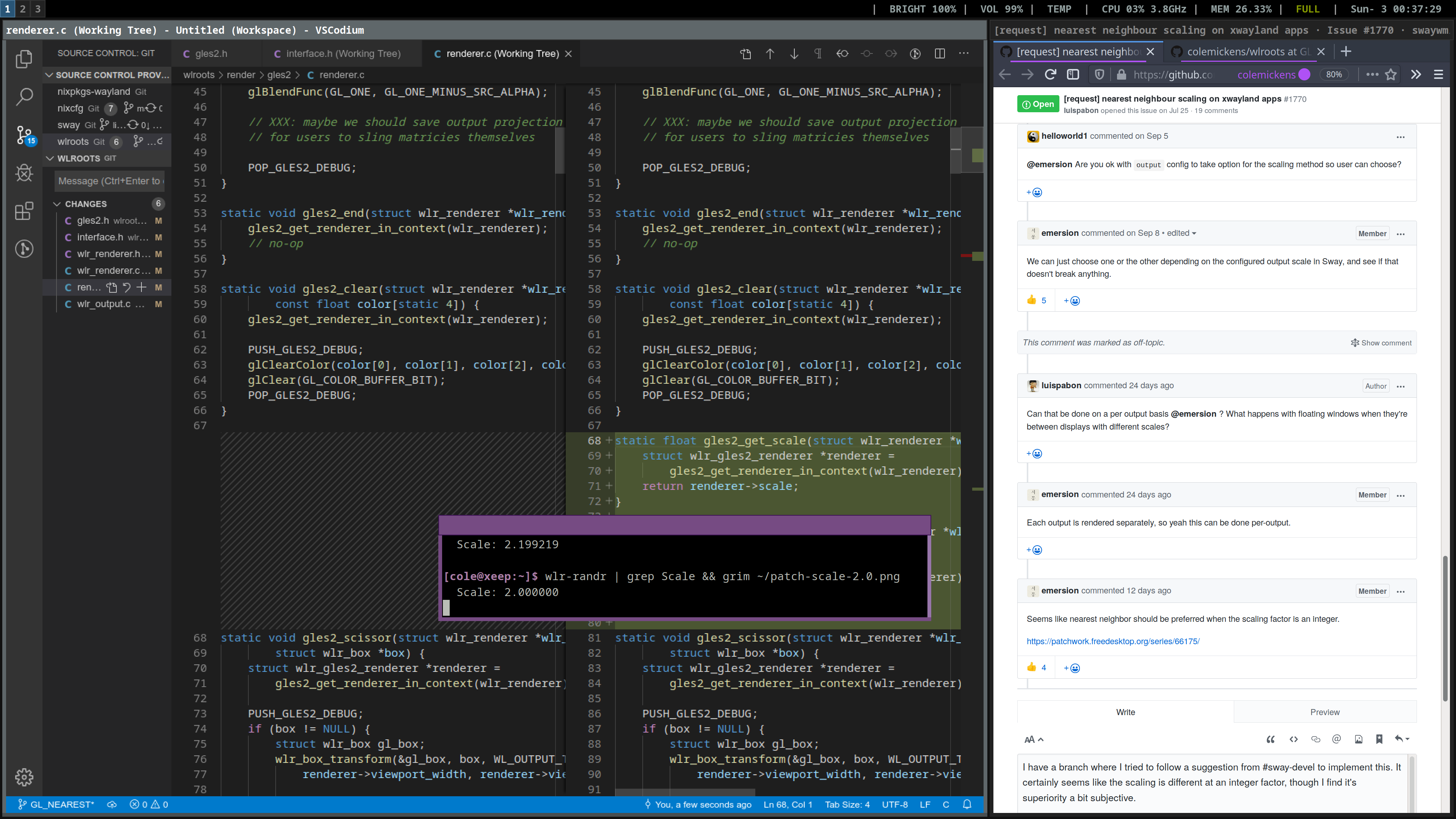
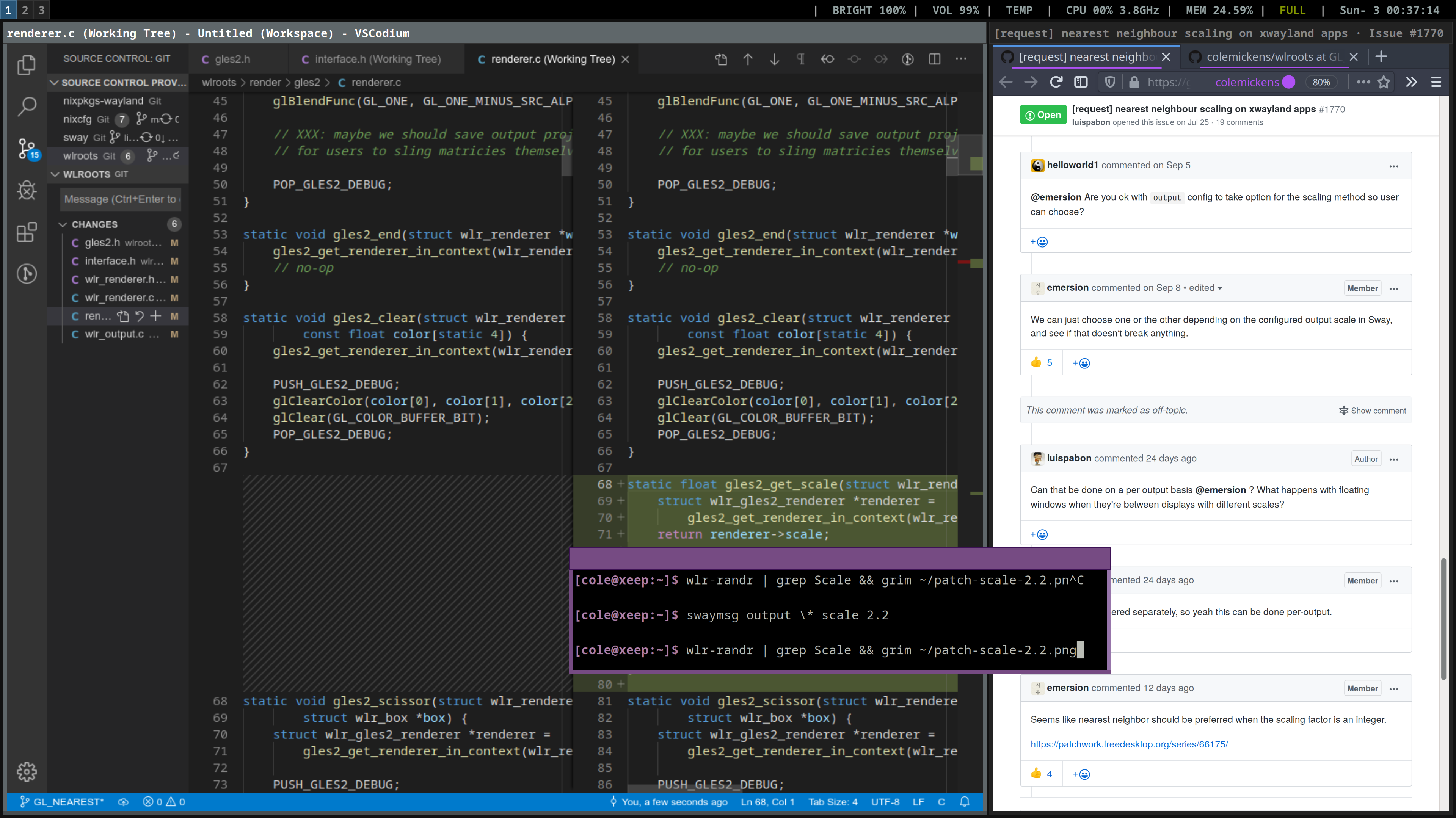
I have a branch where I tried to follow a suggestion from #sway-devel to implement this. It certainly seems like the scaling is different at an integer factor, though I find it's superiority a bit subjective.
https://github.com/colemickens/wlroots/tree/GL_NEAREST
- patched scale 1.8
- patched scale 2.0
- patched scale 2.2
- unpatched scale 2.0
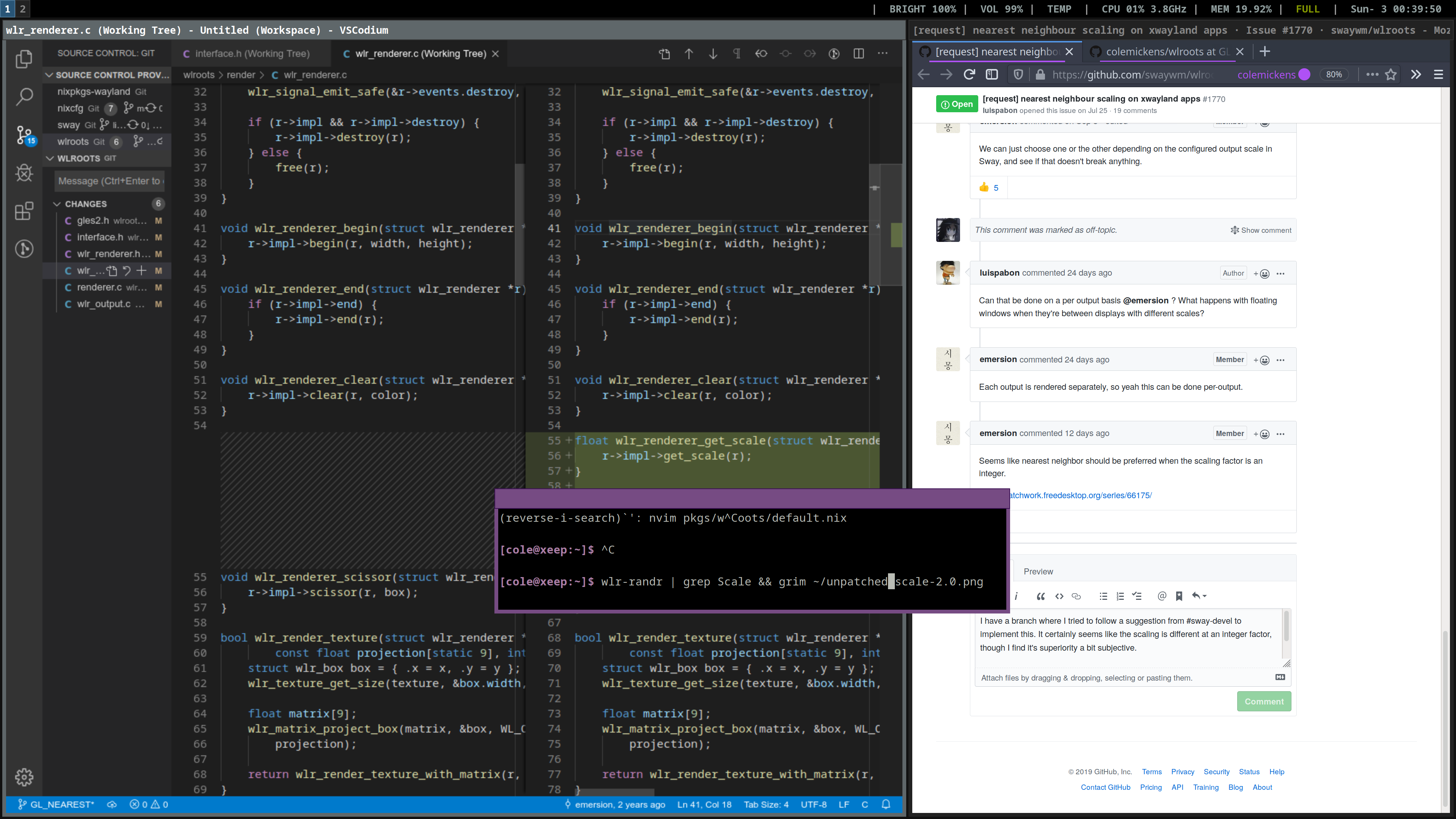
Hopefully the screenshots speak for themselves, assuming I'm not imagining the difference.
 colemickens
on 3 Nov 2019
colemickens
on 3 Nov 2019
About what I expected. It's a trade-off between blurriness and blockiness. Any scaling of client's contents is never going to look particularly good, unless you start going with some pretty expensive algorithms for it.
I can say I do like the nearest neighbour scaling better. The difference between HiDPI fonts and scaled fonts is less jarring, because of the better defined edges. It kind of looks like you're using a bitmap font instead.
I can't say that sub-pixel rendering helps, but you can usually turn that off.
ascent12
on 3 Nov 2019
Implemented in Sway: https://github.com/swaywm/sway/pull/4727
emersion
on 29 Nov 2019
Thank you so much guys for the hard work, this is a real quality of life improvement for me.
luispabon
on 29 Nov 2019
Thanks all, this has ended up being a really nice solution.
 tokyovigilante
on 30 Nov 2019
tokyovigilante
on 30 Nov 2019
Related issues
 m01
·
3Comments
emersion
·
6Comments
m01
·
3Comments
emersion
·
6Comments
 Xyene
·
6Comments
Xyene
·
6Comments
 maletor
·
4Comments
maletor
·
4Comments
 ddevault
·
5Comments
ddevault
·
5Comments
Most helpful comment
Implemented in Sway: https://github.com/swaywm/sway/pull/4727