Windowstemplatestudio: Add option for default XAML Styler config file
Overview
Could we add an option to the wizard that generates a default XAML Styler config file in the project? When installed XAML Styler searches for a config file from the project folder up to the solution root (or even drive root when enabled).
I think the Features step would be the right place to put this option, a potential setting for the option could be where to put the config file (project folder vs solution folder)
Links
https://github.com/Xavalon/XamlStyler/wiki/External-Configurations
 NicoVermeir
All 15 comments
For Info: Having in person discussions about this. ;)
 mrlacey
on 20 Mar 2019
mrlacey
on 20 Mar 2019
Follow up question:
If including this, should we make sure that the generated XAML matches the default config?
It might seem weird to include this in a generated project and not have that project match the configuration.
In reality, I think the answer to my question will come down to how much effort it is to make the necessary changes. I'll investigate but thoughts welcome.
mrlacey
on 21 Mar 2019
@NicoVermeir
What image should be used in the icon within the WTS wizard?
It needs to be square and use a single color. Vector based is preferable as we need to convert it to XAML.
Are you also happy with these descriptions:
Short description (shown in wizard item)
Default XAMLStyler config file.
Long description (shown on 'details' page of the wizard)
XAML Styler is a visual studio extension, which formats XAML source code by sorting the attributes based on their importance. This tool can help you/your team maintain a better XAML coding style as well as a much better XAML readability.
This feature adds a default configuration file to the project to help you define the way your XAML should be defined.
Note. You must have the XAMLStyler extension installed to make use of this feature.
mrlacey
on 23 Mar 2019
looping in @grochocki here. Description is fine for me. as for the icon, would a white, flat version of the XAML Styler icon work?
NicoVermeir
on 26 Mar 2019
would a white, flat version of the XAML Styler icon work?
I like this suggestion! Descriptions look good a couple minor edits (in bold):
Default XAML Styler config file.
XAML Styler is a visual studio extension that formats XAML source code based on a set of styling rules. This tool can help you/your team maintain a better XAML coding style as well as a much better XAML readability.
This feature adds a default configuration file to the project to help you define coding style policies.
Note. You must have the XAML Styler extension installed to make use of this feature.
@NicoVermeir Thoughts on the tweak to the first sentence? IMO, it feesl more inclusive of all the options we provide, so if you like it, we should update our README :)
 grochocki
on 26 Mar 2019
grochocki
on 26 Mar 2019
@grochocki I like it, ship it! :)
NicoVermeir
on 26 Mar 2019
@NicoVermeir @grochocki This image ok?
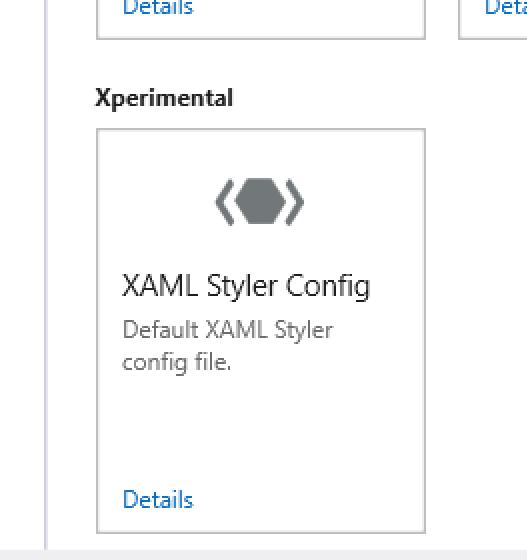
mrlacey
on 27 Mar 2019
Additionally,w ealso need to decide which feature group this should be in.
I don't think it fits in with any of the groups we have already so we'll need something new. Ideally need something that might also work with other future additions too.
Any preferences among these suggestions:
- Tools
- Utilities
- 3rd Party
- Development
- Extras
mrlacey
on 27 Mar 2019
We publish it under the Tools category on Visual Studio Marketplace, so I think that would probably make the most sense.
grochocki
on 27 Mar 2019
that icon is perfect!
Tools category sounds good
NicoVermeir
on 28 Mar 2019
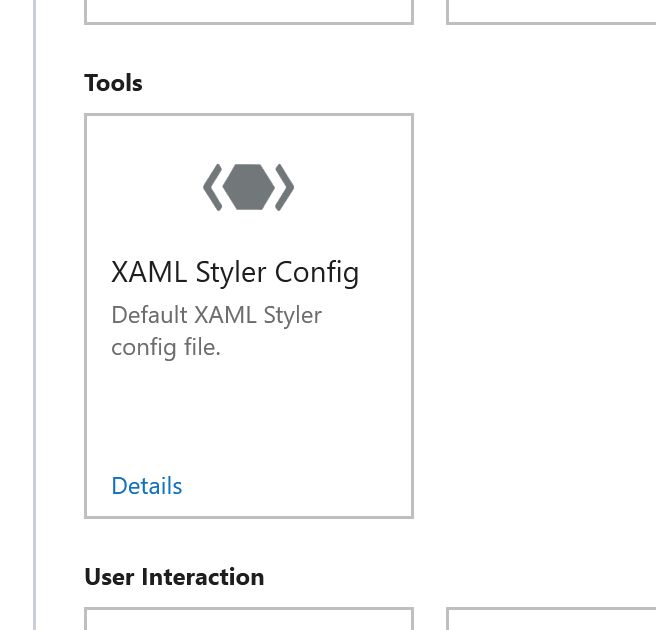
mrlacey
on 28 Mar 2019
After looking at the XAML we currently produce, unsurprisingly, it doesn't match the layout defined in the default XAML Styler config.
I propose to match the styles where the changes are simple but not to try and fix everything everywhere as doing so would require a lot of changes and increases in composition complexity as it would require more searchandreplace actions inplace of merge actions.
mrlacey
on 28 Mar 2019
I propose to match the styles where the changes are simple
I assume you mean update the XAML to match the default XAML Styler config? If so, I agree!
grochocki
on 28 Mar 2019
This is ready to go. PR will be raised for 3.2
mrlacey
on 2 Apr 2019
verified in
Templates version: 0.20.19140.3
Wizard version: 0.20.19138.1
Available in the current nightly build and will ship as part of 3.3
mrlacey
on 20 May 2019
Related issues
 sibille
·
4Comments
sibille
·
4Comments
 DLBrowne
·
6Comments
DLBrowne
·
6Comments
 touseefbsb
·
6Comments
touseefbsb
·
6Comments
 crutkas
·
5Comments
crutkas
·
8Comments
crutkas
·
5Comments
crutkas
·
8Comments
Most helpful comment
This is ready to go. PR will be raised for 3.2