Windowscommunitytoolkit: Sample app: MasterDetailsView page loads incorrectly
Describe the bug
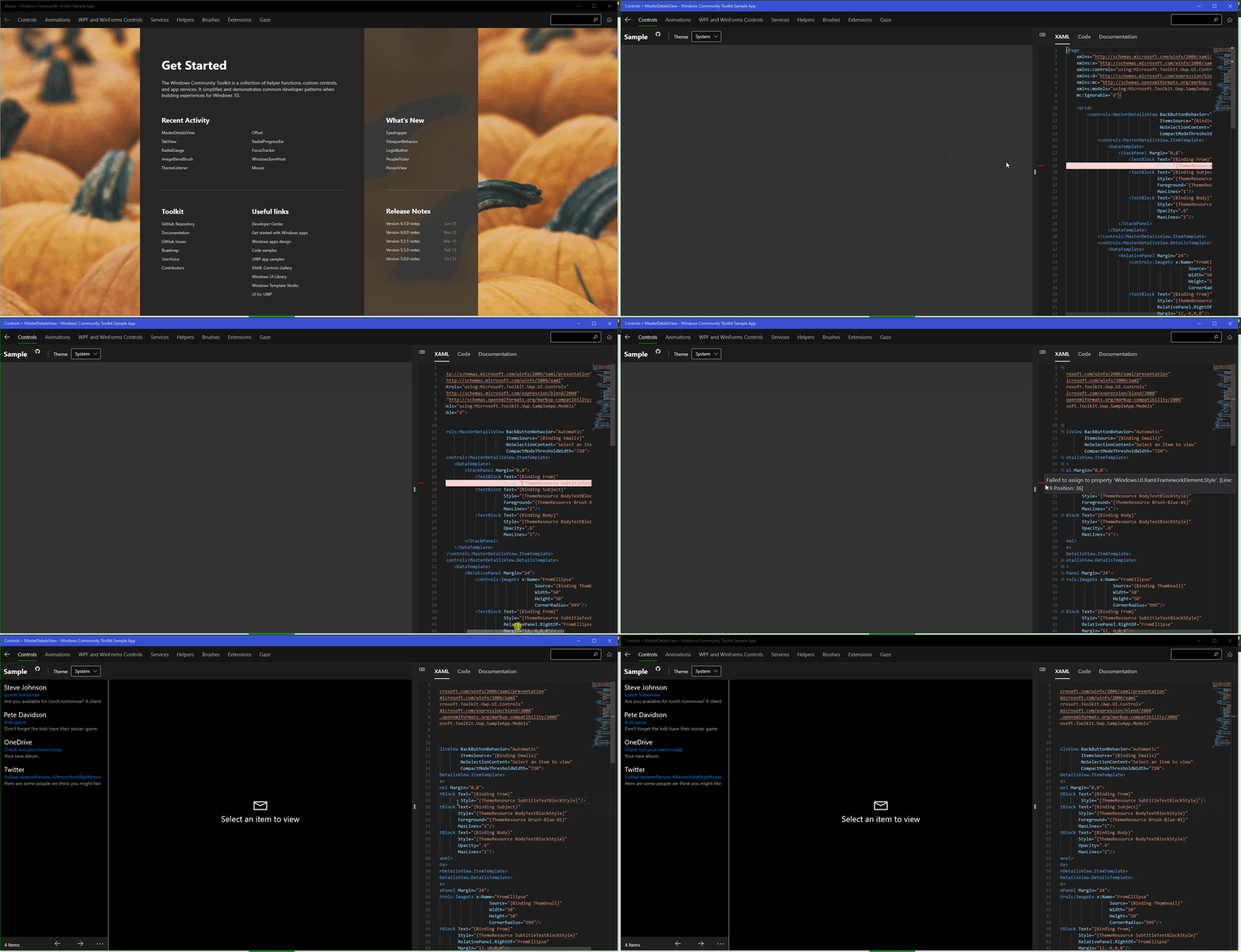
The MasterDetailsView page does not render its content when opening, modifying the sample code howeer results in the sample to render.
- [ ] Is this bug a regression in the toolkit? If so, what toolkit version did you last see it work:
Steps to Reproduce
Steps to reproduce the behavior:
- Open MasterDetailsView sample page
- See that the sample didn't render
- Modify sample code
- Sample renders now
Expected behavior
The sample should render when opening the page, not when the sample code has been modified.
Screenshots
Environment
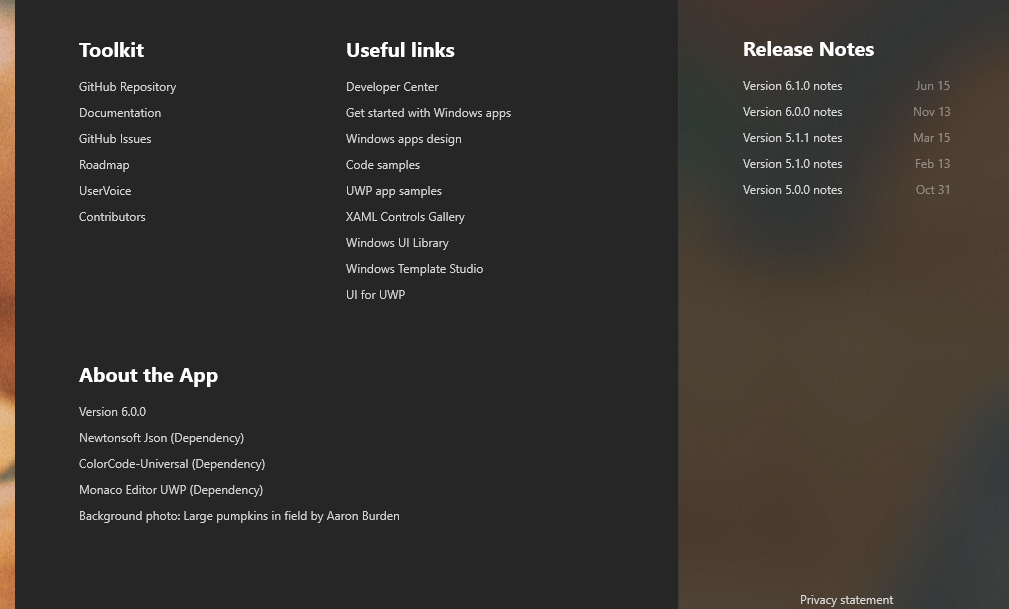
Windows Community Toolkit Sample App version: ???
Windows 10 Build Number:
- [ ] Fall Creators Update (16299)
- [ ] April 2018 Update (17134)
- [ ] October 2018 Update (17763)
- [ ] May 2019 Update (18362)
- [x] Insider Build (build number: 19645)

App min and target version:
- [ ] Fall Creators Update (16299)
- [ ] April 2018 Update (17134)
- [ ] October 2018 Update (17763)
- [ ] May 2019 Update (18362)
- [ ] Insider Build (xxxxx)

Device form factor:
- [x] Desktop
- [ ] Xbox
- [ ] Surface Hub
- [ ] IoT

Visual Studio
- [ ] 2017 (version: )
- [ ] 2019 (version: )
- [ ] 2019 Preview (version: )
- N/A
Additional context
Add any other context about the problem here.
This only happens on the FIRST load of the page. After I have visited the page once, this issue does not occur anymore. Only when the page gets opened for the first time in the apps lifecycle, this issue occurs.
 chingucoding
All 10 comments
Hello chingucoding, thank you for opening an issue with us!
I have automatically added a "needs triage" label to help get things started. Our team will analyze and investigate the issue, and escalate it to the relevant team if possible. Other community members may also look into the issue and provide feedback 🙌
![msftbot[bot] picture](https://avatars2.githubusercontent.com/in/26612?v=4&s=40) msftbot[bot]
on 15 Jun 2020
msftbot[bot]
on 15 Jun 2020
@chingucoding I am able to reproduce this as well. Do you want to work on the fix and create a PR?
V# 6.1.0
 Kyaa-dost
on 16 Jun 2020
Kyaa-dost
on 16 Jun 2020
@chingucoding from the gifs above it does look like you are using 6.0 version. You will need to update to the newer version 6.1.0 via Microsoft Store but the bug still seems to be there as you highlighted.
Kyaa-dost
on 16 Jun 2020
@chingucoding I am able to reproduce this as well. Do you want to work on the fix and create a PR?
I am not sure when I'll have time for this since there are WinUI issues I want/need to finish first. But when I have time, I can try my luck.
If someone else wants to work on this though, I wouldn't mind either.
chingucoding
on 16 Jun 2020
Thanks, @chingucoding! I have added the help wanted label if someone else is able to pick this up.
Kyaa-dost
on 16 Jun 2020
@skendrot @Kyaa-dost It seems that removing the following line fixes the problem:
Not sure why though 🤔 Would removing that line be a suitable fix? @skendrot are you looking into this right now?
chingucoding
on 24 Jun 2020
@chingucoding That's an interesting find. Do the other pages that use that style fail to load correctly?
 skendrot
on 7 Jul 2020
skendrot
on 7 Jul 2020
Interestingly. the other pages seem to load just fine. However all other pages don't load up with the XAML code being the first "visible" tab, that is MasterDetails view is the only one of those pages, that shows the XAML code when opening the page. All other samples show a different tab when opening the page. Maybe that is the issue here?
chingucoding
on 7 Jul 2020
I just tested with the latest dev build and I cannot reproduce this issue. @chingucoding Can you confirm?
skendrot
on 24 Sep 2020
Closing this as this seems to be fixed now.
chingucoding
on 24 Sep 2020
Related issues
 miguelarcilla
·
4Comments
miguelarcilla
·
4Comments
 kusanagi2k2
·
4Comments
kusanagi2k2
·
4Comments
 deltakosh
·
3Comments
deltakosh
·
3Comments
 Vijay-Nirmal
·
4Comments
Vijay-Nirmal
·
4Comments
 SmartPolarBear
·
4Comments
SmartPolarBear
·
4Comments
Most helpful comment
Closing this as this seems to be fixed now.