Windowscommunitytoolkit: Infinite Canvas crashing on Win10 1903 (18898.1000)
I'm submitting a...
I have found that the Infinite Canvas control crashes on new insider builds of Windows 10.
It crashes my apps, but is also visible in the Toolkit sample available from the store.
I have a stack dump from AppCenter of my app to help below.
This has worked up until now.
Current behavior
Open a page with the infinite canvas, ink away on it and eventually (not normally very long) it will stop responding and then crash the app entirely.
App center reports it as:
surfacebaserender_surfacedefaultrender_ onstrokemodified()
heap_corruption_clrsetup_mscorlibmismatch C0000374: heap_corruption_clrsetup_mscorlibmismatch
Expected behavior
As above, but without the crashing :-)
Minimal reproduction of the problem with instructions
The Toolkit sample exhibits this behaviour.
Otherwise you can just put the canvas on a page and run it.
Environment
Nuget Package(s):
I have tried this with the same result in the current version 5.1.1, 5.1.0, 5.0.0 all with the same result.
Other apps using Ink are not crashing (OneNote for example) and other apps using this control which didn't crash before are now crashing.
Windows 10 Build Number:
- Current Windows Insider Fast (18898)
App min and target version:
Fall Creators Update (16299) and later
Device form factor:
- Desktop
Visual Studio
- 2019
 RobbyRobbyRobby
All 5 comments
Thanks @RobbyRobbyRobby have you filed a Feedback Hub item as well? I'm wondering what's changed in the OS that has maybe caused an issue. Does the regular Ink Canvas give you any trouble?
@IbraheemOsama any insights?
 michael-hawker
on 4 Jun 2019
michael-hawker
on 4 Jun 2019
This is still occurring as within a couple of mins of drawing the sample app easily crashes.
@deanchalk any insight on this? 🤔
 Kyaa-dost
on 20 May 2020
Kyaa-dost
on 20 May 2020
I'm afraid that's a mystery to me. The Issue I looked at previously mentioned heap corruption - which I couldn't reproduce, but I did find (and code a workaround) for another issue that made the infinite canvas crash. I was not on any insider preview. Unfortunately, I can't put myself on the insider fast ring as it makes my laptop unusable (I've recently had to rebuild it to get off the insider program). If you want me to take another look I can try, but I couldn't reproduce the issue last time
 deanchalk
on 21 May 2020
deanchalk
on 21 May 2020
No-Repro in v6.0.
It seems probable that Dean's theory is correct and this has been resolved with a previous PR.
I spent quite a bit of time (as well as @Kyaa-dost ) scribbling in the canvas without a crash.
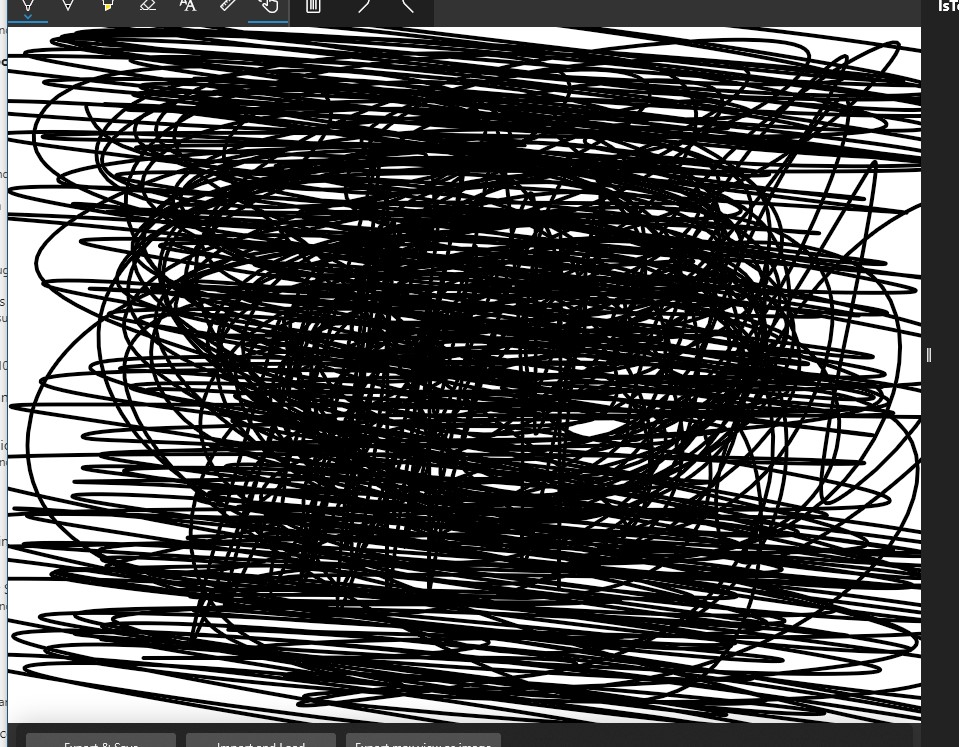
I will close this for now. Please reopen if there is a regression. Thank you!
 HerrickSpencer
on 28 May 2020
HerrickSpencer
on 28 May 2020
🦙 Linking to PR that we think may have resolved this issue here: https://github.com/windows-toolkit/WindowsCommunityToolkit/pull/3228
michael-hawker
on 28 May 2020
Related issues
 kusanagi2k2
·
4Comments
kusanagi2k2
·
4Comments
 miguelarcilla
·
4Comments
miguelarcilla
·
4Comments
 SmartPolarBear
·
4Comments
SmartPolarBear
·
4Comments
 ranjeshj
·
3Comments
ranjeshj
·
3Comments
 HardySoftware
·
3Comments
HardySoftware
·
3Comments